Quotes Creator (Package Name: com.thinkpeak.quotescreator) is developed by ThinkPeak Studio and the latest version of Quotes Creator 3.8.0 was updated on April 22, 2026. Quotes Creator is in the category of Books & Reference with the feature Custom Controls. You can check all apps from the developer of Quotes Creator and find 200 alternative apps to Quotes Creator on Android. Currently this app is for free. This app can be downloaded on Android 6.0+ on APKFab or Google Play. All APK/XAPK files on APKFab.com are original and 100% safe with fast download.
Quotes Creator is the #1 quote maker app for Android — turn words into stunning visual art in seconds. Whether you need a motivational quote, an inspirational quote, or a custom text on photo design, this powerful picture quote editor helps you create share-worthy graphics for Instagram, Facebook, WhatsApp, and more.
✨ NEW FEATURES ✨• AI Quote Generator (Beta): Generate original quotes on your device using Gemini Nano — no internet needed! Pick a topic and mood, and watch your quote appear character by character with a typewriter effect. 100% on-device and private. Works on supported Android 8.0+ devices.
• Unsplash Photo Integration: Access thousands of stunning, high-resolution background photos from Unsplash — free. Search by keyword and find the perfect backdrop for your quote designs.
• Video Quote Maker (Beta): Bring your words to life with animated quote videos! Create motion graphics perfect for Instagram Stories, Reels, TikTok, and YouTube Shorts.
• Ad-Free Experience: Remove all ads with a monthly or yearly premium subscription. Design without interruptions.
• Justify Text Alignment: Give your quote designs a clean, editorial look with full justify text alignment.
🤖 ON-DEVICE AI QUOTE GENERATORPowered by Gemini Nano — Google's on-device AI — Quotes Creator lets you generate completely original quotes without sending data to any server. Choose a topic (love, success, motivation, life) and a mood (calm, bold, poetic), then watch your unique quote appear word by word. Use it instantly in your design or copy it to share anywhere. A true AI quote generator built for privacy.
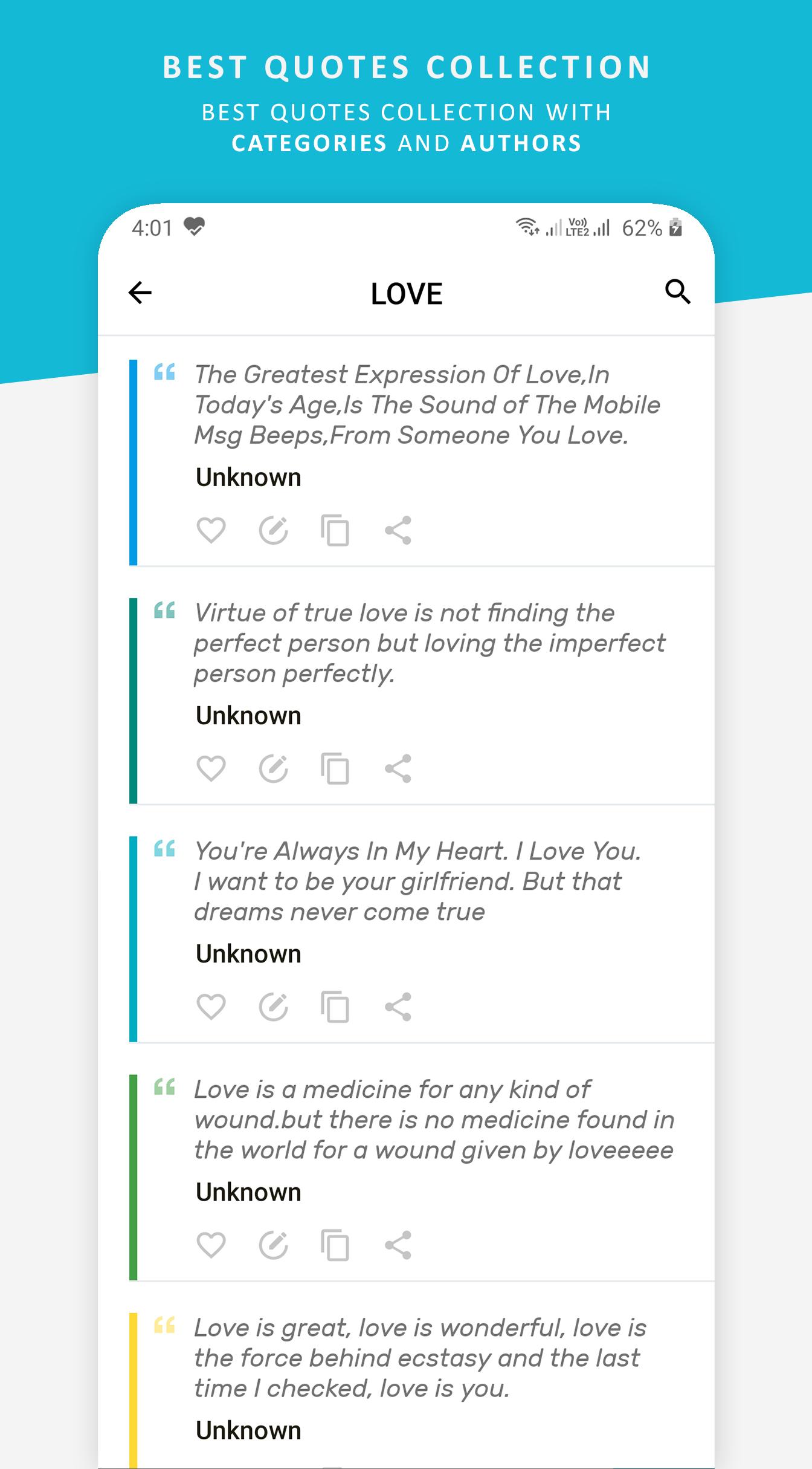
🎨 POWERFUL QUOTE DESIGN STUDIO• 2000+ Quote Library: Browse inspirational quotes, love quotes, success quotes, motivational quotes, life quotes, friendship quotes, and daily affirmations. Always find the perfect message for any occasion.
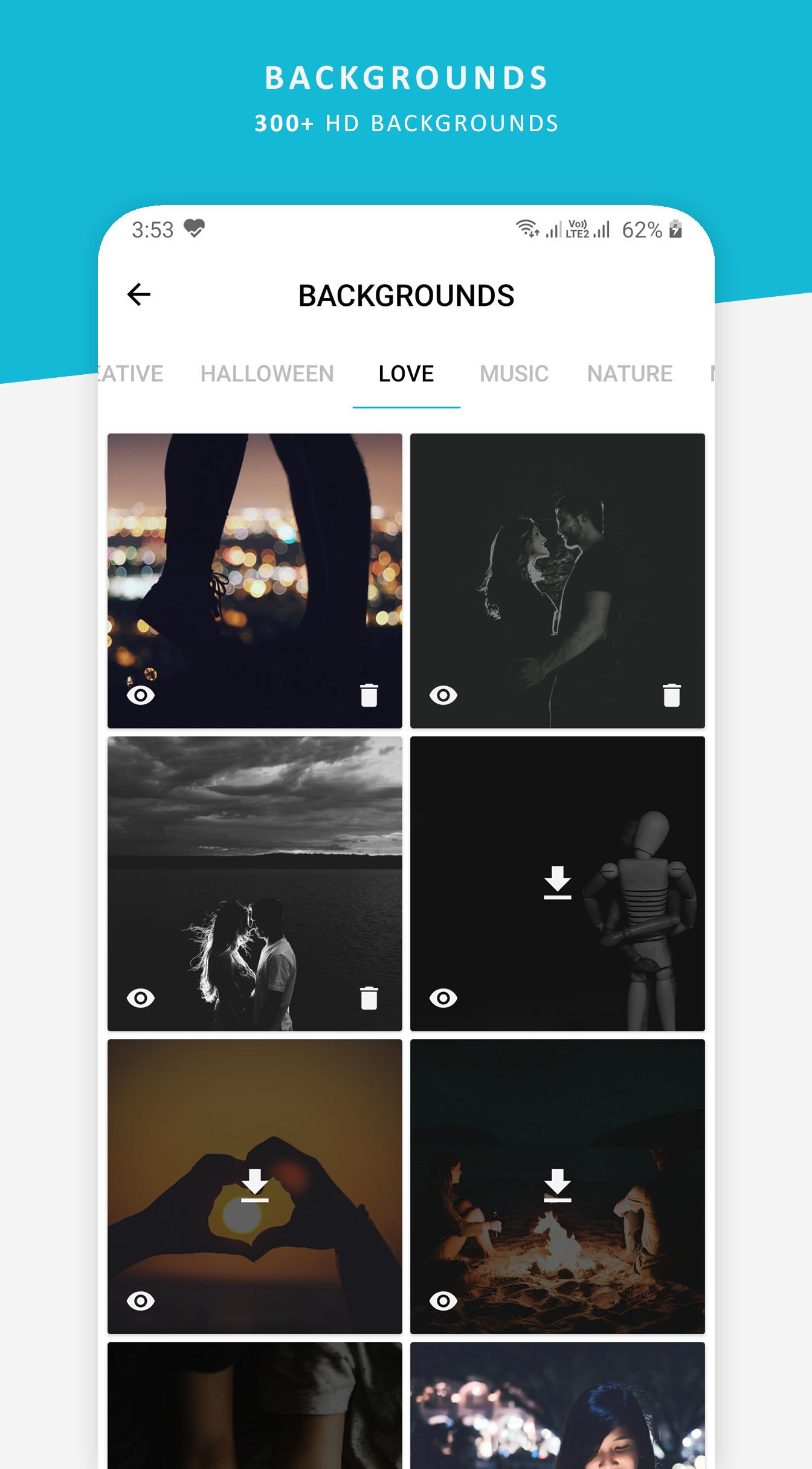
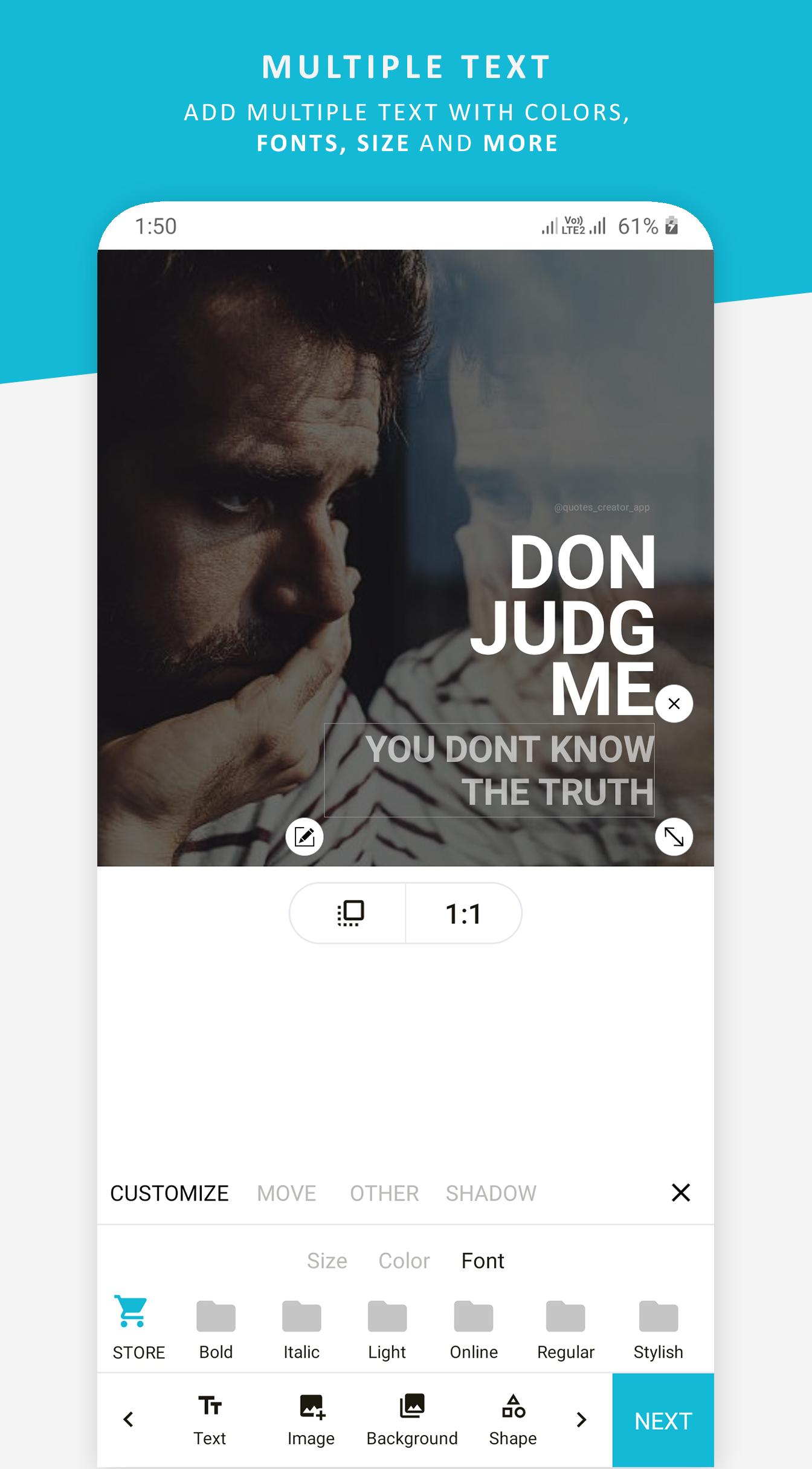
• 70+ Fonts & Thousands of Backgrounds: Choose from a huge font collection and pair your quote with beautiful backgrounds from Unsplash or your own gallery.
• Advanced Text Editor: Customize text color, size, shadow, stroke, opacity, and spacing. Use Rich Text mode to style individual words — bold, italic, colored — for maximum visual impact.
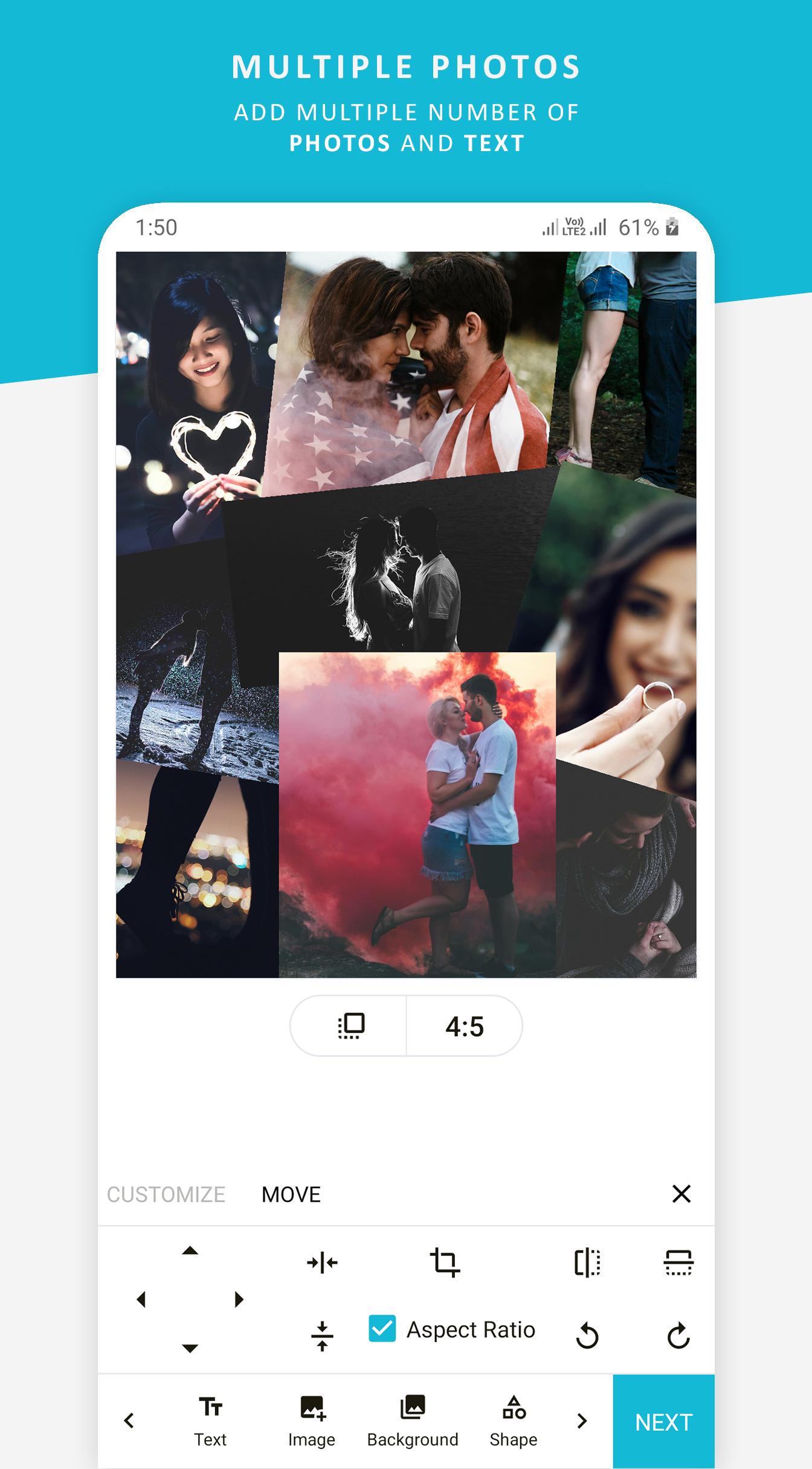
• Image & Branding Tools: Add your own photos from your gallery. Overlay your logo, watermark, or social media handle on any design. Crop, rotate, flip, and resize with ease.
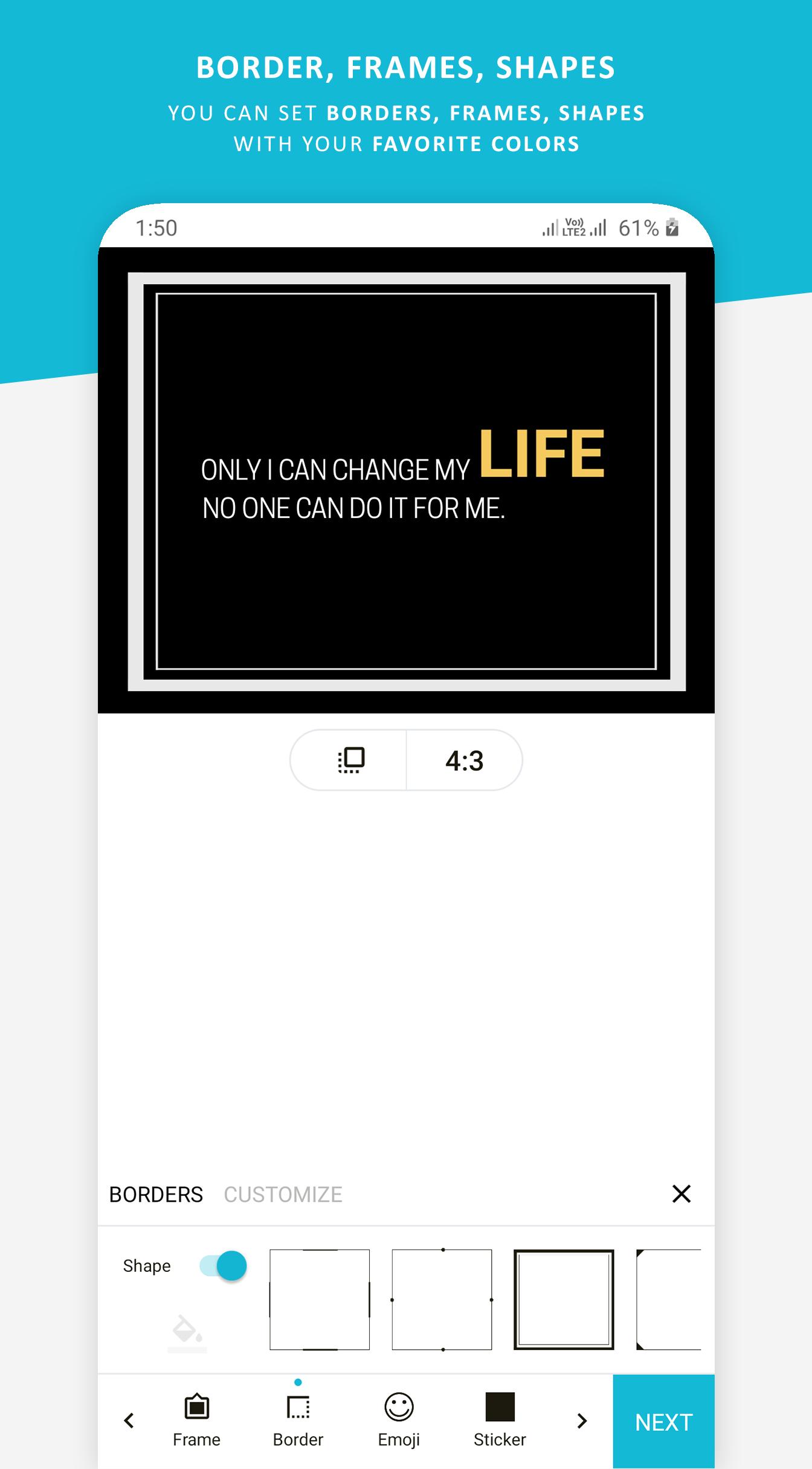
• Stickers & Emojis: Decorate your quote cards with a wide collection of stickers and emojis for extra personality.
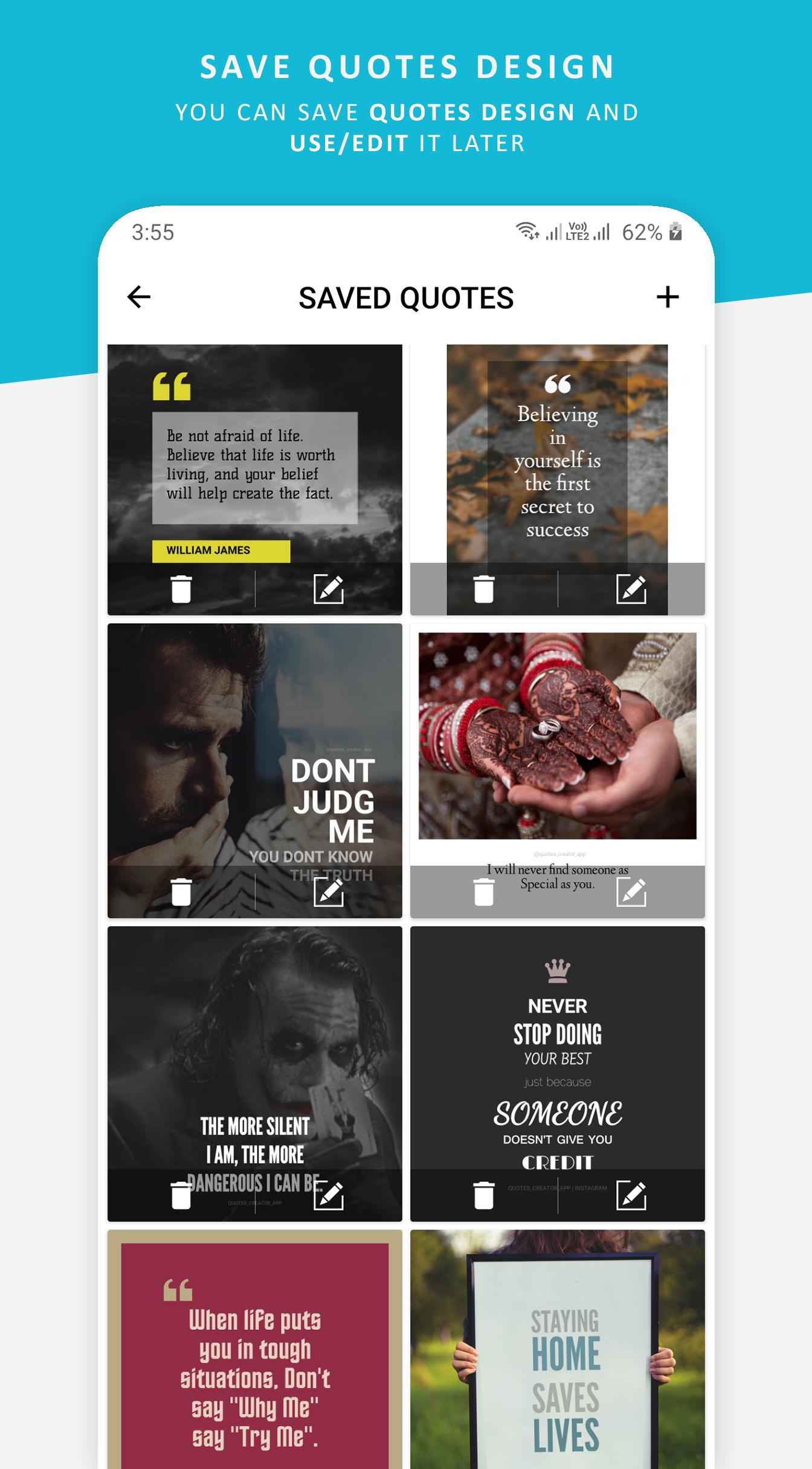
💡 SMART WORKFLOW & TEMPLATES• Save Custom Templates: Created a design you love? Save it as a reusable template. Swap the quote text anytime to stay consistent with your brand or aesthetic.
• One-Tap Sharing: Share your quote images and videos directly to Instagram, Facebook, WhatsApp, Twitter/X, Pinterest, and more — instantly.
🚀 EVEN MORE FEATURES• Quote of the Day Widget: Add a beautiful home screen widget for a fresh motivational quote every day.
• Offline Mode: Full design capability with no internet connection required.
• Multi-Language UI: App interface available in 14 languages including English, Spanish, French, German, Italian, and more.
• Regular Updates: New quotes, fonts, backgrounds, and features added regularly.
WHO IS QUOTES CREATOR FOR?• Social media influencers & content creators
• Small businesses & personal brands
• Teachers, coaches & motivational speakers
• Anyone who loves sharing beautiful quotes online
Download Quotes Creator — the best free quote maker app for Android — and start designing stunning quote graphics today!Questions or feedback? Contact us at
[email protected]