PreView Folders

7.6 66

v6.0 by zzugliRyu

PreView Folders APK download PreView Folders APK download

About PreView Folders

PreView Folders (Package Name: com.zzugli.ViewAppFolderManager) is developed by zzugliRyu and the latest version of PreView Folders 6.0 was updated on March 14, 2017. PreView Folders is in the category of Productivity. You can check all apps from the developer of PreView Folders. Currently this app is for free. This app can be downloaded on Android 2.3.2+ on APKFab or Google Play. All APK/XAPK files on APKFab.com are original and 100% safe with fast download.
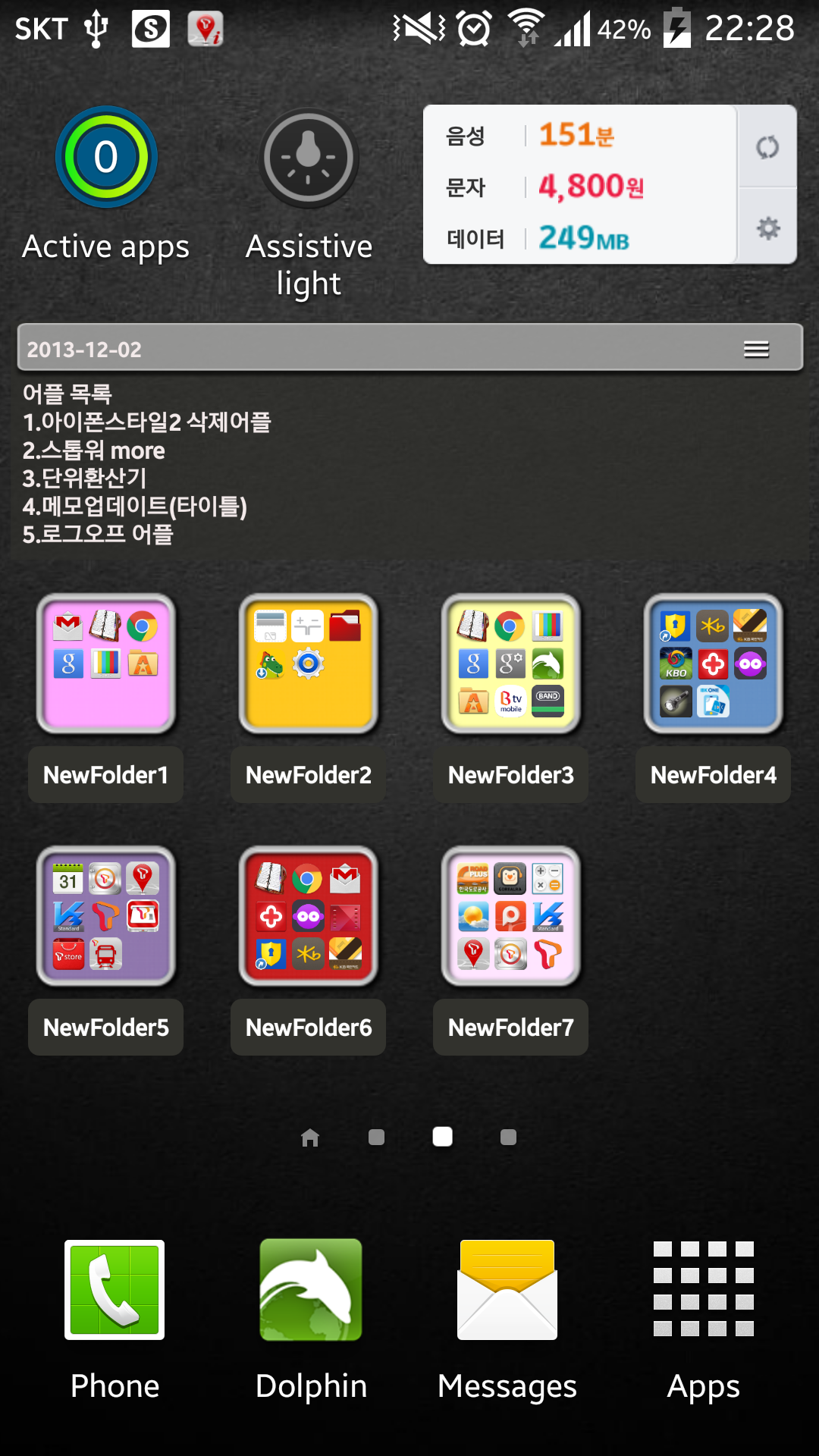
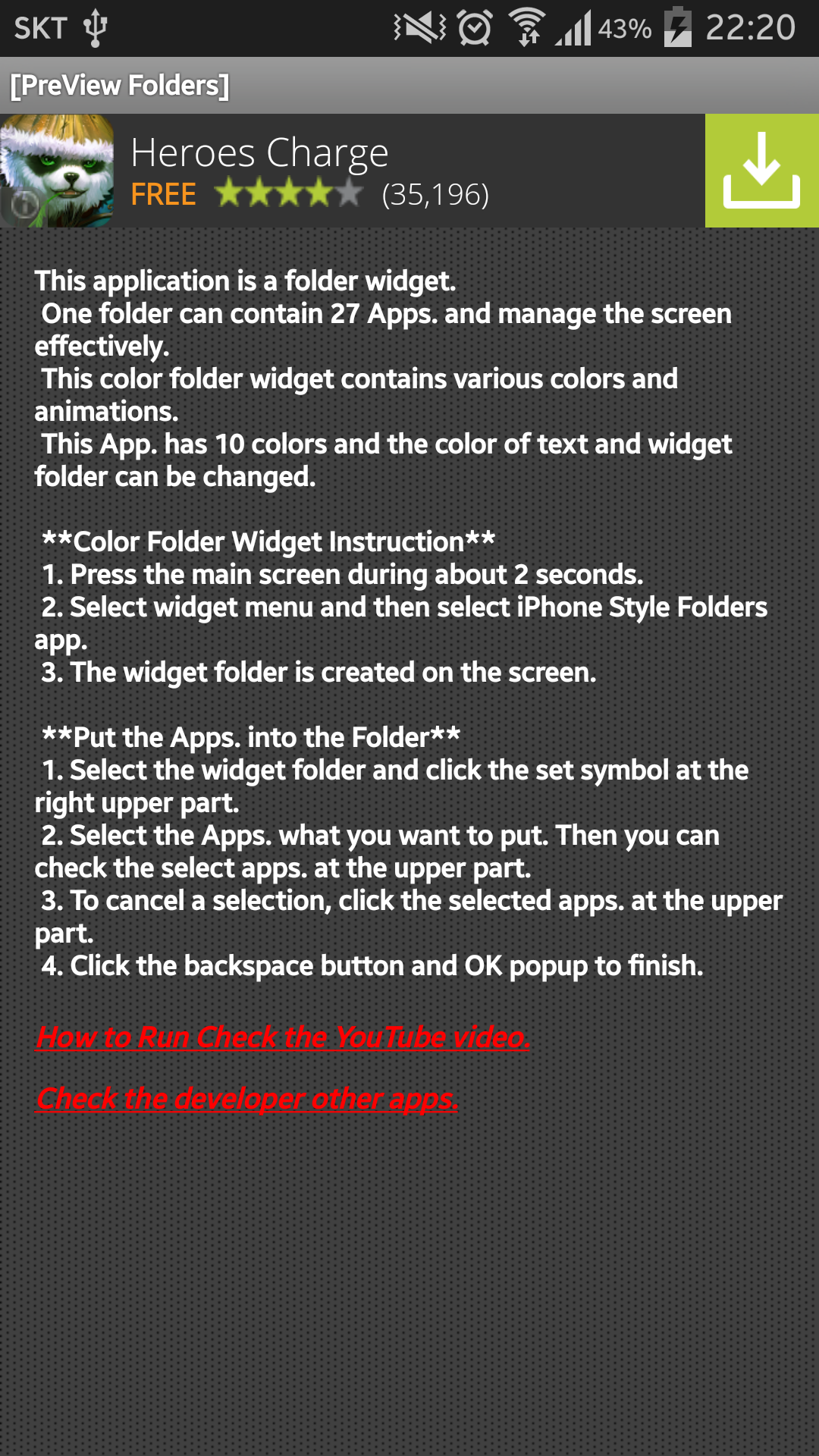
This application is a folder widget.
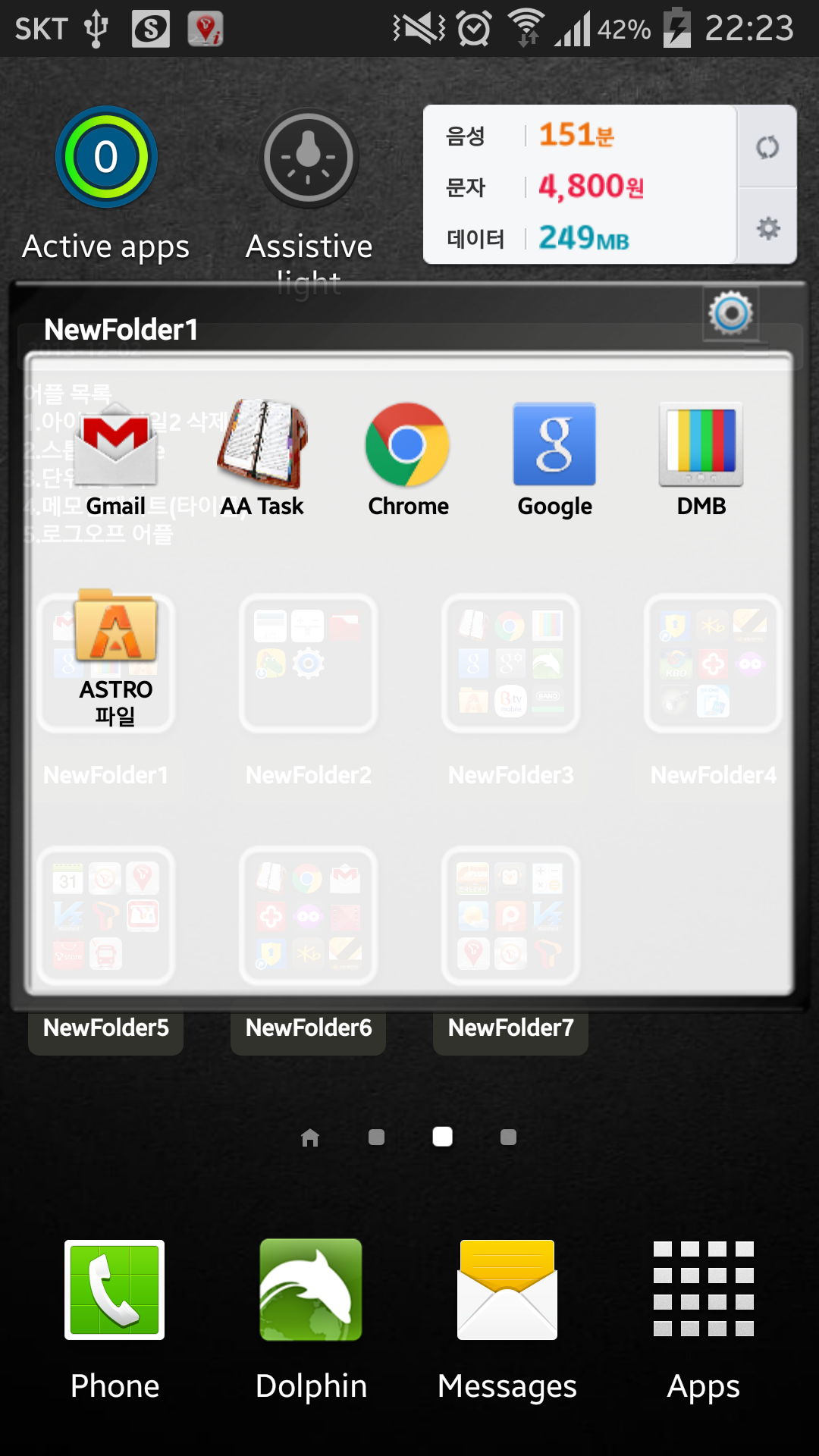
One folder can contain 16 Apps. and manage the screen effectively.
This color folder widget contains various colors and animations.
This App. has 10 colors and the color of text and widget folder can be changed.
This application is a folder widget.
One folder can contain 16 Apps. and manage the screen effectively.
This color folder widget contains various colors and animations.
This App. has 10 colors and the color of text and widget folder can be changed.
**[Color Folder Widget Instruction]**
1. Press the main screen during about 2 seconds.
2. Select widget menu and then select Widget App Folders2 app.
3. The widget folder is created on the screen.
**[Put the Apps. into the Folder]**
1. Select the widget folder and click the set symbol at the right upper part.
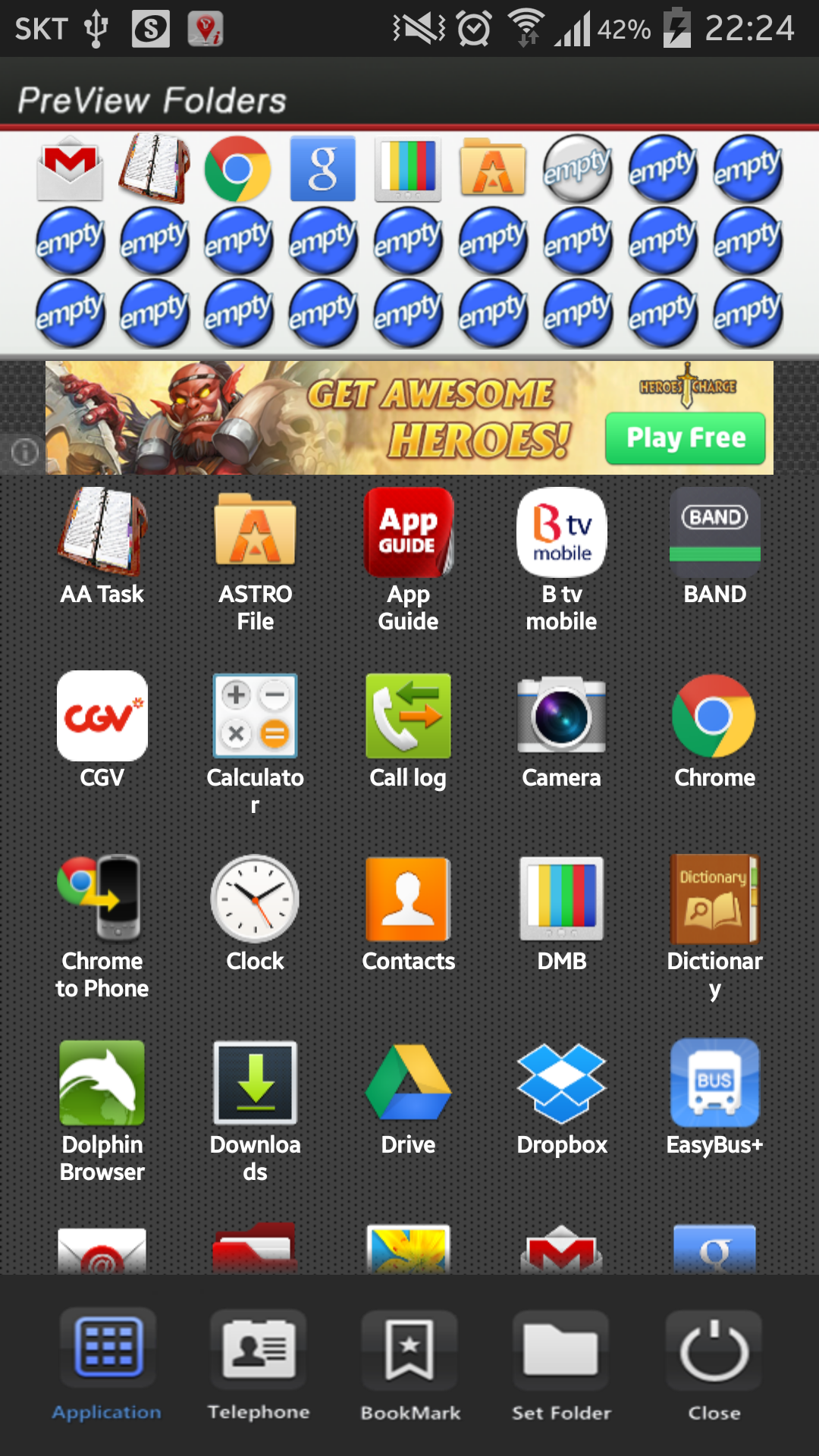
2. Select the Apps. what you want to put. Then you can check the select apps. at the upper part.
3. To cancel a selection, click the selected apps. at the upper part.
4. Click the backspace button and OK popup to finish.
**Color Folder Widget Instruction**
1. Press the main screen during about 2 seconds.
2. Select widget menu and then select PreView Folders app.
3. The green widget folder is created on the screen.
**Put the Apps. into the Folder**
1. Select the widget folder and click the set symbol at the right upper part.
2. Select the Apps. what you want to put. Then you can check the select apps. at the upper part.
3. To cancel a selection, click the selected apps. at the upper part.
4. Click the backspace button and OK popup to finish.
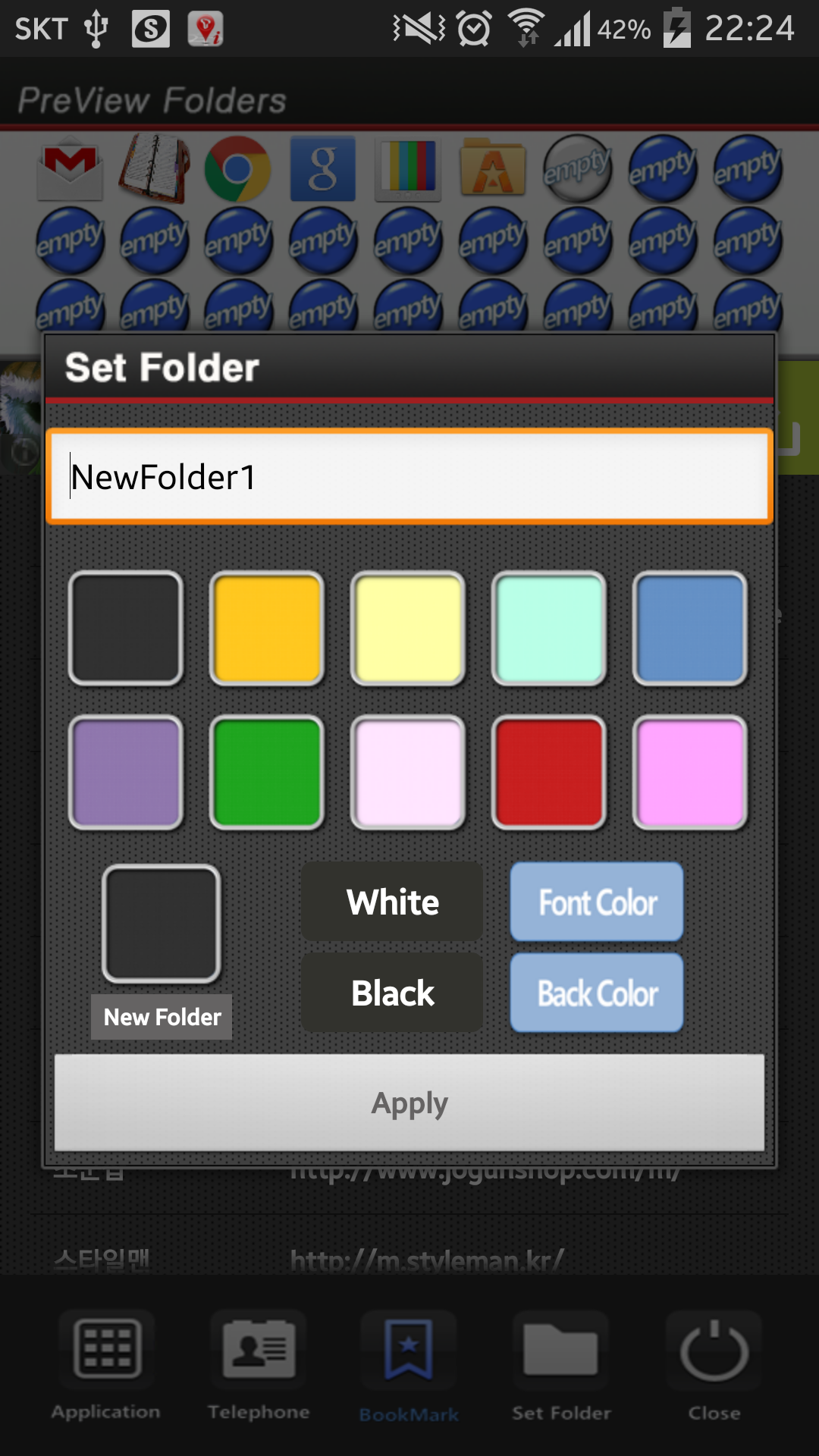
**Folder and Text Color Change**
1. Select the widget folder and click the circle simbol at the right upper part.
2. Click the folder setting menu at the bottom.(Star Symbol)
3. Then you can change the foler mane, foler mane color, folder color.

PreView Folders 6.0 Update

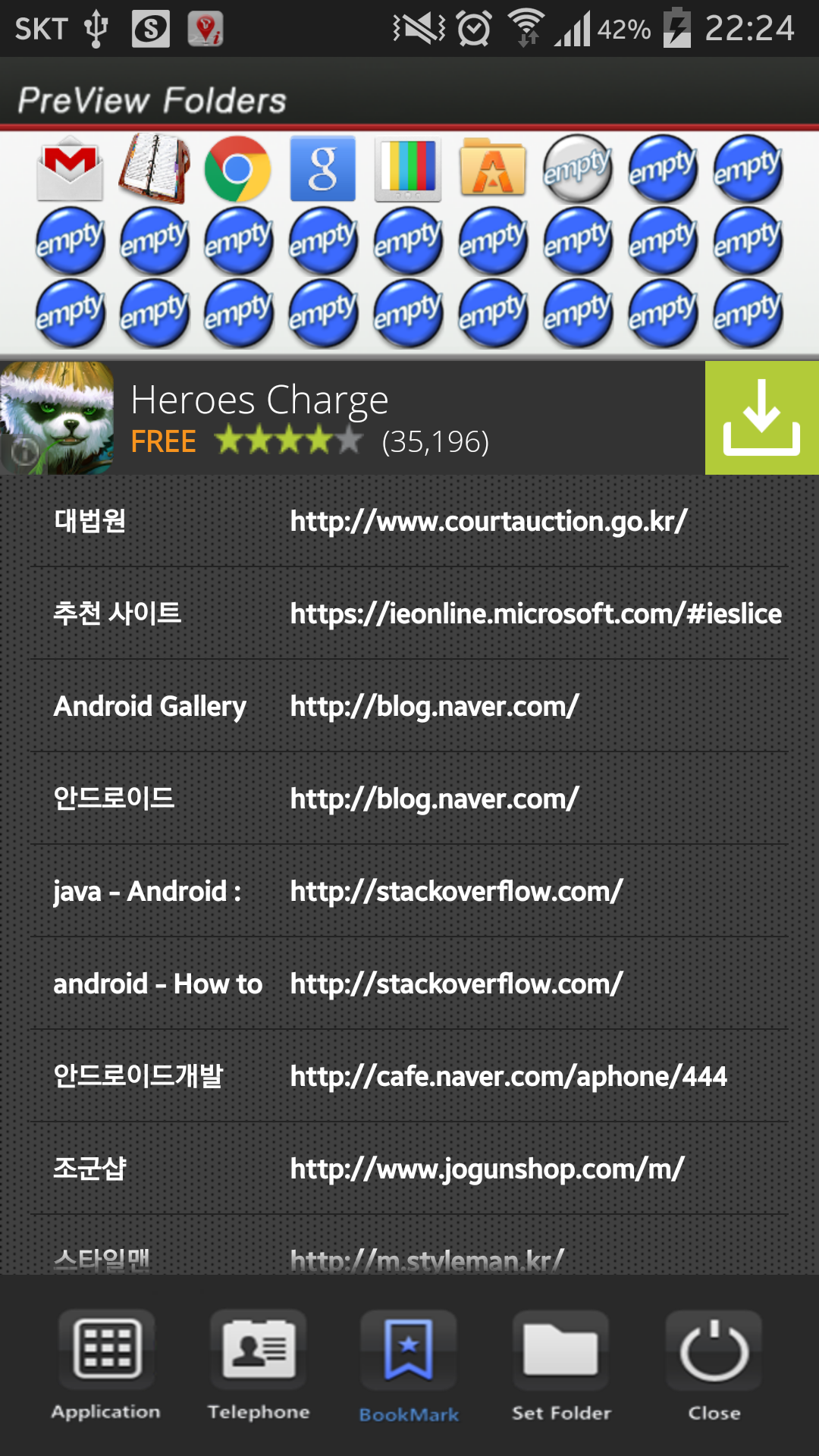
bookmark edit
Read More
PreView Folders Features
Related Videos
Previous Versions More
PreView Folders
PreView Folders 6.0 APK
March 22, 2017 1.81 MB

Requires Android: Android 2.3.2+

Screen DPI: 160-480dpi

SHA1: eb73eeff563883c7a1c2c9540ffcdfa060aa4ec9

Size: 1.81 MB

What's New:

bookmark edit
PreView Folders
PreView Folders 5.0 APK
July 26, 2015 1.65 MB

Requires Android: Android 2.3.2+

Screen DPI: 160-480dpi

SHA1: 5d06e1692c3a5d5eb5552ef9c43862a747946d0c

Size: 1.65 MB

More Information

Update Date:

Latest Version:

6.0

Need Update:

Submit latest version

Requirements:

Android 2.3.2+