PreView Folders

7.6 66

v6.0 von zzugliRyu

PreView Folders APK Herunterladen PreView Folders APK Herunterladen

Über PreView Folders

PreView Folders (Paketname: com.zzugli.ViewAppFolderManager) wird von zzugliRyu entwickelt und die neueste Version von PreView Folders 6.0 wurde am 14. März 2017 aktualisiert. PreView Folders liegt in der Kategorie von Effizienz. Sie können alle Apps von dem Entwickler der PreView Folders durchsuchen. Derzeit ist diese APP kostenlos. Diese App kann auf Android 2.3.2+ auf APKFab oder Google Play heruntergeladen werden. Alle APK/XAPK Dateien auf APKFab.com sind original und 100% sicher, schnell herunterzuladen.
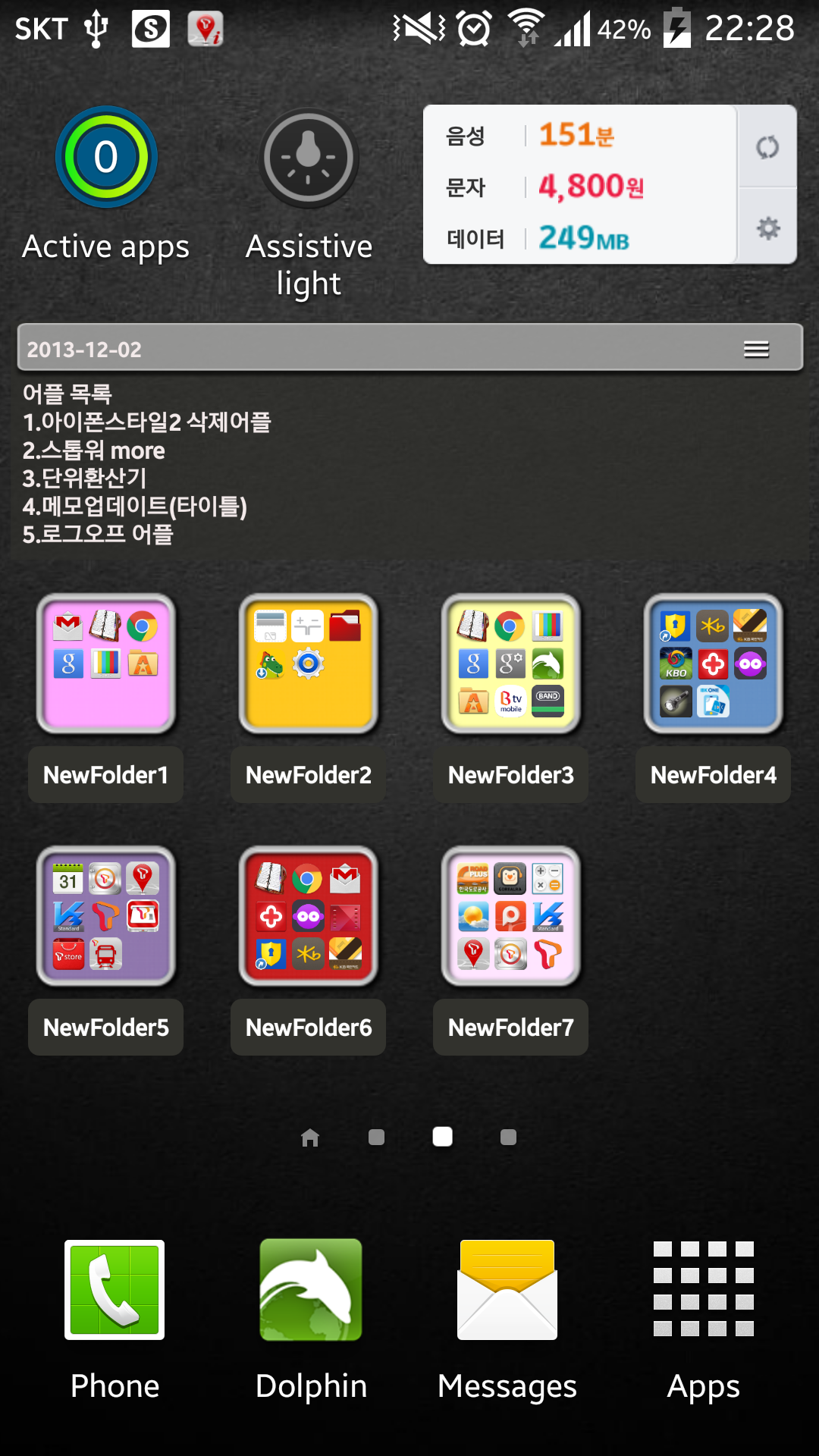
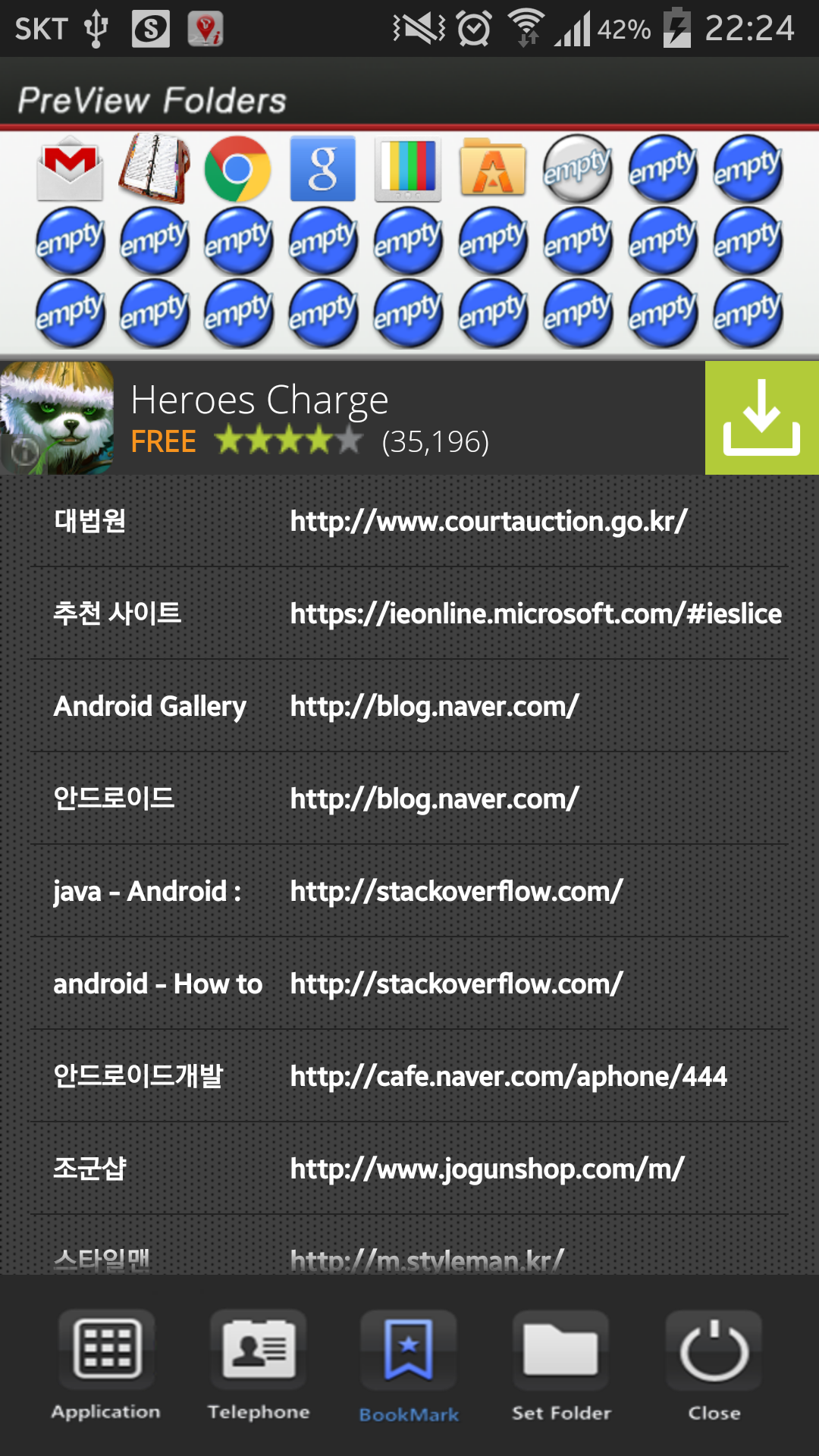
This application is a folder widget.
One folder can contain 16 Apps. and manage the screen effectively.
This color folder widget contains various colors and animations.
This App. has 10 colors and the color of text and widget folder can be changed.
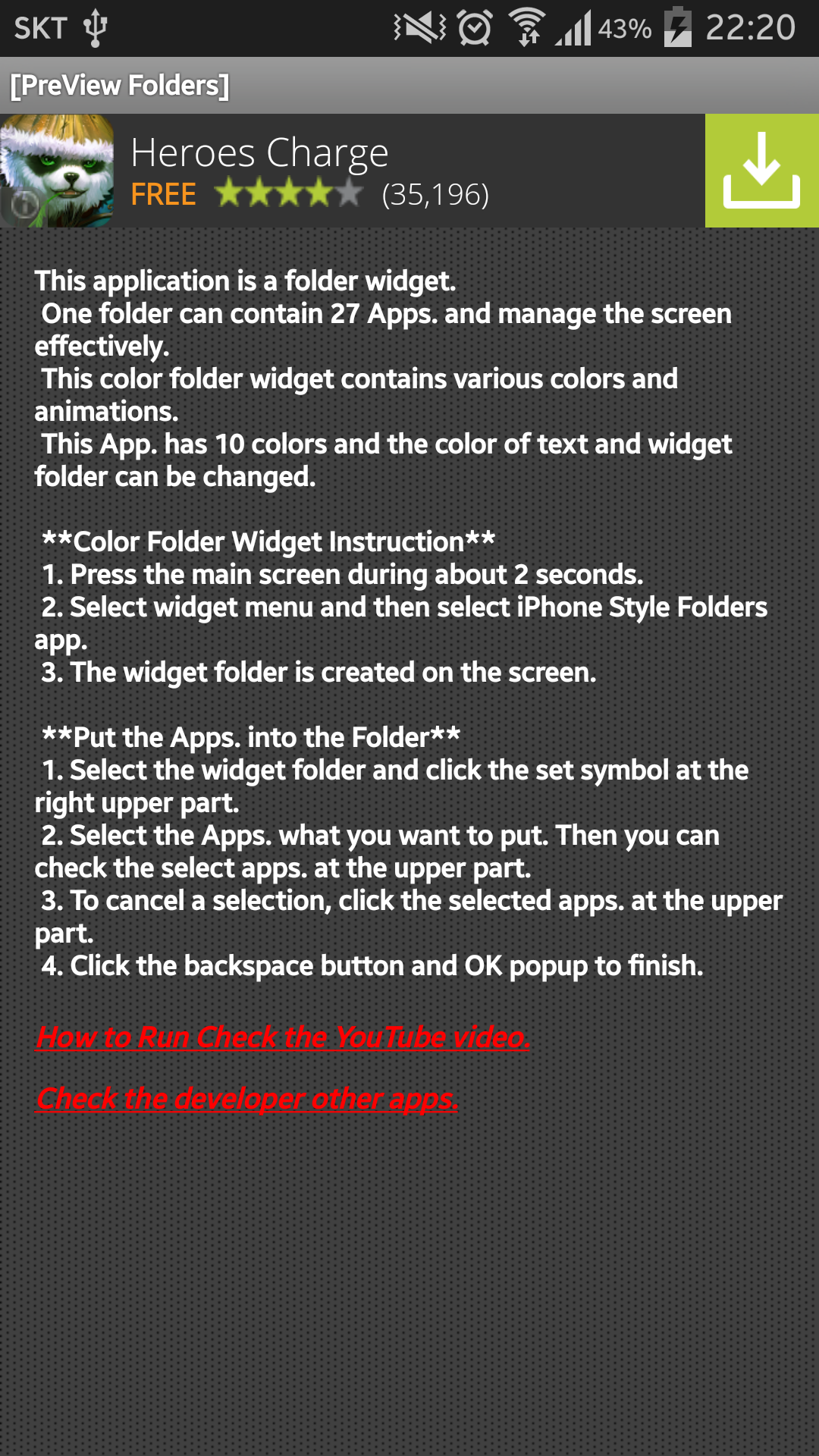
This application is a folder widget.
One folder can contain 16 Apps. and manage the screen effectively.
This color folder widget contains various colors and animations.
This App. has 10 colors and the color of text and widget folder can be changed.
**[Color Folder Widget Instruction]**
1. Press the main screen during about 2 seconds.
2. Select widget menu and then select Widget App Folders2 app.
3. The widget folder is created on the screen.
**[Put the Apps. into the Folder]**
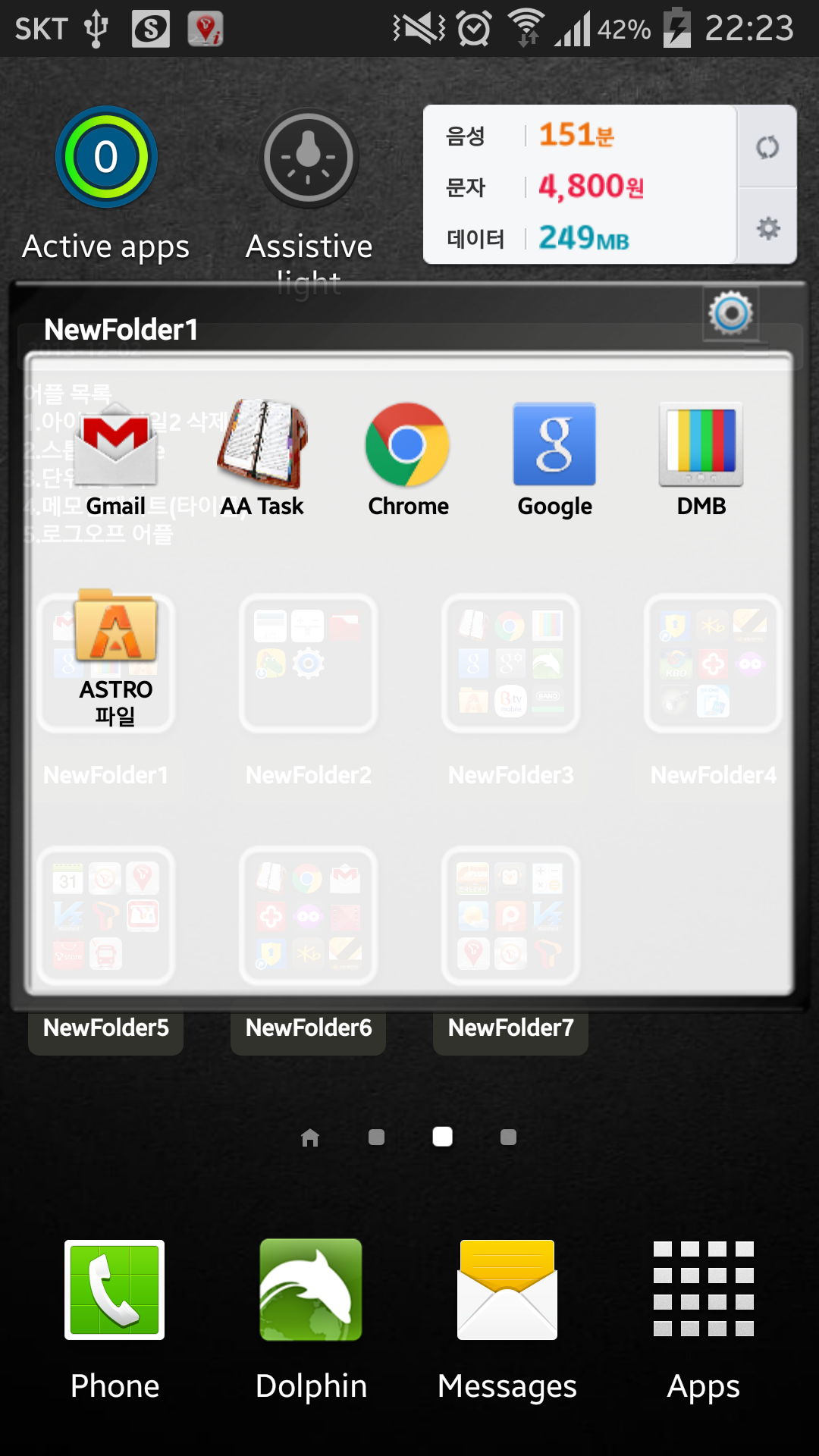
1. Select the widget folder and click the set symbol at the right upper part.
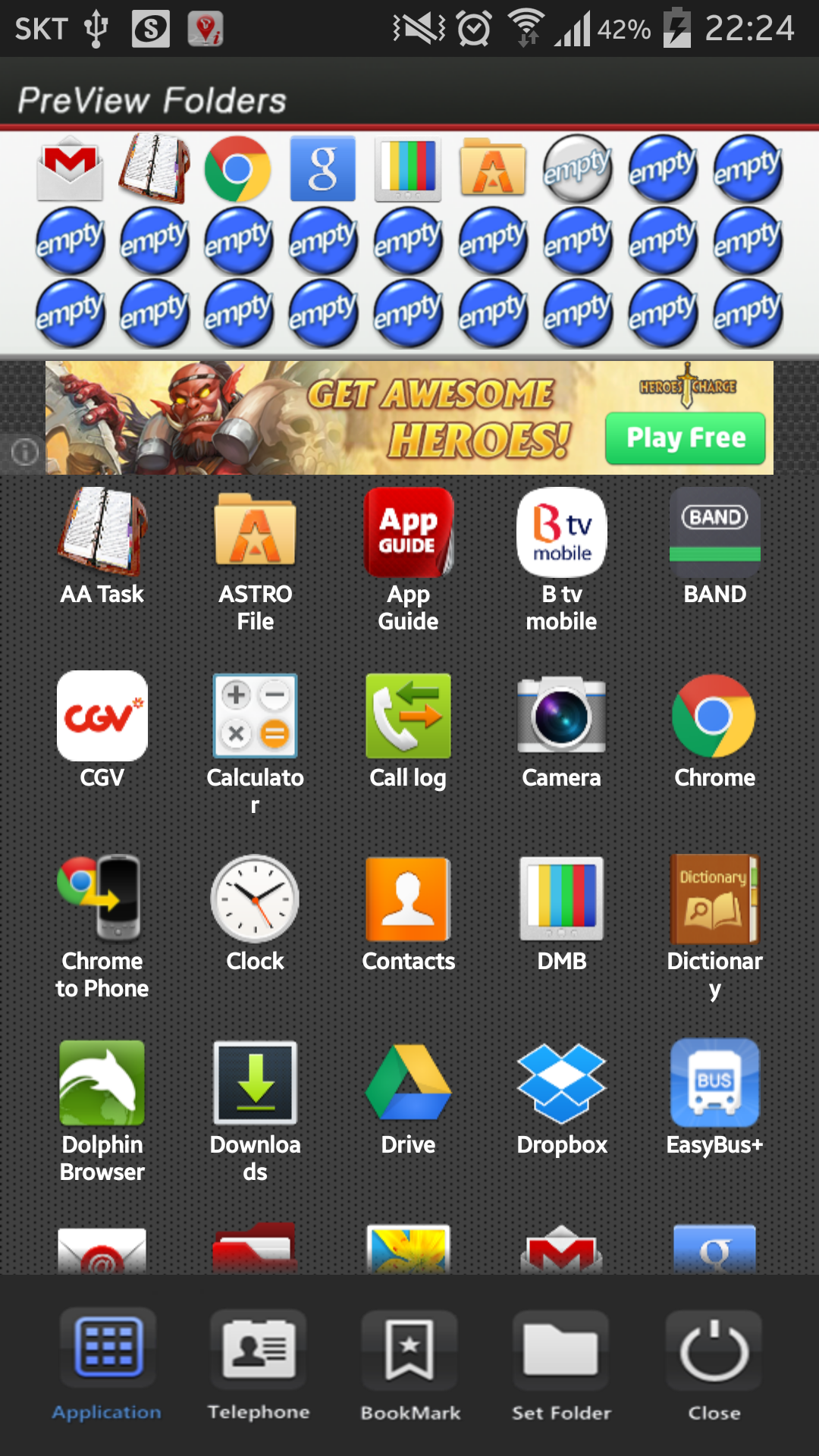
2. Select the Apps. what you want to put. Then you can check the select apps. at the upper part.
3. To cancel a selection, click the selected apps. at the upper part.
4. Click the backspace button and OK popup to finish.
**Color Folder Widget Instruction**
1. Press the main screen during about 2 seconds.
2. Select widget menu and then select PreView Folders app.
3. The green widget folder is created on the screen.
**Put the Apps. into the Folder**
1. Select the widget folder and click the set symbol at the right upper part.
2. Select the Apps. what you want to put. Then you can check the select apps. at the upper part.
3. To cancel a selection, click the selected apps. at the upper part.
4. Click the backspace button and OK popup to finish.
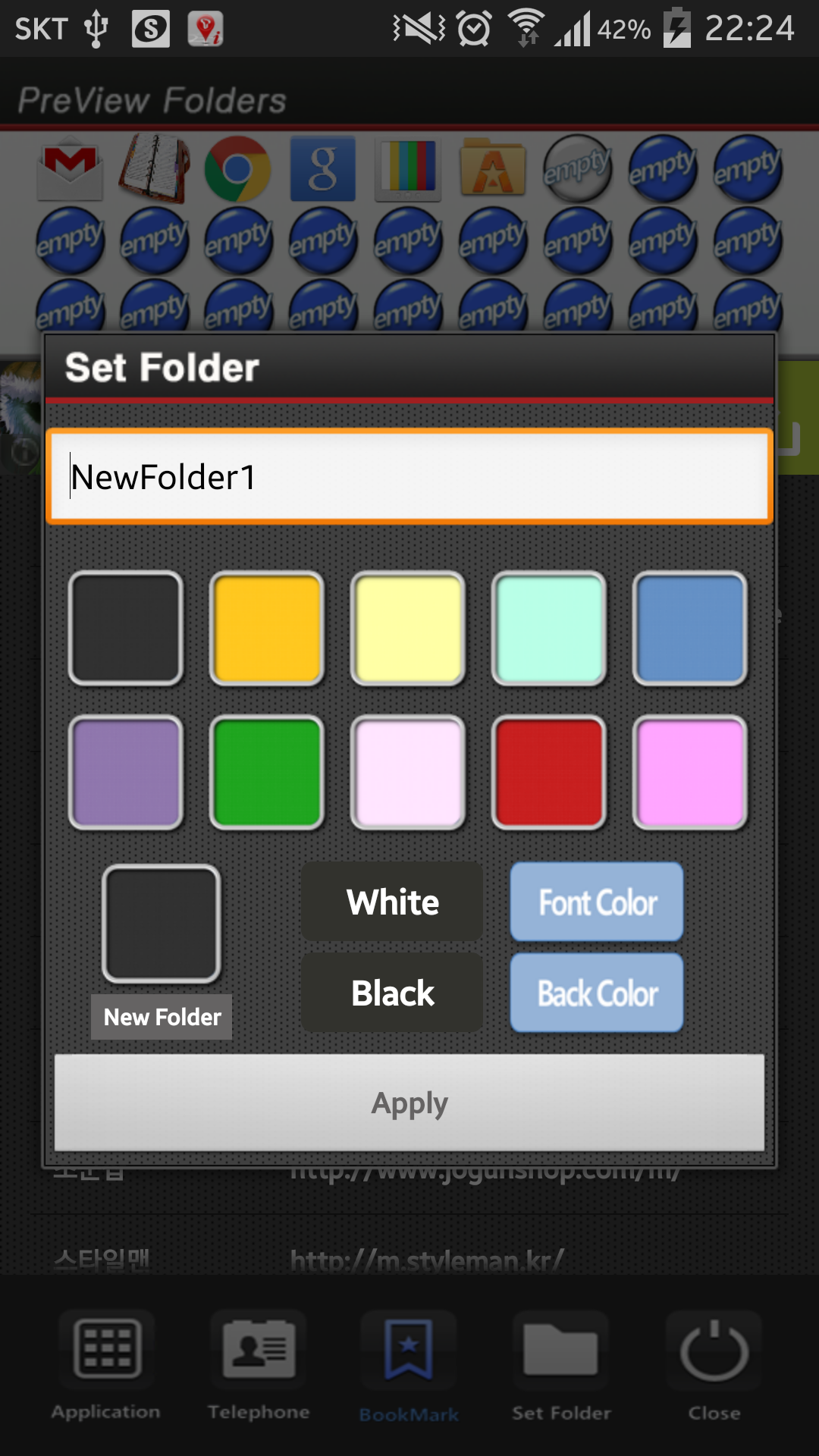
**Folder and Text Color Change**
1. Select the widget folder and click the circle simbol at the right upper part.
2. Click the folder setting menu at the bottom.(Star Symbol)
3. Then you can change the foler mane, foler mane color, folder color.

PreView Folders 6.0 Update

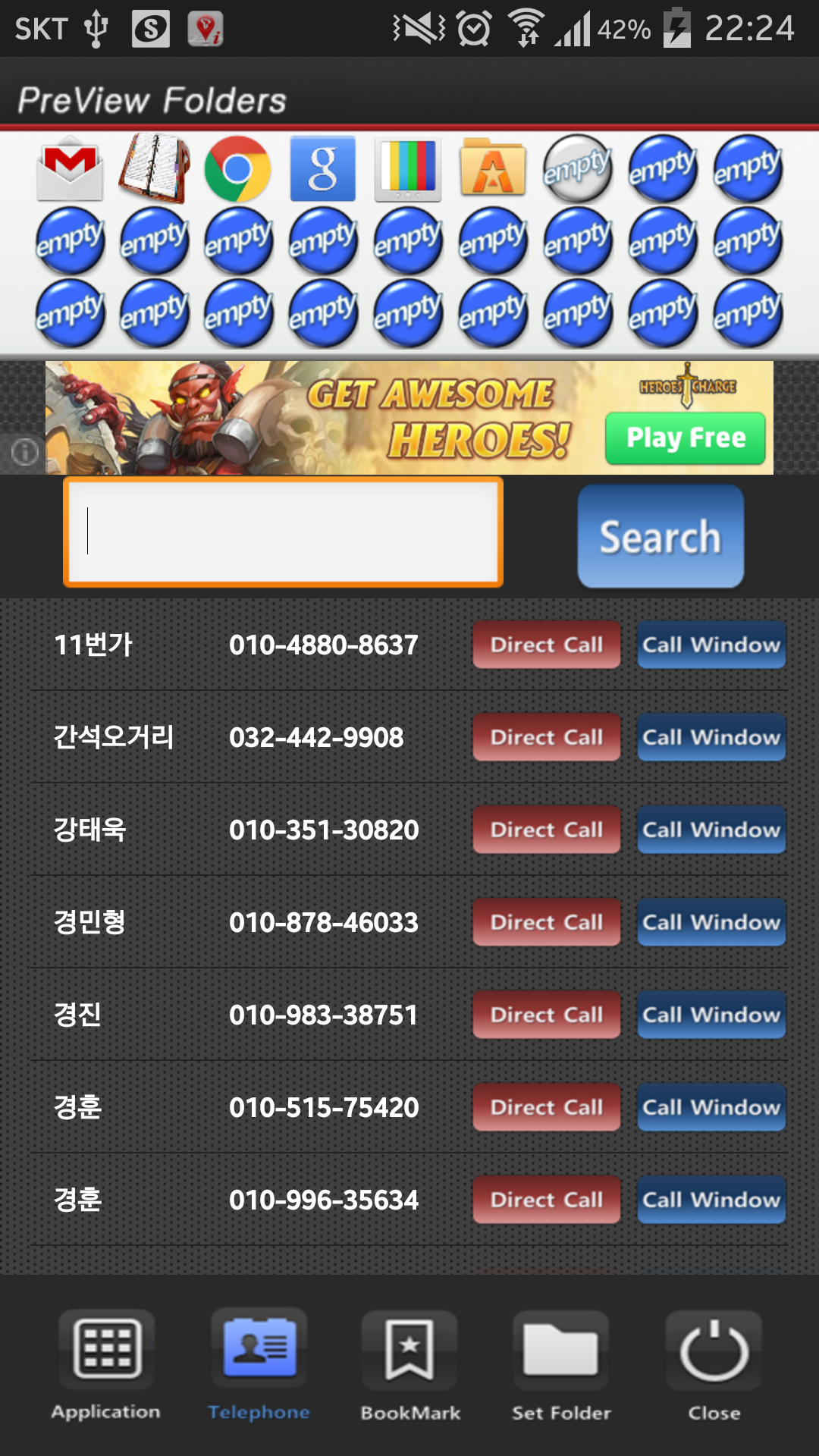
bookmark edit
Mehr lesen
PreView Folders Besonderheiten
Ähnliche Videos
Frühere Versionen Mehr
PreView Folders
PreView Folders 6.0 APK
22. März 2017 1.81 MB

Requires Android: Android 2.3.2+

Screen DPI: 160-480dpi

SHA1: eb73eeff563883c7a1c2c9540ffcdfa060aa4ec9

Size: 1.81 MB

What's New:

bookmark edit
PreView Folders
PreView Folders 5.0 APK
26. Juli 2015 1.65 MB

Requires Android: Android 2.3.2+

Screen DPI: 160-480dpi

SHA1: 5d06e1692c3a5d5eb5552ef9c43862a747946d0c

Size: 1.65 MB

Mehr Information

Verfügbar bei:

Effizienz Apps

Aktualisierungsdatum:

Letzte Version:

6.0

Anforderungen:

Android 2.3.2+