Pingmon: Ping Test & Monitor

8.8 386

v6.1.5.1 by mishuto

Pingmon: Ping Test & Monitor XAPK download Pingmon: Ping Test & Monitor XAPK download

About Ping Monitor

Ping Monitor (Package Name: com.mishuto.pingtest) is developed by mishuto and the latest version of Pingmon: Ping Test & Monitor 6.1.5.1 was updated on October 6, 2026. Pingmon: Ping Test & Monitor is in the category of Tools. You can check all apps from the developer of Pingmon: Ping Test & Monitor and find 200 alternative apps to Pingmon: Ping Test & Monitor on Android. Currently this app is for free. This app can be downloaded on Android 10.0+ on APKFab or Google Play. All APK/XAPK files on APKFab.com are original and 100% safe with fast download.
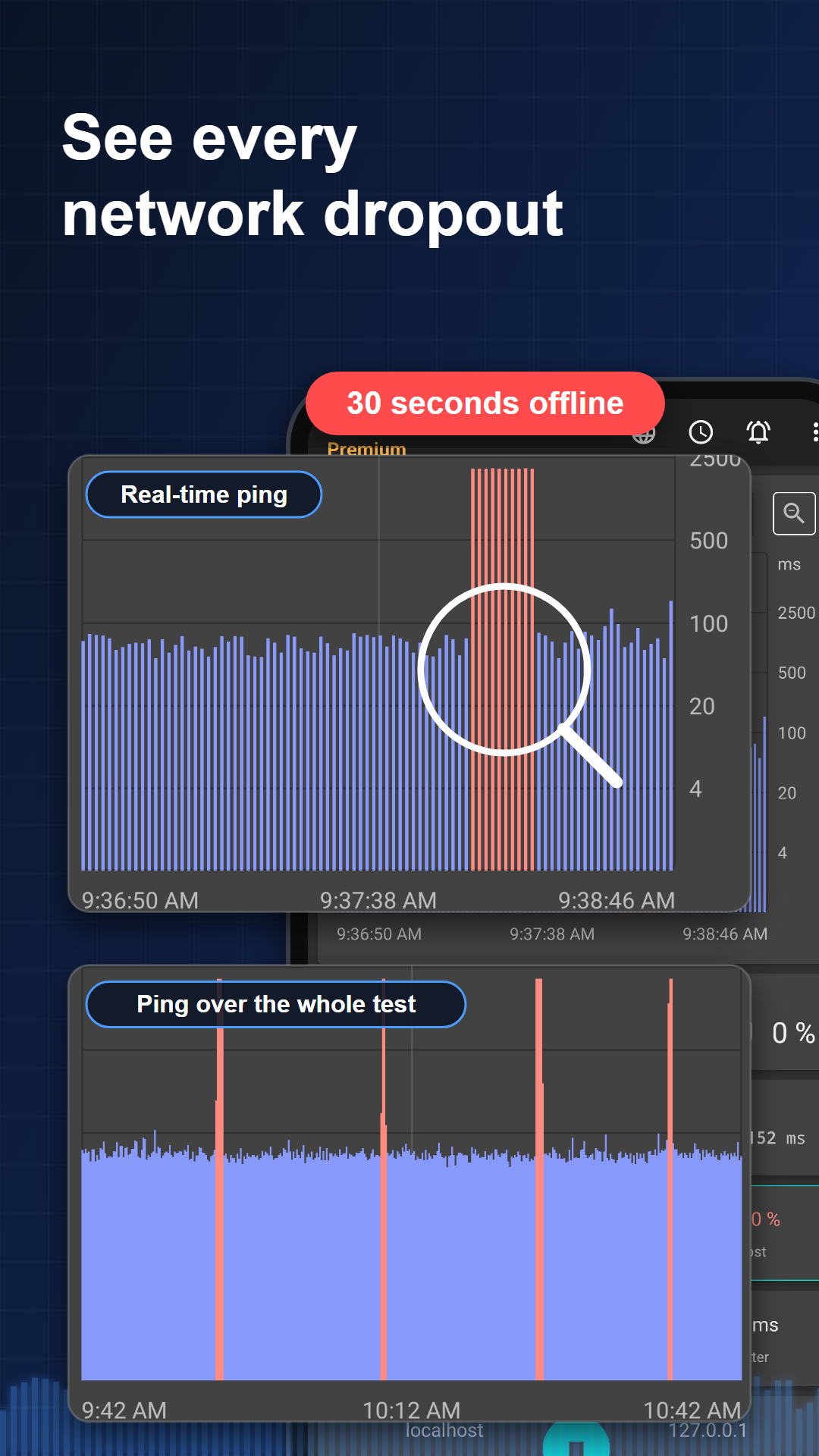
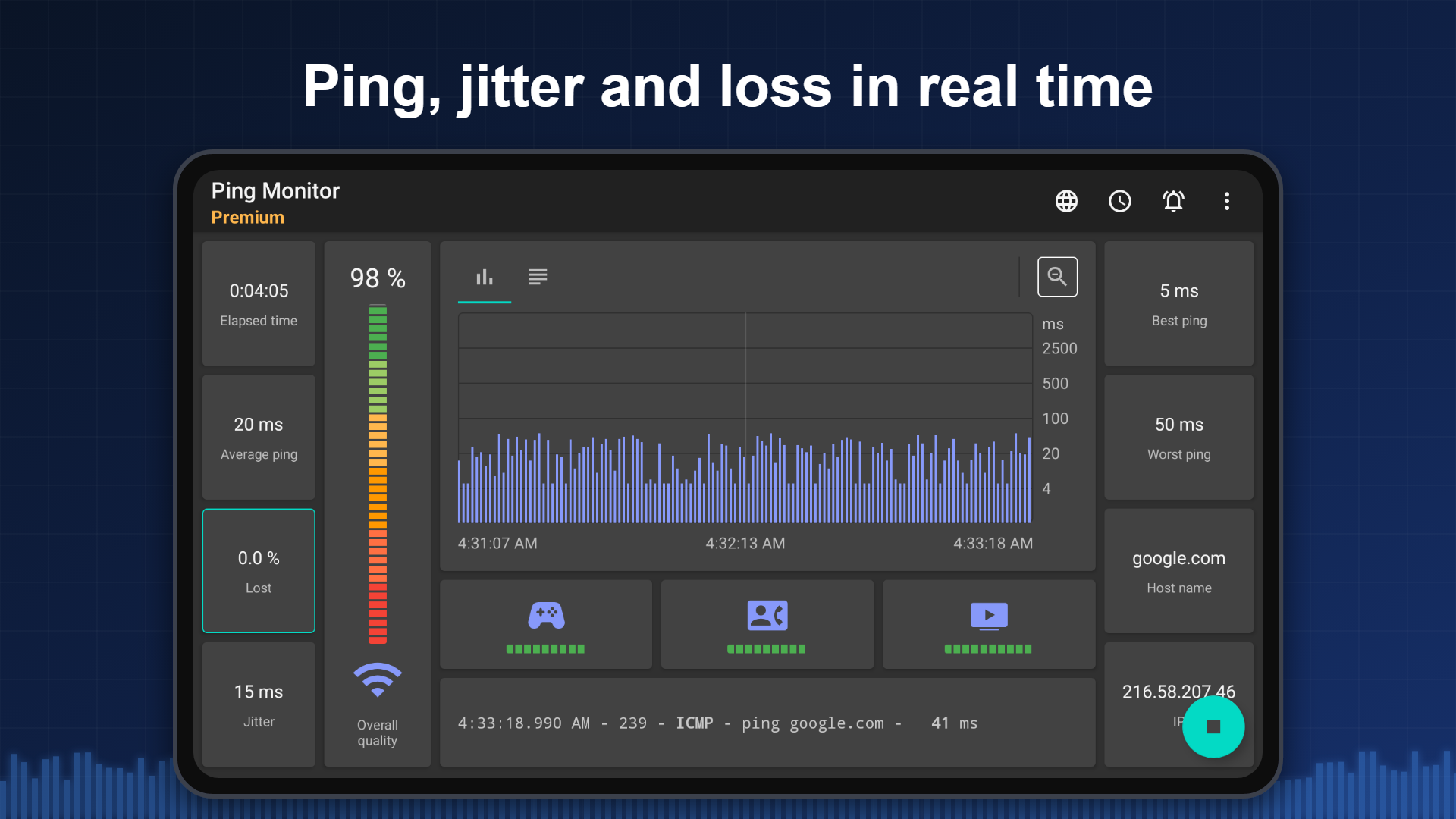
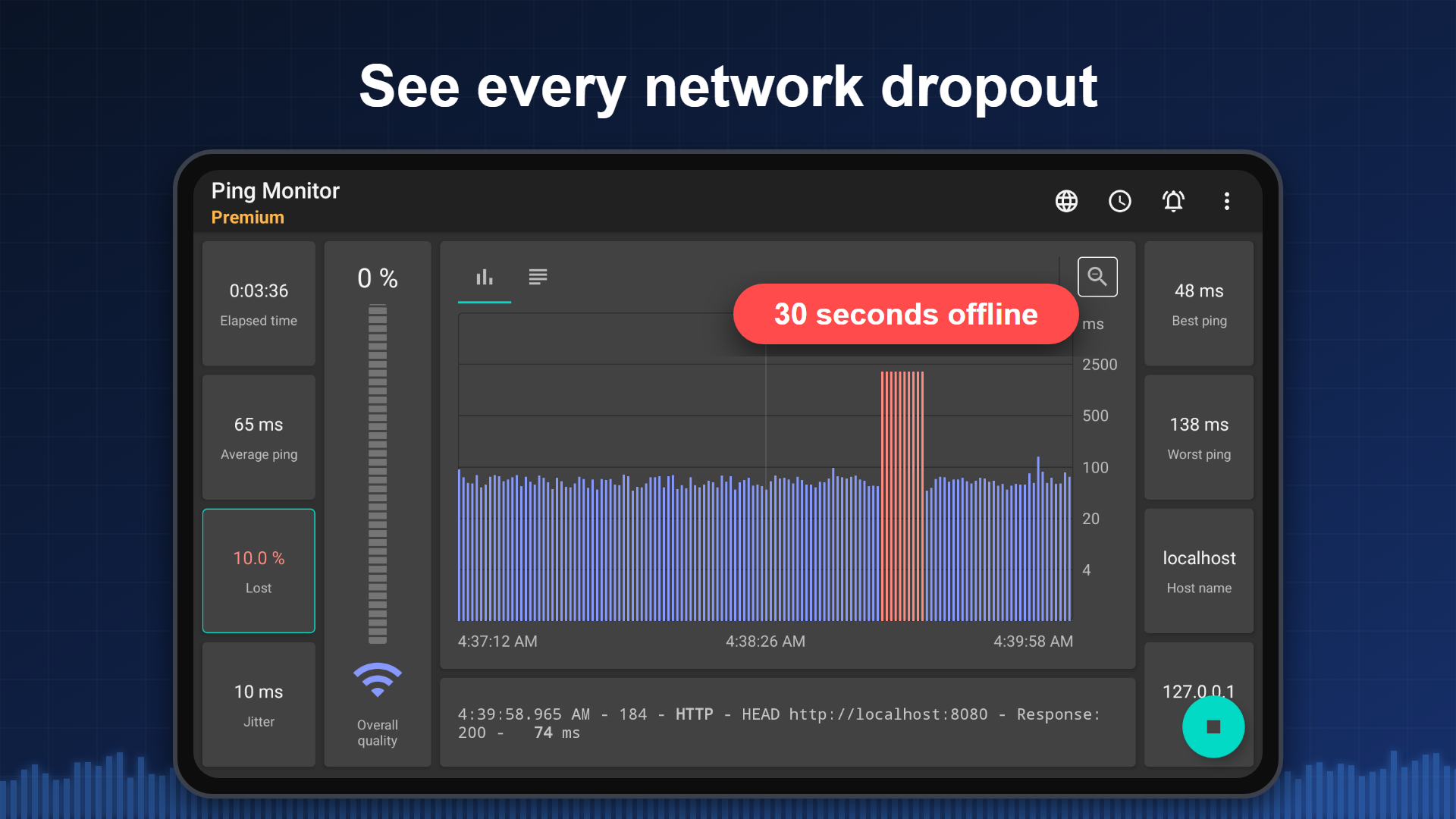
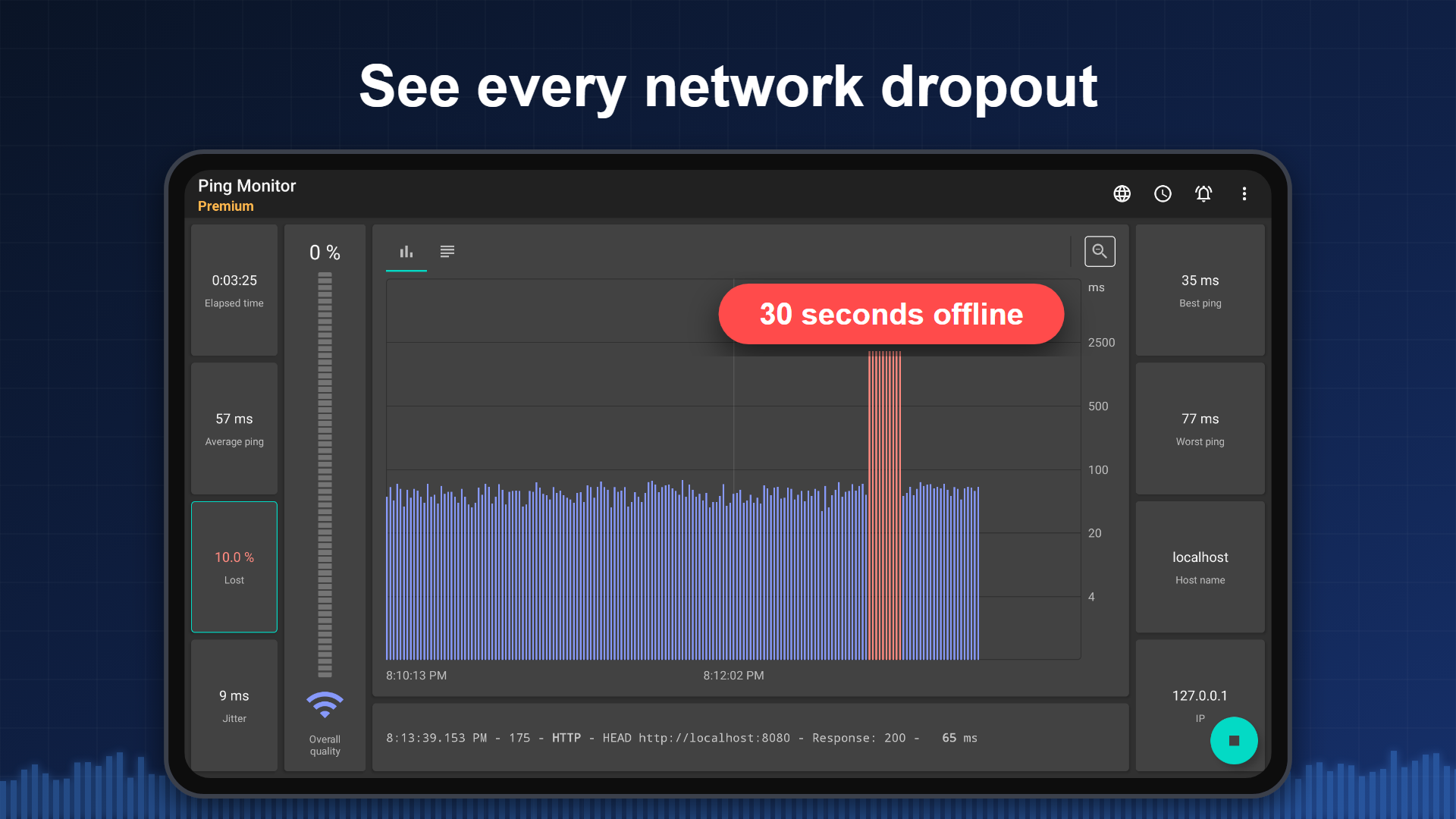
A game lags, a voice call cuts out, the internet drops for a few seconds. Pingmon is a diagnostic tool: it measures continuously and records every outage — when the connection dropped, how often and for how long.
It works over mobile data (3G/4G/5G), Wi-Fi and local networks, keeps a history of every measurement, and can run in the background for hours instead of ten seconds.
WHEN YOU NEED IT
• An online game lags or a voice call breaks up — check ping, jitter and packet loss to the server
• Keep watch on a server, router, NAS or camera staying reachable
• Aim a 4G/5G antenna or find a spot for the modem — compare connection quality across locations
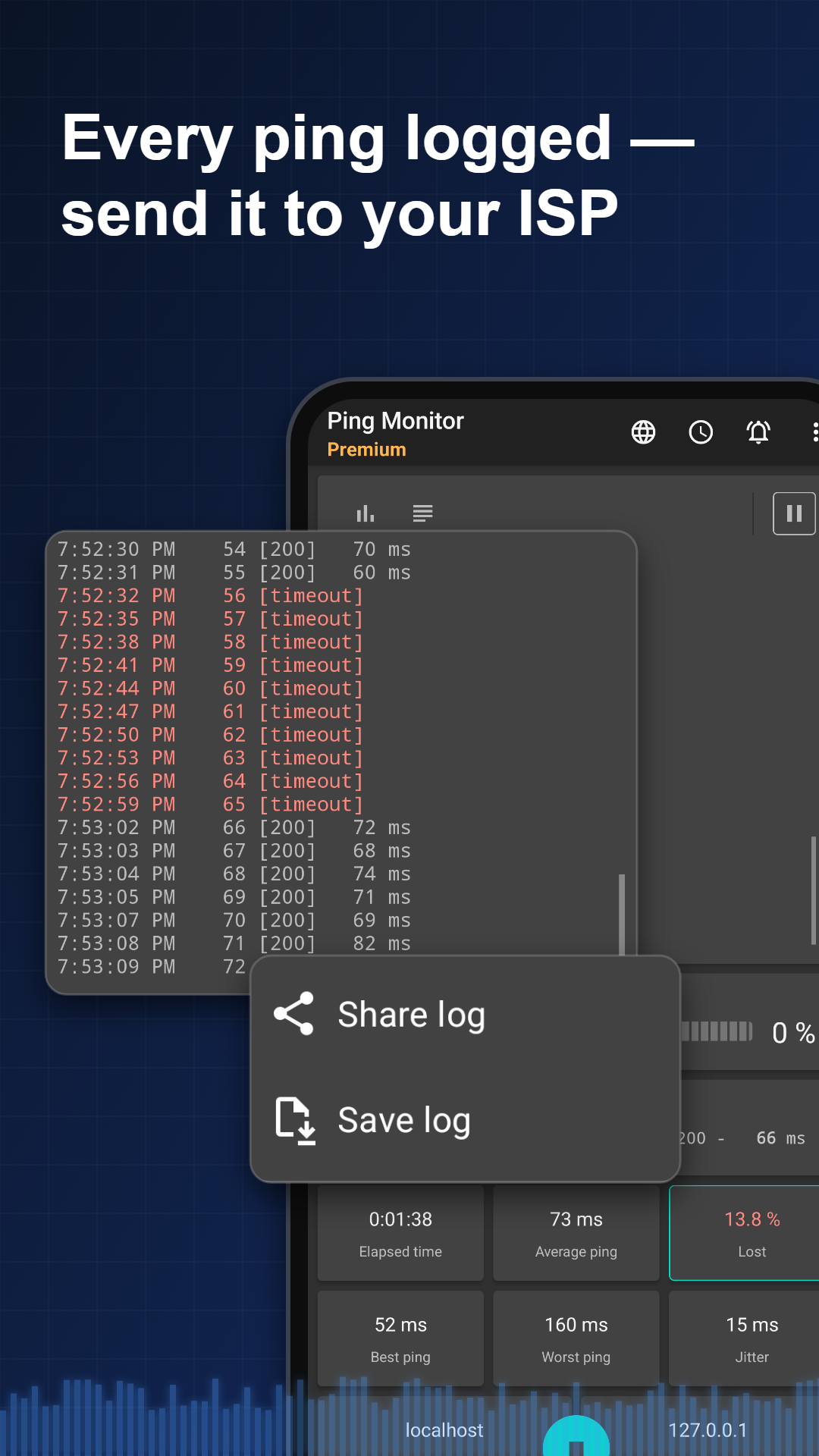
• The internet works "sometimes" — collect evidence for your ISP support team
• Find out where in the home Wi-Fi stops holding the connection
NO ADS
No ads at all — no banners, no video, no interstitials.
FEATURES
• Ping over ICMP, TCP and HTTP(S): not just the classic ping, but port and web resource availability too
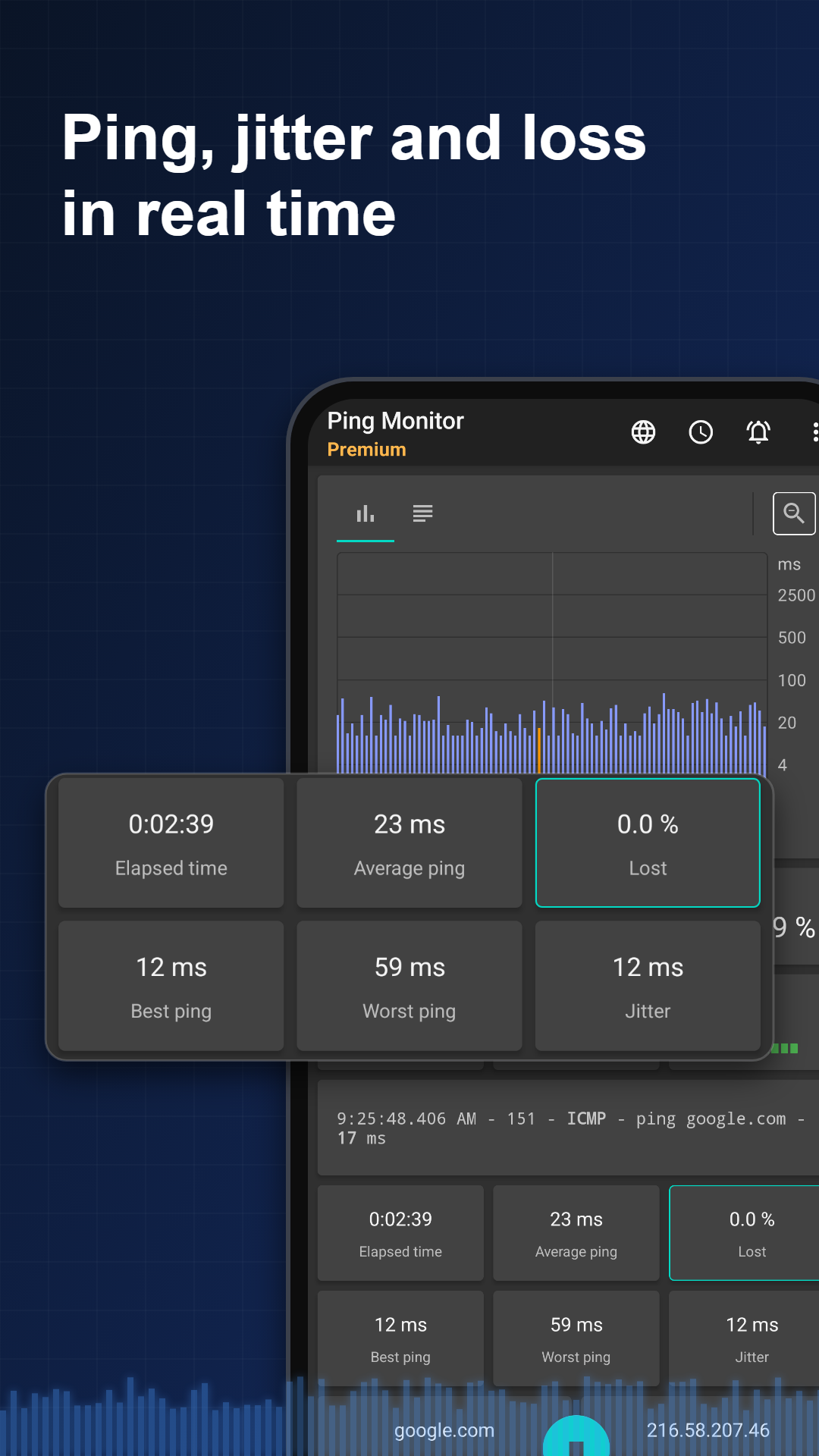
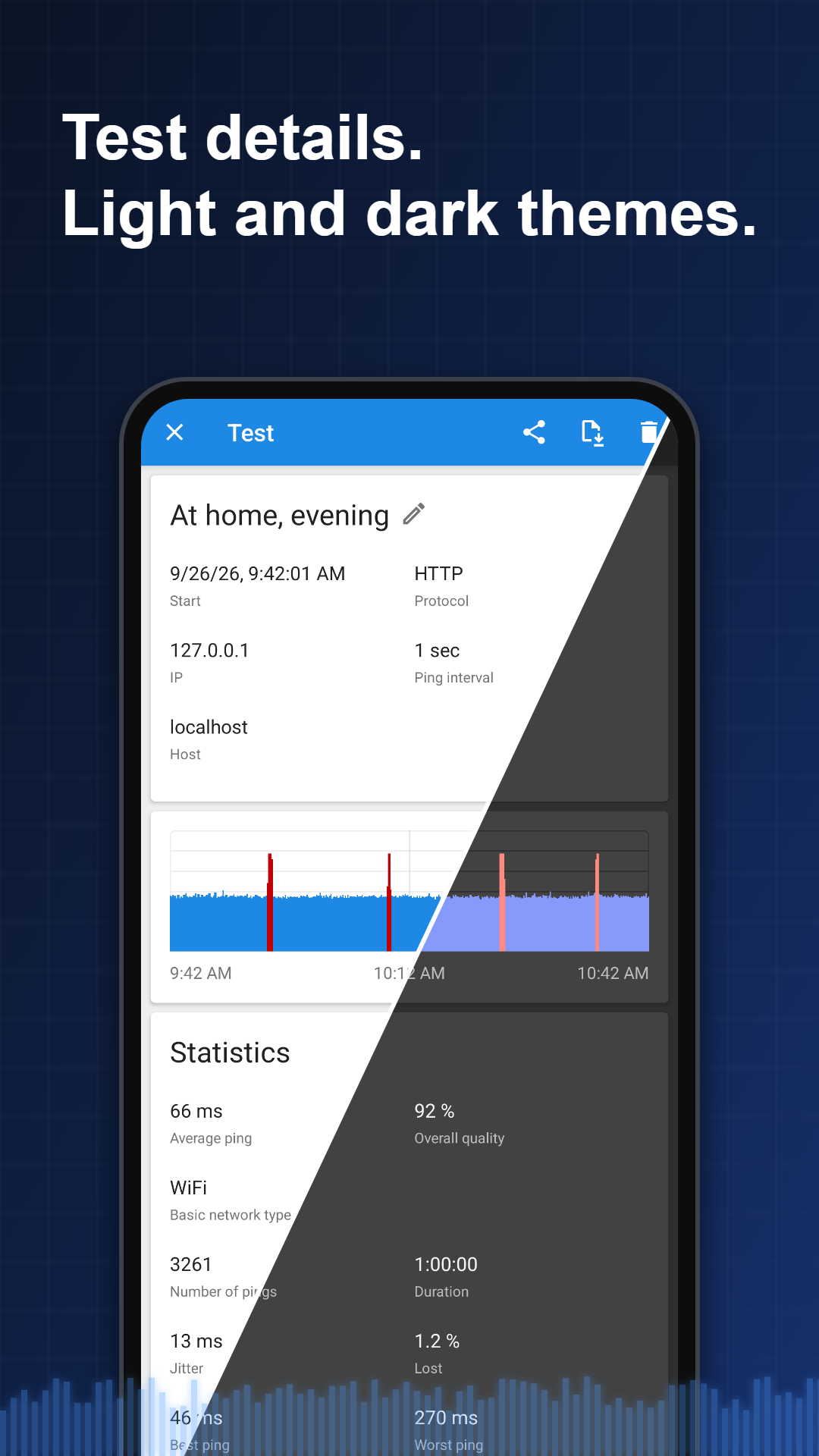
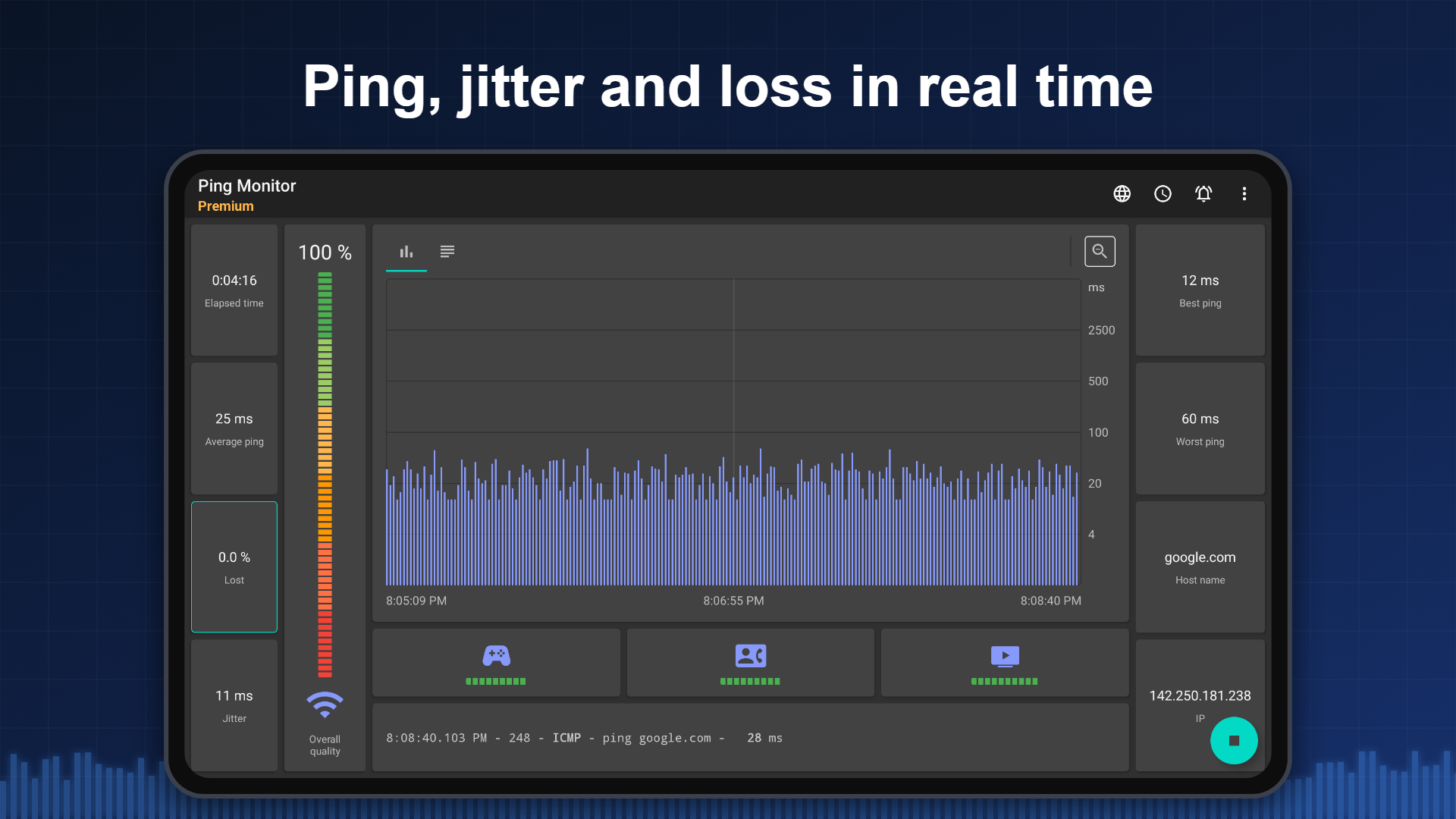
• Real-time statistics: current and average ping, minimum and maximum, jitter, packet loss percentage
• Connection quality rated separately for gaming, VoIP and video streaming
• Latency graph and a detailed log of every single ping
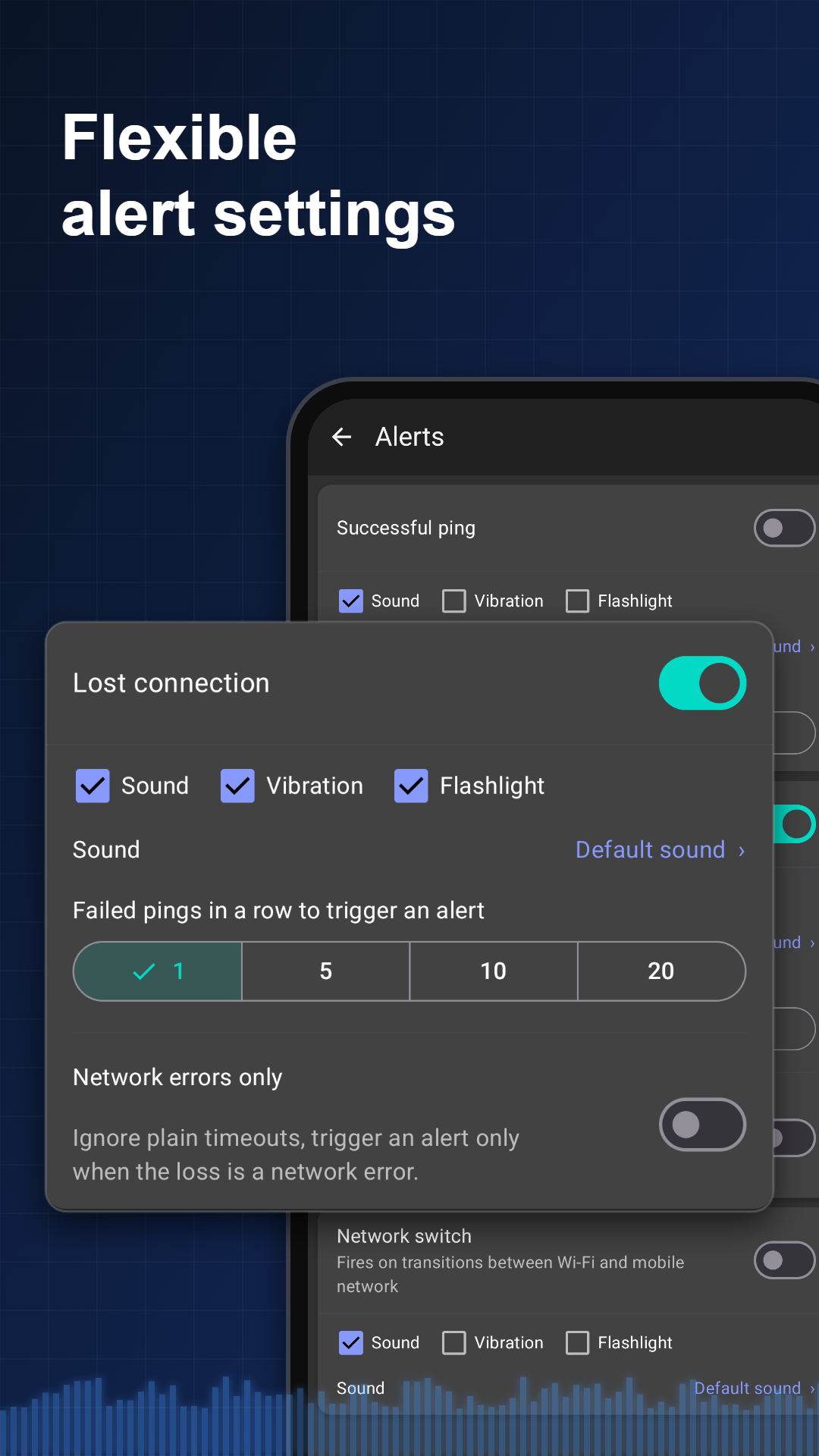
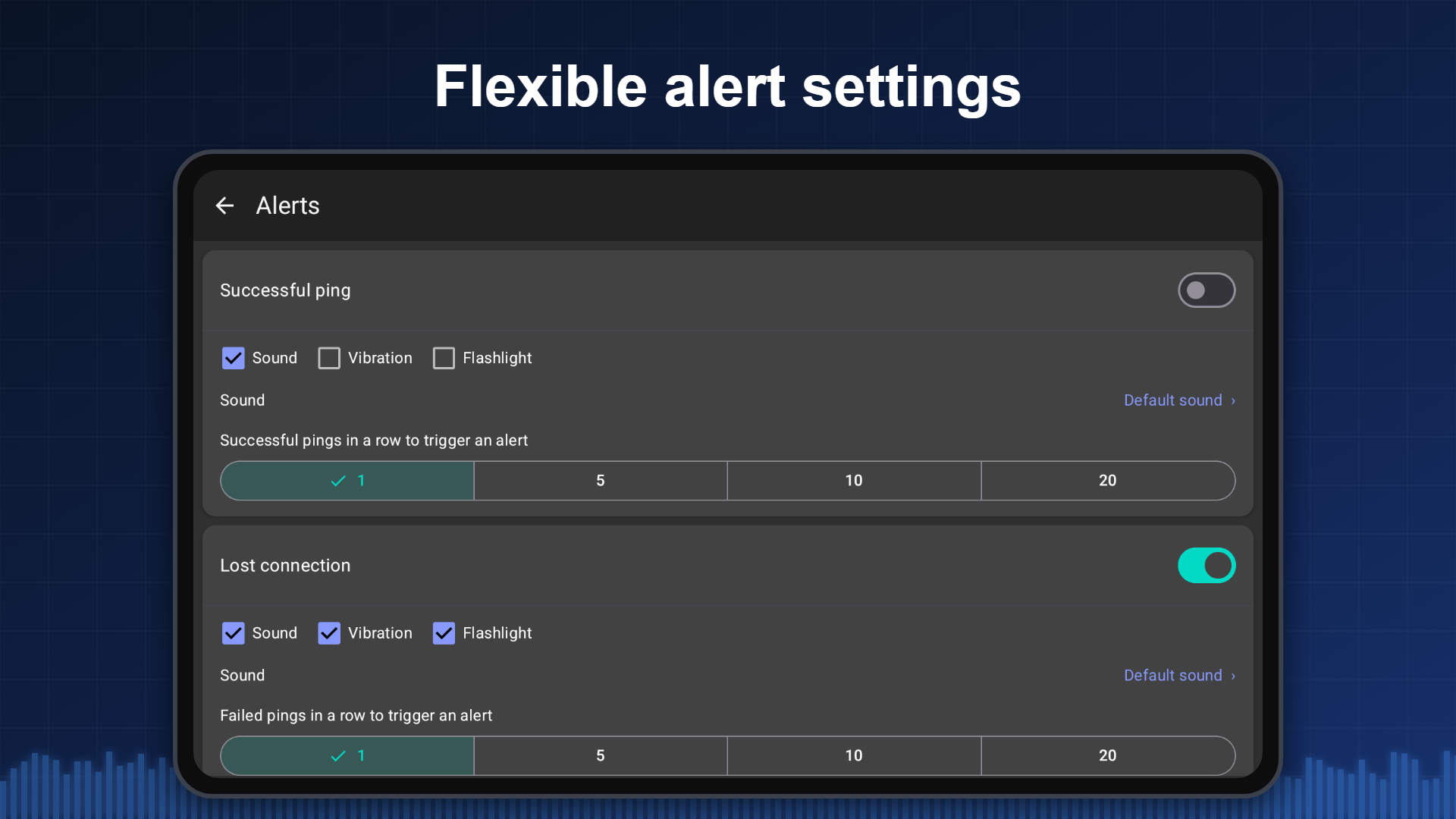
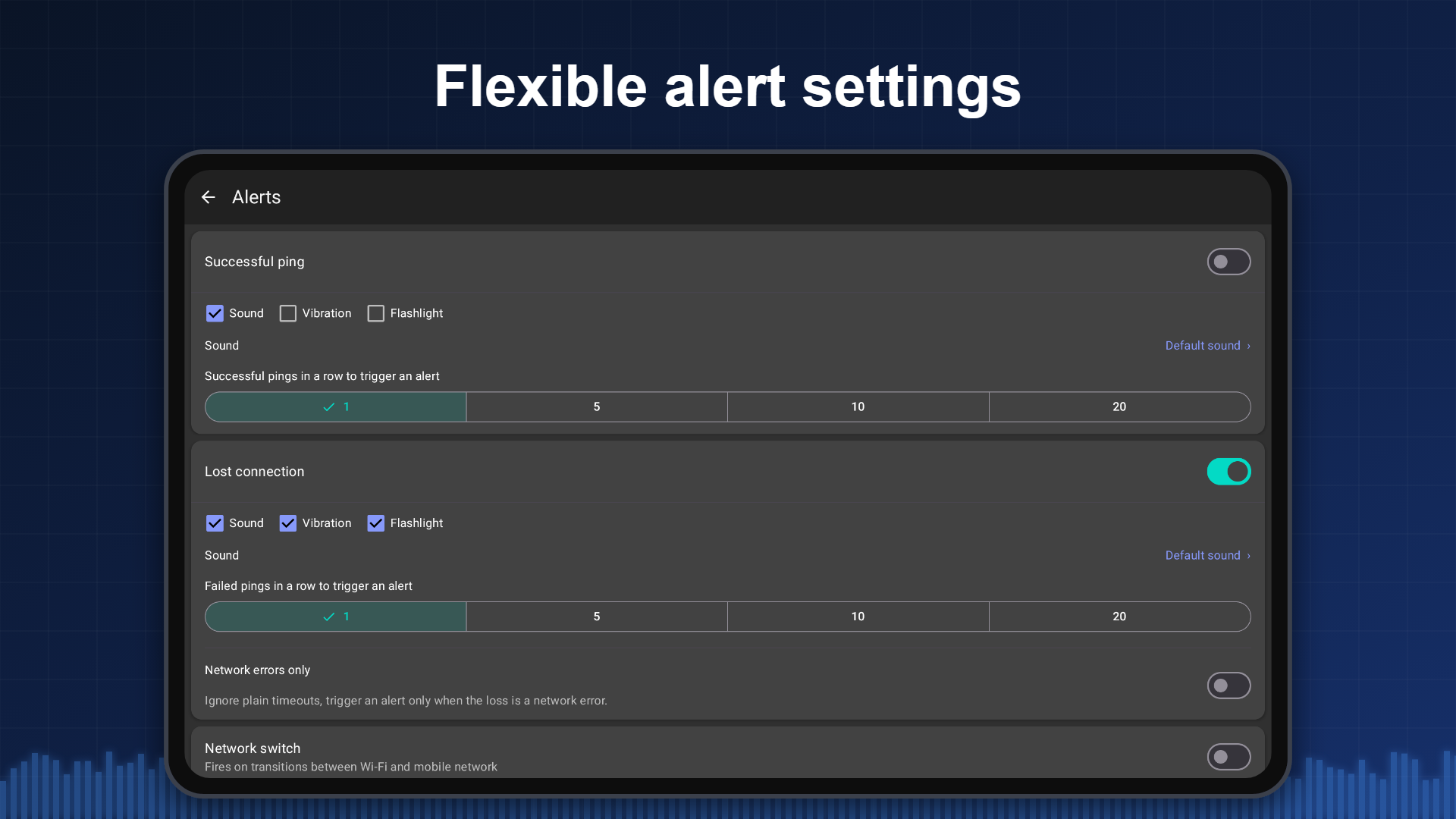
• Configurable notifications: choose which events to track and how to be told — sound, vibration or a flashlight blink
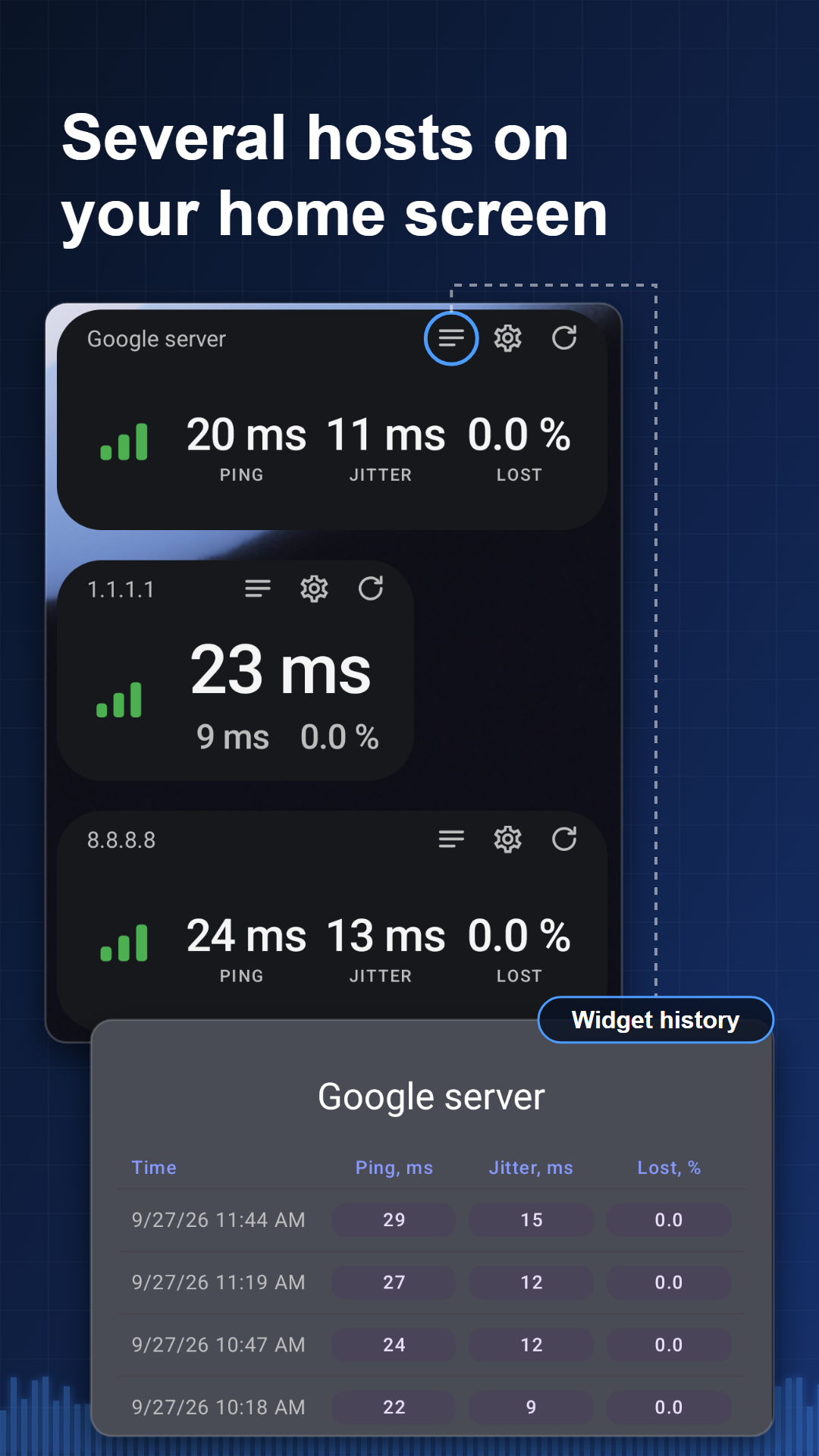
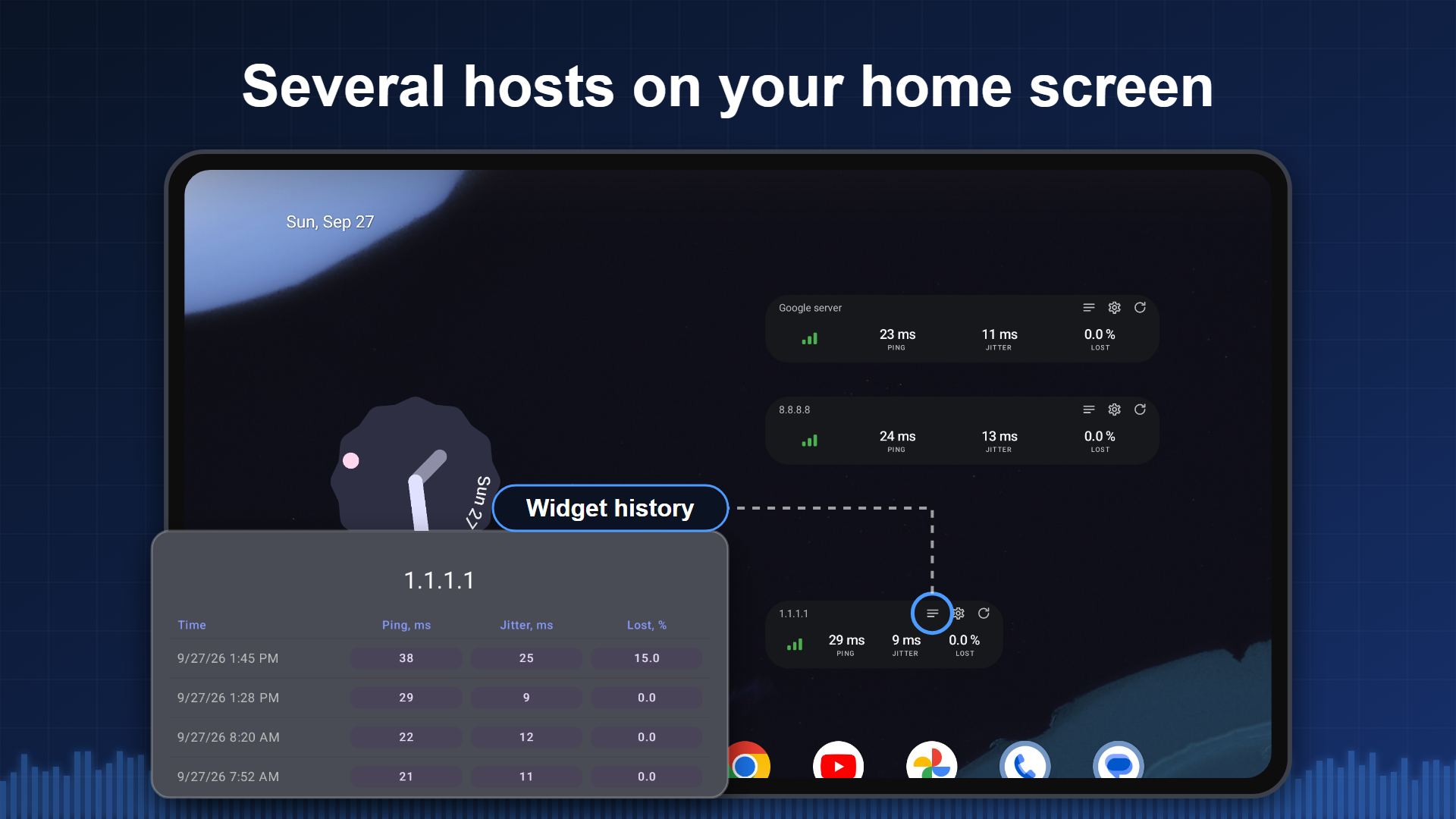
• Home screen widgets: three sizes, light and dark themes
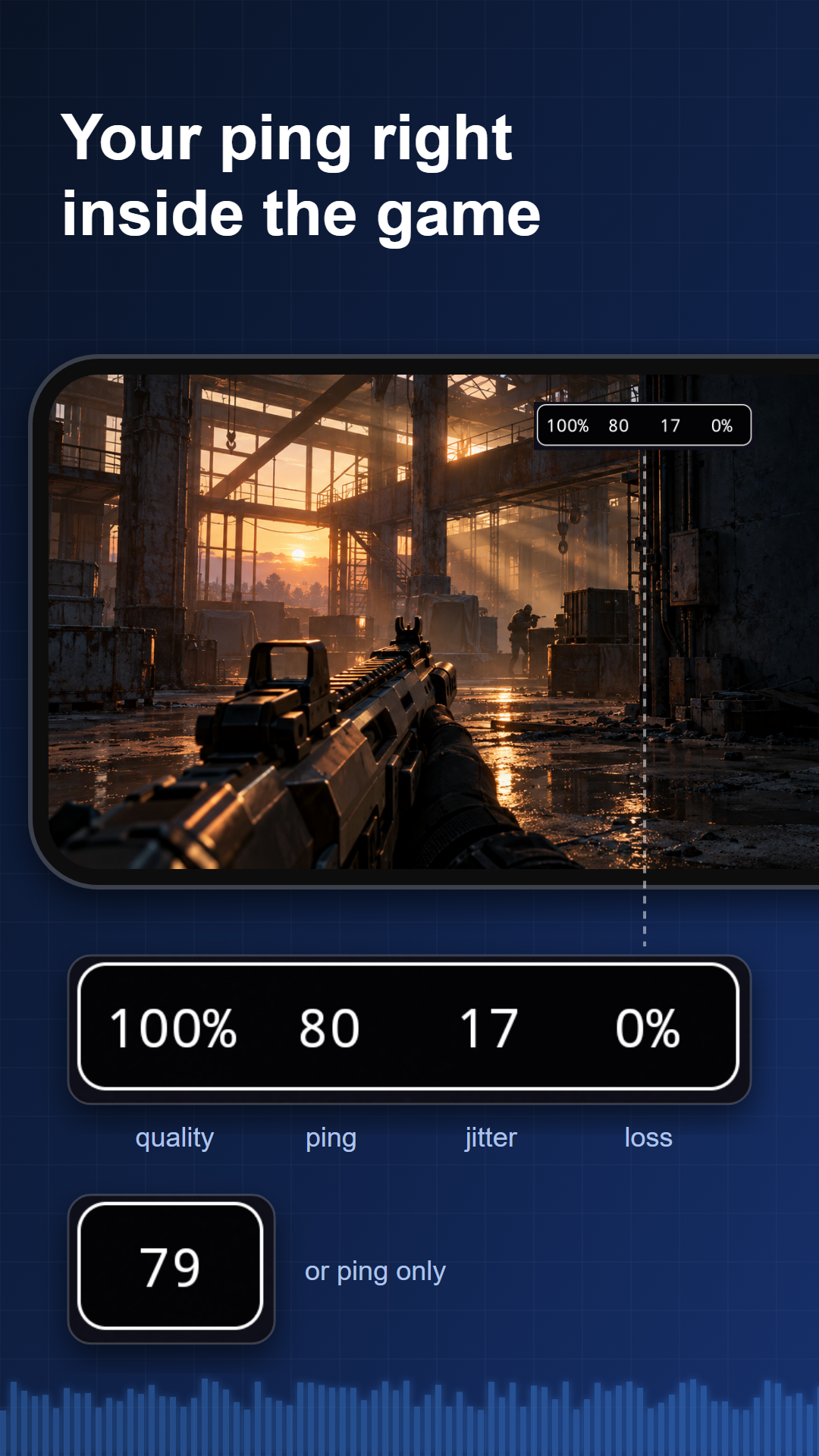
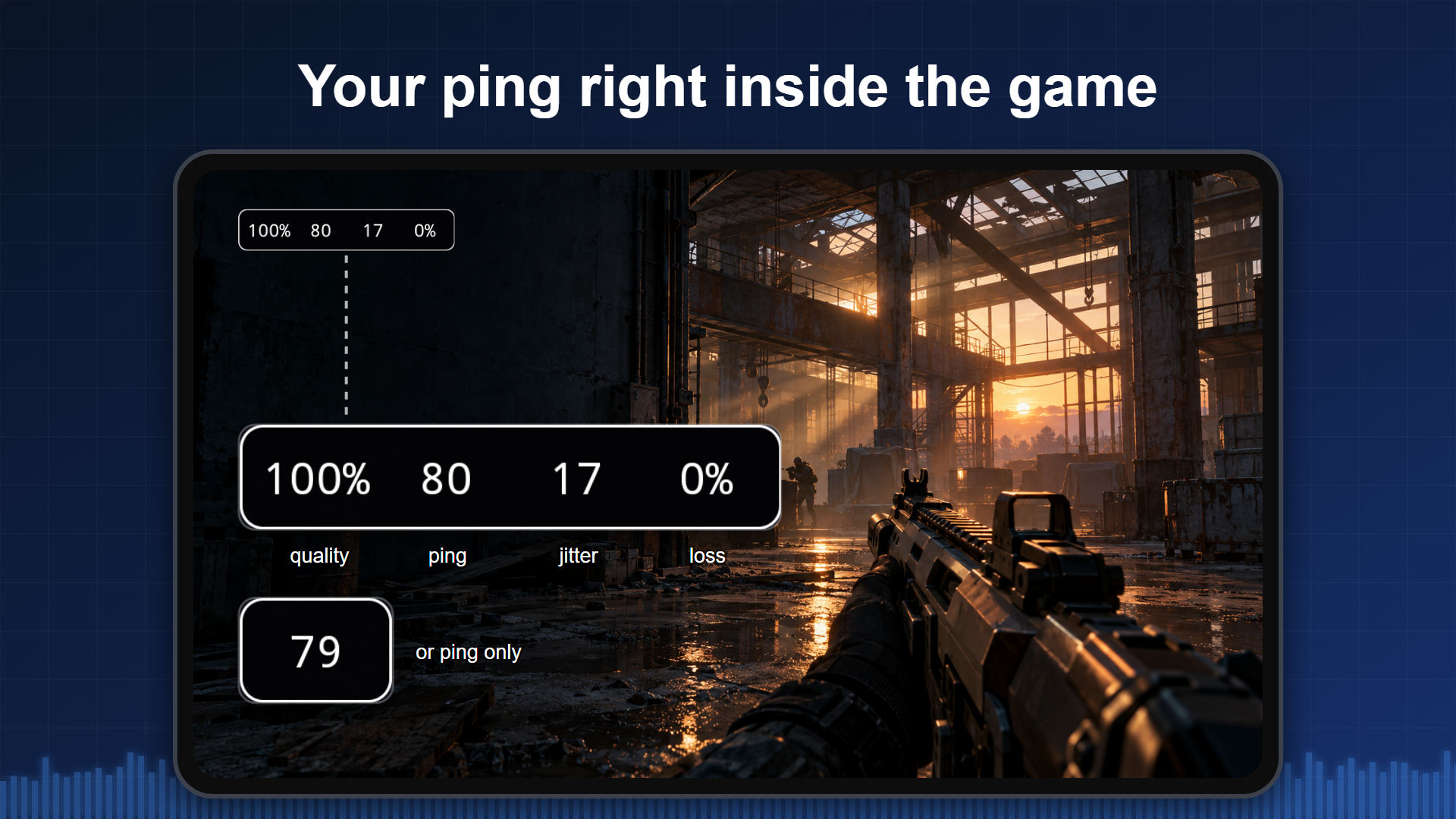
• Floating window over other apps — see your ping right inside the game
• Spoken announcements for network errors and successful pings
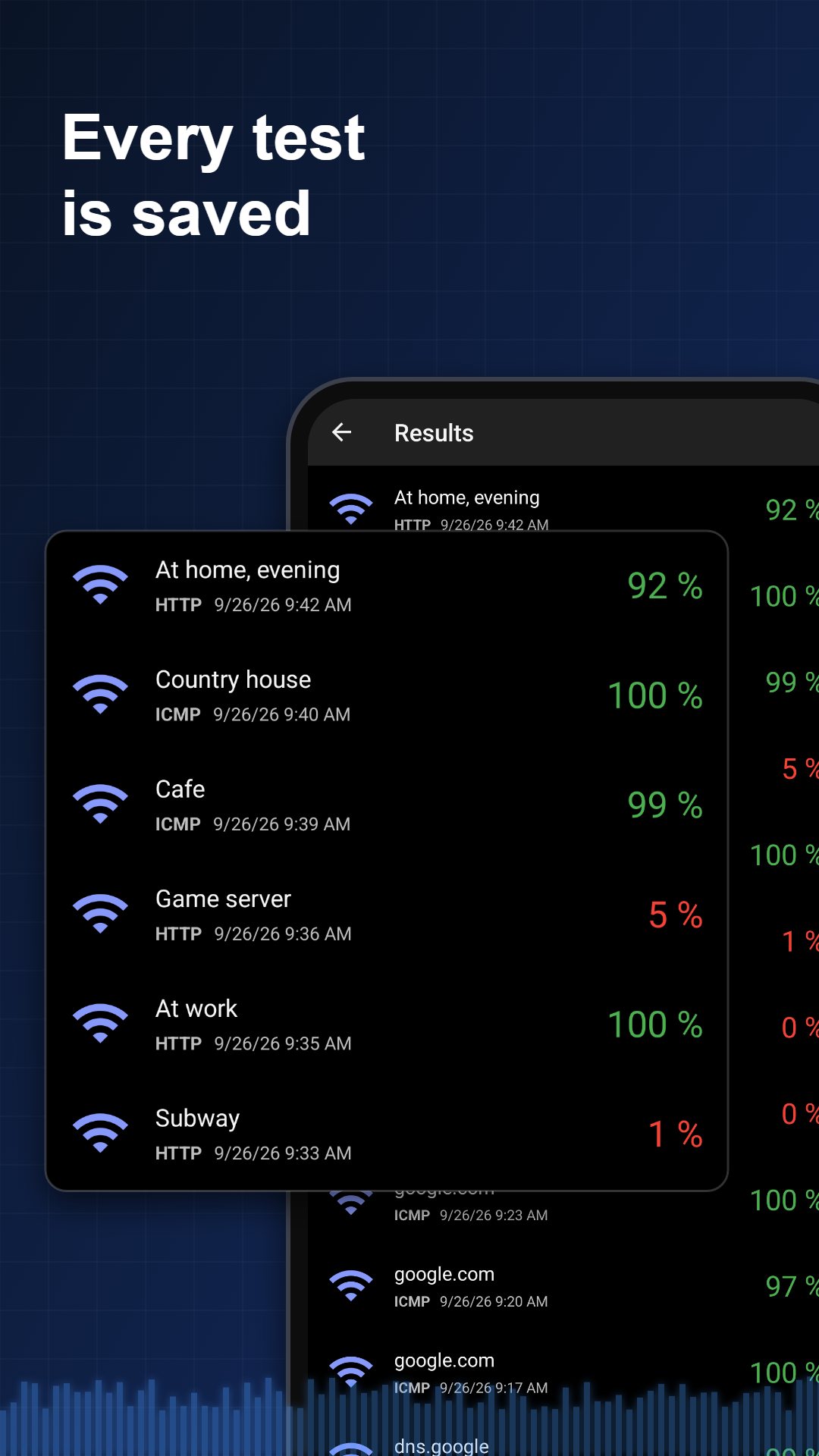
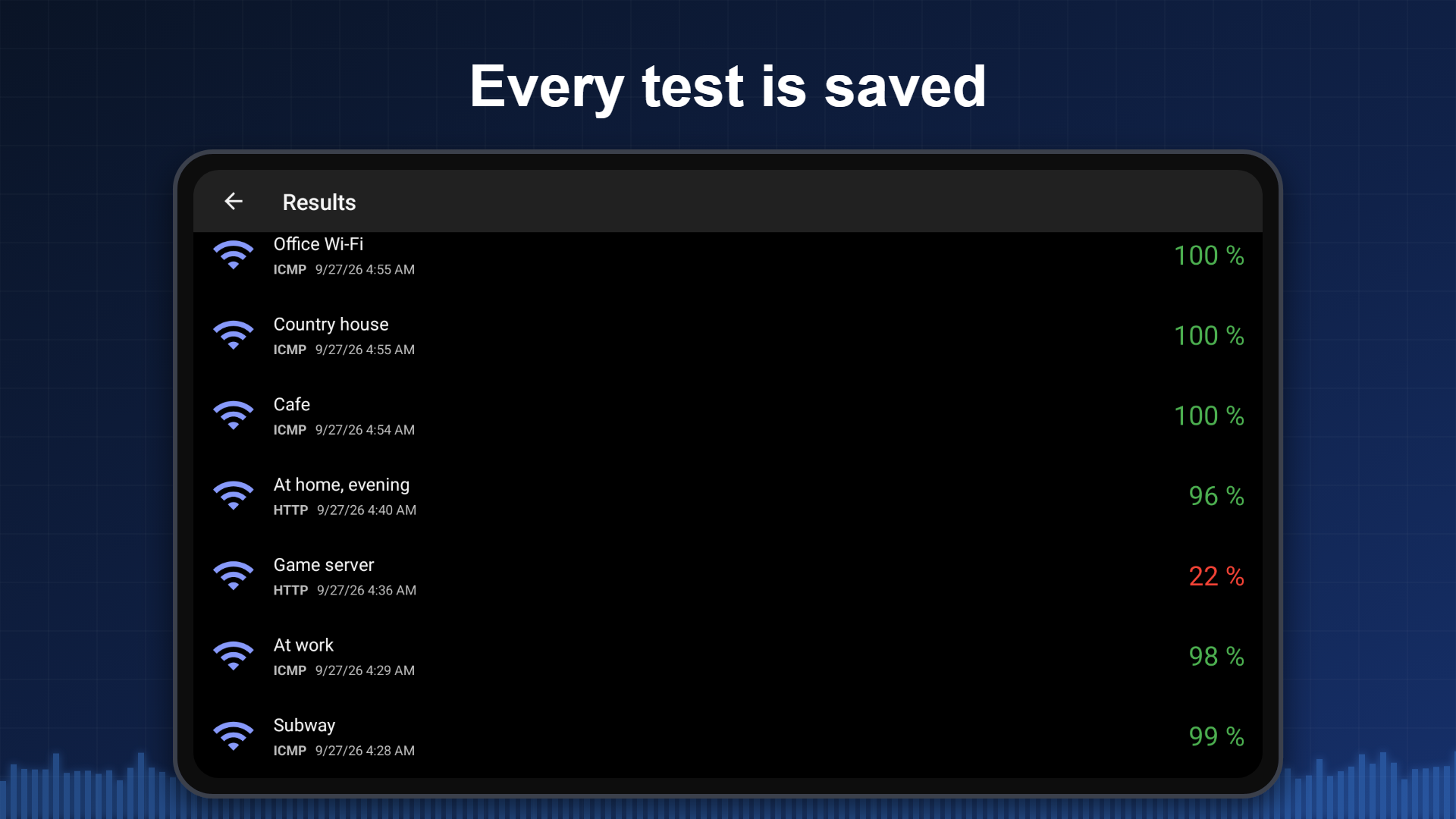
• Test history: every run is saved and available at any time
• Export the log to a file — send it to your ISP or open it in a spreadsheet
• Network type changes (Wi-Fi to mobile and back) are marked directly in the log
• Background operation with a notification: monitoring keeps running while you use other apps
• Light and dark themes
HOW IT DIFFERS FROM A SPEED TEST
A speed test answers "how many megabits". Pingmon answers "is the link stable". A two-second dropout once a minute disrupts a match or a video call, barely affects throughput, and never shows up in a speed test. That is why measurements here run for minutes and hours, and why every result is stored — you can go back to yesterday's outage.
WHAT IS FREE
Ping over ICMP, real-time statistics and graph, the detailed log, connection quality rating, configurable outage notifications, a home screen widget, background operation, spoken announcements, dark theme. No ads, no subscription.
Premium is a one-time purchase that lifts the limits: results history, log export, the floating window, a separate host for each widget, per-widget session history, and ping over TCP and HTTP.
PERMISSIONS
The network type (3G/LTE/5G) is read from phone state — you can deny this permission and the app keeps working, it just will not show or log the network type. Continuous background monitoring runs as a foreground service with a visible notification you can stop at any moment.
Pingmon does not speed up your internet and does not fix dropouts. It answers a different question: whether there is a problem at all, what exactly it is, and how to prove it — with a log of the time and duration of every outage that you can show to your ISP or support team. The app does not replace a speed test — a one-off measurement of throughput — it complements it.
Questions and suggestions: [email protected]

Ping Monitor 6.1.5.1 Update

• Results of tests started automatically on launch are no longer lost
• A widget pings the new host right after its host is changed
• The Save button in widget settings is now visible in dark theme
• 6.1 stability release
Read More
Ping Monitor Features
Related Videos
Previous Versions More
Pingmon: Ping Test & Monitor
Pingmon: Ping Test & Monitor 6.1.5.1 XAPK APKs
October 5, 2026 8.06 MB
Variant
Arch
Version
DPI
arm64-v8a
nodpi
armeabi-v7a
Android 10.0+
nodpi
Pingmon: Ping Test & Monitor
Pingmon: Ping Test & Monitor 6.1.4.1 XAPK APKs
September 26, 2026 8.04 MB

Architecture: arm64-v8a

Screen DPI: nodpi

SHA1: 624ca1515dd524a0c53923a8a5a62bc1ce8b33a4

Size: 8.04 MB

What's New:

• Background test no longer stops on its own when the system puts the app to sleep
• The app now explains why a test was interrupted and how to avoid it
• 6.1 stability release: bug fixes
Pingmon: Ping Test & Monitor
Pingmon: Ping Test & Monitor 6.1.3.2 XAPK APKs
September 24, 2026 8.68 MB
Variant
Arch
Version
DPI
armeabi-v7a
Android 10.0+
nodpi
armeabi-v7a
Android 10.0+
nodpi
Pingmon: Ping Test & Monitor
Pingmon: Ping Test & Monitor 6.0.5 XAPK APKs
October 10, 2025 6.9 MB
Variant
Arch
Version
DPI
arm64-v8a
Android 8.0+
nodpi
arm64-v8a
Android 8.0+
nodpi
More Information

Package Name:

com.mishuto.pingtest

Category:

Tools Apps

Update Date:

Latest Version:

6.1.5.1

Need Update:

Submit latest version

Available on:

Google Play

Requirements:

Android 10.0+