PhotoCloud Slideshow (Package Name: sk.baka.photoframe) is developed by Martin Vysny3 and the latest version of PhotoCloud Frame Slideshow 1.16.0 was updated on October 26, 2026. PhotoCloud Frame Slideshow is in the category of Photography. You can check all apps from the developer of PhotoCloud Frame Slideshow and find 200 alternative apps to PhotoCloud Frame Slideshow on Android. Currently this app is for free. This app can be downloaded on Android 5.0+ on APKFab or Google Play. All APK/XAPK files on APKFab.com are original and 100% safe with fast download.
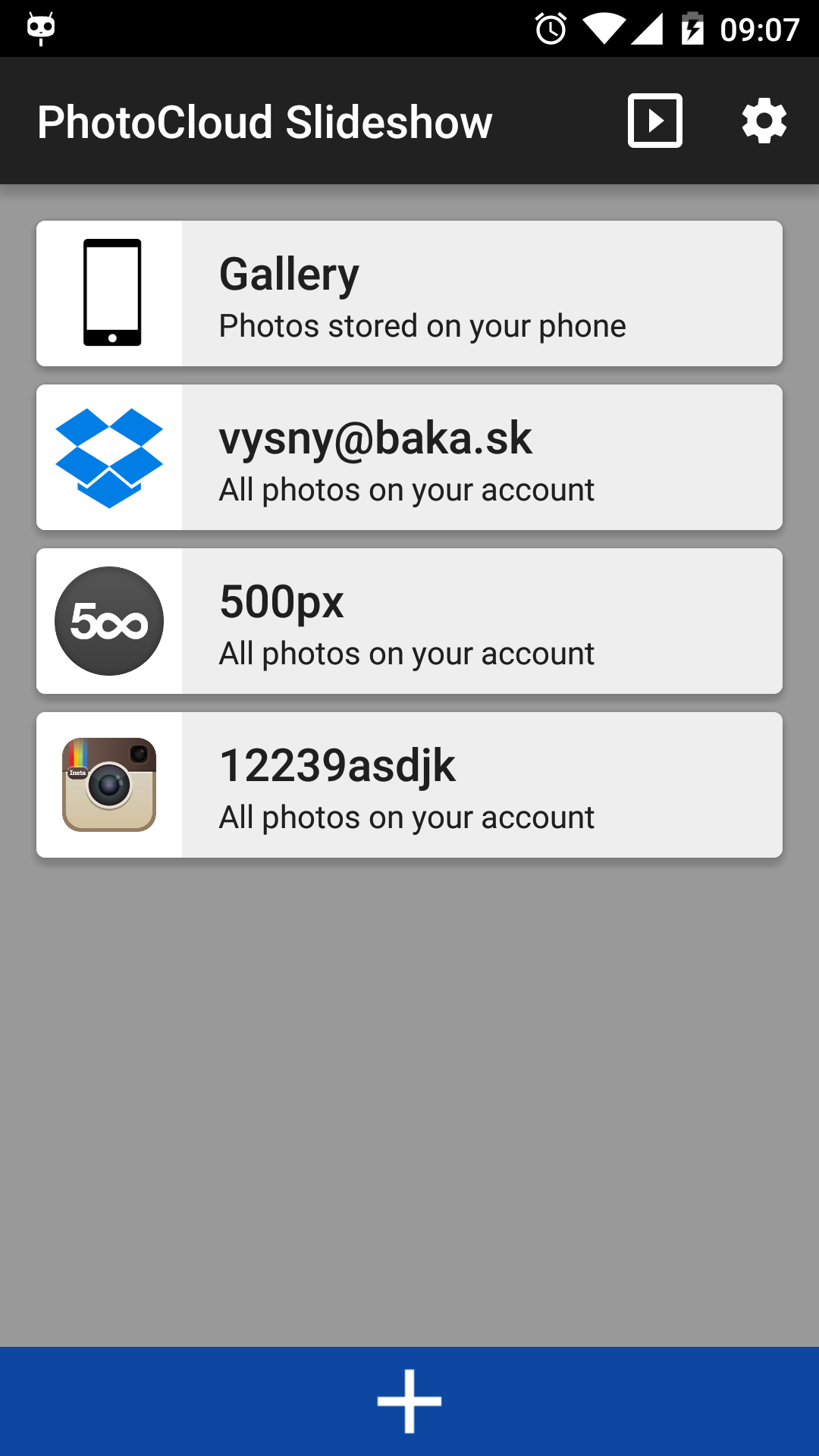
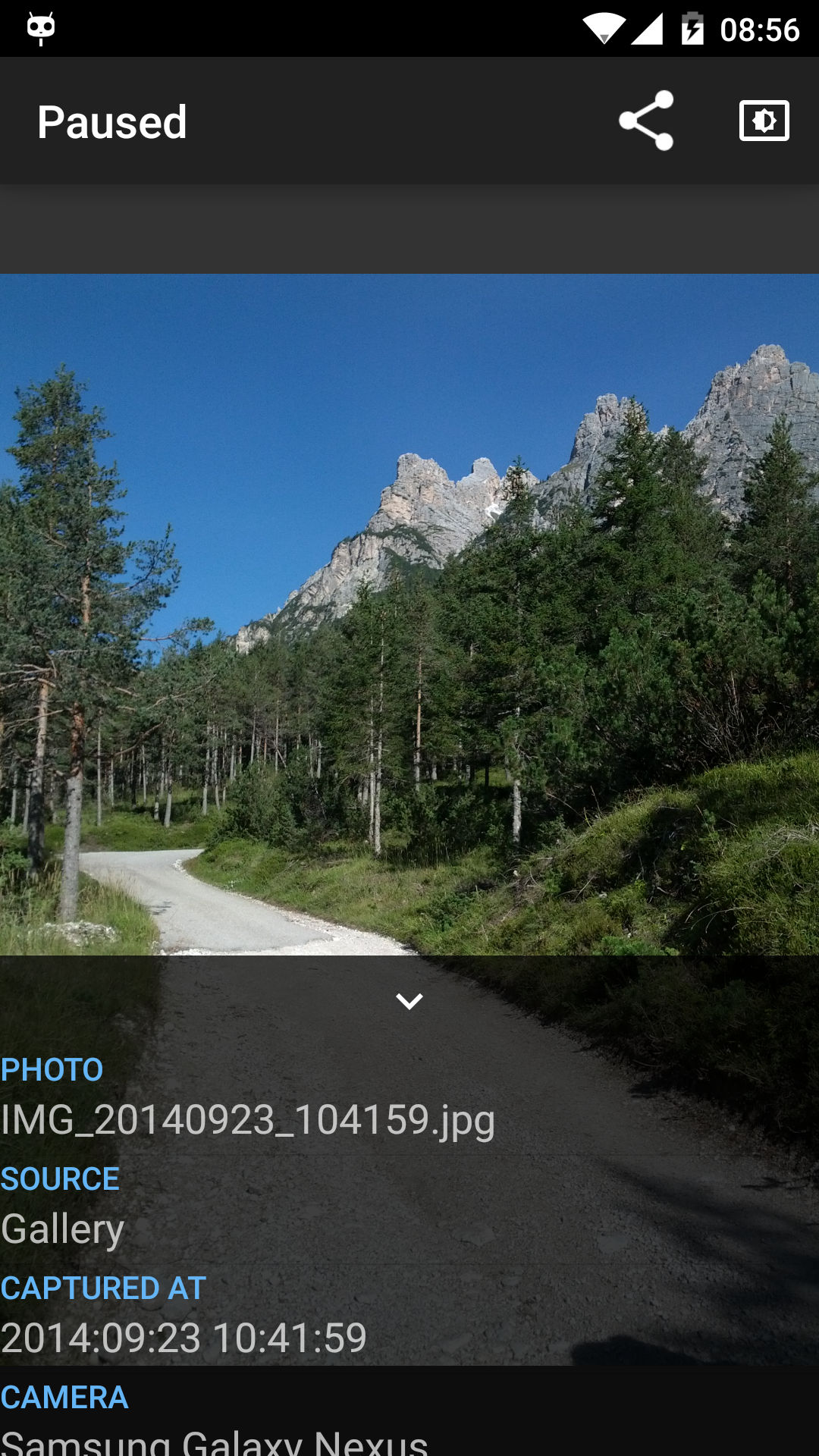
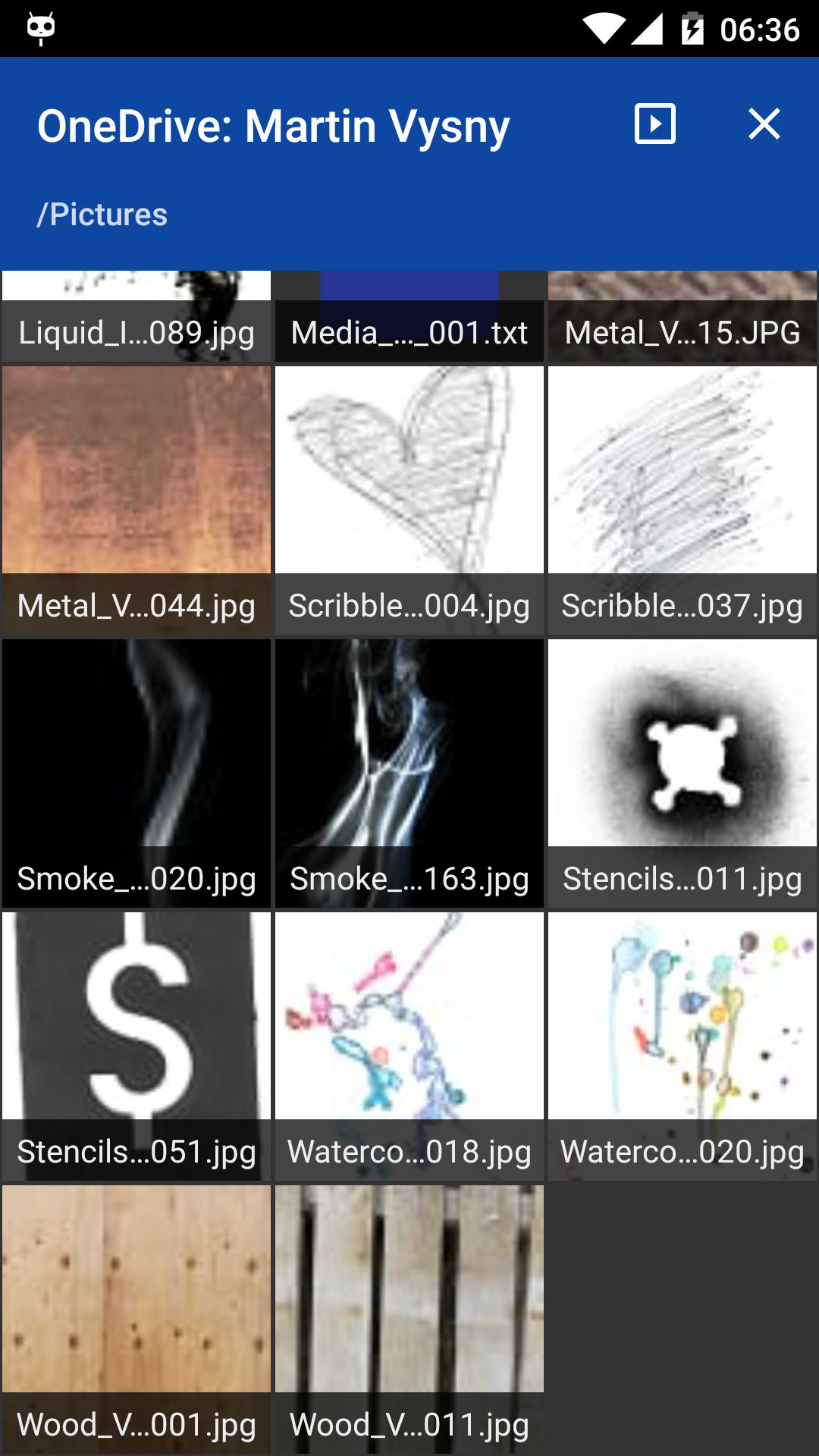
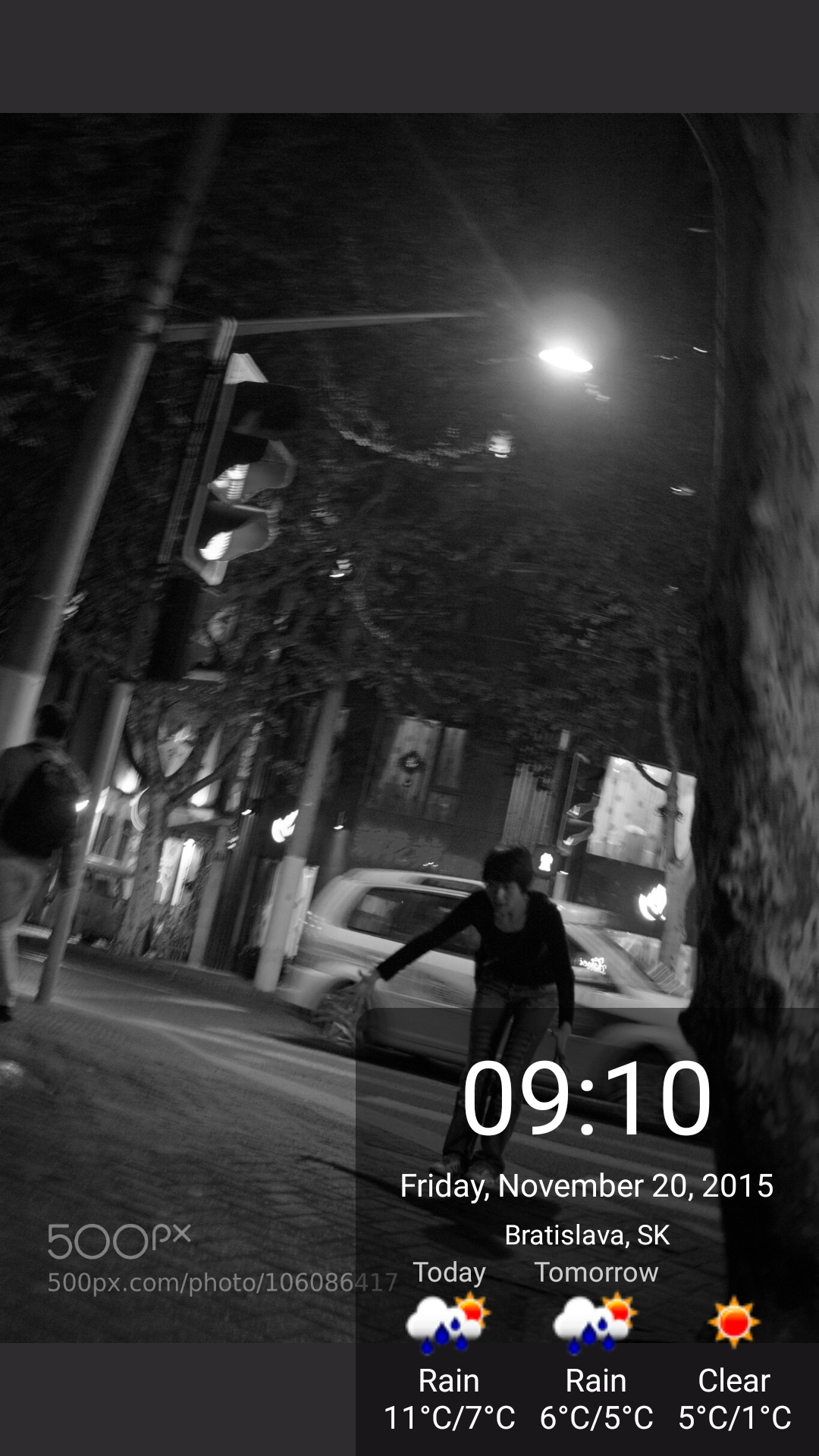
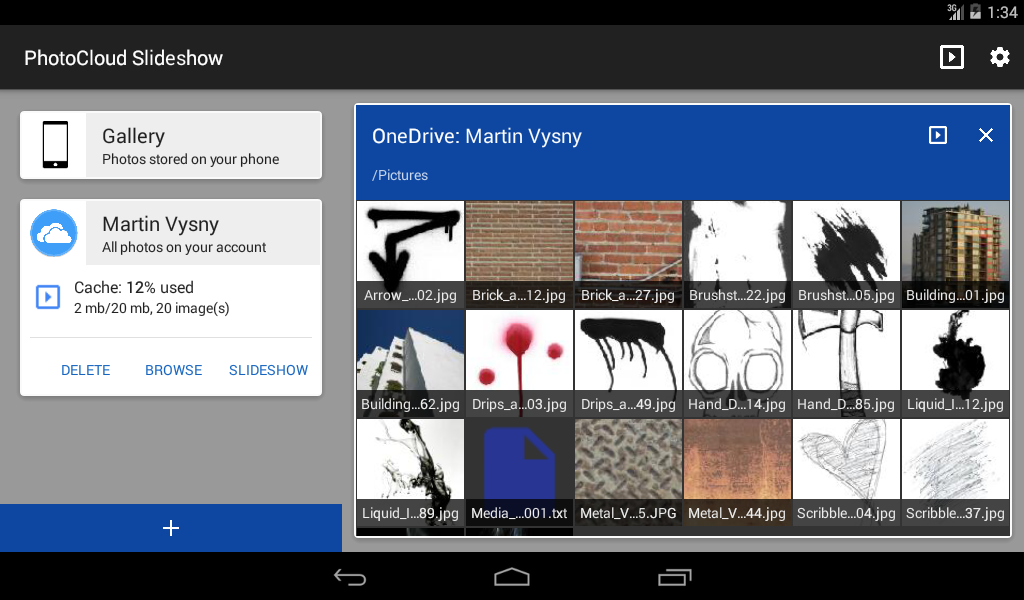
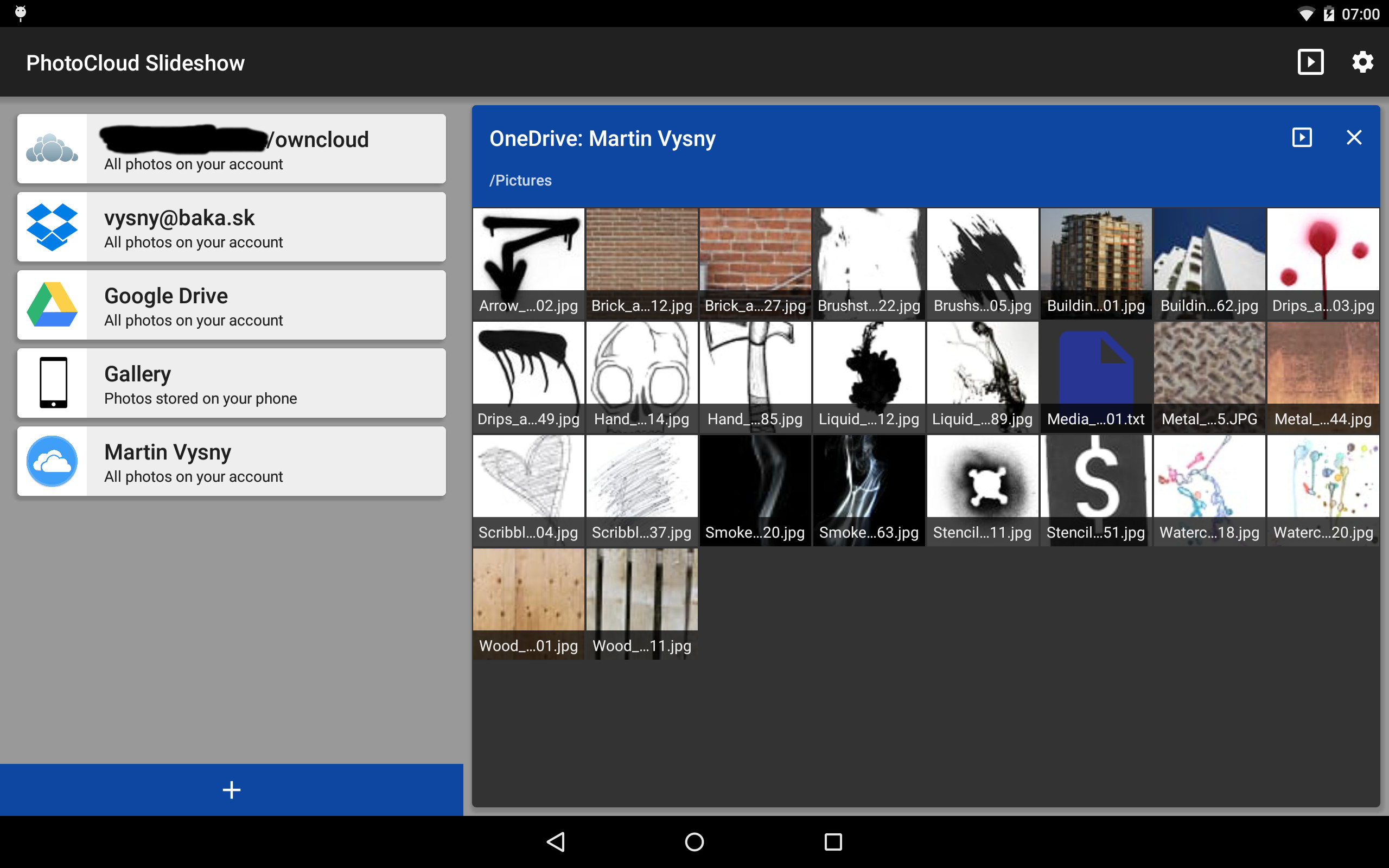
Turn an old Android tablet or phone into a digital photo frame. Sit back and watch your photos with your family: PhotoCloud show a slideshow of photos from your own devices, your home network and your cloud storage. No fluff, no bloat: an old-school app that is simple to use and just works. Shows photos from any combination of these sources: - Local Gallery (photos on the device) - ownCloud / Nextcloud server, even with a self-signed https certificate - Windows shares (Samba / SMB) - SSH / SFTP servers - DLNA / UPnP media servers - Dropbox - Microsoft OneDrive - Box - Flickr - Mega - iCloud shared albums (Public Share) Respects your privacy: PhotoCloud only reads your photos; it never changes, uploads or deletes them. It is one of the few photo frame apps that work with your own Nextcloud/ownCloud server, your own SFTP server or the photos on your Windows PC, so your photos never have to leave your home. Slideshow: - Plays all photos of a source, or only chosen folders and their subfolders - Random or ordered playback, configurable delay, transitions and Ken Burns effect - Photos are cached on the device; when offline, the slideshow goes on from the cache - Clock, date, battery status and weather forecast on screen - Shows EXIF data, the file name and where the photo was taken - Moments: show only photos from a date range, or older photos less often - Background music from the device - Day and night brightness and dimming - Starts automatically on boot or when the charger is connected - Browse the photos of a source by hand - Cast the slideshow to your TV with Chromecast - Works as the Android screen saver (Daydream) Supported image types: - jpg, jpeg, png, gif, bmp, webp - HEIF / HEIC (enable in Settings / Filters/Moments) - RAW: crw, cr2, nef, raf, dng, mos, kdc, dcr (off by default since RAWs are large; enable in Settings / Filters/Moments) Pricing: the app is free; the free version shows a "please purchase" image once in a while during the slideshow. A one-time in-app purchase removes it. Another one-time purchase unlocks the screen saver (Daydream). No ads, no subscription. Please note: this is just a digital frame and photo browser. It doesn't edit photos, create videos or replace your gallery app. It does one thing - shows a slideshow of your photos - and does it simply and right. A slideshow from network or cloud sources downloads a lot of data, so PhotoCloud waits for Wi-Fi or another unmetered connection by default (Settings / Metered Connection Protection). Google Photos and Google Drive are no longer supported: in 2025 Google stopped letting apps like PhotoCloud read them. You can still show them by syncing them to the device with a sync app such as FolderSync, then adding the synced folder to PhotoCloud. Ideas, bugs and questions are welcome at https://github.com/mvysny/photocloud-frame-slideshow/issues More information and the FAQ: https://www.android-photo-frame.eu/
PhotoCloud Slideshow 1.16.0 Update
• Runs on Android 15 and 16 • OneDrive, Box and Mega link again; Dropbox stays linked • Samba: a new client with SMB2/SMB3 and encryption • SFTP works with current servers (Ed25519 keys) • iCloud shared albums show real thumbnails; empty Flickr galleries fixed • HTTPS to Let's Encrypt servers fixed on Android 5–7 • One broken photo no longer stops the slideshow • Google Photos and Google Drive removed: Google no longer lets apps read your photos there
APKFab.com and the download link of this app are 100% safe. All download links of apps listed on APKFab.com are from Google Play Store or submitted by users. For the app from Google Play Store, APKFab.com won't modify it in any way. For the app submitted by users, APKFab.com will verify its APK signature safety before release it on our website.