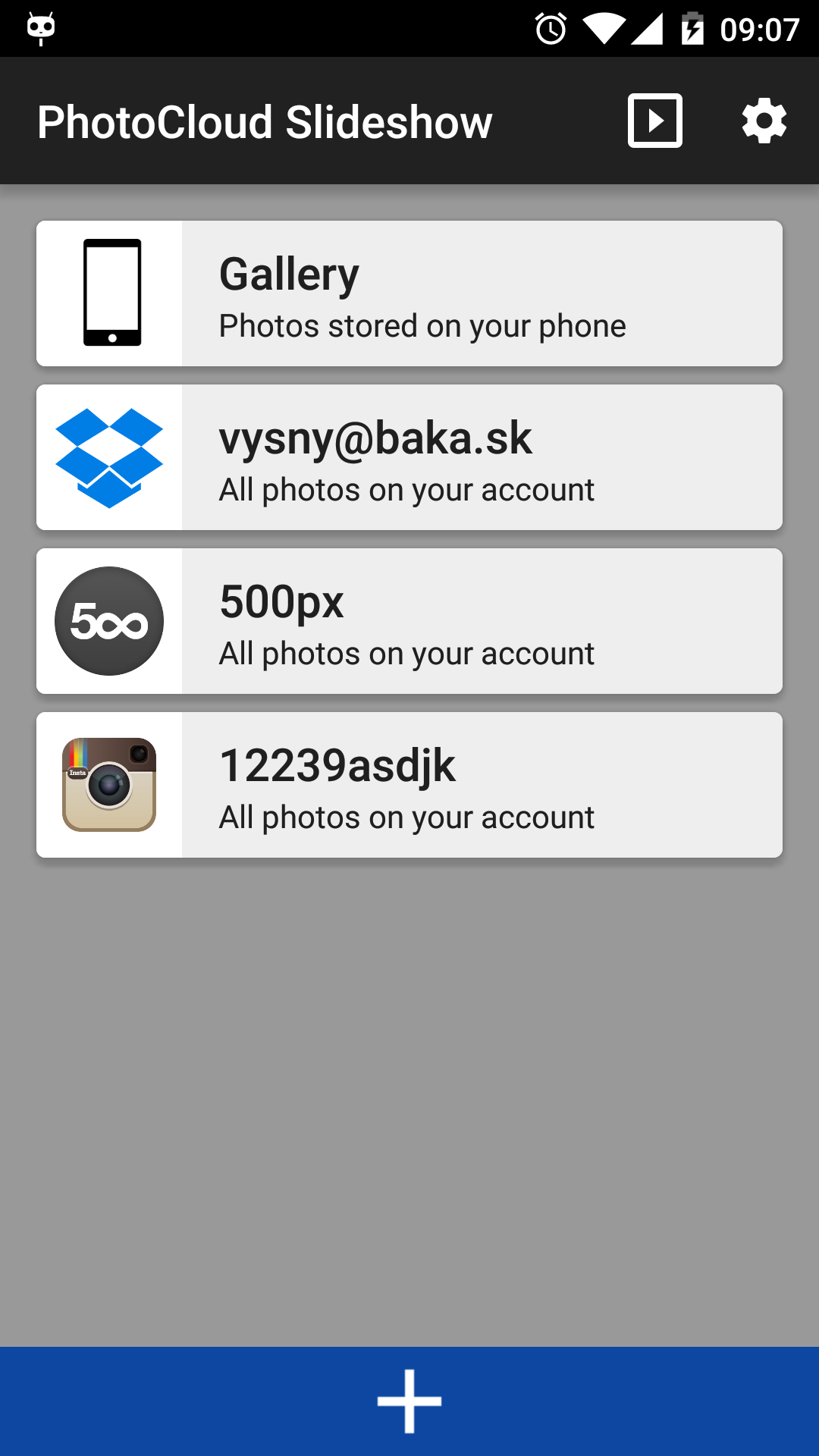
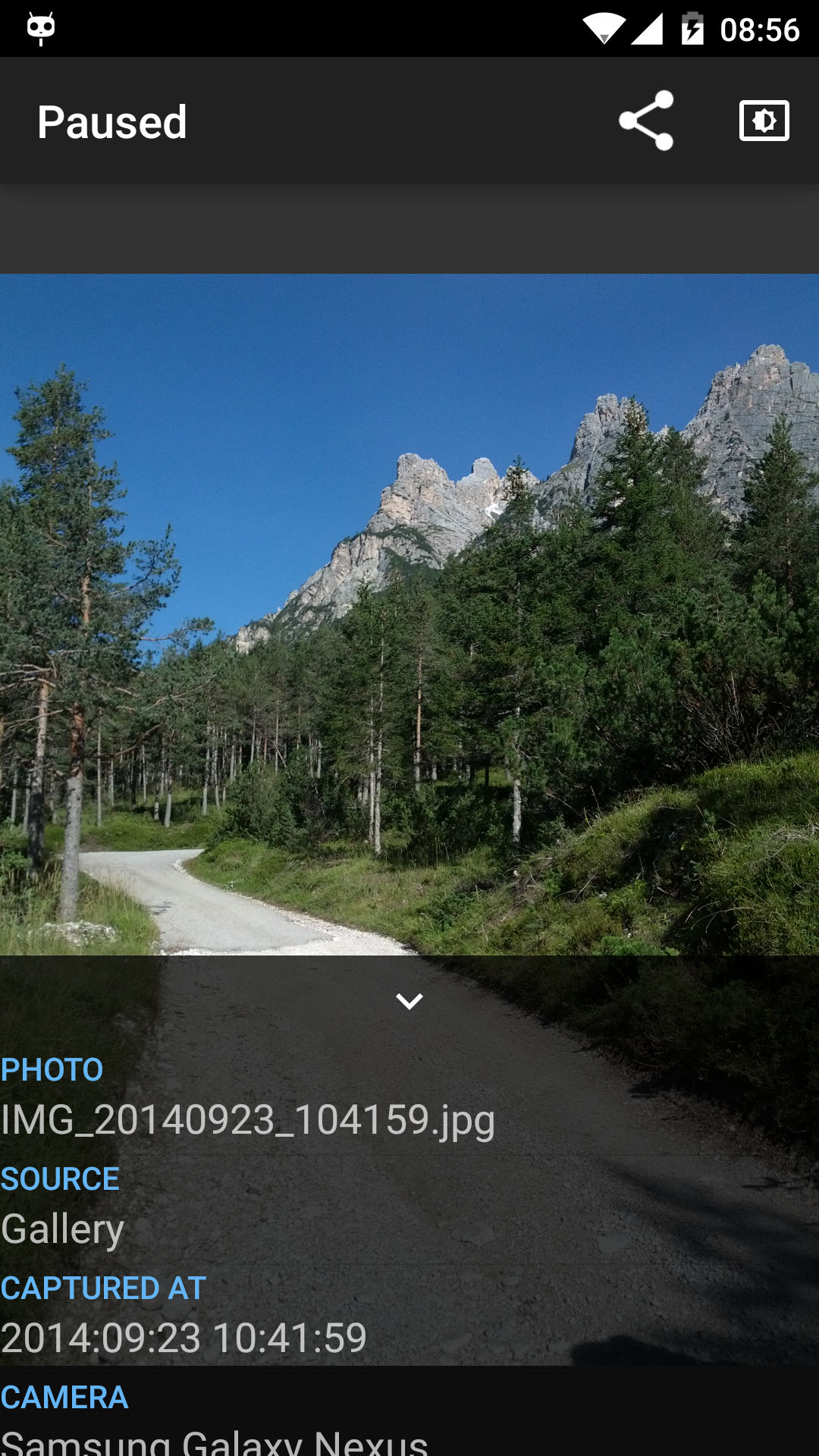
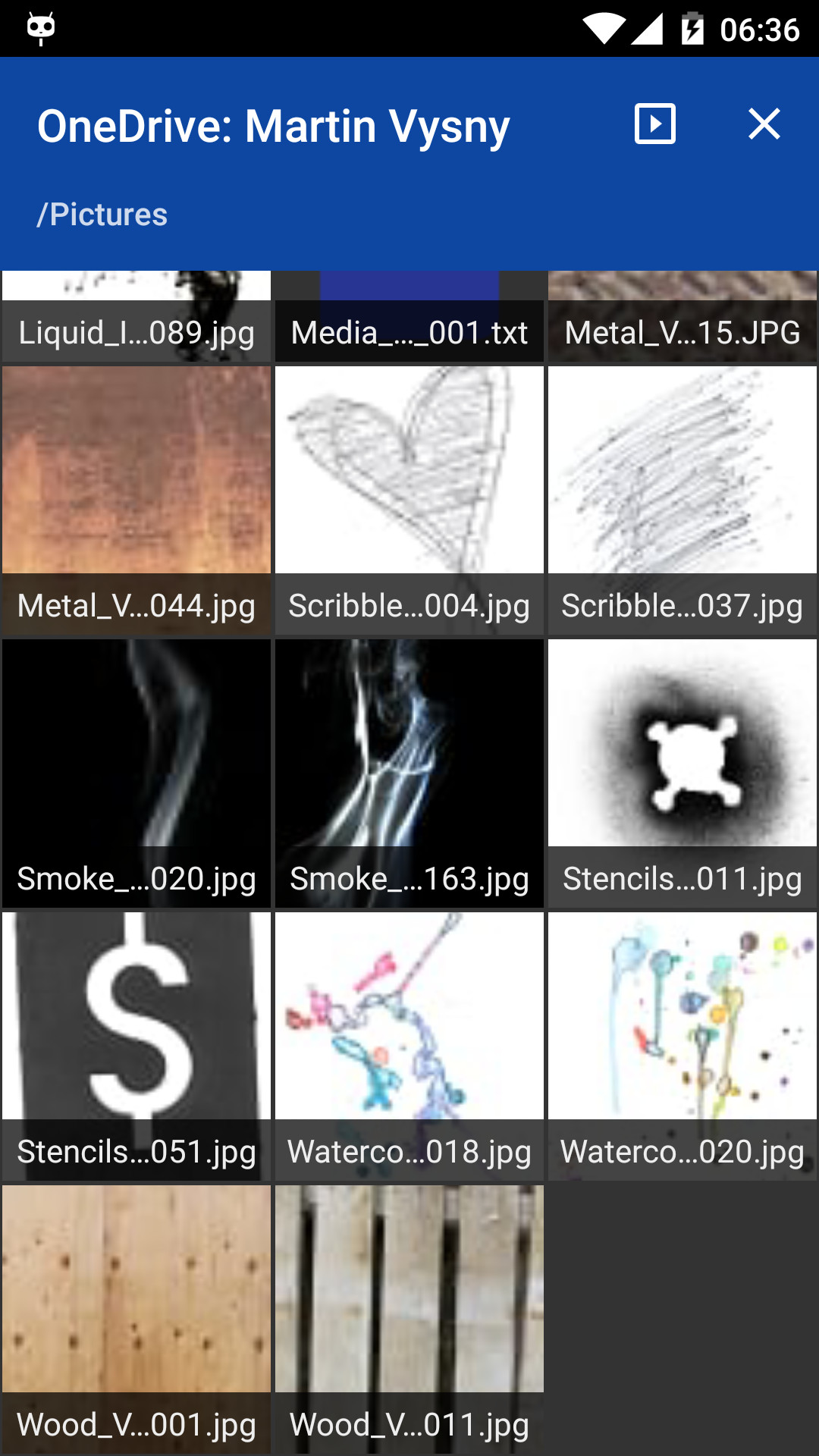
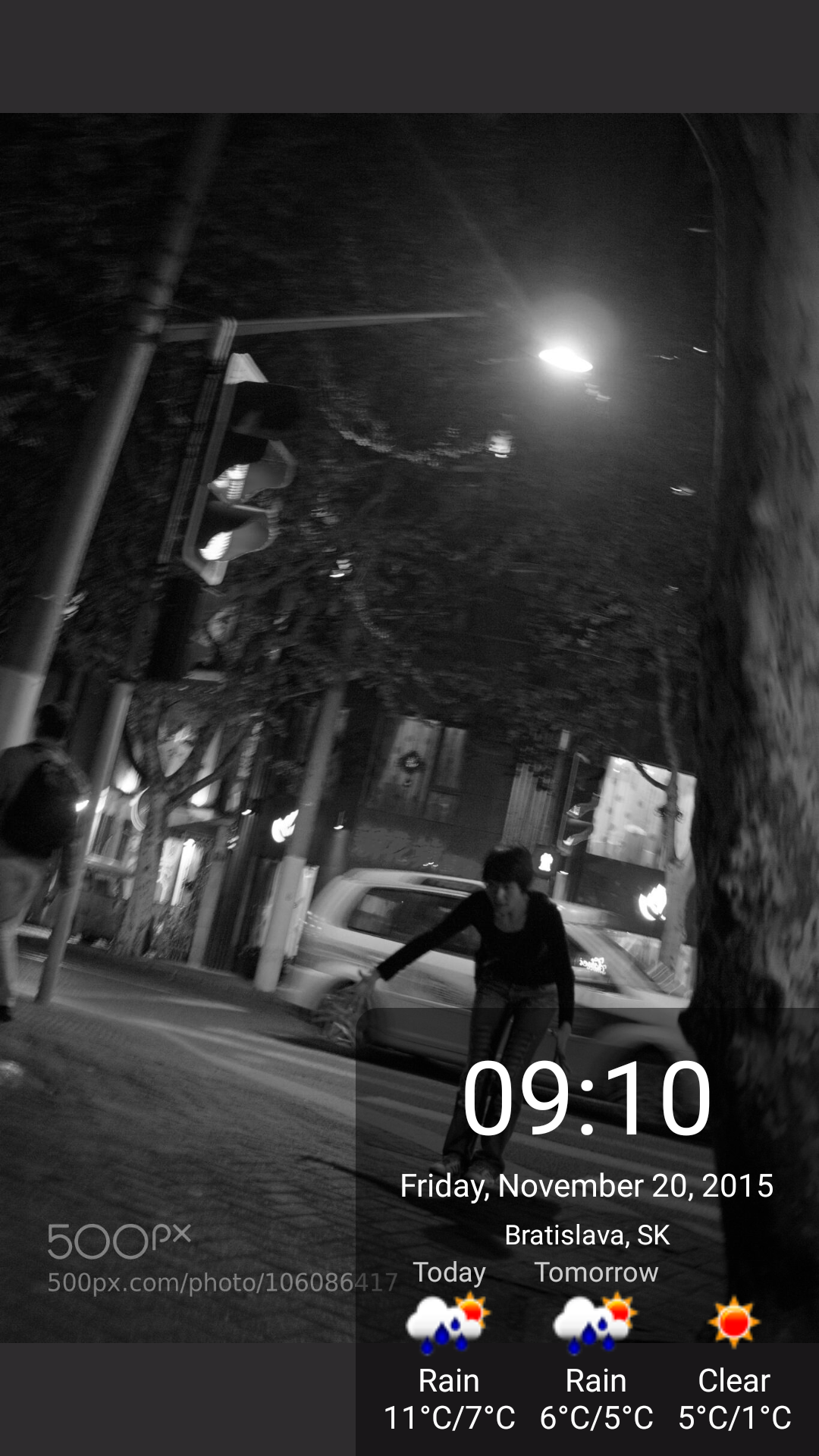
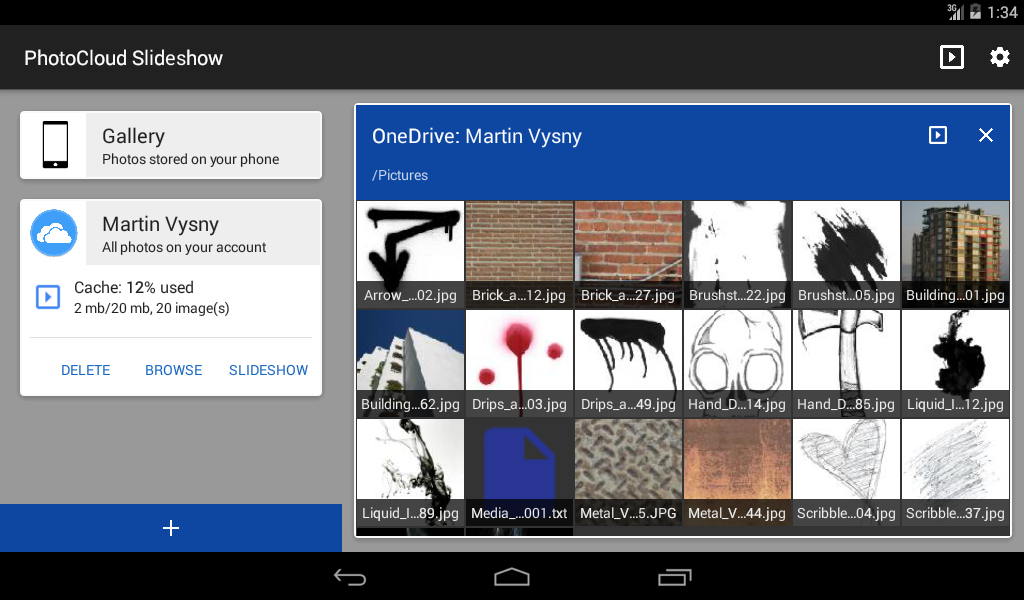
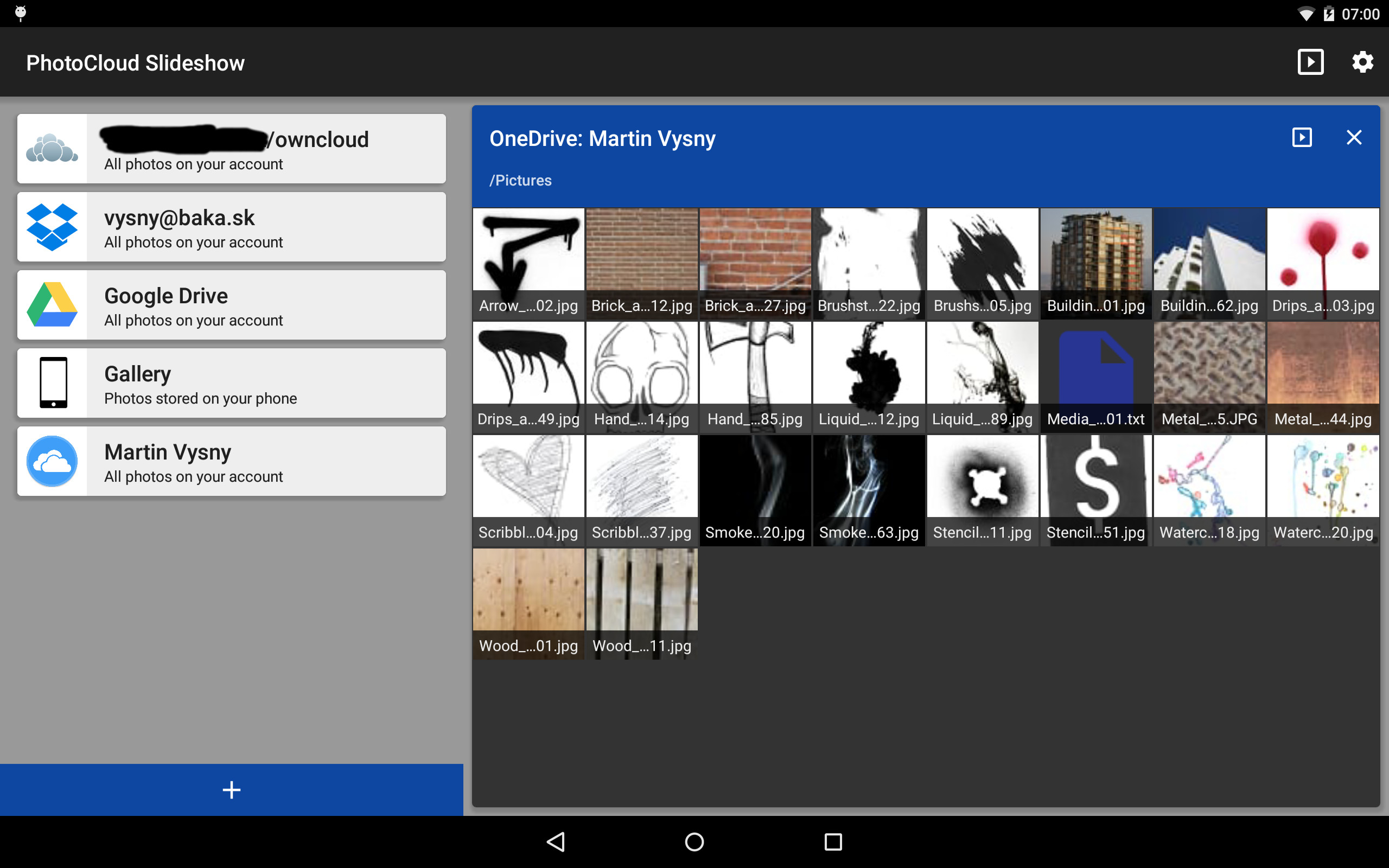
Trasforma un vecchio tablet o telefono Android in una cornice digitale. Rilassati e guarda le tue foto con la famiglia: PhotoCloud mostra una presentazione di foto dai tuoi dispositivi, dalla tua rete domestica e dal tuo spazio di archiviazione cloud. Niente fronzoli, niente app superflue: un'app semplice e intuitiva, che funziona alla perfezione. Mostra foto da qualsiasi combinazione di queste fonti: - Galleria locale (foto sul dispositivo) - Nextcloud/ownCloud e altri server WebDAV (come un NAS Synology o QNAP), anche con un certificato HTTPS autofirmato - Condivisioni Windows (Samba/SMB) - Server SSH/SFTP - Server multimediali DLNA/UPnP - Dropbox - Microsoft OneDrive - Box - Flickr - Mega - Album condivisi iCloud (Condivisione pubblica) Rispetta la tua privacy: PhotoCloud si limita a leggere le tue foto; non le modifica, non le carica e non le elimina mai. È una delle poche app per cornici digitali che funziona con il tuo server Nextcloud/ownCloud, il tuo server SFTP o le foto sul tuo PC Windows, così le tue foto non dovranno mai lasciare casa tua. Presentazione: - Riproduce tutte le foto di una sorgente o solo le cartelle selezionate e le relative sottocartelle - Riproduzione casuale o ordinata, ritardo configurabile, transizioni ed effetto Ken Burns - Le foto vengono memorizzate nella cache del dispositivo; Quando è offline, la presentazione continua dalla cache - Orologio, data, stato della batteria e previsioni del tempo sullo schermo - Mostra i dati EXIF, il nome del file e il luogo in cui è stata scattata la foto - Momenti: mostra solo le foto di un intervallo di date o le foto più vecchie con minore frequenza - Musica di sottofondo dal dispositivo - Luminosità e attenuazione diurna e notturna - Si avvia automaticamente all'avvio o quando viene collegato il caricabatterie - Sfoglia manualmente le foto di una sorgente - Trasmetti la presentazione alla tua TV con Chromecast - Funziona come salvaschermo Android (Daydream) Tipi di immagine supportati: - jpg, jpeg, png, gif, bmp, webp - HEIF / HEIC (attivabile in Impostazioni / Filtri / Momenti) - RAW: crw, cr2, nef, raf, dng, mos, kdc, dcr (disattivato per impostazione predefinita poiché i file RAW sono di grandi dimensioni; attivabile in Impostazioni / Filtri / Momenti) Prezzo: l'app è gratuita; La versione gratuita mostra di tanto in tanto un'immagine "Acquista ora" durante la presentazione. Un acquisto in-app una tantum la rimuove. Un altro acquisto una tantum sblocca lo screensaver (Daydream). Nessuna pubblicità, nessun abbonamento. Nota bene: si tratta solo di una cornice digitale e di un browser di foto. Non modifica le foto, non crea video e non sostituisce l'app Galleria. Fa una sola cosa: mostra una presentazione delle tue foto, e lo fa in modo semplice ed efficace. Una presentazione da fonti di rete o cloud scarica molti dati, quindi PhotoCloud attende una connessione Wi-Fi o un'altra connessione senza consumo dati per impostazione predefinita (Impostazioni / Protezione connessione a consumo). Google Foto e Google Drive non sono più supportati: nel 2025 Google ha smesso di consentire ad app come PhotoCloud di leggerli. Puoi comunque visualizzarli sincronizzandoli con il dispositivo tramite un'app di sincronizzazione come FolderSync, quindi aggiungendo la cartella sincronizzata a PhotoCloud. Idee, segnalazioni di bug e domande sono benvenute su https://github.com/mvysny/photocloud-frame-slideshow/issues Ulteriori informazioni e FAQ: https://www.android-photo-frame.eu/
Aggiornamento PhotoCloud Slideshow 1.17.0
• Any WebDAV server (Synology, QNAP…) as a source; Nextcloud/ownCloud over https works on Android 8+ • Less than half the download size • iPhone HEIC and RAW photos no longer show sideways • Ken Burns effect uses far less CPU • Fixed: Flickr photos missing, DLNA slideshow stuck, background image on Android TV, a new slideshow not replacing a running one • Auto-stop on power disconnect works on Android 10+
• Any WebDAV server (Synology, QNAP…) as a source; Nextcloud/ownCloud over https works on Android 8+ • Less than half the download size • iPhone HEIC and RAW photos no longer show sideways • Ken Burns effect uses far less CPU • Fixed: Flickr photos missing, DLNA slideshow stuck, background image on Android TV, a new slideshow not replacing a running one • Auto-stop on power disconnect works on Android 10+
• Any WebDAV server (Synology, QNAP…) as a source; Nextcloud/ownCloud over https works on Android 8+ • Less than half the download size • iPhone HEIC and RAW photos no longer show sideways • Ken Burns effect uses far less CPU • Fixed: Flickr photos missing, DLNA slideshow stuck, background image on Android TV, a new slideshow not replacing a running one • Auto-stop on power disconnect works on Android 10+
• Any WebDAV server (Synology, QNAP…) as a source; Nextcloud/ownCloud over https works on Android 8+ • Less than half the download size • iPhone HEIC and RAW photos no longer show sideways • Ken Burns effect uses far less CPU • Fixed: Flickr photos missing, DLNA slideshow stuck, background image on Android TV, a new slideshow not replacing a running one • Auto-stop on power disconnect works on Android 10+
• Any WebDAV server (Synology, QNAP…) as a source; Nextcloud/ownCloud over https works on Android 8+ • Less than half the download size • iPhone HEIC and RAW photos no longer show sideways • Ken Burns effect uses far less CPU • Fixed: Flickr photos missing, DLNA slideshow stuck, background image on Android TV, a new slideshow not replacing a running one • Auto-stop on power disconnect works on Android 10+
• Runs on Android 15 and 16 • OneDrive, Box and Mega link again; Dropbox stays linked • Samba: a new client with SMB2/SMB3 and encryption • SFTP works with current servers (Ed25519 keys) • iCloud shared albums show real thumbnails; empty Flickr galleries fixed • HTTPS to Let's Encrypt servers fixed on Android 5–7 • One broken photo no longer stops the slideshow • Google Photos and Google Drive removed: Google no longer lets apps read your photos there
• Runs on Android 15 and 16 • OneDrive, Box and Mega link again; Dropbox stays linked • Samba: a new client with SMB2/SMB3 and encryption • SFTP works with current servers (Ed25519 keys) • iCloud shared albums show real thumbnails; empty Flickr galleries fixed • HTTPS to Let's Encrypt servers fixed on Android 5–7 • One broken photo no longer stops the slideshow • Google Photos and Google Drive removed: Google no longer lets apps read your photos there
• Runs on Android 15 and 16 • OneDrive, Box and Mega link again; Dropbox stays linked • Samba: a new client with SMB2/SMB3 and encryption • SFTP works with current servers (Ed25519 keys) • iCloud shared albums show real thumbnails; empty Flickr galleries fixed • HTTPS to Let's Encrypt servers fixed on Android 5–7 • One broken photo no longer stops the slideshow • Google Photos and Google Drive removed: Google no longer lets apps read your photos there
• Runs on Android 15 and 16 • OneDrive, Box and Mega link again; Dropbox stays linked • Samba: a new client with SMB2/SMB3 and encryption • SFTP works with current servers (Ed25519 keys) • iCloud shared albums show real thumbnails; empty Flickr galleries fixed • HTTPS to Let's Encrypt servers fixed on Android 5–7 • One broken photo no longer stops the slideshow • Google Photos and Google Drive removed: Google no longer lets apps read your photos there
APKFab.com e il link per il download di questa app sono sicuri al 100%. Tutti i link per il download delle app elencate su APKFab.com provengono da Google Play Store o sono inviati dagli utenti. Per le app da Google Play Store, APKFab.com non le modificherà in alcun modo. Per le app inviate dagli utenti, APKFab.com verificherà la sicurezza della firma APK prima di rilasciarle sul nostro sito web.