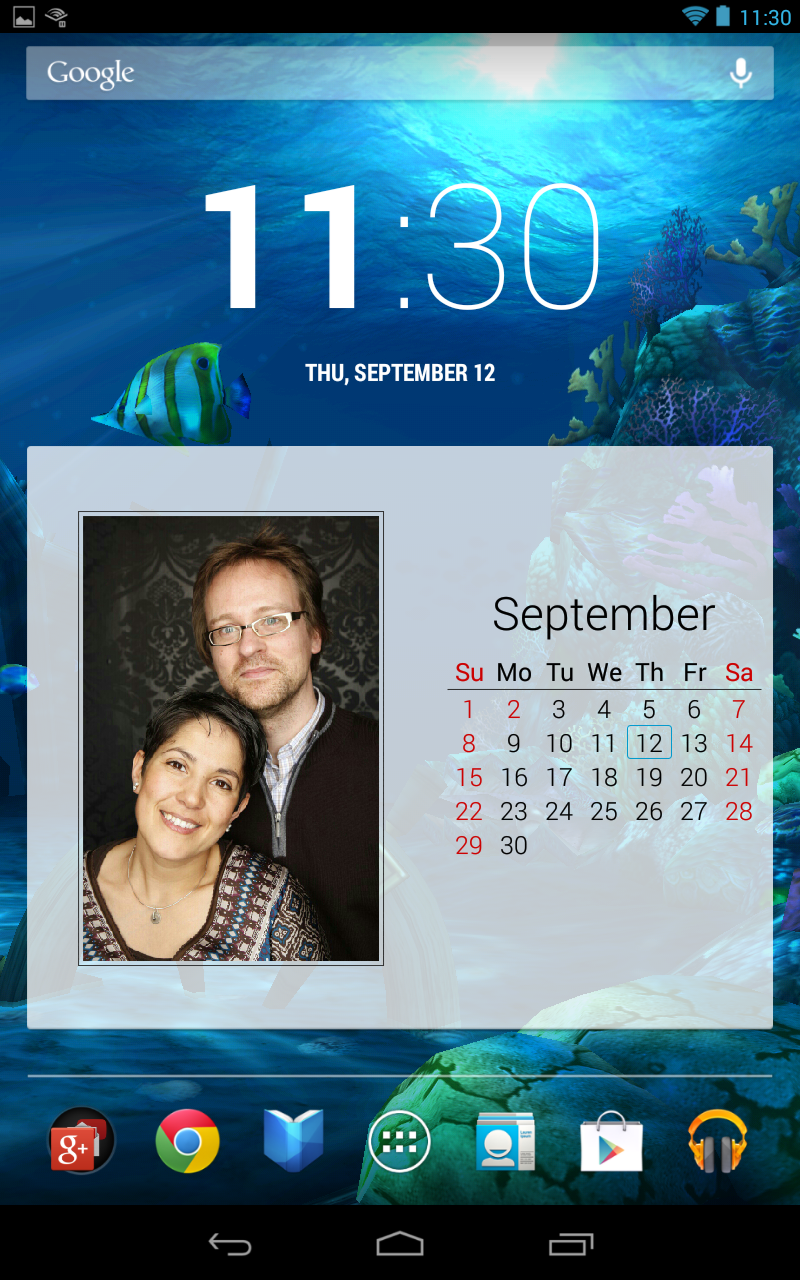
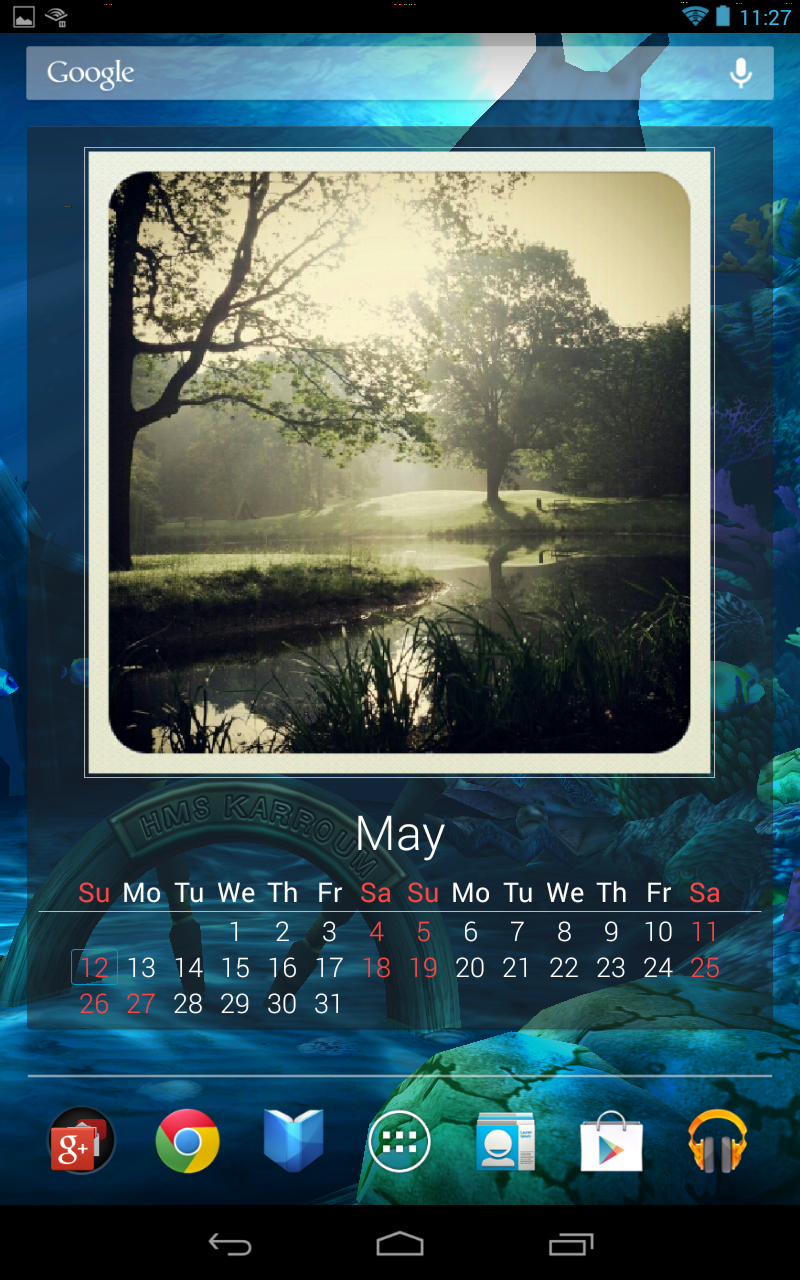
About Photo Calendar
Photo Calendar (Package Name: de.karroum.fotocalendar) is developed by Andreas Ebbert-Karroum and the latest version of Photo Calendar Widget Free 1.19.2-1 was updated on January 14, 2014. Photo Calendar Widget Free is in the category of Photography. You can check all apps from the developer of Photo Calendar Widget Free and find 85 alternative apps to Photo Calendar Widget Free on Android. Currently this app is for free. This app can be downloaded on Android 2.2+ on APKFab or Google Play. All APK/XAPK files on APKFab.com are original and 100% safe with fast download.
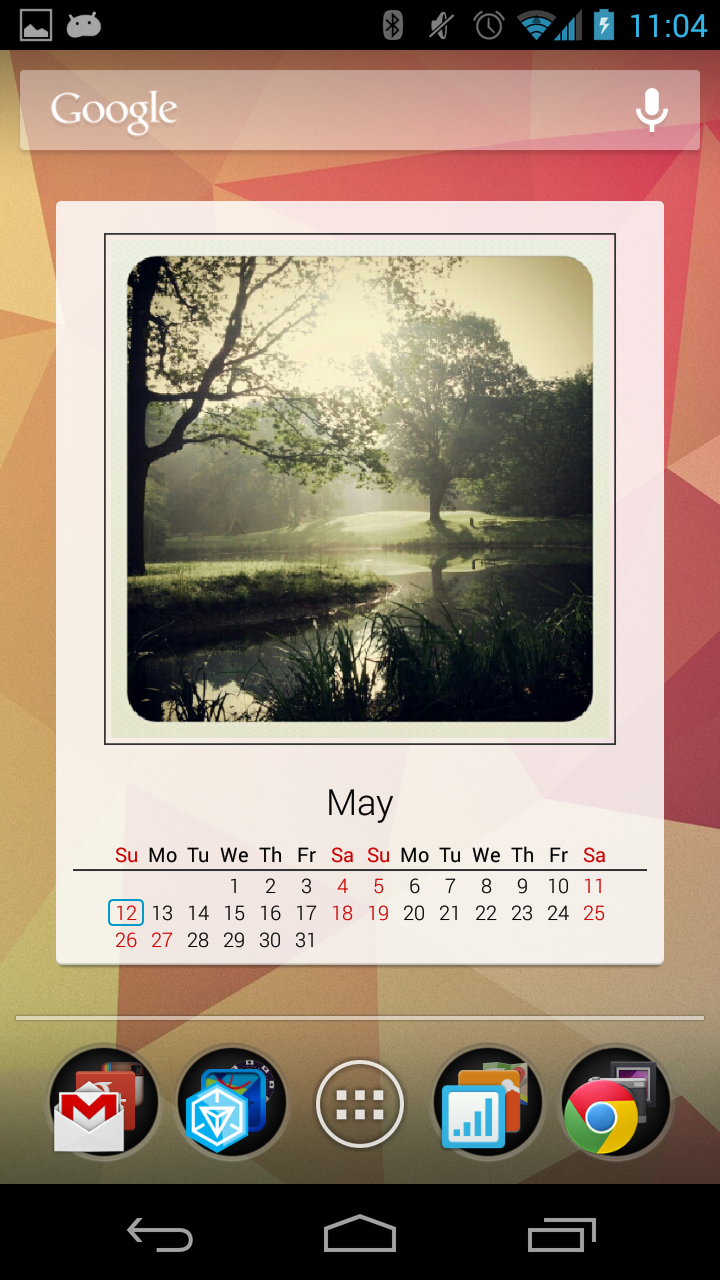
A simple and elegant Photo Calendar widget that highlights a new picture every month. For Your own pleasure or as a personal gift for friends and family.
What reviewers say:
"This app is incredibly attractive on your home screen" (Android Dissected)
"My new favourite calendar widget." (Android Horizon)
Key Features:
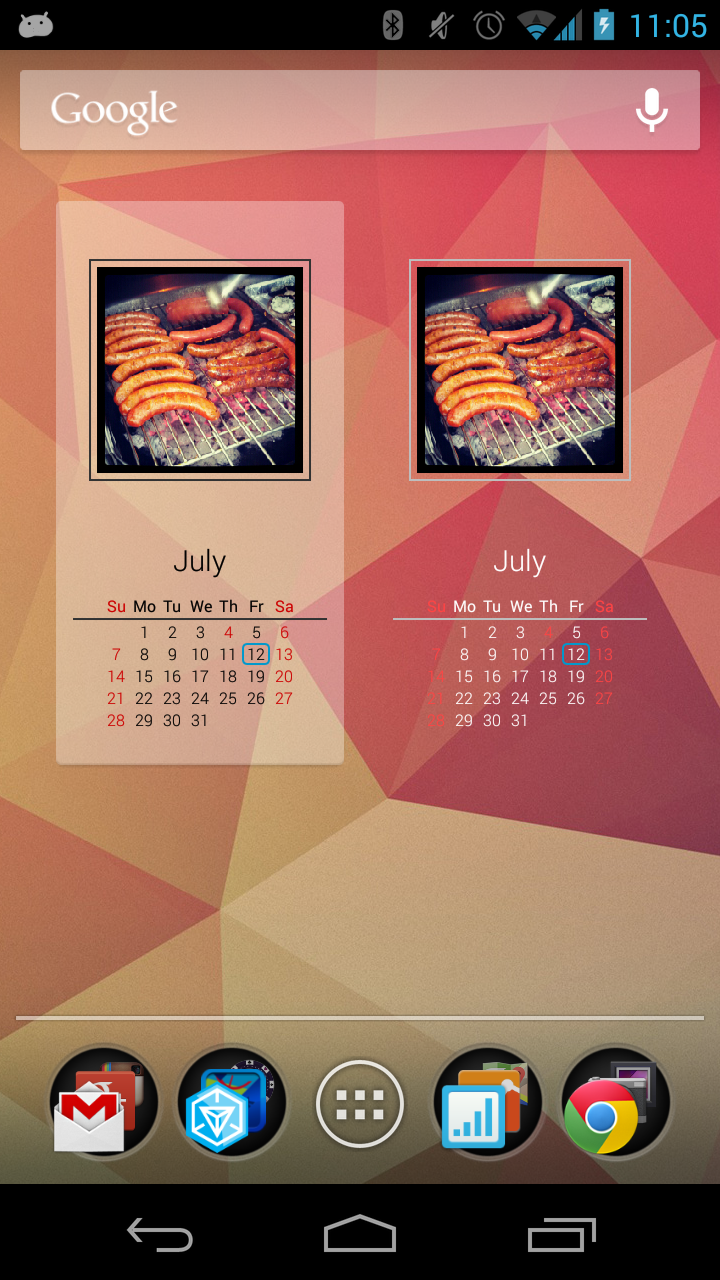
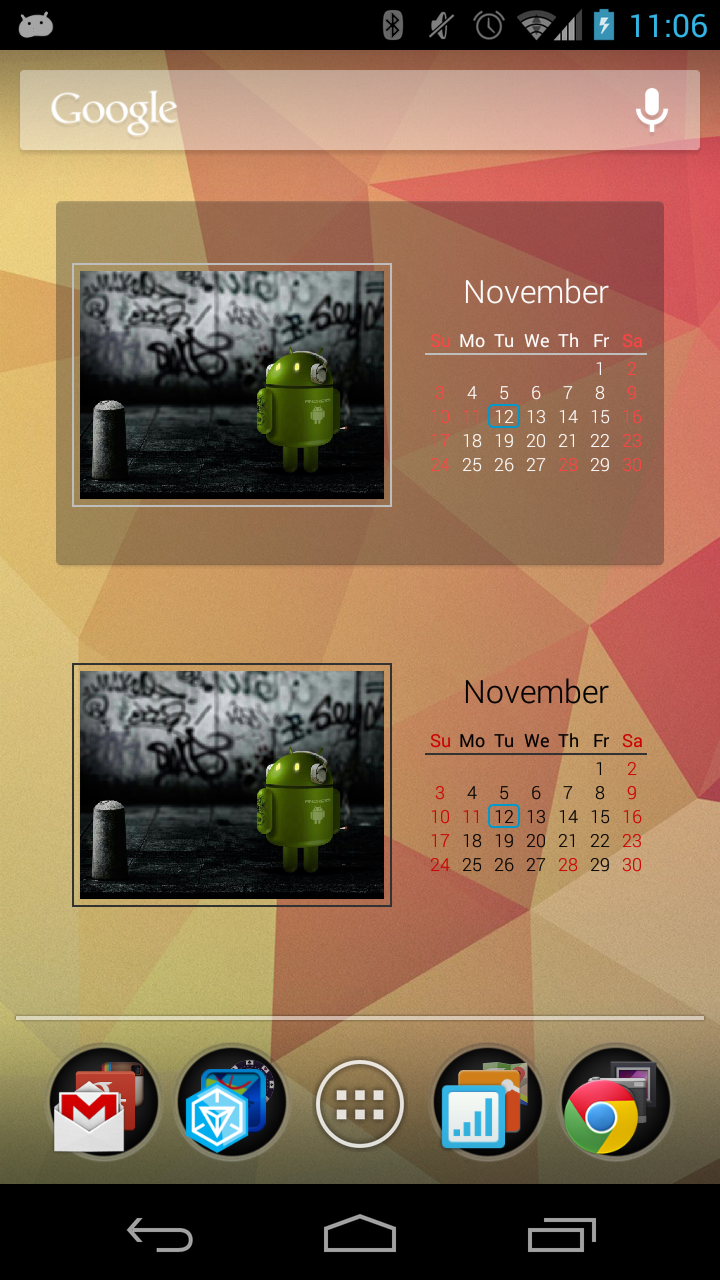
• Dark and light theme, transparent background
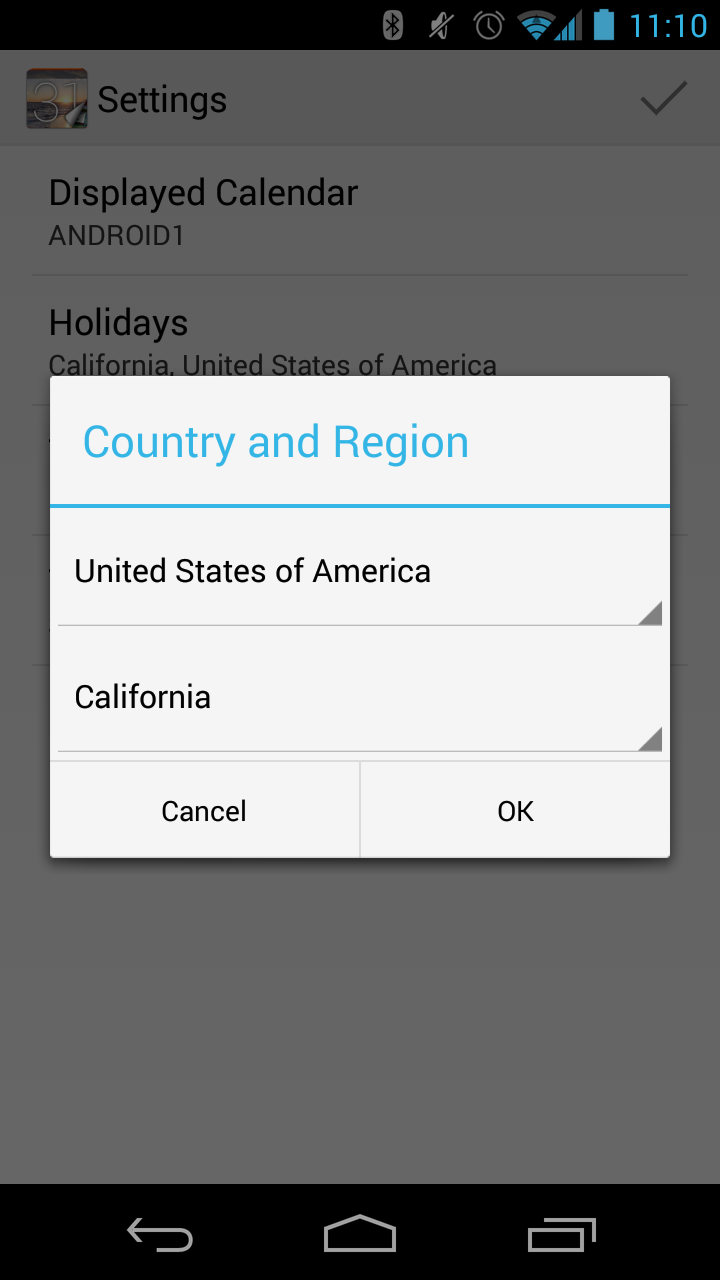
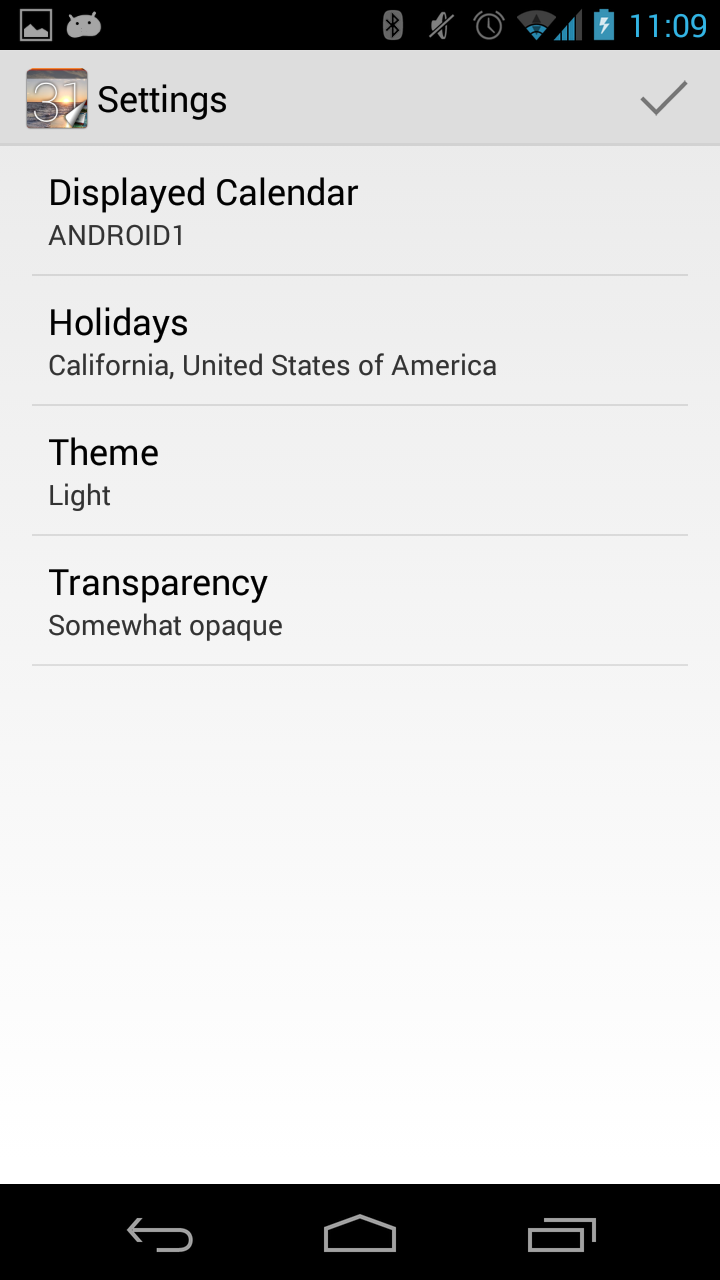
• Highlights weekend and regional holidays (red), and current day (blue)
• Calendars can be shared
• Widget supports (nearly) all languages (translations, week starts on monday/sunday, holidays). (See screenshots!)
• Widget is resizable, works with most launchers
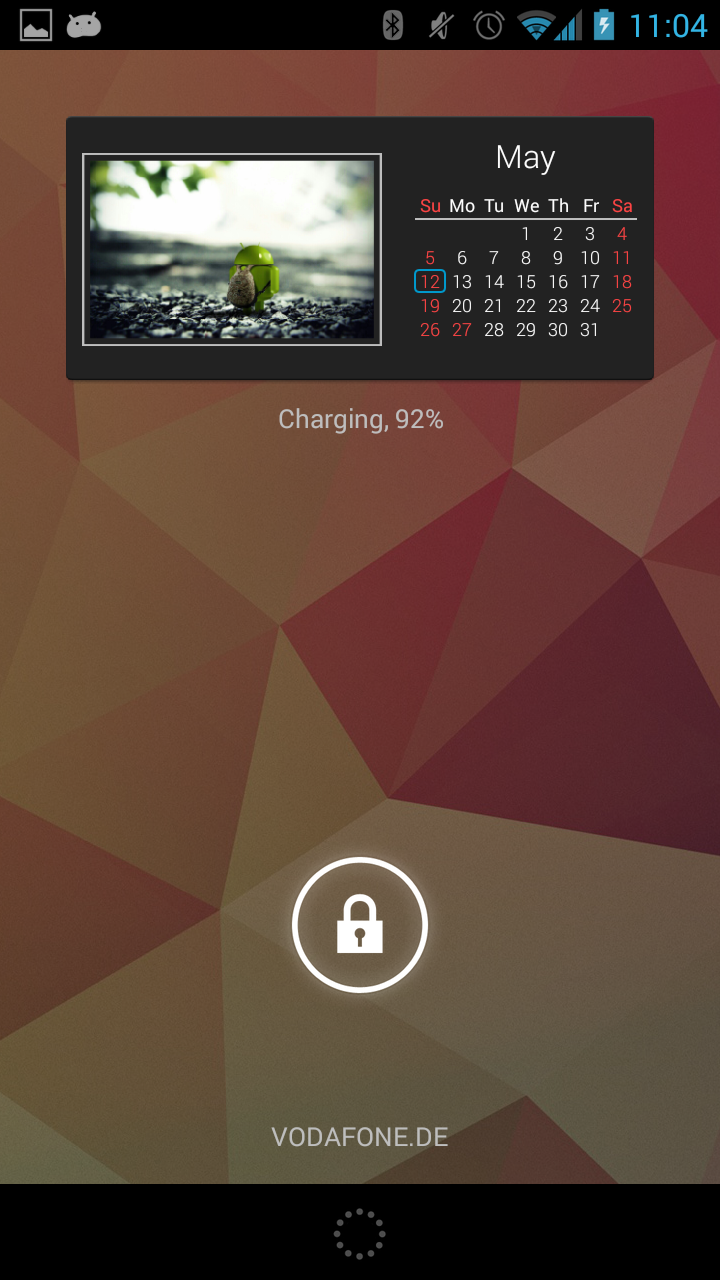
• Can be placed on the lockscreen
• Click on Widget launches photo full screen or launches default calendar app
• Pick and choose photos from your gallery, instagram, Picasa, Google+, Dropbox, ...
Create a personal gift for your parents, friends or colleagues. Share common moments and memories by sharing pictures. Opportunities to create a Photo Calendar exist all over the year. No need to wait, give a calendar away for Valentine's Day, Easter, Mother's Day, summer vacations, school start, Helloween, etc. It's always a great idea to share photos with someone special.
*** How to add the Photo Calendar Widget ***
PLEASE, watch the tutorial to see, how this app should be used and how you can add the widget: http://www.youtube.com/watch?v=gQMELseThco
*** Photo Calendar Widget ***
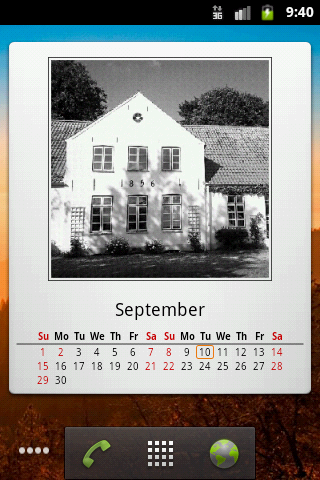
The widget shows the current month together with a photo that changes every month. It shows all days and highlights weekends in red. The current day is subtly accented. Month and day of week are fully localized.
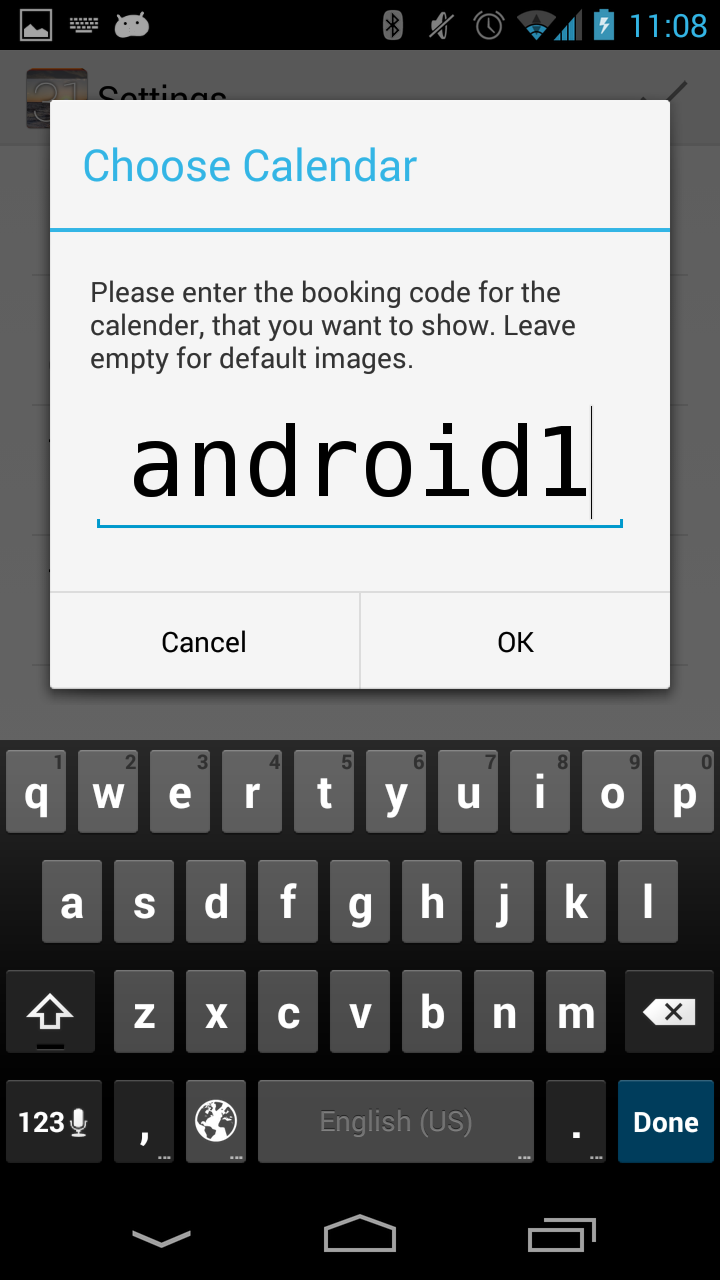
To configure the widget, you enter a 8-digit code that identifies the calendar that you want to show. If you don't have a booking code yet and just want to try out the calendar widget, leave that field empty. You will get some nice default pictures.
Some other codes to try:
• Android theme: use the code "ANDROID1"
*** Creating Your Own Photo Calendar ***
After launching the main app, you can create your own personal Photo Calendar. Select 12 photos, one for each month. Press long on the image placeholder to select a new image. Touch the image to rotate it. Creating that calendar uploads all photos to a server. After that, you will be presented with your very own, personal and unique 8-digit code for that specific calendar.
You could now let your beloved know that you created a Photo Calendar for him or her. Share the code and help him or her to add the Photo Calendar widget to the homescreen. You can share your calendar with as many friends and family members as you want!
*** Ideas ***
Still not sure what kind of calendar you could create?
Think of something You like and share:
• Animals: cats, dogs, fishes, spiders, …
• Cities: New York City, San Francisco, London, Singapore, …
• Countries: Ireland, India, Finland, …
• Hobbies: Trains, Planes, Cars, Films, Architecture, Art, Photo, …
Pick twelve great pictures and share with like-minded people. Tweet your booking code. Share it on Facebook.
♥♥♥ Love and Enjoy! ♥♥♥
Photo Calendar on:
• Google+: https://plus.google.com/112728791075151805128
• Facebook: https://www.facebook.com/PhotoCalendarWidget
Photo Calendar 1.19.2-1 Update
1.19:
* New calendars stay on the device by default. Only when shared are they uploaded
* Some bugfixes, notably better handling of large images, especially from Google+ / Picasa
1.18:
* When less than 12 photos are selected for a calendar, they can now be reused for the remaining months
* Tutorial to help new users through the app
Read More