Password Manager ID Notebook L (Package Name: com.hideo_apps.id_notebook_lite) is developed by HIDEO APPS and the latest version of Password Manager ID Notebook L 1.9.5 was updated on December 17, 2014. Password Manager ID Notebook L is in the category of Tools. You can check all apps from the developer of Password Manager ID Notebook L. Currently this app is for free. This app can be downloaded on Android 2.2+ on APKFab or Google Play. All APK/XAPK files on APKFab.com are original and 100% safe with fast download.
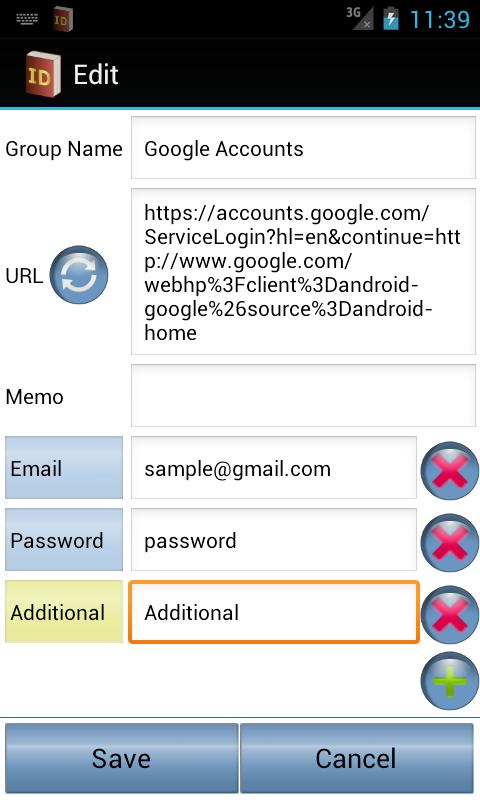
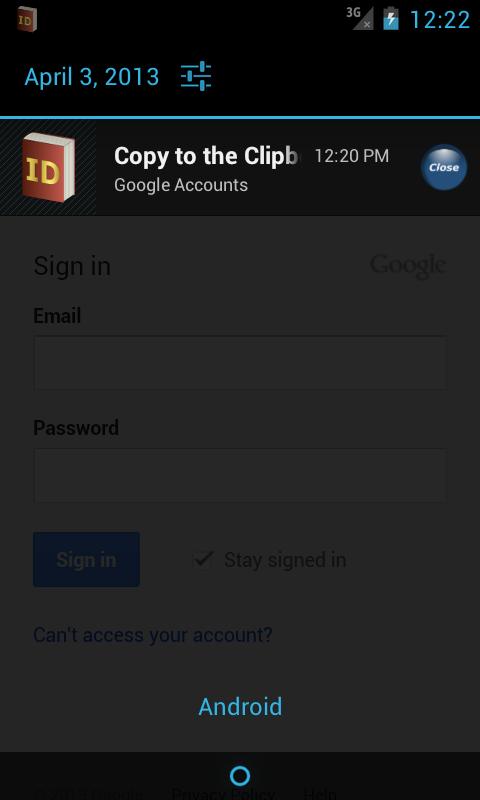
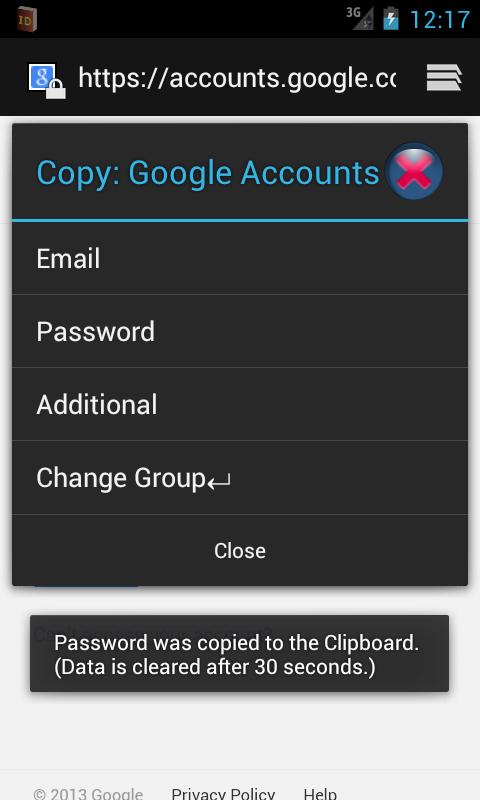
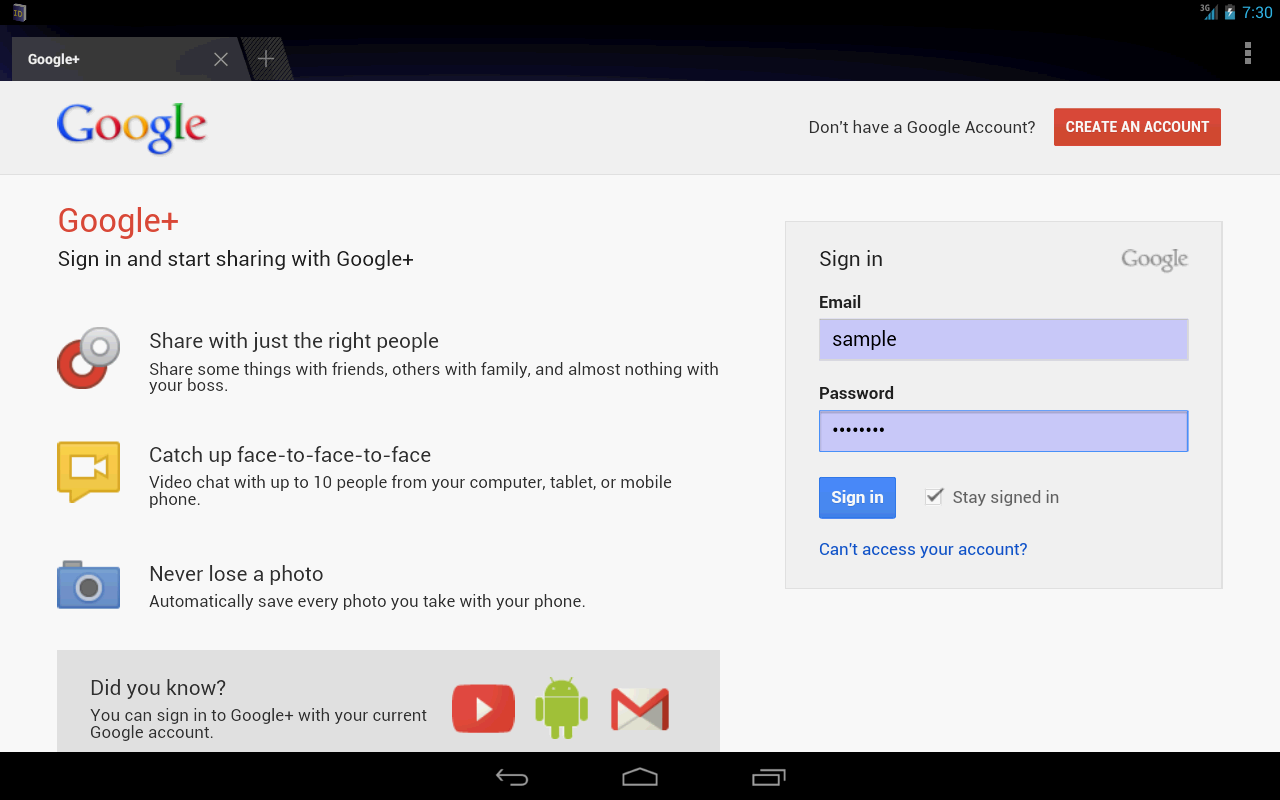
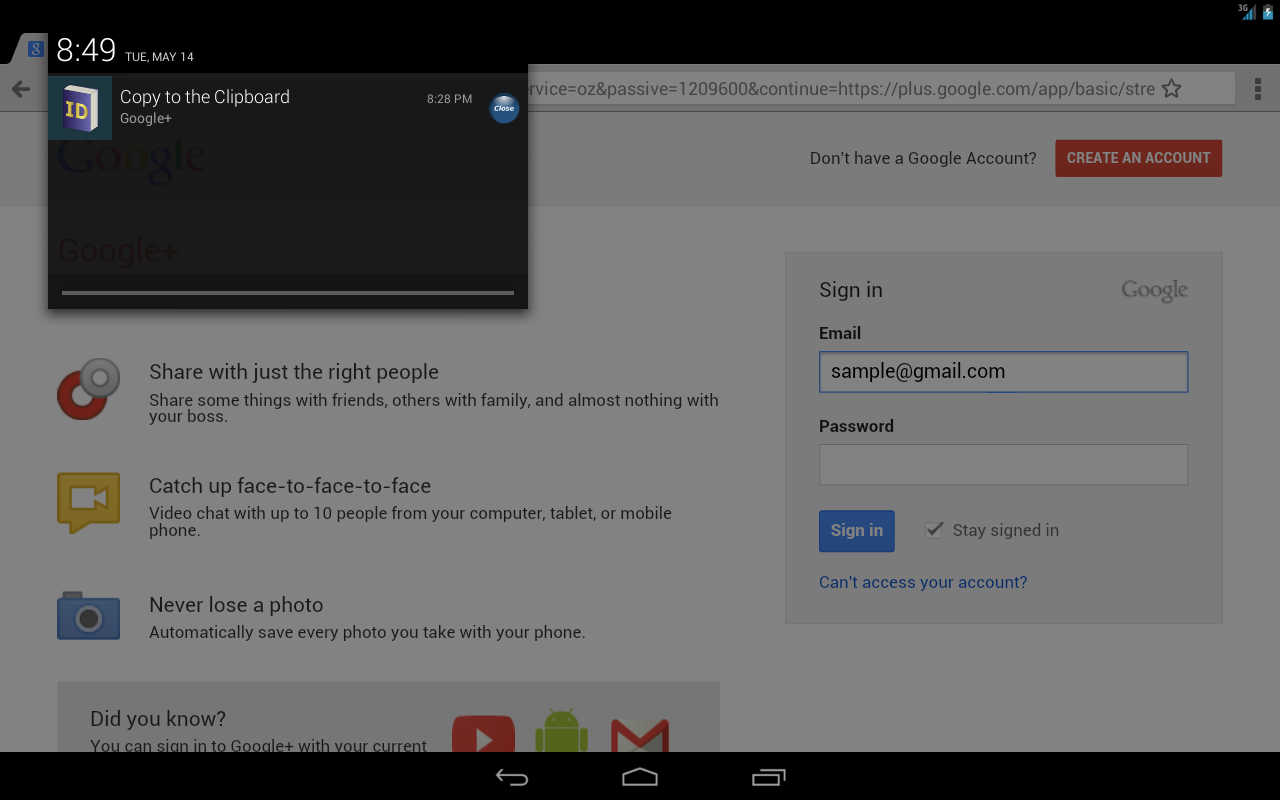
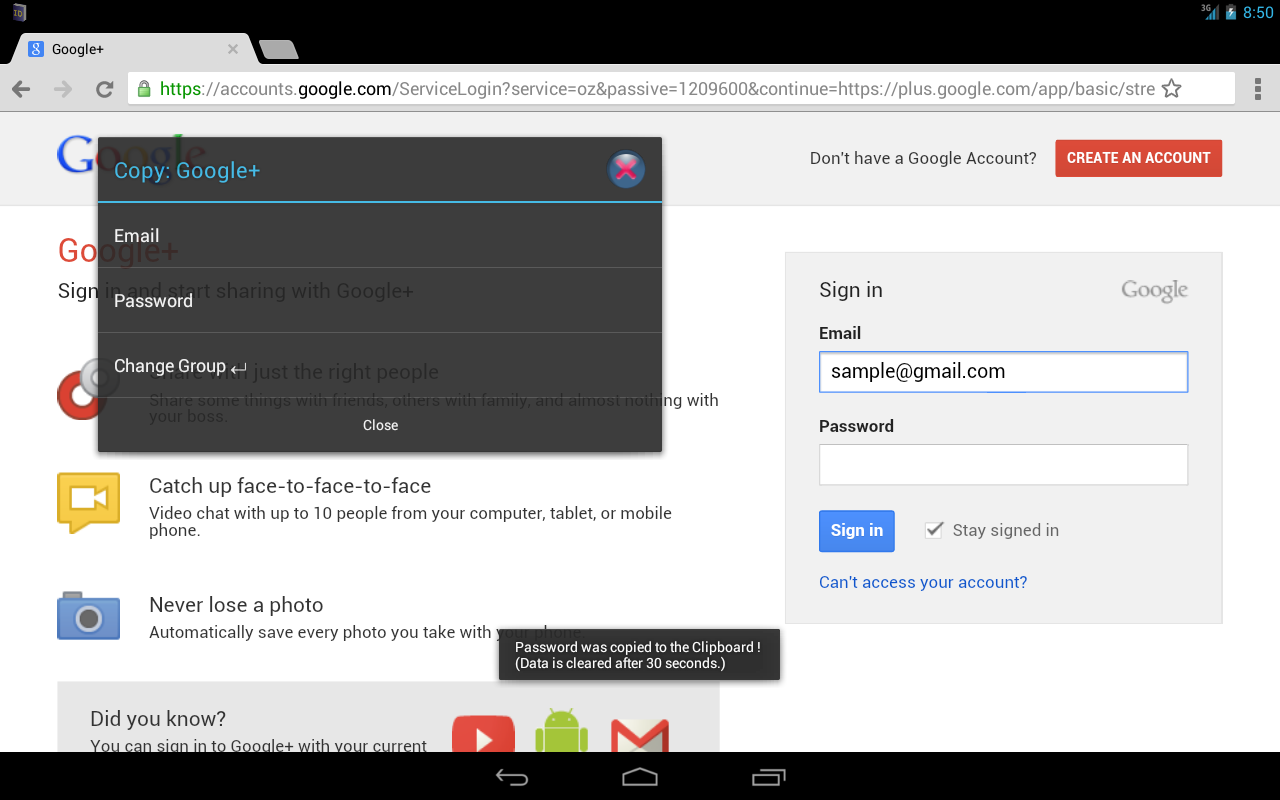
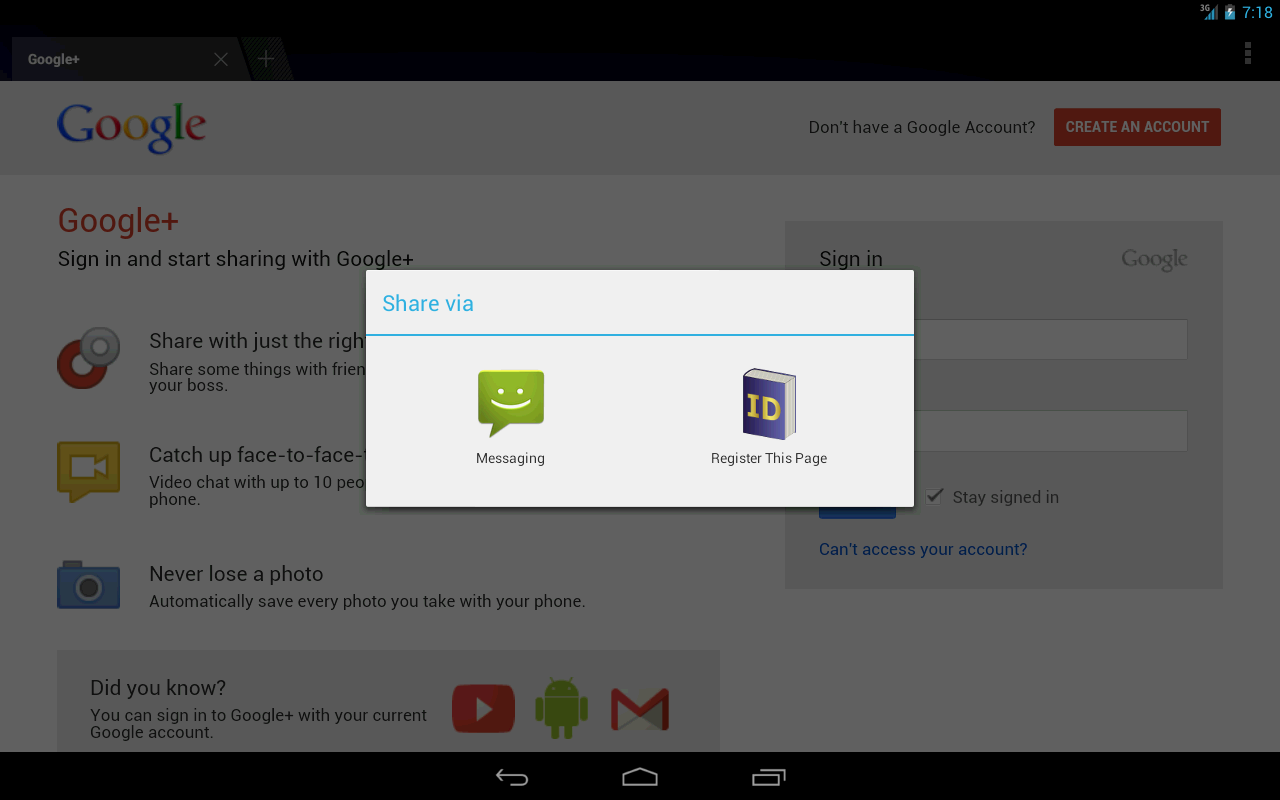
Let your smartphone more comfortable! This application is a simple, high functionality, secure and comfortable password manager. In addition, you can also use as a tool to manage boilerplate. Corresponding to the backup of the data to the SD card, of course, also supports data backup to online storage integrated with Google Drive ™ , Dropbox, Box. https://www.dropbox.com/ https://drive.google.com/ https://www.box.com/ **** Supported Languages **** Icelandic, Gaeilge, Azərbaycan, Afrikaans, العربية shqiptar, հայերեն, italiano, ייִדיש, Indonesia, Nederlands español, ภาษาไทย, Tagalog, Deutsch, Türk, हिंदी, suomalainen français, português, русский, English, 한국어, 中文(简体), 中文(繁體), 日本語 Please let me know If there is a mistake in the translation. **** Main Features **** - Intuitive user interface that can be operated intuitively - Automatic input to your browser. - You can sort the list freely by drag and drop. - Supports three or more input fields ! - Retrieve the input form of the web page from URL - You can lock the app by the protection key. - Data is immediately encrypted by AES-256bit algorithm. - The ability to copy data to the clipboard that can be launched from the status bar. - Collaboration with "Mushroom" - Supports the backup to SD cards, Google Drive, and Dropbox - Supports the restoration from SD cards, Google Drive, and Dropbox * 1: Only input items that has been retrieved from the URL, and is in the top page. * 2: This function can also be started from the "Share page" in your browser. * 3: Caution: If you forget a protection key, the data can never be restored. * 4: The data that has been copied to clipboard is cleared after 30 seconds. You can open a web page from a URL with any browser ! However, the automatic input function will not work at some browser. **** Difference from the Paid Version **** - The categorization features is enable in the paid version. - There are no ads in the paid version. **** Permissions **** - FULL NETWORK ACCESS This will be used only to display ads, and to retrieve the input form of the web page and. - MODIFY OR DELETE THE CONTENTS OF YOUR USB STORAGE MODIFY OR DELETE THE CONTENTS OF YOUR SD CARD This is necessary for the function of backup. - DRAW OVER OTHER APPS This is necessary for display a dialog overlay. - VIEW NETWORK CONNECTIONS This will be used only to display ads. - RUN AT STARTUP This is necessary to reside in the application status bar.
APKFab.com and the download link of this app are 100% safe. All download links of apps listed on APKFab.com are from Google Play Store or submitted by users. For the app from Google Play Store, APKFab.com won't modify it in any way. For the app submitted by users, APKFab.com will verify its APK signature safety before release it on our website.