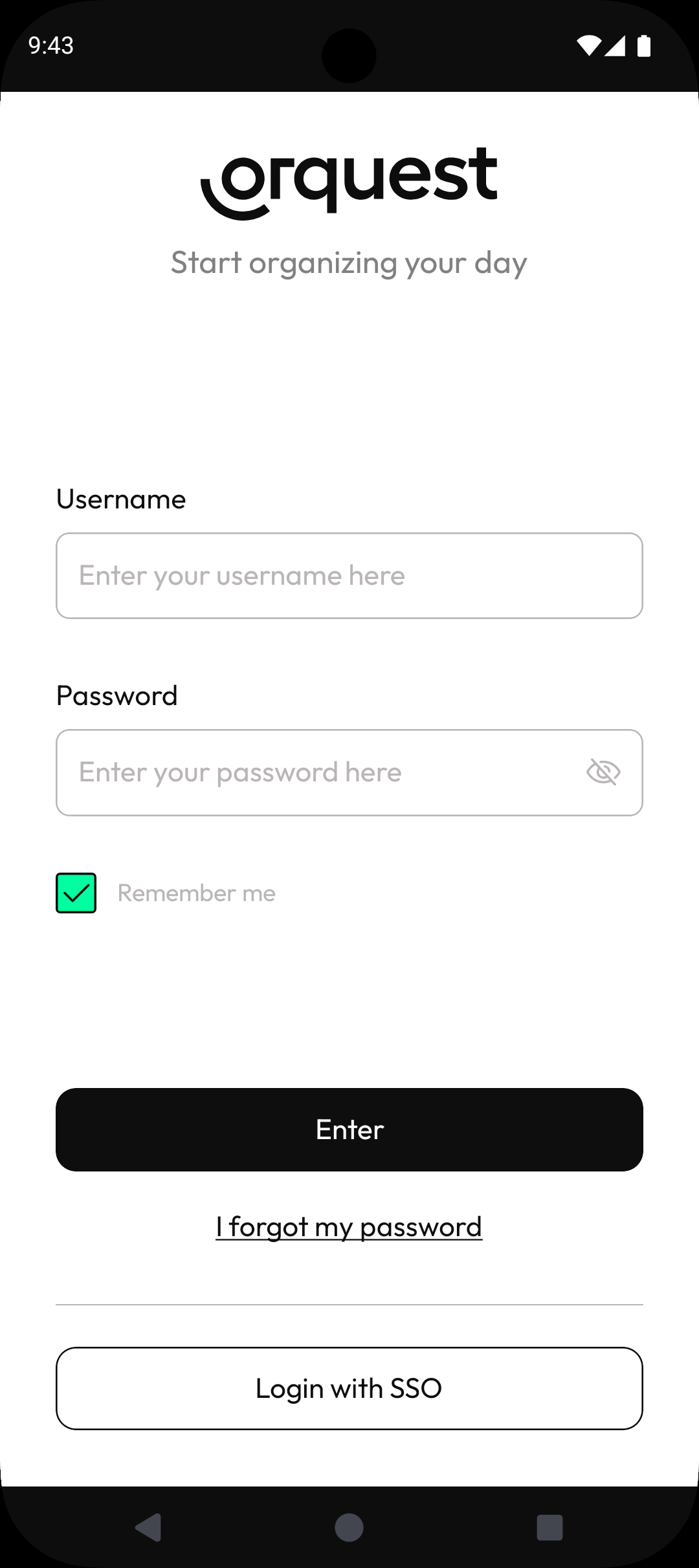
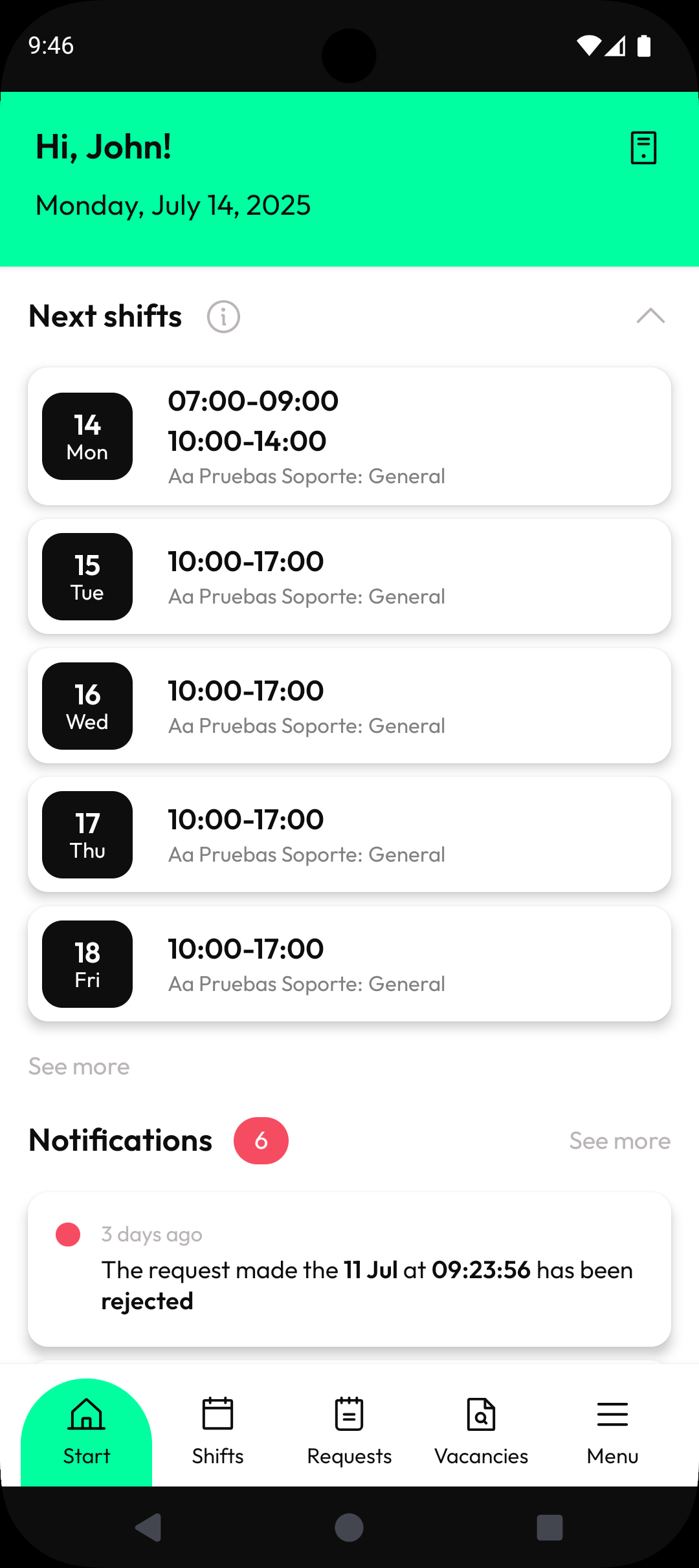
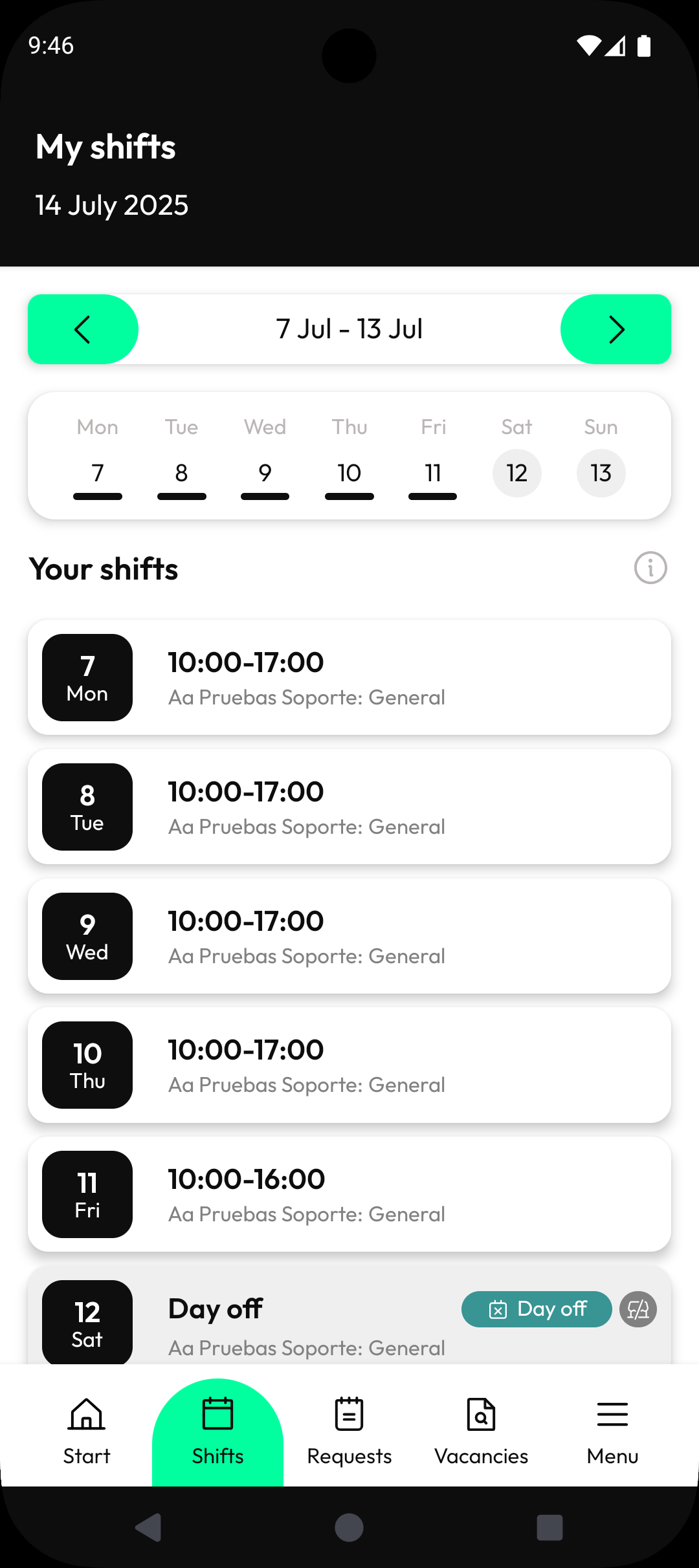
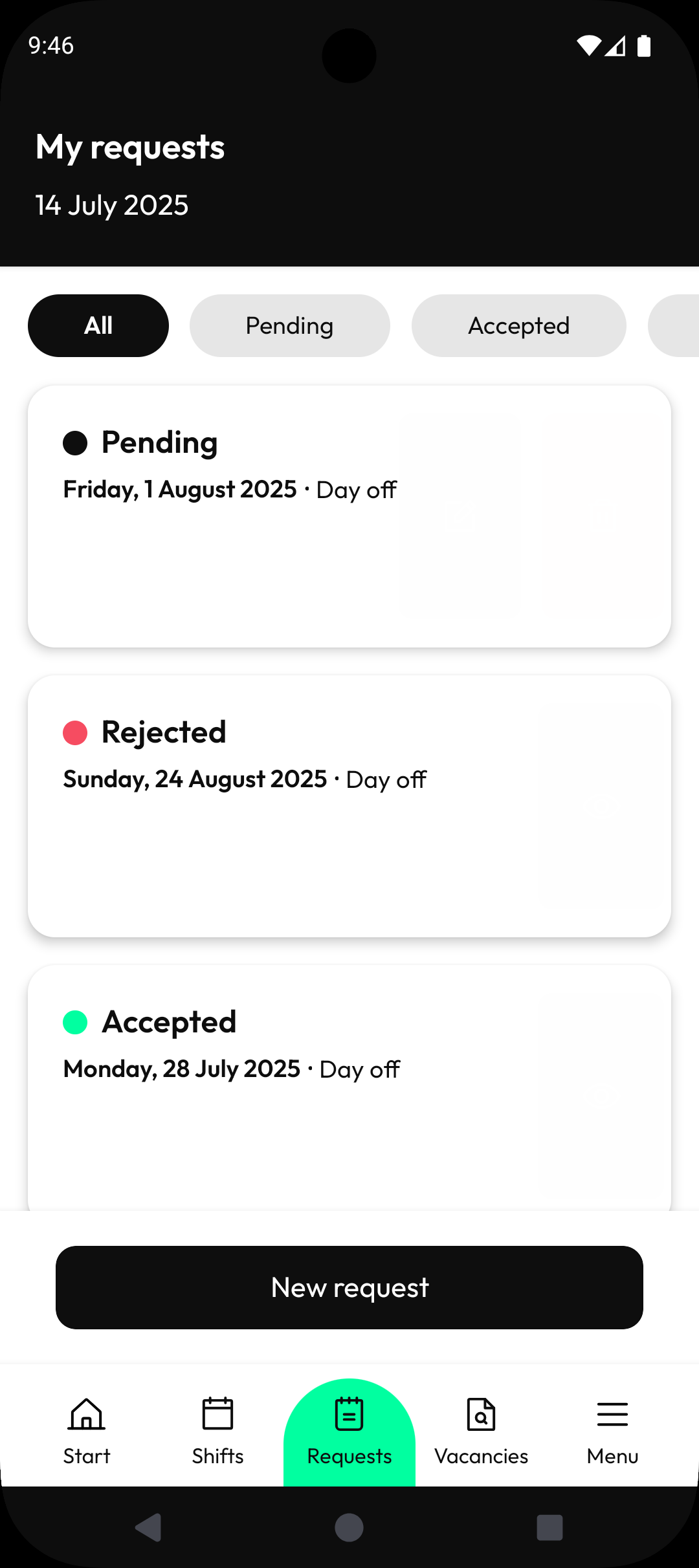
Orquest (Package Name: es.decide.mobile.orquest) is developed by Orquest and the latest version of Orquest 6.8.0 was updated on July 14, 2026. Orquest is in the category of Productivity. You can check all apps from the developer of Orquest and find 62 alternative apps to Orquest on Android. Currently this app is for free. This app can be downloaded on Android 7.1+ on APKFab or Google Play. All APK/XAPK files on APKFab.com are original and 100% safe with fast download.
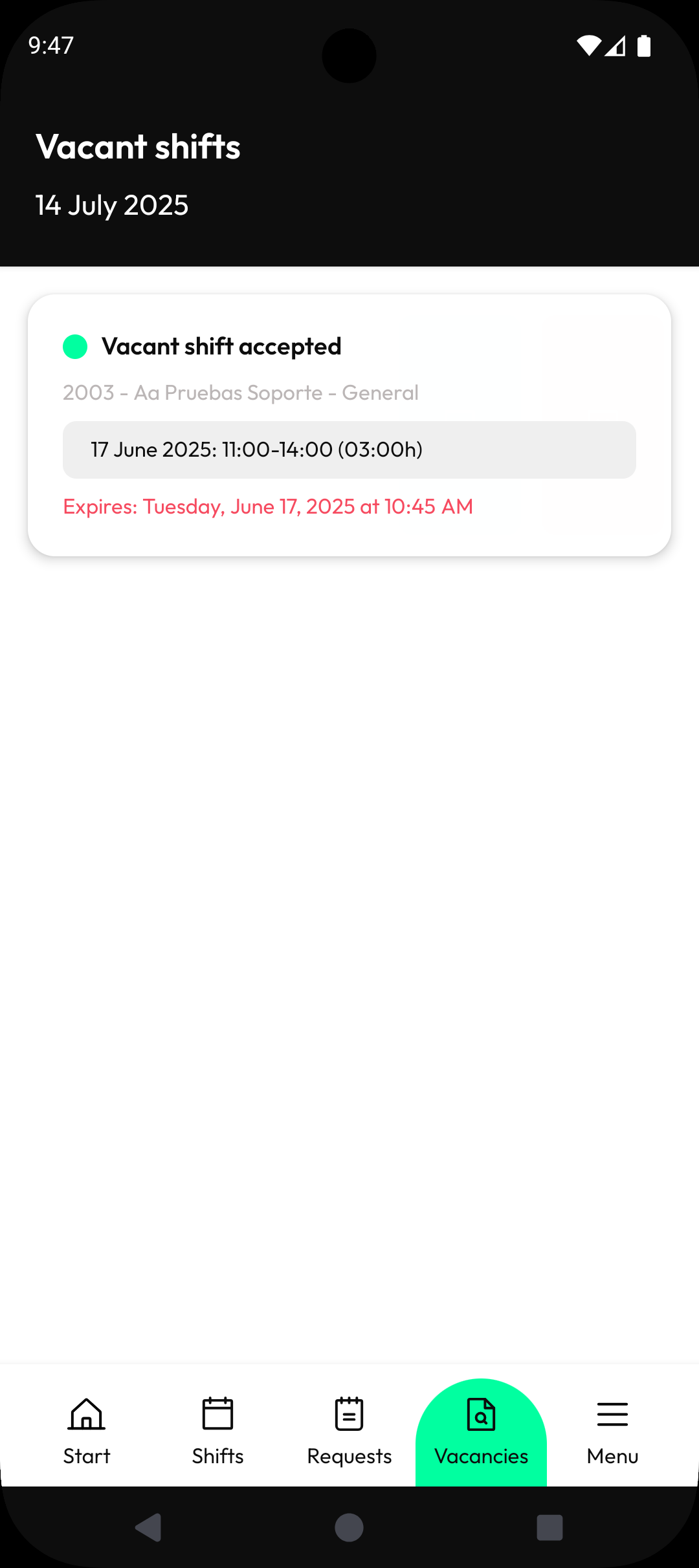
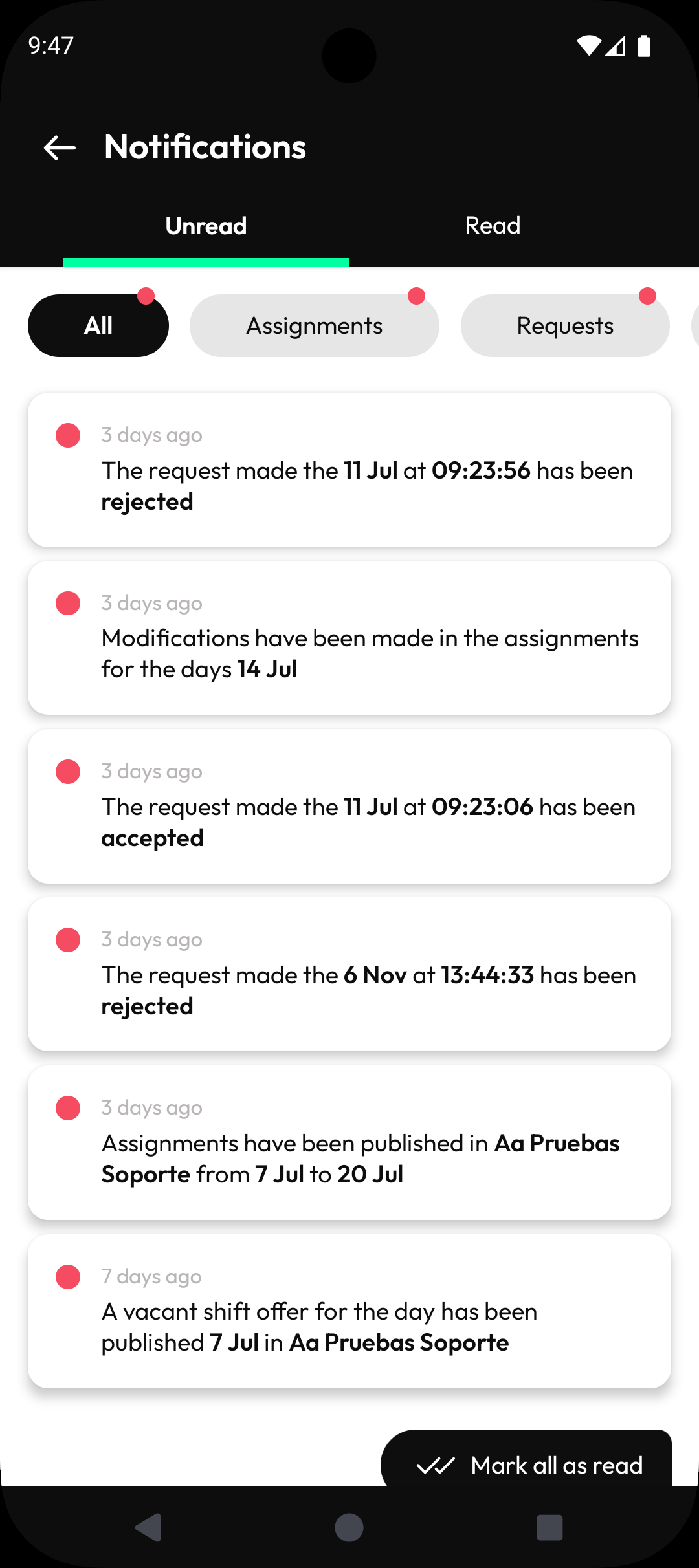
Your scheduling at hand. Any time, anywhere. What can you do with the Orquest App? - Stay informed with the latest updates on your shifts and assigned tasks. - Receive real-time schedule updates, keeping you in the loop. - Seamlessly log your work hours and breaks. - Share your availability with your manager effortlessly. - Request time off or specific shifts with ease. - Receive vacant shift offers and take them if it works for you. All designed with your comfort in mind, to ensure a flawless experience. Download it now. Your location is requested to facilitate clock-ins, clock-outs, and your well-deserved breaks. Access to the Orquest App is exclusively available to subscribed companies.
Orquest 6.8.0 Update
Release notes for version 6.8.0: Redesigned assignment filters with chip-based UI Added pending clock-in proposal management Added next day toggle in clock guard filters Can now open the map from a clock guard entry New date selector design and calendar improvements Added a banner when an absence doesn't use up a day Added notification when a manager request is created Fixed navigation, modal, keyboard, and time picker issues Performance and stability improvements
Release notes for version 6.7.0: Redesigned Coverage and Projection screens with new chart layout and bar charts Added filter chips with close button to Coverage and Projection screens Fixed overlapping filters and point range issues in the assignment table Updated app icon on iOS Improved text scaling for accessibility Added built-in time picker for time ranges Improved navigation from manager notifications to request detail Fixed employee names in request modification notifications
Release notes for version 6.6.37: Fixed an issue where a notification count error would block the entire notifications screen Improved keyboard behavior so text fields are no longer hidden when the keyboard appears
Release notes for version 6.6.35: Added new summary counter card in ClockGuard with improved layout Added option to mark clock-in entries as reviewed in ClockGuard Management Improved ClockGuard sorting and adjacent day visibility Improved navigation flow after creating or editing an absence Users can now edit past requests General icon update Improved notification date handling
APKFab.com and the download link of this app are 100% safe. All download links of apps listed on APKFab.com are from Google Play Store or submitted by users. For the app from Google Play Store, APKFab.com won't modify it in any way. For the app submitted by users, APKFab.com will verify its APK signature safety before release it on our website.