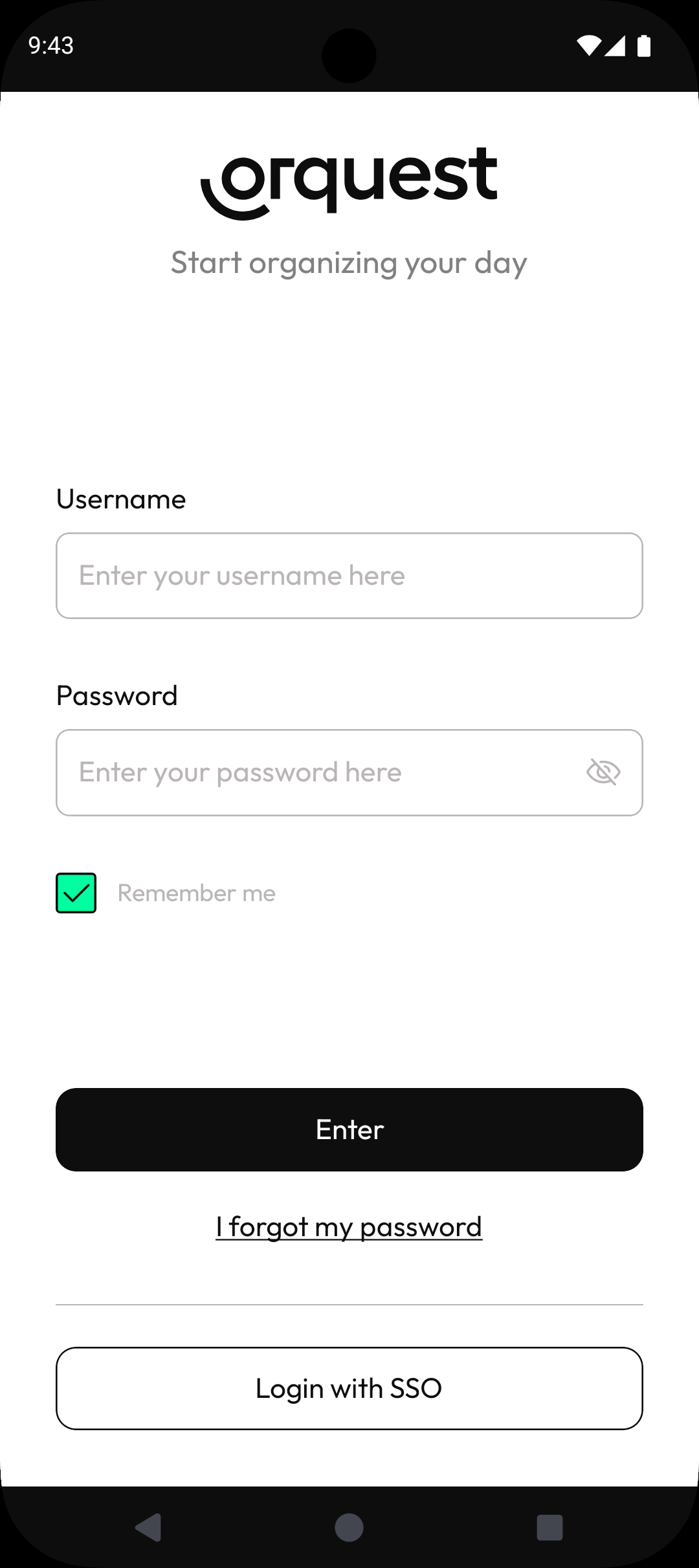
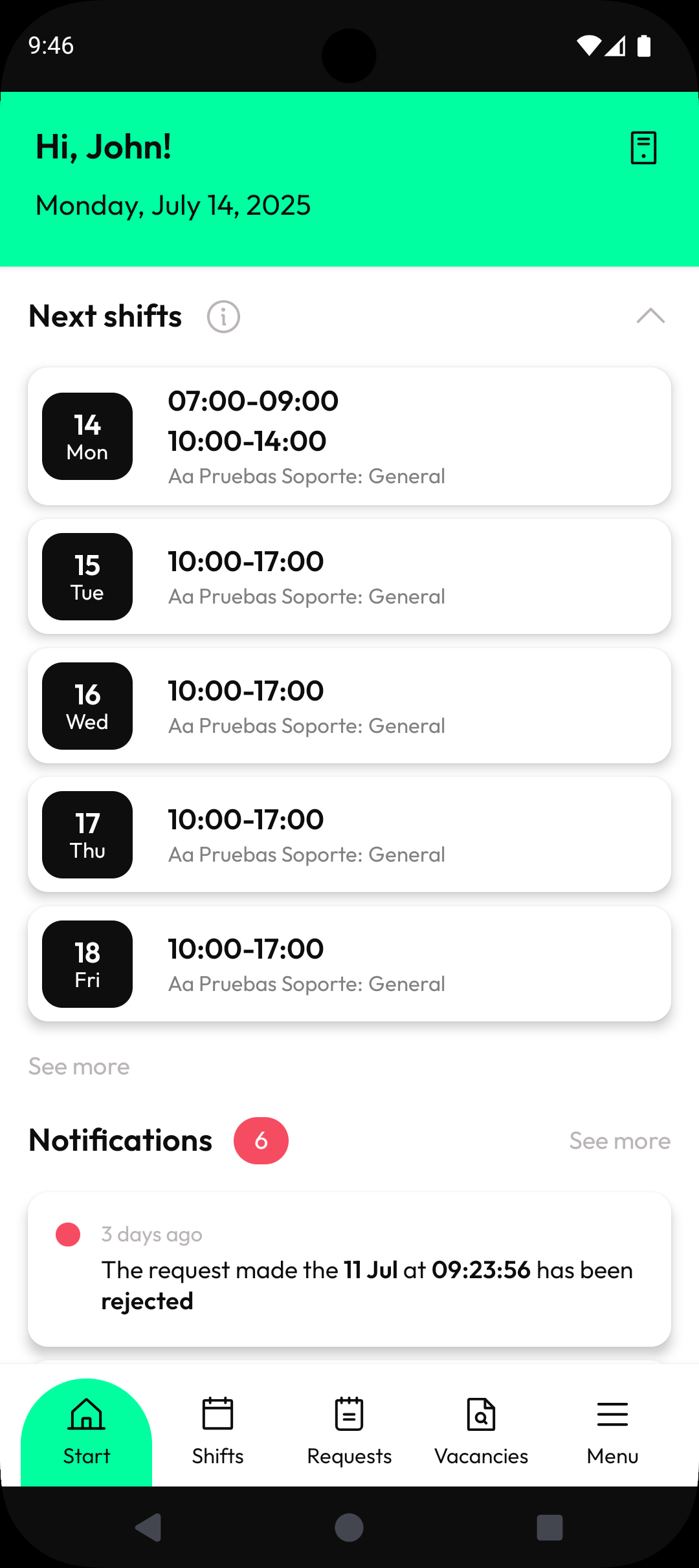
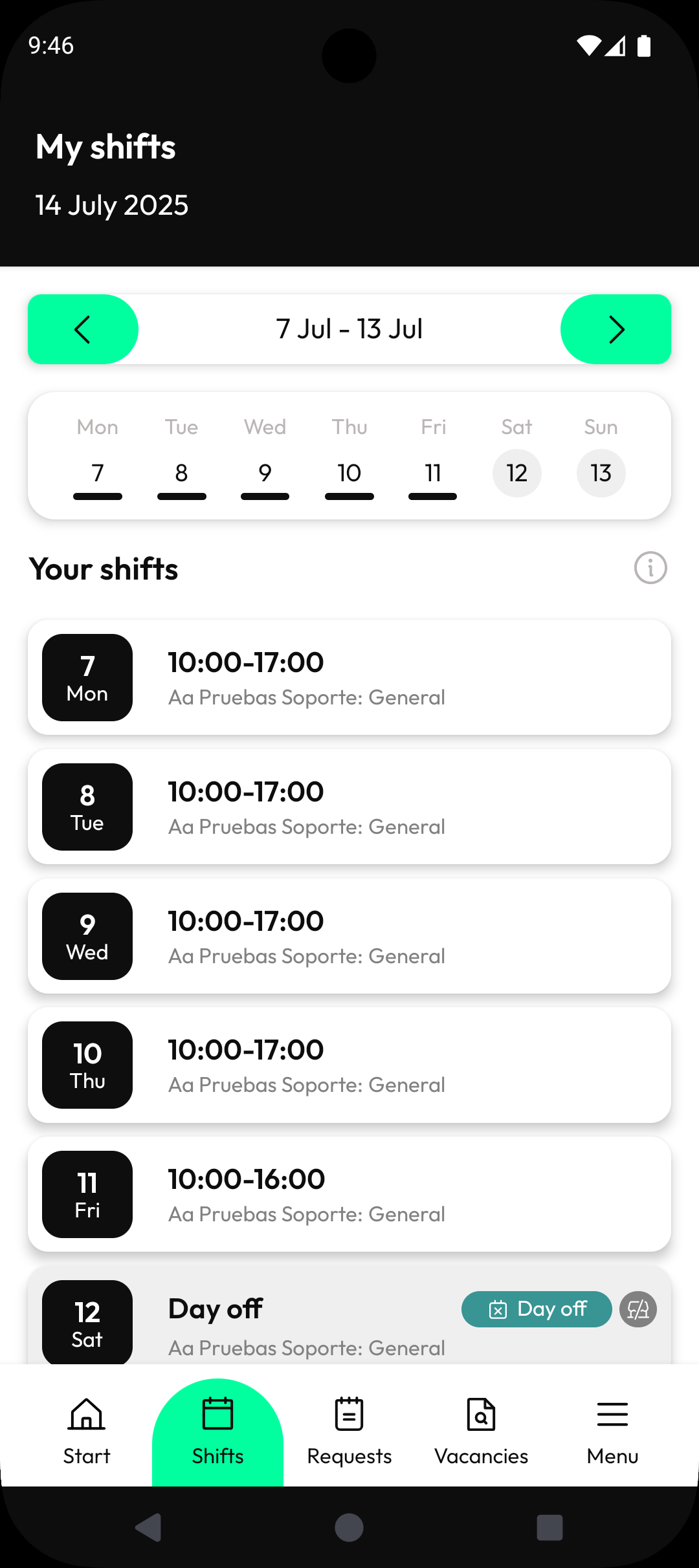
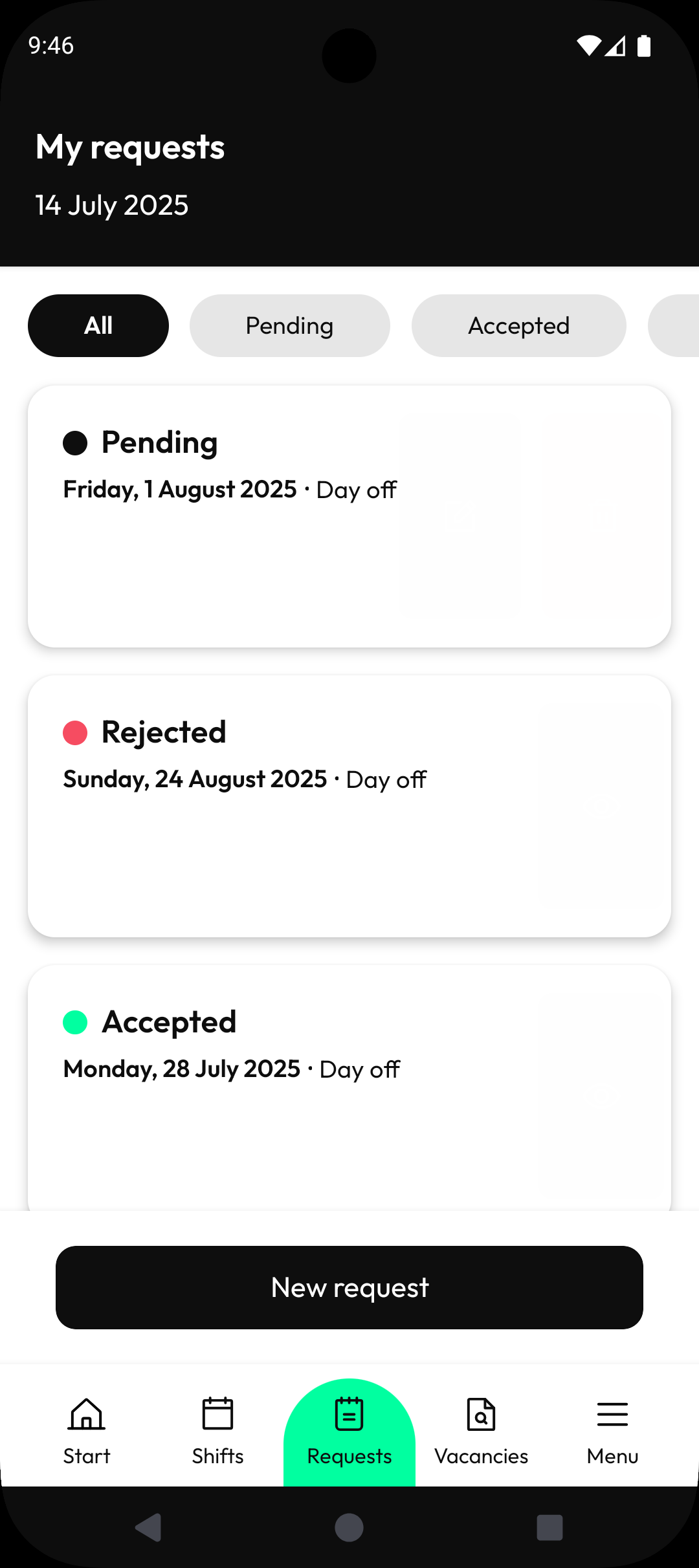
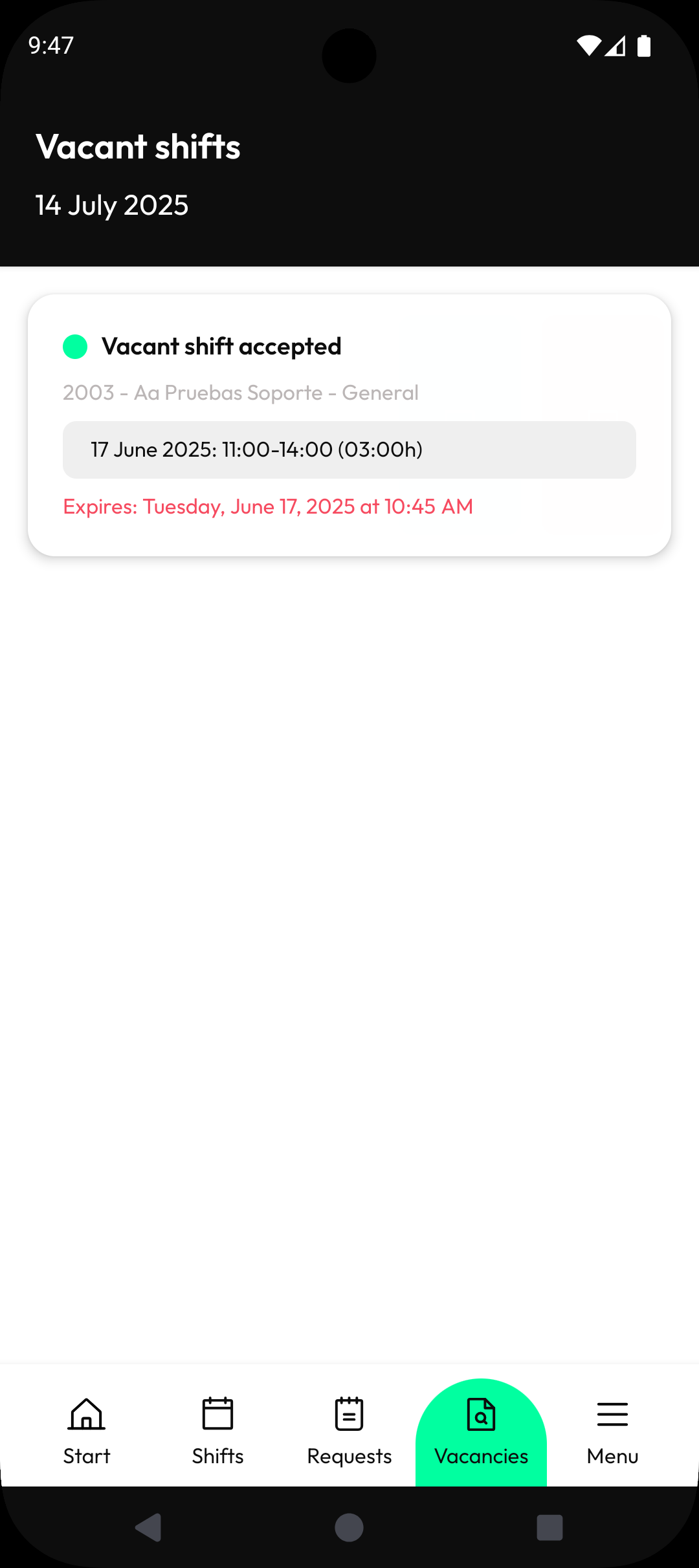
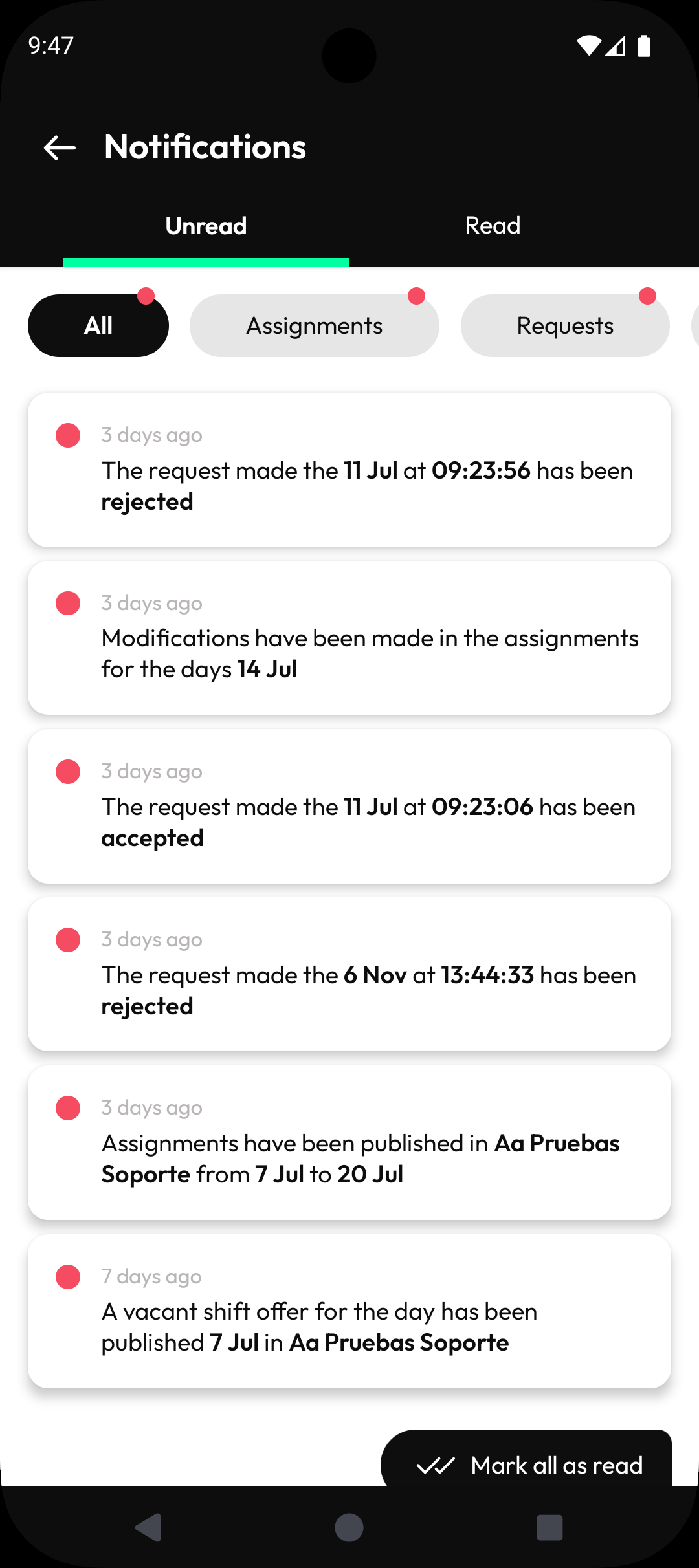
La tua pianificazione a portata di mano. Sempre e ovunque. Cosa puoi fare con l'app Orquest? - Rimani informato con gli ultimi aggiornamenti sui tuoi turni e sulle attività assegnate. - Ricevi aggiornamenti del programma in tempo reale, tenendoti aggiornato. - Registra senza problemi le ore di lavoro e le pause. - Condividi la tua disponibilità con il tuo manager senza sforzo. - Richiedi ferie o turni specifici con facilità. - Ricevi offerte di turni vacanti e accettale se funziona per te. Tutto progettato pensando al tuo comfort, per garantire un'esperienza impeccabile. Scaricalo ora. La tua posizione è richiesta per facilitare le timbrature in entrata e in uscita e le tue meritate pause. L'accesso all'app Orquest è disponibile esclusivamente per le aziende iscritte.
Aggiornamento Orquest 6.8.0
Release notes for version 6.8.0: Redesigned assignment filters with chip-based UI Added pending clock-in proposal management Added next day toggle in clock guard filters Can now open the map from a clock guard entry New date selector design and calendar improvements Added a banner when an absence doesn't use up a day Added notification when a manager request is created Fixed navigation, modal, keyboard, and time picker issues Performance and stability improvements
Release notes for version 6.7.0: Redesigned Coverage and Projection screens with new chart layout and bar charts Added filter chips with close button to Coverage and Projection screens Fixed overlapping filters and point range issues in the assignment table Updated app icon on iOS Improved text scaling for accessibility Added built-in time picker for time ranges Improved navigation from manager notifications to request detail Fixed employee names in request modification notifications
Release notes for version 6.6.37: Fixed an issue where a notification count error would block the entire notifications screen Improved keyboard behavior so text fields are no longer hidden when the keyboard appears
Release notes for version 6.6.35: Added new summary counter card in ClockGuard with improved layout Added option to mark clock-in entries as reviewed in ClockGuard Management Improved ClockGuard sorting and adjacent day visibility Improved navigation flow after creating or editing an absence Users can now edit past requests General icon update Improved notification date handling
APKFab.com e il link per il download di questa app sono sicuri al 100%. Tutti i link per il download delle app elencate su APKFab.com provengono da Google Play Store o sono inviati dagli utenti. Per le app da Google Play Store, APKFab.com non le modificherà in alcun modo. Per le app inviate dagli utenti, APKFab.com verificherà la sicurezza della firma APK prima di rilasciarle sul nostro sito web.