Convert ogg to Mp3 (Package Name: com.mp3.oggconverter) is developed by Audio Converter & Player and the latest version of OGG To MP3 Converter 1.0.0 was updated on December 27, 2017. OGG To MP3 Converter is in the category of Tools. You can check all apps from the developer of OGG To MP3 Converter. Currently this app is for free. This app can be downloaded on Android 3.0+ on APKFab or Google Play. All APK/XAPK files on APKFab.com are original and 100% safe with fast download.
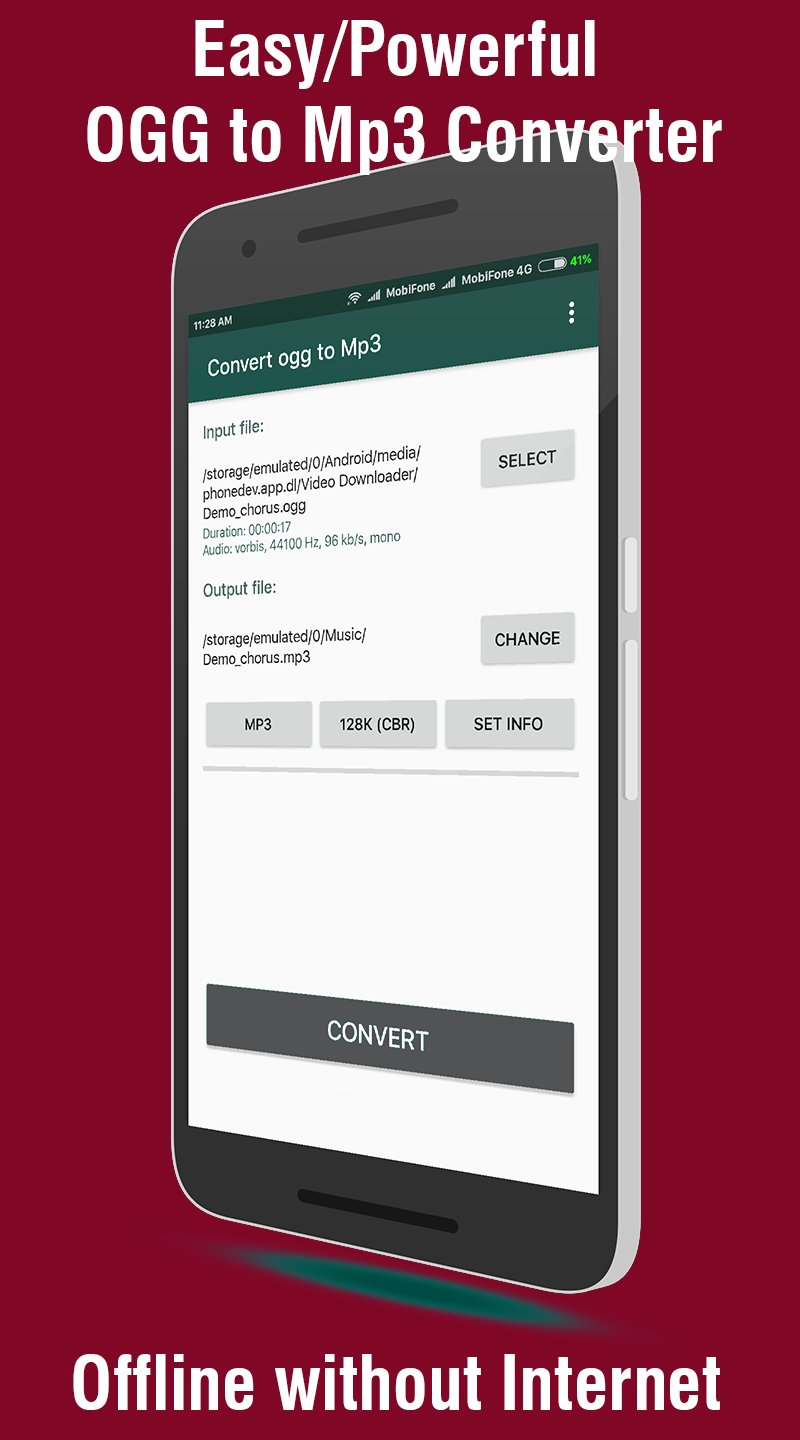
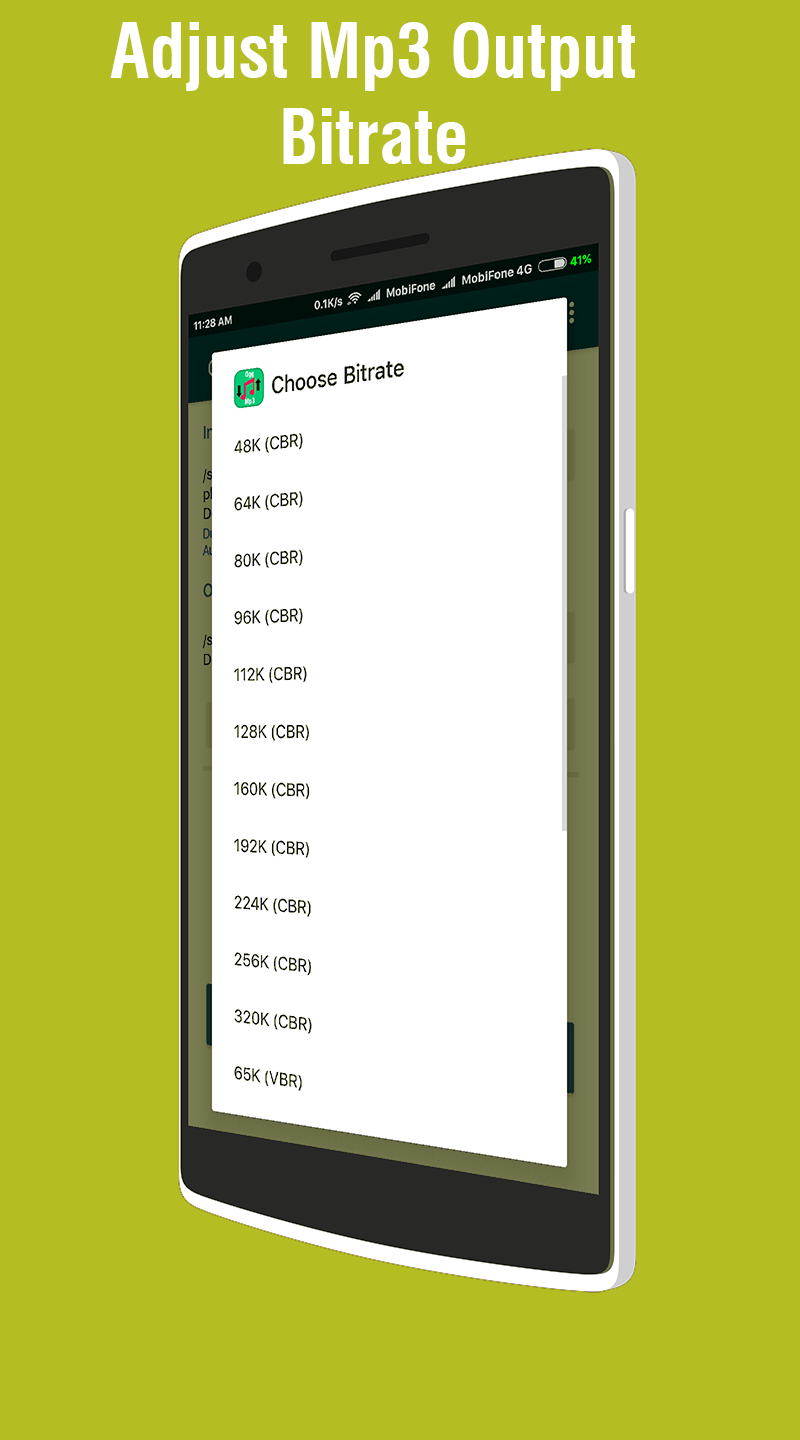
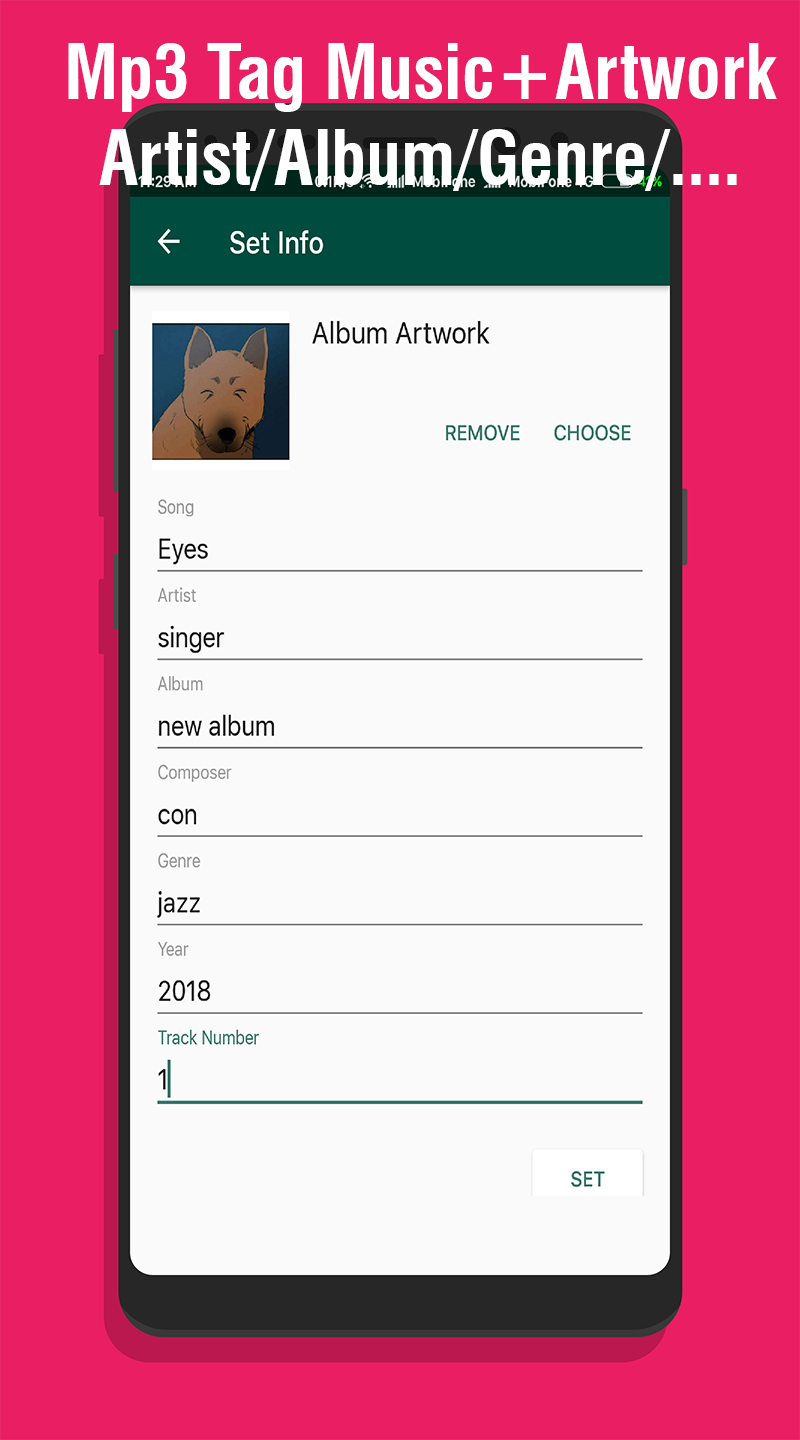
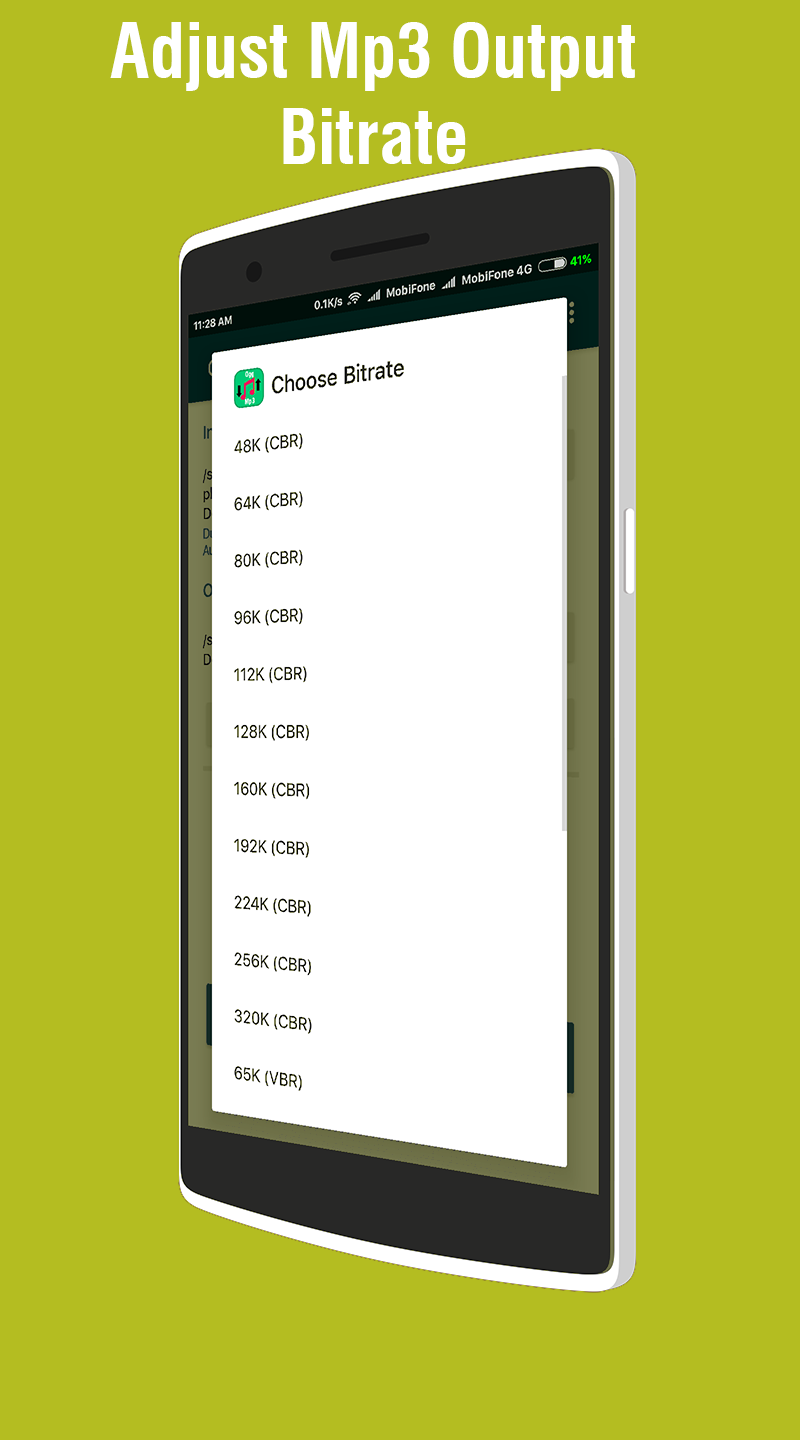
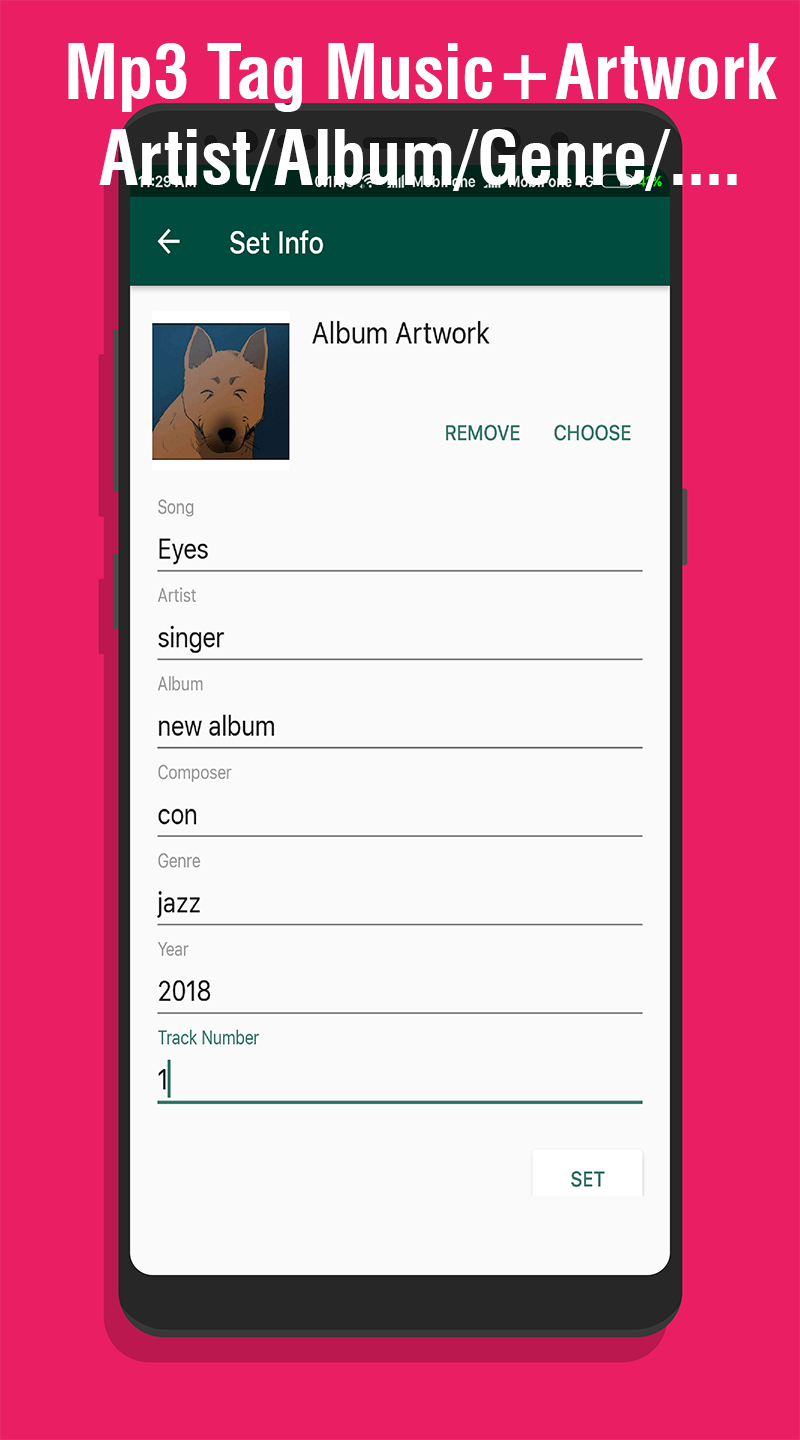
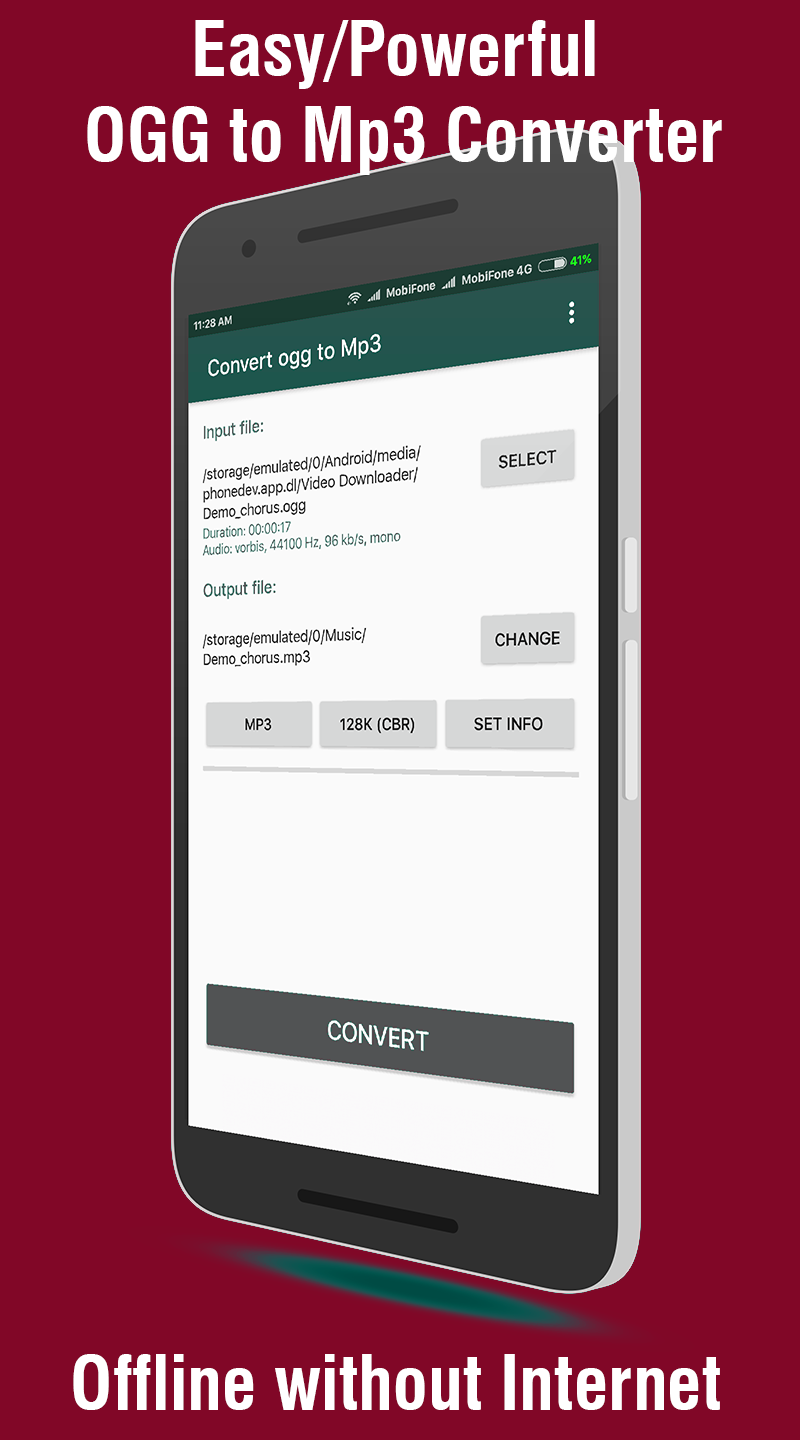
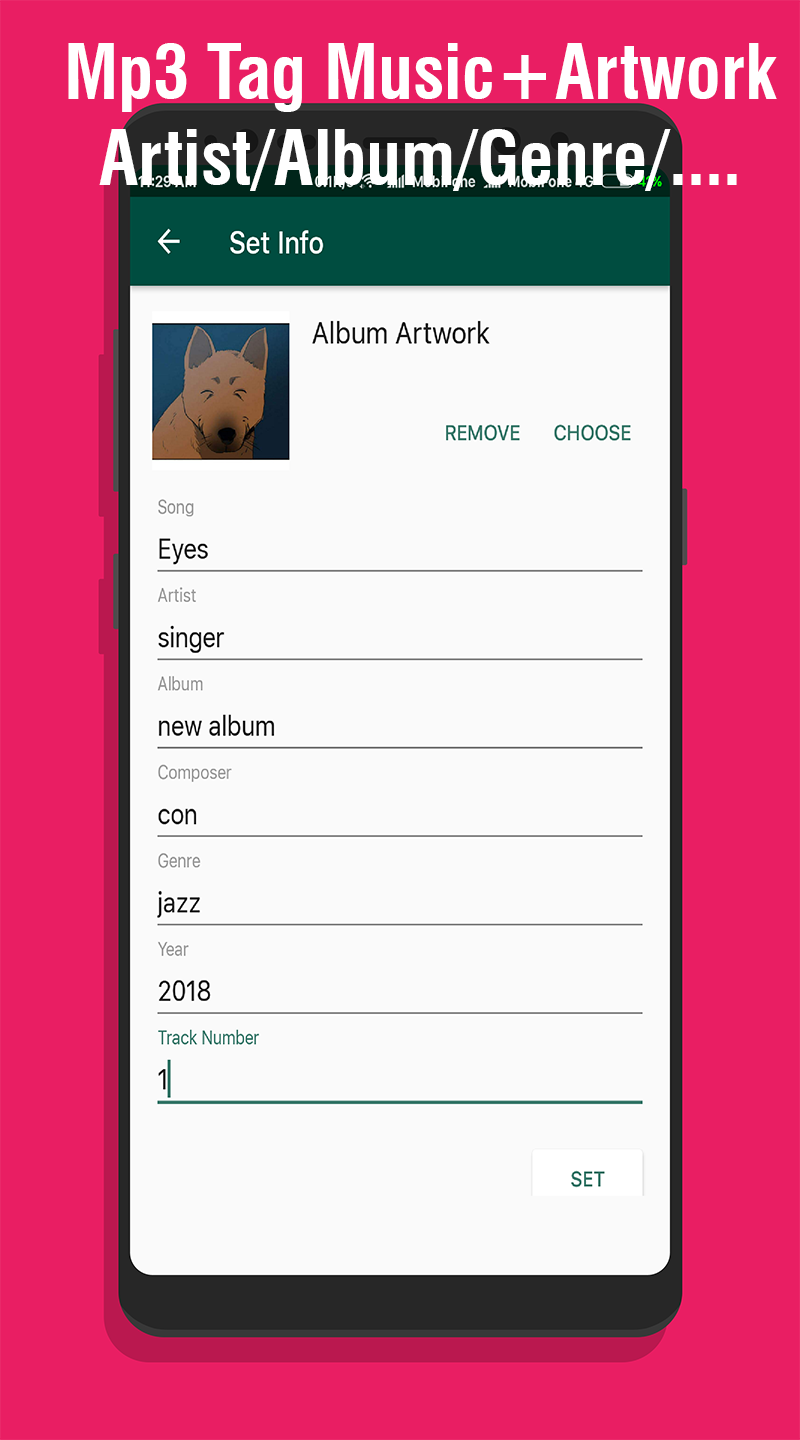
What is OGG? Ogg is a multimedia container format. The actual audio or video encoded by a codec is stored inside an Ogg container, and the native file and stream format for the Xiph.org multimedia codecs. The Ogg container format can multiplex a number of independent streams for audio, video, text (such as subtitles), and metadata. For example, a video file with sound contains data encoded by both an audio codec and a video codec. Because of its early entry into the file sharing world, MP3 became immensely popular. Its popularity is marked by the fact that the term MP3 was synonymous with Compressed audio. Some people use the term MP3 to mean any audio file. Ogg Vorbis is steadily gaining ground among developers because of its superior sound quality and open source code base. Notably, toy and hardware manufacturers are using Ogg Vorbis to encode their audio files to achieve efficient compression and avoid patent issues with MP3. However, the vast majority of portable music players (commonly referred to as "MP3 players" by many people) still do not support the Ogg Vorbis format. OGG MP3 Converter remains one of the most easy-to–use app ever existed. It can easily convert ogg audio to mp3, suitable for home users and company users to convert. What's more, this Free OGG to MP3 Converter not only offers an easy way to convert all your OGG audio files to MP3, but also to other audio formats including WAV, WMA, AAC, AIFF, M4A, AAC, etc. Also supports to convert video and audio files to vorbis ogg or mp3. Best way to convert OGG to MP3 file in seconds. 100% free, secure and easy to use! Do you want to convert a OGG file to a MP3 file ? This advanced offline app that solving any problems with any files. The best and the most effortless ogg to mp3 convertor app to convert OGG to MP3 or convert MP3 to OGG is to use OGG MP3 Converter. This OGG MP3 Converter is completely free of charge. Click the Download to try Free OGG to MP3 Converter. _____------=======How to convert OGG to MP3?=======------_____ Step 1. Select File: Use "Select" button to select the file you want to convert(you can select file from phone or Google Drive, Dropbox,....) in the pop-up dialog box. Step 2. Set Output Format: Click "Output Format" and choose MP3 Audio(*.mp3) or any file format are supported as WAV, WMA, AAC, AIFF, M4A, AAC from drop-down list according to your device. Step 3. Choose Destination. To set the folder that you want to save your target file (default is SDcard/Music folder)/ Step 4. Adjust Bitrate Setting, Edit Mp3 Tag support Album Artwork, Edit tag music. Step 5. Start the OGG to MP3 Conversion by click "CONVERT" _____------======= ENJOY!!! =======------_____
APKFab.com and the download link of this app are 100% safe. All download links of apps listed on APKFab.com are from Google Play Store or submitted by users. For the app from Google Play Store, APKFab.com won't modify it in any way. For the app submitted by users, APKFab.com will verify its APK signature safety before release it on our website.