Mikasa Labs LLCからリリースされた『Video Splitter』は動画プレーヤー&エディタアプリだ。apkfab.com/jpから『Video Splitter』のファイルサイズ(APKサイズ):7.26 MB、スクリーンショット、詳細情報などを確認できる。apkfab.com/jpではMikasa Labs LLCより配信したアプリを簡単に検索して見つけることができる。現在、Video Splitter: Status & Story appのダウンロードも基本プレイも無料だ。『Video Splitter』のAndroid要件はAndroid 10.0+なので、ご注意ください。APKFabあるいはGooglePlayから『Video Splitter: Status & Story apk』の最新バージョンを高速、安全にダウンロードできる。APKFab.com/jpでは全てのAPK/XAPKファイルがオリジナルなものなので、高速、安全にダウンロードできる。
Screens now slide in and out, and the back gesture follows your finger the same way the back button animates. Lists scroll edge to edge behind the bars, and the custom size field stays above the keyboard. Also: Back now leaves selection in the library first, and the About screen shows Mikasa Labs LLC.
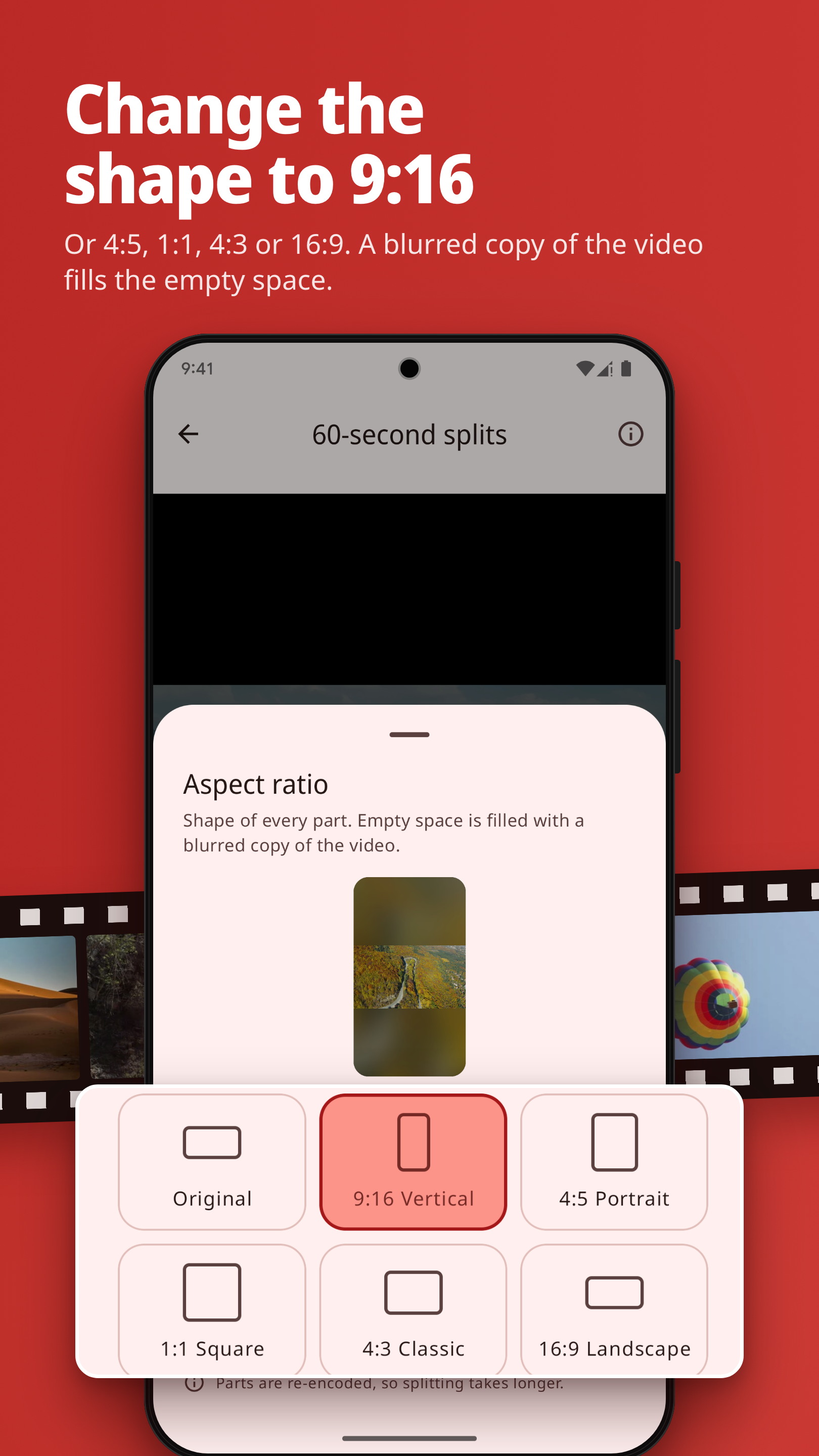
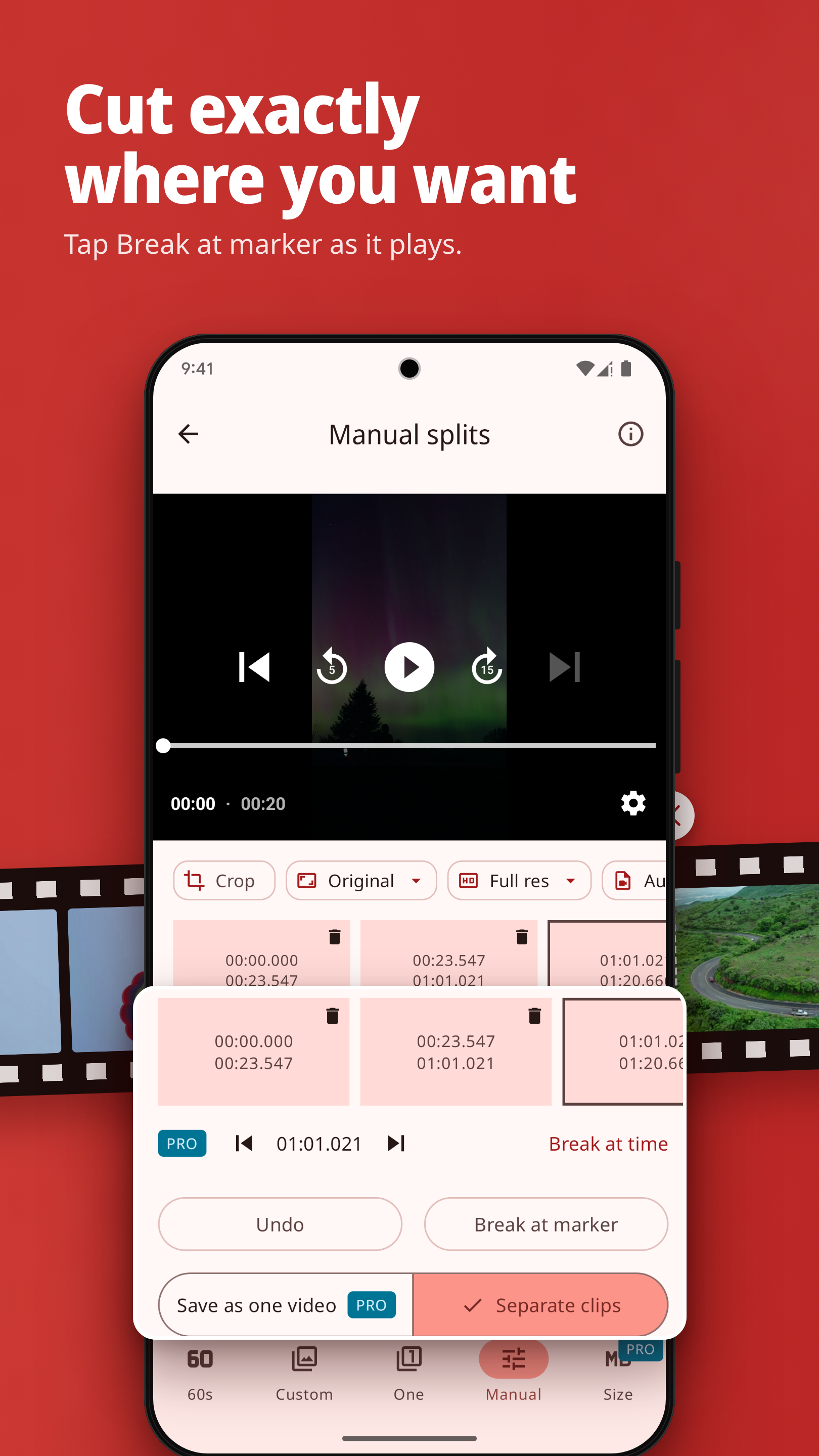
New: crop videos, with automatic black-bar detection (free). Change the aspect ratio to 9:16, 4:5, 1:1, 4:3 or 16:9, with a blurred copy of the video filling the empty space (free). Save as one video: remove the parts you don't want from a manual split and save the rest as one video (Pro). The app is now also in Spanish, French, German, Arabic, Turkish and Vietnamese. On Android 13 and later, choose the app's language in Settings. Also: a cleaner crop editor, clock times, right-to-left fixes.
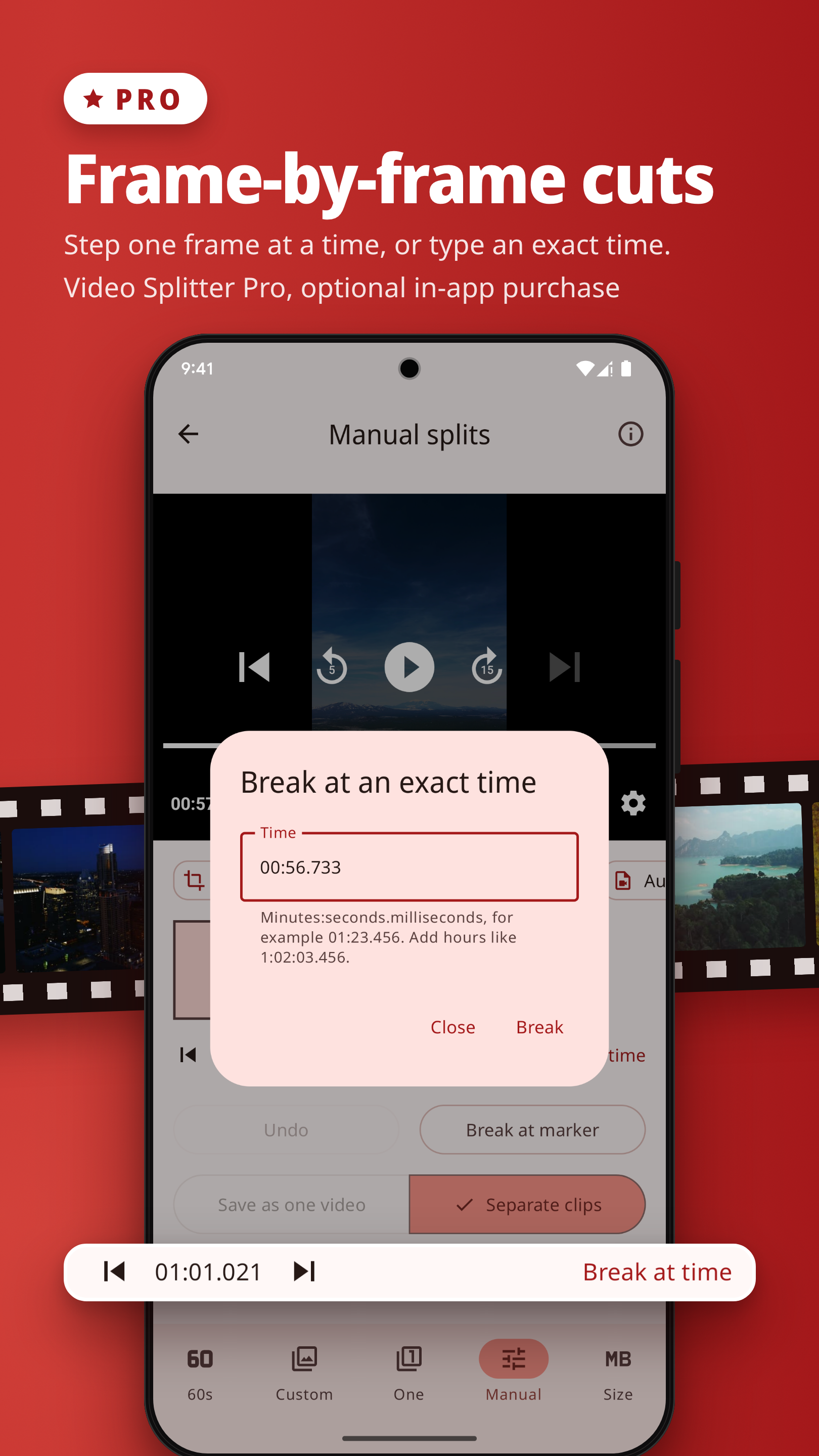
New: Video Splitter Pro, an optional one-time in-app purchase. It adds a split queue for several videos, split by file size in MB, frame-by-frame cuts, and opening videos from the share menu of other apps. The price is shown in the app before you buy; payment is handled by Google Play. Existing features are unchanged in this update. Also: videos shared from browsers and messaging apps open correctly; Brazilian Portuguese added; updated Terms and Privacy Policy, effective October 17, 2026.