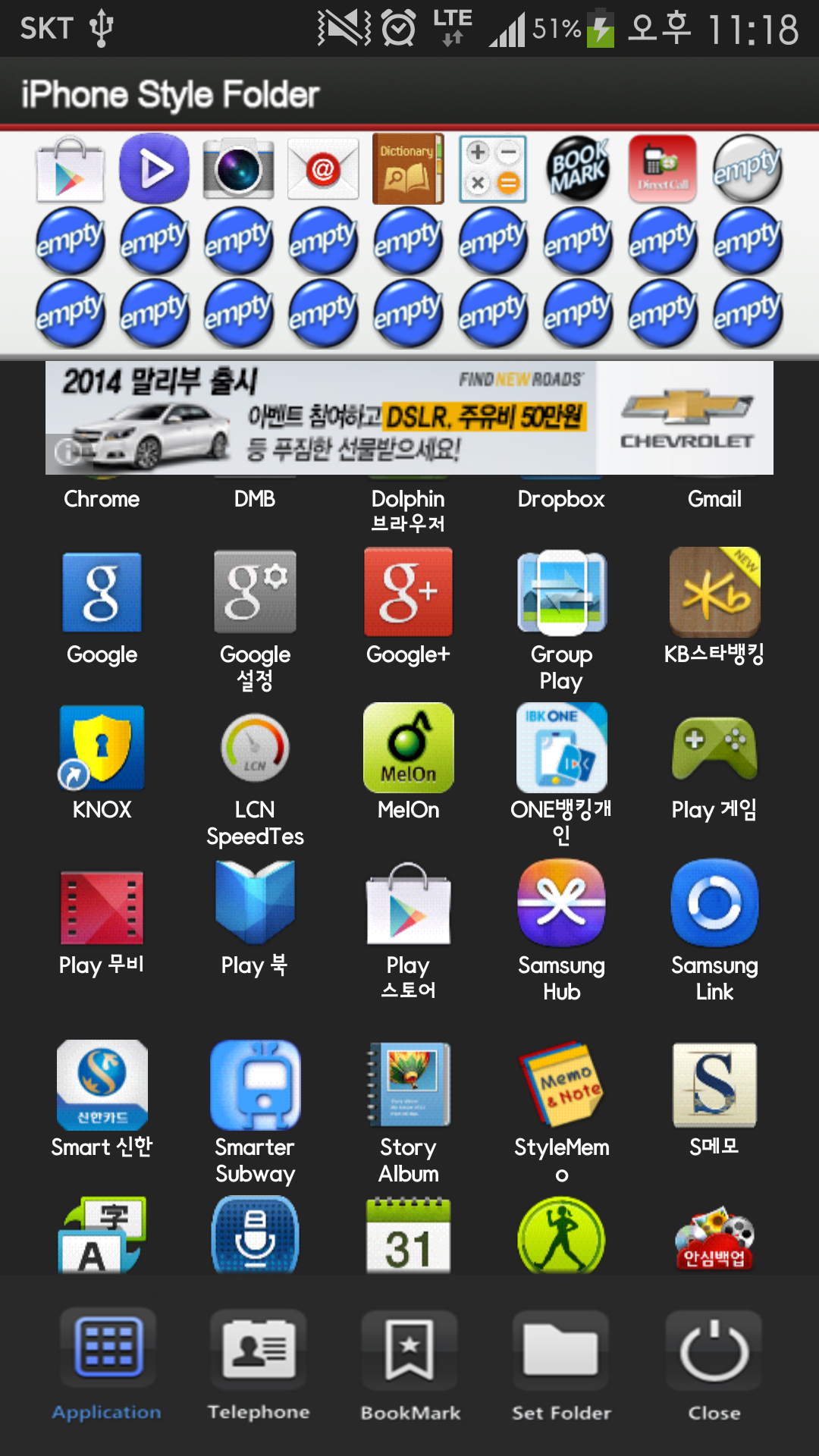
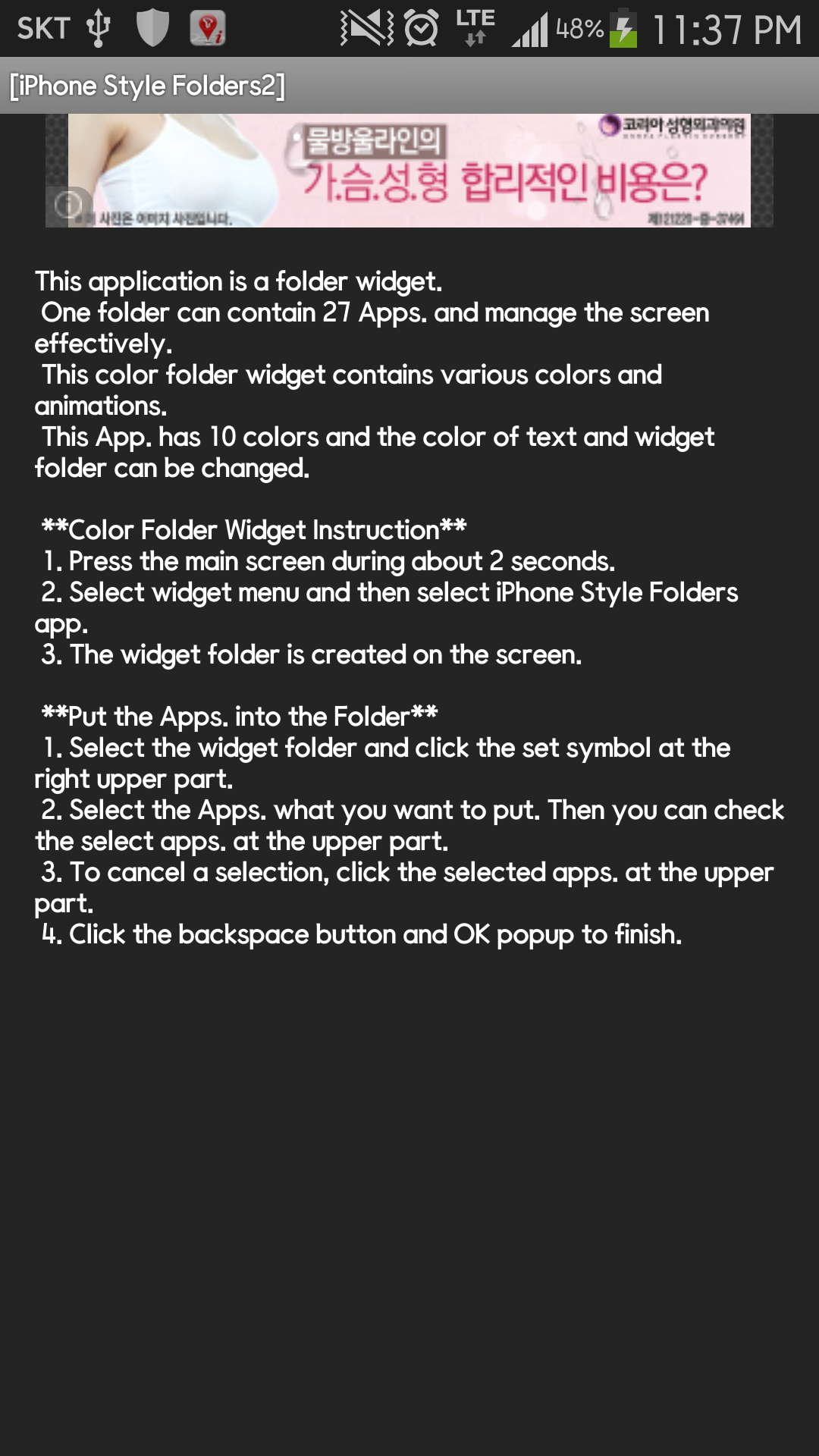
This application is a folder widget. One folder can contain 16 Apps. and manage the screen effectively. This color folder widget contains various colors and animations. This App. has 10 colors and the color of text and widget folder can be changed. **[Color Folder Widget Instruction]** 1. Press the main screen during about 2 seconds. 2. Select widget menu and then select Widget App Folders2 app. 3. The widget folder is created on the screen. **[Put the Apps. into the Folder]** 1. Select the widget folder and click the set symbol at the right upper part. 2. Select the Apps. what you want to put. Then you can check the select apps. at the upper part. 3. To cancel a selection, click the selected apps. at the upper part. 4. Click the backspace button and OK popup to finish.
APKFab.com e il link per il download di questa app sono sicuri al 100%. Tutti i link per il download delle app elencate su APKFab.com provengono da Google Play Store o sono inviati dagli utenti. Per le app da Google Play Store, APKFab.com non le modificherà in alcun modo. Per le app inviate dagli utenti, APKFab.com verificherà la sicurezza della firma APK prima di rilasciarle sul nostro sito web.