Widget App Folders2
7.4 39
v5.0 por zzugliRyu
7.4 39
v5.0 por zzugliRyu

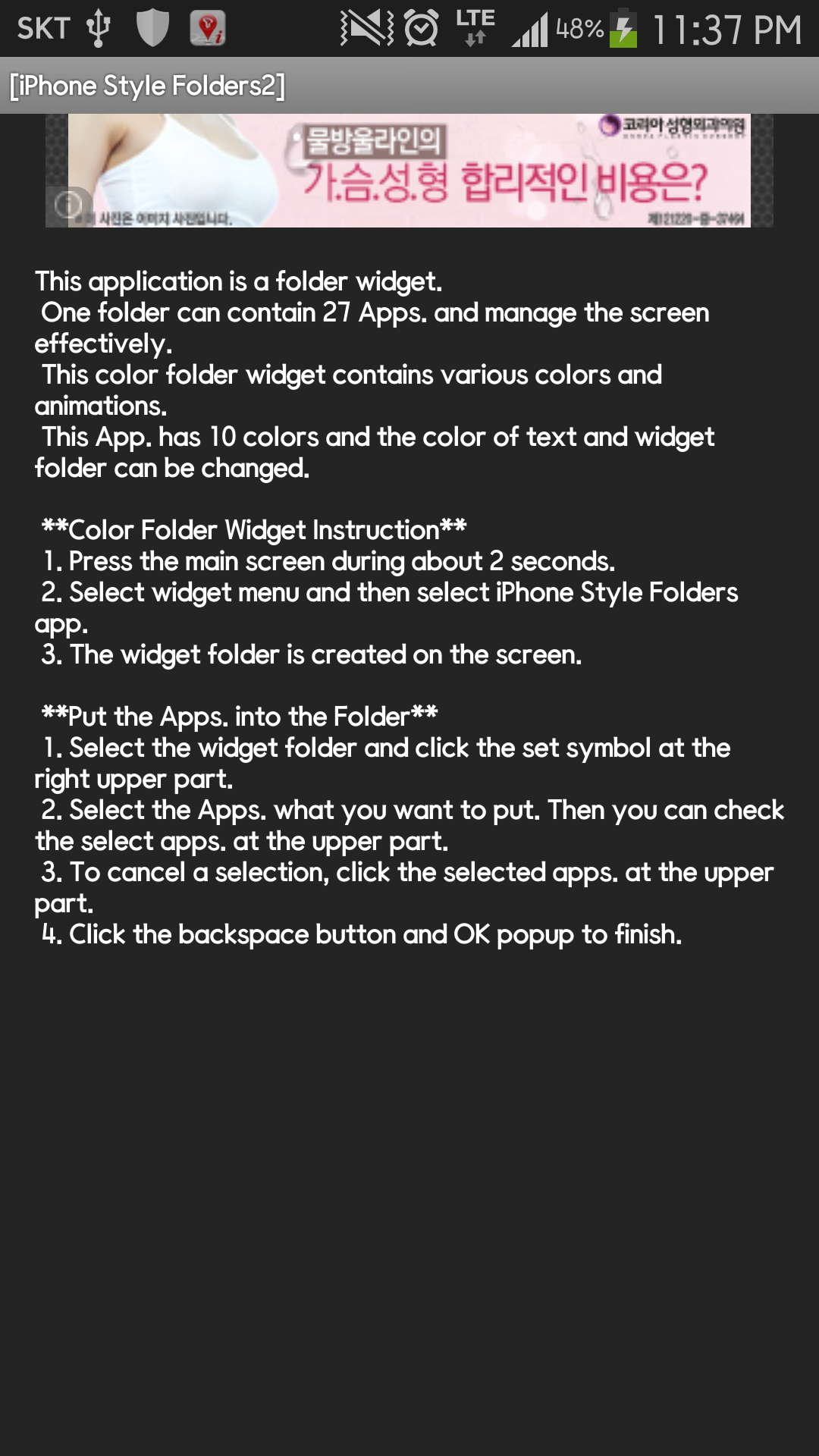
**[Color Folder Widget Instruction]**
1. Press the main screen during about 2 seconds.
2. Select widget menu and then select Widget App Folders2 app.
3. The widget folder is created on the screen.
**[Put the Apps. into the Folder]**
1. Select the widget folder and click the set symbol at the right upper part.
2. Select the Apps. what you want to put. Then you can check the select apps. at the upper part.
3. To cancel a selection, click the selected apps. at the upper part.
4. Click the backspace button and OK popup to finish.




Nombre de paquete:
Categoría:
Fecha de actualización:
2014-05-25
Última versión:
5.0
Pedir actualización:
Requisitos:
Android 2.2+
Denunciar:

Amazon Alexa
Alexa es el servicio de voz basado en la nube de Amazon disponible en dispositivos de Amazon y de otros fabricantes de dispositivos.
8.2 521K+

SmartThings
Controla tus Samsung Smart TV y dispositivos compatibles con SmartThings
9.2 459K+

Google Home
Configura y controla tus dispositivos Nest, Chromecast y Google Home compatibles
8.0 332K+

Life360: Compartir ubicación
¡Con el Localizador Familiar sabrá si su familia está segura, aunque esté lejos!
9.6 203K+

Ganar Dinero: Money Cash App
Ganar Dinero: Money Cash App, aplicación para ganar dinero.
9.7 172K+

Ganar Dinero Encuestas Pagadas
Ganar Dinero con encuestas pagadas y recompensas. Gana dinero o earn money!
9.6 160K+


