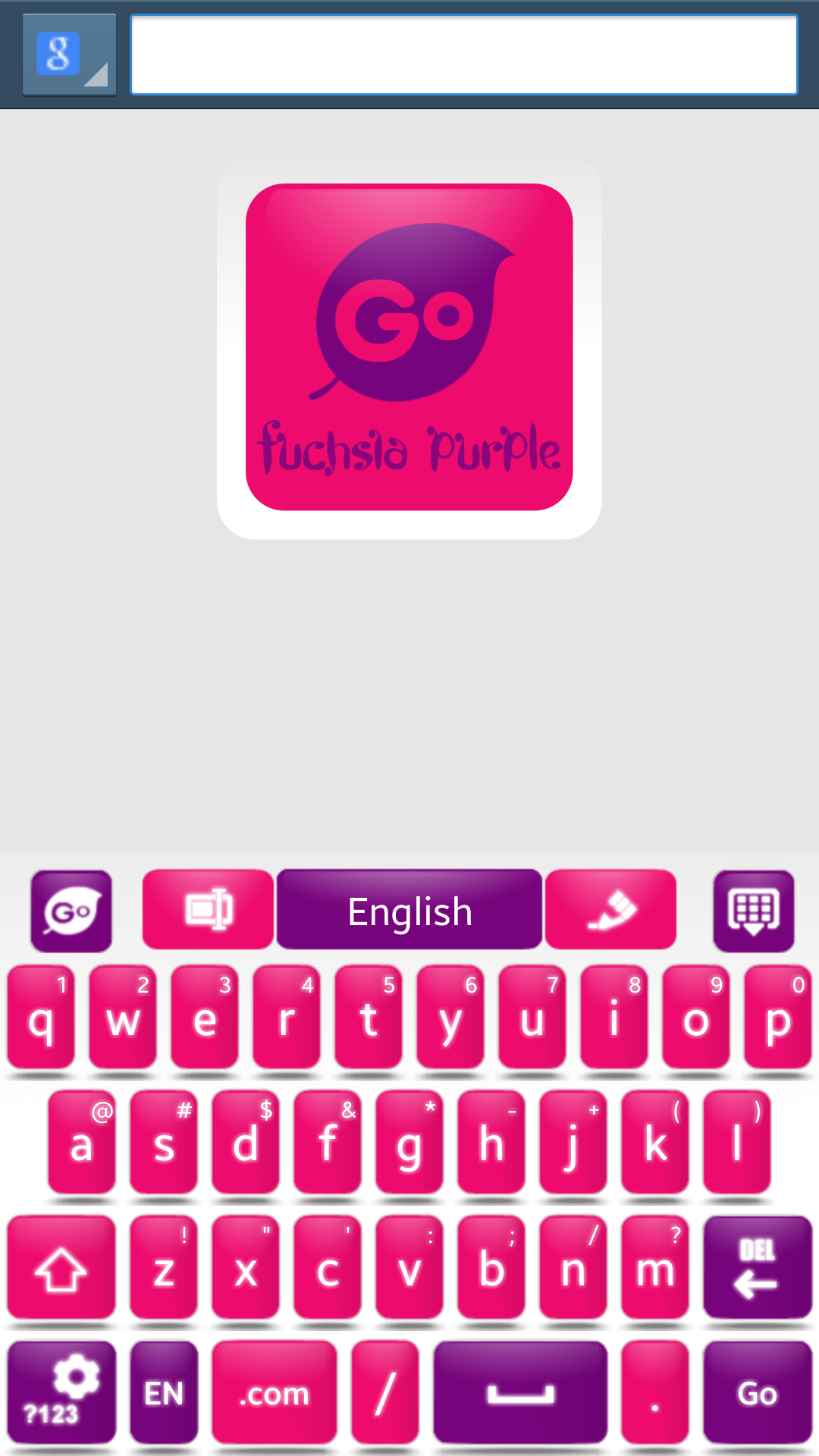
Fuchsia Purple Go Keyboard
8.4
v1.4 di fab studios



Nome Pacchetto:
Categoria:
Data Aggiornamento:
2015-08-03
Ultima Versione:
1.4
Aggiornamento Necessario:
Requisiti:
Android 3.0+
Rapporto:

ZEDGE™ Suonerie, Sfondi
La più affidabile app per suonerie, sfondi, app e suoni di notifica
9.4 1M+

CM Launcher 3D: efficiente e personalizzato
🏆3D Launcher con temi GRATUITI, sfondi e Gestione app intelligente
8.8 611K+

GO Launcher EX:Temi&Sfondi
Sostituzione elegante e funzionale della schermata, il miglior avvio Android
8.4 750K+

APUS System
Rendi il tuo telefono più elegante, fluido e conveniente.
8.2 418K+

Parallel Space -acct. multipli
Esegui più account della stessa app su un singolo dispositivo
8.2 426K+
Microsoft SwiftKey AI Keyboard
Copilota basato sull'intelligenza artificiale. Tastiera personalizzata con gif, adesivi e temi
8.9 348K+