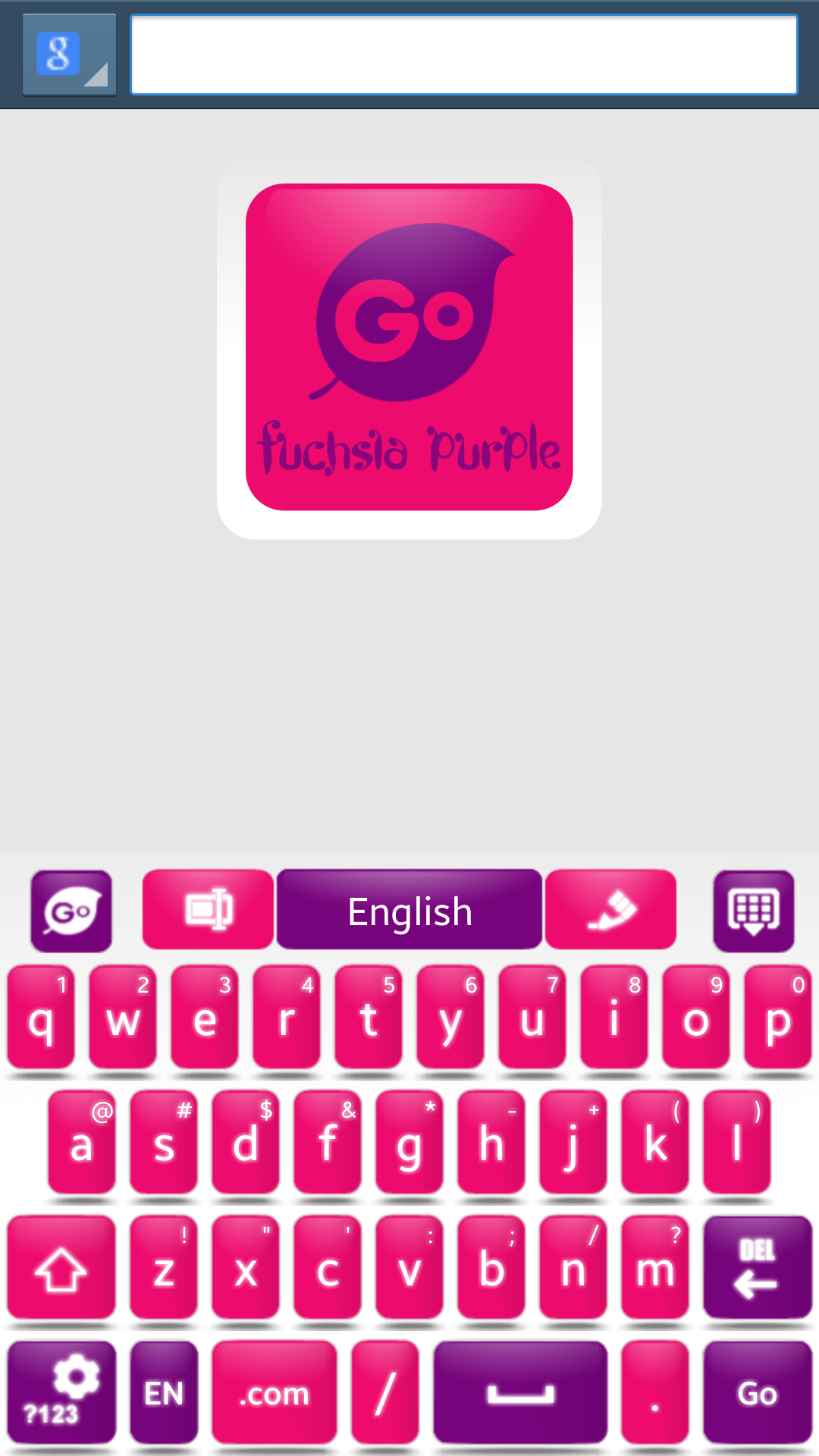
Fuchsia Purple Go Keyboard

8.4

v1.4 by fab studios

Fuchsia Purple Go Keyboard APK download Fuchsia Purple Go Keyboard APK download

About Fuchsia Purple Go Keyboard

Fuchsia Purple Go Keyboard (Package Name: com.jb.gokeyboard.theme.fbfpkb) is developed by fab studios and the latest version of Fuchsia Purple Go Keyboard 1.4 was updated on August 3, 2015. Fuchsia Purple Go Keyboard is in the category of Personalization. You can check all apps from the developer of Fuchsia Purple Go Keyboard. Currently this app is for free. This app can be downloaded on Android 3.0+ on APKFab or Google Play. All APK/XAPK files on APKFab.com are original and 100% safe with fast download.
★INSTALL GO KEYBOARD FIRST, READ BELOW★
★ Activating Go Keyboard ★
1) Open Go Keyboard App: Click Step1 > Check Go Keyboard “press ok” > Next to the Checked Go Keyboard is a “Settings symbol” click that. > Click Step2 > Select input: Go Keyboard.
★Applying the Theme★
1) Open Go Keyboard App: click theme settings > click select theme > click “on the name of this theme from the list” > Apply!
Read More
Fuchsia Purple Go Keyboard Features
More Information

Update Date:

Latest Version:

1.4

Need Update:

Submit latest version

Requirements:

Android 3.0+