Installer +

7.8 89

v1.0.5 by Isnow Studio

Installer + APK download Installer + APK download

About Installer +

Installer + (Package Name: com.isnowstudio.installer) is developed by Isnow Studio and the latest version of Installer + 1.0.5 was updated on July 3, 2013. Installer + is in the category of Productivity. You can check all apps from the developer of Installer +. Currently this app is for free. This app can be downloaded on Android 4.0.3+ on APKFab or Google Play. All APK/XAPK files on APKFab.com are original and 100% safe with fast download.
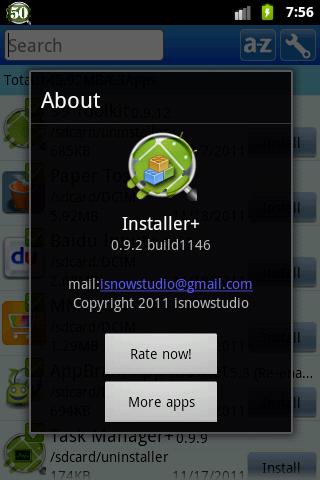
Installer+ is a simple and easy to use android application installation tool.
Whether you meet:
1)no application found after factory reset
2)cant find the application you backup before
So, try Installer+, this is the newest and best uninstall tool on the market today, which make your phone more cleaner and using more smoother.
Features:
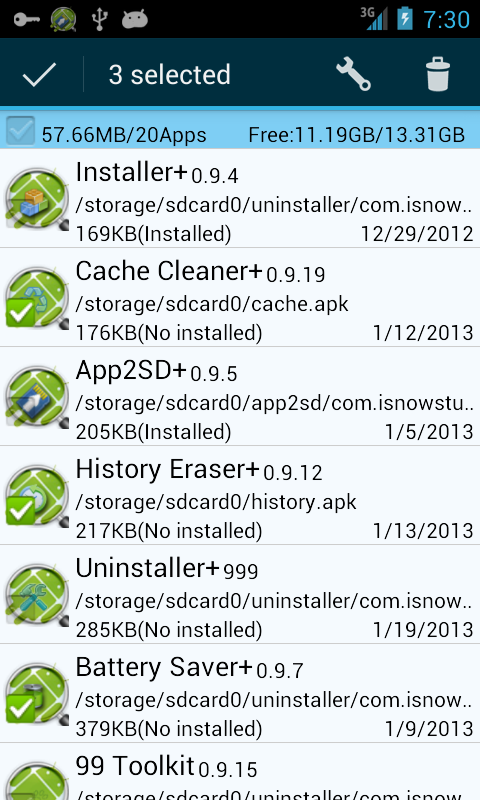
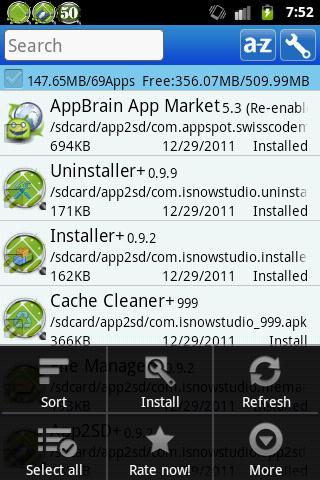
# A quick tour of the SD card application package, including the name /path /size /time
# Show total number and size of the application package statistics
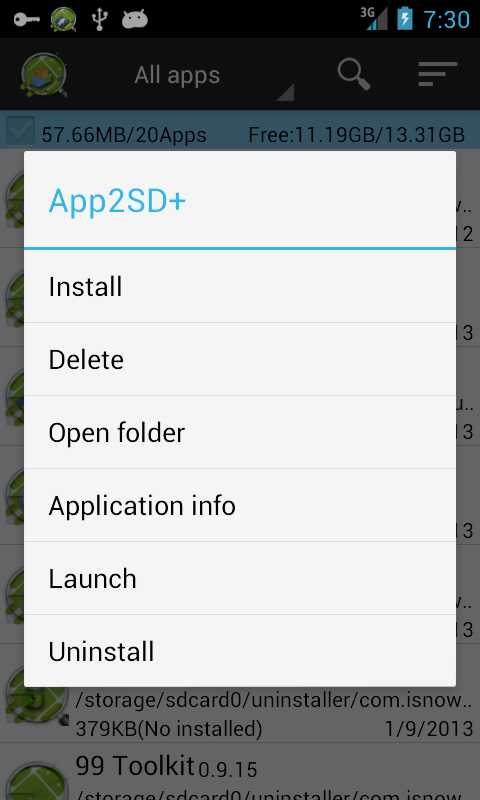
# One click to install application
# Support batch installation
# Support Delete an application package
# Rapid application package name filter
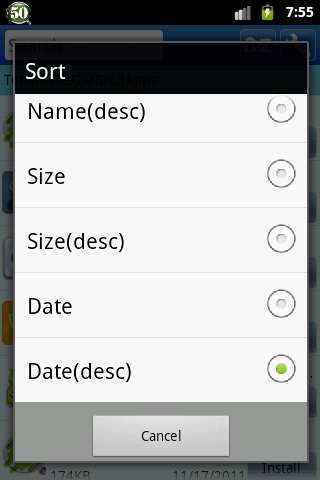
# Various sorting capabilities such as location / name / size / time order
# Do not need Root privileges
Similar applications on the market including Easy Installer,Installer,AppInstaller,Fast App Install
Advantages:
# Better user experience:
1 search in the most front-end, more convenient input
2 default sort by path, and the sort button on the top, a click to switch the date / size order
3 show the install button for each application, the operation is more simple
4 show the total number of applications and size, but also match based on your search criteria
# More faster:
1 through pre-loading mechanism for faster display
2 through cache mechanism for faster search
# User-friendly UI:
1 blue color scheme, visual comfort
2 simple layout of the program, more convenient operation
Q&A:
1. What is the use of Installer+?
A: Show application for icon/name/version in SD card, so you can:
1)find application in SD card quickly, so avoid download again
2)remove the duplicate application, so save space of SD card
2 Why is some application displayed twice and more?
A: Following two situation may be:
1) same application store in different path of SD card, so path is not same
2) different version of a application in SD card, so version is not same
Installer+ is the newest and best install tool currently on the market, just try it.
Any questions, you can contact us: [email protected]

Installer + 1.0.5 Update

Some bugs fixed
Read More
Installer + Features
More Information

Update Date:

Latest Version:

1.0.5

Need Update:

Submit latest version

Requirements:

Android 4.0.3+