USB C to HDMI (Package Name: com.karimsinouh.tvconnector) is developed by Vizo Apps and the latest version of USB-C To HDMI APP: Phone to TV 2.0 was updated on October 10, 2026. USB-C To HDMI APP: Phone to TV is in the category of Tools. You can check all apps from the developer of USB-C To HDMI APP: Phone to TV. Currently this app is for free. This app can be downloaded on Android 10.0+ on APKFab or Google Play. All APK/XAPK files on APKFab.com are original and 100% safe with fast download.
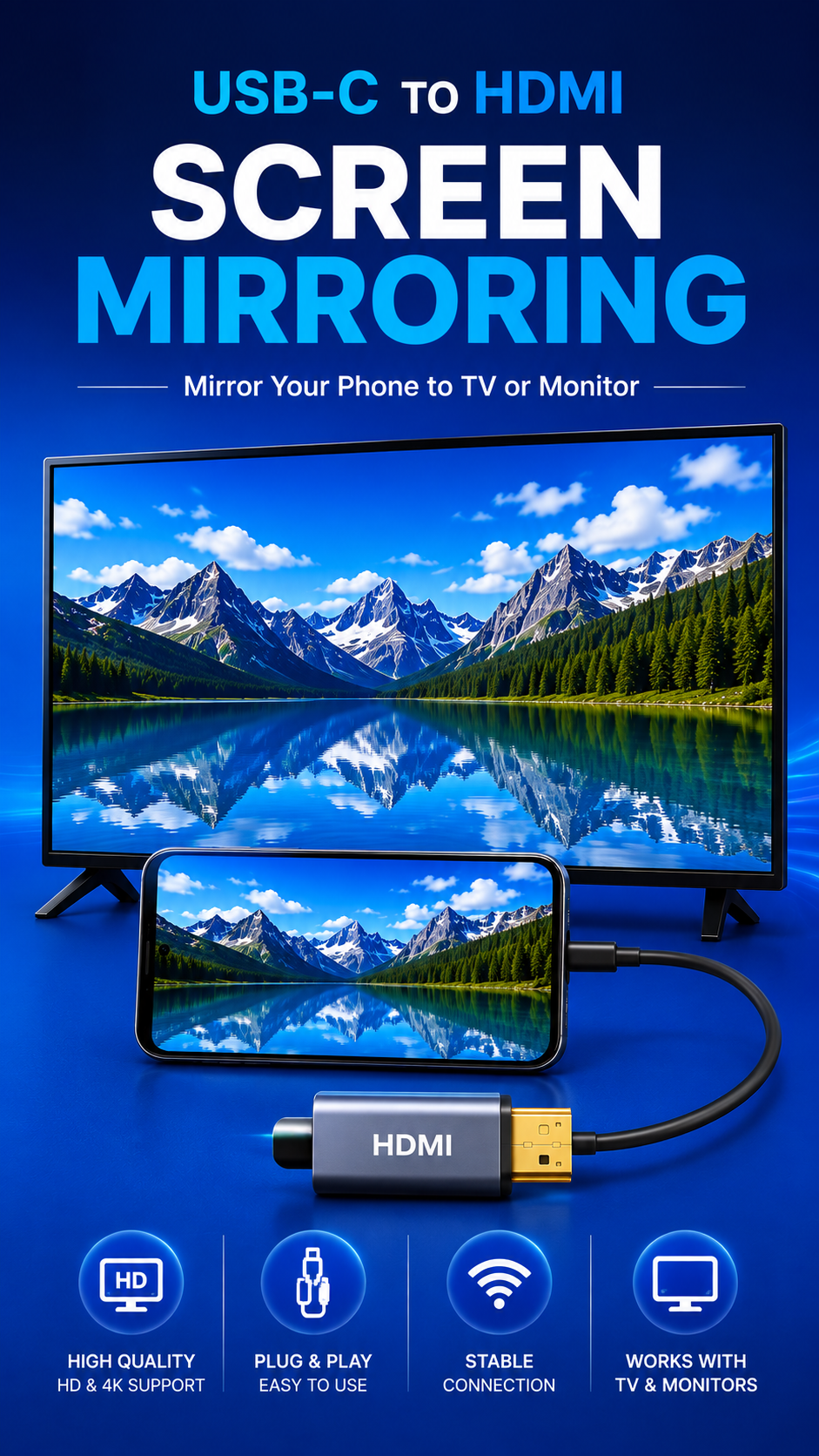
Find out if your phone has HDMI output, then connect your phone to your TV, monitor or projector with a USB C to HDMI cable. No Wi-Fi, no Chromecast, no app on the TV. DOES MY PHONE SUPPORT HDMI OUTPUT? Not every phone can send video through its USB-C port. This USB C to HDMI app gives you a straight answer: - Plug in your USB C to HDMI cable or adapter and the app detects the TV the moment your phone outputs video - No cable yet? See whether your phone model is known to support HDMI output before you buy one - If your phone cannot output video over USB-C, the app tells you plainly, so you do not waste money on a cable that will never work CONNECT PHONE TO TV WITH A CABLE - Step-by-step guide to connect phone to TV with USB C to HDMI - Works with USB C to HDMI cables, Type C to HDMI adapters and USB-C hubs with an HDMI port - Wired screen mirroring: your whole screen appears on the TV with no lag and no Wi-Fi - Tips for landscape video, full-screen playback and sound on the TV - Fixes for the common problems: black screen, no signal, wrong HDMI input, adapter not detected HDMI OUTPUT TEST - Live status of the HDMI connection while the cable is plugged in - Device details that matter for HDMI: Android version, USB-C video support, display information NO CABLE SUPPORT? USE WIRELESS INSTEAD If your phone has no HDMI output over USB-C, the app shows you how to mirror your phone to TV over Wi-Fi with the casting already built into your phone and TV. WORKS WITH - Phones and tablets with USB-C video output (DisplayPort Alt Mode), including many recent flagship models - Any TV, computer monitor or projector with an HDMI input - USB C to HDMI cables, Type C to HDMI adapters, USB-C docks and hubs with HDMI WHY USE A WIRED HDMI CONNECTION? A cable works in hotels, offices and classrooms where Wi-Fi casting is blocked, never drops the picture, and needs no internet at all. Watch your videos and photos on the big screen, present slides on a projector, or play games on a monitor. USB C to HDMI: Phone to TV is a guide and checker. It cannot add HDMI output to a phone whose hardware does not support it, and it says so clearly.
USB C to HDMI 2.0 Update
• Honest HDMI check: tells you if your phone likely supports video over USB-C, and turns green only when your TV is really detected • NEW Browser Cast: show photos and videos on any TV with a web browser • NEW Chromecast / Google TV casting • NEW TV mode: full-screen video on the TV, your phone is the remote • No ads before you get your answer, and none on first launch • Landscape support, new photo picker, Indonesian language
• Honest HDMI check: tells you if your phone likely supports video over USB-C, and turns green only when your TV is really detected • NEW Browser Cast: show photos and videos on any TV with a web browser • NEW Chromecast / Google TV casting • NEW TV mode: full-screen video on the TV, your phone is the remote • No ads before you get your answer, and none on first launch • Landscape support, new photo picker, Indonesian language
• Honest HDMI check: tells you if your phone likely supports video over USB-C, and turns green only when your TV is really detected • NEW Browser Cast: show photos and videos on any TV with a web browser • NEW Chromecast / Google TV casting • NEW TV mode: full-screen video on the TV, your phone is the remote • No ads before you get your answer, and none on first launch • Landscape support, new photo picker, Indonesian language
APKFab.com and the download link of this app are 100% safe. All download links of apps listed on APKFab.com are from Google Play Store or submitted by users. For the app from Google Play Store, APKFab.com won't modify it in any way. For the app submitted by users, APKFab.com will verify its APK signature safety before release it on our website.