Application Lock (Package Name: com.biometrics.janus) is developed by Biometrics Solution and the latest version of Face Recognition App Lock 1.25 was updated on June 3, 2022. Face Recognition App Lock is in the category of Tools. You can check all apps from the developer of Face Recognition App Lock. Currently this app is for free. This app can be downloaded on Android 4.1+ on APKFab or Google Play. All APK/XAPK files on APKFab.com are original and 100% safe with fast download.
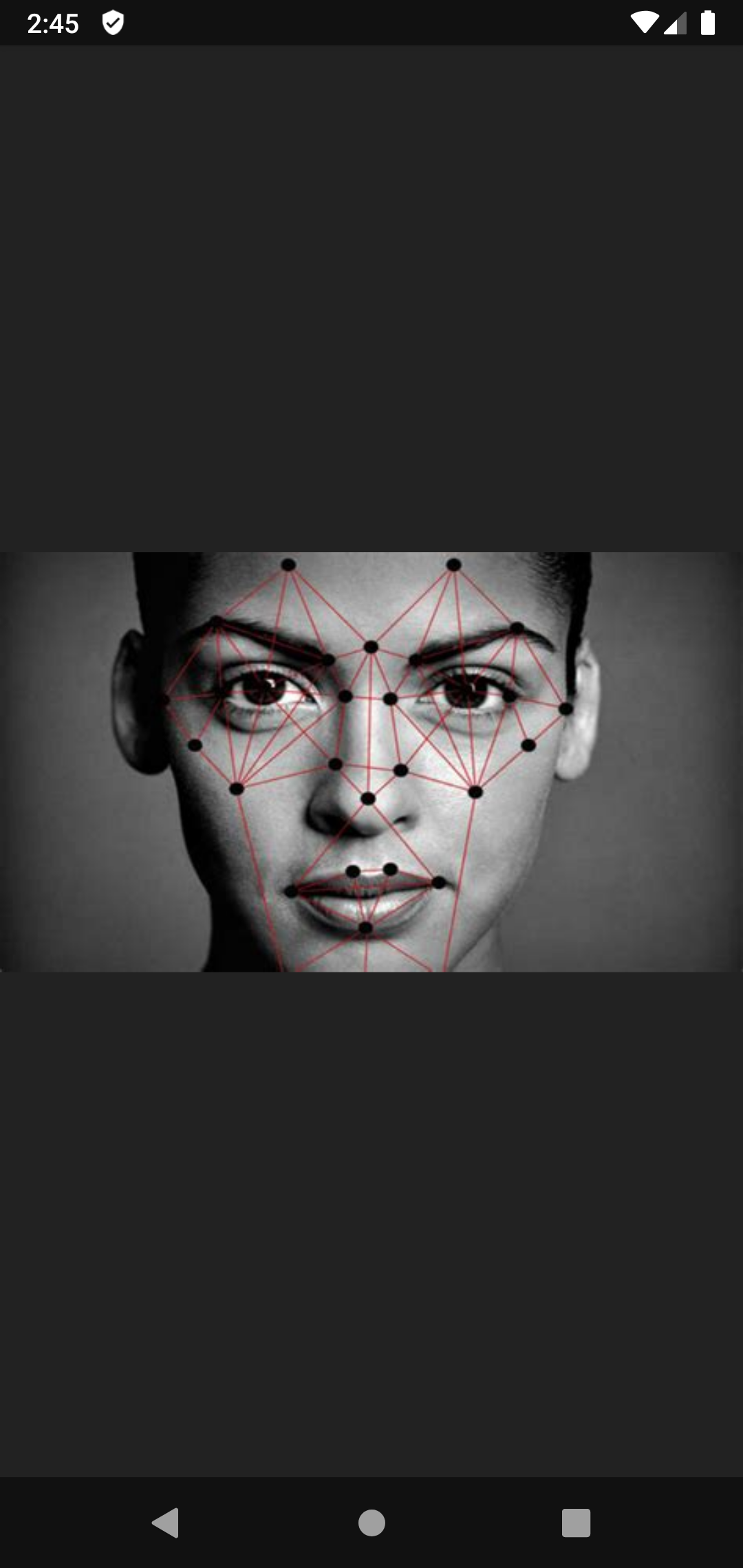
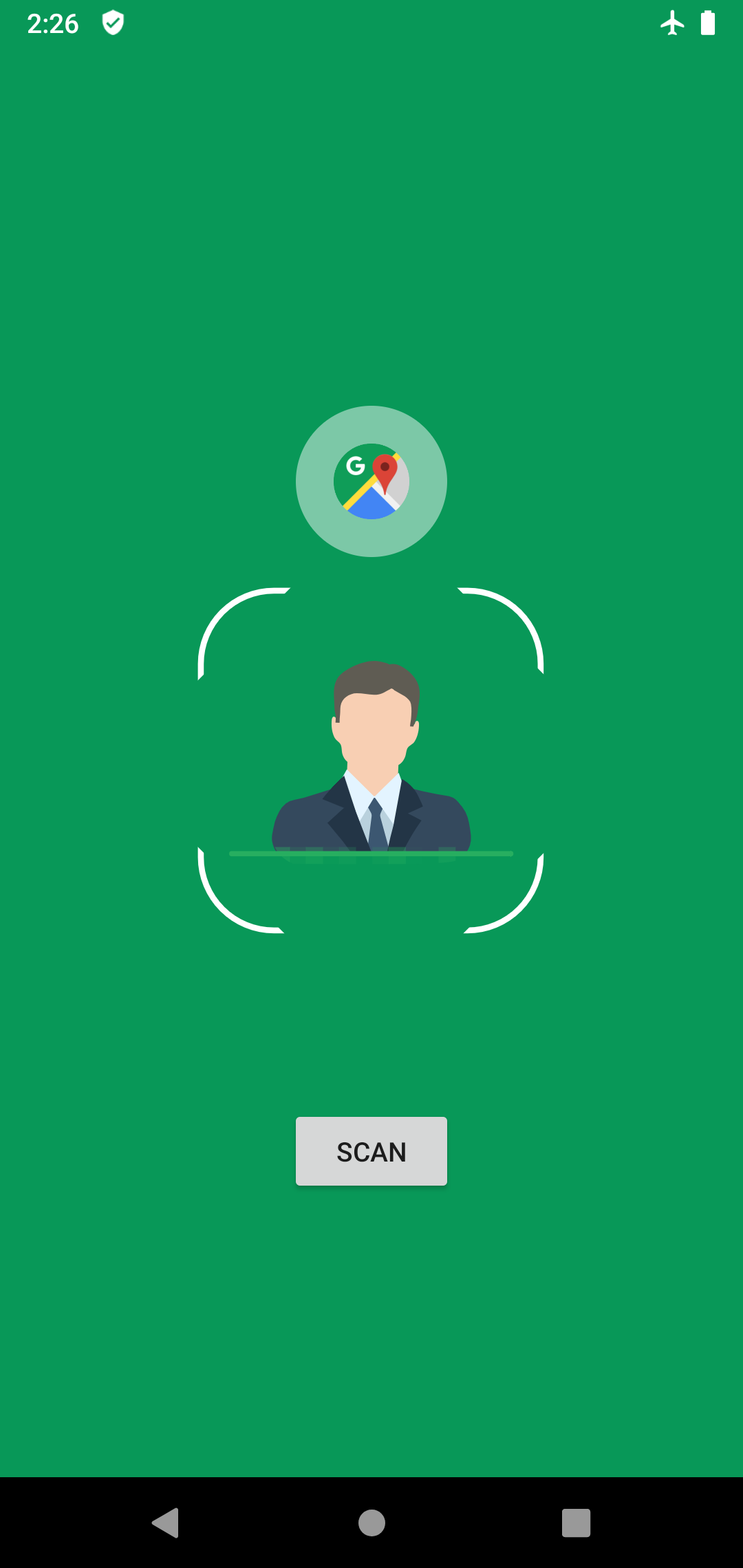
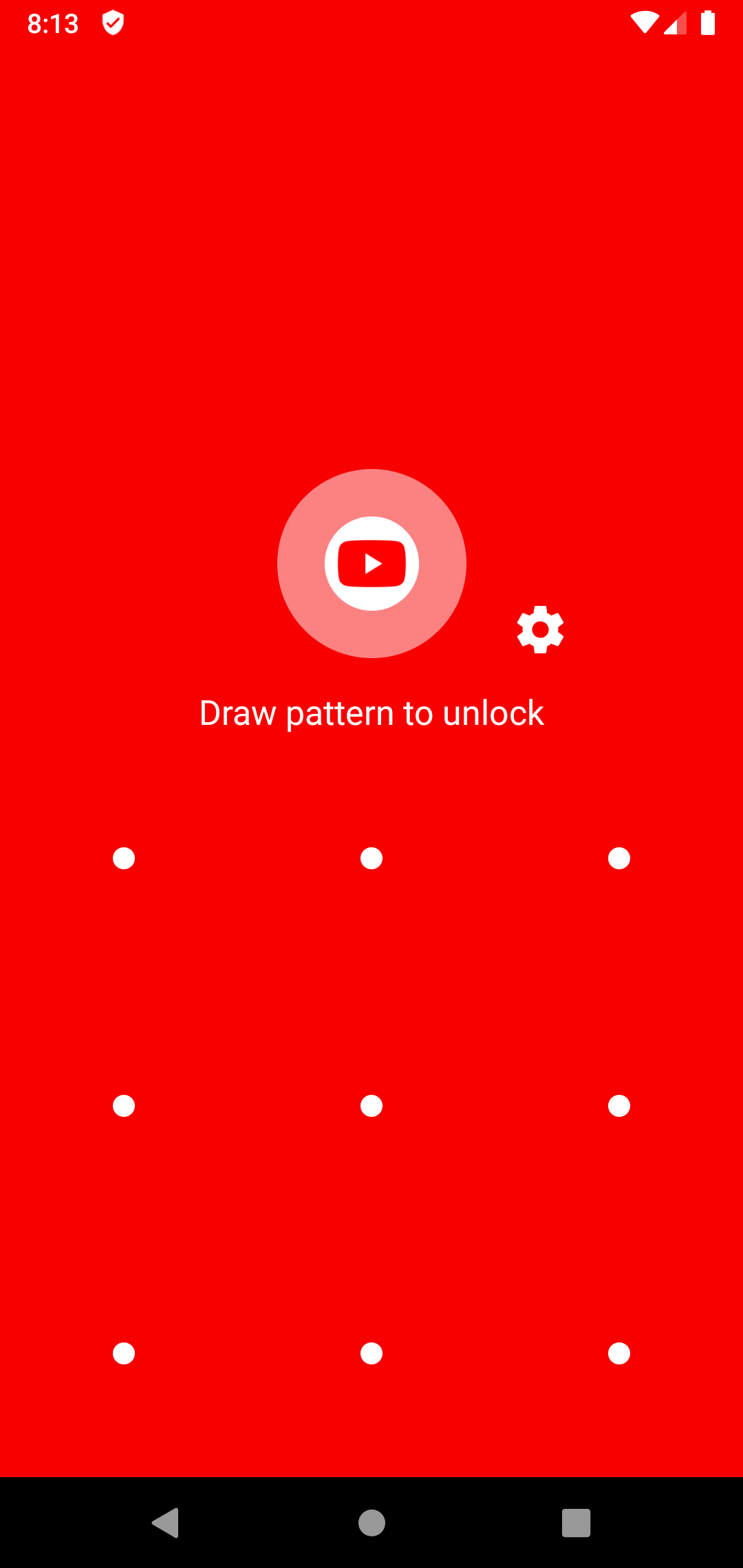
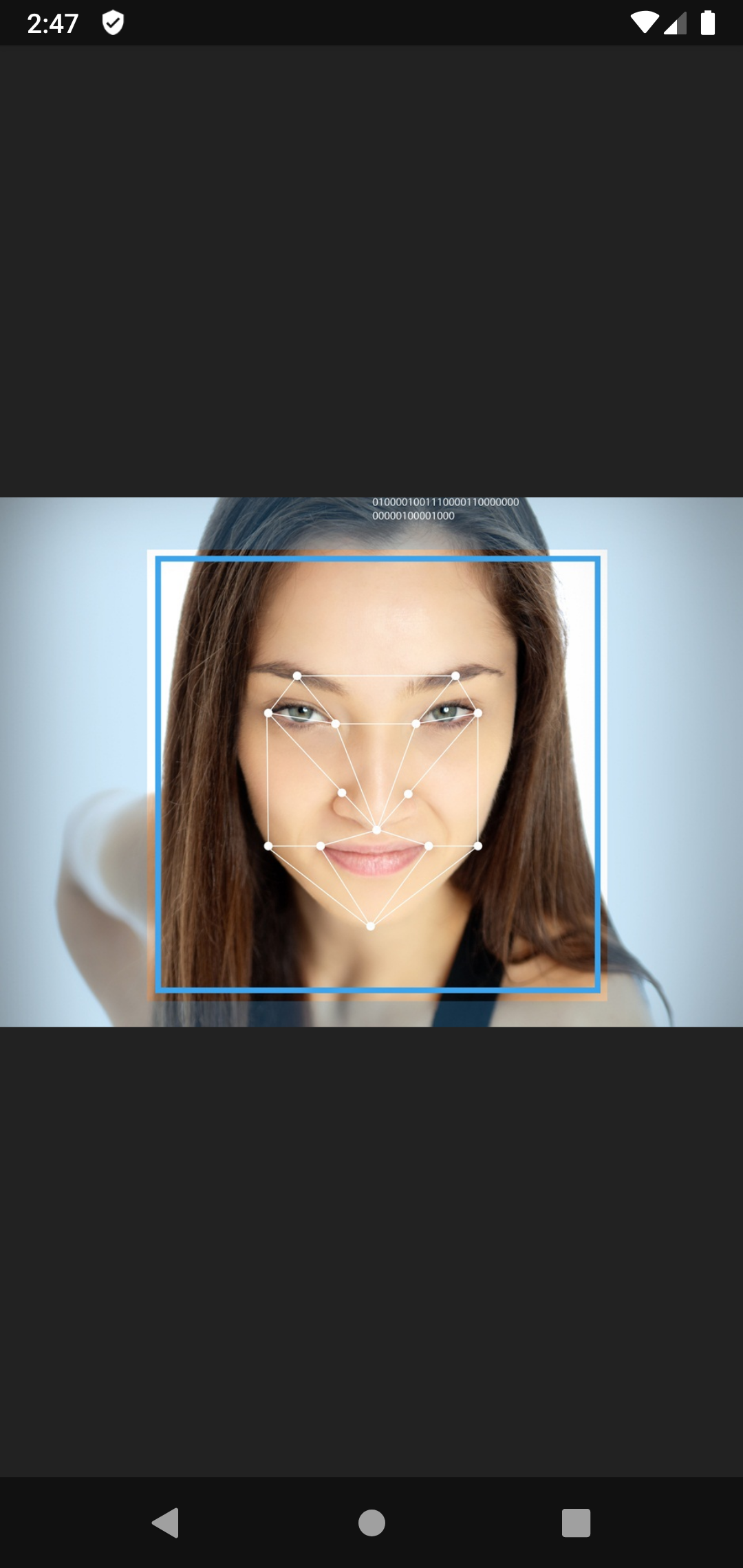
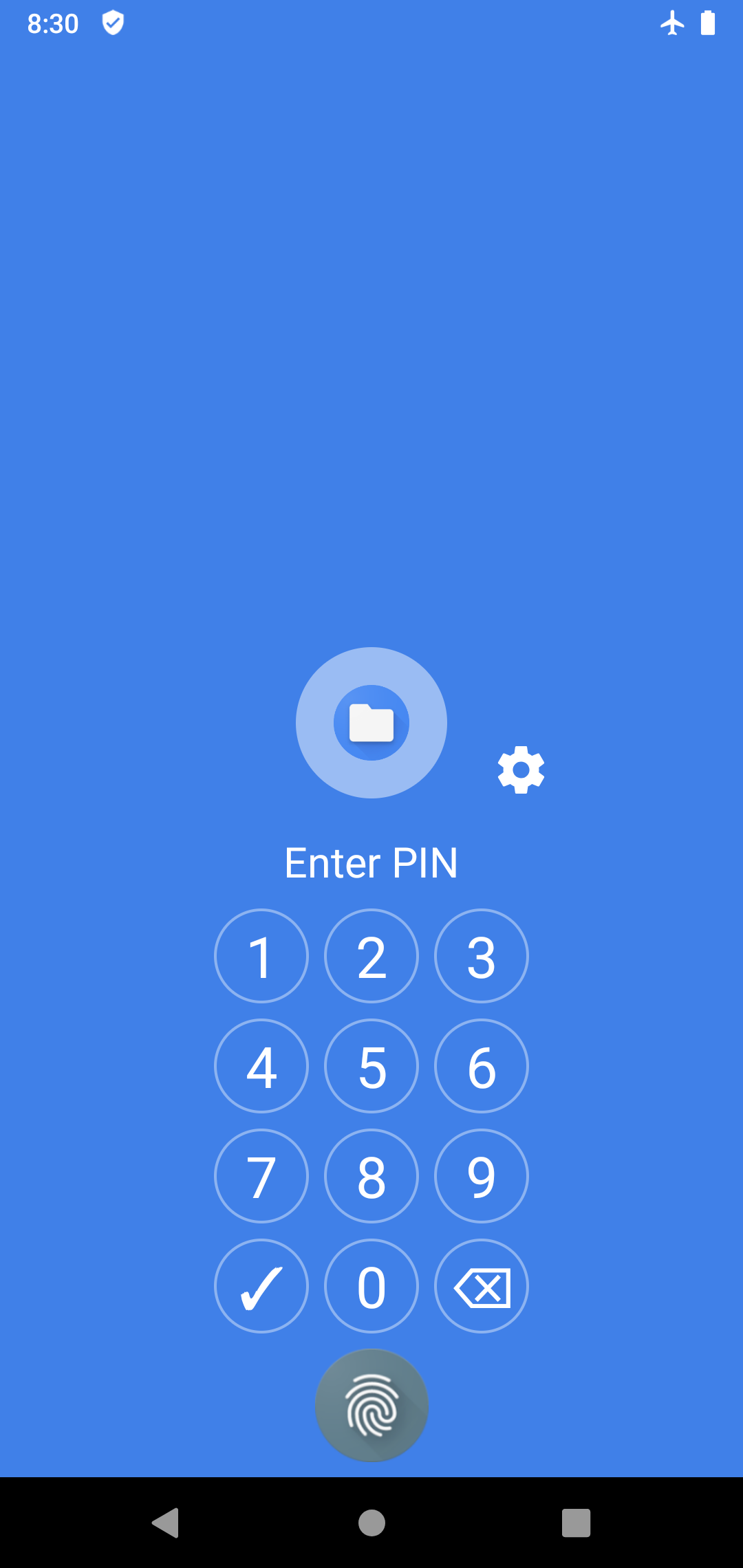
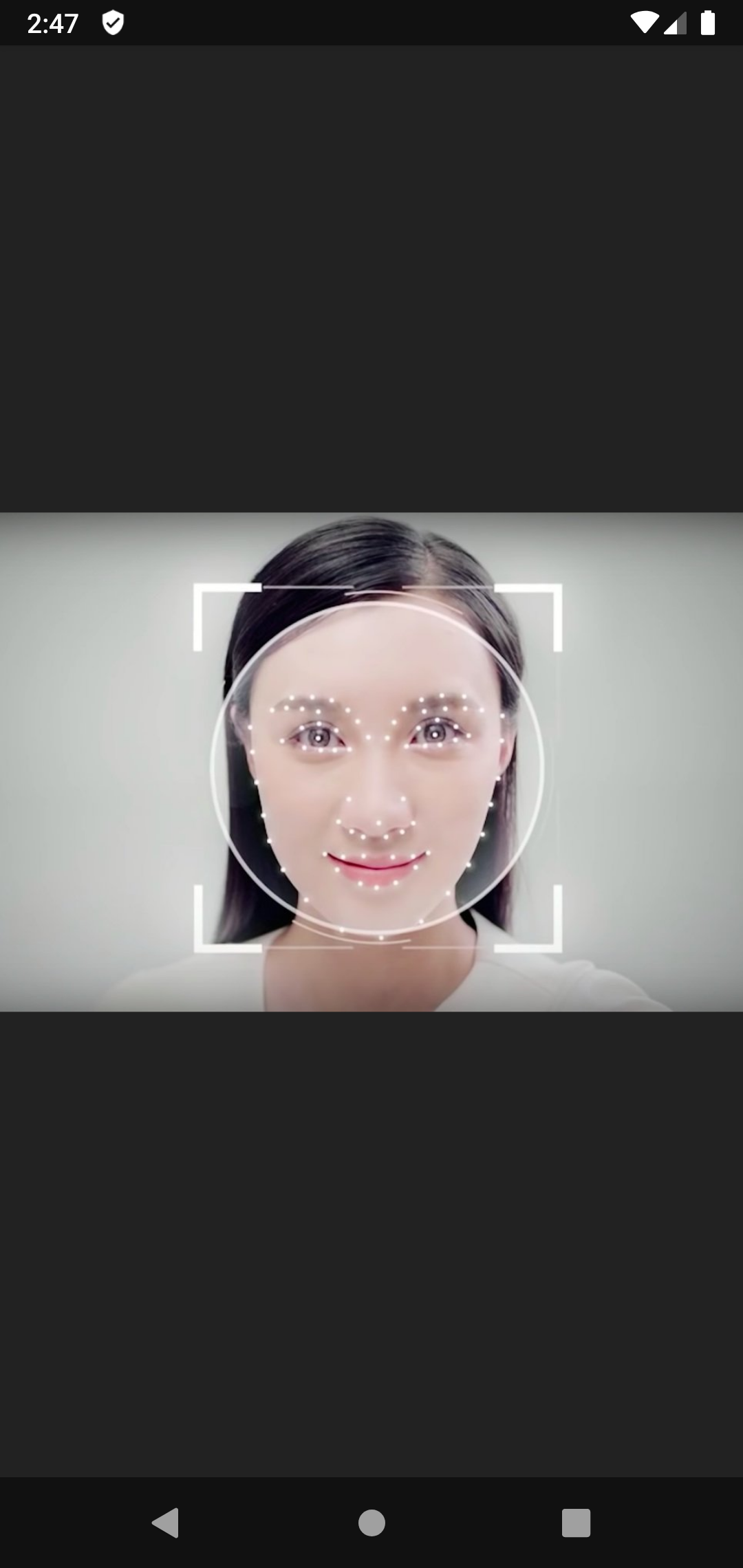
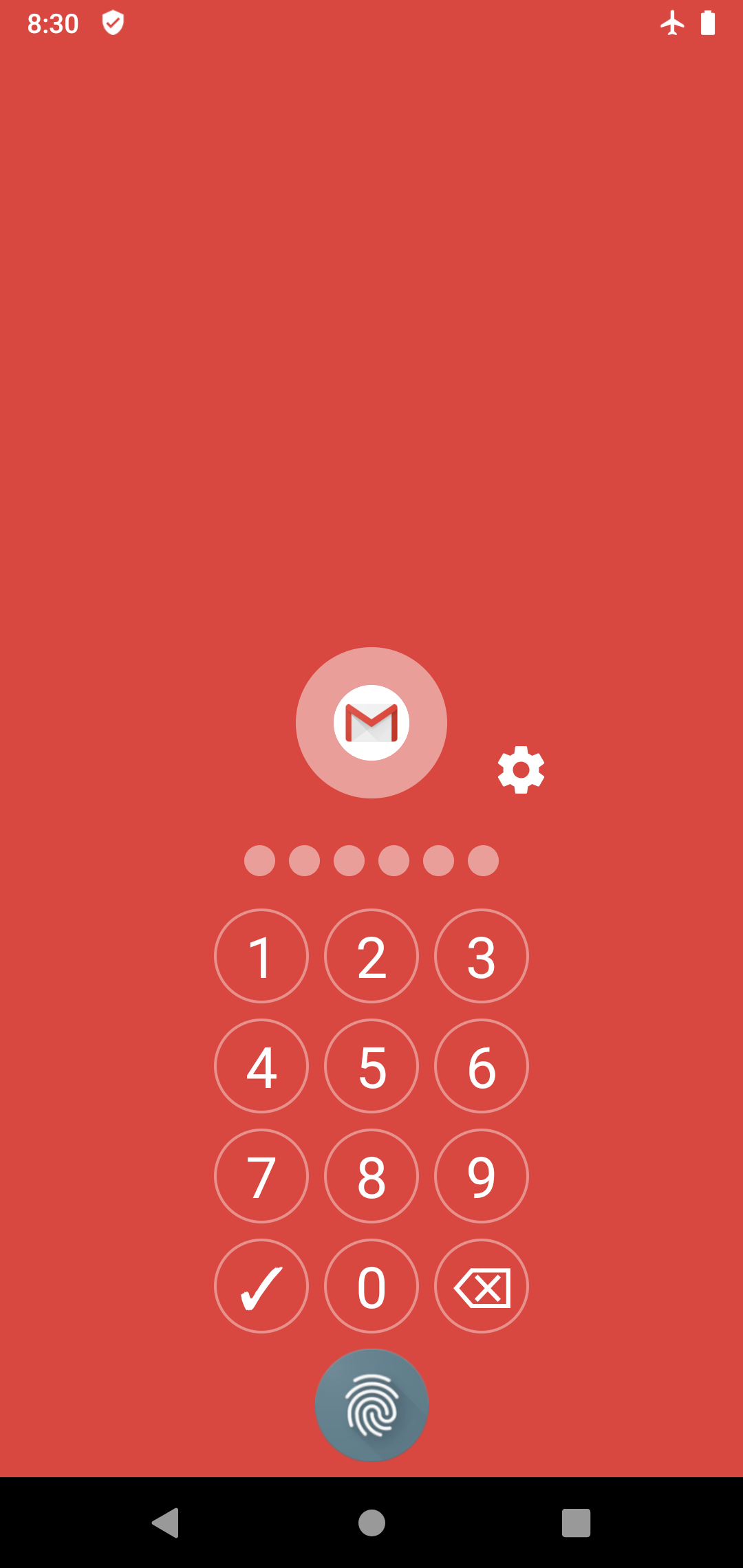
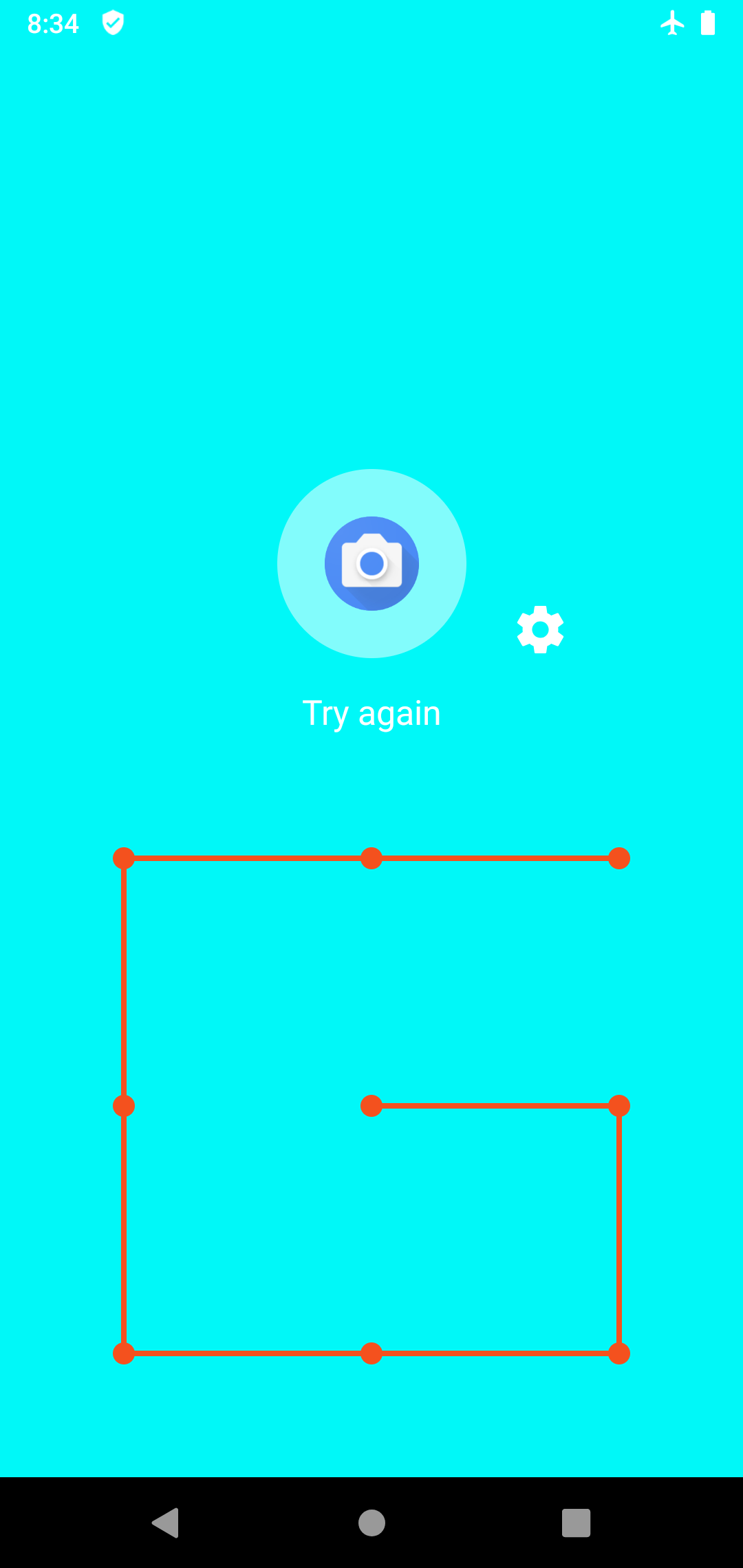
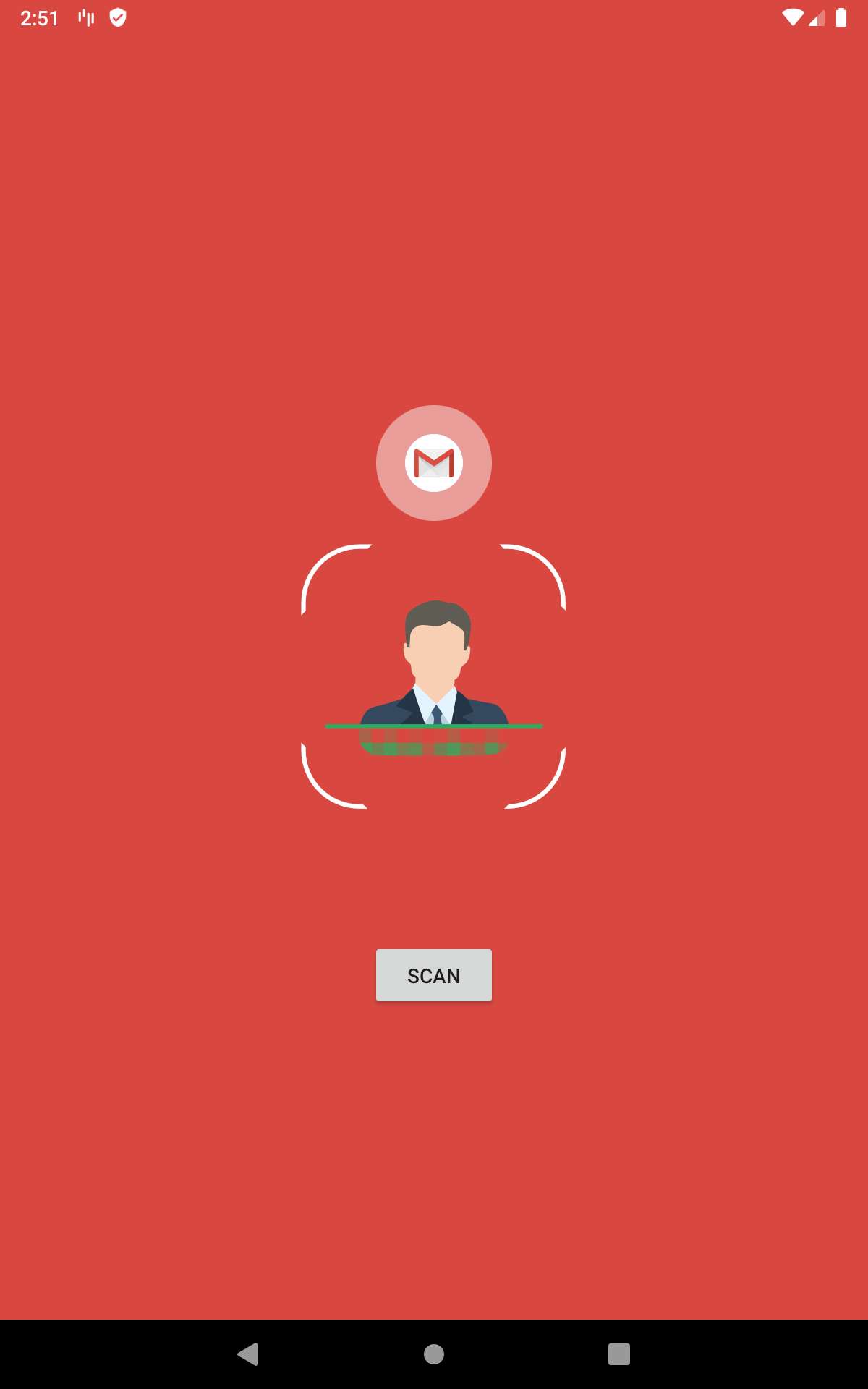
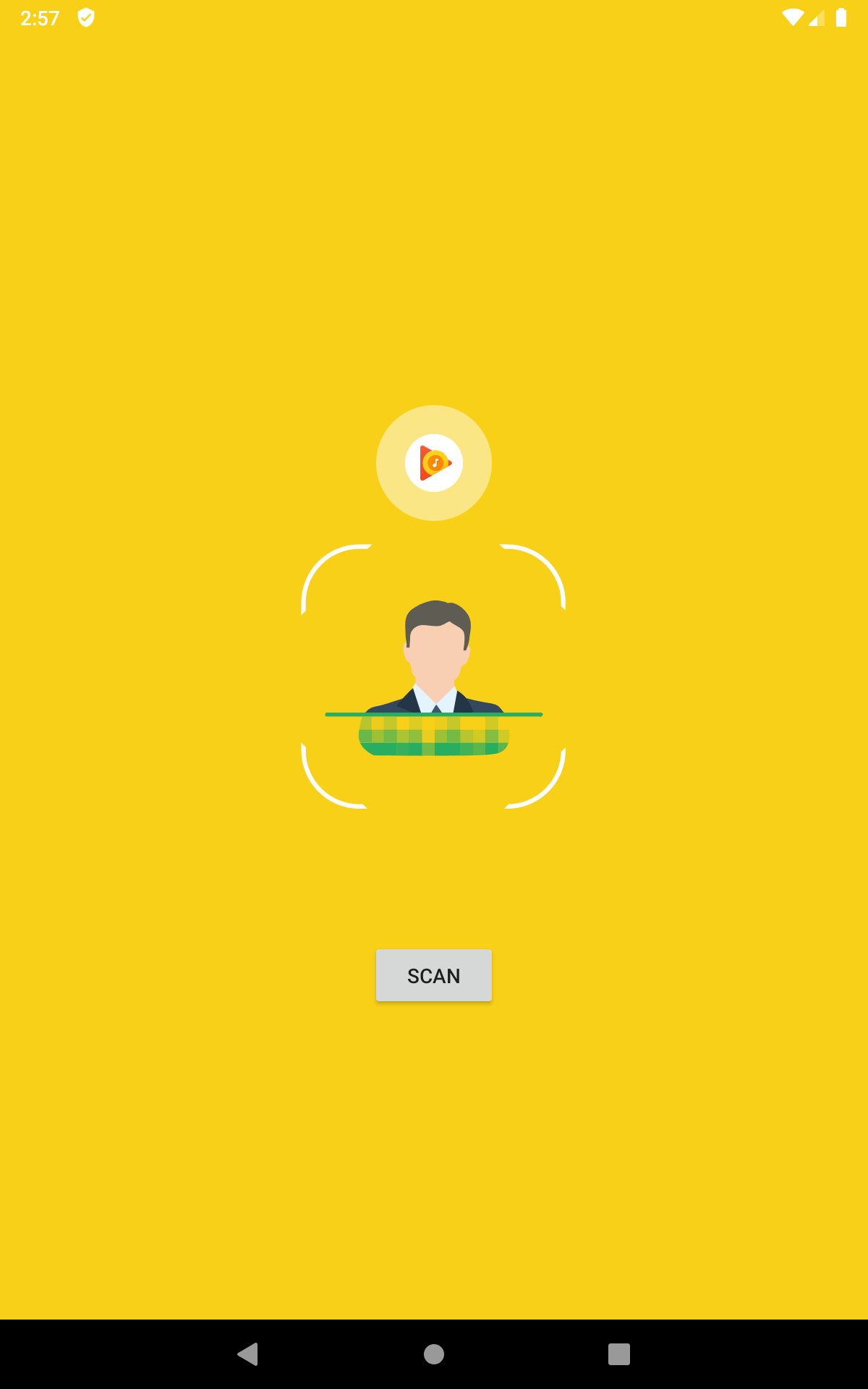
🗝️ Protect your applications with face recognition, fingerprint scanner, pattern or pin code. - Beside traditional locking method like pattern, pin or fingerprint scanner, now you can keep your precious resources safe with face recognition. Just look at the phone screen and your phone will be unlocked in an instant. - Fingerprint scan is integrated into Pin lock screen (You need supported hardware with fingerprint scanner such as a Samsung, Huawei, Xiaomi Andrdoid devices) - Face Recognition is a nice choice. It includes an excellent security scheme, combined with user convenience. 🗝️ This app protects all of your appplications including system and third-party apps - You can lock, unlock popular social apps such as Youtube, Gmail, Facebook, Telegram, Whatsapp, Snapchat, Tiktok, Tumblr, WeChat, etc. - All of your browsers apps will be protected(Including but not limited to Google Chrome, Firefox, Microsoft Edge, DuckDucGo, Brave browser) - Face Recognition App Lock can be used to lock system, and third-party apps(Settings, Gmail, Google Play, ProtonMail, etc) 🗝️ It is so lightweight and easy to use. - Just open Face Recognition App Lock, register a password, and you can protect your whole device from unwanted access. 🗝️ Face Recognition App Lock possesses beautiful user interface with Google material design - Each lock screen will use a dominant color which is compatible with the icons of your apps App Lock supports four types of locks ✔ Face recognition: unlock devices with your face ✔ Fingerprint: use your fingerprint to unlock apps (available in devices that support fingerprint scanner like in Samsung, Xiaomi smartphone, or devices installed with a more recent version of Android like Marshmallow , Nougat, Oreon, Pie, etc.) ✔ Pattern: unlock your app with your pattern ✔ PIN code: use PIN code to unlock apps FAQs =========== Q: How do I enable/switch to using face recognition? A: Open App Lock → settings → Lock type → face recognition :Q: How to set my password at the first time? A: Firstly, you need to register a pattern. After that, if your devices comewith Android 5.0+, you need to grant usage access permission in main screen or in app settings. Q: My fingerprint scanner does not work A: You need devices with built-in fingerprint scanner and a new version of Android, so that fingerprint lock can function correctly. You also need to enable Pin or fingerprint lock screen to allow app locking. Q: Does your locker app work when I restart my phone? A: Yes, our locker app automatically starts up and protects your locked apps on a phone restart. Q: Can I unlock my apps again? A: Yes, you can easily and quickly lock and unlock any app at any time.
APKFab.com and the download link of this app are 100% safe. All download links of apps listed on APKFab.com are from Google Play Store or submitted by users. For the app from Google Play Store, APKFab.com won't modify it in any way. For the app submitted by users, APKFab.com will verify its APK signature safety before release it on our website.