DS Privacy Safebox (Package Name: com.droidsail.dssafebox) is developed by Droidsail and the latest version of DS Privacy Safebox 3.8 was updated on October 12, 2013. DS Privacy Safebox is in the category of Tools. You can check all apps from the developer of DS Privacy Safebox. Currently this app is for free. This app can be downloaded on Android 2.2+ on APKFab or Google Play. All APK/XAPK files on APKFab.com are original and 100% safe with fast download.
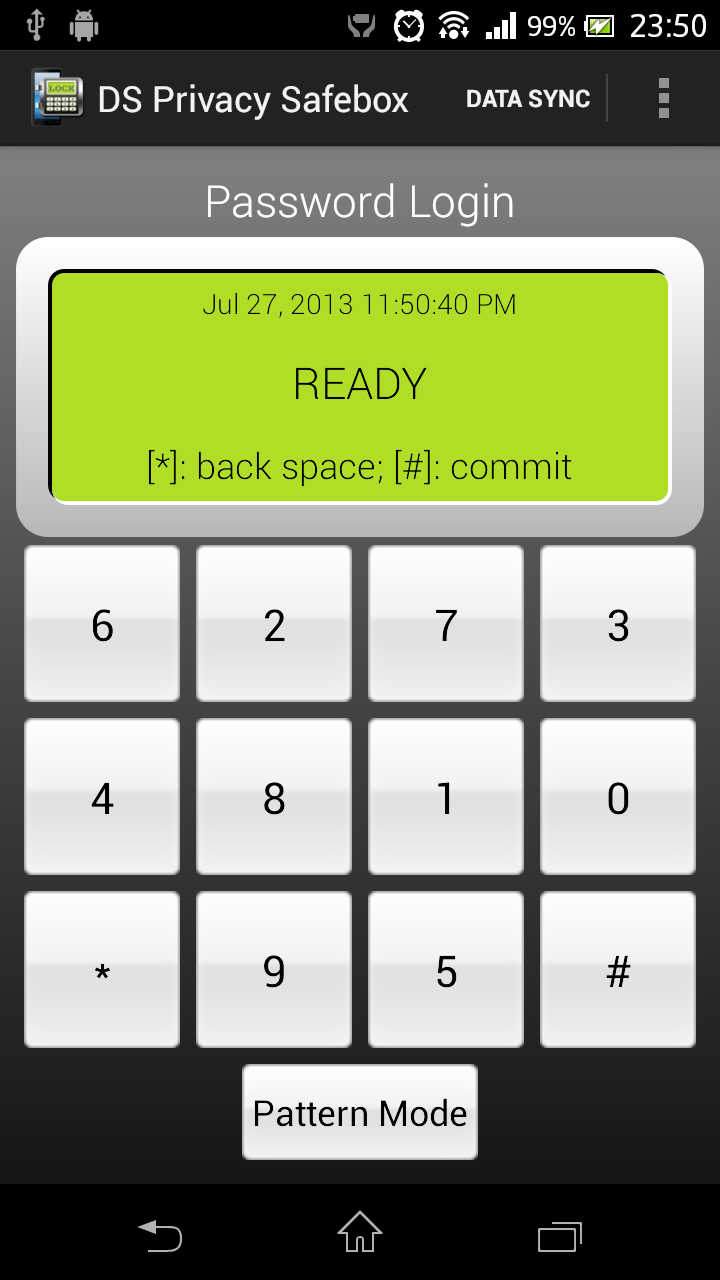
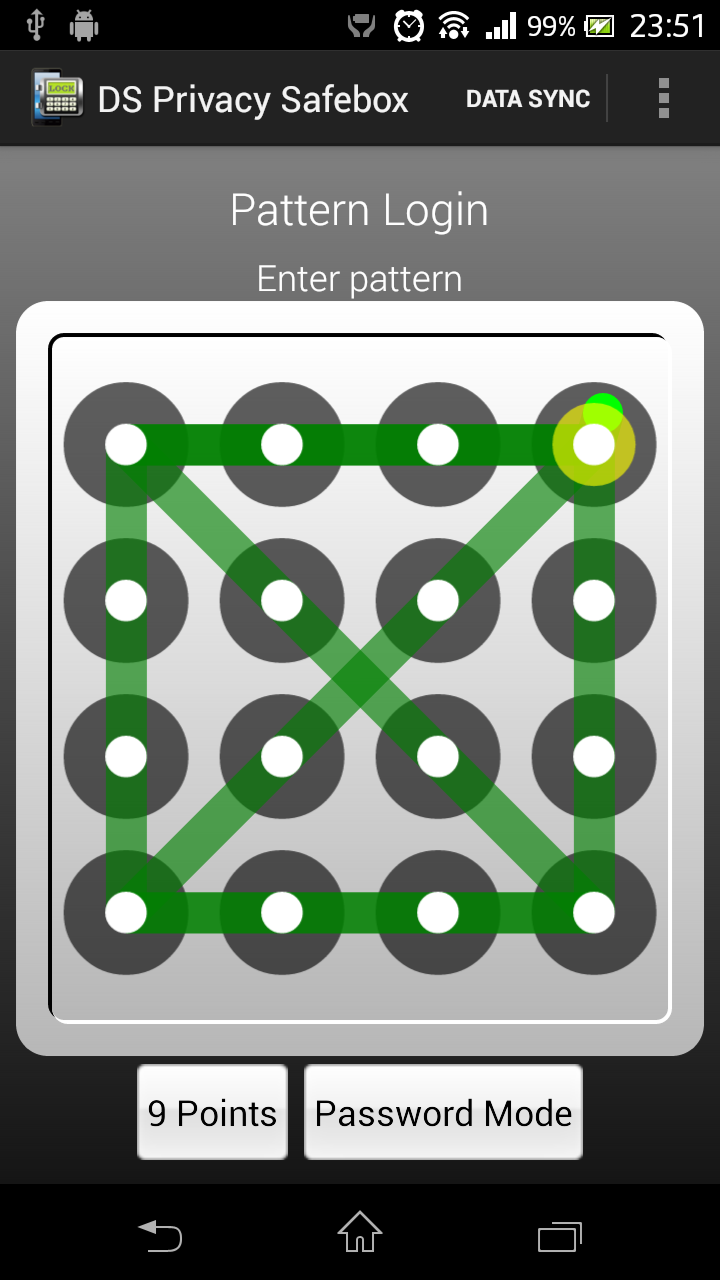
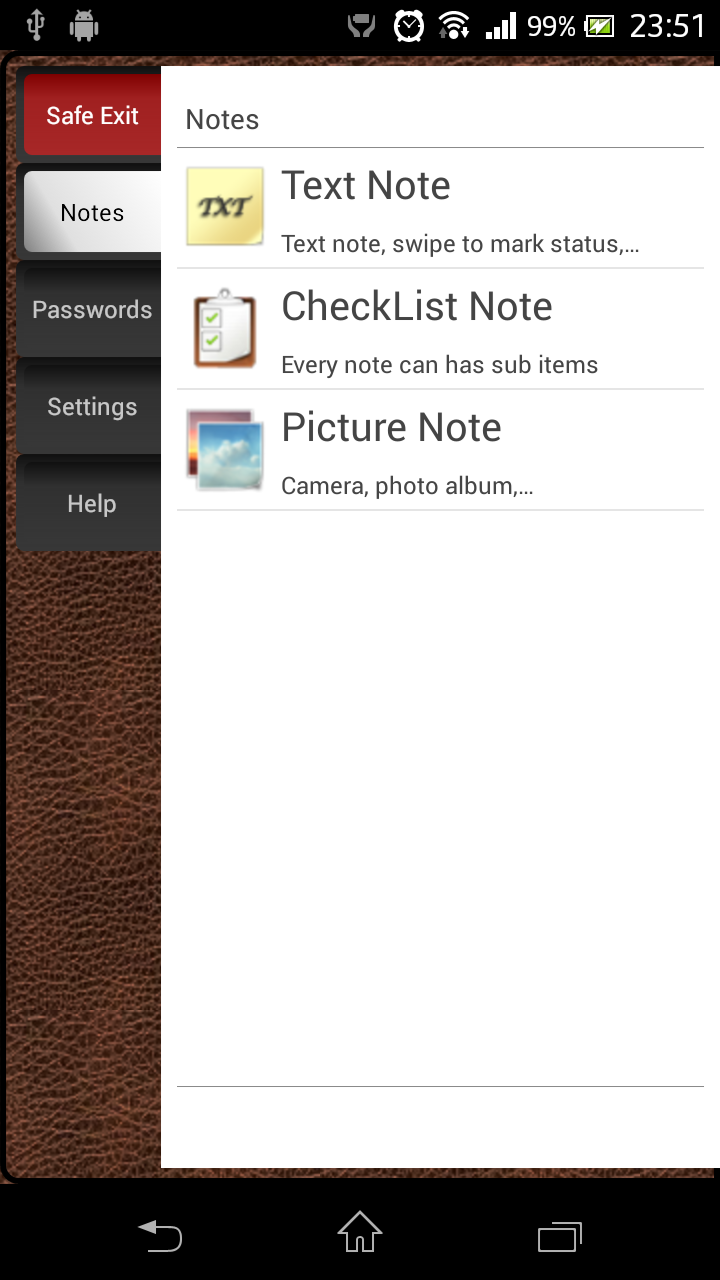
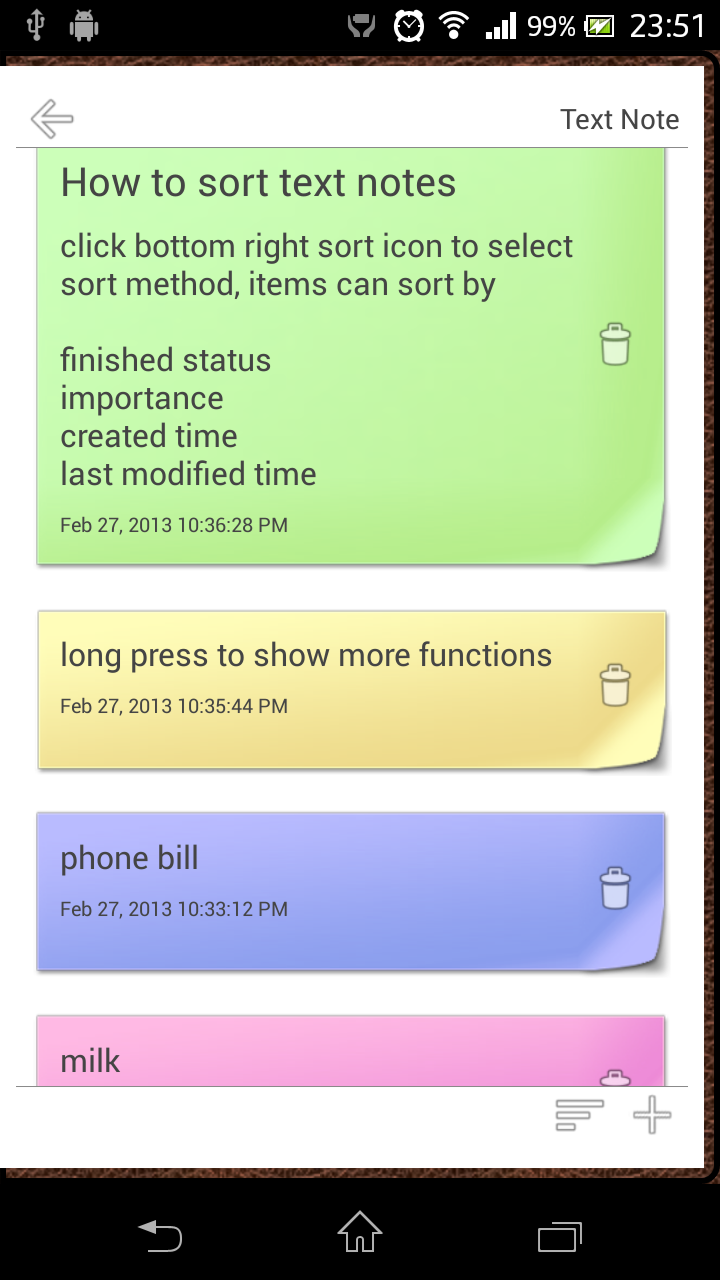
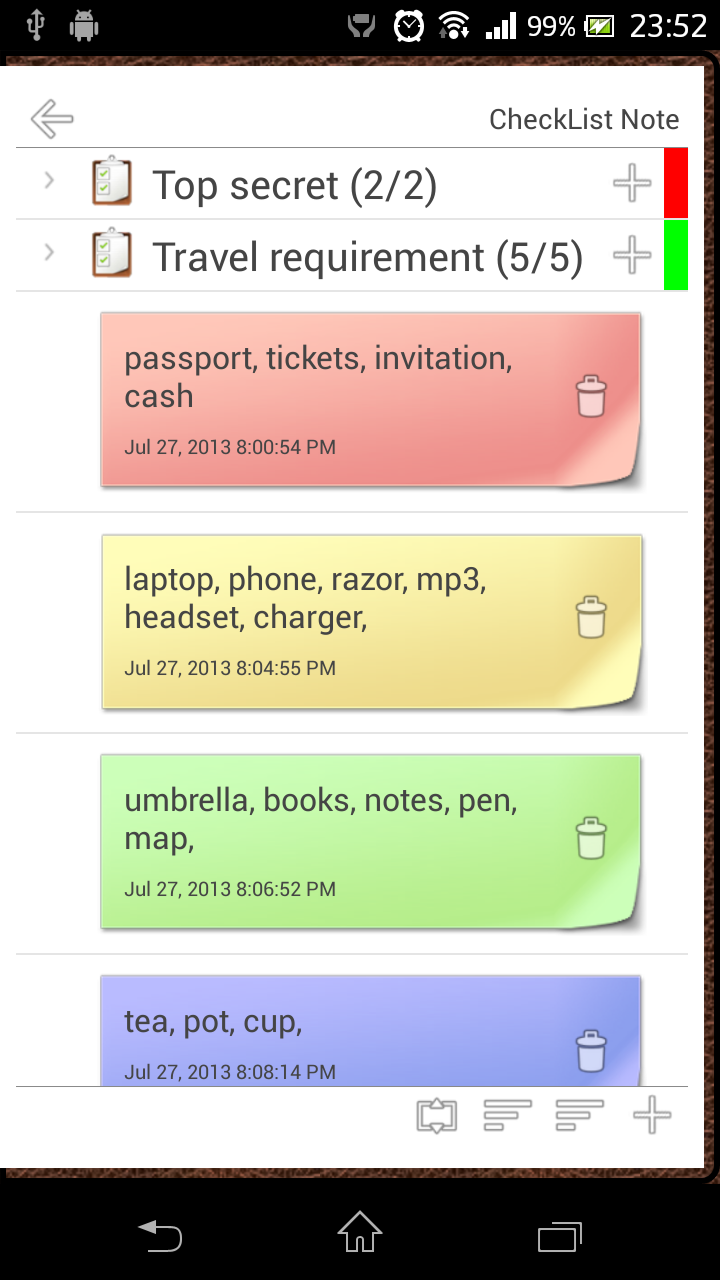
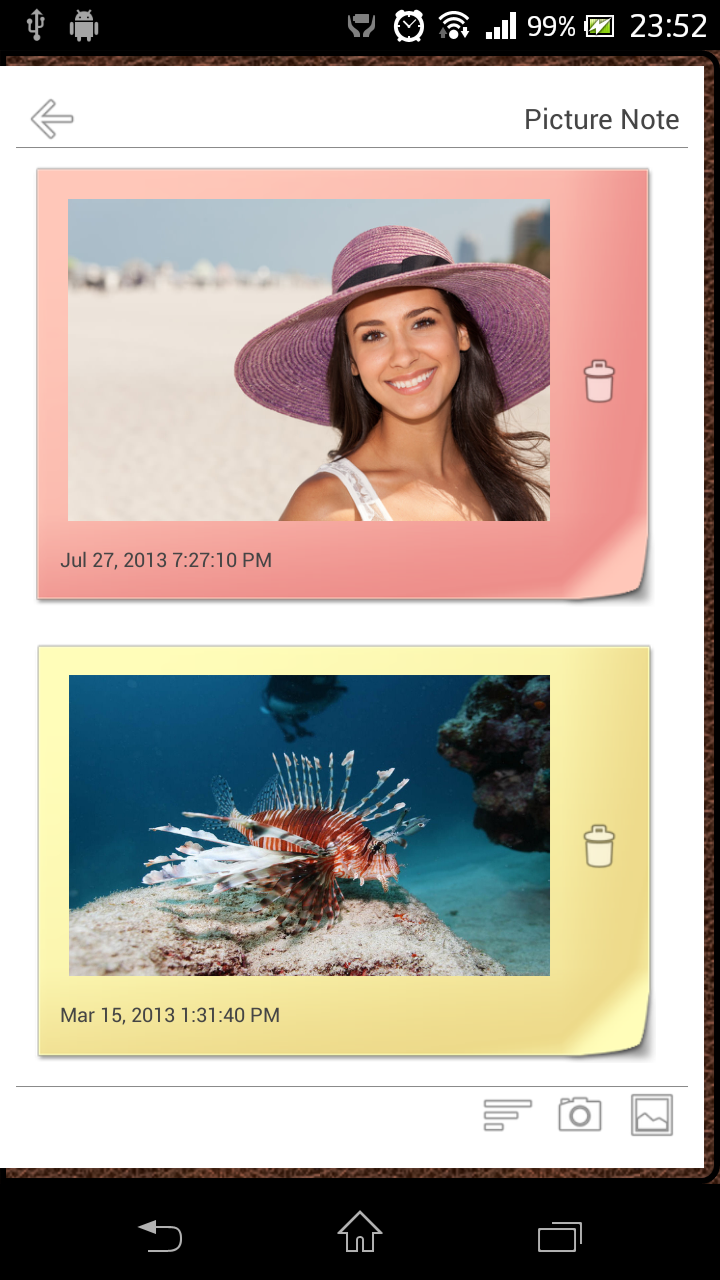
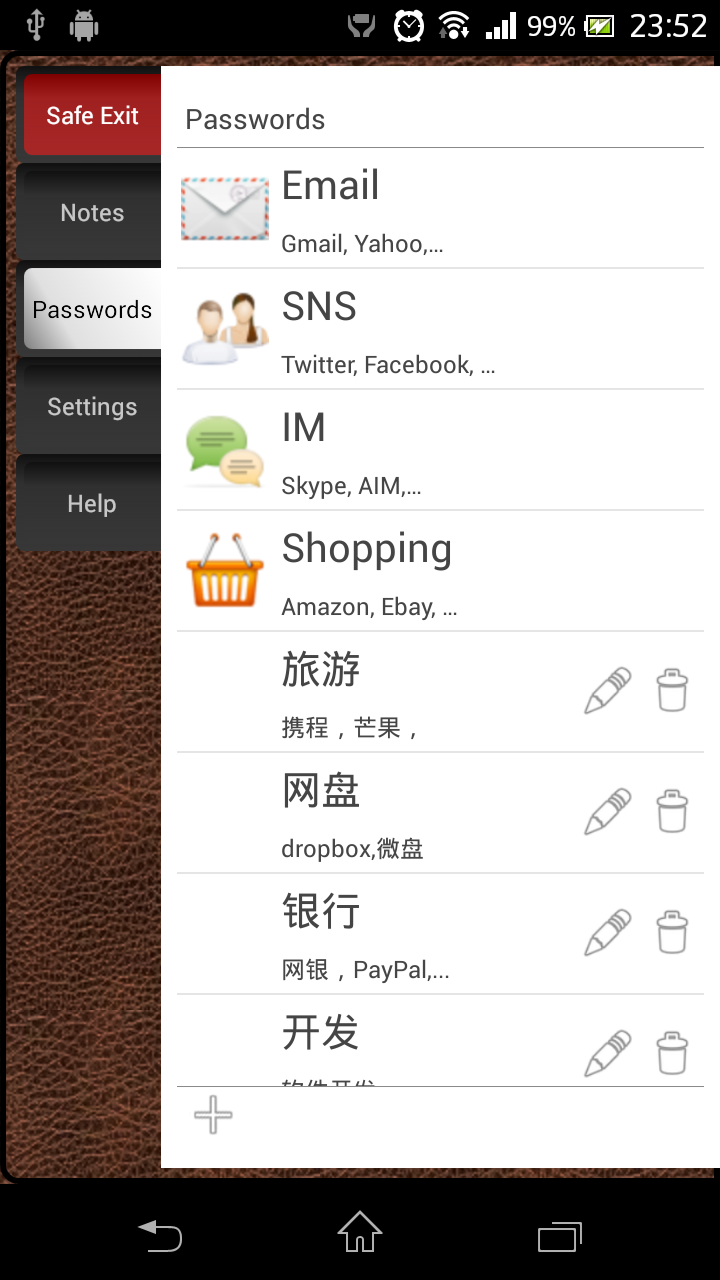
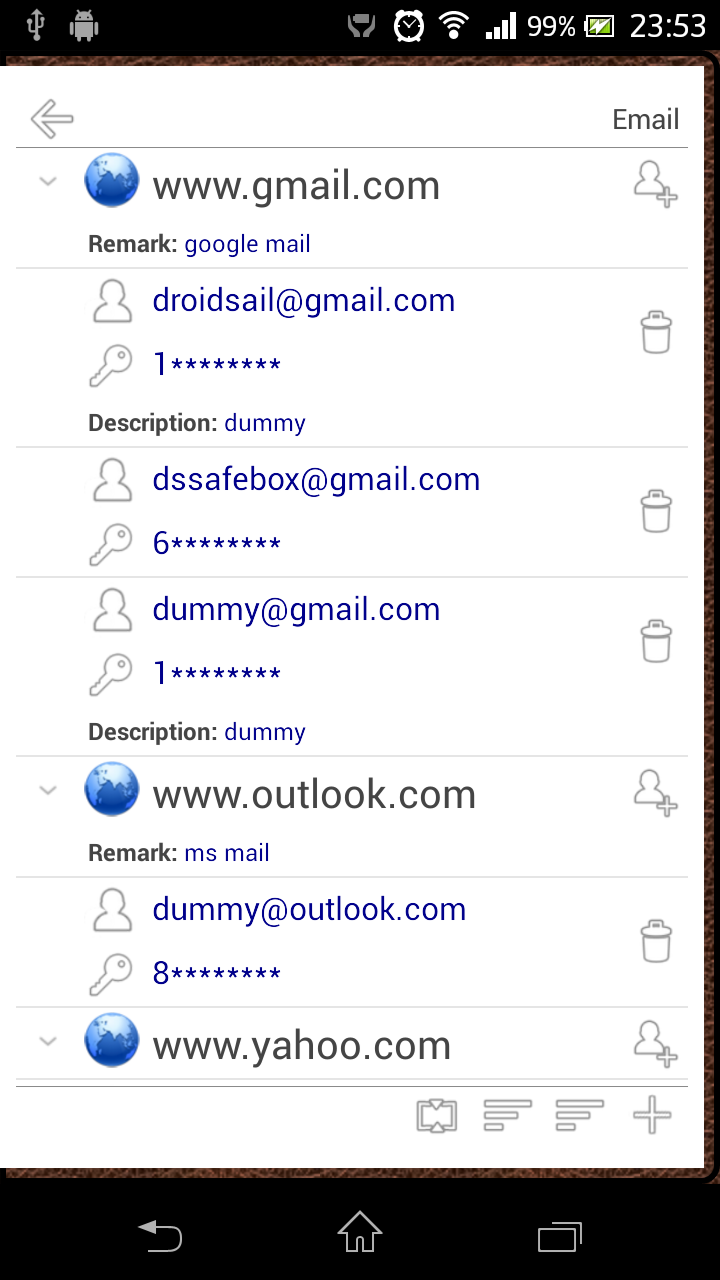
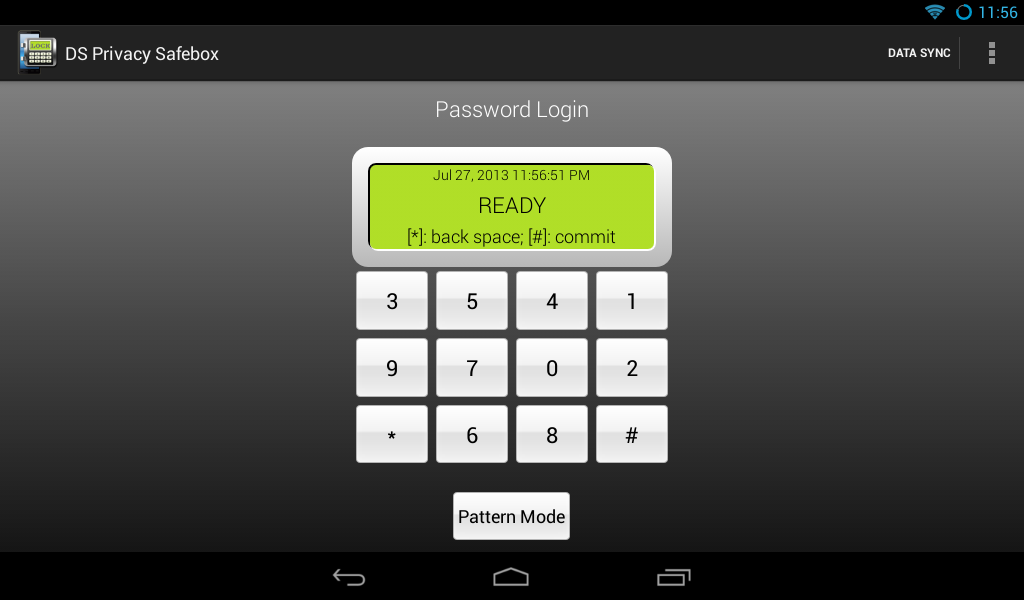
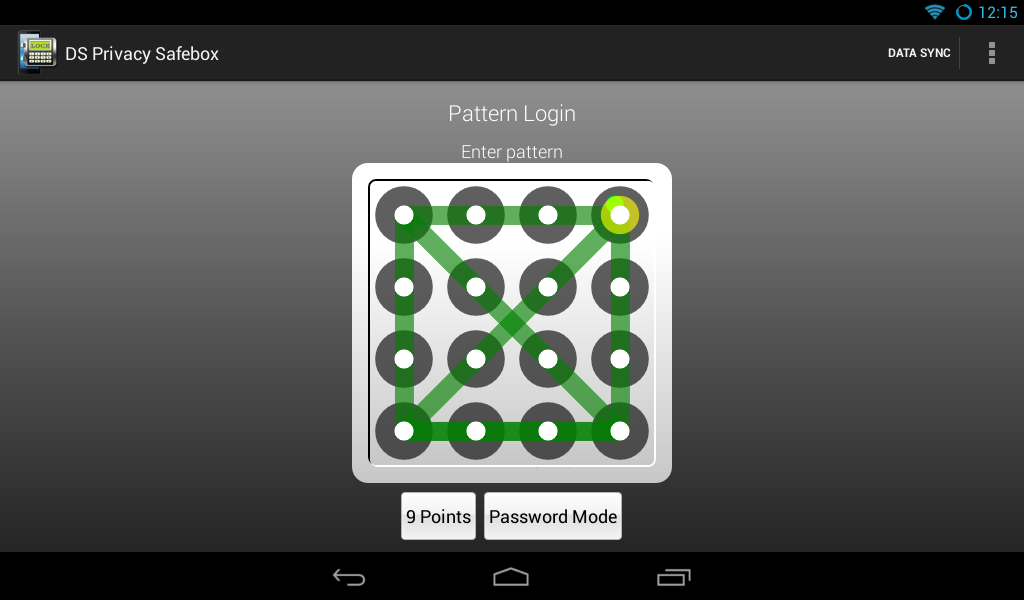
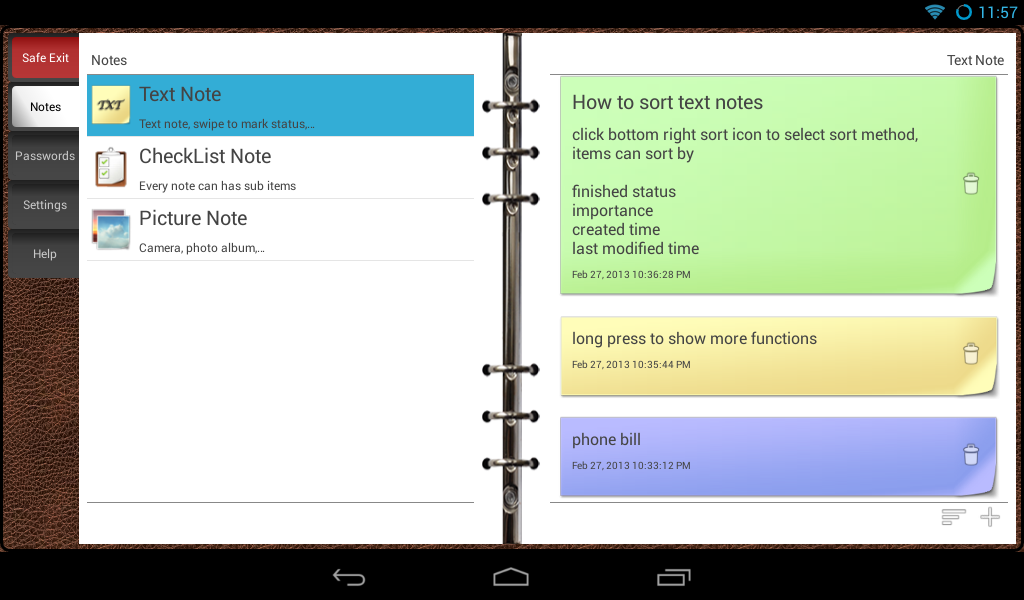
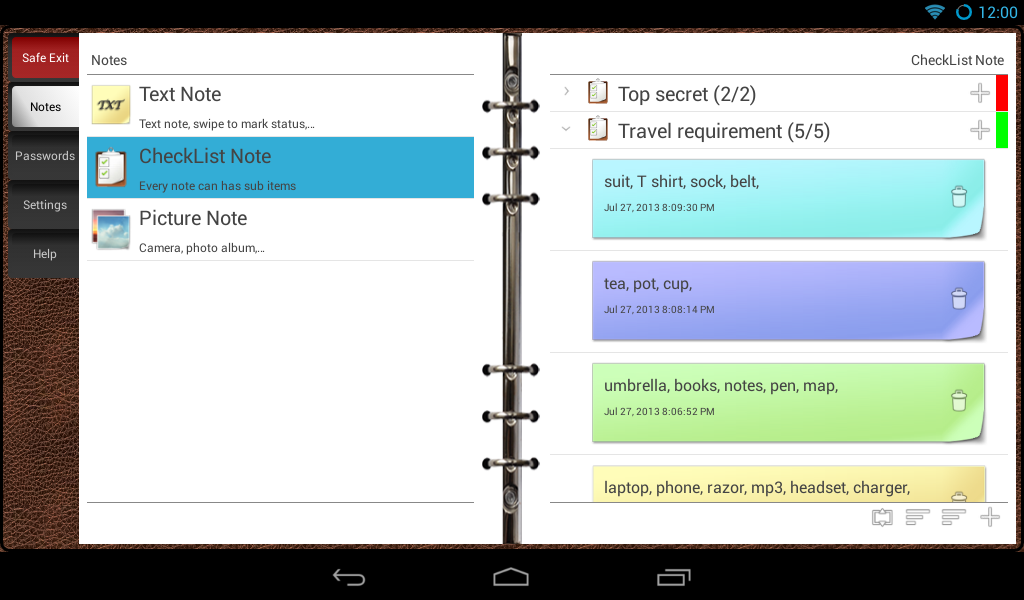
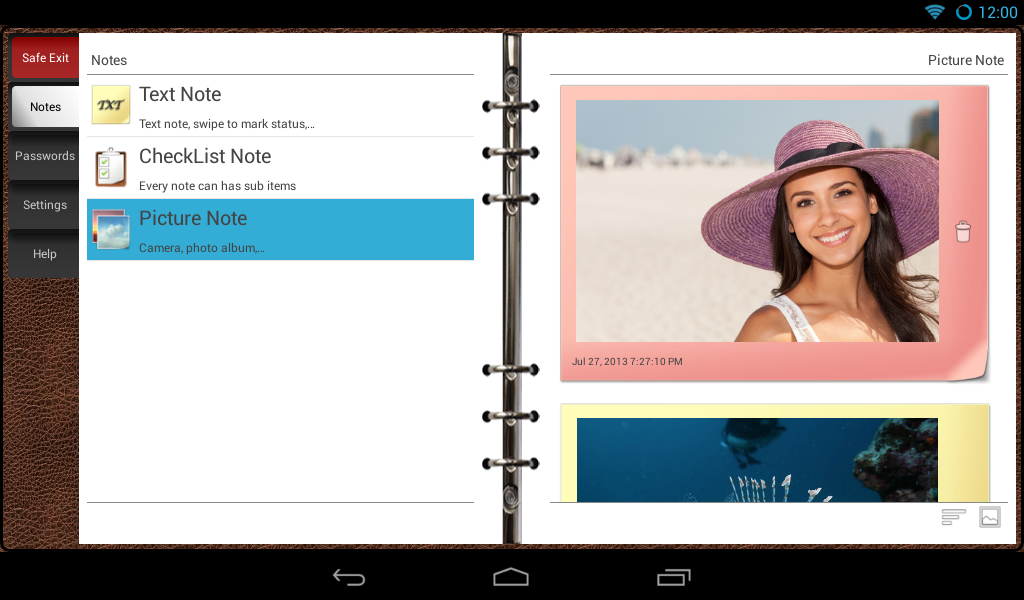
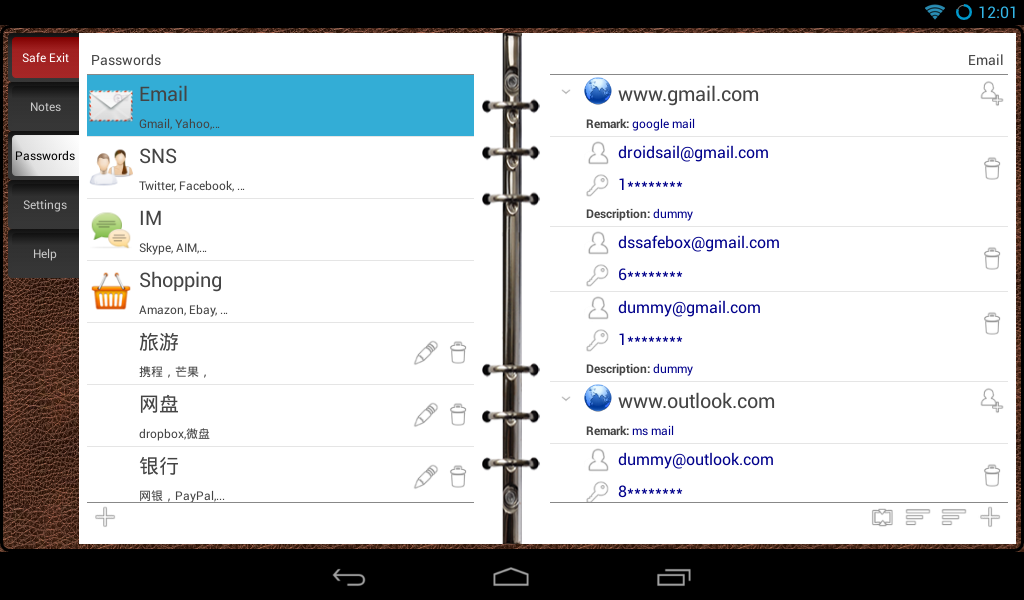
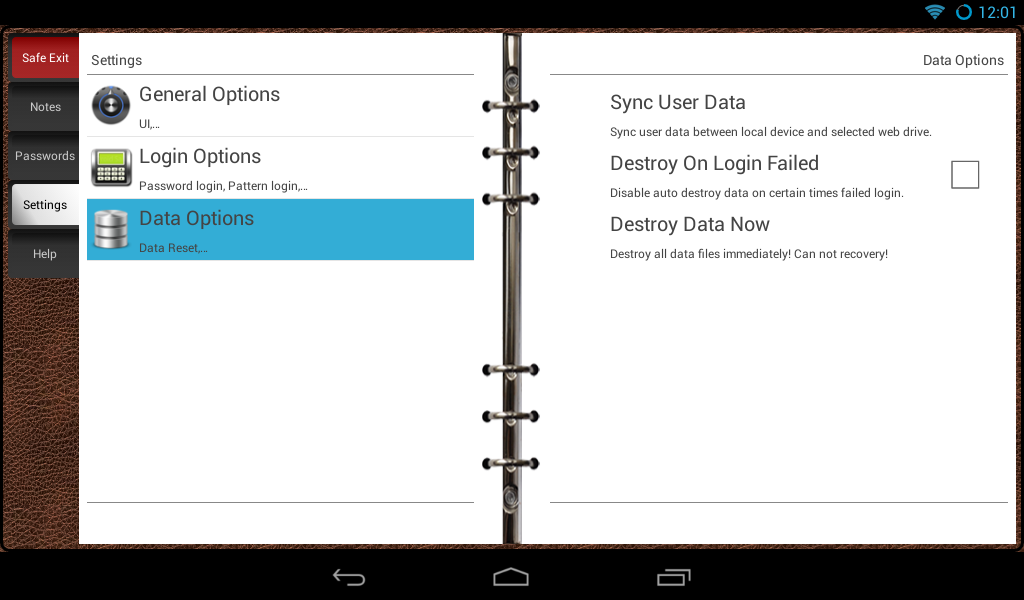
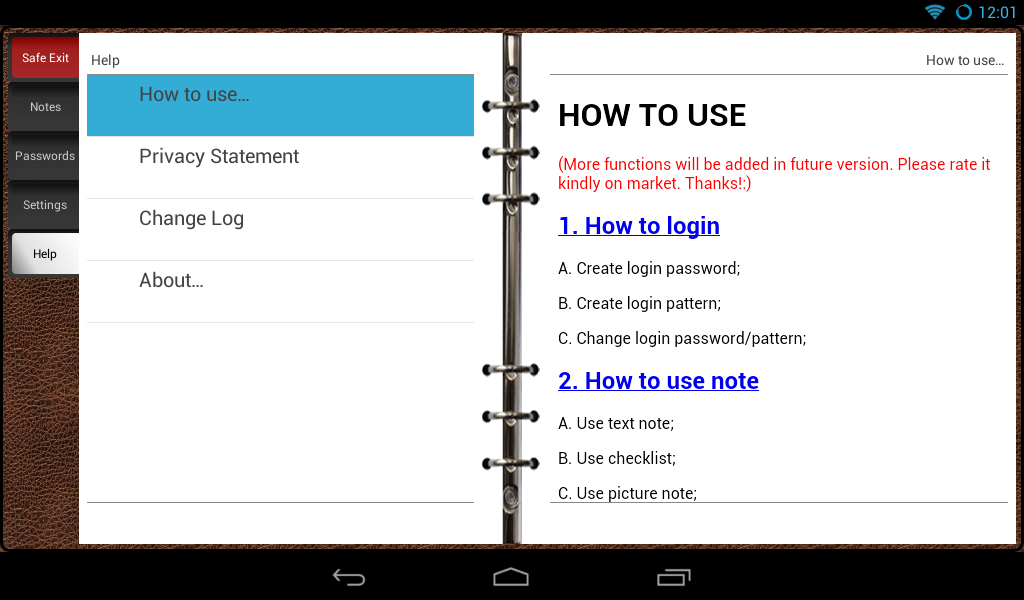
(More functions will be added in future version. Please rate it kindly on market. Thanks!:) This is an app which can help you to keep privacy information. It has: Keep privacy No AD, no third-party plugin, no root permission required, even no internet access permission! It is IMPOSSIBLE to send any data out by this app! :) Security Login Use password login or pattern login, no register required. First time user need create a new digital number password (by entering numbers of "0"~"9" and press "#" to confirm for twice). Password login uses 6~32 digital numbers with random position. After login, user can create login pattern in "Settings->Login Option->Create Pattern". And pattern login uses 16 points or 9 points pattern (support reuse point for pattern, e.g. points 1->2->1->2->1->2 is a valid pattern). Full data encryption (AES strength) All data you enter will be encrypted before save! It is tough task to decrypt the data even your data is exposed by some reason. Text Note User can save privacy note with this app, do not afraid of be watched by "CLOUD", swpie to mark it as finished or not, set diff importance level, sort note with diff ways, also can share to others... Checklist Checklist is a collection of note, can be easily used for check check item of same job (e.g. travel requirement). All check item is same function as text note. Picture Note Pick a picture from album or take photo from camera, the app will encrypt it and save. After that user can view/browse pictures inside the app without decrypt data to external file! Of course, user can send picture to others with share function. :) Secure Documents User can encrypt any file selected from sd card, delete encrypted file, or export & decrypt file to selected folder; Password Bank Nowadays, we have too many accounts/passwords to remember. Same passwords are dangerous, diff passwords are difficult to remember, so you can save them in security password bank (SPB)! It also suuport add multi account to same site easily. Sync Encrypted Data User can sync encrypted data with "Droidsail DataSync" between local device (phone/table) and selected web drive (Dropbox, Google Drive, , MS SkyDriver). Data are keep encrypted on web drive which is safe for user data (no privacy risk even for sync)!:-) Optimized UI for pad Auto detect screen size and fit it, especially for pad. Very small package size The unit is KBytes! Most similar app takes x MBytes!
DS Privacy Safebox 3.8 Update
1. Add secure documents function. Encrypt/decrypt any file; 2. (Pro version only) Add "Create shadow account" function. 3. Fix the issue that sometimes the preview of picture note is abnormal; 4. Add "Random Number Pos" option in settings page; 5. Add message dialog to tell user how to create login password on the first run; 6. Fix the issue that the app may go to pattern login page after user data wiped; 7. Add picture frame for picture note;
1. Add secure documents function. Encrypt/decrypt any file; 2. (Pro version only) Add "Create shadow account" function. 3. Fix the issue that sometimes the preview of picture note is abnormal; 4. Add "Random Number Pos" option in settings page; 5. Add message dialog to tell user how to create login password on the first run; 6. Fix the issue that the app may go to pattern login page after user data wiped; 7. Add picture frame for picture note;
APKFab.com and the download link of this app are 100% safe. All download links of apps listed on APKFab.com are from Google Play Store or submitted by users. For the app from Google Play Store, APKFab.com won't modify it in any way. For the app submitted by users, APKFab.com will verify its APK signature safety before release it on our website.