droidVNC-NG (Package Name: net.christianbeier.droidvnc_ng) is developed by Christian Beier and the latest version of droidVNC-NG VNC Server 2.19.0 was updated on May 20, 2026. droidVNC-NG VNC Server is in the category of Tools. You can check all apps from the developer of droidVNC-NG VNC Server. Currently this app is for free. This app can be downloaded on Android 7.0+ on APKFab or Google Play. All APK/XAPK files on APKFab.com are original and 100% safe with fast download.
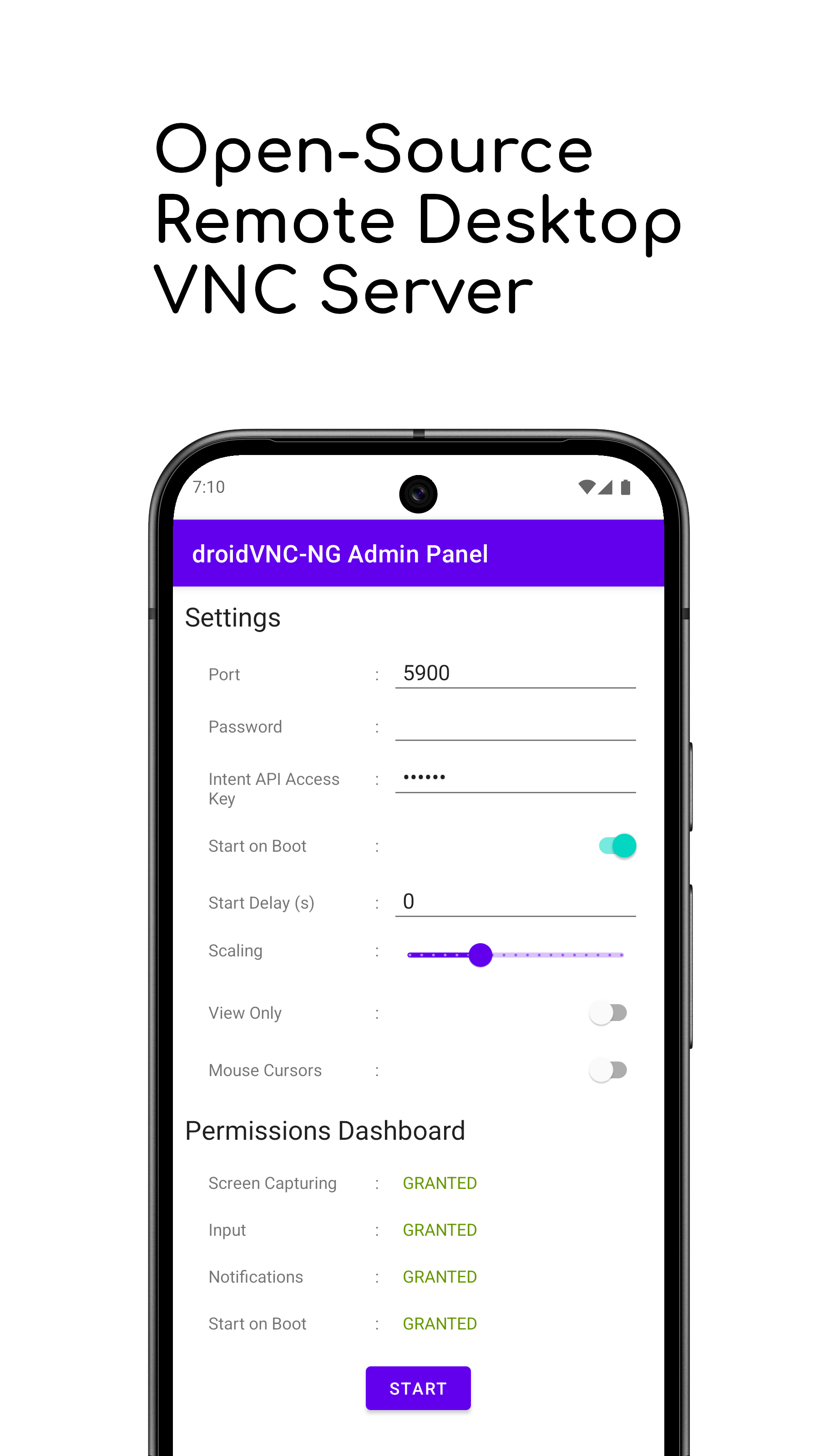
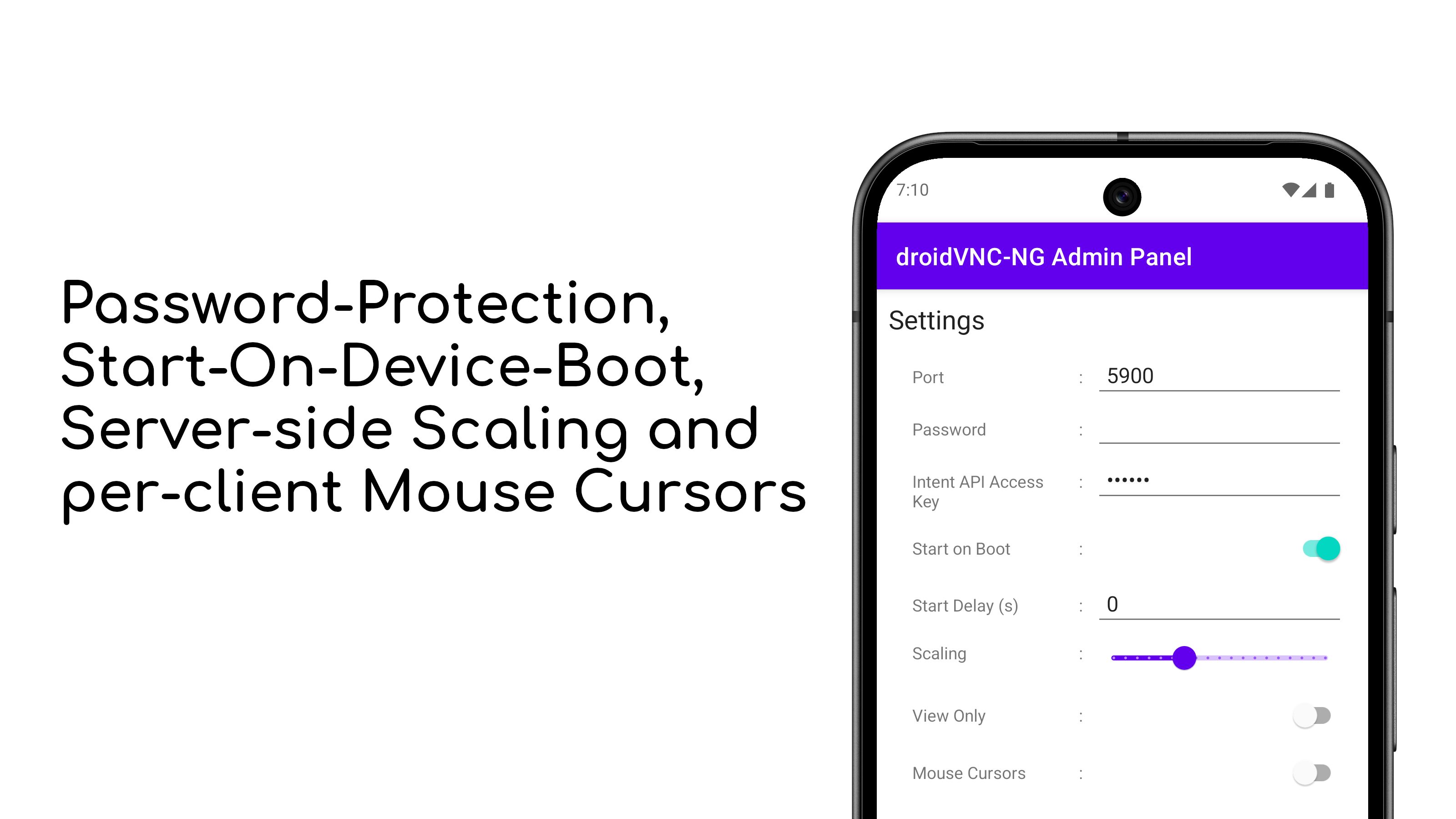
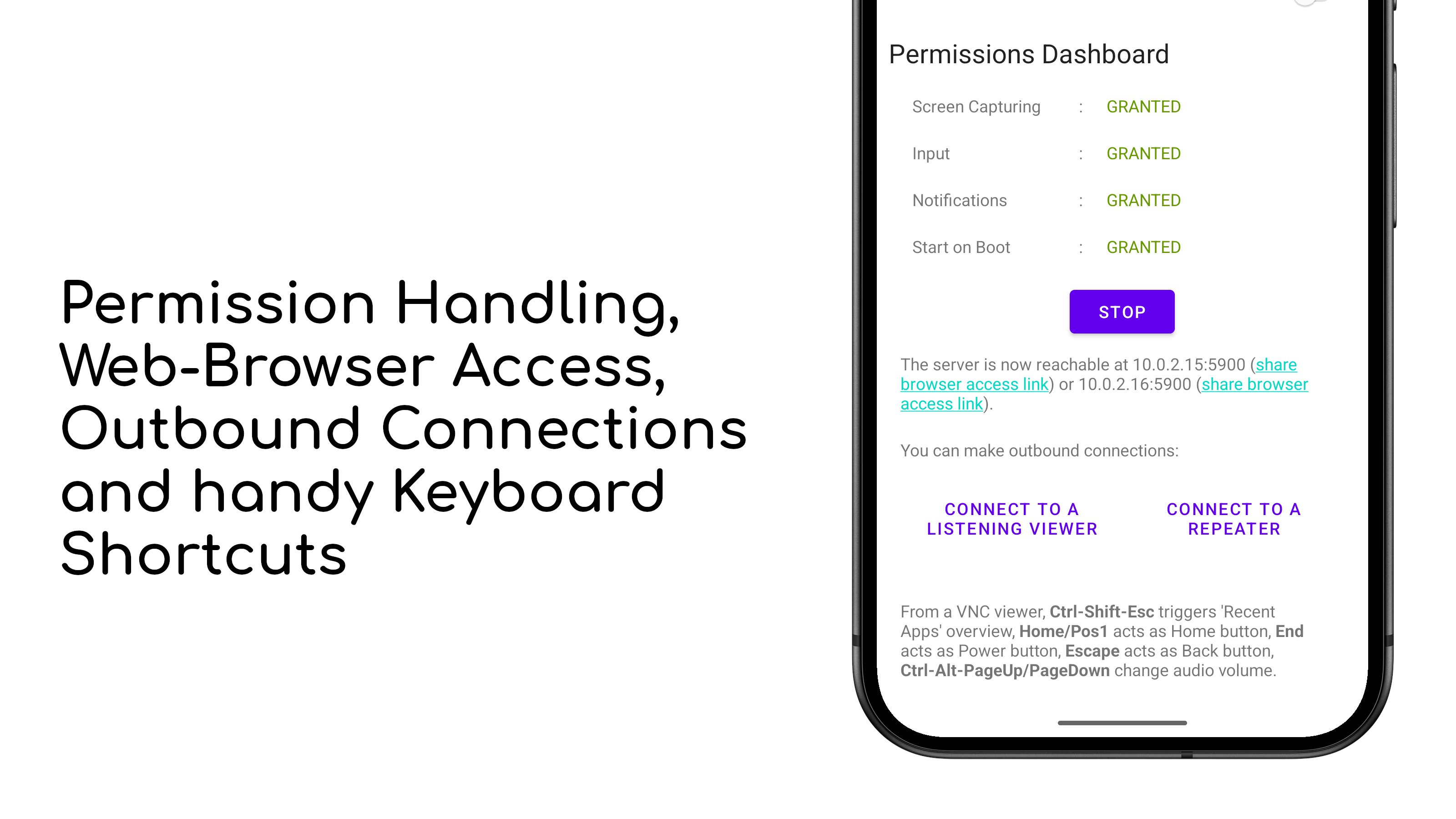
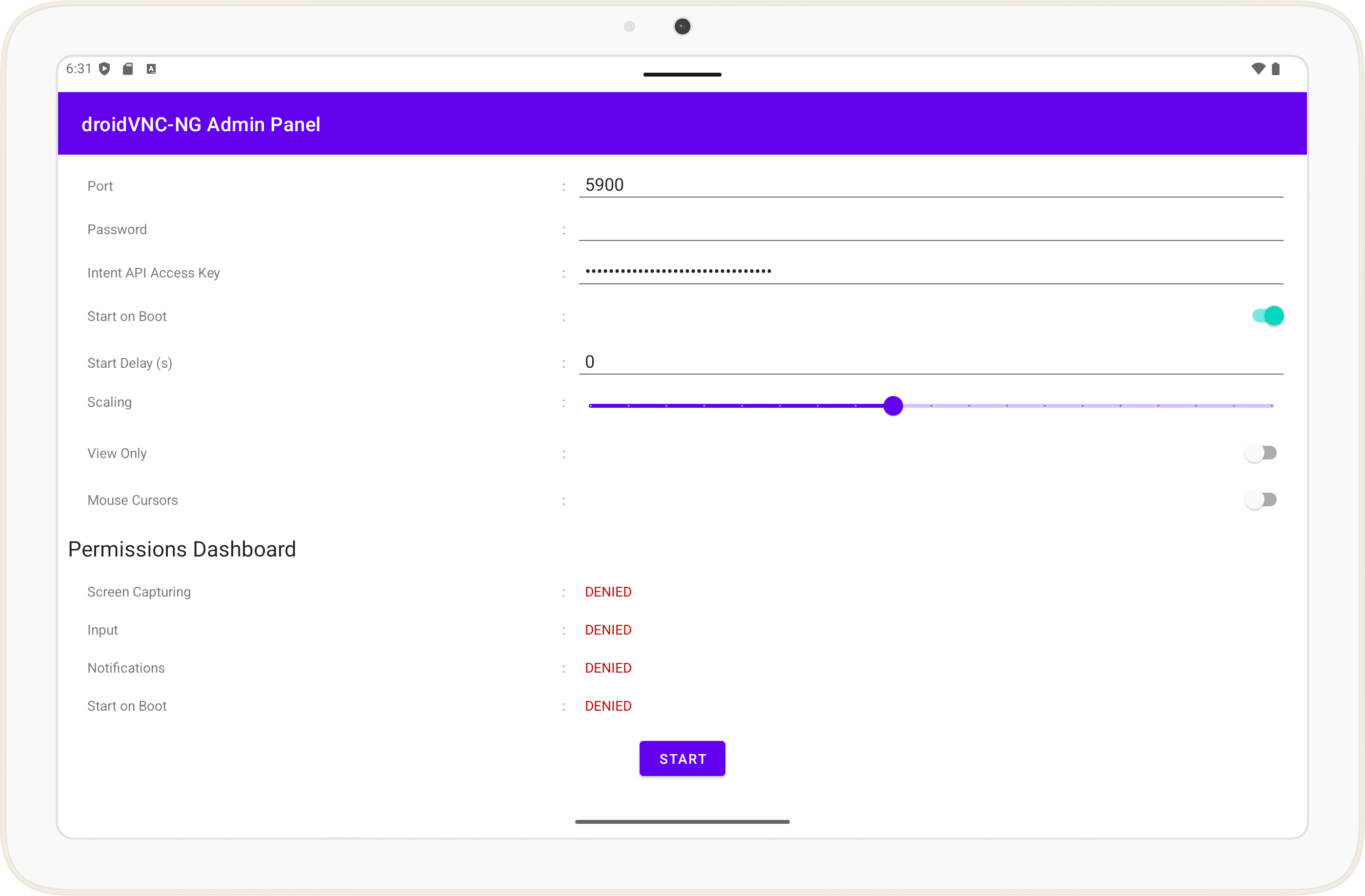
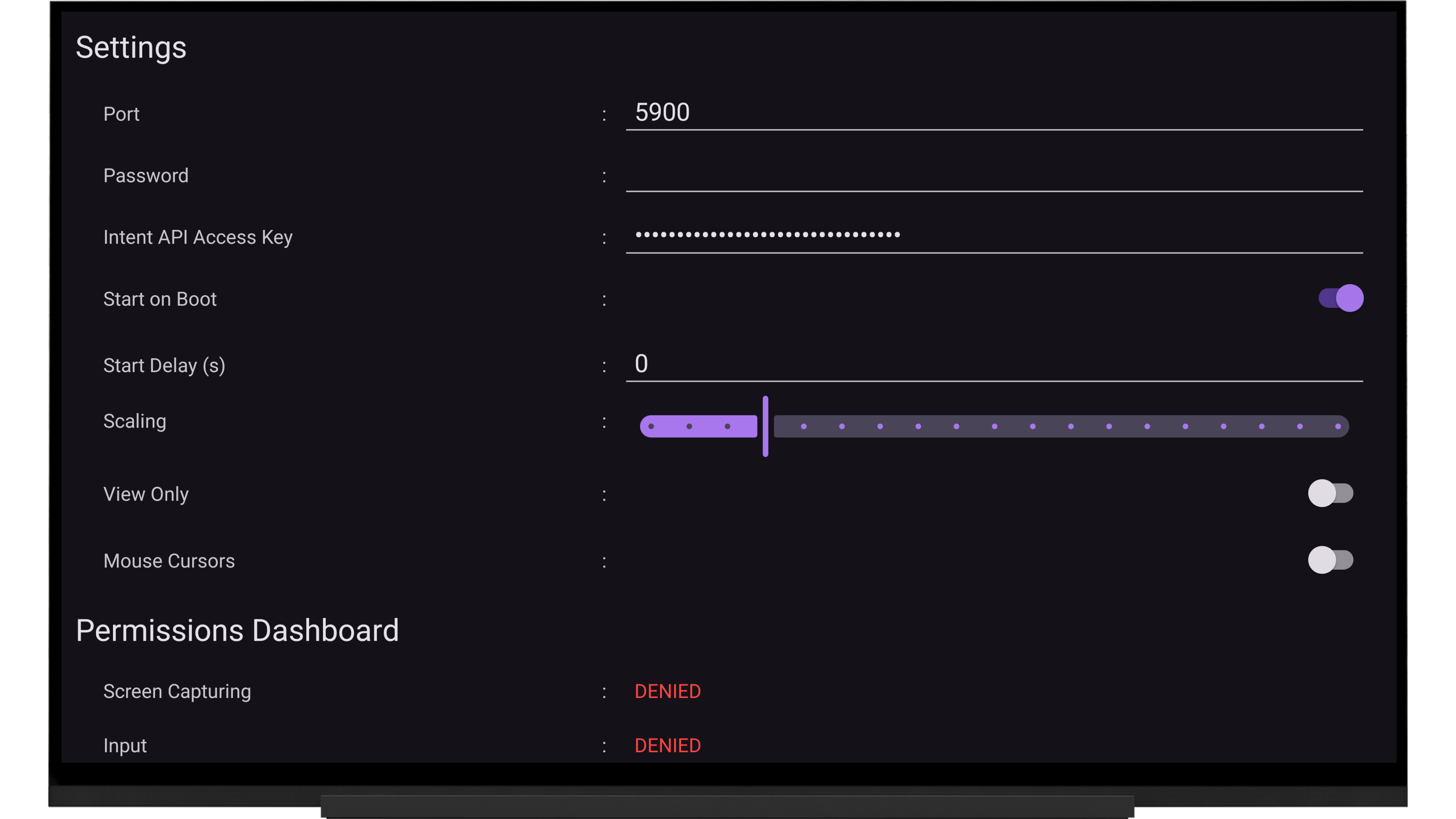
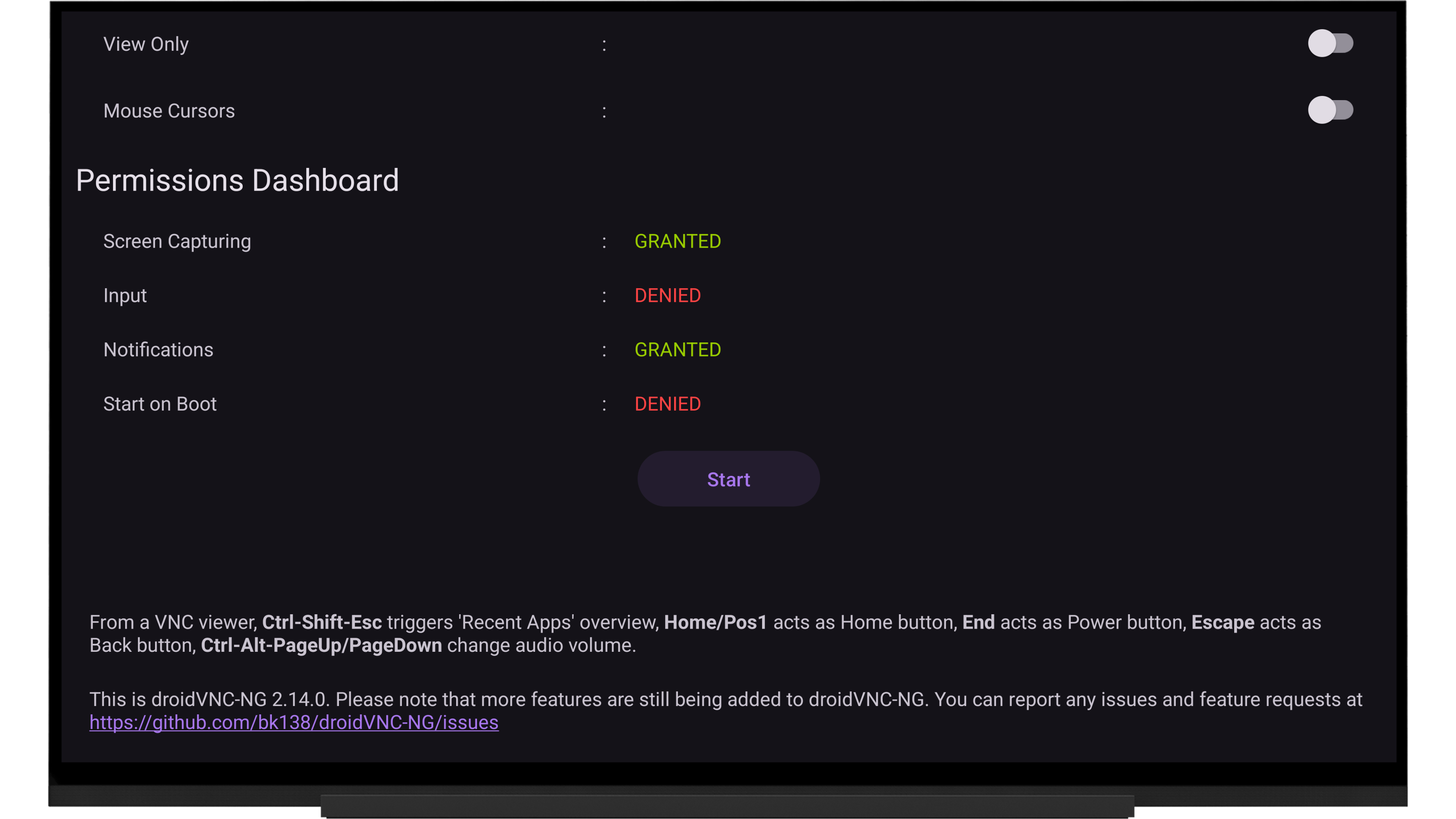
droidVNC-NG is an open-source VNC server app for local networks. Here's what you can do with it: - View your Android device remotely with optional screen scaling for better performance. - Remote-control your Android device with mouse and keyboard (for keyboard Latin-1 charset plus some special keys, supporting any kind of UI widget on Android 14 and newer, on older devices into EditText widgets only). To enable this, you need to activate the AccessibilityService for the app on your device. - Copy text from a VNC viewer and paste it to your Android device. Server-to-client copy & paste works automatically for text selected in editable text fields or manually by sharing text to droidVNC-NG via Android's Share-To functionality. - Use keyboard shortcuts to trigger 'Recent Apps' overview, Home, Back, Power, and volume controls. - Transfer files between an Android device and computer using TightVNC viewer for Windows version 1.3.x. - Secure your connection with a password. Note that setting a password is mandatory in case you want to access the server using MacOS's built-in Screen Sharing app. - Choose a custom port for the VNC server. - Start the server automatically when your Android device boots. On Android 11 and newer this also works with kiosk-mode launchers and lock task mode. - Connect from your Android device to a listening VNC viewer without opening ports on your router. - Connect to a UltraVNC-style Mode-2 repeater for remote access through a mediator server. - Pre-configure default settings via a JSON file or Mobile Device Management. - Discover your device automatically on the local network via Zeroconf/Bonjour. - See individual mouse pointers for each connected client on your device. - Control your Android device directly from any web browser using the built-in noVNC client — no separate VNC viewer required. Please note that more features are still being added to droidVNC-NG. Please report any issues and feature requests at https://github.com/bk138/droidVNC-NG
droidVNC-NG 2.19.0 Update
A description of the latest changes can be found at https://github.com/bk138/droidVNC-NG/releases
APKFab.com and the download link of this app are 100% safe. All download links of apps listed on APKFab.com are from Google Play Store or submitted by users. For the app from Google Play Store, APKFab.com won't modify it in any way. For the app submitted by users, APKFab.com will verify its APK signature safety before release it on our website.