Digital Signature Maker (Package Name: com.erfouris.pngtandatangan) is developed by Erfouris Studio and the latest version of Tanda Tangan Digital 3.20 was updated on September 29, 2026. Tanda Tangan Digital is in the category of Tools. You can check all apps from the developer of Tanda Tangan Digital. Currently this app is for free. This app can be downloaded on Android 8.0+ on APKFab or Google Play. All APK/XAPK files on APKFab.com are original and 100% safe with fast download.
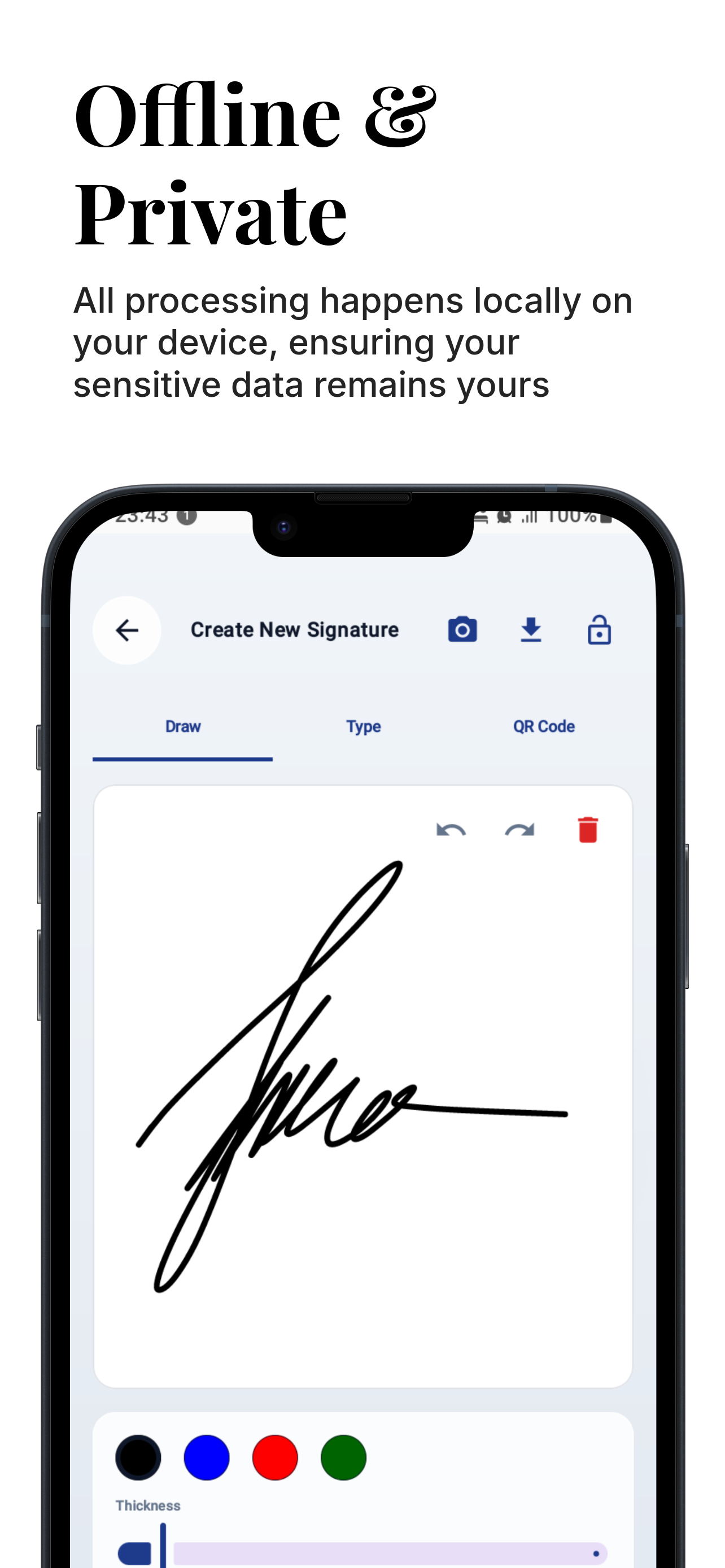
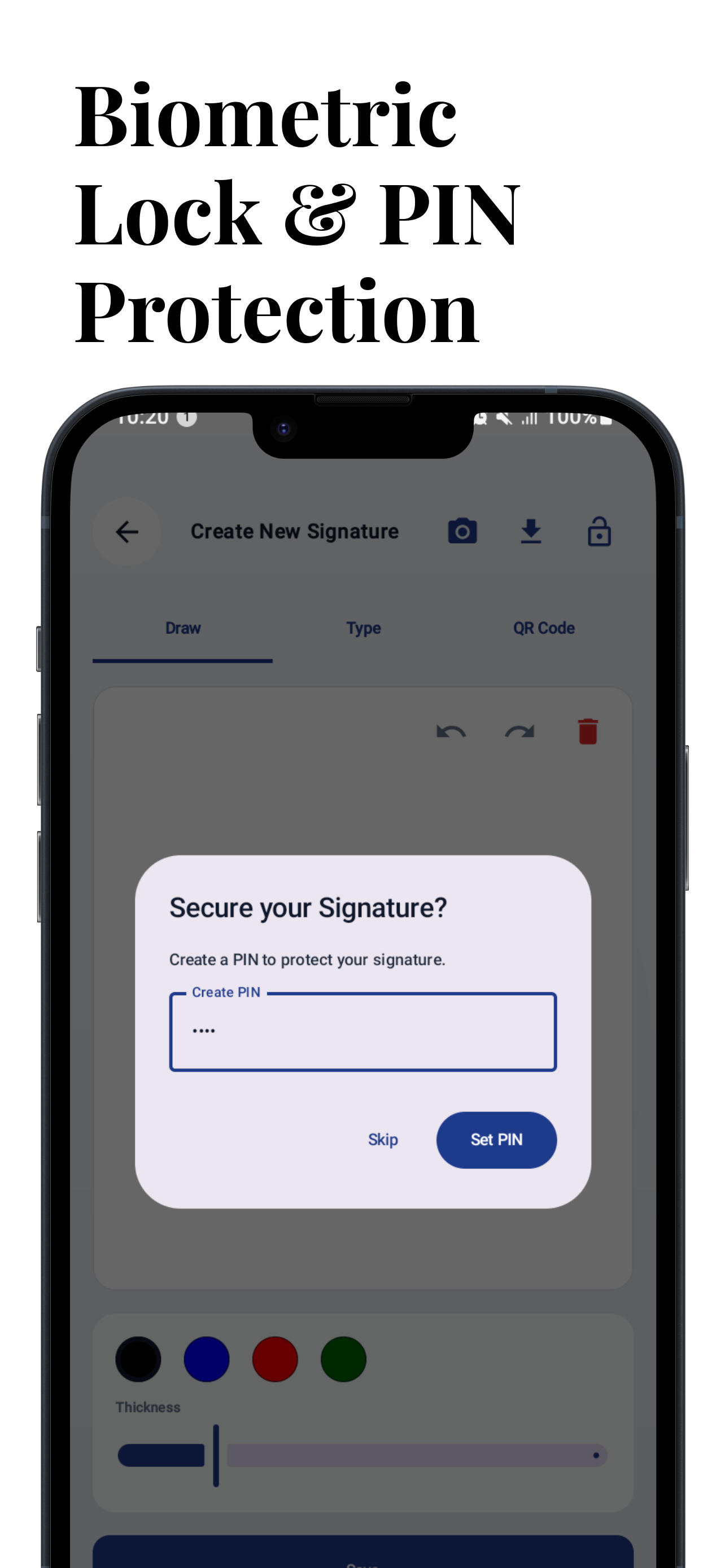
Digital Signature Maker is the ultimate offline-first digital signature maker & PDF editor designed for professionals, freelancers, and corporate users who prioritize security, speed, and privacy. No subscriptions, no cloud uploads, and no internet required—your sensitive contracts are guaranteed safe on your device. Whether you need to sign a contract, fill out a tax form, or stamp an invoice, Digital Signature Maker offers an elegant "Liquid Glass" interface powered by advanced technology to get the job done in seconds. 🚀 OUTSTANDING FEATURES 🔒 100% Offline & Private Digital Signature Maker is built on a "Privacy First" architecture. Unlike other e-signature apps, we don't upload your documents to the cloud. All processing is done locally on your device, ensuring your sensitive data remains completely yours. • No Cloud Sync Required • Fully functional without the Internet • Designed for GDPR & CCPA compliance 🛡️ High-Level Security Protect your digital identity with biometric authentication. • Biometric Lock: Secure your signature creation process with Fingerprint or FaceID. • PIN Protection: PIN security as an alternative for devices without biometrics. • Encrypted QR Code: Generate secure QR signatures containing encrypted metadata that can only be verified by authorized scanners. ✍️ 3 Professional Ways to Sign Create your perfect digital signature with our wide selection of tools: Draw: Use our smooth, pressure-sensitive ink engine (Bézier curves) that feels like writing with a real pen. Type: Turn your name into a professional cursive signature using exclusive fonts. Scan-to-Sign: Have a favorite wet signature? Take a photo, and our AI will instantly remove the background to create a transparent digital asset. 📄 Powerful PDF Editor Turn your phone into a mobile office. Edit PDFs with precision tools comparable to desktop software. • Drag & Drop: Easily place signatures, text, and stamps anywhere on the document. • Precision Slider: Use the X/Y/Scale slider for incredibly accurate placement—no more struggling with fingers blocking your view. • Multi-Page Support: Seamlessly navigate and sign multi-page contracts. • Zoom & Pan: High-performance rendering handles large blueprints and legal documents with ease. 🛠️ Corporate Toolkit Everything a business user needs, right here: • Digital Rubber Stamp: Mark documents as "APPROVED," "CONFIDENTIAL," "DRAFT," "URGENT," and more. • Sticky Notes: Add yellow sticky notes for comments and annotations. • Date Picker: Insert the current date or choose a custom date with just one tap. • Rectangle Tool: Highlight important clauses or redact sections with a rectangle. ✅ Legal Validity & Audit Trail Ensure your documents are legally valid. Digital Signature Maker automatically adds a Certificate of Completion page to every signed PDF. • Digital Fingerprint: Calculates the SHA-256 cryptographic hash of the document. • Tamper-Proof: Proves when the document was signed and that it hasn't been altered since. • Metadata: Records the timestamp (UTC), device model, and verification QR code. 🌟 WHY CHOOSE THIS APP? • Modern UI: Experience a sleek "Liquid Glass" design that makes work effortless. • Dark Mode: Fully optimized "Night Glass" mode for signing documents in low-light conditions. • No Account Required: Download and start signing immediately. No registration, no complicated login process. • Lightweight: A powerful PDF engine that won't take up much storage space.
APKFab.com and the download link of this app are 100% safe. All download links of apps listed on APKFab.com are from Google Play Store or submitted by users. For the app from Google Play Store, APKFab.com won't modify it in any way. For the app submitted by users, APKFab.com will verify its APK signature safety before release it on our website.