Calligrapher (Package Name: com.mark.calligraphy) is developed by Mark Tushkevich and the latest version of Calligrapher: Calligraphy Pen 4.4 was updated on October 31, 2026. Calligrapher: Calligraphy Pen is in the category of Art & Design. You can check all apps from the developer of Calligrapher: Calligraphy Pen and find 200 alternative apps to Calligrapher: Calligraphy Pen on Android. Currently this app is for free. This app can be downloaded on Android 7.0+ on APKFab or Google Play. All APK/XAPK files on APKFab.com are original and 100% safe with fast download.
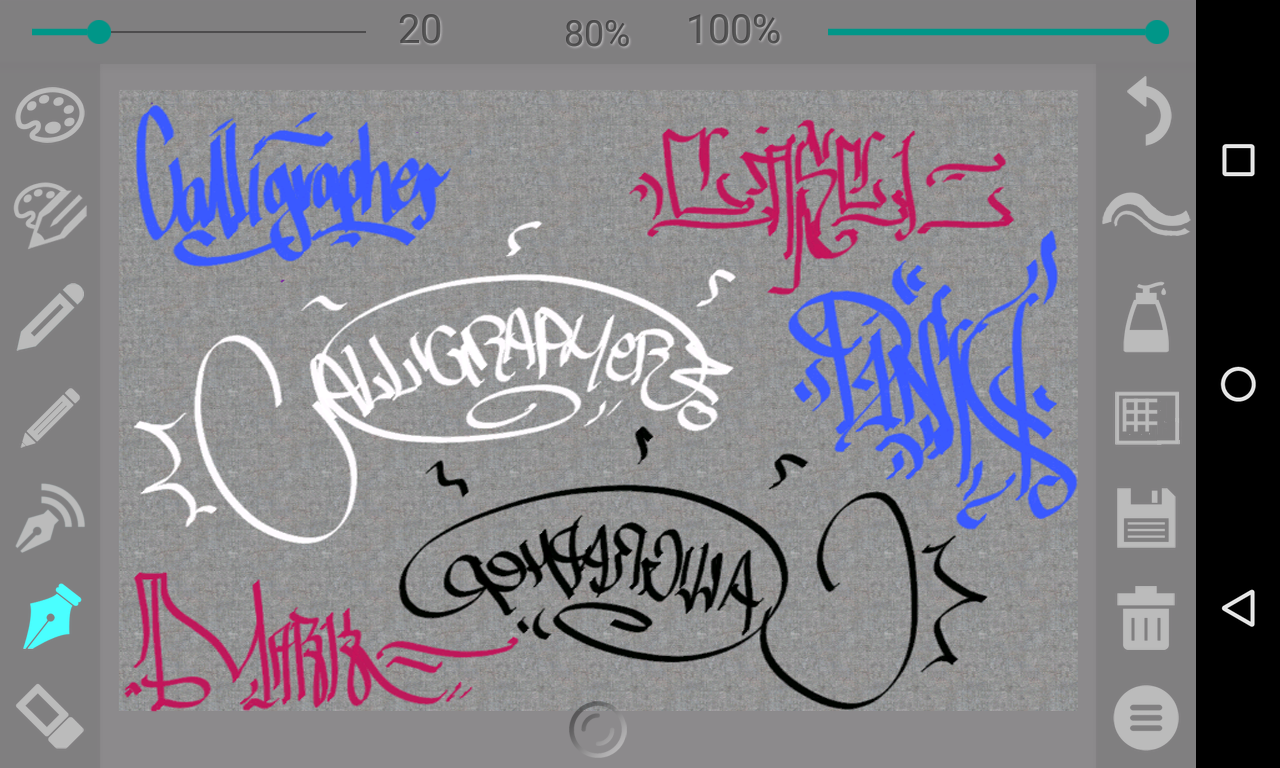
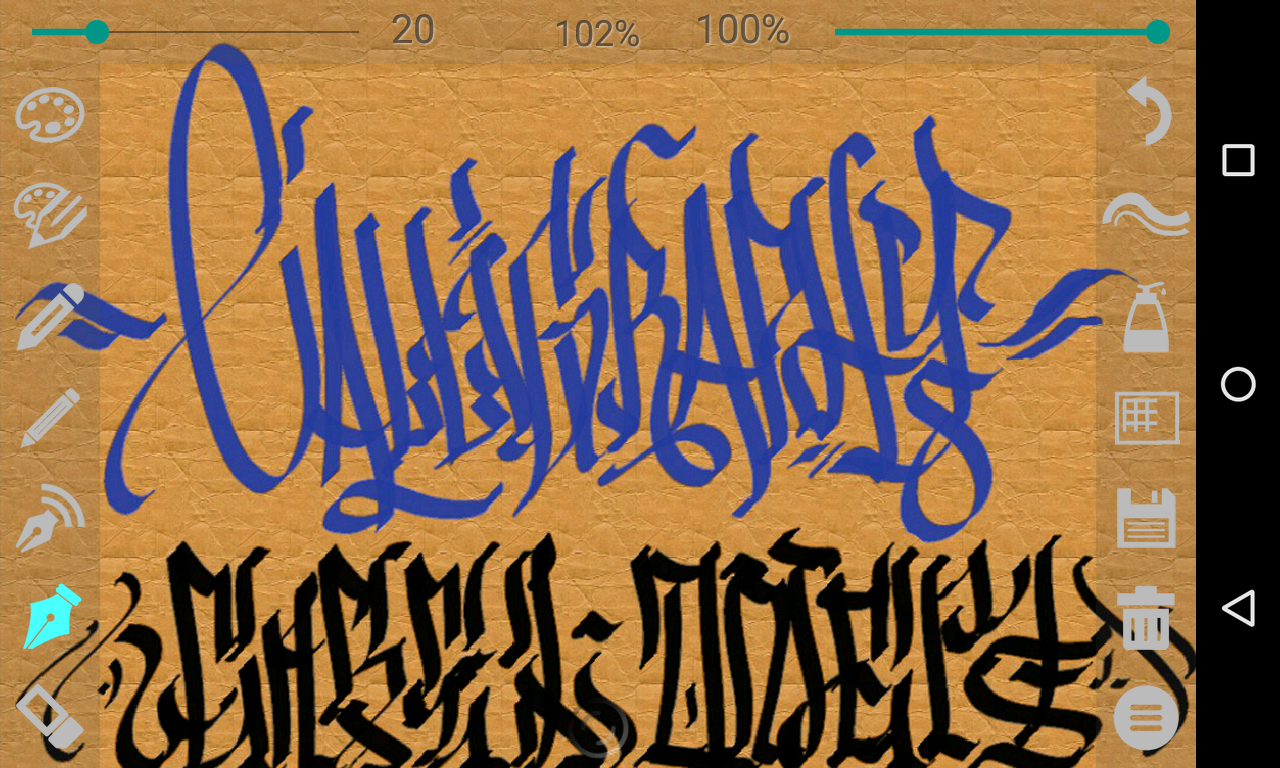
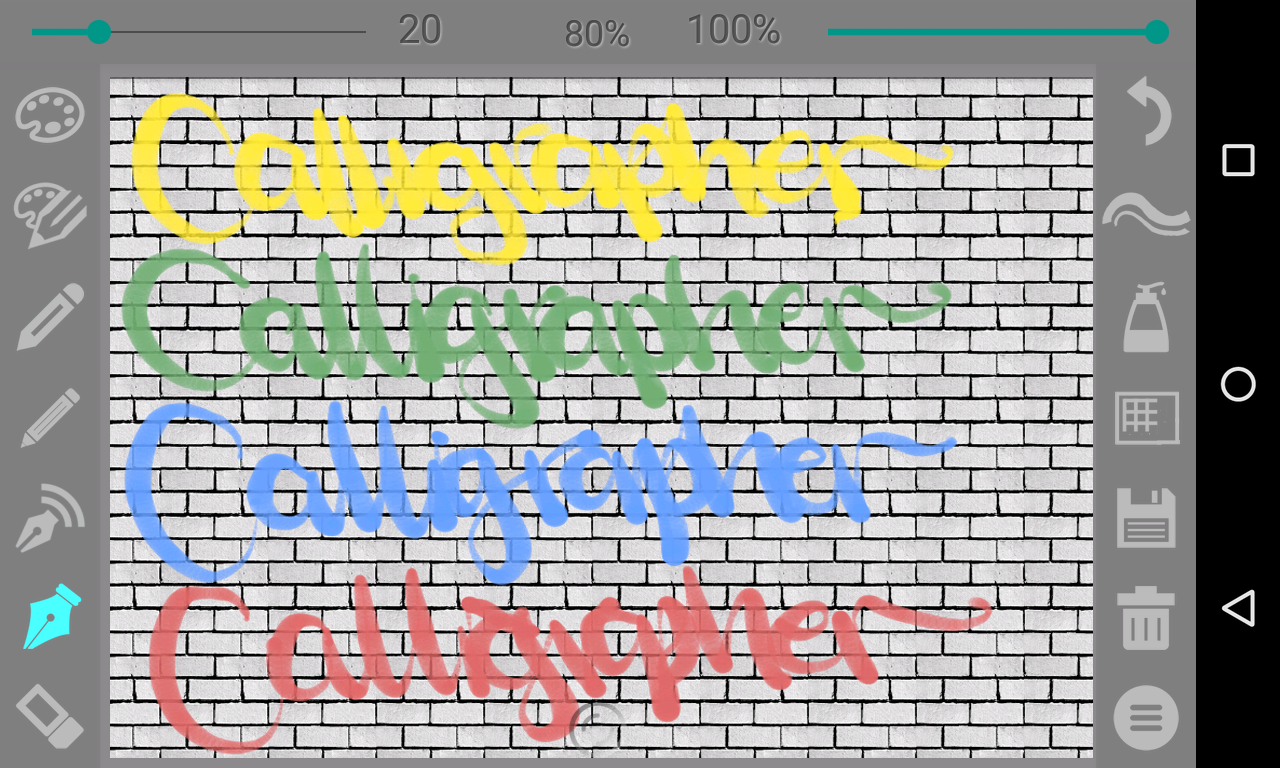
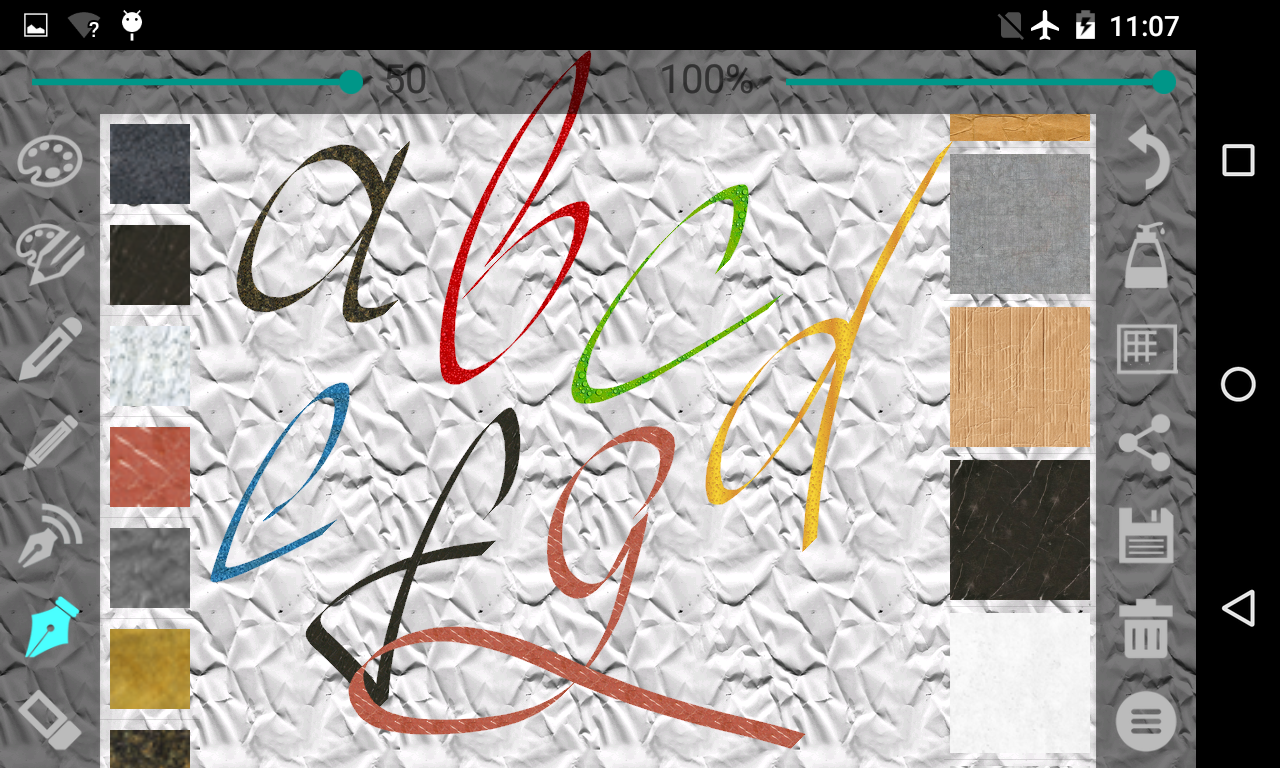
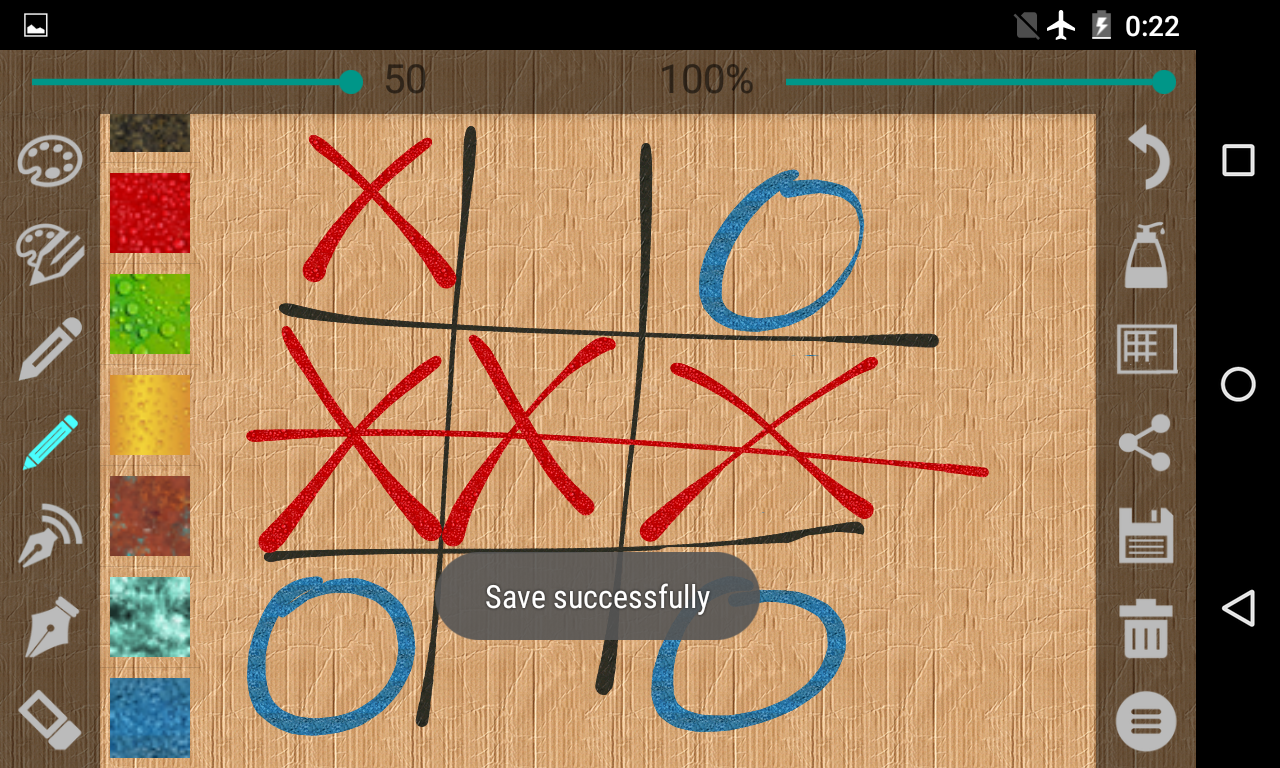
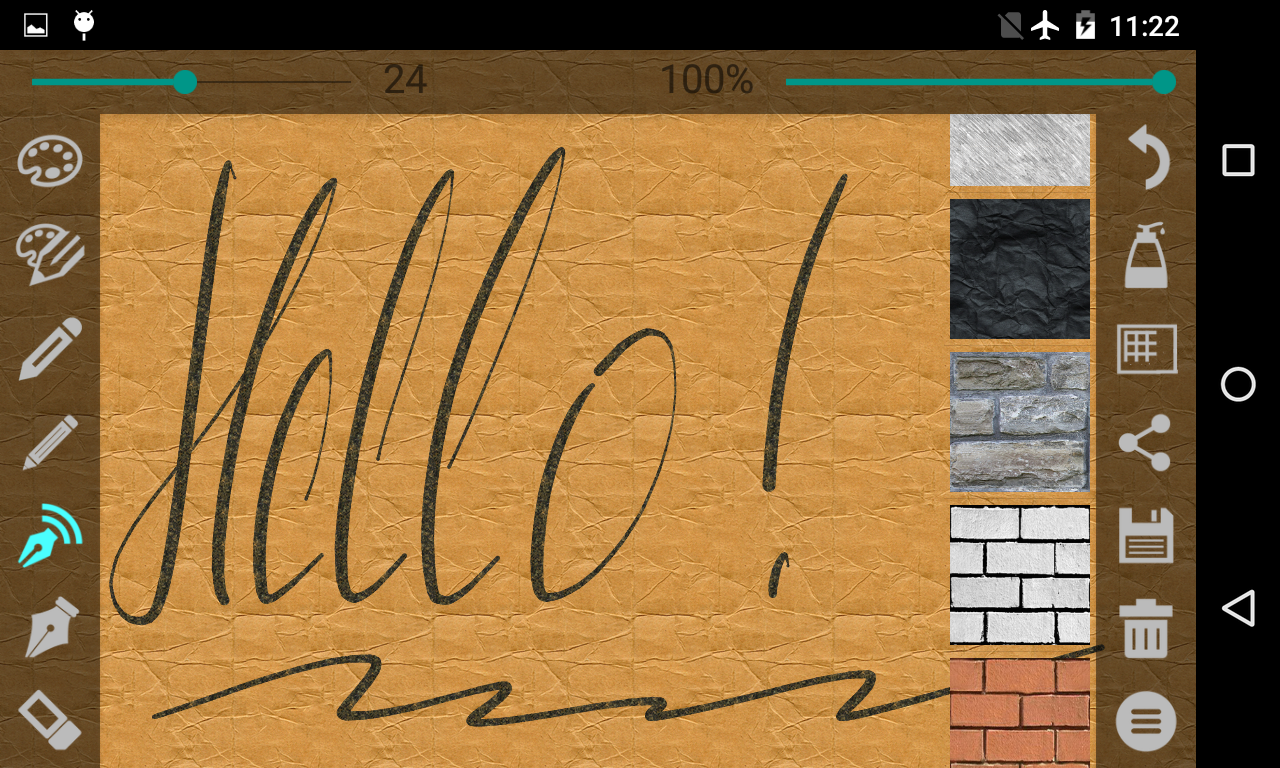
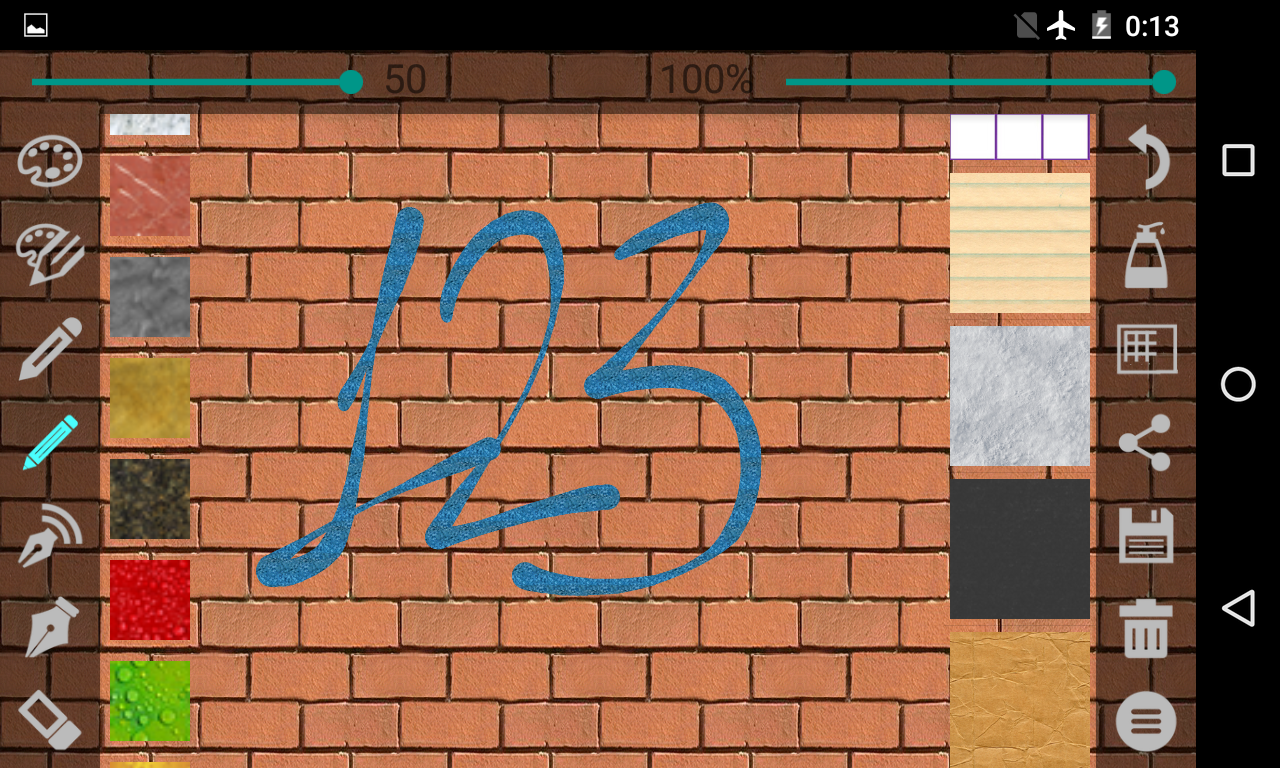
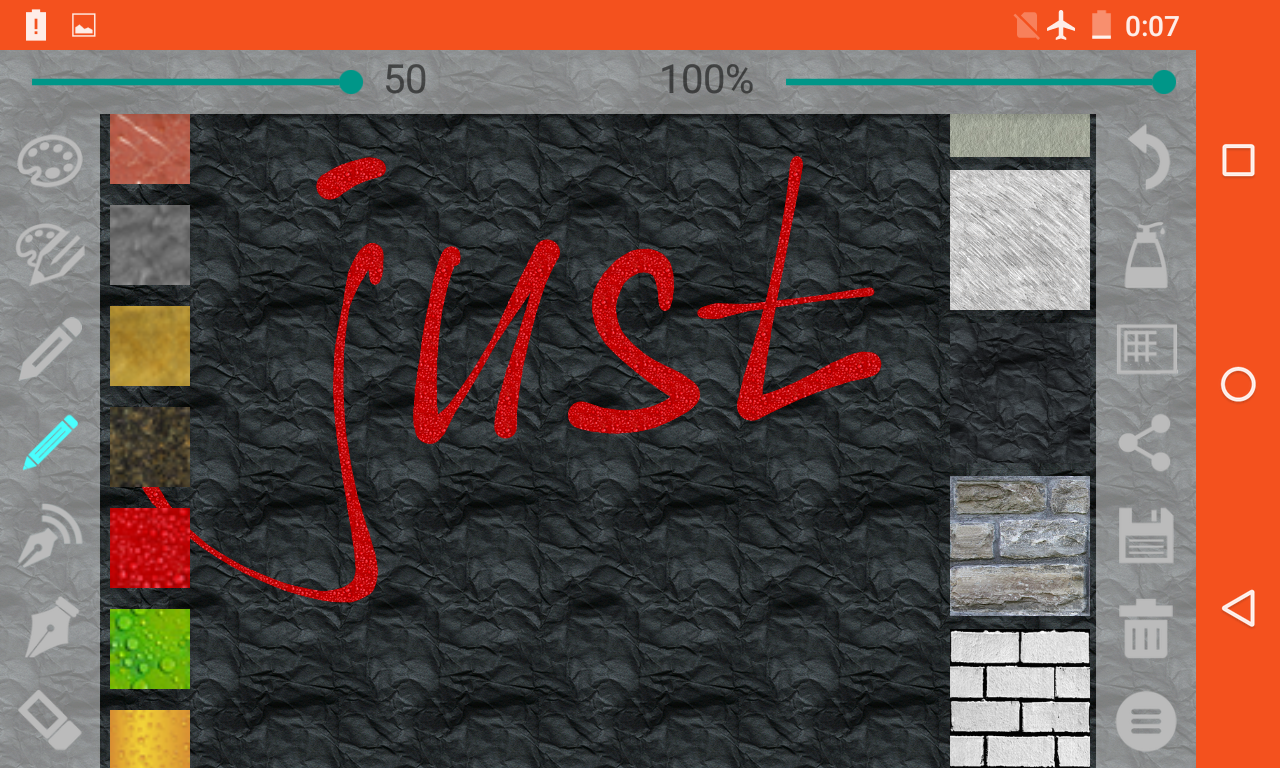
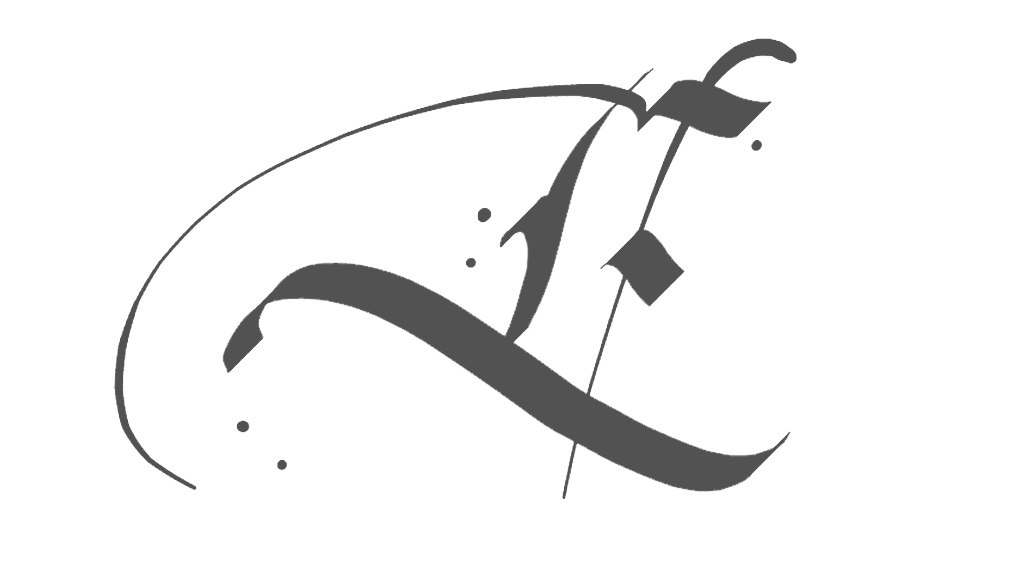
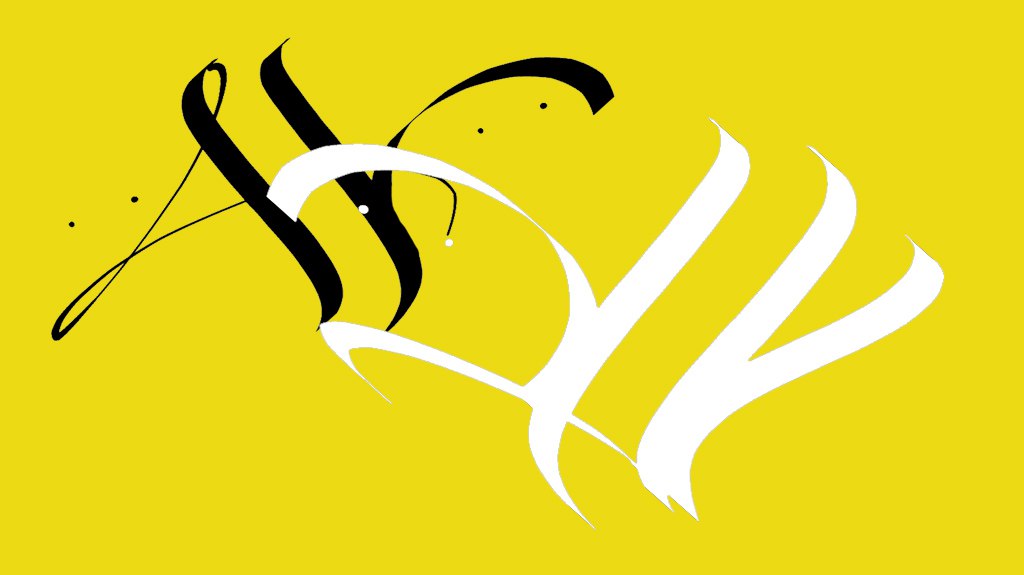
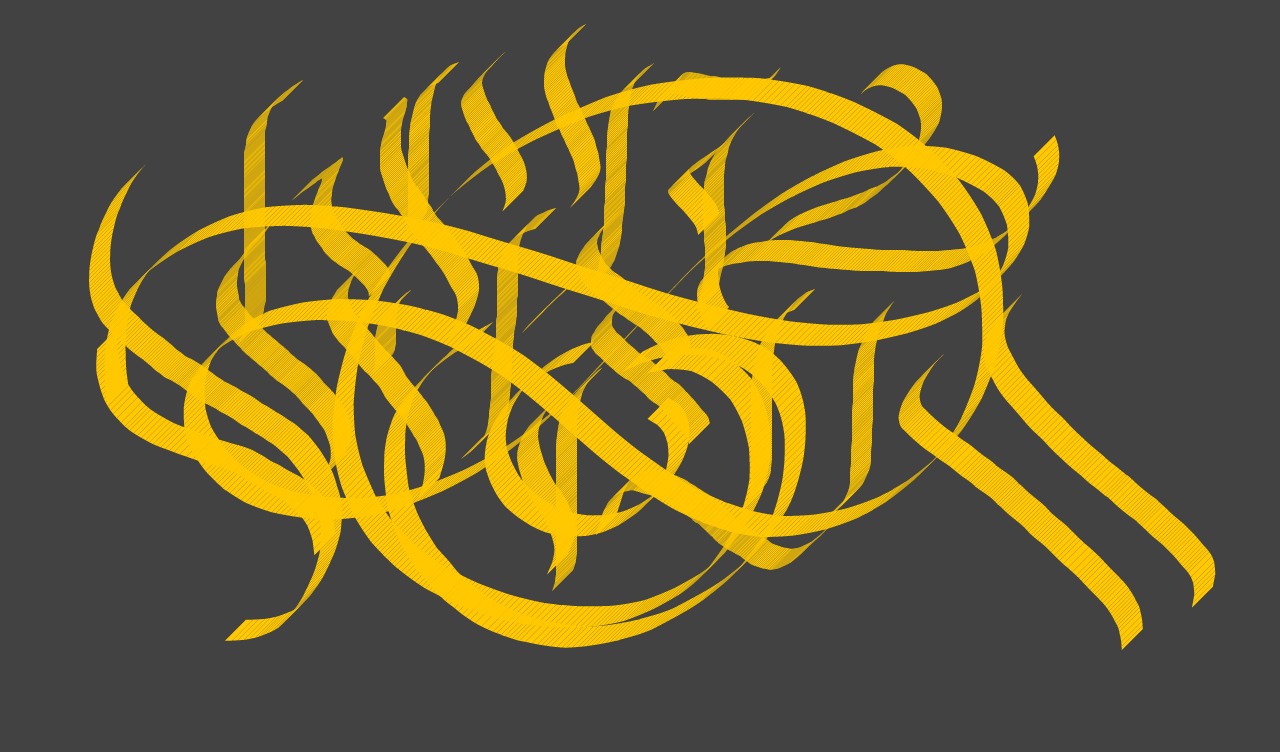
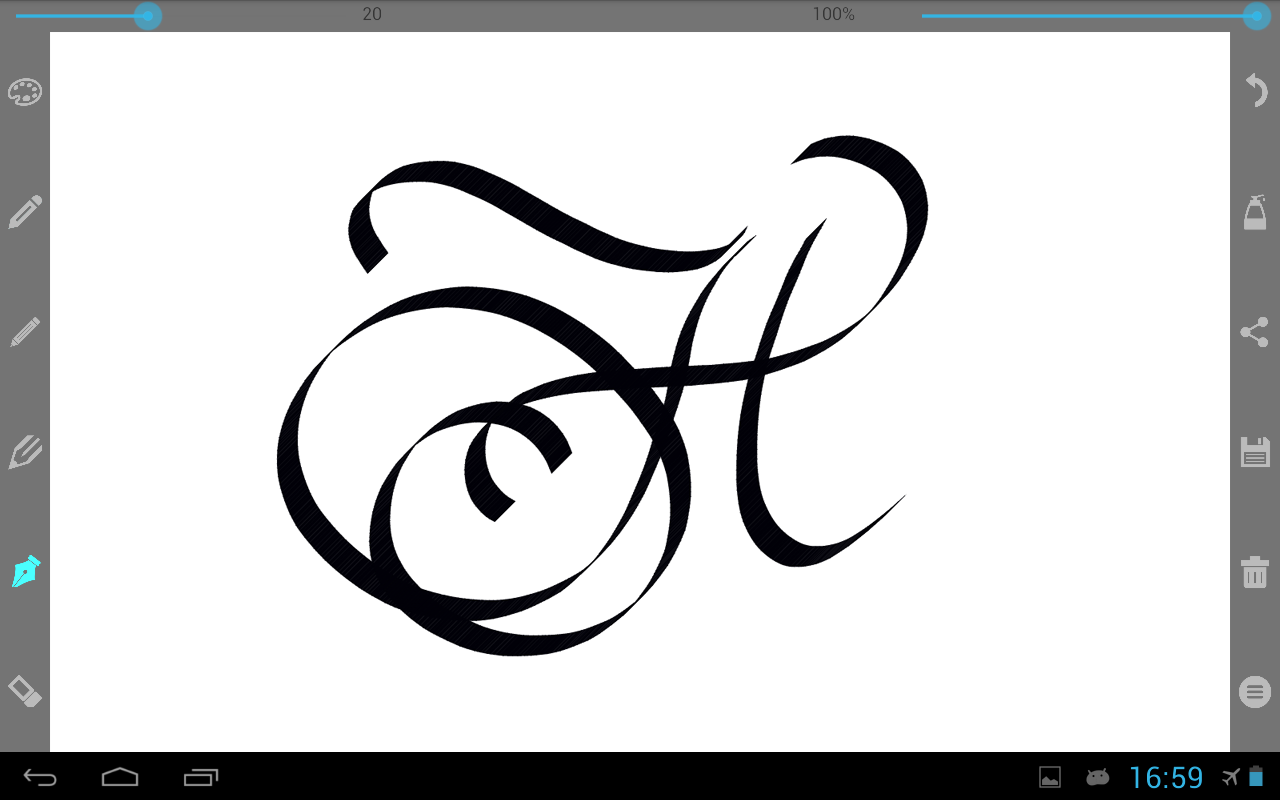
Calligrapher turns your phone or tablet into a calligraphy studio. Draw with pens that respond to speed and direction, add text in real calligraphic fonts, choose paper, a gradient or your own photo — and export a clean PNG. SIX DRAWING TOOLS — AND AN ERASER • Pen with speed-sensitive line width • Fine pen that responds to direction, like a real nib • Parallel pen with adjustable angle • Dual pen for double-line lettering • Pencil for sketches and drafts • Texture pen for dry-brush strokes • Eraser that removes strokes precisely Every tool has its own colour, size and opacity; the parallel and fine pens also have an adjustable angle. Smoothing and shadow help you get the look you want. TEXT AND FONTS Type right on the canvas: move and scale the frame, change alignment, size, colour, bold and italic. Five calligraphic fonts with Cyrillic are included — Bad Script, Marck Script, Amatic SC, Lobster and PT Serif. With a subscription you can add your own TTF/OTF fonts. PAPER AND BACKGROUNDS Plain colour, smooth gradients up to three layers, paper textures, your own photo or a transparent background for logos and overlays. Pinch to zoom or use the 50–200% presets; text scales with the canvas. UNDO Up to 30 steps on Premium and 5 in the free version. Undo works after the very first stroke, after text and after clearing the canvas. SAVE AND SHARE Export a PNG at canvas resolution to your gallery, or share it straight to social apps, messengers and email. No watermark. FREE AND SUBSCRIPTION The free version includes the drawing tools and a basic font set; ads appear only when you unlock an extra feature. Dual pen, shadow angle, custom texture size, premium fonts and custom font import unlock for the current session after a short rewarded ad — or permanently with a subscription (Basic, Extended, Premium), which also raises undo steps, gradient layers and texture size. WHO IT IS FOR Beginners practising basic strokes, lettering artists, bullet journal and planner fans, wedding and event stationery, logo sketches and social media graphics. Works offline. No account, no sign-in — your drawings stay on your device.
APKFab.com and the download link of this app are 100% safe. All download links of apps listed on APKFab.com are from Google Play Store or submitted by users. For the app from Google Play Store, APKFab.com won't modify it in any way. For the app submitted by users, APKFab.com will verify its APK signature safety before release it on our website.