free@home (Package Name: com.abb.freeathomeflex) is developed by ABB AG - BUSCH-JAEGER and the latest version of ABB-free@home® Next v3.6.0-333 was updated on October 26, 2026. ABB-free@home® Next is in the category of Lifestyle. You can check all apps from the developer of ABB-free@home® Next. Currently this app is for free. This app can be downloaded on Android 9.0+ on APKFab or Google Play. All APK/XAPK files on APKFab.com are original and 100% safe with fast download.
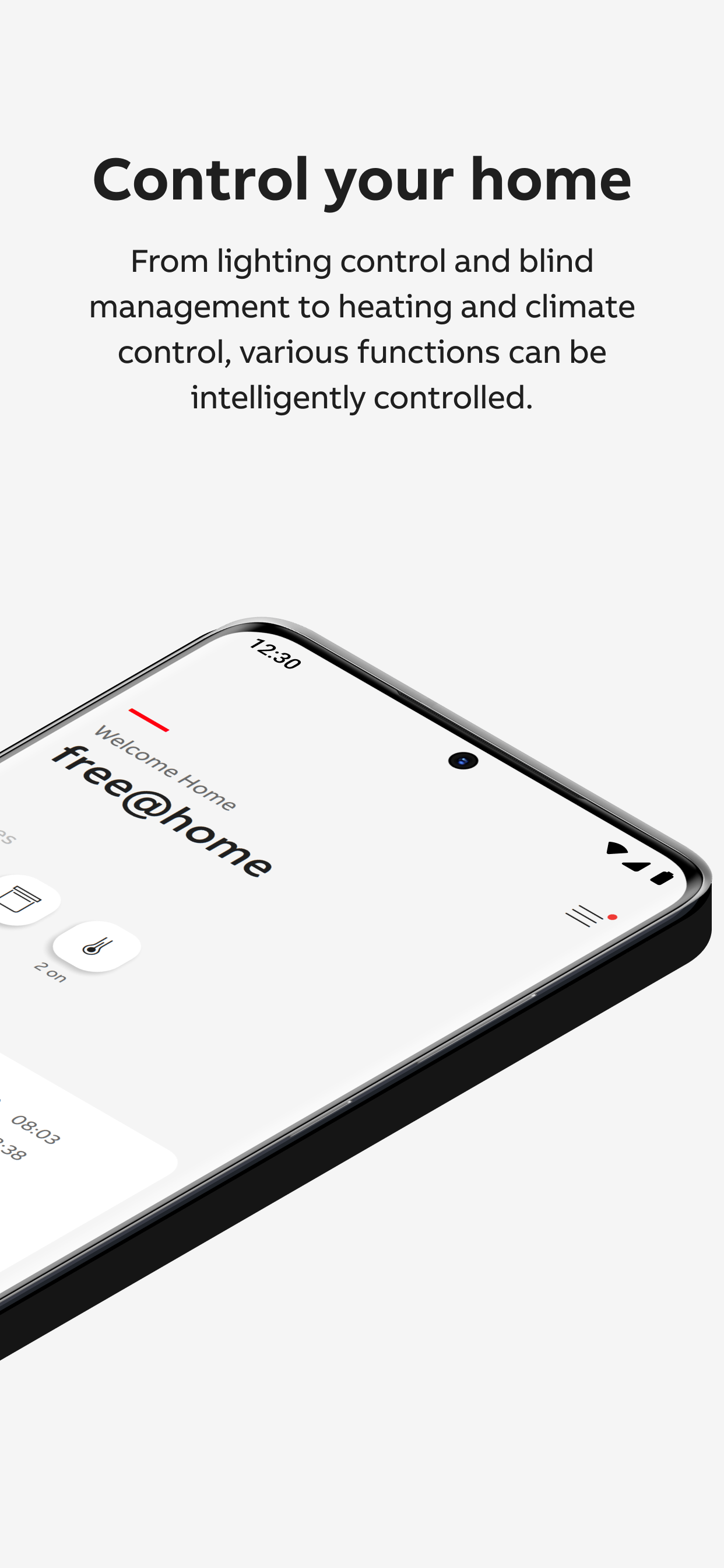
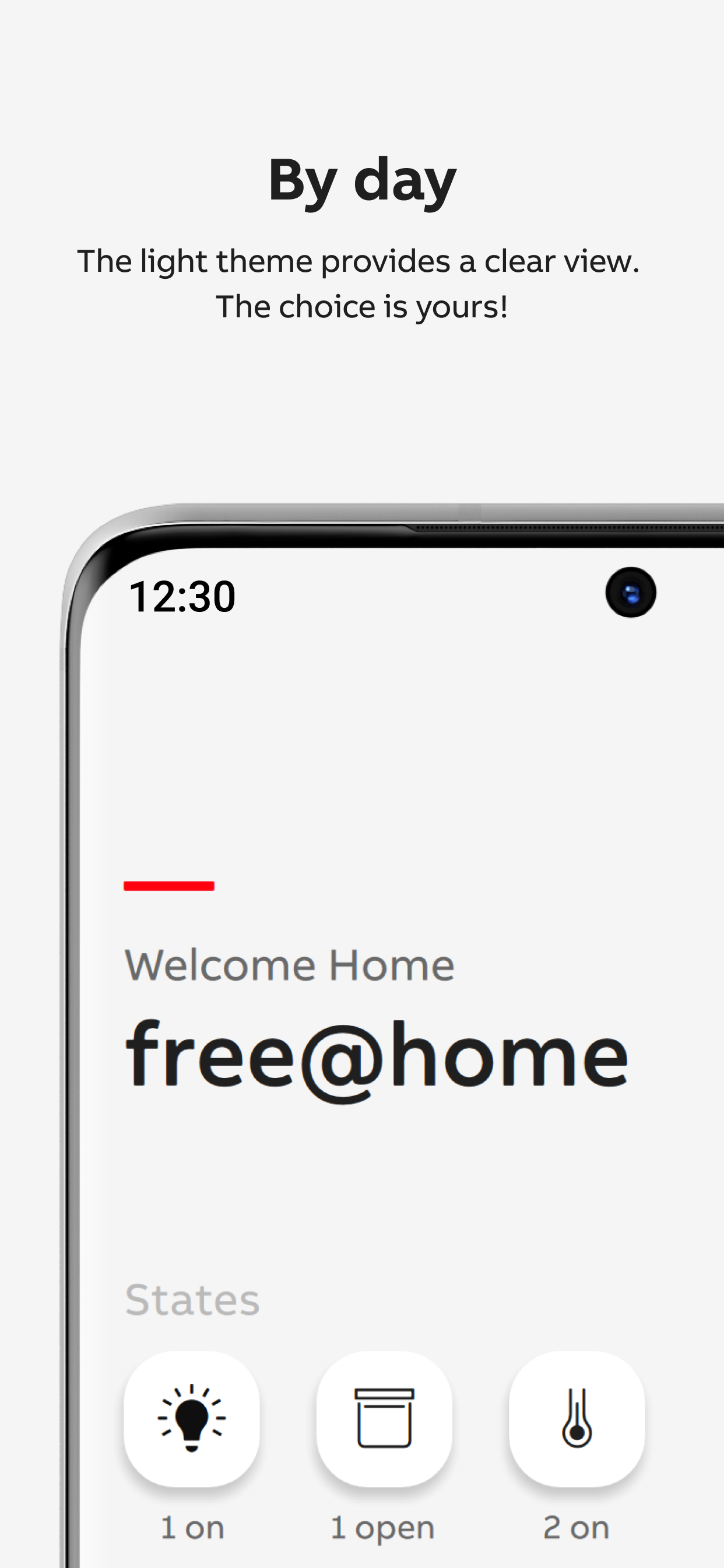
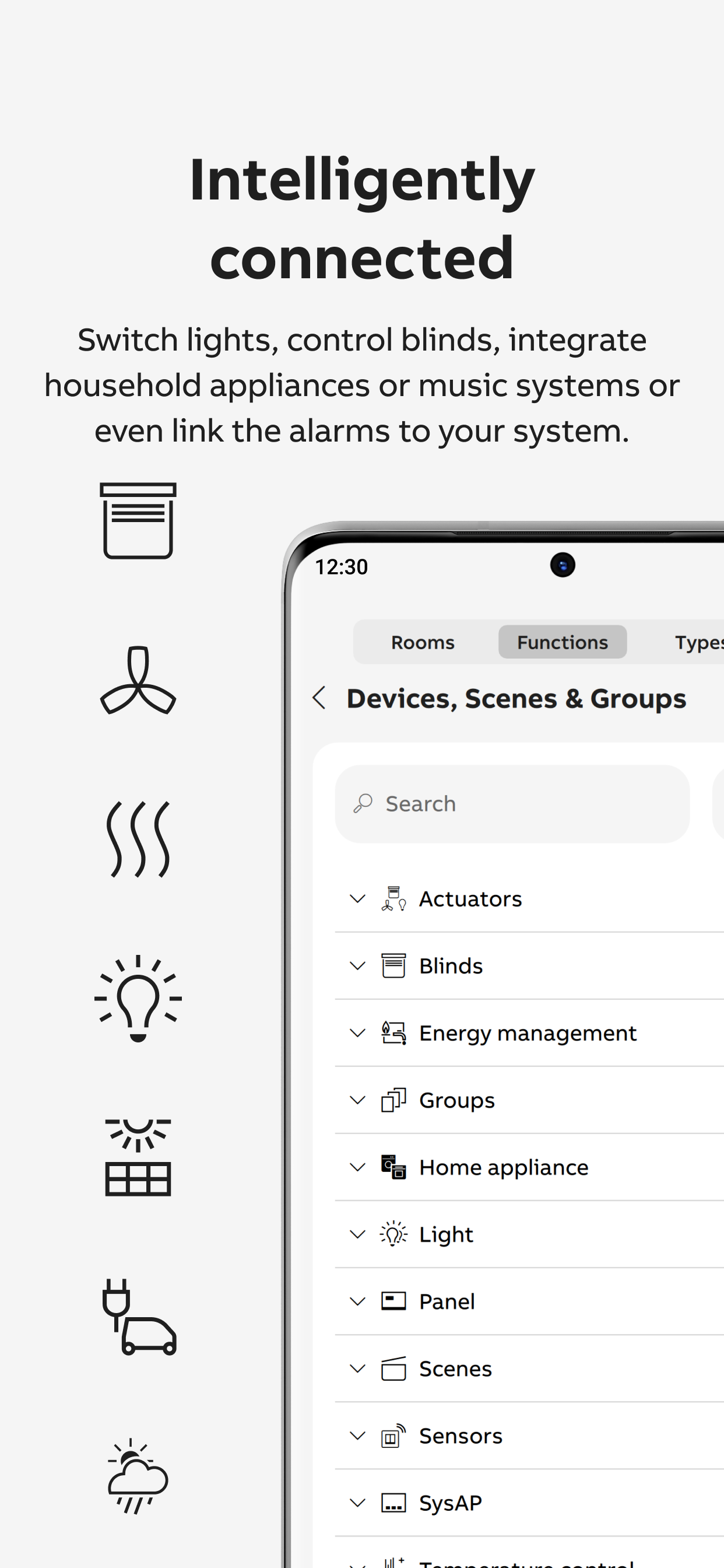
Note: This app only works with a ABB-free@home® Smart Home System with an installed firmware version 2.5.0 or higher. ----------------------------------------------------------------------------------- It enables the programming and operation of your free@home system. Whether blinds, lights, heating, air conditioning, scenes, time programs, Philips Hue or Sonos devices: All functions of your free@home system can be controlled via this app. With the myBuildings remote access, you can connect the app to your free@home system via the Internet and conveniently control your house from anywhere in the world or simply call up the "house status". New functions of the Next app: --------------------------------------------------------------------- The ABB-free@home® Next app offers 4 different pages to control all aspects of your free@home system. The pages can be accessed via the lower control bar: HOME This page offers a quick overview of what's going on in your home: - The "Status" tiles show you how many lights are on, how many shutters are open, whether windows are open and whether the alarm system is switched on. A short tab on a tile can e.g. the light can be turned off directly. - The "Weather" window tile shows you the weather data of your free@home weather station. - The "Next switching times" window tile shows the two functions that are to be switched next using an automated time program. The event can be suspended once using the slider. A tab on the switching times overview shows all switching events for the next 24 hours. - The "favoritesFavorites" are a collection of individually selected functions. The selection is made by setting the "star" symbol. The function can be carried out directly via a tab on the small blue symbol in the top right corner of the favorites tile. The function in full screen view is called up via a tab on the main area of the tile, which offers even more setting options. The order of the functional areas can be changed using the bubble at the bottom of the home page. EQUIPMENT Here you can access all devices of your free@home installation. Optionally sorted by trades or by installation location (the switch is made using the symbol at the top right of the page). Trades All devices are displayed sorted according to their device class (light, blinds, temperature, others). Installation location All devices are displayed according to the configured installation location. AUTOMATION All of the automated processes you have created, such as timers, scenes and actions, are listed here. Timer Existing time programs can be activated / deactivated. Scenes Scenes can be started with a tab on the blue symbol. The scene is called up in full screen view via a tab on the main area of the tile. Actions Actions can be activated / deactivated and edited. In combination with a myBuildings remote access, geofencing actions can be created, with which actions can be triggered based on entering or leaving a previously configured location. The data is sent directly to the connected System Access Point via the end-to-end encrypted channel and can therefore not be evaluated by Busch-Jaeger. …MORE Notification center All system messages are saved here. WIDGET With the widget you can always see the current switching status of your favorites, even if they are operated via another app or directly via a switch. This requires the FOREGROUND permission. Of course, you can also switch favorites directly using the widget. MyBuildings Here you can connect your free@home system and your smart phone to the myBuildings portal. GEO LOCATION Launch actions based on your current location. Switch e.g. turn on the lights when you get home. Minimum Requirements: The app only works with a free@home system installed in your home (from firmware version 2.5.0). The free@home system must be integrated into your home network. A WIFI network is needed to access the system via your mobile devices and the app.
free@home v3.6.0-333 Update
- Sonos-Wiedergabe in Szenen und Automatisierungen - Unterstützung for the new radio-heating thermostat (6257 WL) as well as for HF-movement and präsenzmelder. - Firmware updates are now available in our own update menu. - Strukturierung der Parameter - Allgemeine Fehlerbehebungen - Smart Watchdog 280 WL - Kompatibilität von Funkgeräten - Radio room temperature controller/Heizungsaktor (6284X U-WL)
- Sonos-Wiedergabe in Szenen und Automatisierungen - Unterstützung for the new radio-heating thermostat (6257 WL) as well as for HF-movement and präsenzmelder. - Firmware updates are now available in our own update menu. - Strukturierung der Parameter - Allgemeine Fehlerbehebungen - Smart Watchdog 280 WL - Kompatibilität von Funkgeräten - Radio room temperature controller/Heizungsaktor (6284X U-WL)
- Fix App startup problems on Android - Better support of eve devices - Better user interaction when adding Smart Switches - Improve user interaction in case of wireless routing problems - Prevent adding of Notifications if no suitable device is available - Show warning on login page if SysAP is not reachable
APKFab.com and the download link of this app are 100% safe. All download links of apps listed on APKFab.com are from Google Play Store or submitted by users. For the app from Google Play Store, APKFab.com won't modify it in any way. For the app submitted by users, APKFab.com will verify its APK signature safety before release it on our website.