AALinQ (Package Name: com.gromaudio.aalinq) is developed by GROM Audio and the latest version of AALinQ Car Music Player 2.1.6.6 was updated on August 31, 2016. AALinQ Car Music Player is in the category of Music & Audio. You can check all apps from the developer of AALinQ Car Music Player and find 30 alternative apps to AALinQ Car Music Player on Android. Currently this app is for free. This app can be downloaded on Android 2.3.4+ on APKFab or Google Play. All APK/XAPK files on APKFab.com are original and 100% safe with fast download.
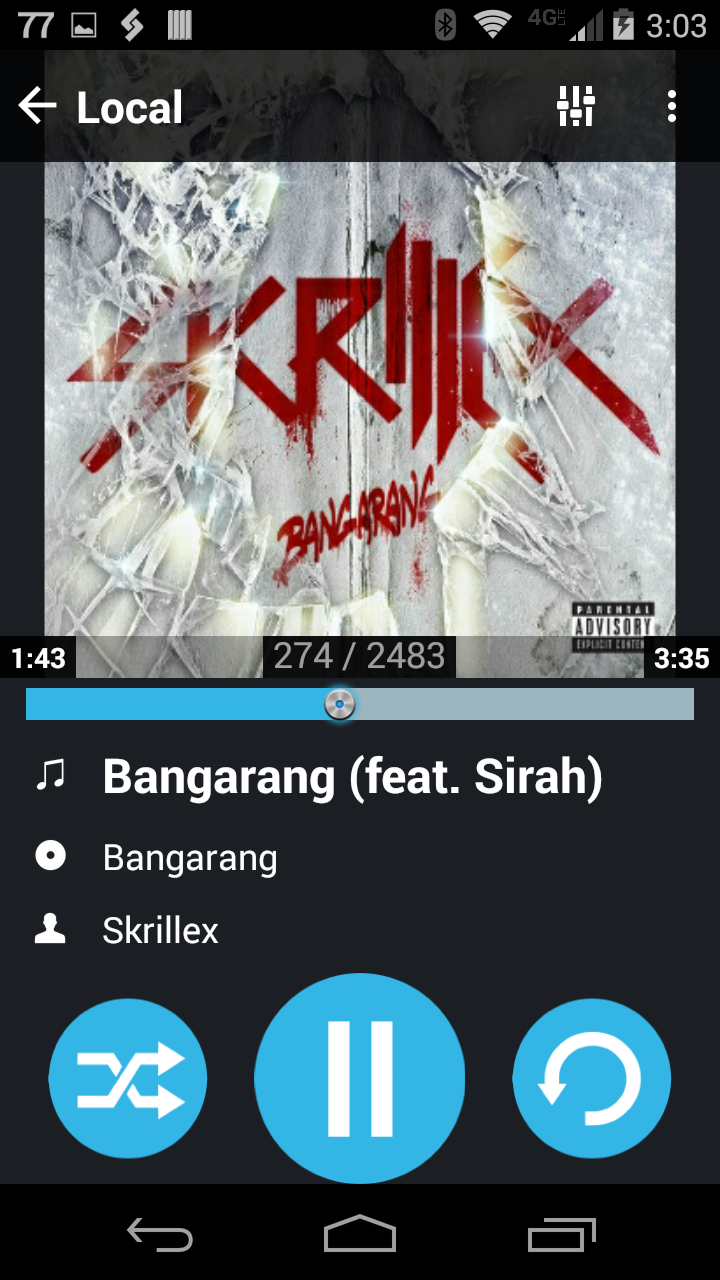
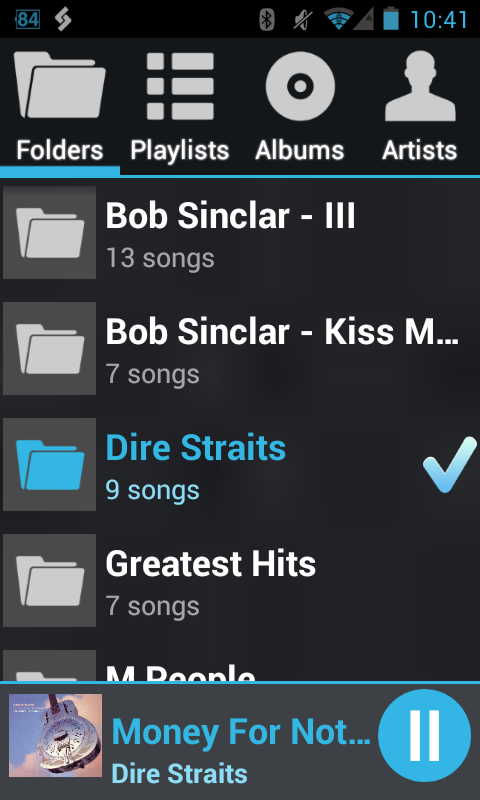
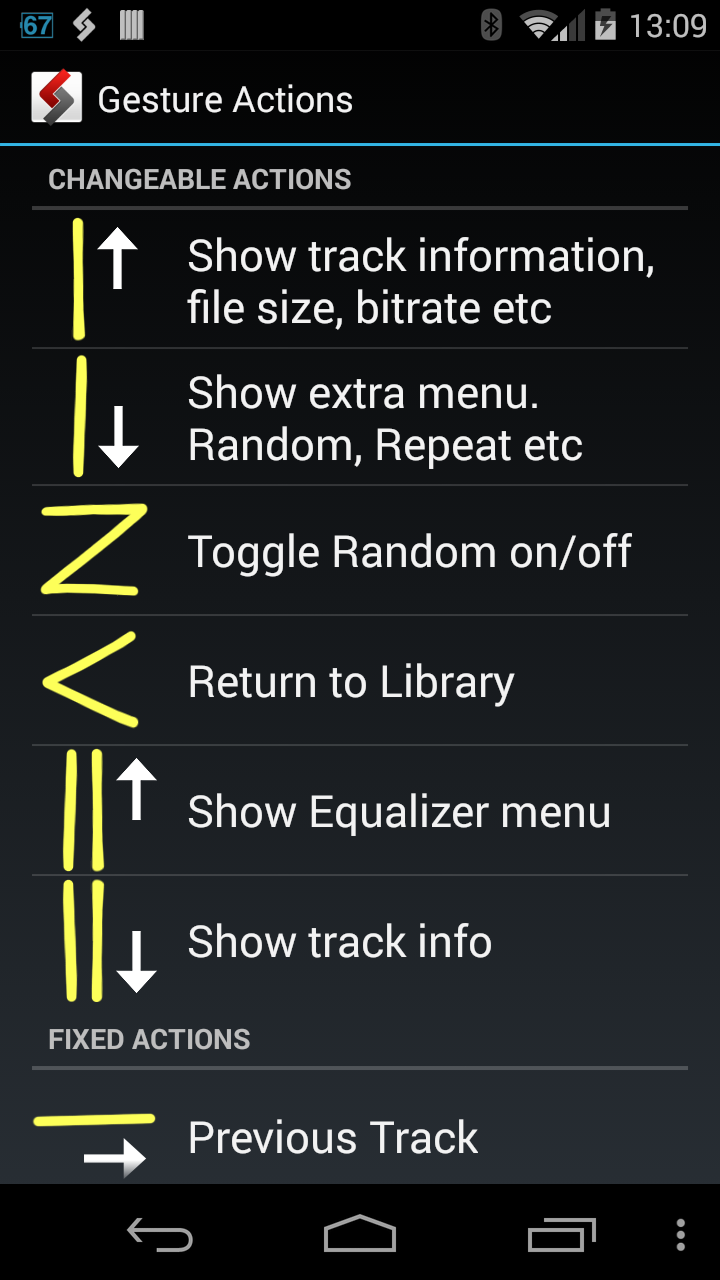
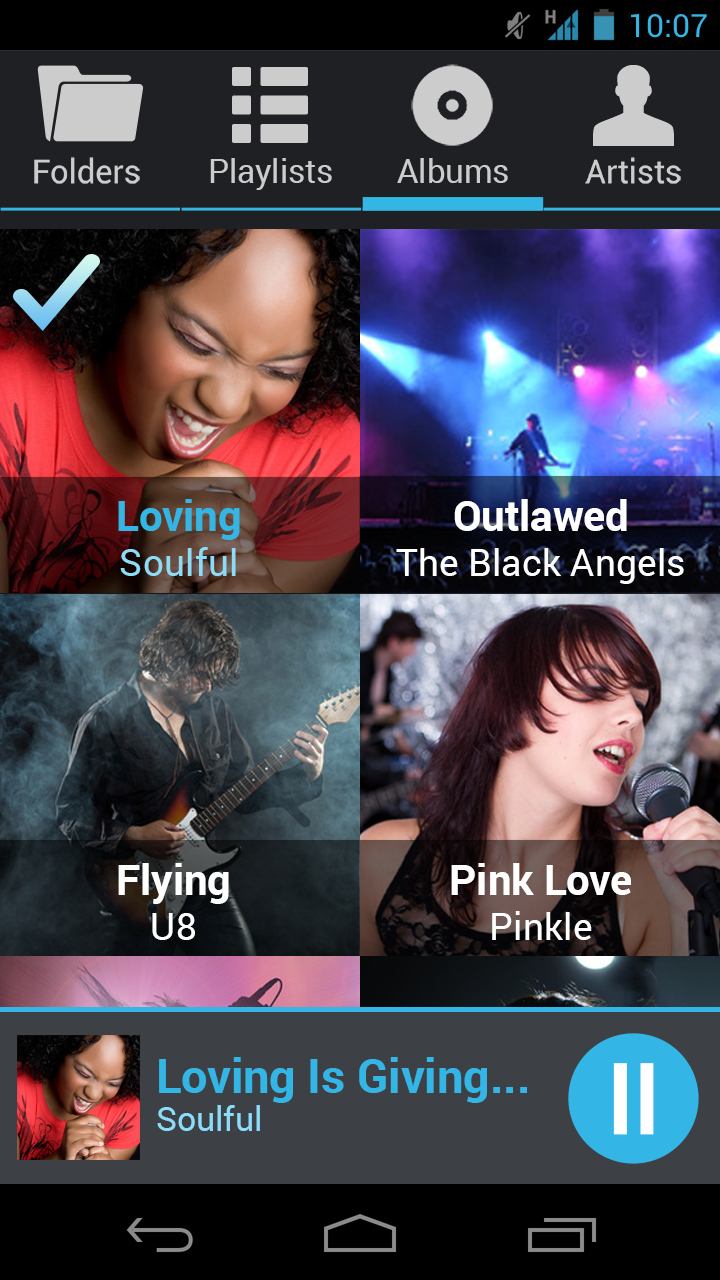
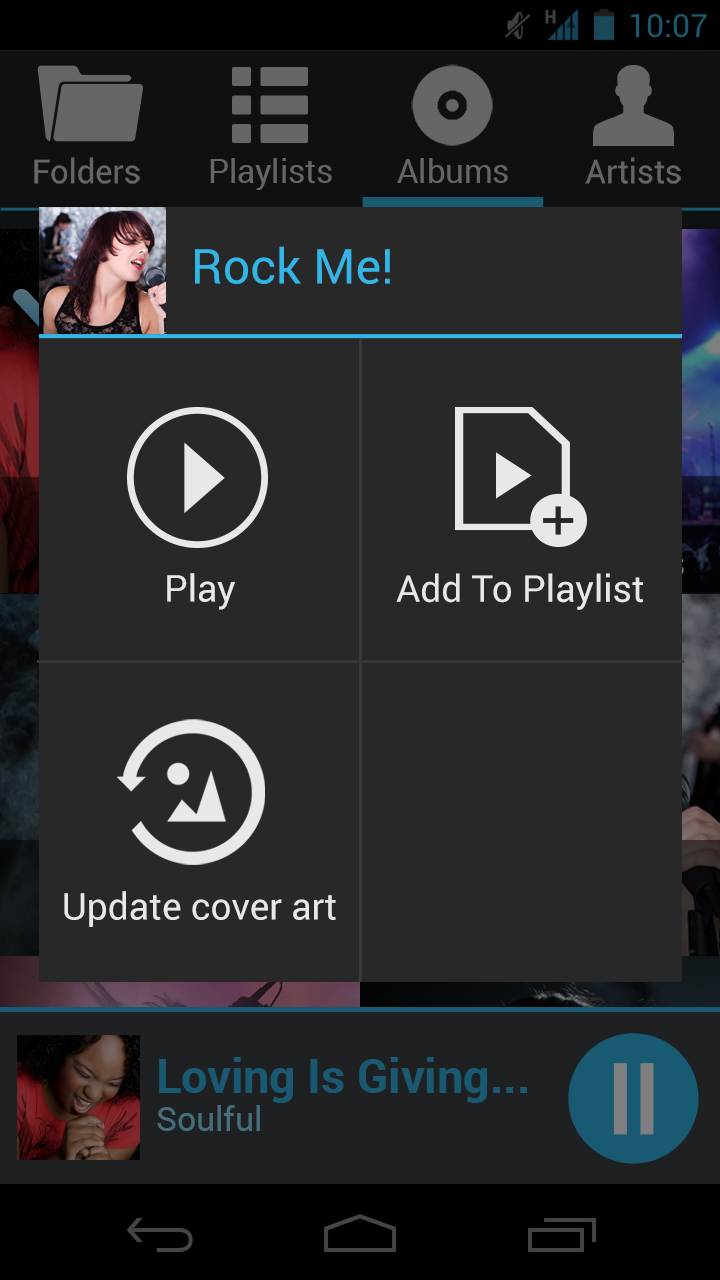
AALinQ is a new way to use Android mobile device in the car. Large fonts, vivid colors make it simple to navigate your music in the car! Use it through AUX jack, Bluetooth or GROM car specific hardware. Features: - No advertising or spying. Free to use. - 5 band equalizer on all supported devices (2.3+) - Large fonts and icons, bright colors for in car use - Gestures/swipe control of the playback, random and other functions - Create dynamic (on-the-go) playlists from any folder(s) or stations - Swipe left right for track change - Large track seeking bar - 3D cover art animation - Auto switch to Playing Now screen - Bluetooth controls supported - Lock screen controls displayed - Non-ASCII charsets supported - When connected to GROM HW and Bluetooth, choose which quality of the stream you want (icon next to time slider) - FLAC, WMA, AAC, OGG, AAC, MP3 supported - Automatic cover art download - Gapless (almost) playback - Browsing available by: Folders, Artists, Albums, Playlists and All Songs - Fast navigation by Folders, Artists, Albums, Playlists via gesture up and down in Playing Now screen For best integration with your car stereo- use GROM hardware interface (http://gromaudio.com) and get digital clear sound, charge and full control from the factory radio. Hints: To enable USB Streaming to GROM HW simply exit the AALinQ app and run your favorite music app. To enable GROM connect: Attach phone to GROM USB device and start any song in AALinQ When connected to GROM via USB and Bluetooth, use route button next to time slider to switch between digital USB and Bluetooth A2DP streaming. With GROM direct car interface the operation is simple for music tracks: 1. Disk 1 is a On-The-Go playlist. Disk 2 is the first playlist, Disk 3 is second and so on 2. Titles and cover art displayed in player in portrait in and landscape mode 3. Full control from either AALinQ or GROM. Player stays in sync with stereo all the time Troubleshooting when used with GROM interface: 1. Make sure you have latest firmware installed from http://gromaudio.com/software-usb2.html or http://gromaudio.com/software-usb3.html 2. On older phones (2.3.x) to operate you will need to turn USB Debugging option ON (Settings->Application->Development), follow suggestions from AALinQ 3. Submit support ticket if nothing helps http://gromaudio.com/support.html Note: AALinQ works best with GROM-USB2P, GROM-AND2 or GROM-MST3 module installed in your vehicle. Note: GROM-USB2P and GROM-MST3 must be updated to the latest firmware for all features to work Permissions: WRITE_SETTINGS - changes in Media DB for non ASCII characters support WRITE_EXTERNAL_STORAGE - cover art extraction INTERNET - GROM connection and cover art update
APKFab.com and the download link of this app are 100% safe. All download links of apps listed on APKFab.com are from Google Play Store or submitted by users. For the app from Google Play Store, APKFab.com won't modify it in any way. For the app submitted by users, APKFab.com will verify its APK signature safety before release it on our website.