4G LTE Switch : Force 4G 3G
7.3 4
v2.2 by mmmdevelopers
7.3 4
v2.2 by mmmdevelopers

How to use:
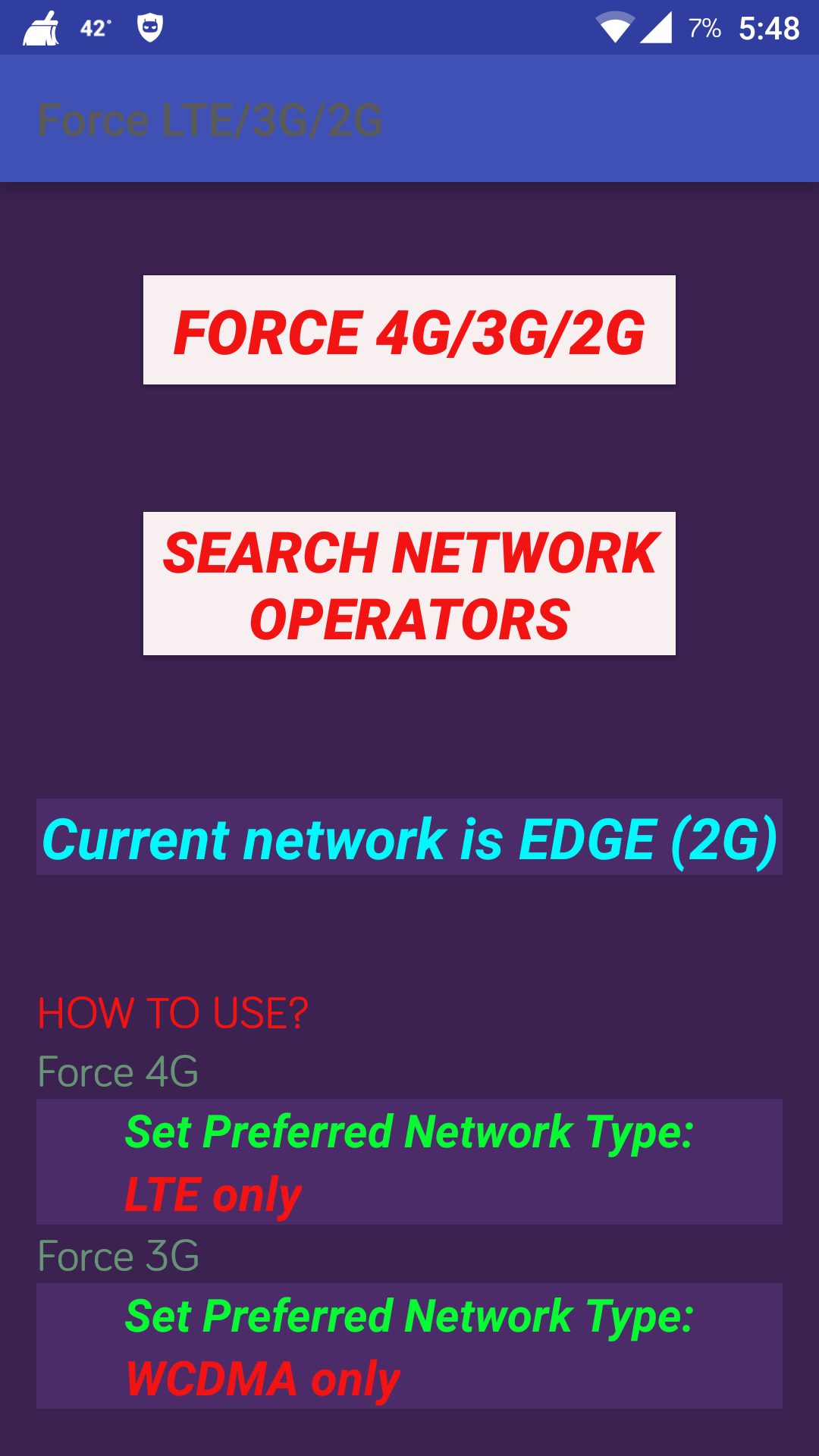
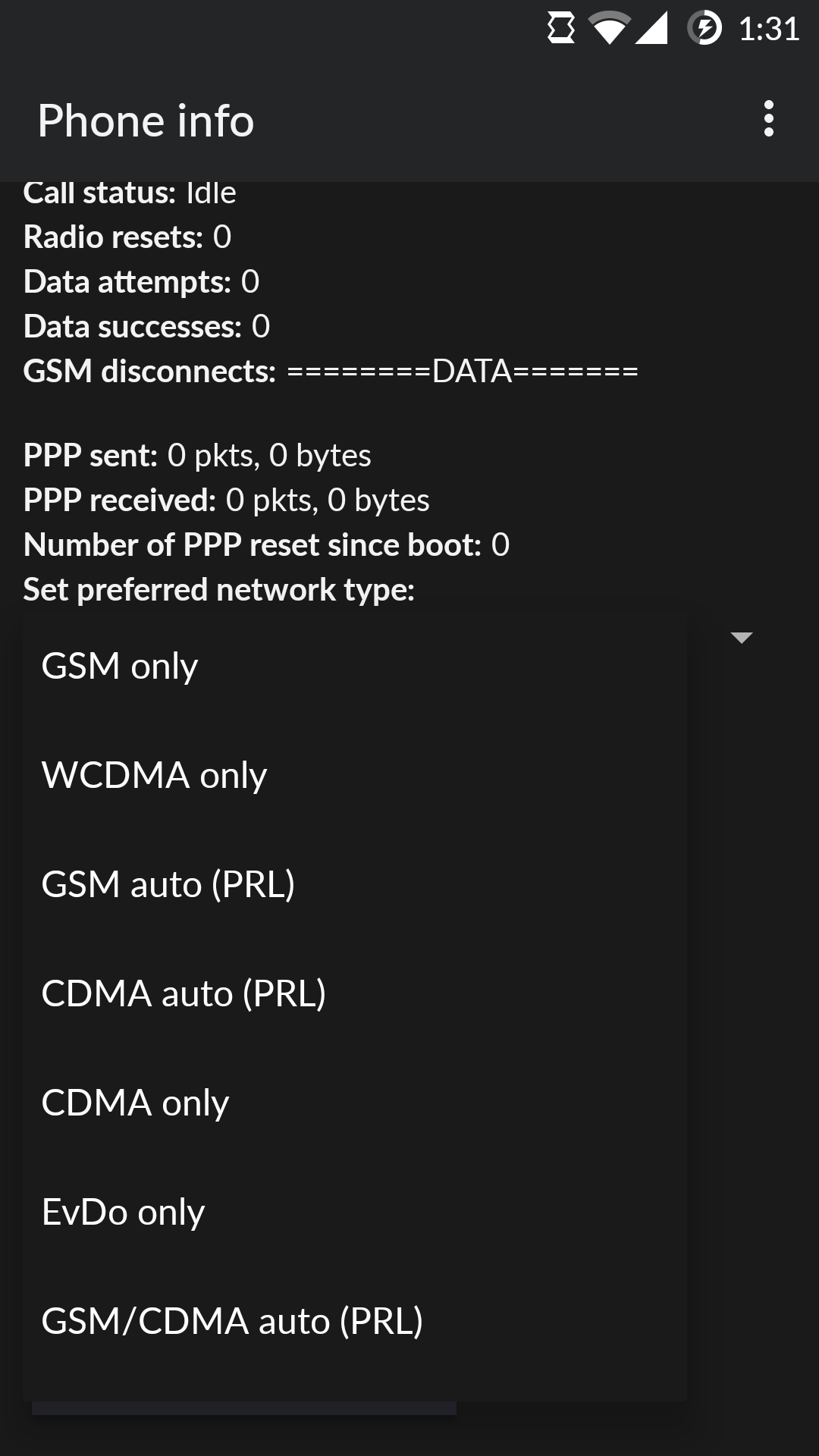
step 1: Click "force 4g/3g/2g" button and scroll down to "set preferred network type" and select the required option.
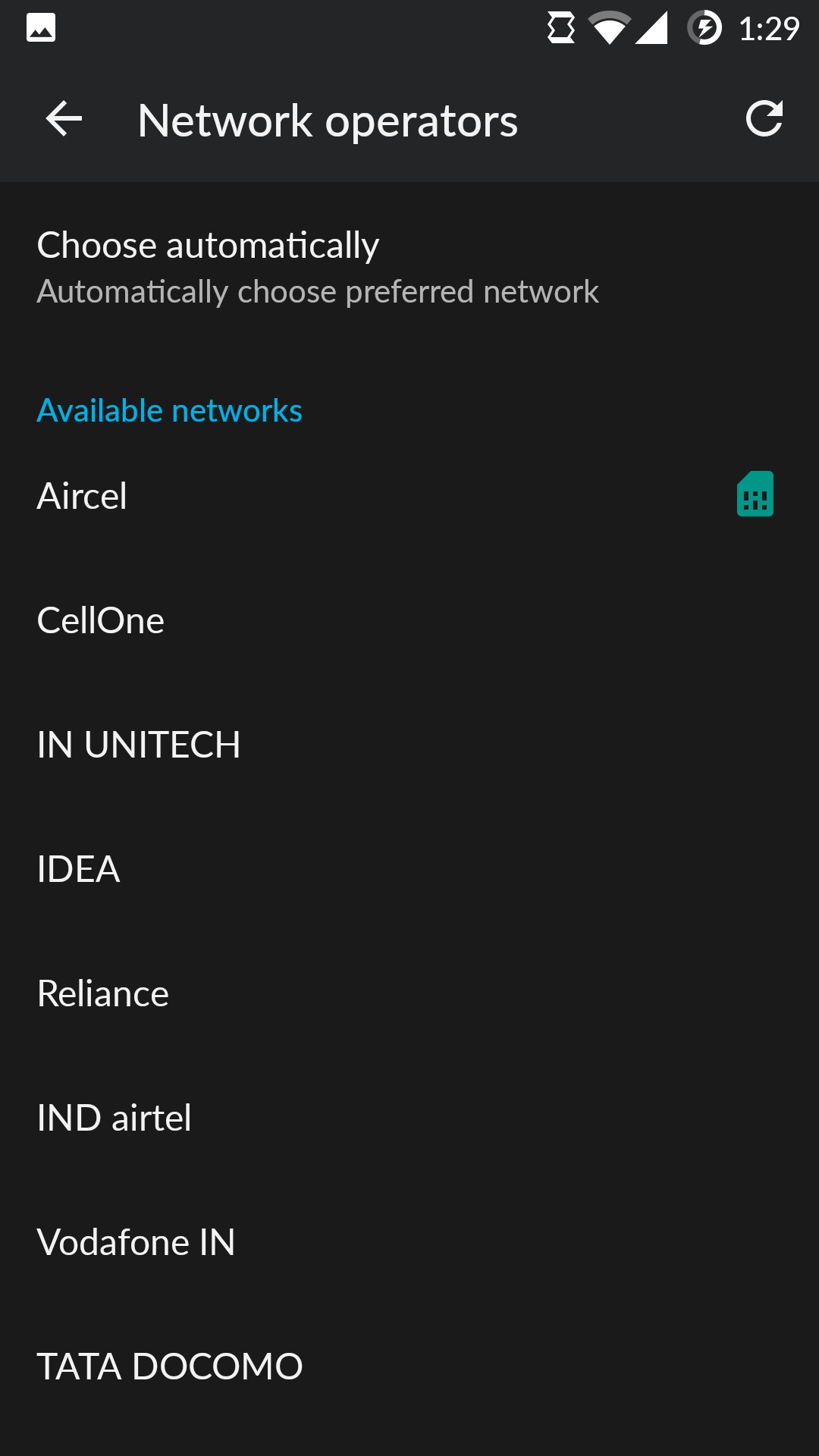
step 2:if not changed,move back and click "search network operators",select your network operator.
This app is used to
* Force LTE / 3G / 2G Connection only.
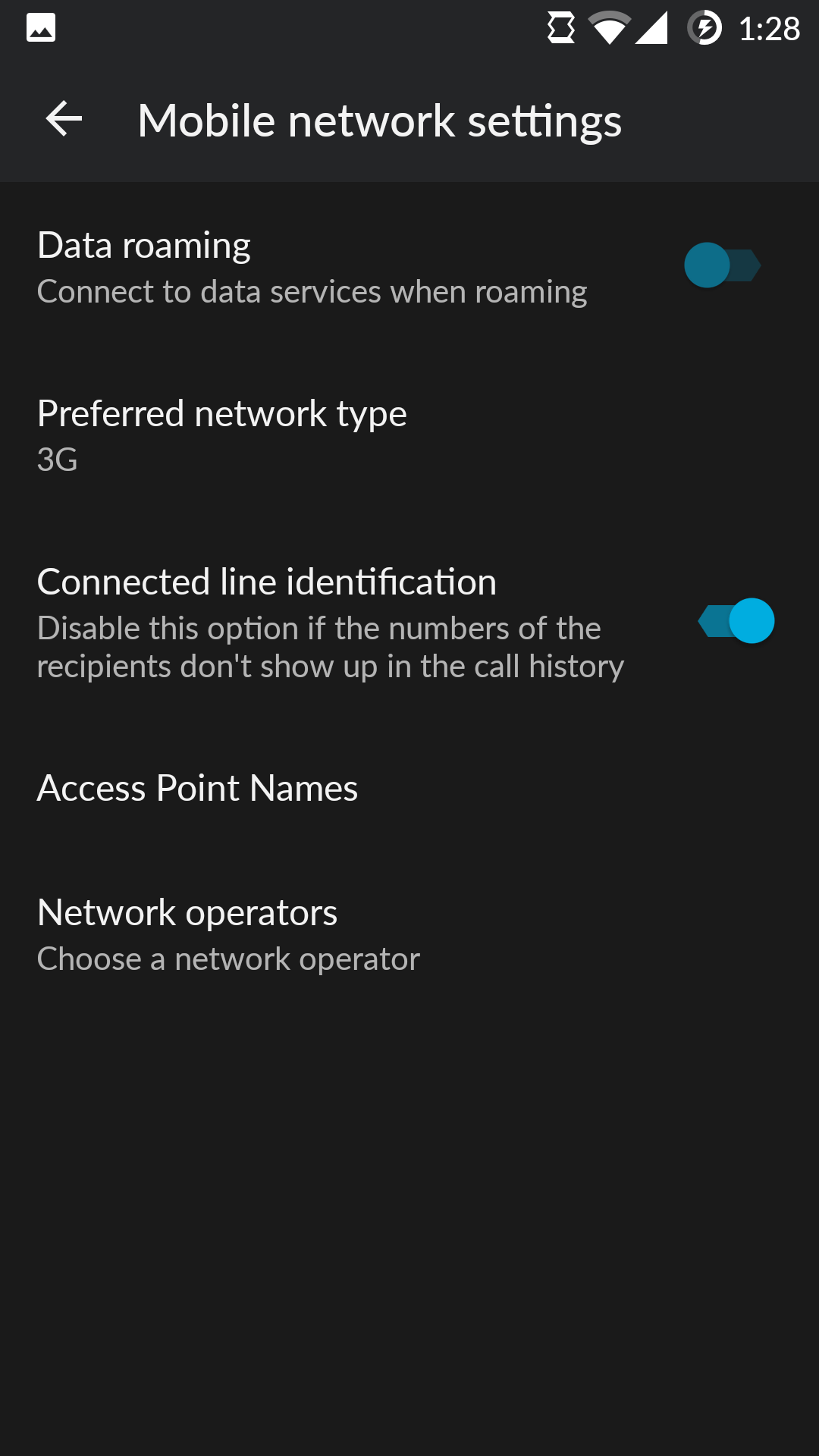
* quick shortcut to the "Network operators" settings, that would usually require 5 clicks in the settings menu. With a single click you can search for mobile networks operators.
*fix network switching Errors.
Guaranteed App doesn't Crash for Unsupported Mobiles.
Advantages:
*Force 2G to save battery during travel.
*Force LTE or 3G to get constant network mode and speed.
*Provide wide types of network modes.
*shortcut for searching network operator.
Requires Android: Android 4.0+
Screen DPI: 160-640dpi
SHA1: 083de9d6b13ab562f55d86b667ce7ded1f925c0d
Size: 721.33 KB
What's New:
Requires Android: Android 4.0+
Screen DPI: 160-640dpi
SHA1: 9a7a4202e1872510fb5e127639fe025d60769056
Size: 724.71 KB
What's New:
-Search Network Operator : quick shortcut to the "Network operators" settings, that would usually require 5 clicks in the settings menu. With a single click you can search for mobile networks operators.
-App size Reduced to 725KB
Requires Android: Android 4.0+
Screen DPI: 160-640dpi
SHA1: fb0a3021034014e88d7b0997b83a4c03f4625d84
Size: 1.19 MB
Package Name:
Update Date:
2016-05-23
Latest Version:
2.2
Need Update:
Requirements:
Android 4.0+
Report:






