Yandex Navigator now shows you the fuel types that are in stock and how busy gas stations are in real time. Check them and share information right in the map.
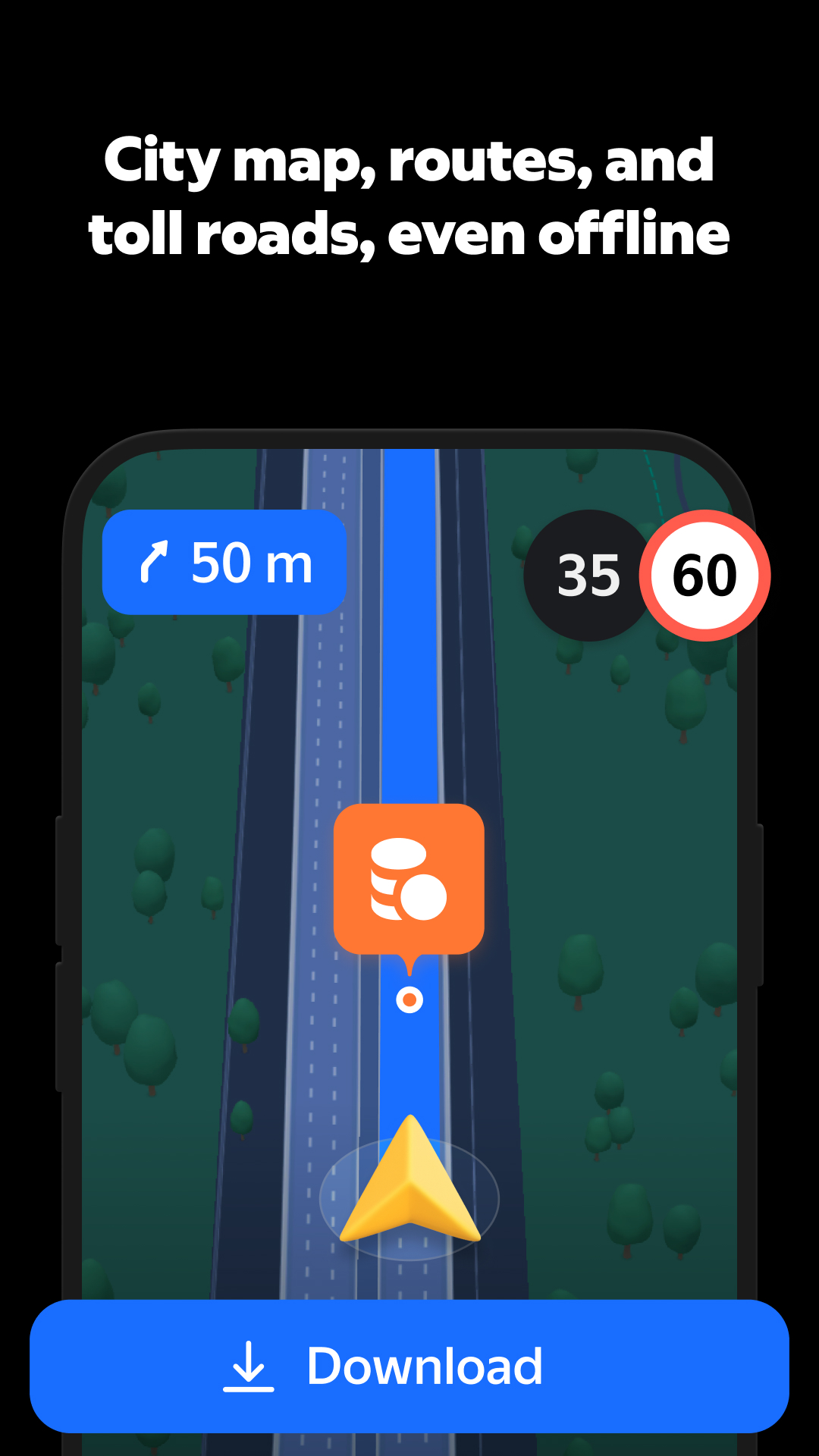
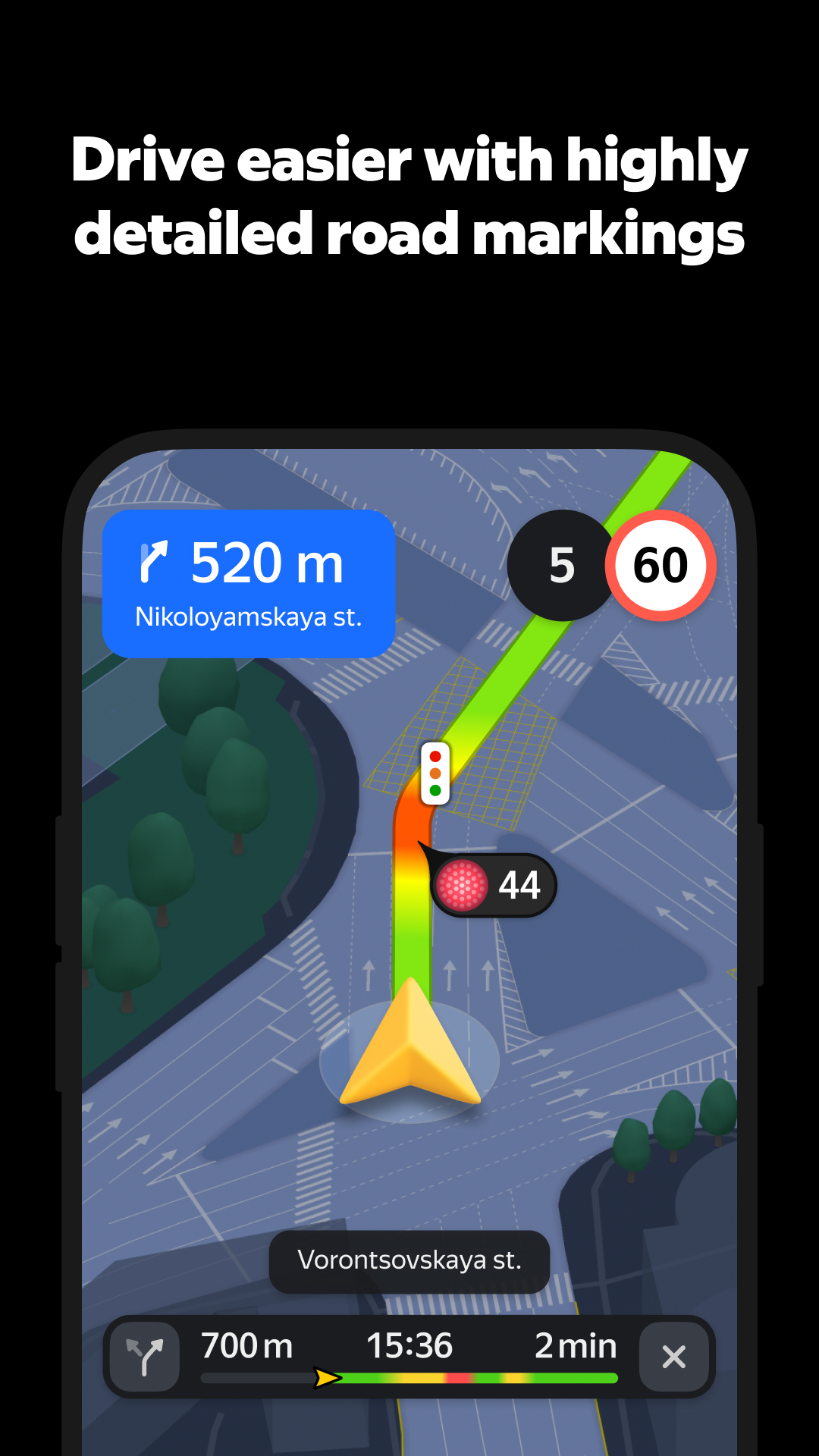
You can see your whole route in full detail — multi-level interchanges, clear lane markings, and realistic 3D buildings. Confusion is a thing of the past.
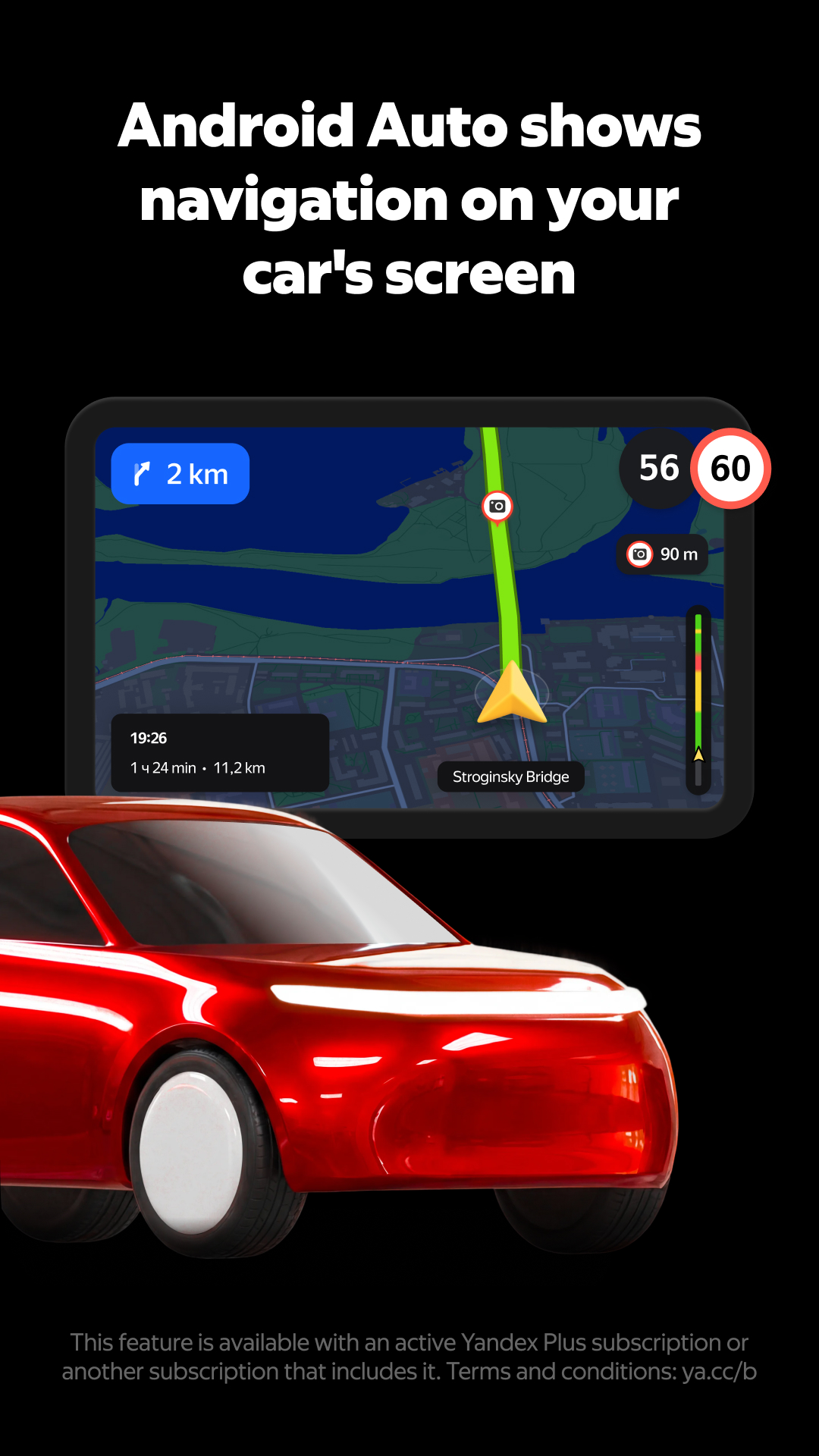
You can now get turn-by-turn navigation on Android Auto even when your GPS is acting up. Just flip on Step-by-Step mode to see every part of your route in detail. Swipe through the steps as you drive and switch back to the regular view once your signal's strong again.
APKFab.com和該應用的下載連結是100%安全的。APKFab.com上列出的所有應用下載連結均來自Google Play Store或由用戶提交。對於來自Google Play商店的應用,APKFab.com不會對其進行任何形式的修改。對於用戶提交的應用,APKFab.com會在網站上發佈之前驗證其APK簽名的安全性。