Direct Cursus Computer Systems Trading LLCからリリースされた『Yandex Navi』は旅行&地域アプリだ。apkfab.com/jpから『Yandex Navi』のファイルサイズ(APKサイズ):242.3 MB、スクリーンショット、詳細情報などを確認できる。apkfab.com/jpではDirect Cursus Computer Systems Trading LLCより配信したアプリを簡単に検索して見つけることができる。『Yandex Navi』に似ているアプリや類似アプリは167個を見つける。現在、Yandex Navigator appのダウンロードも基本プレイも無料だ。『Yandex Navi』のAndroid要件はAndroid 8.0+なので、ご注意ください。APKFabあるいはGooglePlayから『Yandex Navigator apk』の最新バージョンを高速、安全にダウンロードできる。APKFab.com/jpでは全てのAPK/XAPKファイルがオリジナルなものなので、高速、安全にダウンロードできる。
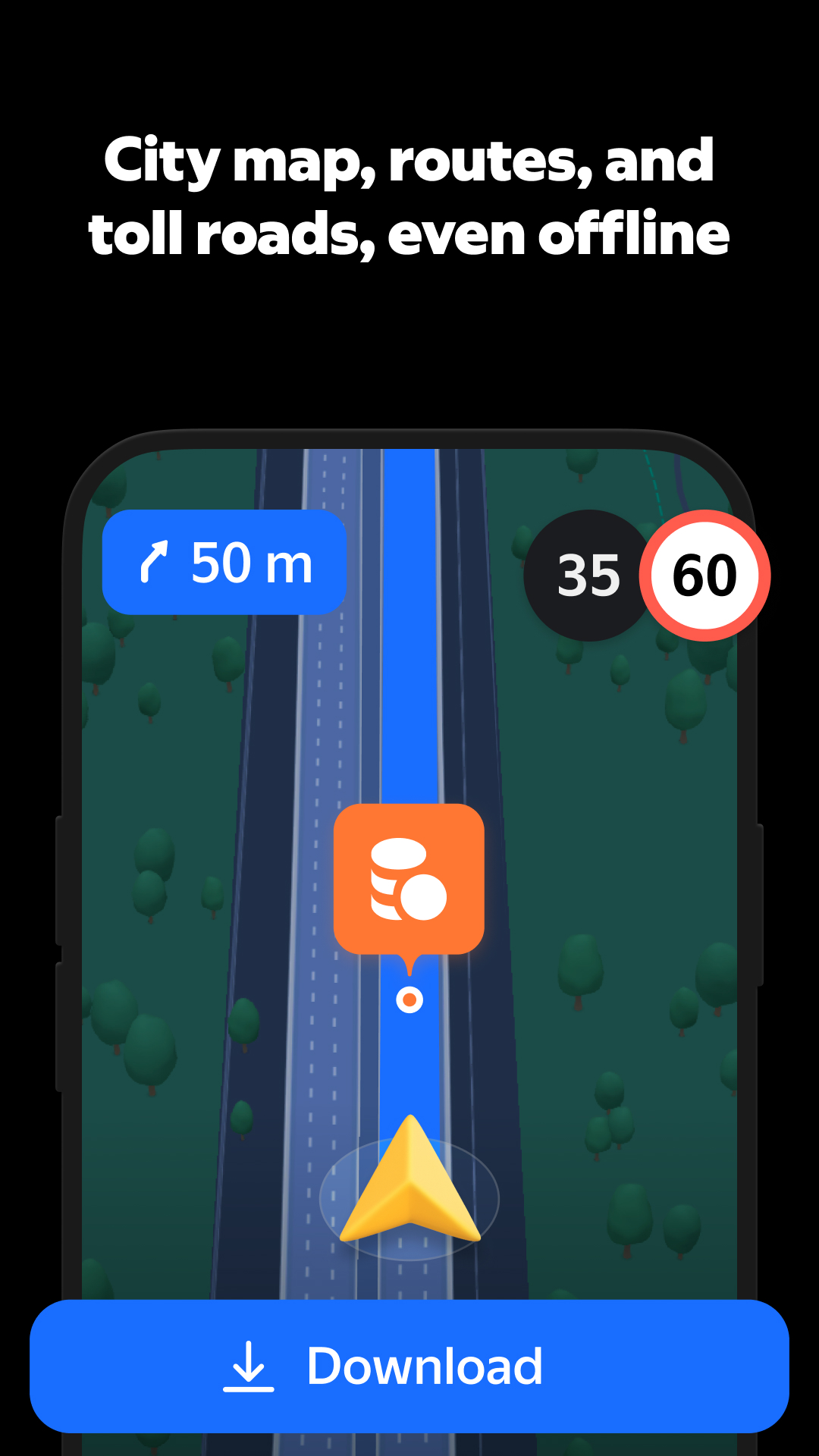
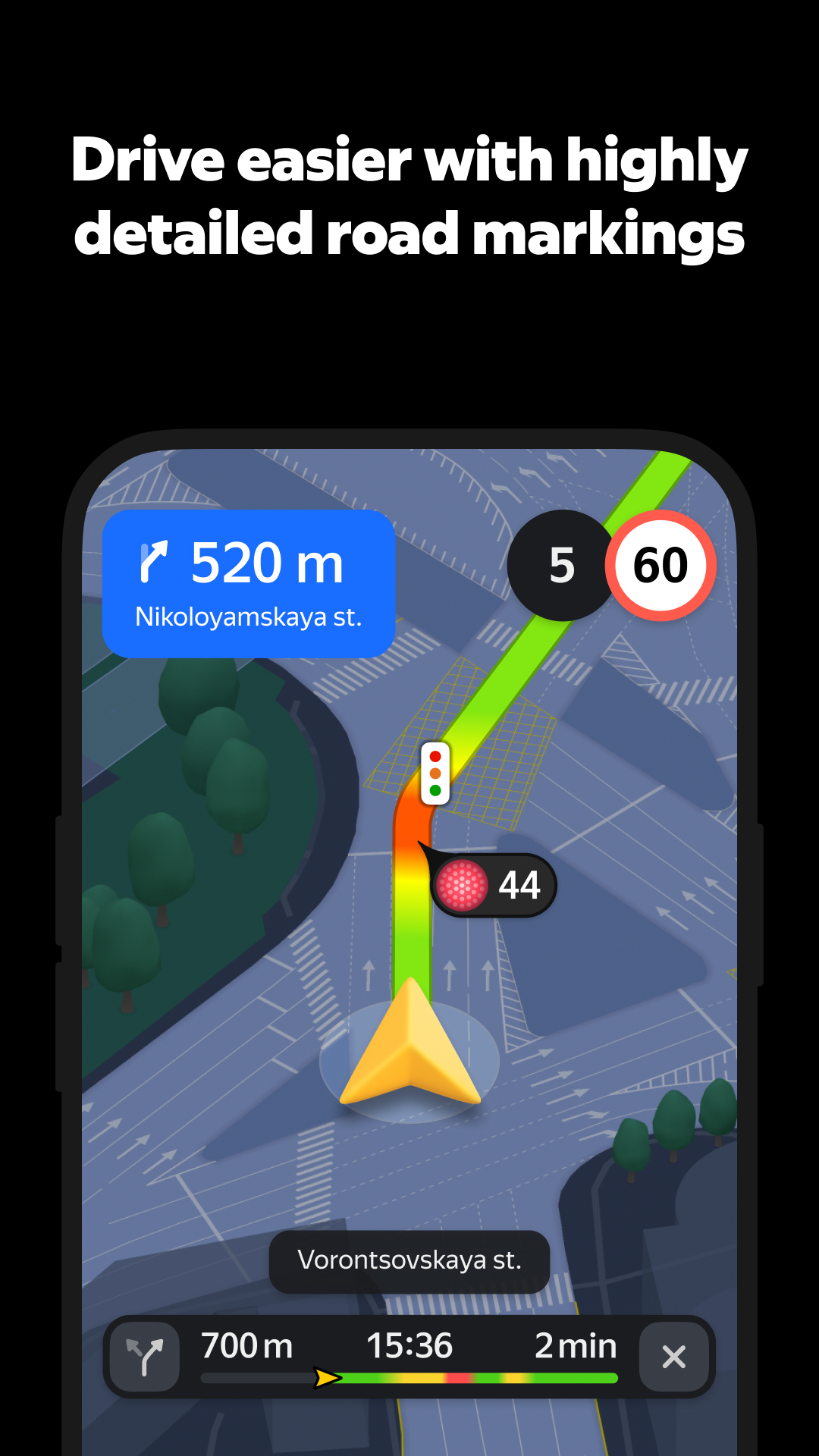
You can see your whole route in full detail — multi-level interchanges, clear lane markings, and realistic 3D buildings. Confusion is a thing of the past.
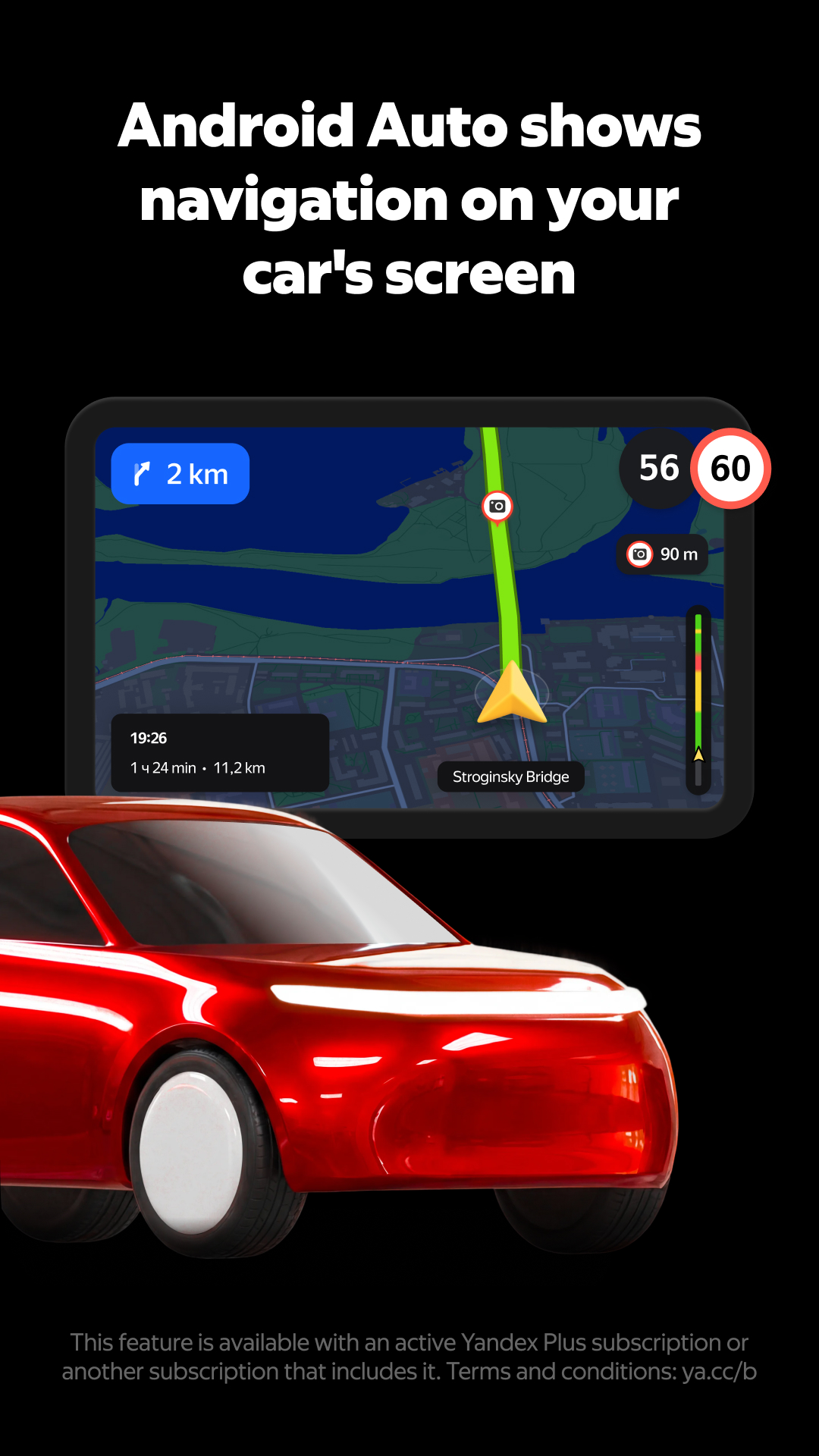
You can now get turn-by-turn navigation on Android Auto even when your GPS is acting up. Just flip on Step-by-Step mode to see every part of your route in detail. Swipe through the steps as you drive and switch back to the regular view once your signal's strong again.
You can now get turn-by-turn navigation on CarPlay even when your GPS is acting up. Just flip on Step-by-Step mode to see every part of your route in detail. Swipe through the steps as you drive and switch back to the regular view once your signal's strong again.