WorkIO (Package Name: com.dolphin.android.horasdetrabajofree) is developed by BetaZetaDev and the latest version of WorkIO - Work Time 2.8.5 was updated on September 3, 2026. WorkIO - Work Time is in the category of Productivity. You can check all apps from the developer of WorkIO - Work Time and find 38 alternative apps to WorkIO - Work Time on Android. Currently this app is for free. This app can be downloaded on Android 6.0+ on APKFab or Google Play. All APK/XAPK files on APKFab.com are original and 100% safe with fast download.
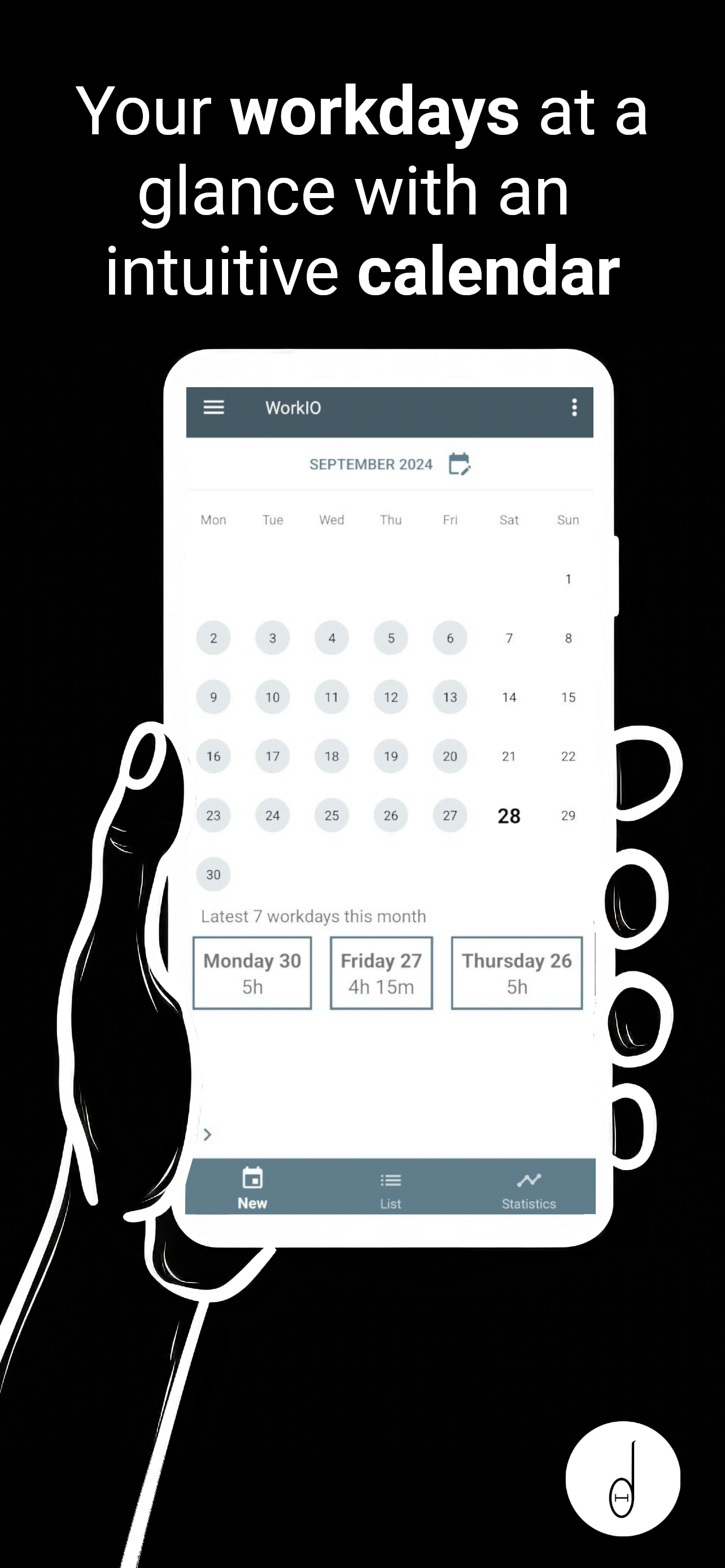
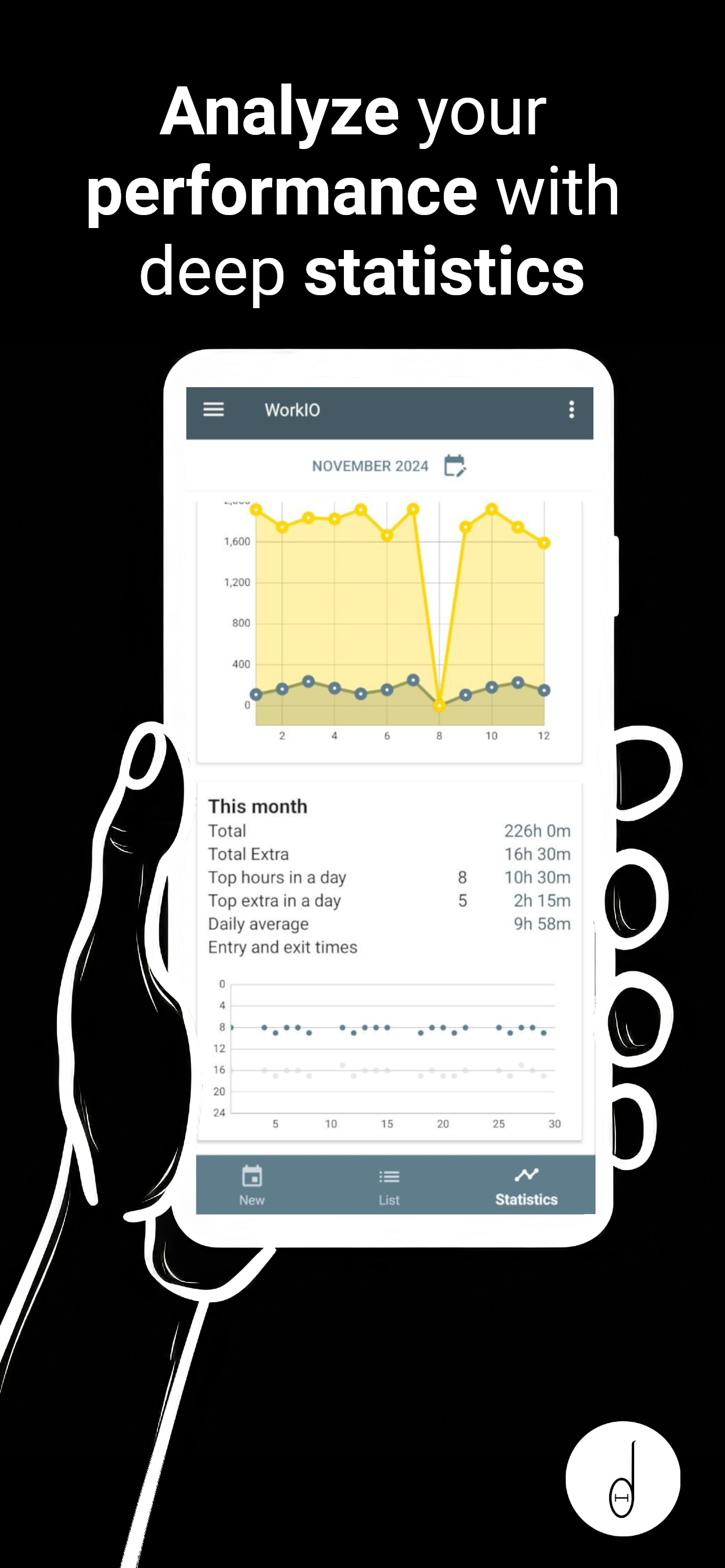
Whether you're a freelancer, a passionate creator, or a meticulous planner, knowing precisely how you spend your time can be a game-changer. With WorkIO, delve into a world where every second counts and is accounted for. Why is WorkIO the ultimate time-tracking tool? Start with its Simple Logging. Quickly add your workday's start and end times with intuitive inputs. The Automated Calculations feature ensures that WorkIO handles the math for you. Your elapsed time is computed instantly, leaving no room for errors. Stay updated with a Cumulative Overview that lets you view your total worked hours at a glance. This ensures you’re always on top of your targets. For those who love digging deep, the Detailed Statistics feature is a boon. You can monitor the progression of your work time over days, weeks and months. This helps you recognize patterns, identify productivity peaks, and optimize your schedule. Whether you're aiming to maximize productivity, invoice clients accurately, or simply gain a clearer understanding of your work habits, it's your ultimate ally. Step into a more organized, informed, and productive work environment. With WorkIO, it's not just about time; it's about making every moment matter.
WorkIO 2.8.5 Update
• More reliable language and currency formats, better adapted to your region • App preferences now respond more consistently, including automatically opening your workday list and choosing how jobs are sorted • Tap the job name in the top bar to quickly open the job selector
• More reliable language and currency formats, better adapted to your region • App preferences now respond more consistently, including automatically opening your workday list and choosing how jobs are sorted • Tap the job name in the top bar to quickly open the job selector
• More reliable language and currency formats, better adapted to your region • App preferences now respond more consistently, including automatically opening your workday list and choosing how jobs are sorted • Tap the job name in the top bar to quickly open the job selector
• Quick check-in widget: clock in, pause or finish your shift right from your home screen • Fresh onboarding to help you discover everything WorkIO can do • Cleaner visuals, new icons and clearer text throughout the app • Job list now sorts automatically in alphabetical order • Better stability, compatibility and smoother navigation
• Quick check-in widget: clock in, pause or finish your shift right from your home screen • Fresh onboarding to help you discover everything WorkIO can do • Cleaner visuals, new icons and clearer text throughout the app • Job list now sorts automatically in alphabetical order • Better stability, compatibility and smoother navigation
• Automatic backup — your data is now saved every 30 days automatically (can be disabled in Settings) • Last shifts shown in a new expandable panel for quick access • Extra salary total now displayed separately in the shift summary • Fixed shifts panel covering last days of the month in the calendar • Bug fixes and design improvements
• Automatic backup — your data is now saved every 30 days automatically (can be disabled in Settings) • Last shifts shown in a new expandable panel for quick access • Extra salary total now displayed separately in the shift summary • Fixed shifts panel covering last days of the month in the calendar • Bug fixes and design improvements
• Automatic backup — your data is now saved every 30 days automatically (can be disabled in Settings) • Last shifts shown in a new expandable panel for quick access • Extra salary total now displayed separately in the shift summary • Fixed shifts panel covering last days of the month in the calendar • Bug fixes and design improvements
• New subscription and updates screens • New component to show salary and yearly totals • More appealing loading screen when generating PDF • Job list now sorted alphabetically • Memory management optimizations • Design improvements • Fixed translations and text issues • Fixed issues with evolution charts • Minor bug fixes
APKFab.com and the download link of this app are 100% safe. All download links of apps listed on APKFab.com are from Google Play Store or submitted by users. For the app from Google Play Store, APKFab.com won't modify it in any way. For the app submitted by users, APKFab.com will verify its APK signature safety before release it on our website.