About CountablePad
CountablePad (Package Name: cutboss.countablepad) is developed by CUTBOSS and the latest version of Word Counter Note CountablePad 14.2.1+20261025 was updated on October 27, 2026. Word Counter Note CountablePad is in the category of Productivity. You can check all apps from the developer of Word Counter Note CountablePad and find 200 alternative apps to Word Counter Note CountablePad on Android. Currently this app is for free. This app can be downloaded on Android 10.0+ on APKFab or Google Play. All APK/XAPK files on APKFab.com are original and 100% safe with fast download.
CountablePad is a notepad app that counts as you type. It counts words, characters, standard pages, sentences, paragraphs, and bytes. It’s handy for writing with word or character limits, such as reports, essays, articles, speeches, and novels.
Flexible text counting
• Counting rules vary by language. Select the language that matches your text in Settings.
• Set your own Standard Pages format in Settings: choose words or characters and set the amount per page. Page counts are calculated using your chosen value.
Automatic saving
• Your notes are saved when you switch to another screen.
• Pressing keys such as Home, Back, or Power also saves them.
• Interruptions such as incoming calls or alarms trigger a save as well.
• They are saved regularly while you type, too.
Write notes immediately
• Enable "Write notes immediately" in Settings to open the note screen directly when the app starts.
• When this setting is OFF (the default), the app opens to the notes list.
Find what you need, fast
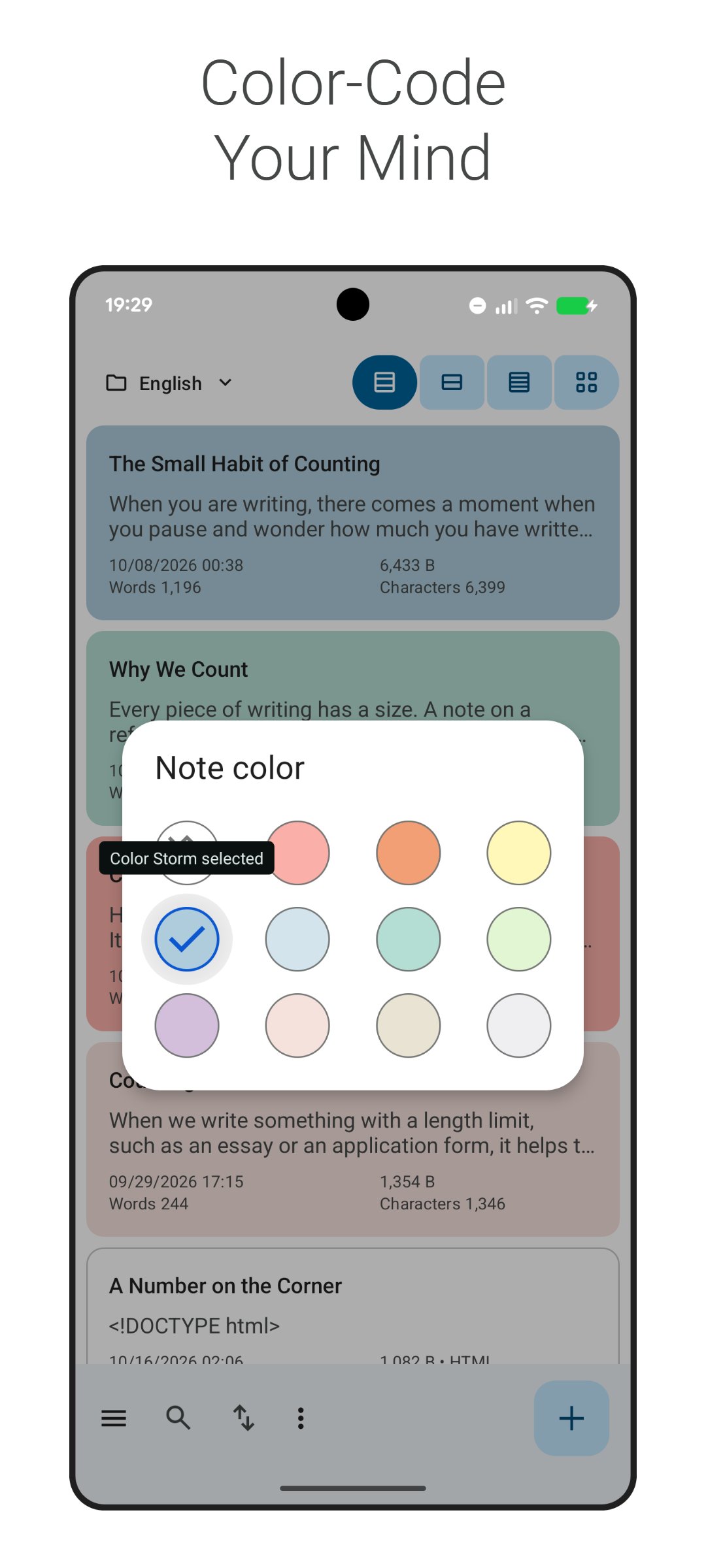
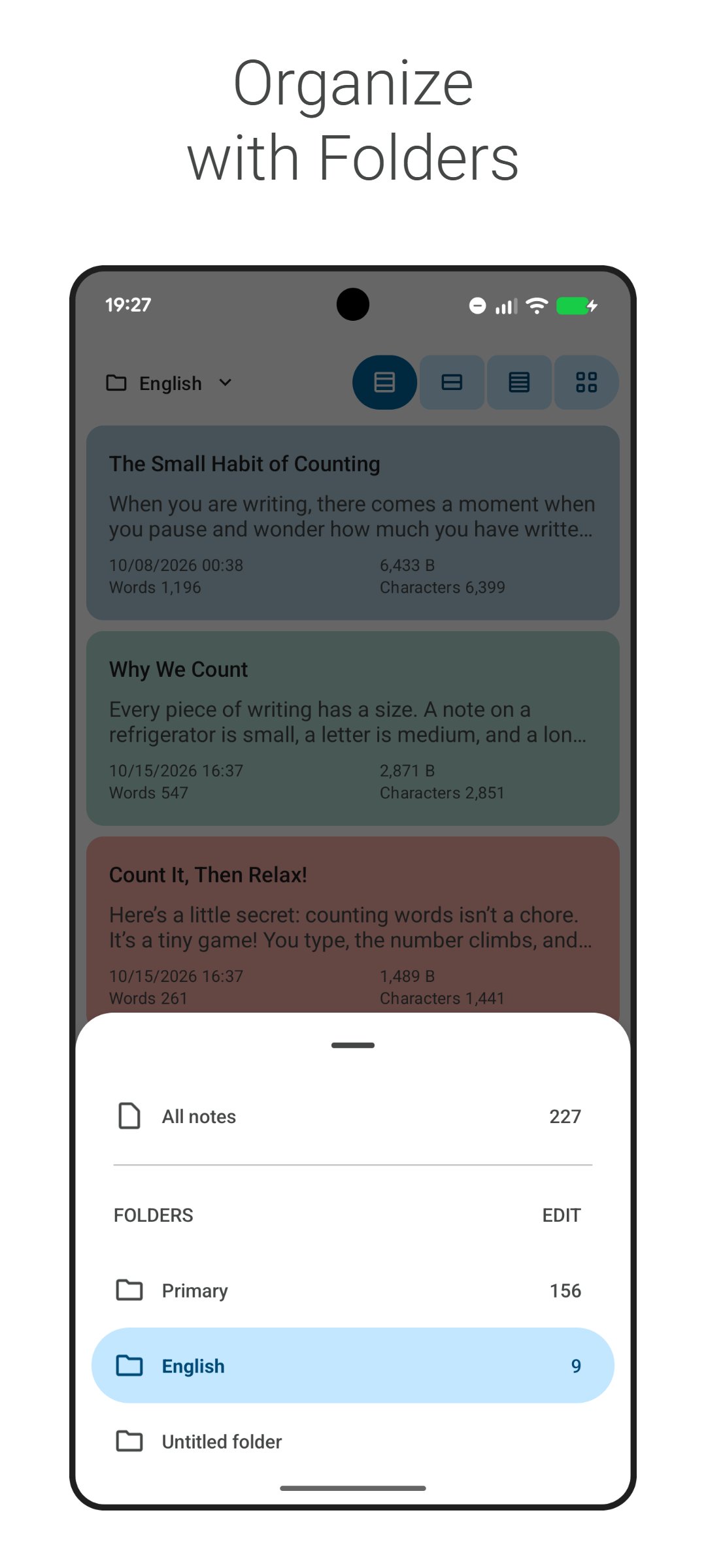
• Folders and 12 colors are available to help you organize your notes.
• If you need to find something you saved, a simple search will turn it up.
Edit and share multiple file types
• Open and edit a variety of files, including CSV files, right in CountablePad.
• Export and store notes as ".txt" files seamlessly on your device.
• Share notes directly with other apps without saving them first.
Back up and restore
• Back up your notes, data, and settings to Google Drive.
• Restore your backup to your original device or another Android device.
• Data is stored in a hidden area of Google Drive, preventing restoration failures caused by accidental deletion or file tampering.
No character limits per note
• Write as much as you want with no limits set by the app.
• Any actual character limit is defined by your Android device.
Supported character encodings
• Unicode: UTF-8, UTF-16, UTF-16BE, UTF-16LE, UTF-32, UTF-32BE, UTF-32LE
• Japanese: ISO-2022-JP (JIS), Shift_JIS (SJIS), CP932 (Windows-31J), EUC-JP
• Korean: ISO-2022-KR, CP949 (X-Windows-949), EUC-KR
• Chinese: ISO-2022-CN, GBK, GB18030, GB2312 (EUC-CN), Big5, EUC-TW
• Thai: TIS-620
• Vietnamese: CP1258 (Windows-1258)
• Western / Other: ASCII, ISO-8859-1 (Latin-1), ISO-8859-15 (Latin-9), ISO-8859-5, CP1252 (Windows-1252)
• However, some character encodings may not be supported by your Android device.
CountablePad 14.2.1+20261025 Update
* Bug fixes and performance improvements
Read More