Voice Recorder Pro (Package Name: jp.snowlife01.android.voicerecorderpro) is developed by CloudEx Inc. and the latest version of AI Voice Recorder: Transcribe 2.2.1 was updated on August 14, 2026. AI Voice Recorder: Transcribe is in the category of Productivity with the feature Tools. You can check all apps from the developer of AI Voice Recorder: Transcribe and find 200 alternative apps to AI Voice Recorder: Transcribe on Android. Currently this app is for free. This app can be downloaded on Android 8.0+ on APKFab or Google Play. All APK/XAPK files on APKFab.com are original and 100% safe with fast download.
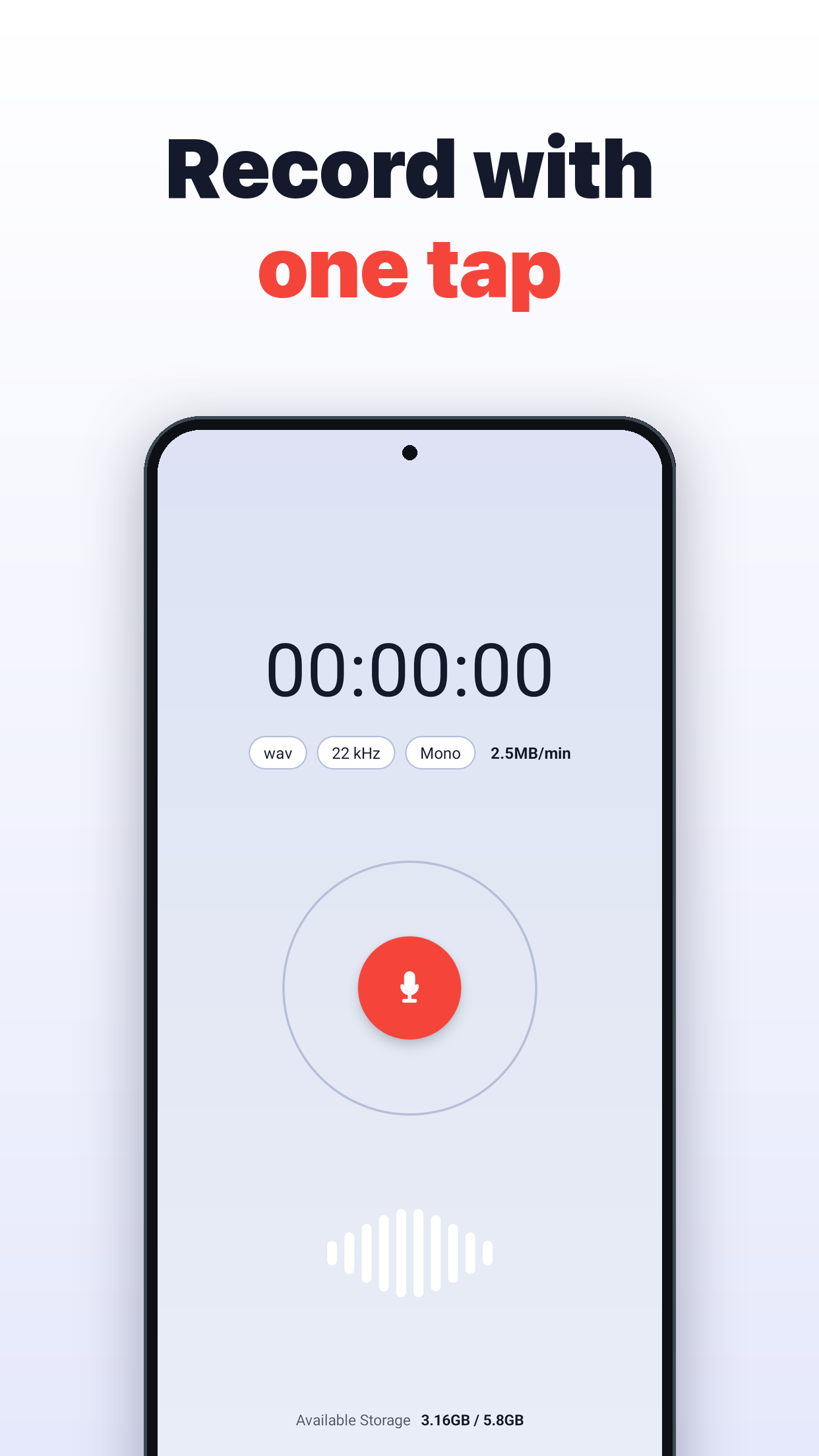
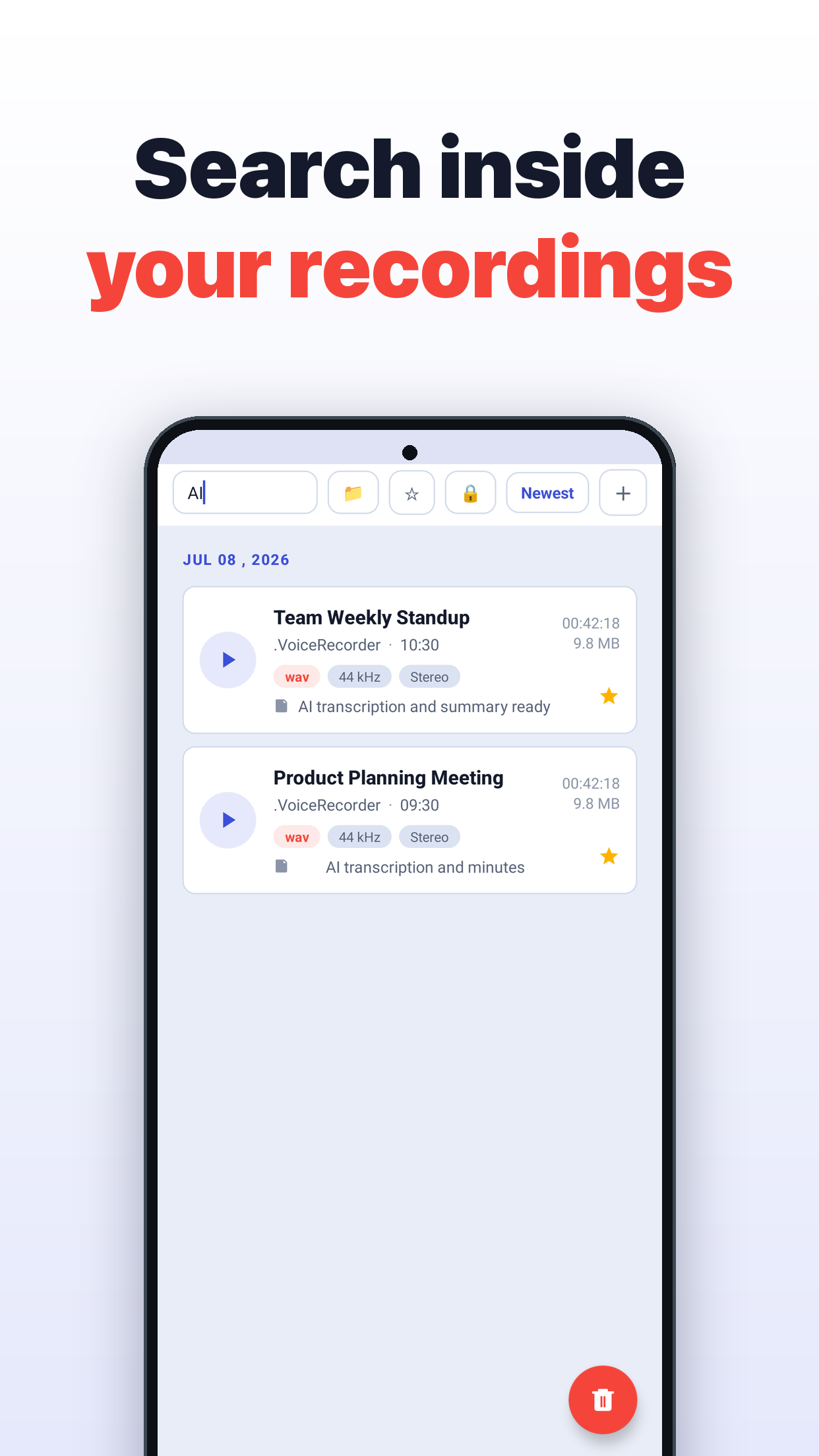
★ No subscription required AI features run on your own free Google Gemini API key, so there are no monthly fees. No credit card is needed — and without one, charges simply cannot occur. Voice Recorder Pro is a high-quality voice recorder (audio recording app) with AI transcription and AI summaries. Record a meeting, transcribe it, and turn it into minutes — all in one app. It also shines for lectures, interviews, and quick voice memos. A refined, modern design paired with smooth, snappy performance. This is the definitive voice recorder that makes you think, "This is the only recording app I'll ever need." ◆ Perfect for • Transcribing meetings and turning them into minutes • Recording lectures, seminars, and interviews to review later • Jotting down ideas as instant voice memos • Finding past recordings instantly with keyword search ◆ AI features (Google Gemini) ✔ AI transcription Convert recordings to text with a single tap. Every segment is timestamped — tap a line to play from that exact moment. ✔ Automatic speaker identification Detects who spoke and color-codes each speaker. Speaker names can be edited freely. ✔ AI summaries, meeting minutes & action items Long recordings are distilled to their key points and formatted as minutes or a to-do list automatically. ✔ AI translation Translate transcripts into many languages. ✔ AI title suggestions Get titles that match what was recorded, cutting down on file-organizing chores. * AI features require a Google Gemini API key, which is free to obtain. ◆ 5 reasons people choose us ✔ Keeps recording even when the screen is off Recording continues when your device is locked or while you use other apps. Perfect for long meetings and lectures. ✔ Automatic cloud backup Recordings are backed up to the cloud automatically, so you never lose important audio. ✔ Record anytime with the floating button Start recording with one tap from any screen. Never miss a spur-of-the-moment note. ✔ Automatic playback volume adjustment Even audio recorded at low volume is optimized automatically for easy listening. ✔ App lock for privacy protection Requires a pattern on launch, keeping your important recordings away from prying eyes. ◆ Key features • High-quality recording / pause & resume • AI transcription (timestamps & speaker ID) • AI summaries, minutes & action items • AI translation / AI title suggestions • Full-text search across recordings, notes & transcripts • Organize with folders, tags & bookmarks • Import audio files • Auto-name recordings after calendar events • Audio editing, including silence removal • Multi-select & batch delete • File sharing / add notes (text) • Protect recordings (prevent accidental deletion) • Record from the status bar / record & stop widget • Automatic playback volume adjustment / playback in an external player • App lock (pattern authentication) • Floating record button • Automatic cloud backup • Change the save location / choose the recording input source • Sample rate settings / recording channel settings (mono/stereo) From recording to transcription to meeting minutes — all in one app. With Voice Recorder Pro, capture the audio that matters more easily and more reliably. Try it today. ◆ Getting your free Gemini API key 1. Open Google AI Studio in your browser. 2. Sign in with your Google account. 3. Create one API key. 4. Copy it and paste it into Settings > Gemini API key in this app. You are never asked for payment details. The key belongs to your own Google account, so you stay in control of how it is used.
Voice Recorder Pro 2.2.1 Update
Improvements & bug fixes • Fixed transcription and summaries sometimes failing repeatedly
What's new • Added the option to save recordings to an SD card • Fixed the transcription language setting having no effect for some languages • Fixed temporary files being left behind after importing audio, taking up storage • Fixed uploads to Dropbox sometimes being interrupted • Fixed the app briefly becoming unresponsive when opened
Improvements & bug fixes • Now shows the reason when the microphone is unavailable • Fixed transcription and summaries unexpectedly coming out in English • Fixed other minor bugs
What's new • Added transcription for recordings you already saved • Added elapsed time while transcribing • Fixed some features not showing on large screens such as tablets • Fixed backup creation sometimes failing
APKFab.com and the download link of this app are 100% safe. All download links of apps listed on APKFab.com are from Google Play Store or submitted by users. For the app from Google Play Store, APKFab.com won't modify it in any way. For the app submitted by users, APKFab.com will verify its APK signature safety before release it on our website.