Bixby Commands (Package Name: com.priyoislam.bixbyvoicecommands) is developed by Priyo Islam and the latest version of Voice Commands Guide for Bixby 3.0.2 was updated on October 30, 2026. Voice Commands Guide for Bixby is in the category of Productivity. You can check all apps from the developer of Voice Commands Guide for Bixby. Currently this app is for free. This app can be downloaded on Android 7.0+ on APKFab or Google Play. All APK/XAPK files on APKFab.com are original and 100% safe with fast download.
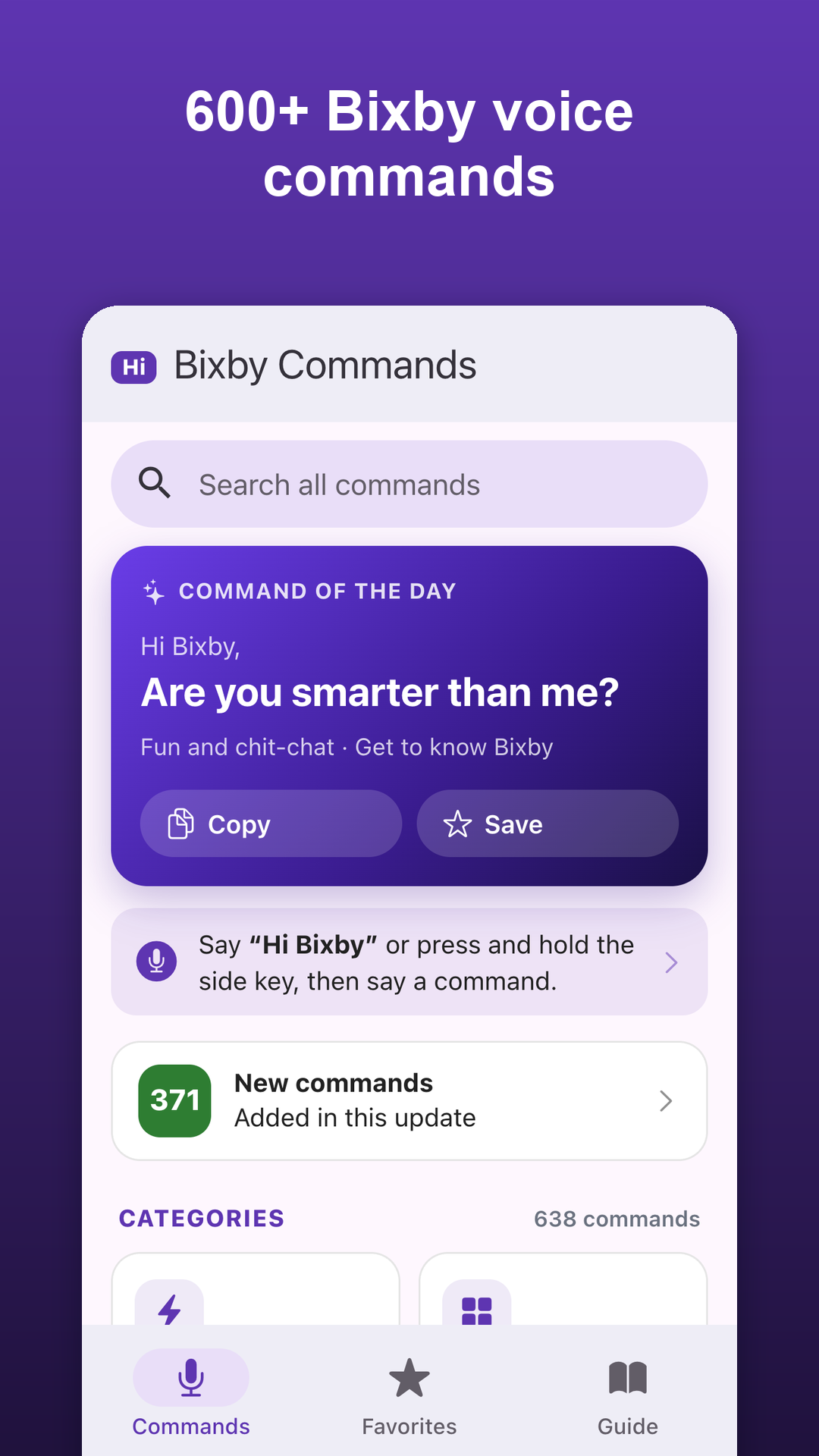
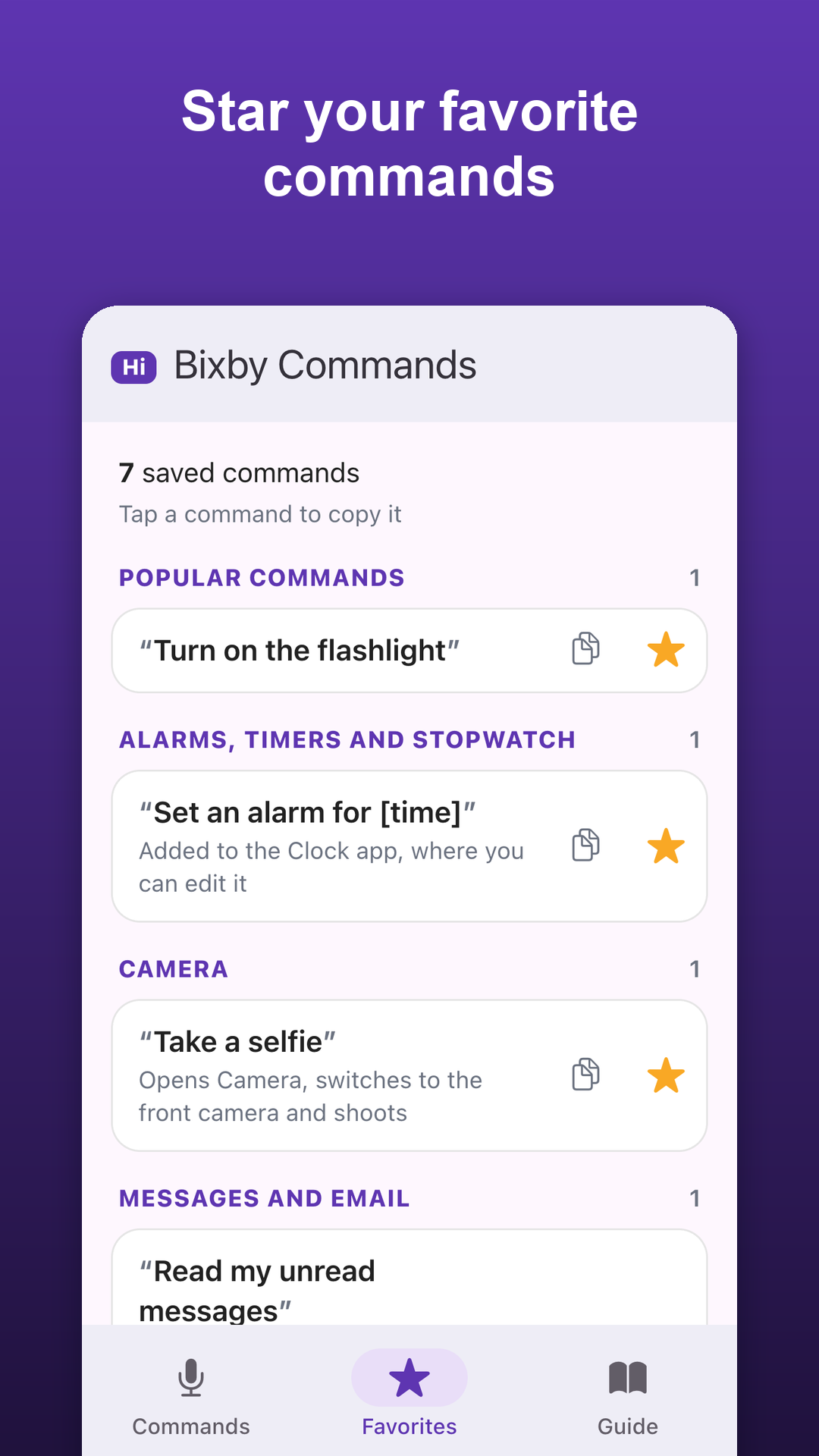
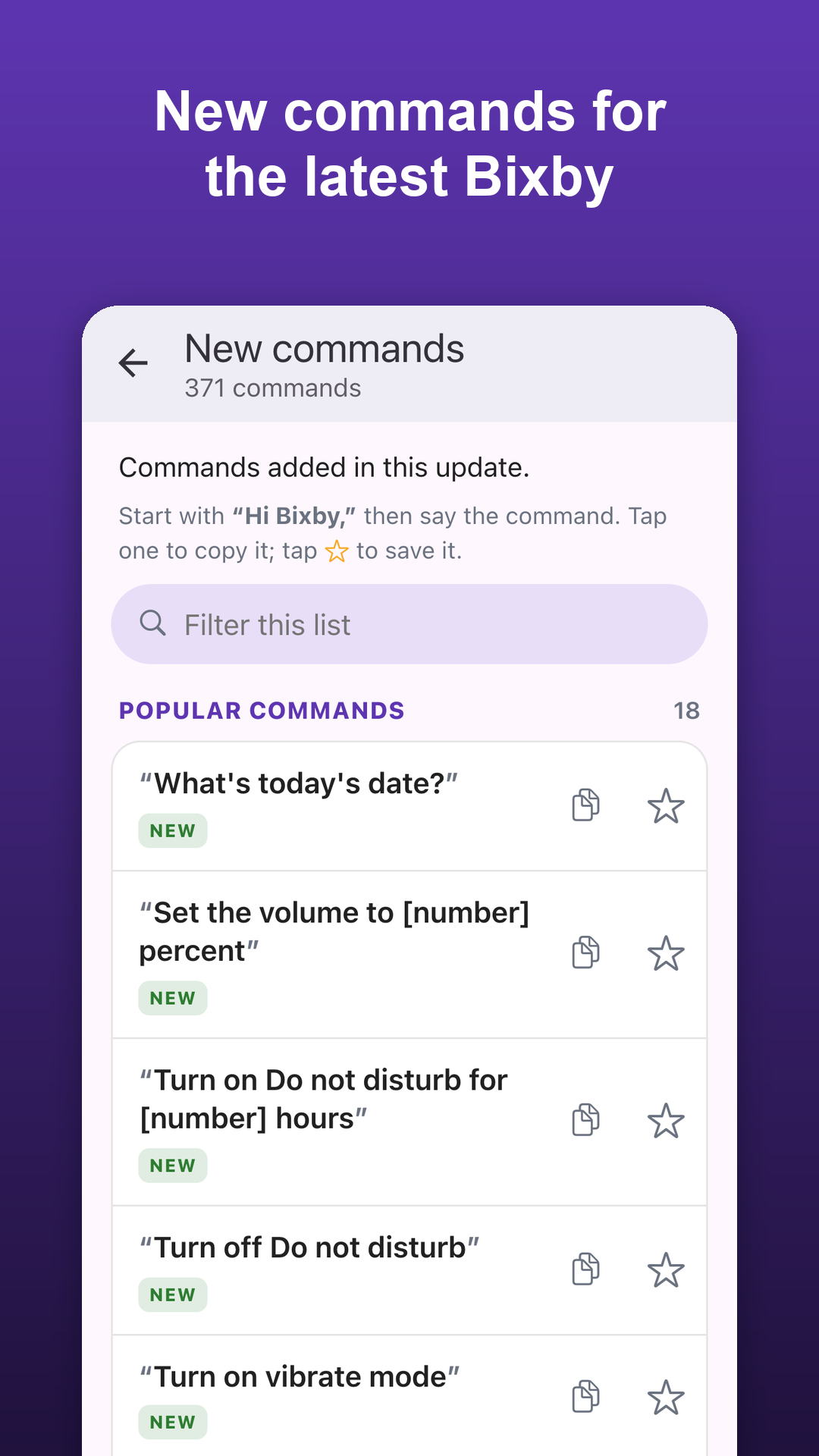
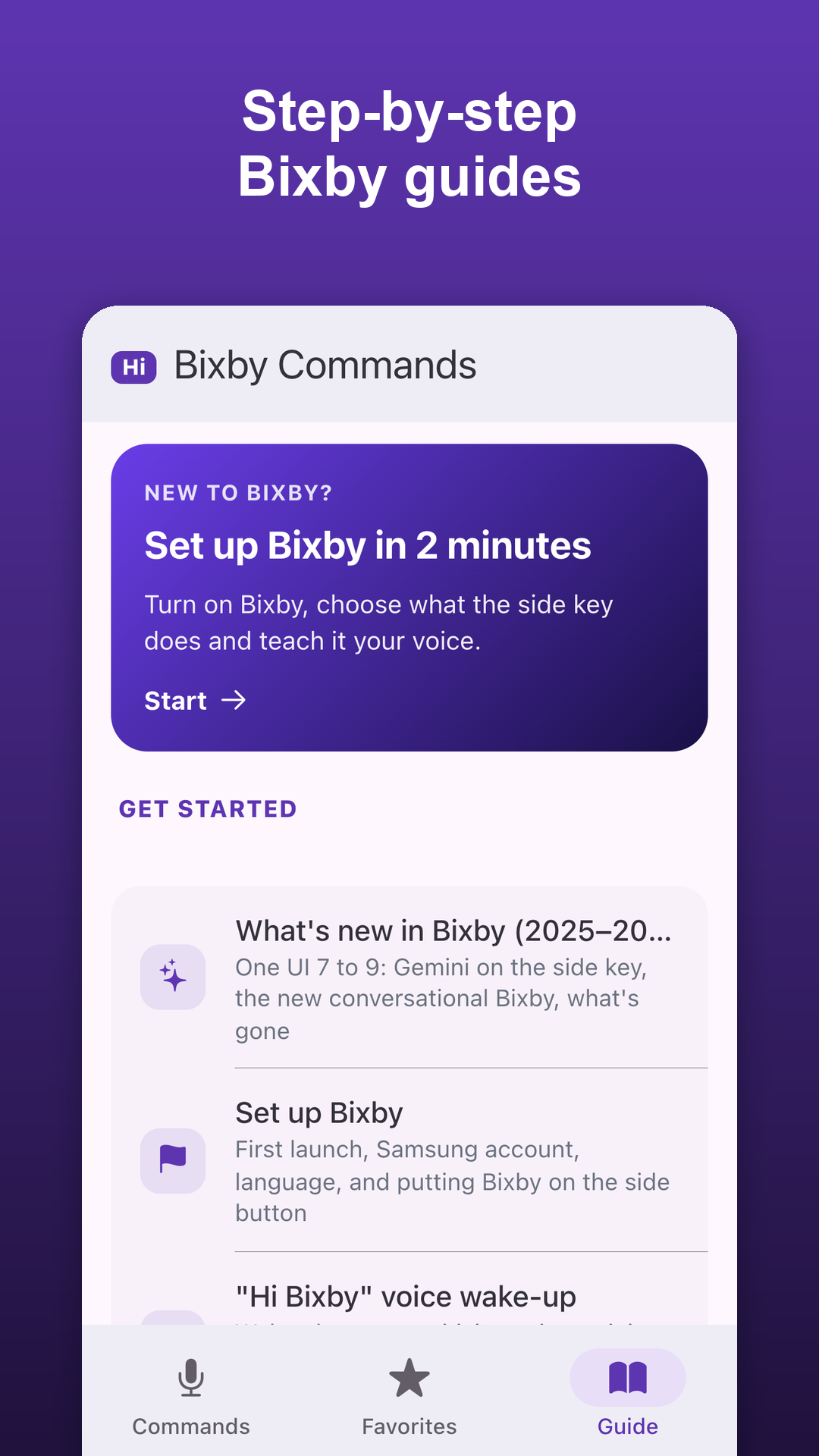
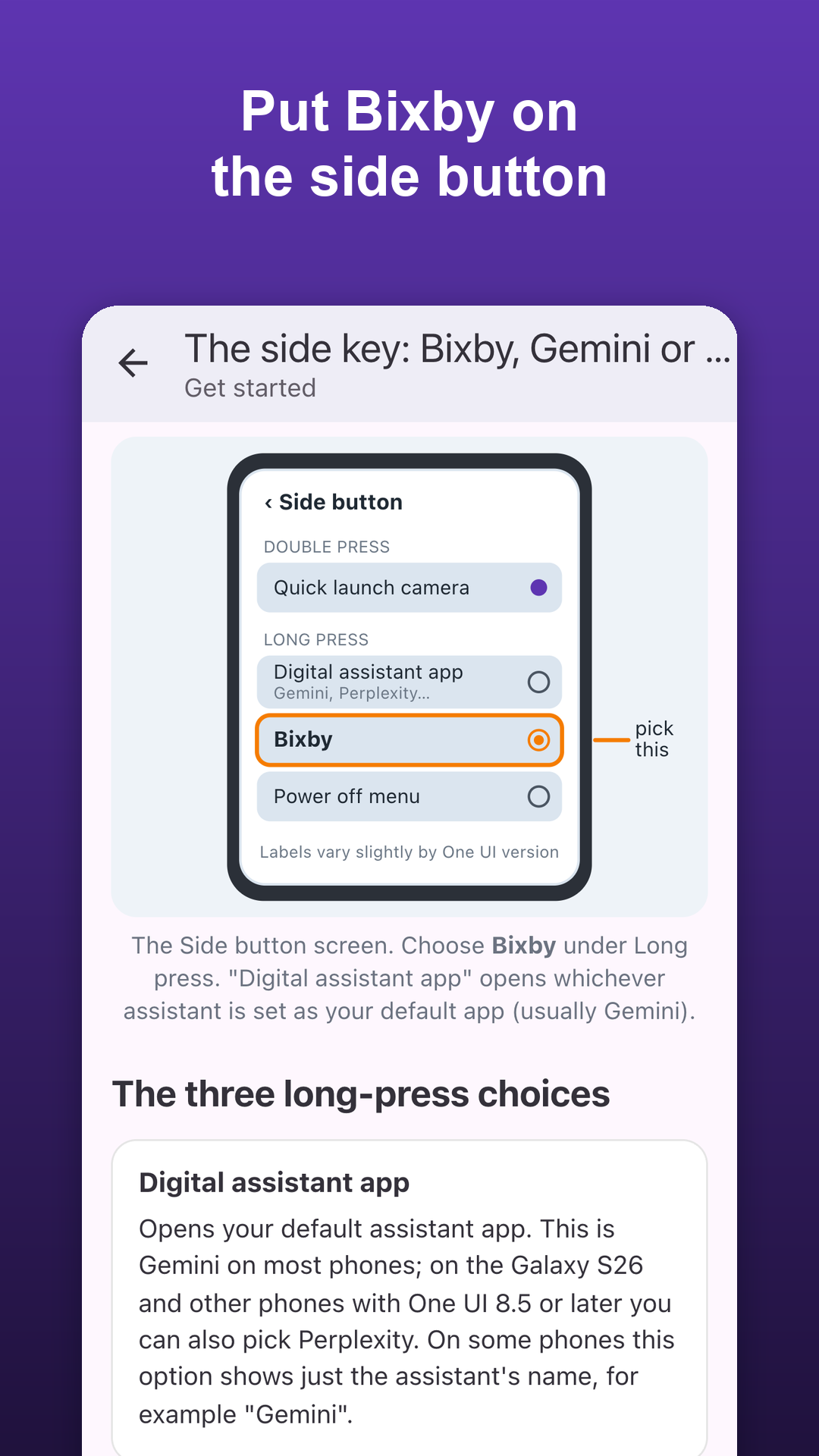
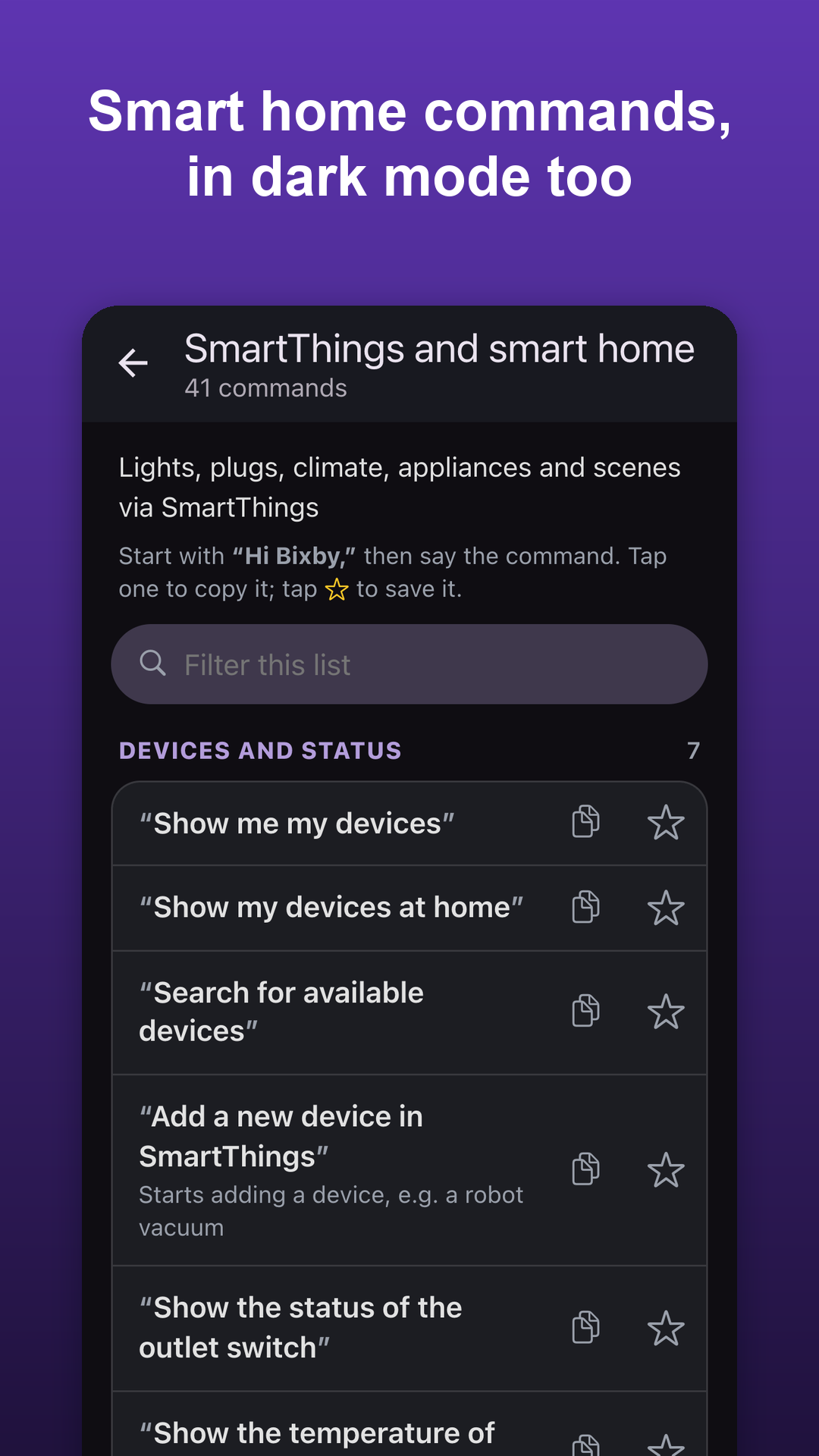
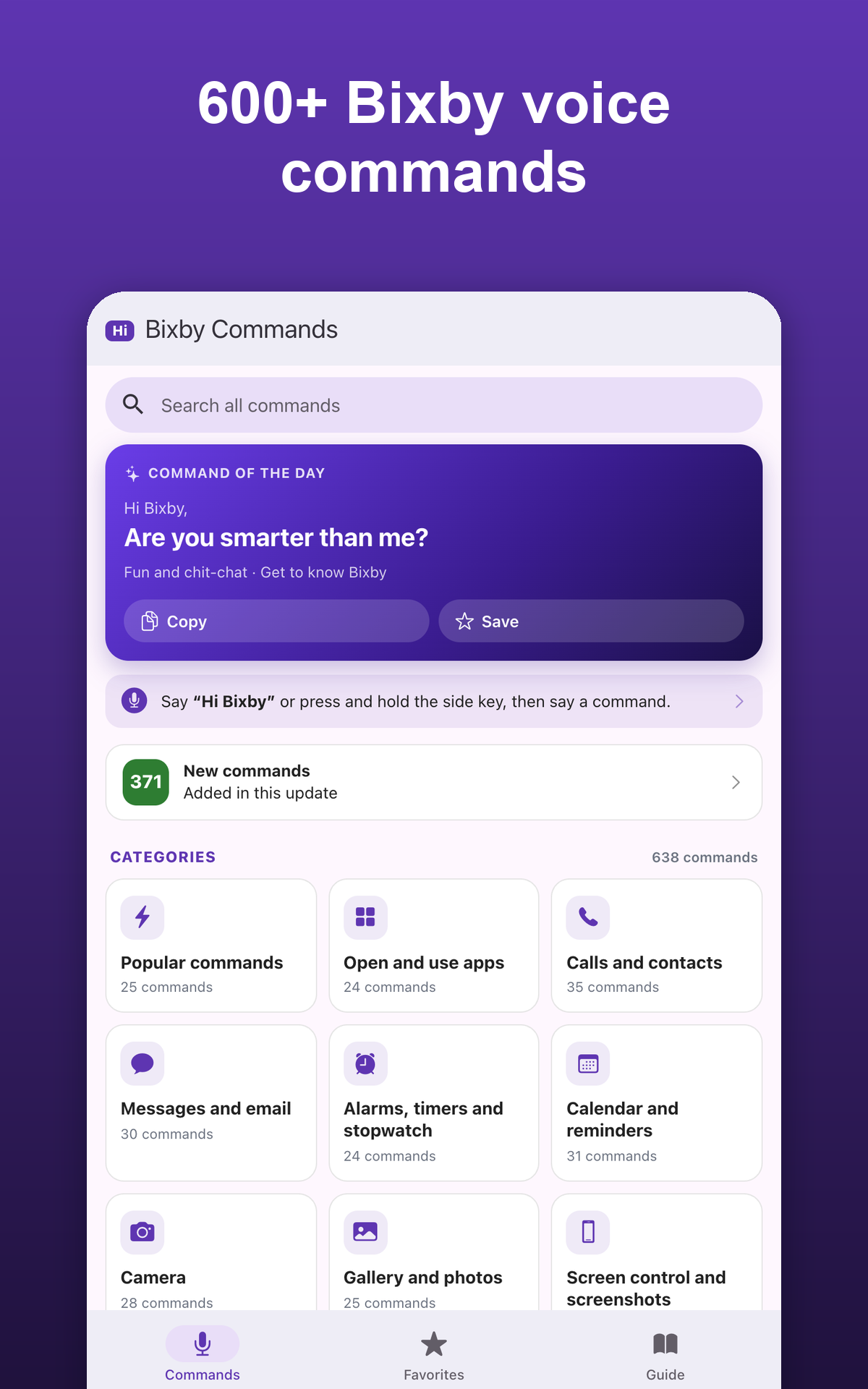
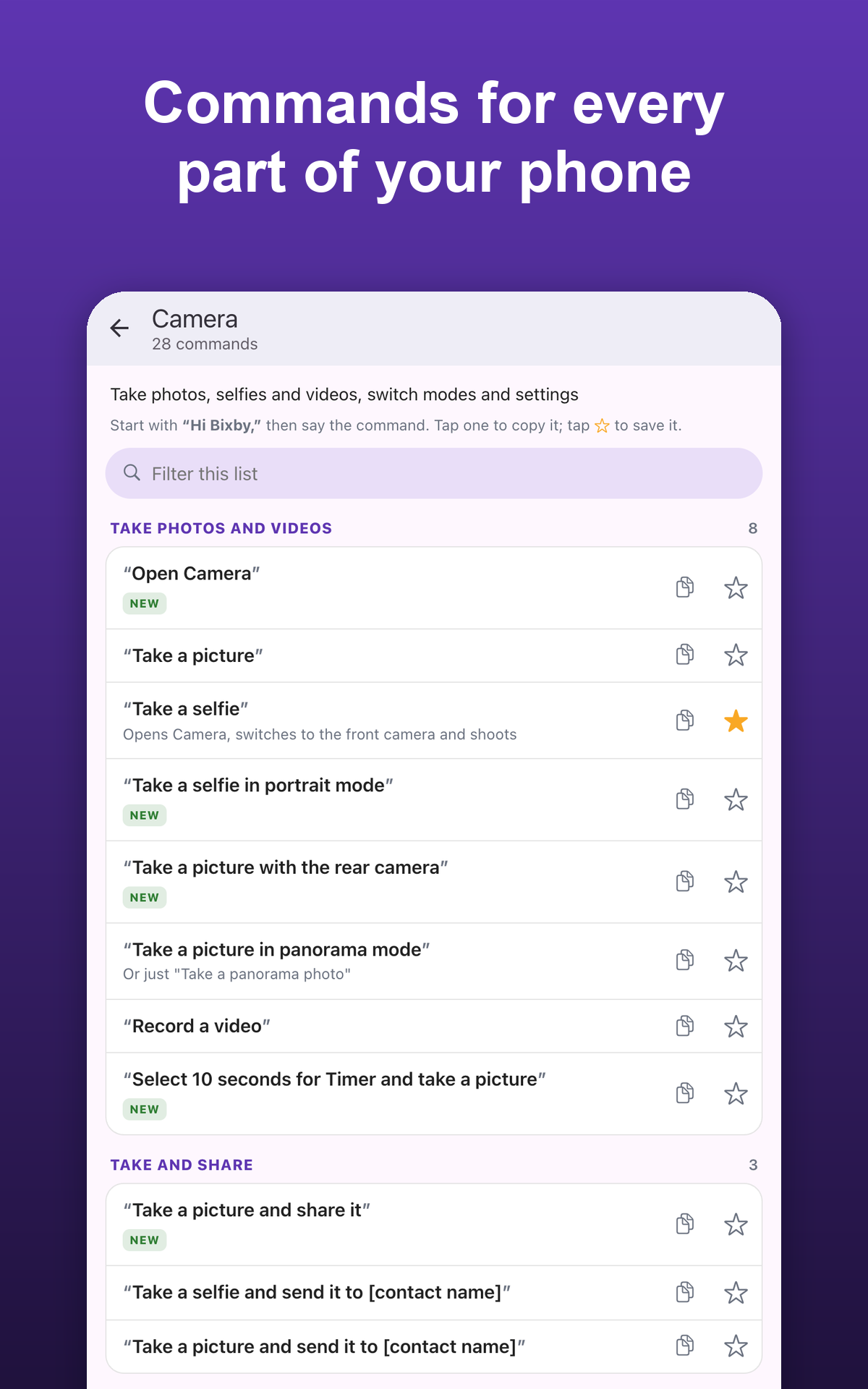
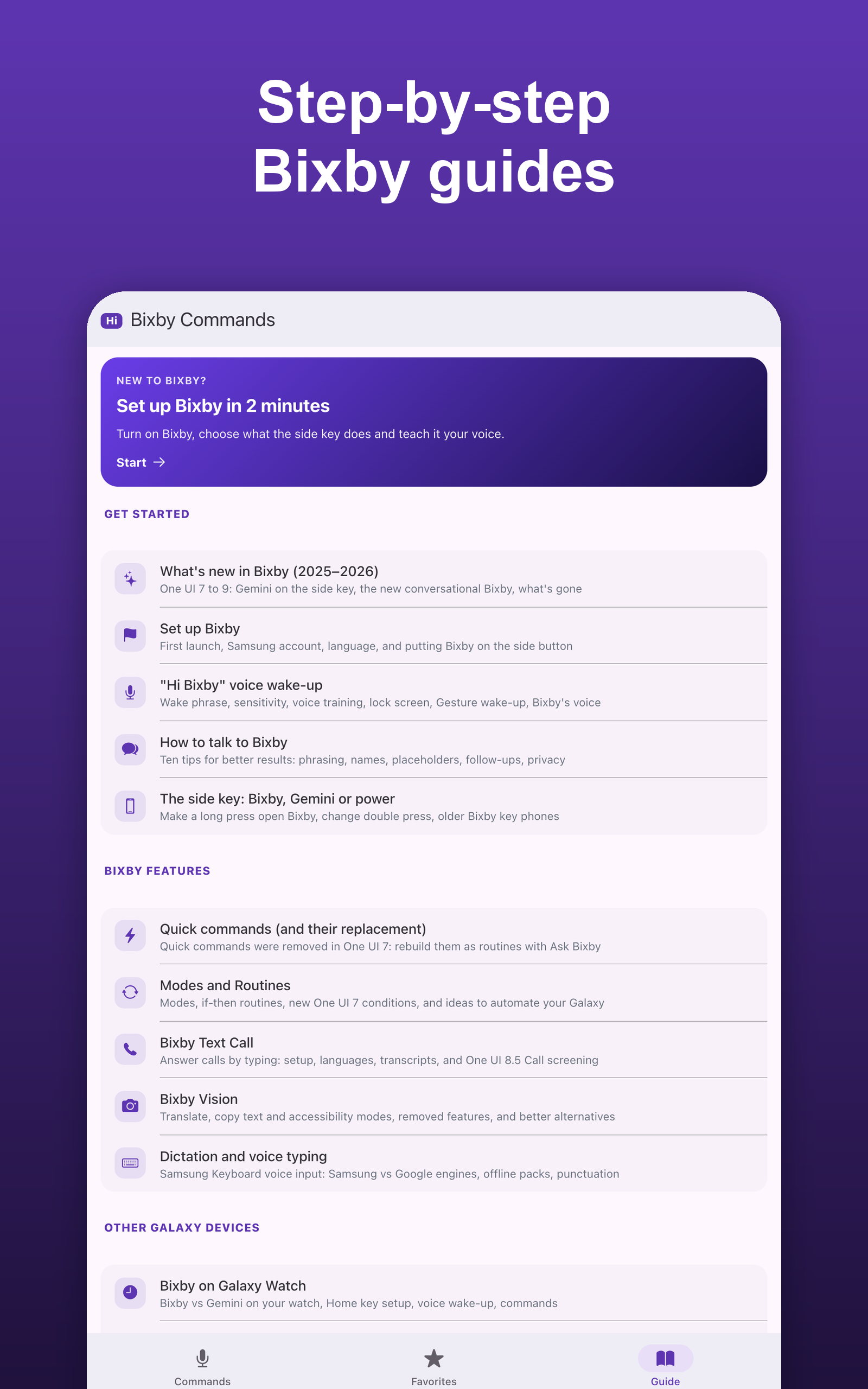
Bixby voice commands for your Samsung Galaxy phone: 638 commands in 24 categories, plus 16 step-by-step guides to set up and use Bixby. Updated for One UI 7 to 9 and the new conversational Bixby. This is an unofficial guide. It is not made by, endorsed by or affiliated with Samsung. Bixby can call, text, set alarms, take photos, change settings, control your smart home and answer questions, if you know what to say. This app collects the Bixby voice commands that work, grouped by task, so you can find the right phrase in seconds. • 24 BIXBY COMMAND CATEGORIES Popular commands · Open and use apps · Calls and contacts · Messages and email · Alarms, timers and stopwatch · Calendar and reminders · Camera · Gallery and photos · Screen control and screenshots · Wi-Fi, Bluetooth and connections · Display and sound · Battery, power and device care · Notifications · Music and audio · YouTube and video · Samsung apps · Questions and knowledge · Weather · Maths, units and translation · Maps, driving and travel · SmartThings and smart home · Fun and chit-chat · Galaxy Watch · Galaxy Buds, Samsung TV and other devices Examples: "Remember where I parked", "Turn on Do not disturb for [number] hours", "Take a screenshot", "Set an alarm for [time]", "Turn on Sleep mode". Commands with [brackets] show where to say your own name, time or number, and short notes explain what each command does. • 16 BIXBY GUIDES - What's new in Bixby (2025–2026): Gemini on the side key and the new conversational Bixby - Set up Bixby and put it on the side button - "Hi Bixby" voice wake-up, voice training and lock screen use - How to talk to Bixby: ten tips for better results - The side key: Bixby, Gemini or power off - Quick commands and how to rebuild them as Modes and Routines - Modes and Routines ideas for your Galaxy - Bixby Text Call and Call screening - Bixby Vision: translate and copy text - Dictation and voice typing on Samsung Keyboard - Bixby on Galaxy Watch, Galaxy Buds, Samsung TV, SmartThings and Family Hub - Turn off, reset or update Bixby - Privacy and voice data - Bixby not working? Fixes and a troubleshooting flowchart - Bixby FAQ with 20 quick answers • FEATURES - Tap any command to copy it - Favorites: star the Bixby commands you use most - Search all commands and guides - Command of the day - New commands are marked "New" - Simple drawings in the guides - Light and dark mode • WHO IT IS FOR New Galaxy owners, anyone who wants to use the phone hands-free while cooking or driving, people who prefer voice control for accessibility, and anyone who wants to know what Bixby voice commands can still do now that Gemini sits on the side key. Available commands and features vary by phone model, One UI version, region and language. Disclaimer: This is an unofficial, independent guide to Bixby voice commands. It is not made by, endorsed by or affiliated with Samsung Electronics. Samsung, Galaxy, Bixby, One UI and SmartThings are trademarks of Samsung Electronics Co., Ltd. This app does not install or change Bixby; it shows you how to use it.
APKFab.com and the download link of this app are 100% safe. All download links of apps listed on APKFab.com are from Google Play Store or submitted by users. For the app from Google Play Store, APKFab.com won't modify it in any way. For the app submitted by users, APKFab.com will verify its APK signature safety before release it on our website.