Voice Access (Package Name: com.google.android.apps.accessibility.voiceaccess) is developed by Google LLC and the latest version of Voice Access 17.1.987741882 was updated on September 29, 2026. Voice Access is in the category of Tools. You can check all apps from the developer of Voice Access and find 200 alternative apps to Voice Access on Android. Voice Access is listed in Must-Have Accessibility Apps for Disabled People. Currently this app is for free. This app can be downloaded on Android 9.0+ on APKFab or Google Play. All APK/XAPK files on APKFab.com are original and 100% safe with fast download.
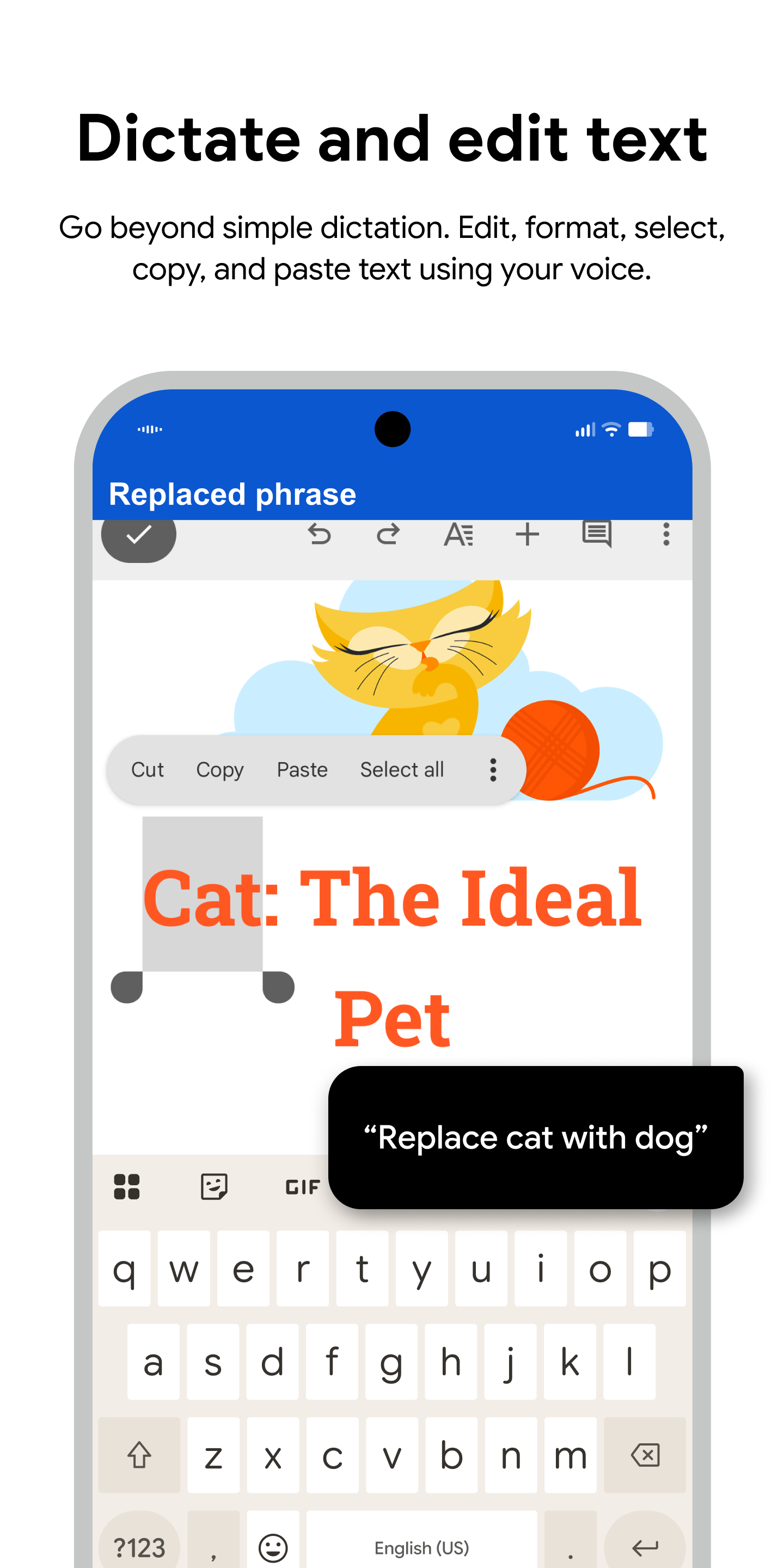
Voice Access helps anyone who has difficulty manipulating a touch screen (e.g. due to paralysis, tremor, or temporary injury) use their Android device by voice. Voice Access provides many voice commands for: - Basic navigation (e.g. "go back", "go home", "open Gmail") - Controlling the current screen (e.g. "tap next", "scroll down") - Text editing and dictation (e.g. "type hello", "replace coffee with tea") You can also say "Help" any time to see a short list of commands. Voice Access includes a tutorial which introduces the most common voice commands (starting Voice Access, tapping, scrolling, basic text editing, and getting help). You can use the Google Assistant to start Voice Access by saying "Hey Google, Voice Access". To do this, you’ll need to enable "Hey Google" detection. You can also tap either the Voice Access notification or a blue Voice Access button and start talking. To pause Voice Access temporarily, just say "stop listening". To disable Voice Access completely, go to Settings > Accessibility > Voice Access and turn off the switch. For additional support, see Voice Access help. This app uses the AccessibilityService API to help users with motor impairments. It uses the API to collect information about the controls on the screen and activate them based on the user’s spoken instructions.
Voice Access 17.1.987741882 Update
We’ve simplified activation! Use the accessibility floating button to toggle Voice Access listening mode on/off. This shortcut can be customized to volume keys, gesture, or navigation bar button. Plus, we've made improvements to multi-window scenarios, only showing labels on the focused app, reducing screen clutter.
We’ve simplified activation! Use the accessibility floating button to toggle Voice Access listening mode on/off. This shortcut can be customized to volume keys, gesture, or navigation bar button. Plus, we've made improvements to multi-window scenarios, only showing labels on the focused app, reducing screen clutter.
Enjoy major text editing updates for improved voice typing accuracy. Phone call audio privacy has been enhanced, and lock screen and password entry is improved. Tablets now have larger grid and label scaling. We’ve clarified phone call activation settings and reduced extra prompts as a result of customer feedback.
Enjoy major text editing updates for improved voice typing accuracy. Phone call audio privacy has been enhanced, and lock screen and password entry is improved. Tablets now have larger grid and label scaling. We’ve clarified phone call activation settings and reduced extra prompts as a result of customer feedback.
We’ve simplified activation! Use the accessibility floating button to toggle Voice Access listening mode on/off. This shortcut can be customized to volume keys, gesture, or navigation bar button. Plus, we've made improvements to multi-window scenarios, only showing labels on the focused app, reducing screen clutter.
We’ve simplified activation! Use the accessibility floating button to toggle Voice Access listening mode on/off. This shortcut can be customized to volume keys, gesture, or navigation bar button. Plus, we've made improvements to multi-window scenarios, only showing labels on the focused app, reducing screen clutter.
We’ve simplified activation! Use the accessibility floating button to toggle Voice Access listening mode on/off. This shortcut can be customized to volume keys, gesture, or navigation bar button. Plus, we've made improvements to multi-window scenarios, only showing labels on the focused app, reducing screen clutter.
We’ve simplified activation! Use the accessibility floating button to toggle Voice Access listening mode on/off. This shortcut can be customized to volume keys, gesture, or navigation bar button. Plus, we've made improvements to multi-window scenarios, only showing labels on the focused app, reducing screen clutter.
APKFab.com and the download link of this app are 100% safe. All download links of apps listed on APKFab.com are from Google Play Store or submitted by users. For the app from Google Play Store, APKFab.com won't modify it in any way. For the app submitted by users, APKFab.com will verify its APK signature safety before release it on our website.