VidTrim - Video Editor
8.1 17K+
v35636 by Goseet
8.1 17K+
v35636 by Goseet

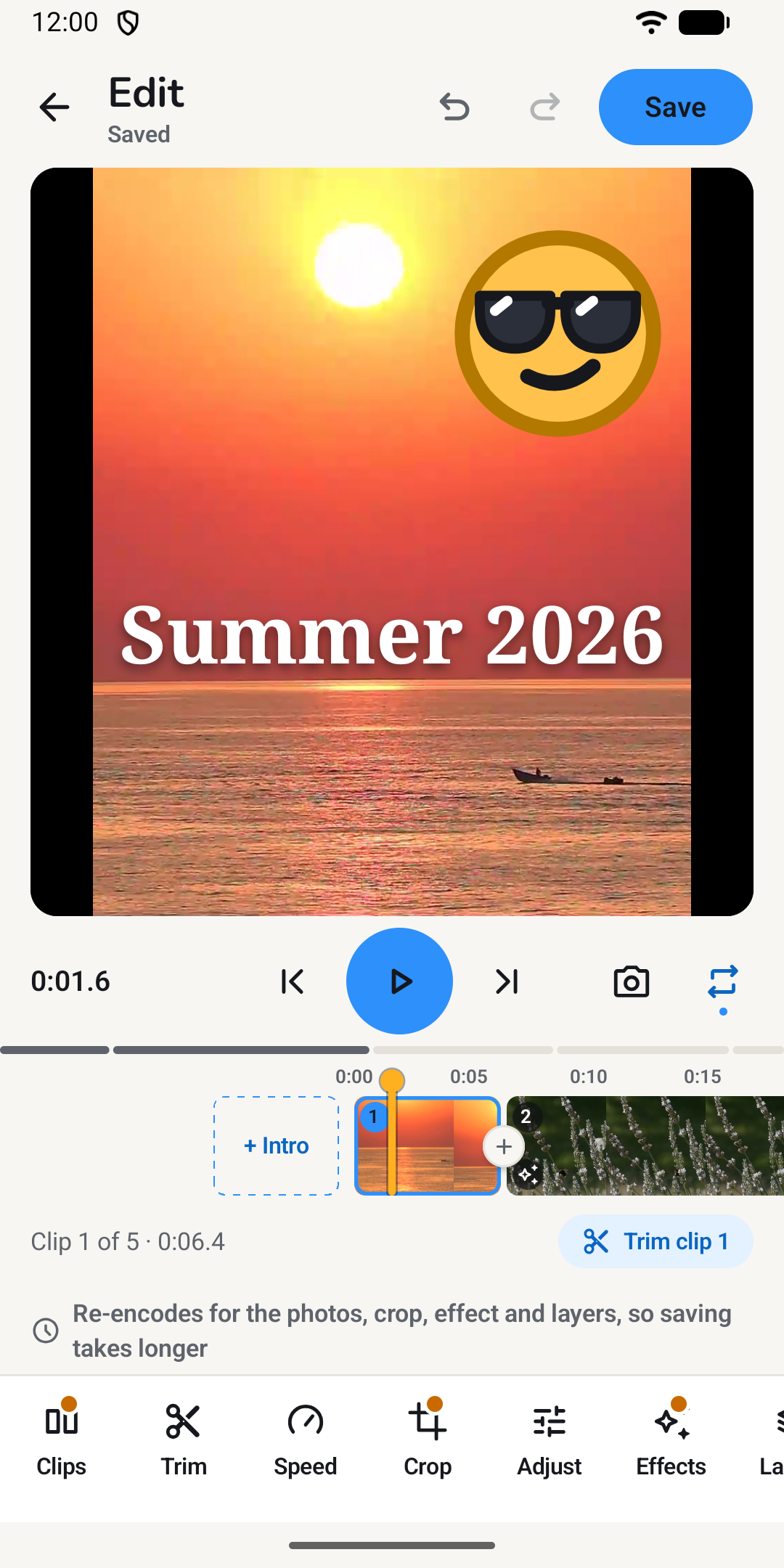
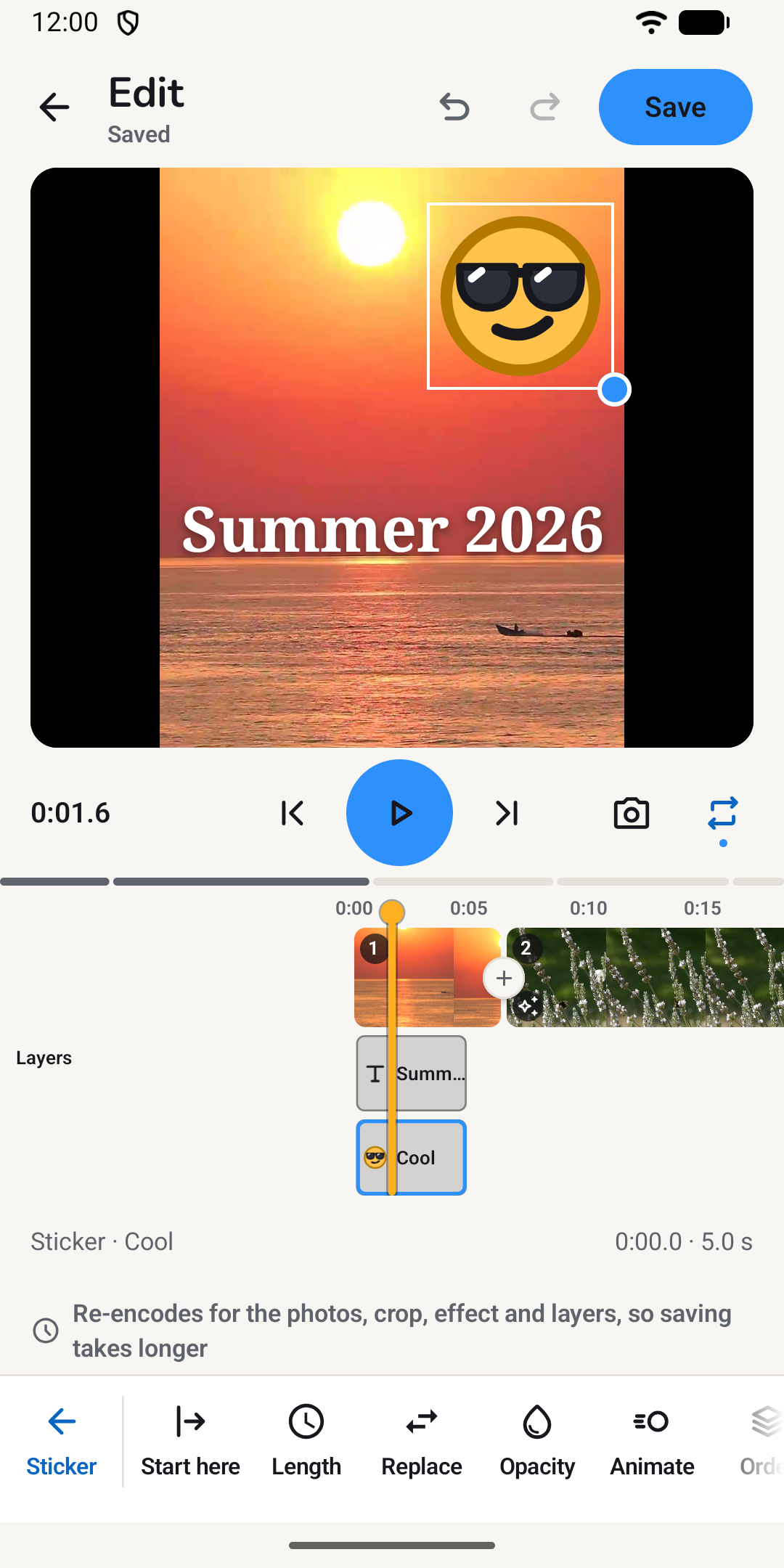
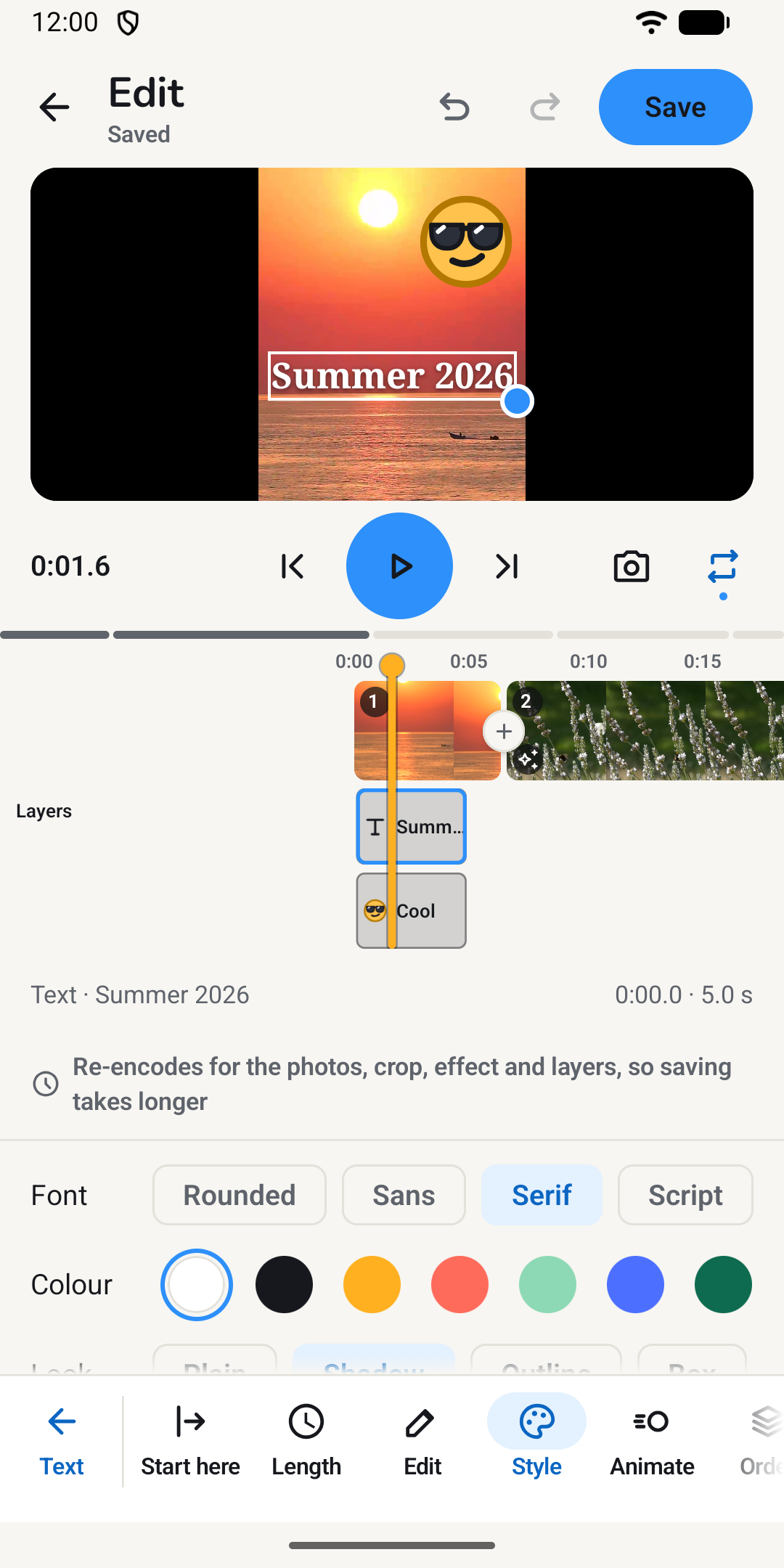
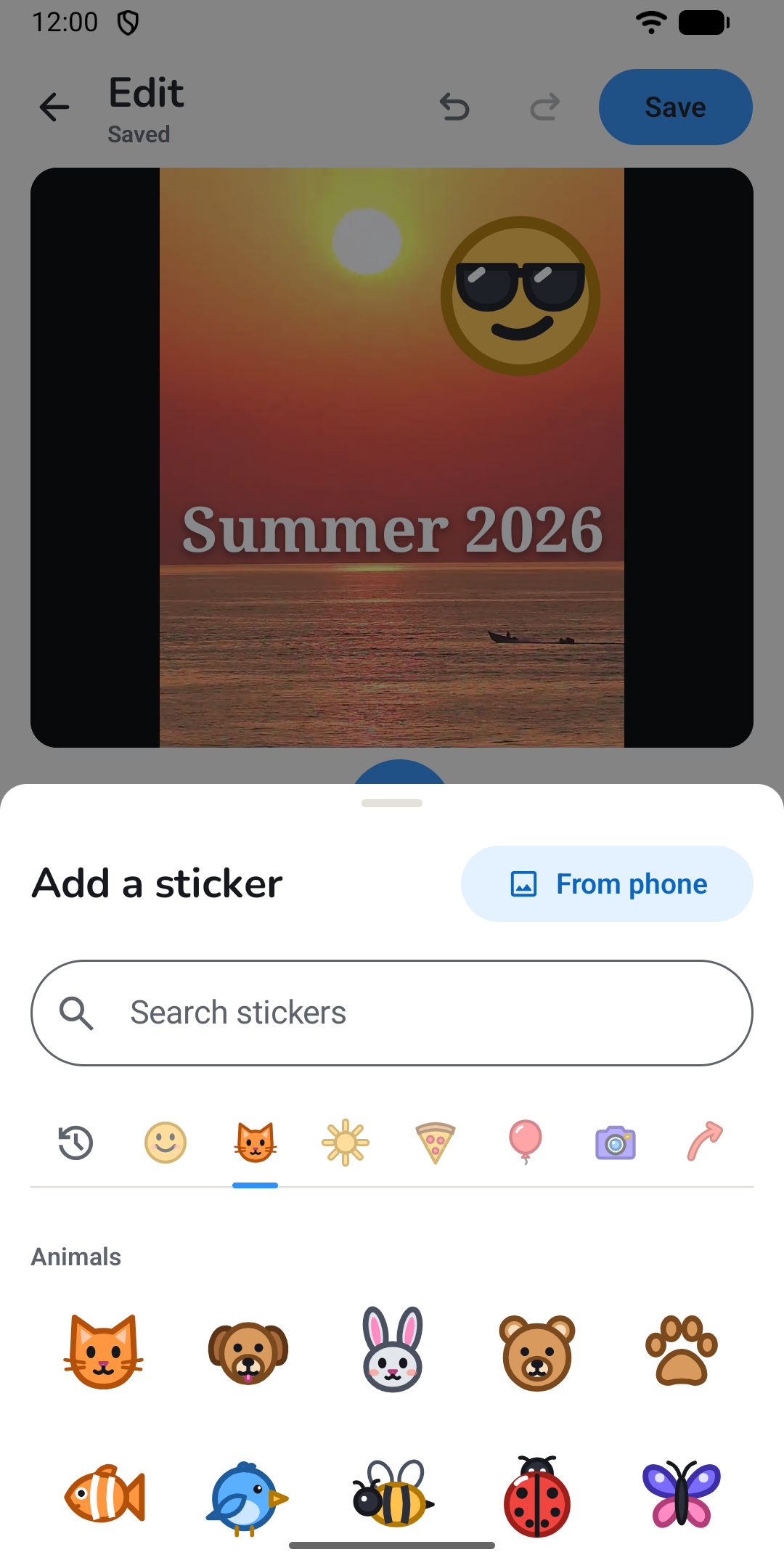
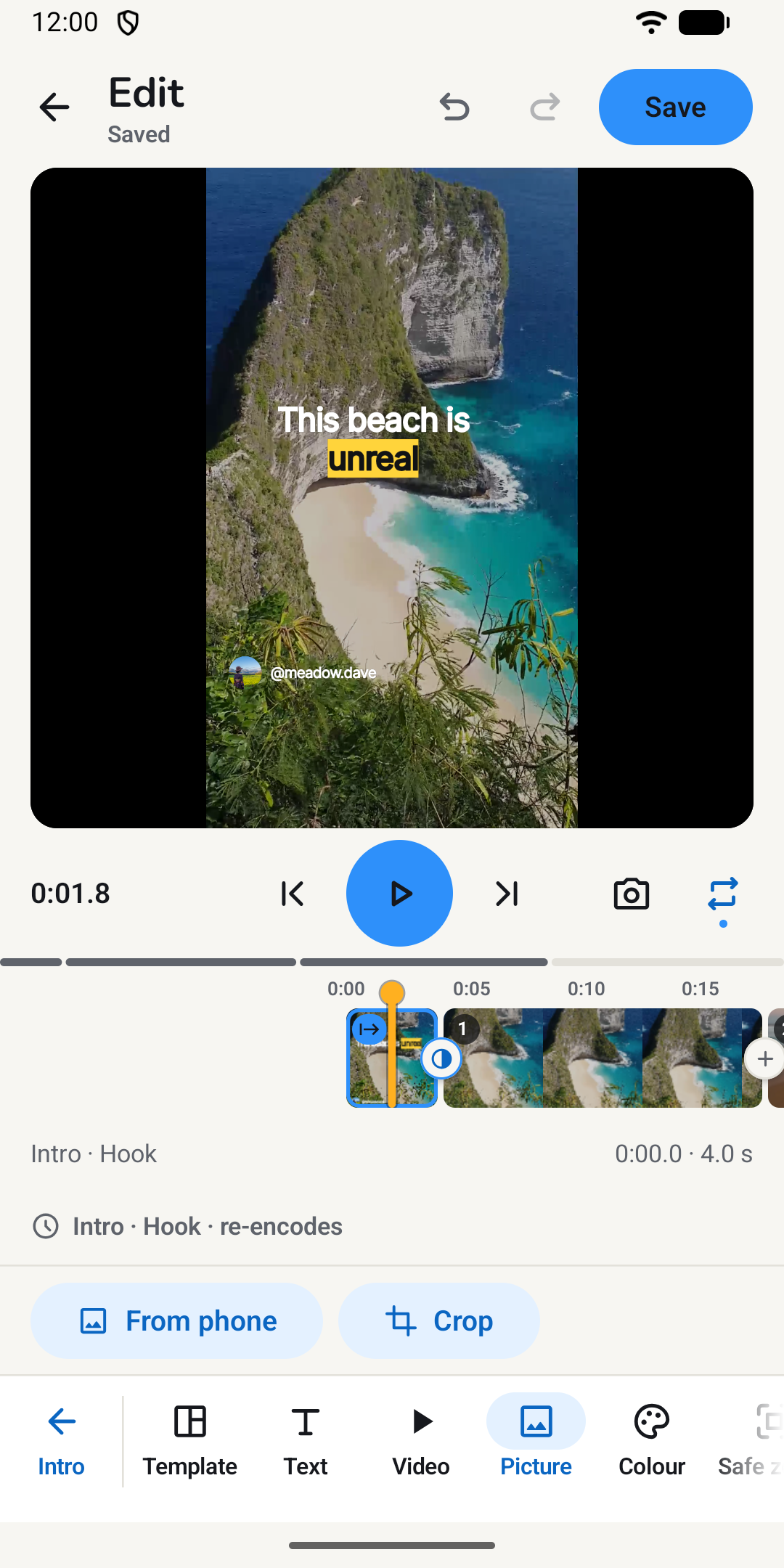
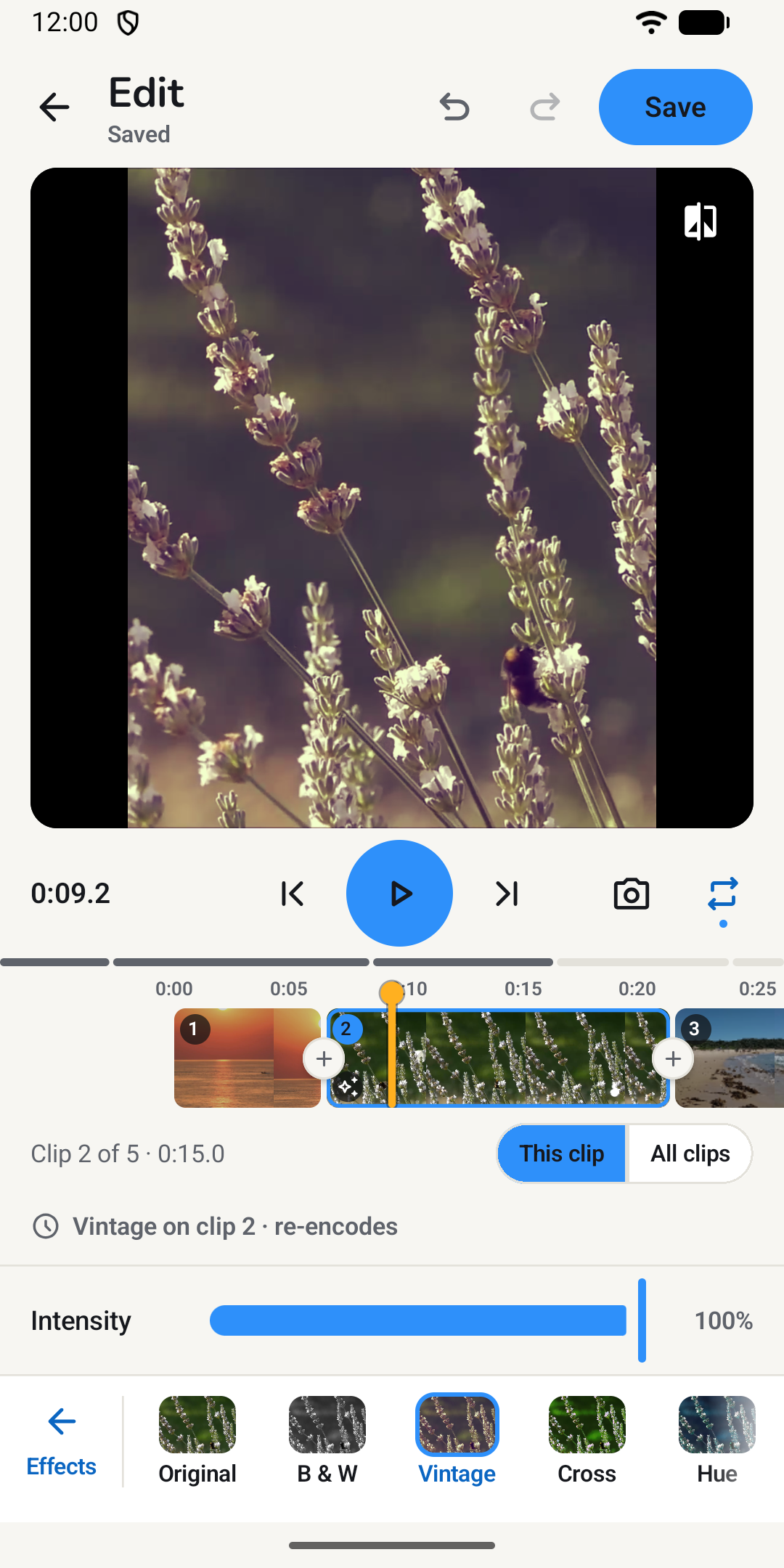
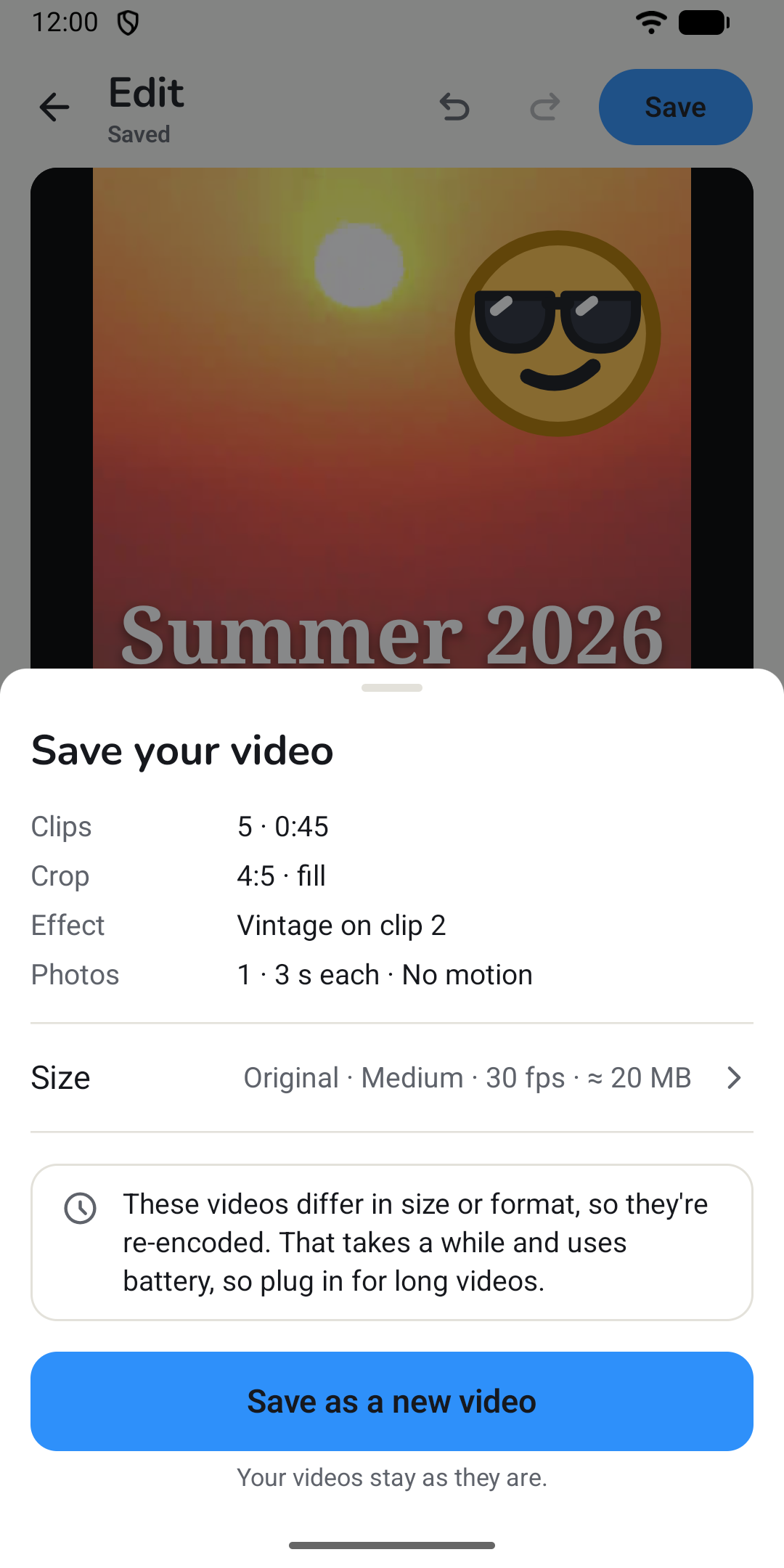
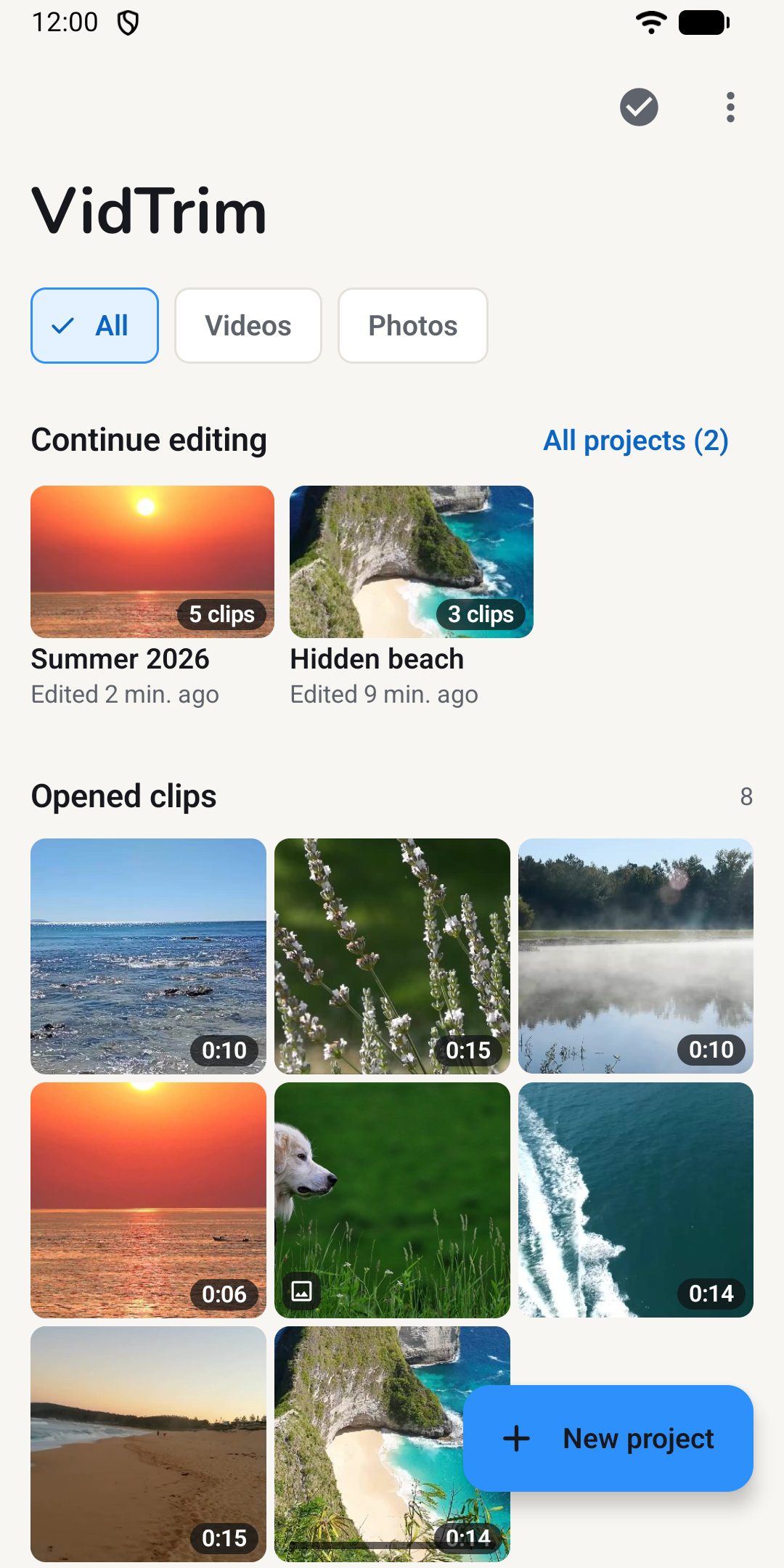
Requires Android: Android 9.0+
Architecture: arm64-v8a
Screen DPI: 160-640dpi
SHA1: b79df1d16dd4550b653d47e0039e5ec63cf0c1ad
Size: 8.65 MB
What's New:
Requires Android: Android 6.0+
Architecture: arm64-v8a
Screen DPI: 160-640dpi
SHA1: 937e2b7bf956d538550e1dfaed2636639dcf0eb3
Size: 8.67 MB
What's New:
Requires Android: Android 5.0+
Architecture: arm64-v8a, armeabi-v7a, x86, x86_64
Screen DPI: 160-640dpi
SHA1: 5869822939fb5e51f6ab19c9cea9d20021297b36
Size: 35.45 MB
What's New:
Package Name:
Category:
Update Date:
2026-11-23
Latest Version:
35636
Need Update:
Available on:
Requirements:
Android 5.0+
Report:

Video Editor & Maker - InShot
AI video editor with music! Edit video with effects, slideshow & slow motion
9.6 2M+

VLLO - AI Video Editor
AI Auto Edit, Shorts & Reels
7.7 13K+

PowerDirector - Video Editor
AI video editor, movie maker & green screen for TikTok, Reels, YouTube Shorts
8.5 157K+

CapCut: Video & Photo Editor
Your top choice for video editing.
7.1 942K+

KineMaster - AI Video Editor
Create videos, Reels & Shorts faster with powerful AI tools.
9.1 611K+

Video to MP3 Converter Cutter
Video Cutter & Video To Audio Converter. Extract audio from video app.
8.8 2K+

Video & Image Editor
Get Clips Video Editor: Blur Video Maker and start editing like a pro today!
8.4 708

Video Compressor & Converter
Mp Video Converter & Compress, Crop Video, Reduce Video Size & Reverse Video
9.0 16K+

Cute CUT - Video Editor
Full featured video editor & movie maker help you create amazing movies.
8.2 24K+


