Tweek (Package Name: so.tweek.android) is developed by Scada SIA and the latest version of Tweek: Weekly Planner & To Do 2.30.107 was updated on November 18, 2026. Tweek: Weekly Planner & To Do is in the category of Productivity. You can check all apps from the developer of Tweek: Weekly Planner & To Do and find 200 alternative apps to Tweek: Weekly Planner & To Do on Android. Currently this app is for free. This app can be downloaded on Android 7.0+ on APKFab or Google Play. All APK/XAPK files on APKFab.com are original and 100% safe with fast download.
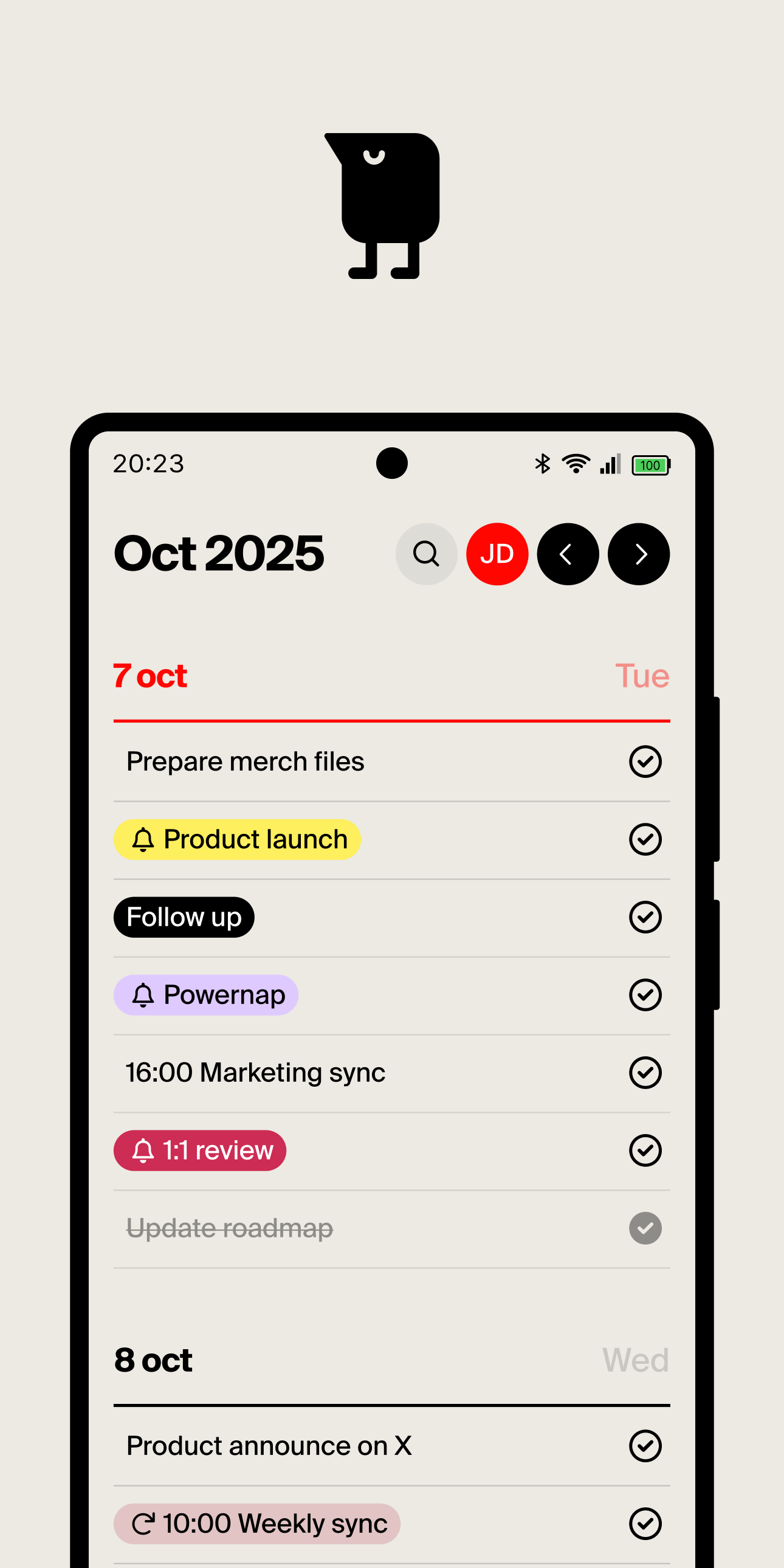
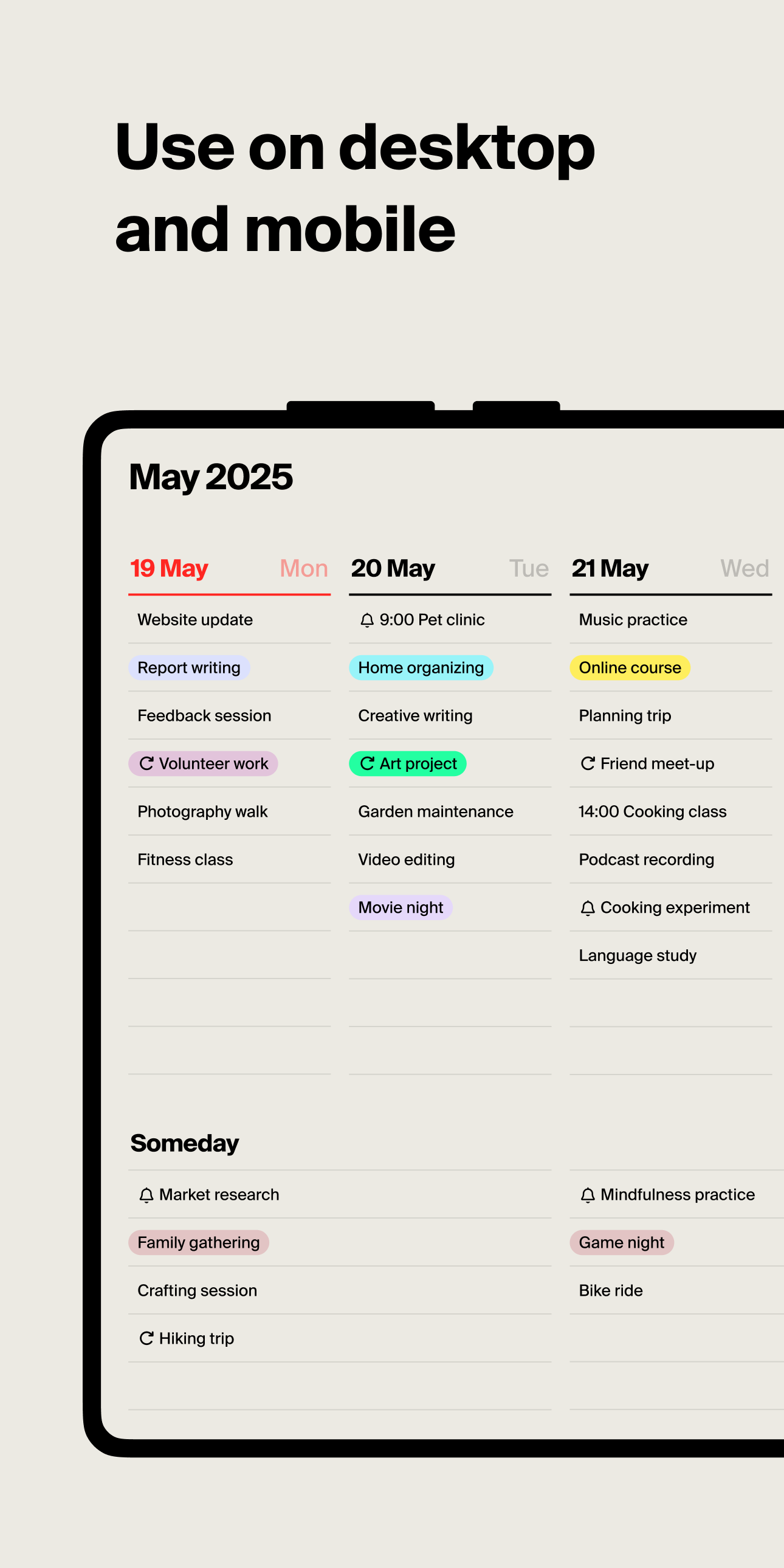
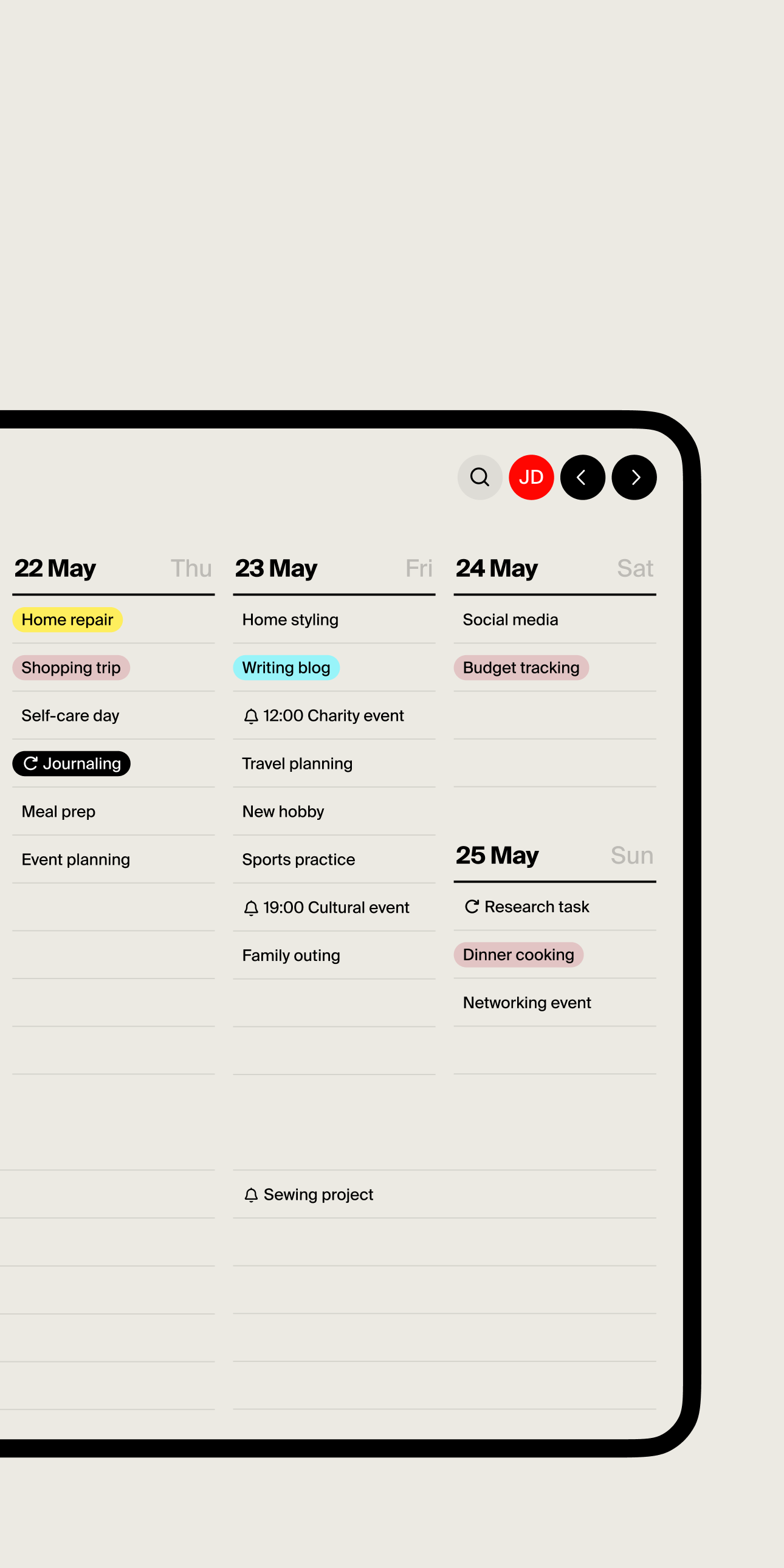
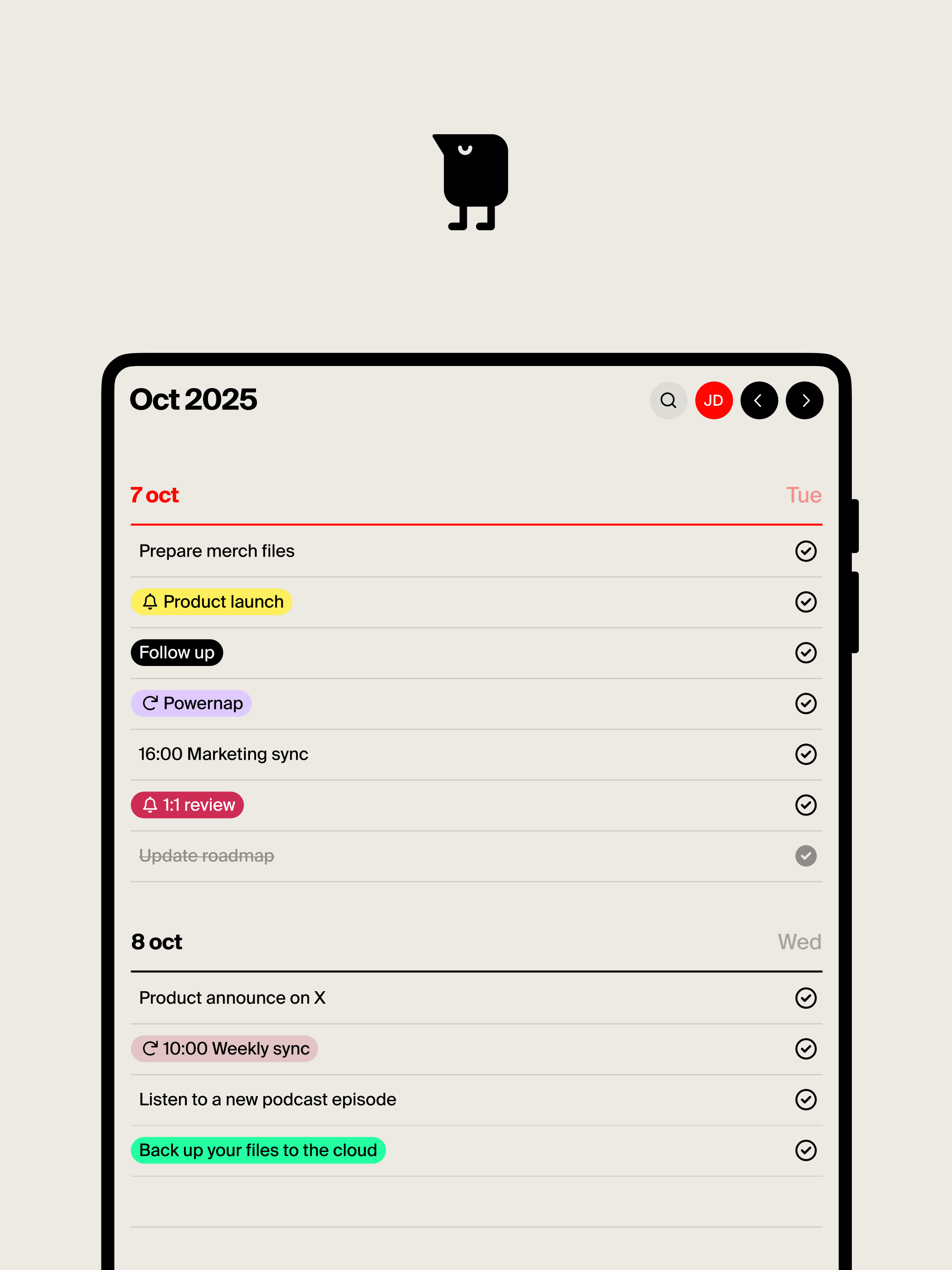
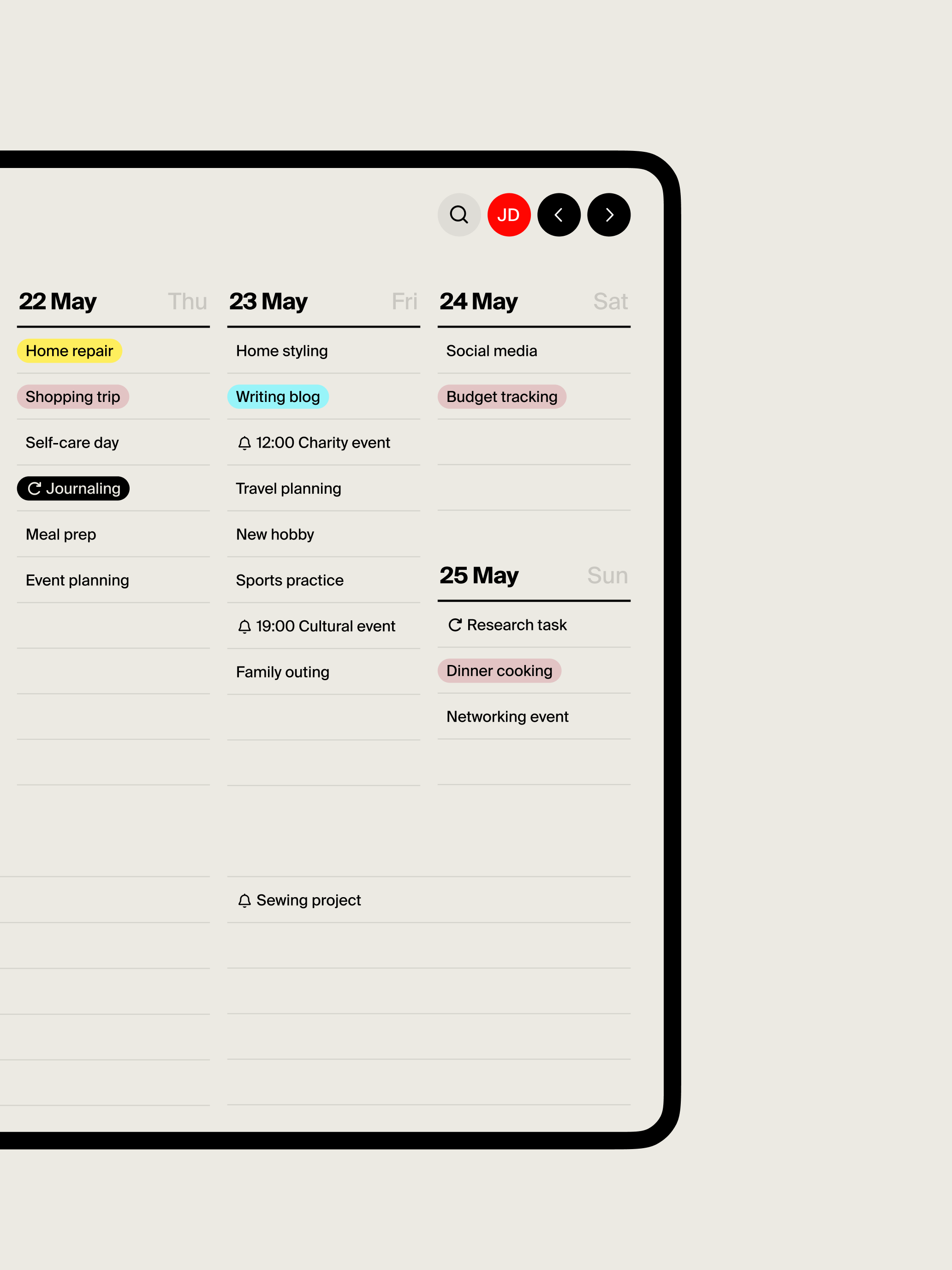
Tweek is a simple weekly planner and to-do list that feels like pen and paper. See your whole week on one clean screen, add tasks to each day, set reminders, and two-way sync Google Calendar and Outlook.
Use it as a daily planner, a digital weekly planner for work or study, or a shared family calendar and to-do list. No hourly grid and no clutter: just your week, planned in a few minutes.
Tweek is made for anyone who finds most planners overwhelming: students, busy parents and teams who want a calm, clear view of the week.
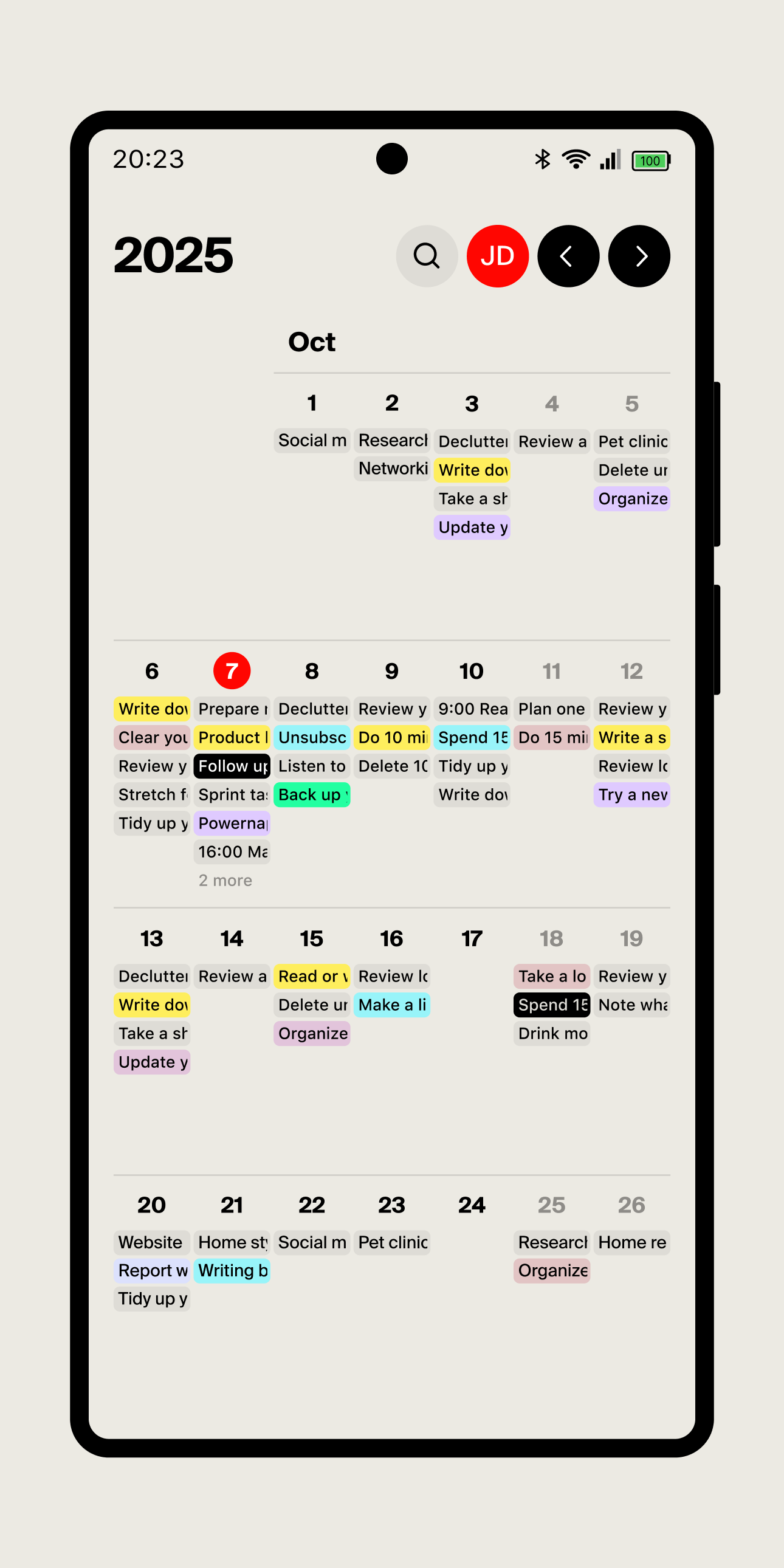
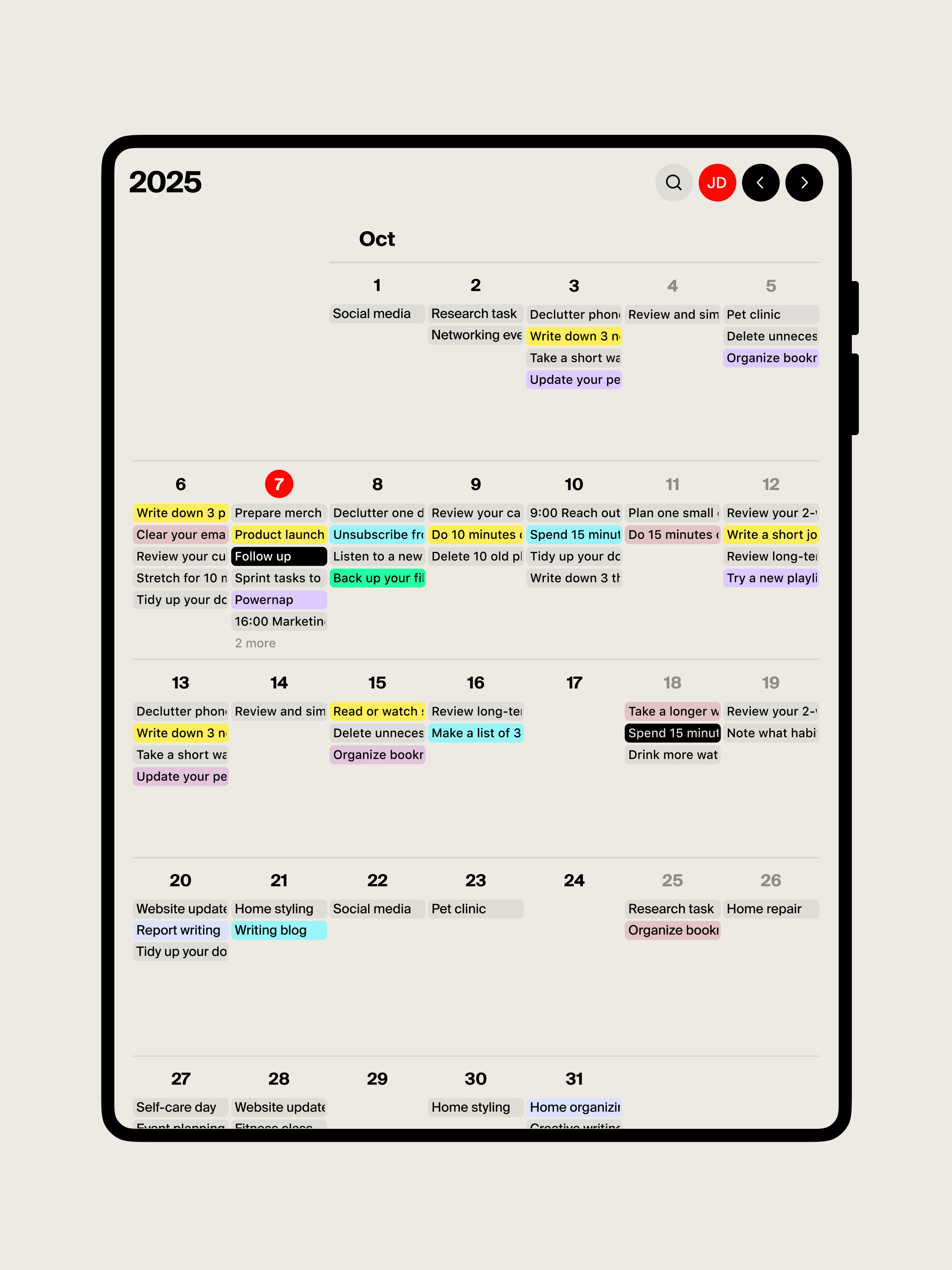
— Month, Week & Day Views
Start with the weekly view, switch to a month for the big picture, or zoom into a single day to stay on track.
—Two-Way Sync: Google & Outlook Calendars
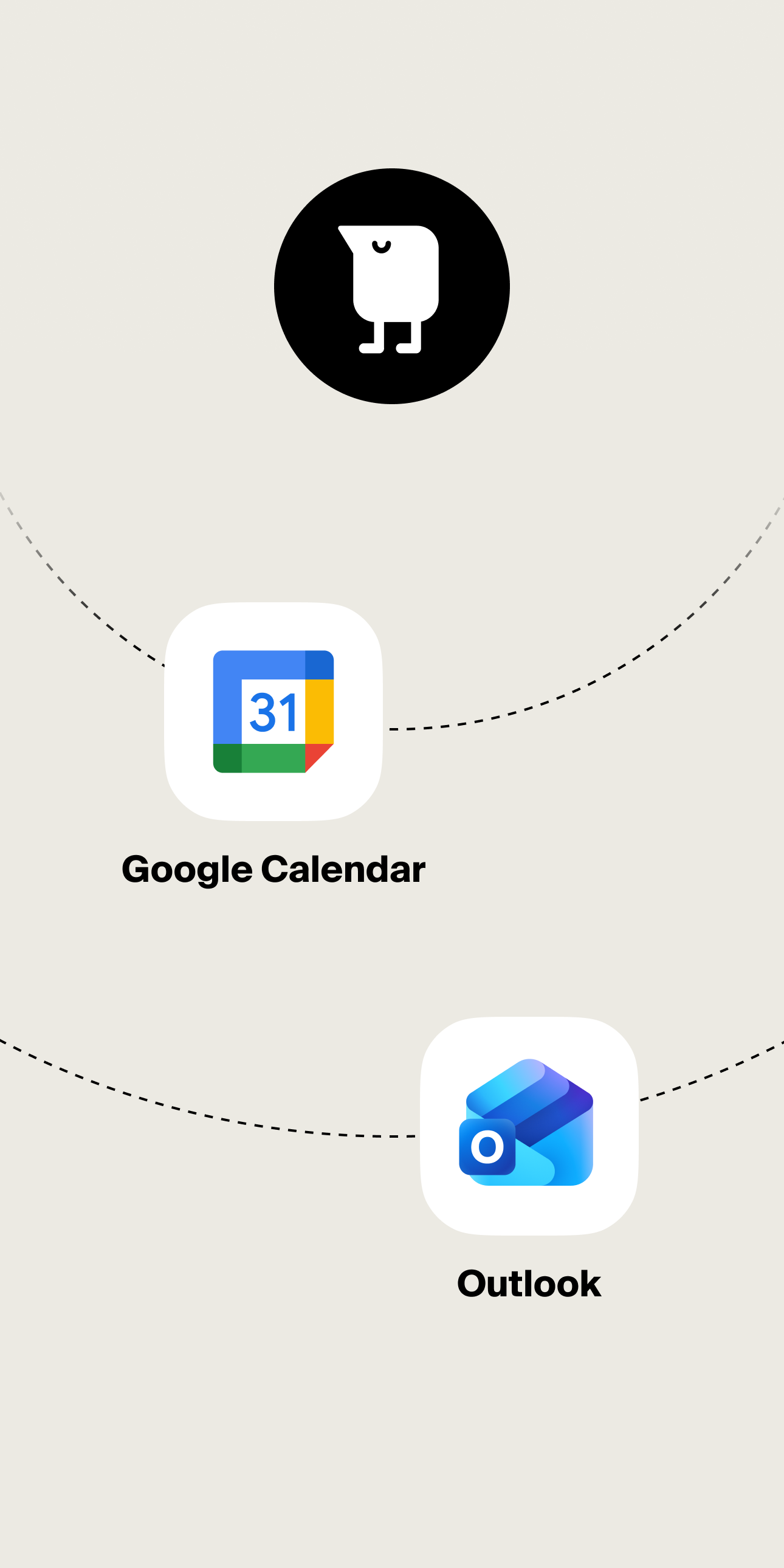
Connect Google Calendar or Outlook and every event stays up to date in both places, automatically.
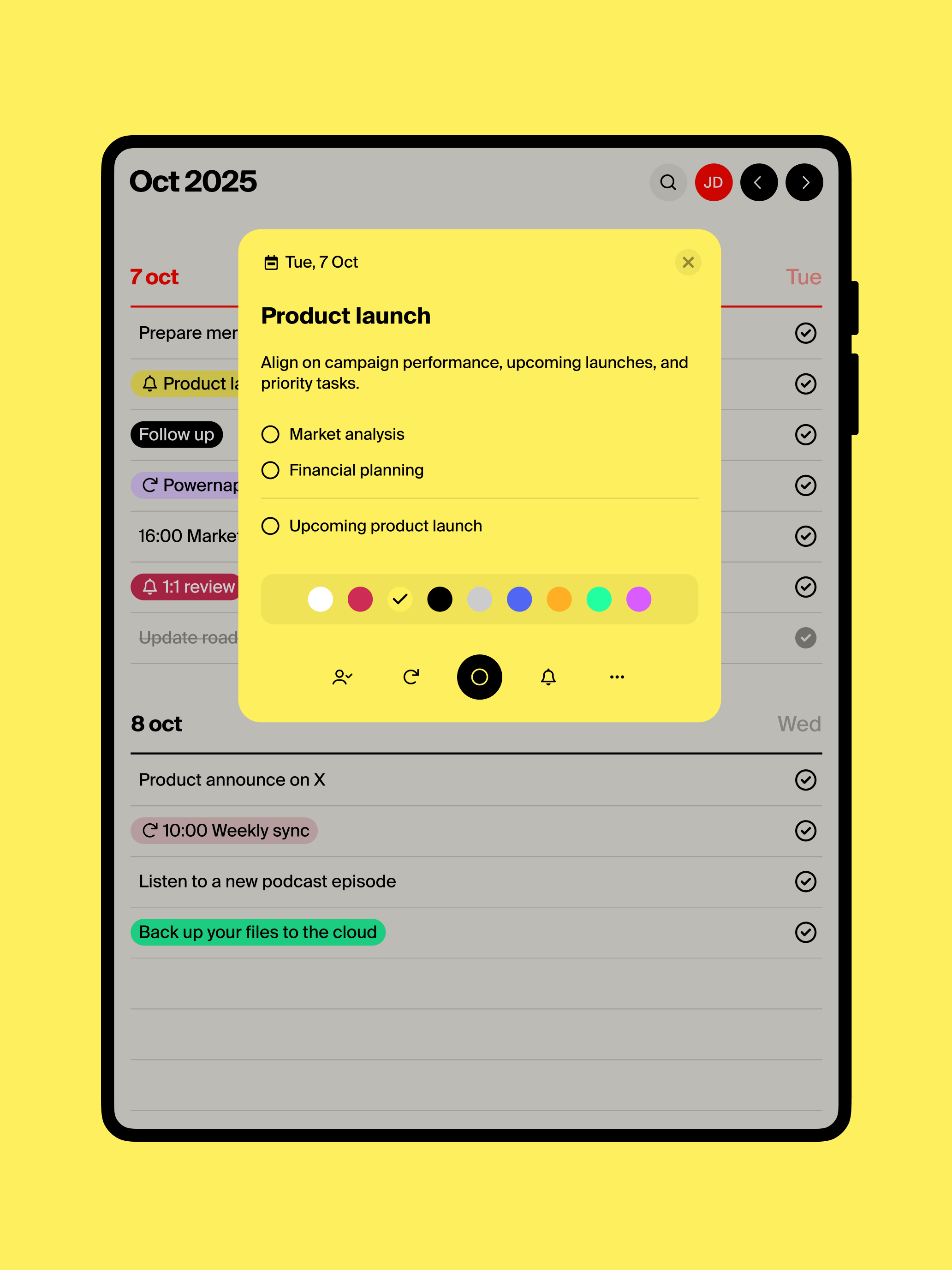
— Tasks, Notes, Files & Subtasks
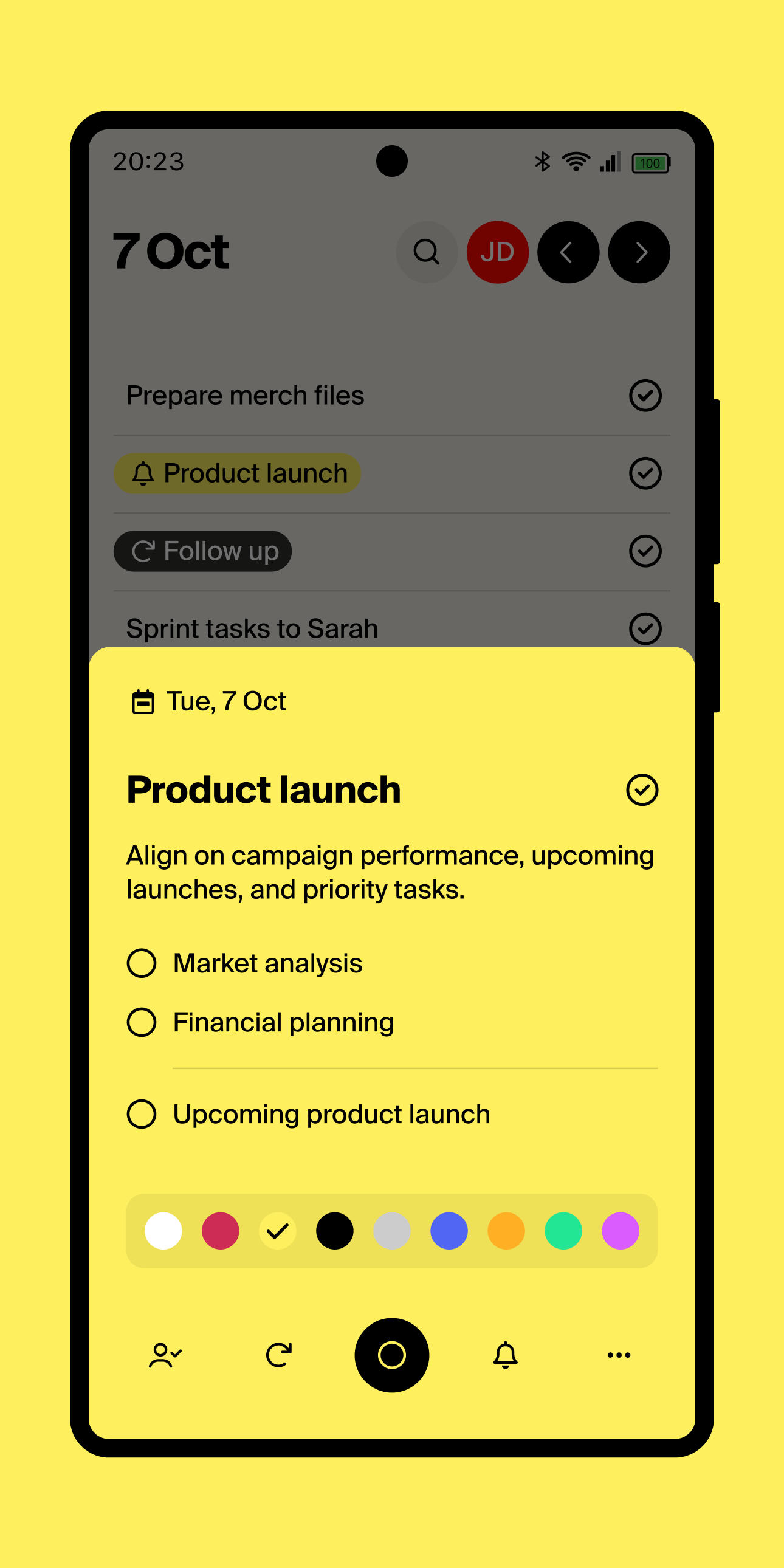
Add notes, attach files and images, and split big tasks into subtasks. Color-code everything and share any task via link, even with people outside Tweek.
— Reminders
Set reminders for any task and get notified by push, email, or both. You'll always know when it's time.
— Recurring Tasks
Set it once and let it roll, with recurring tasks on a daily, weekly, monthly, yearly, or fully custom schedule.
— Auto Roll-Over
Check things off and keep it tidy. Anything left undone automatically moves to tomorrow. No task left behind.
— Fast Search & Color Tags
Swipe to search through your tasks in seconds and filter by color tags to find exactly what you need.
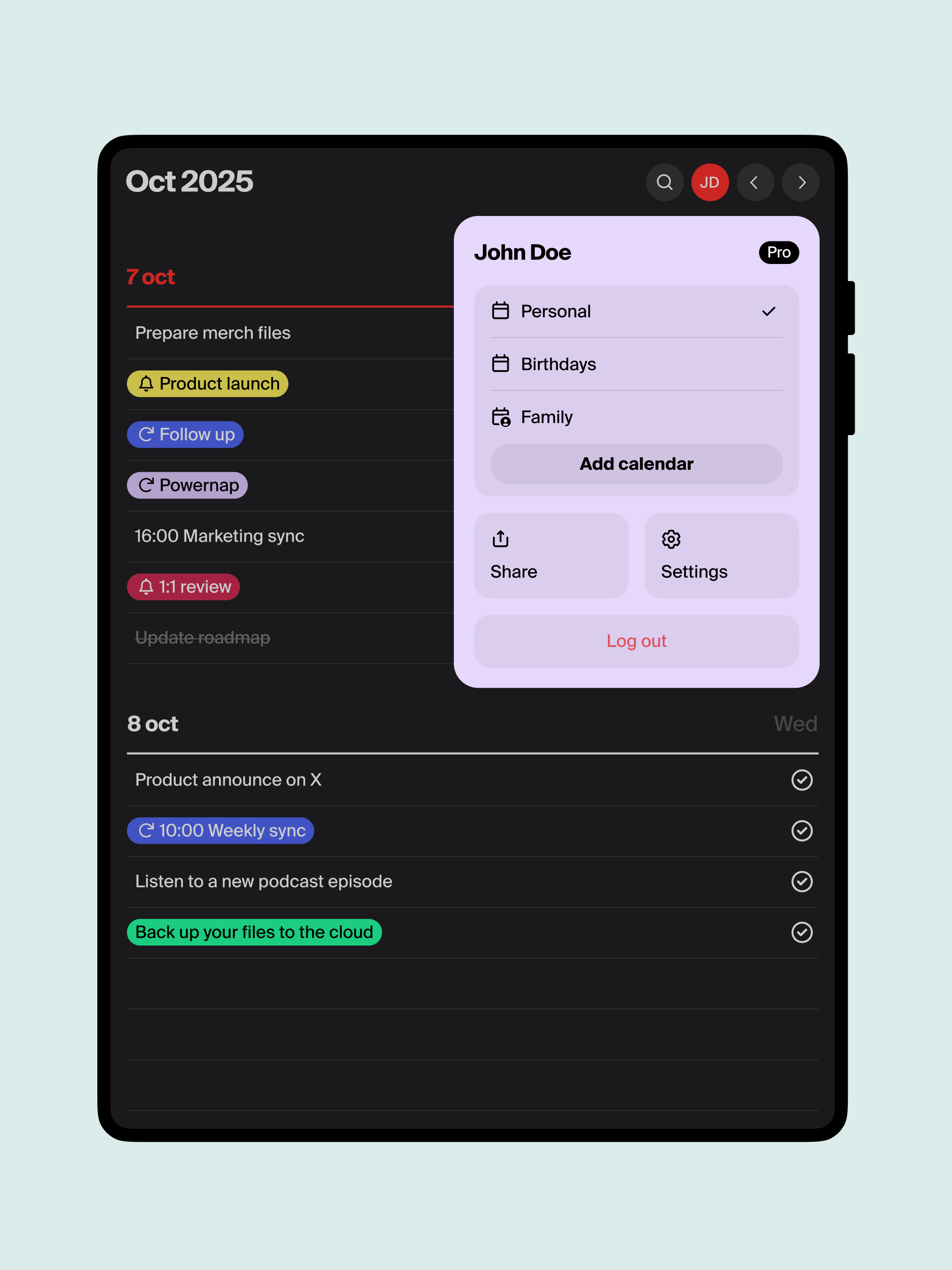
— Themes & Color Palette
Make Tweek yours with theme presets, from clean white like paper to cool blue or extra minimal, plus a full color palette with custom sets.
— Real-Time Collaboration
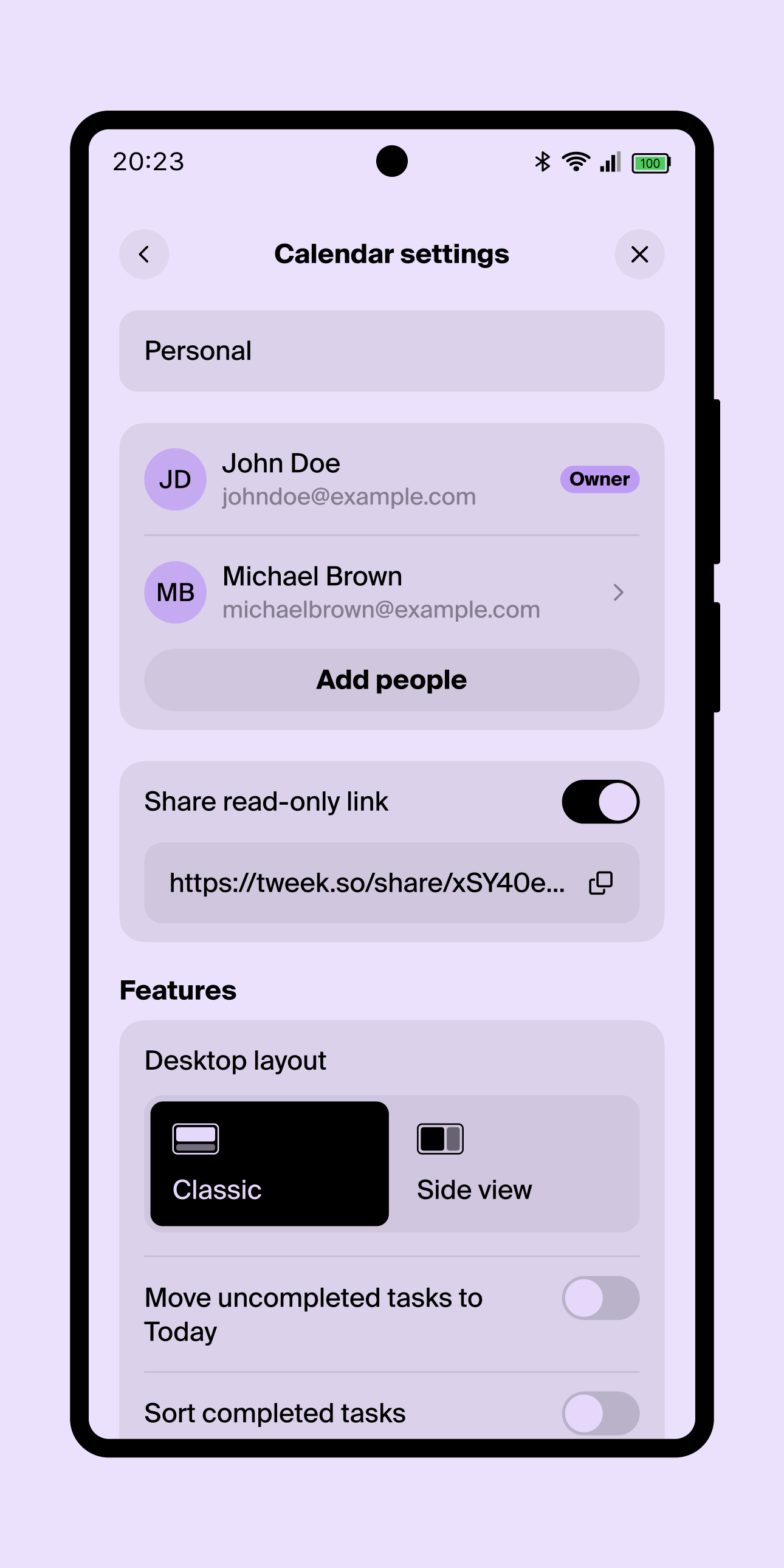
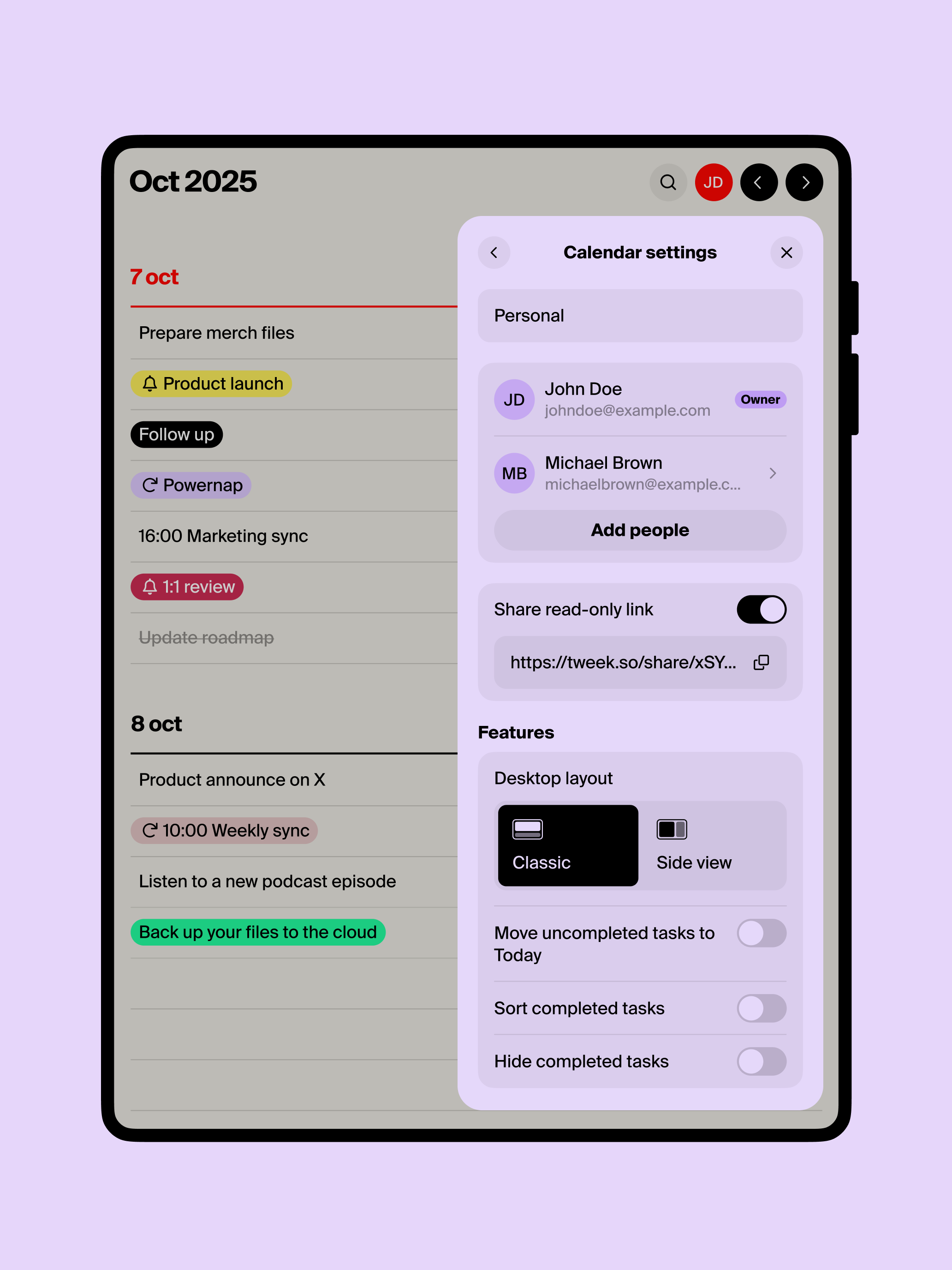
Share a calendar and work together in real time, or publish your weekly planner to the web. Easy to share, no sign-up required to view.
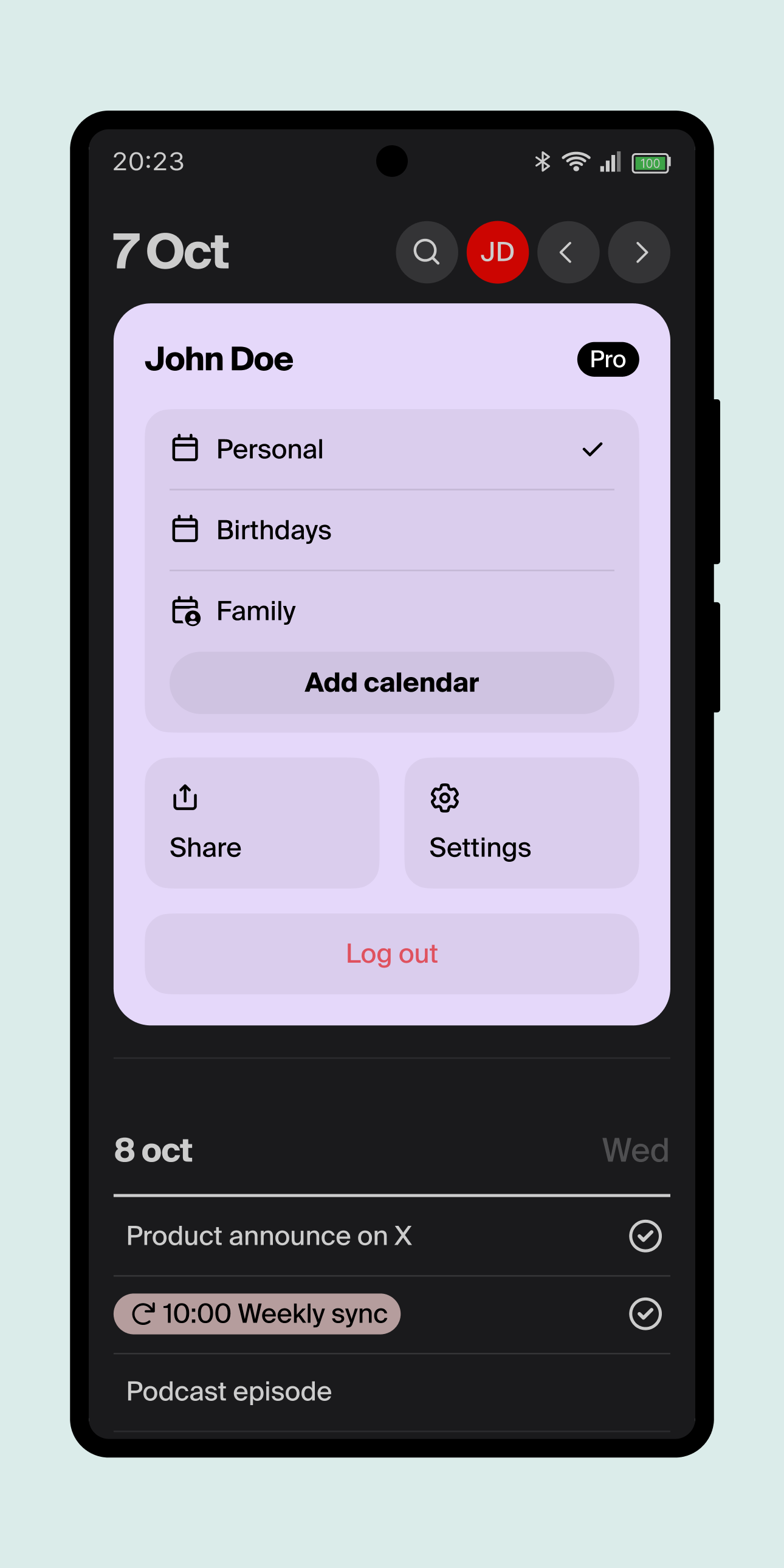
— Multiple Calendars
Create as many calendars as you need, whether personal, work, or family, and share each one or keep it private.
— Synced Across Your Devices
Your calendar stays in sync everywhere, across phone, tablet, desktop, and web, so you're organized wherever you go.
Whether you need a personal to-do list, a shared family calendar, or a weekly planner for your team, Tweek keeps planning simple, focused, and beautiful.
Questions or ideas? Feel free to drop us a line at
[email protected]X: @tweekHQ
Threads: @tweek.so
www.tweek.so