About TrackMe
TrackMe (Package Name: LEM.TrackMe) is developed by Luis Espinosa and the latest version of TrackMe. Hike&Travel Recorder 7.0.0 was updated on July 12, 2026. TrackMe. Hike&Travel Recorder is in the category of Travel & Local. You can check all apps from the developer of TrackMe. Hike&Travel Recorder and find 146 alternative apps to TrackMe. Hike&Travel Recorder on Android. Currently this app is for free. This app can be downloaded on Android 6.0+ on APKFab or Google Play. All APK/XAPK files on APKFab.com are original and 100% safe with fast download.
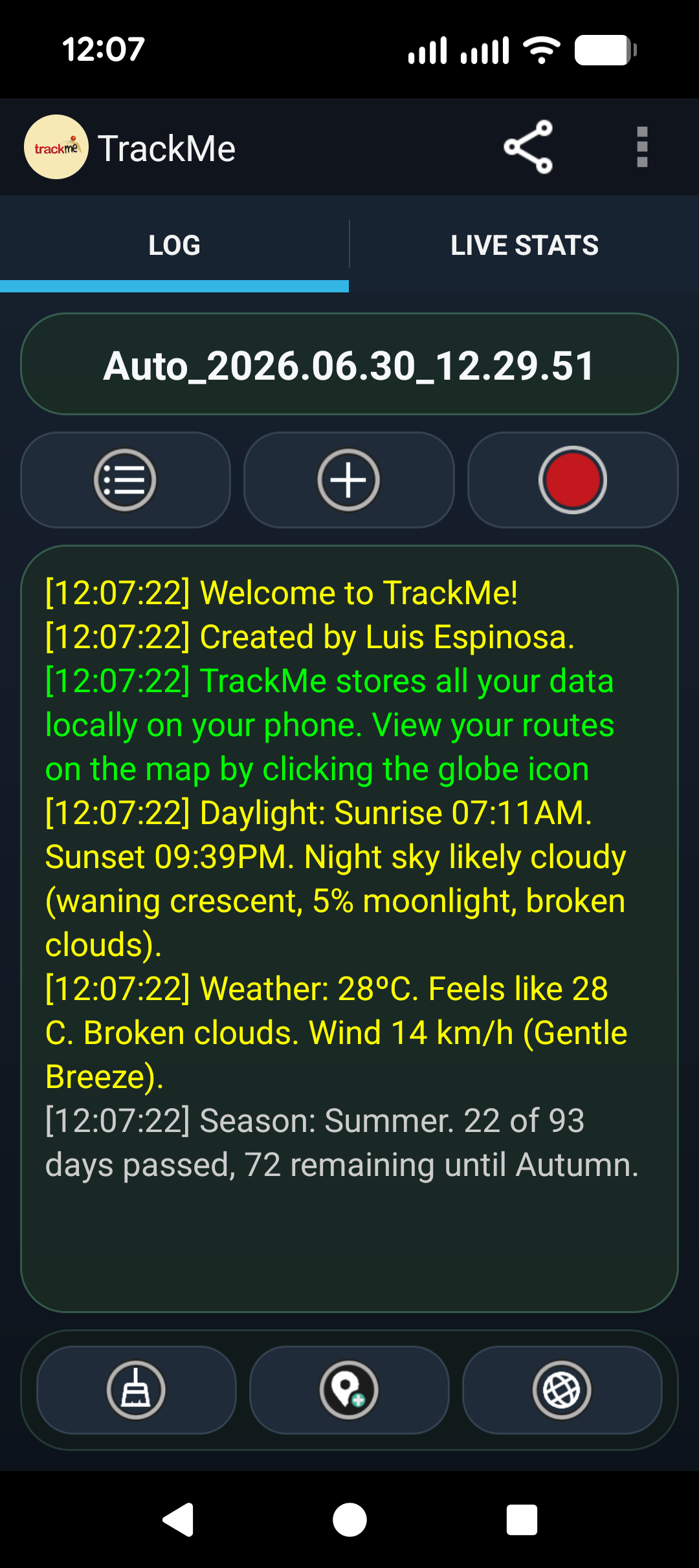
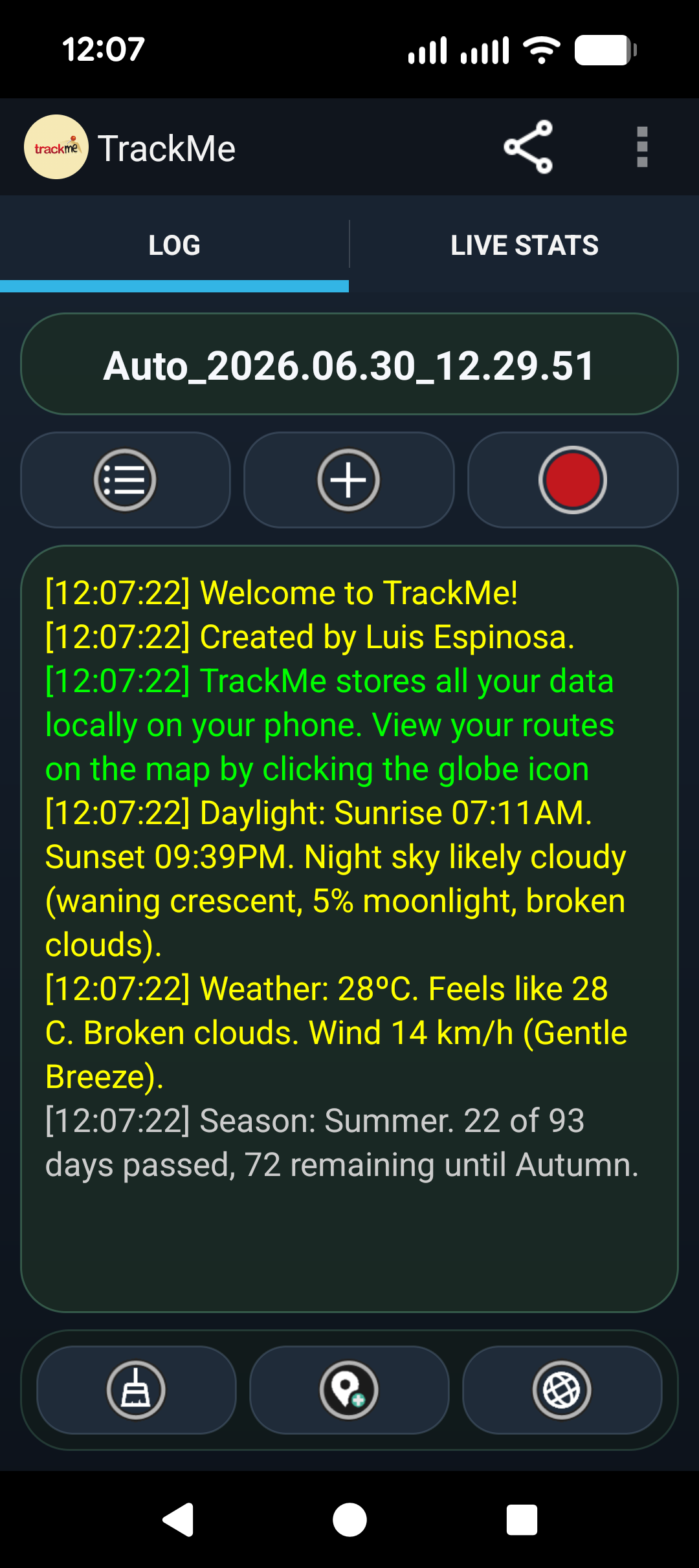
TrackMe is an advanced route recorder, trip journal, live location tool, and outdoor navigation companion for Android.
It records your movement using GPS, Wi-Fi, or network location, stores your route data locally on your phone, and can optionally sync it to a TrackMe server so you can view it later from your device or from a web browser.
Originally inspired by the classic Windows Mobile version, the Android edition has evolved into a much more capable app focused on route recording, map tools, offline use, route guidance, media-rich markers, and detailed trip review.
What TrackMe does
TrackMe helps you record, review, enrich, and share your trips. It can capture and display:
- Your current position and live movement on the map
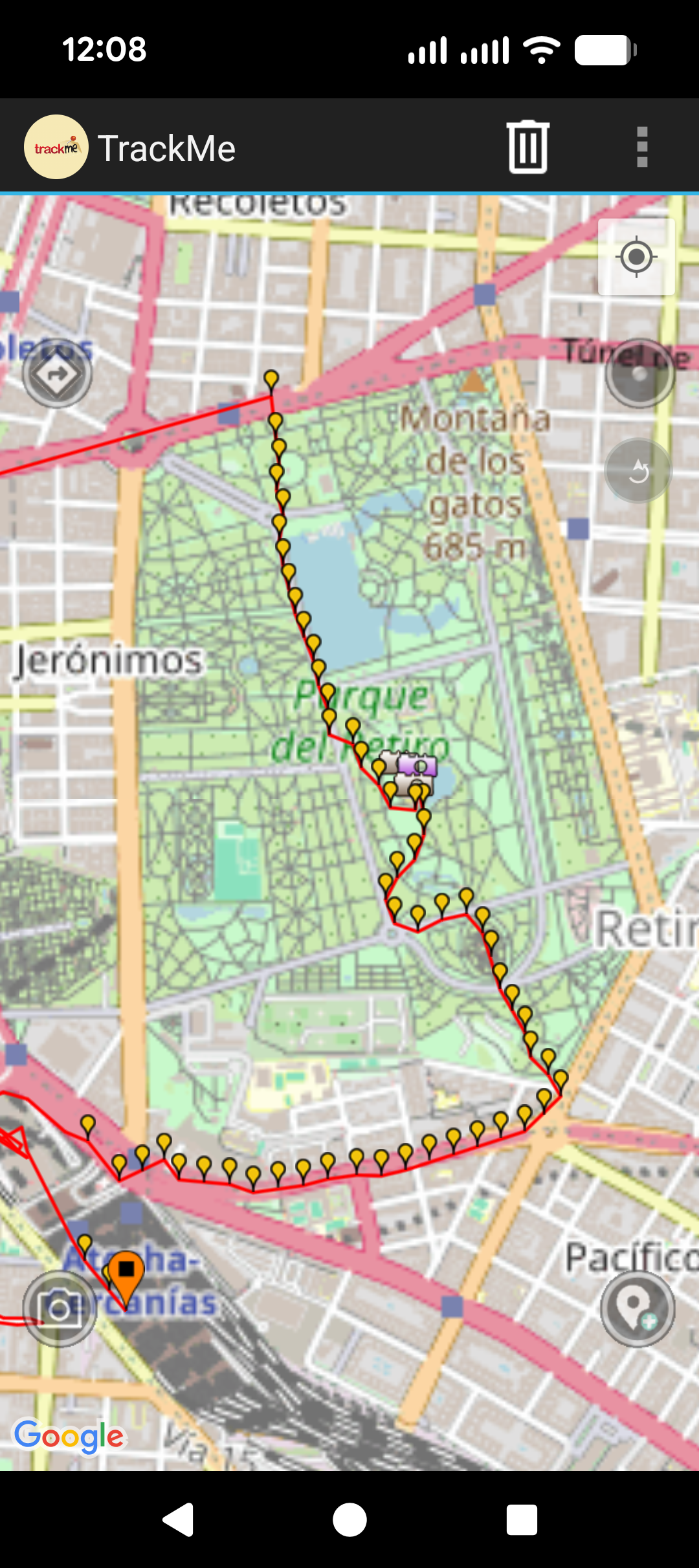
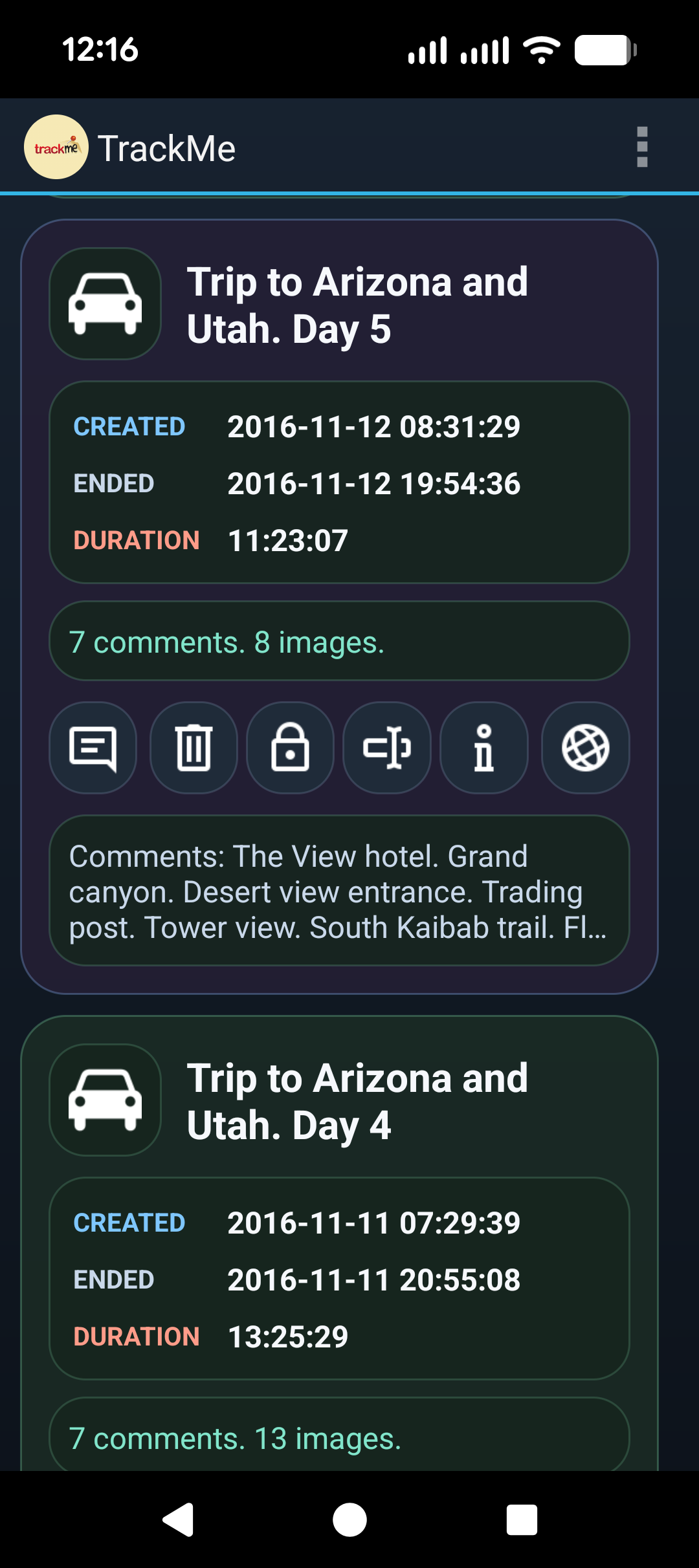
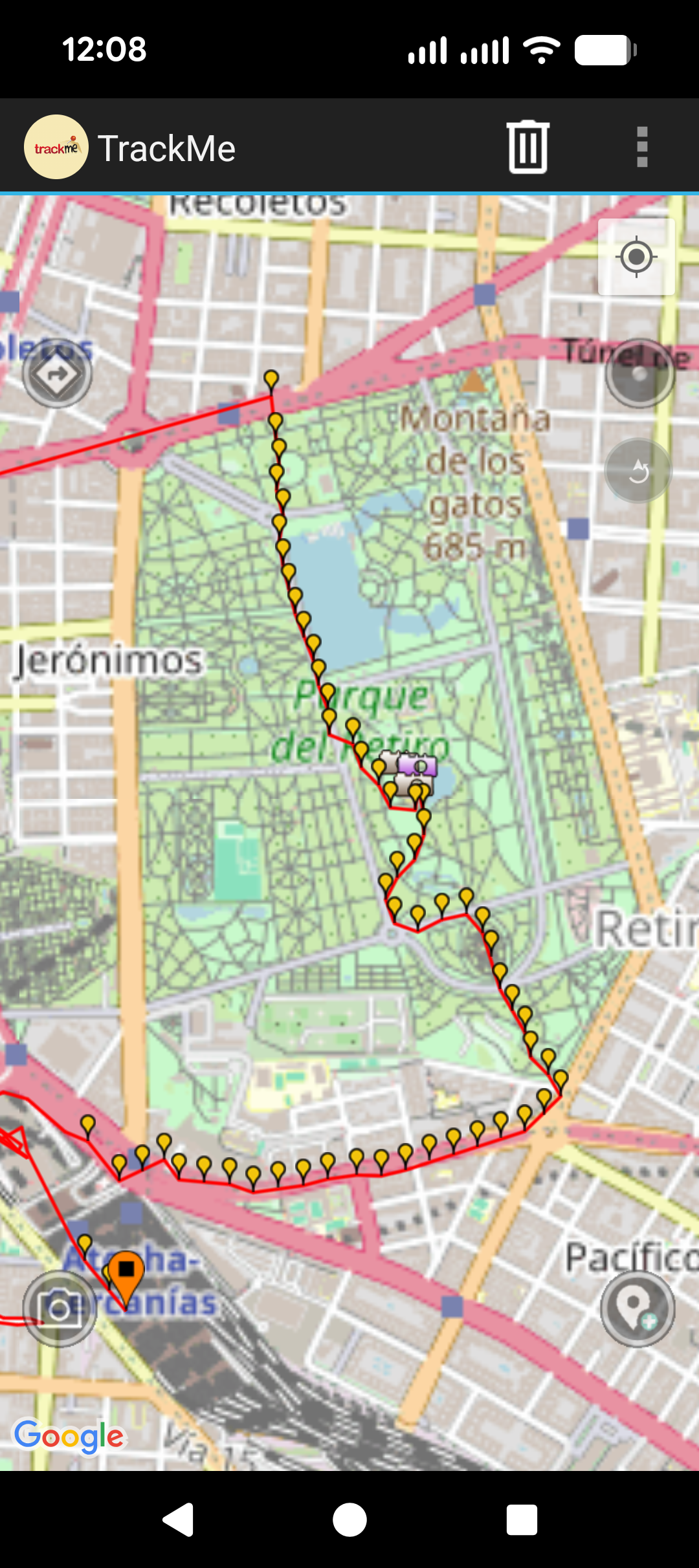
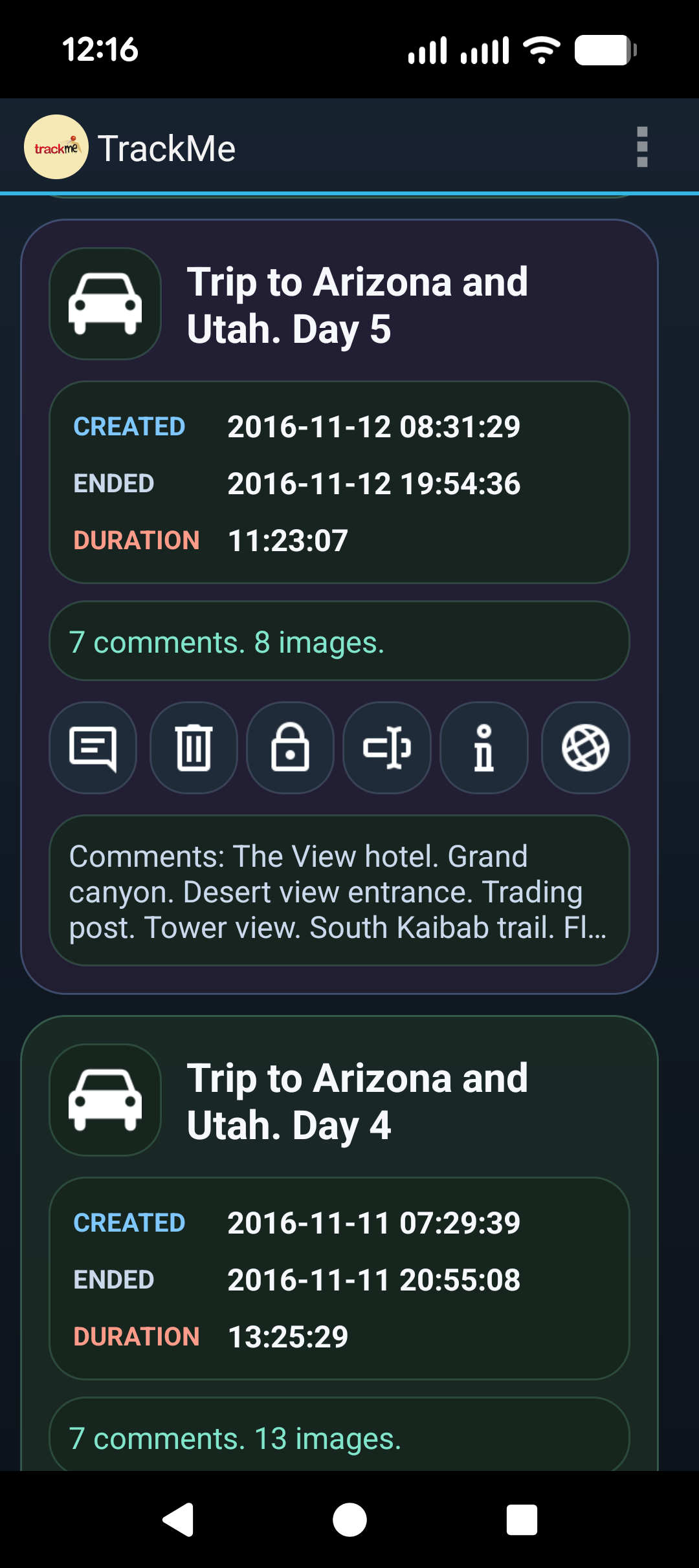
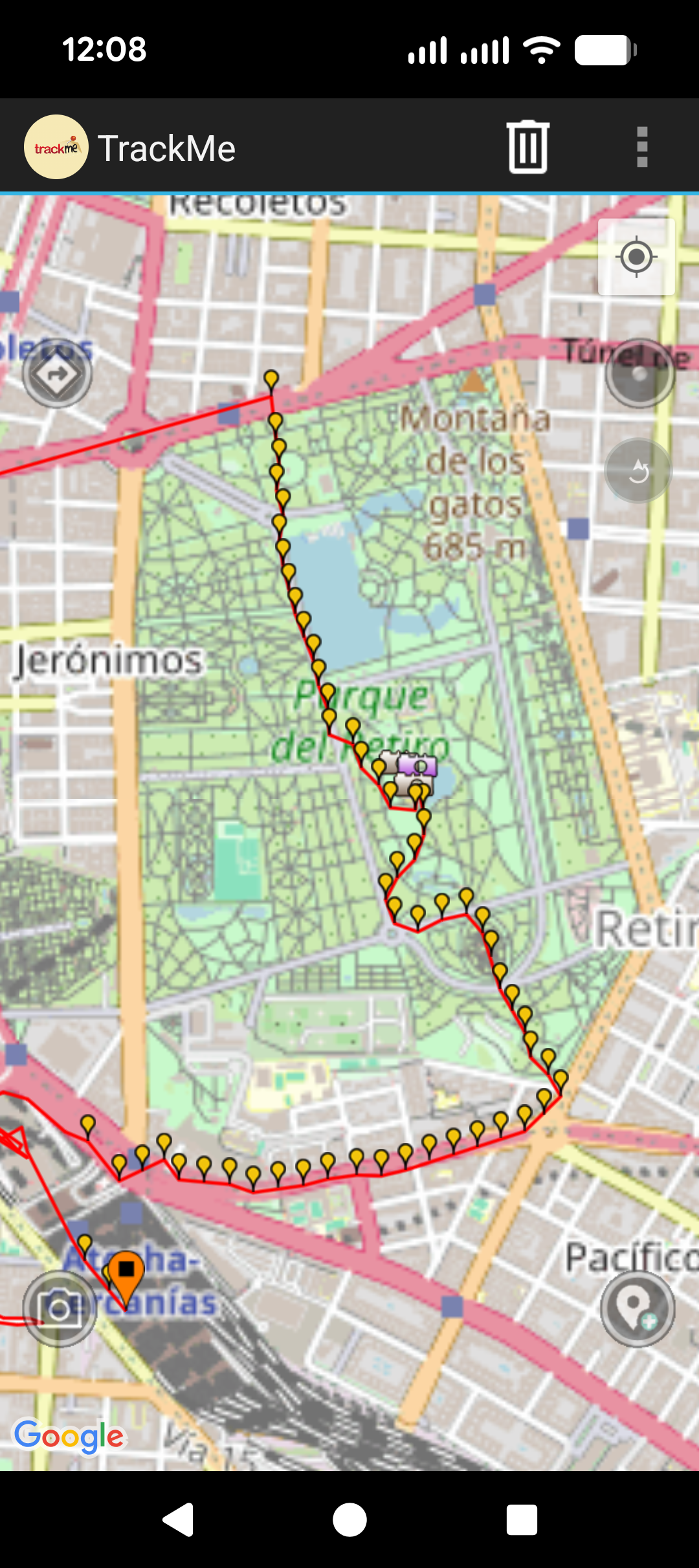
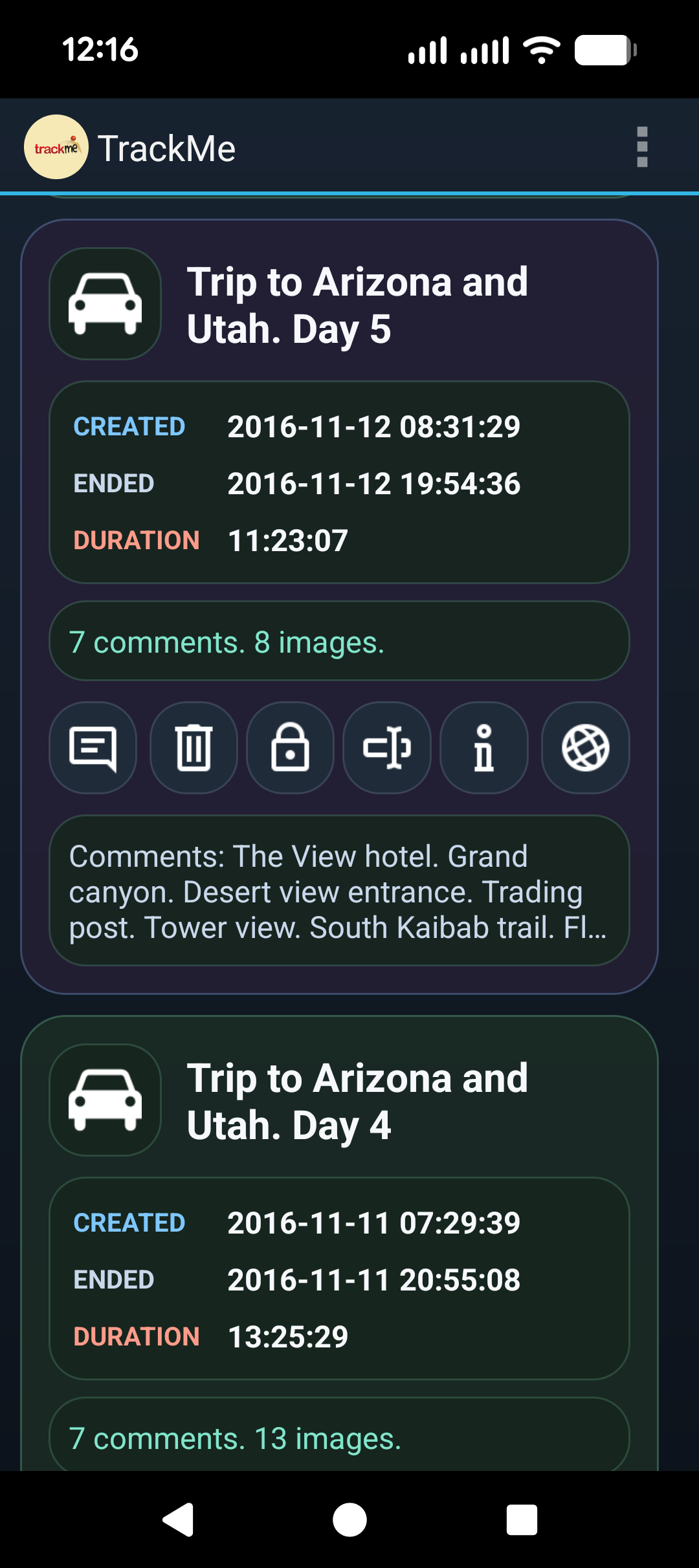
- Recorded routes with timestamps
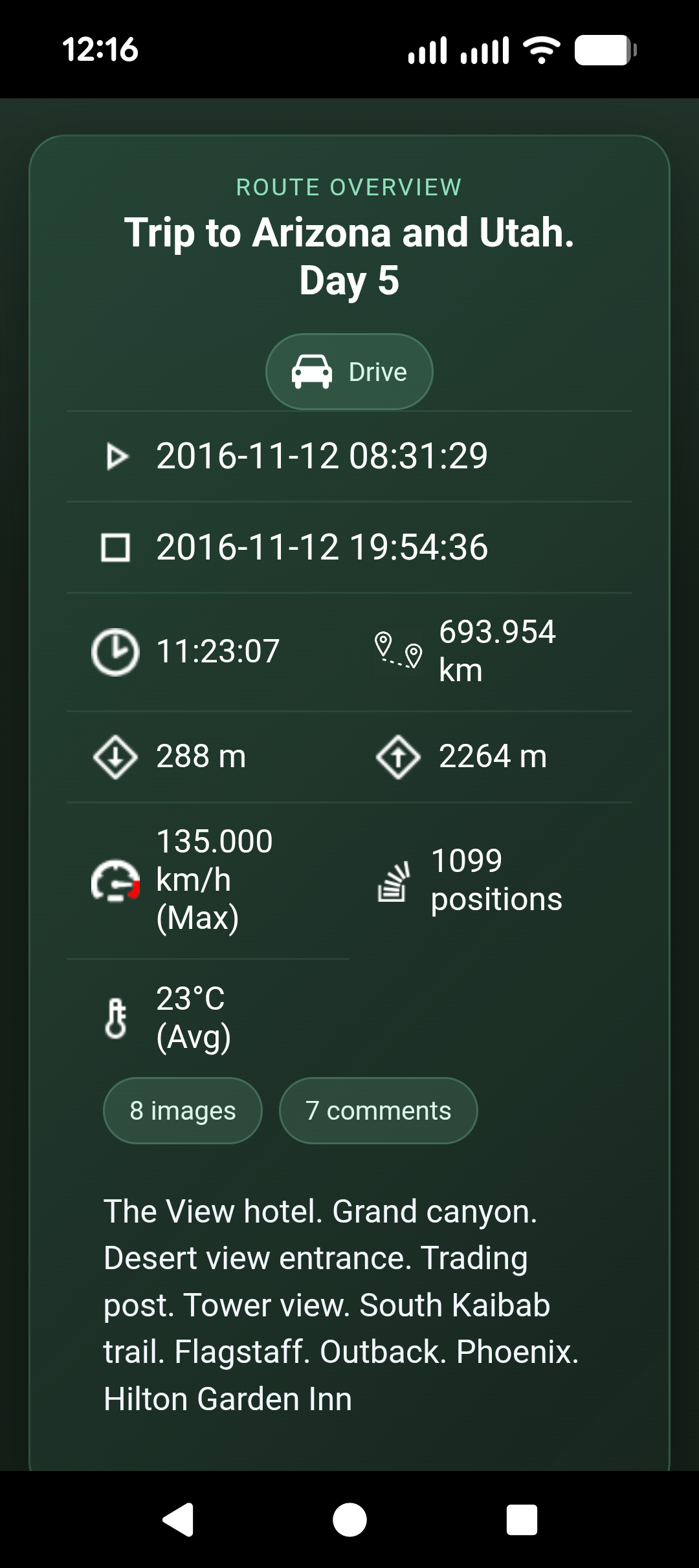
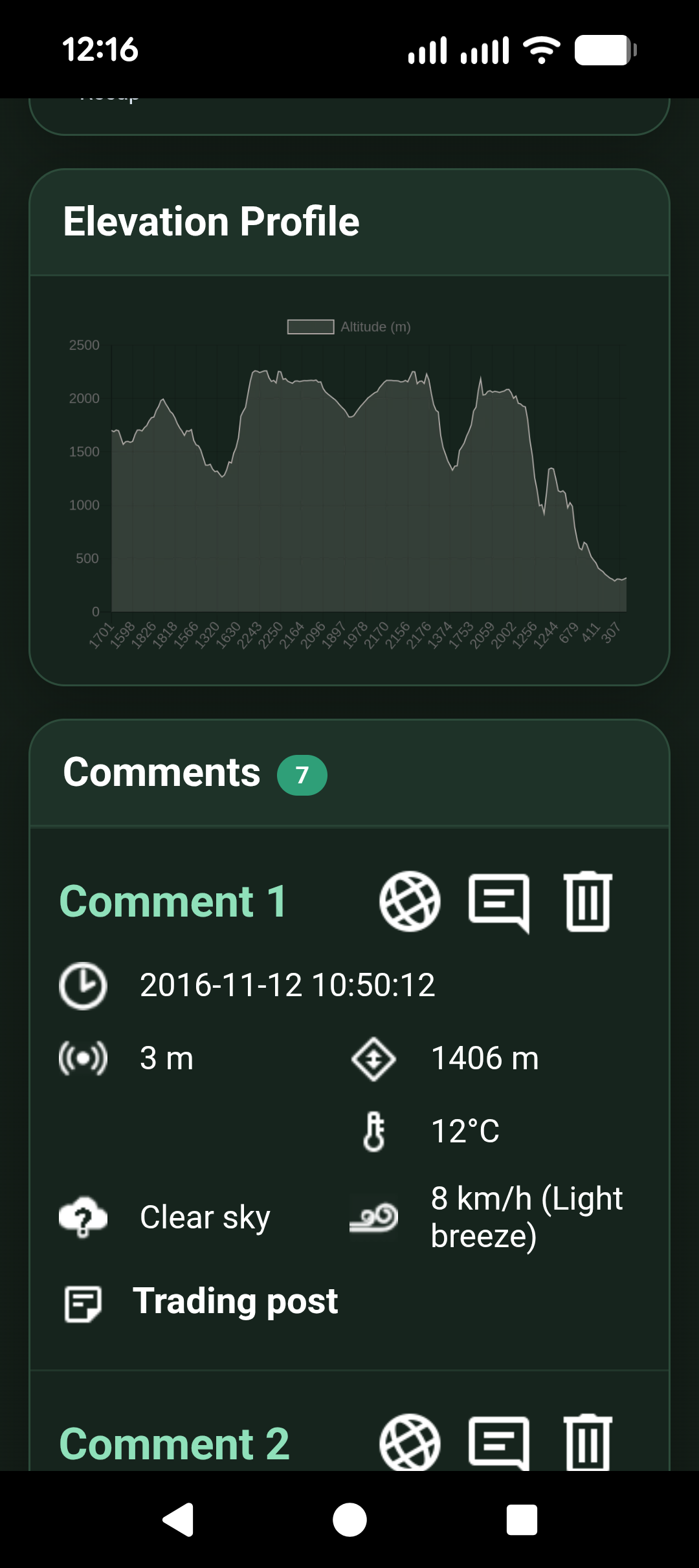
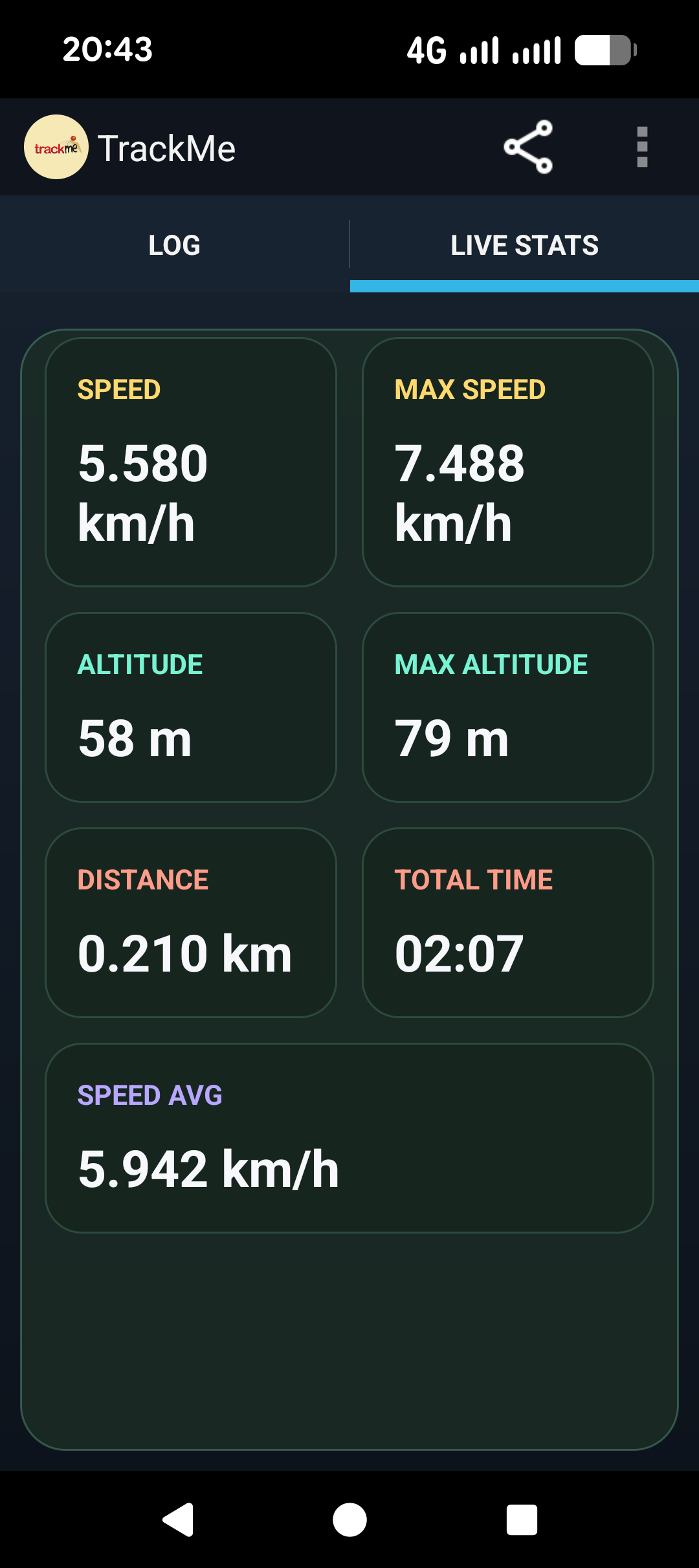
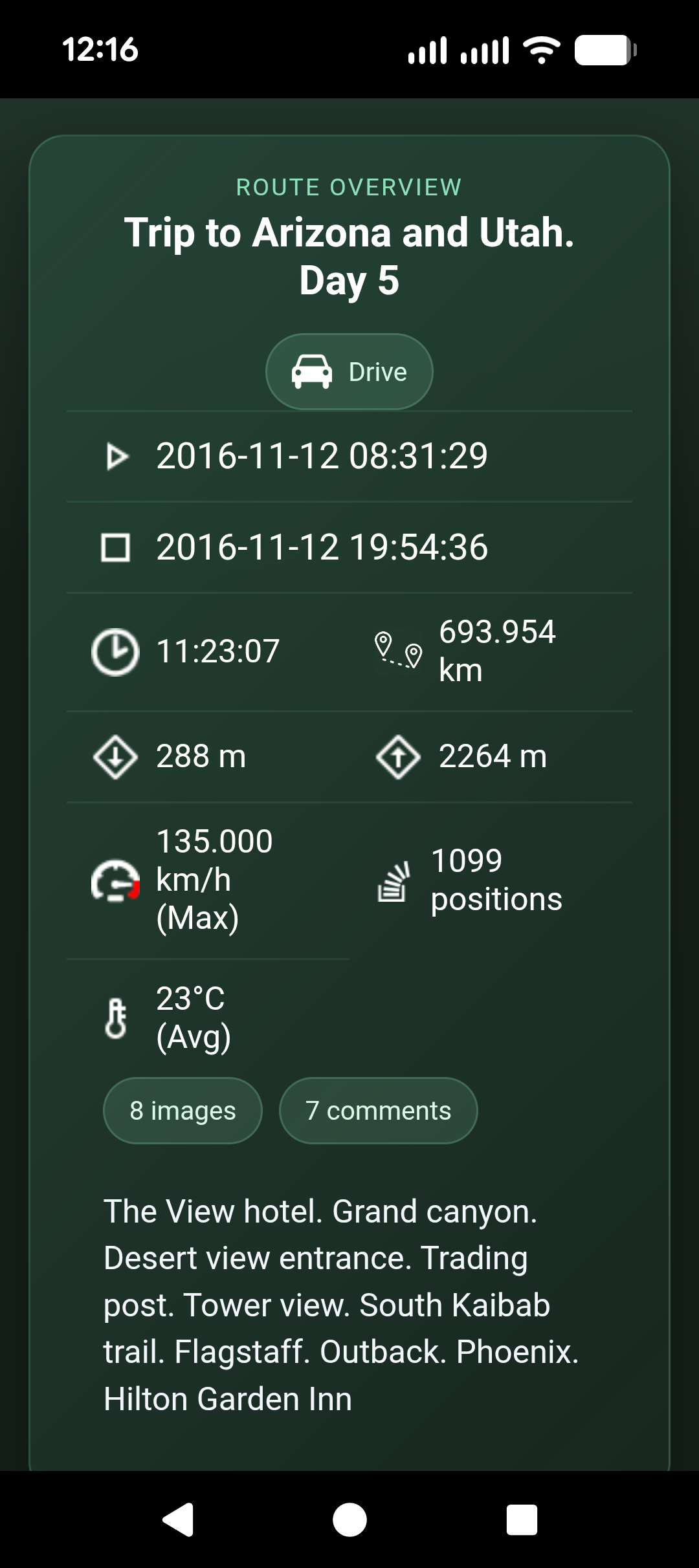
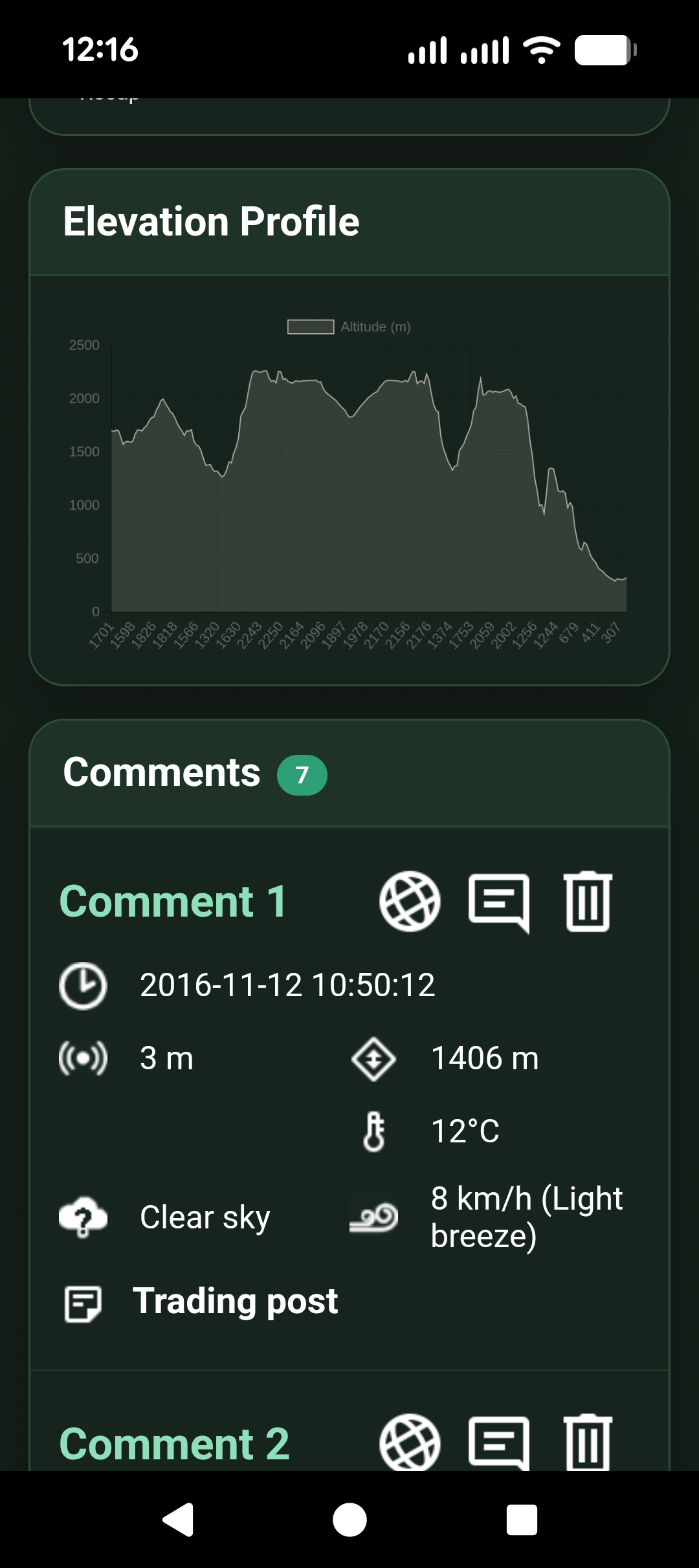
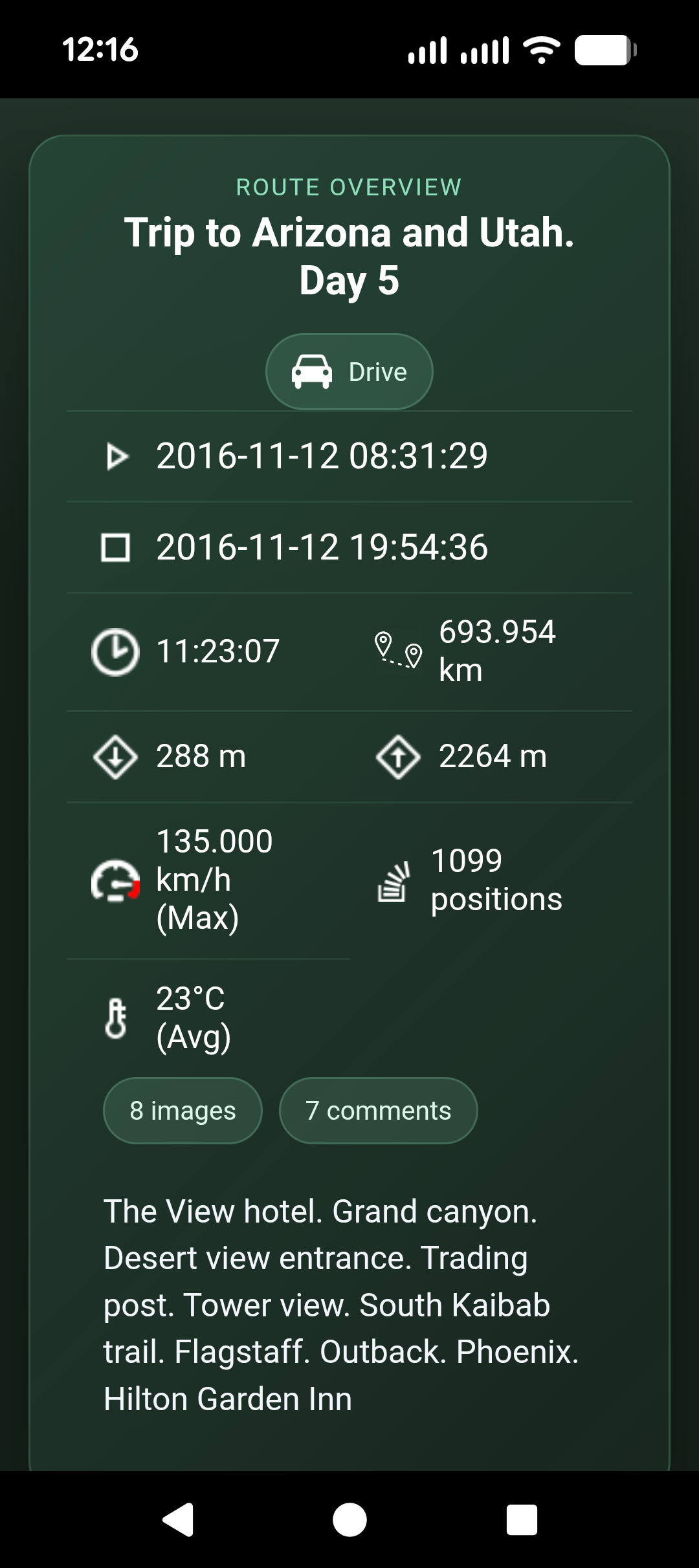
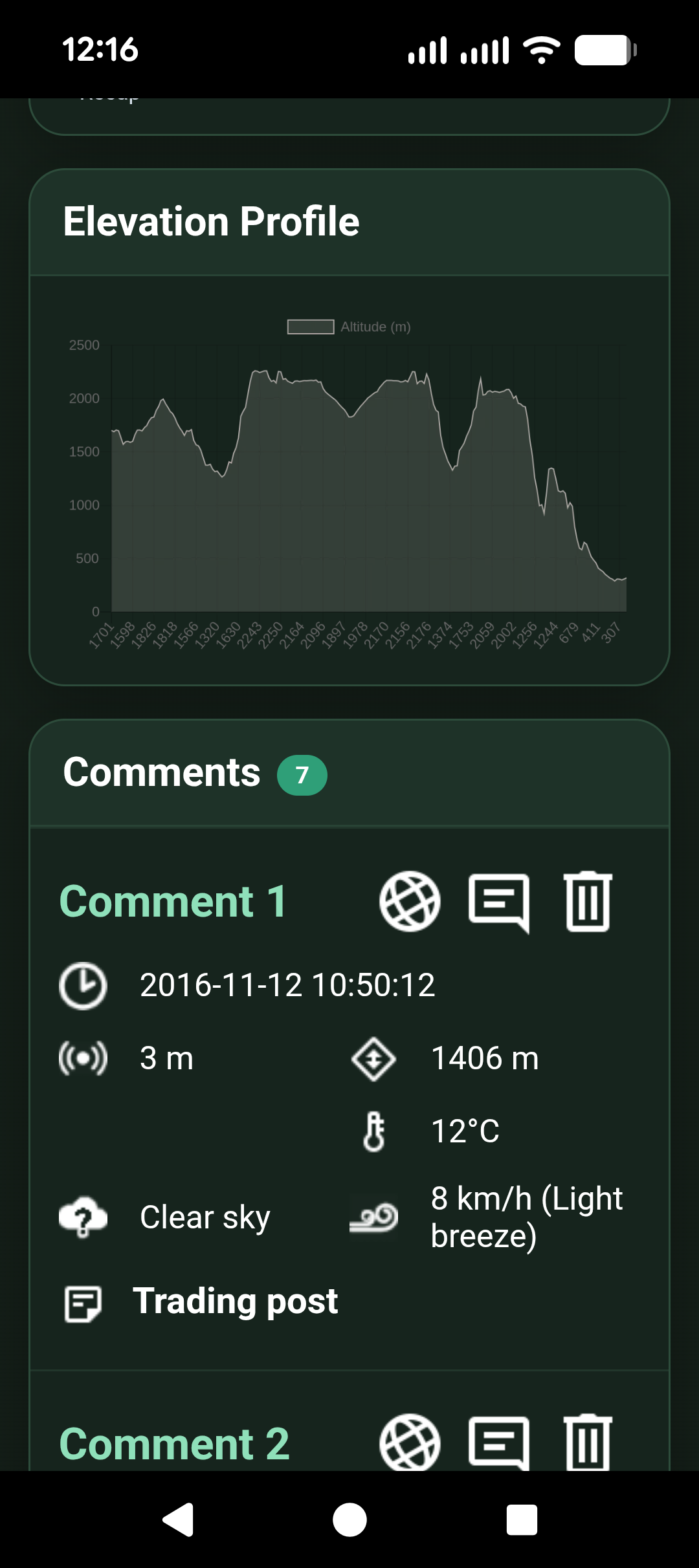
- Distance, duration, speed, altitude, accuracy, and other route statistics
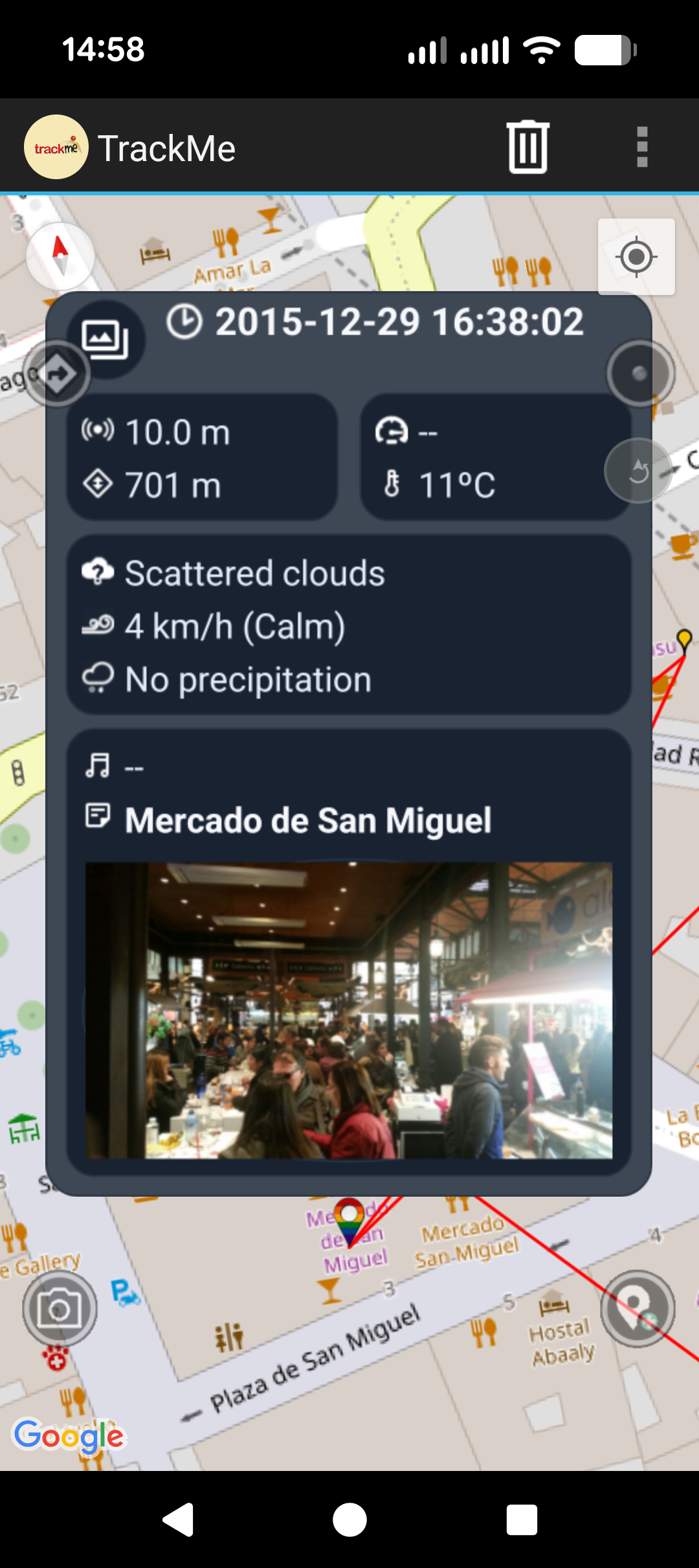
- Optional weather and astronomy information
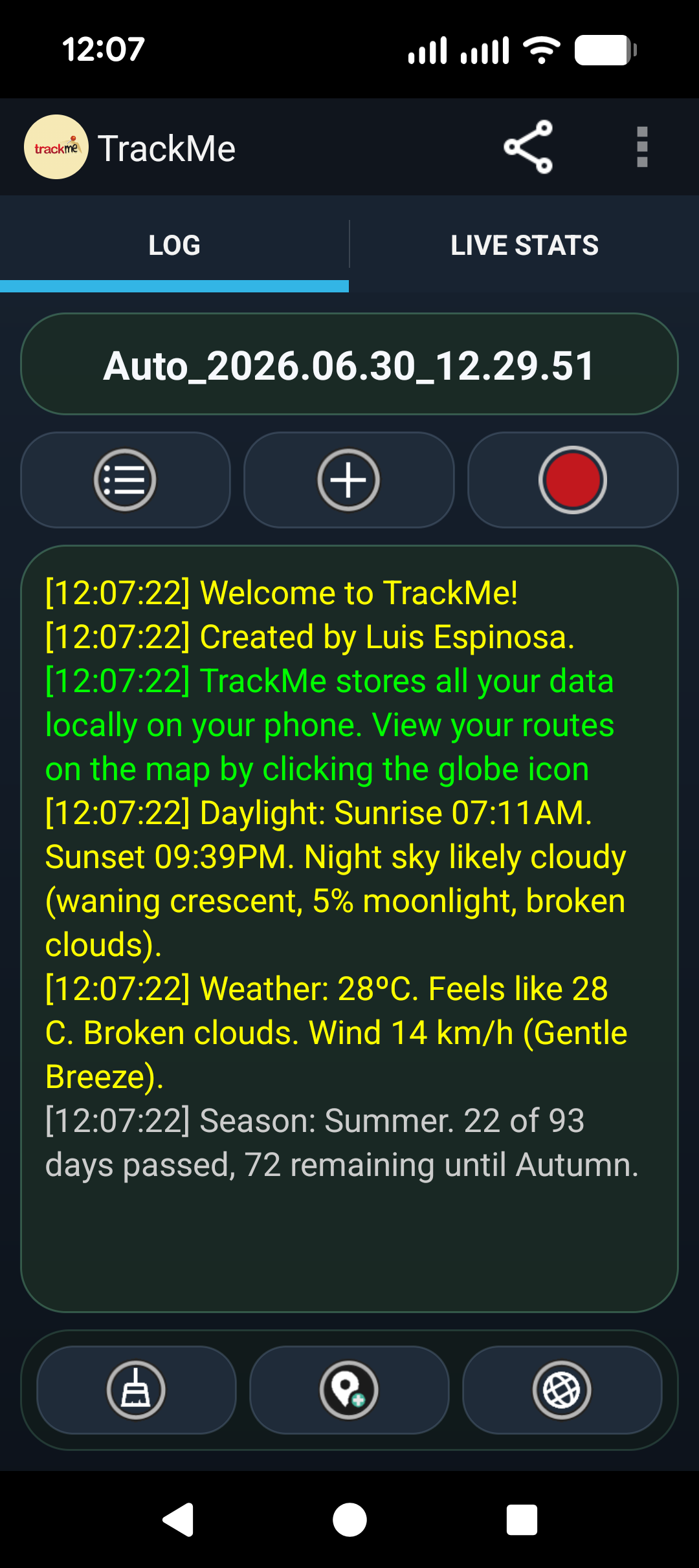
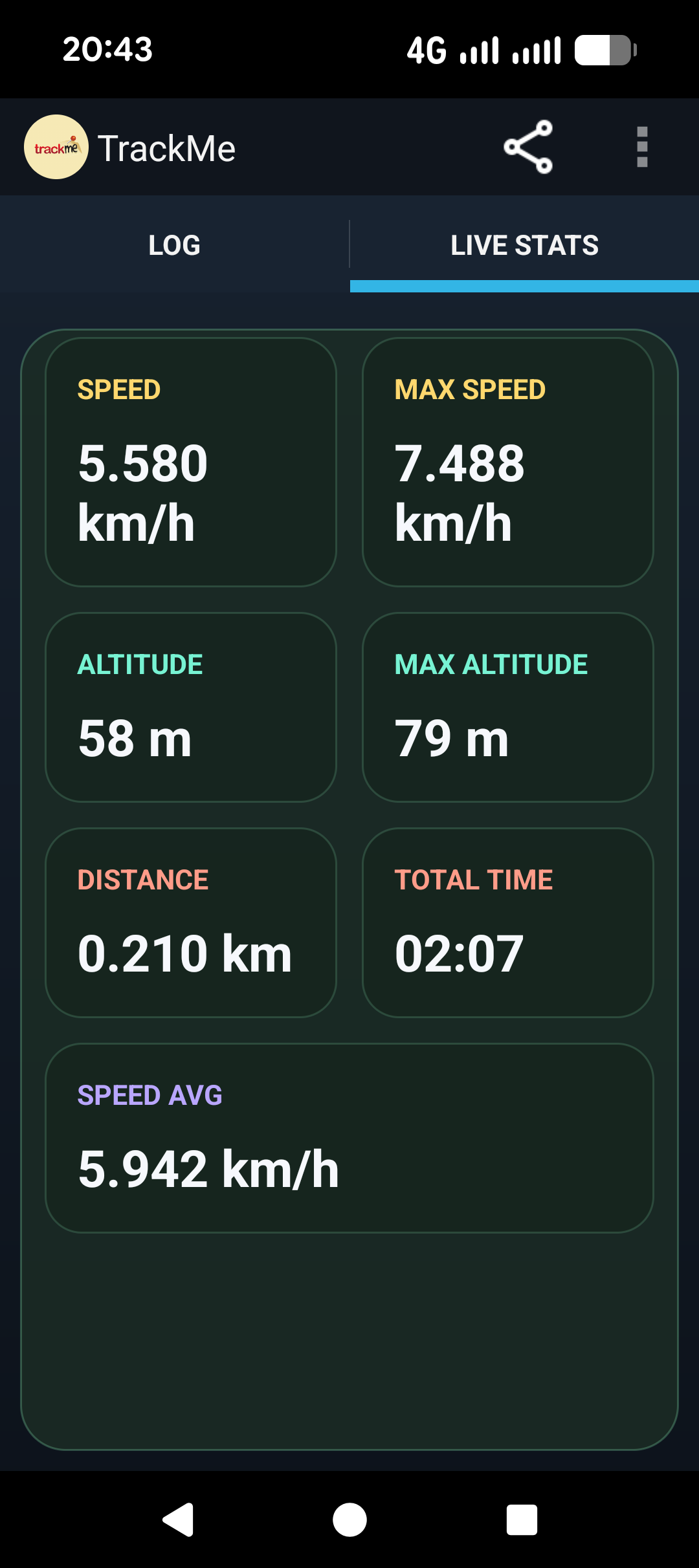
- Live stats while recording
- Detailed route summaries and recap screens
Recording features
- Manual route recording
- Timed recording on a repeating schedule
- Motion-based automatic start and stop recording
- Background recording support
- Automatic route naming options
- Start a new route automatically each day
- Adjustable minimum time and minimum distance between saved points
- Required location accuracy settings
- GPS, Wi-Fi, and network location sources
- Optional sunset alerts while recording
Maps and navigation
- Online and offline map support
- Download offline map tiles for later use
- Map tile cache inspection and statistics
- Multiple map providers and map styles
- Show current position, recorded routes, GPX overlays, and saved markers
- Search for locations and markers on the map
- Follow existing routes or GPX files
- Off-route alerts with sound, vibration, and pop-up warnings
- Rotate the live map to match your direction of travel
Markers, notes, and media
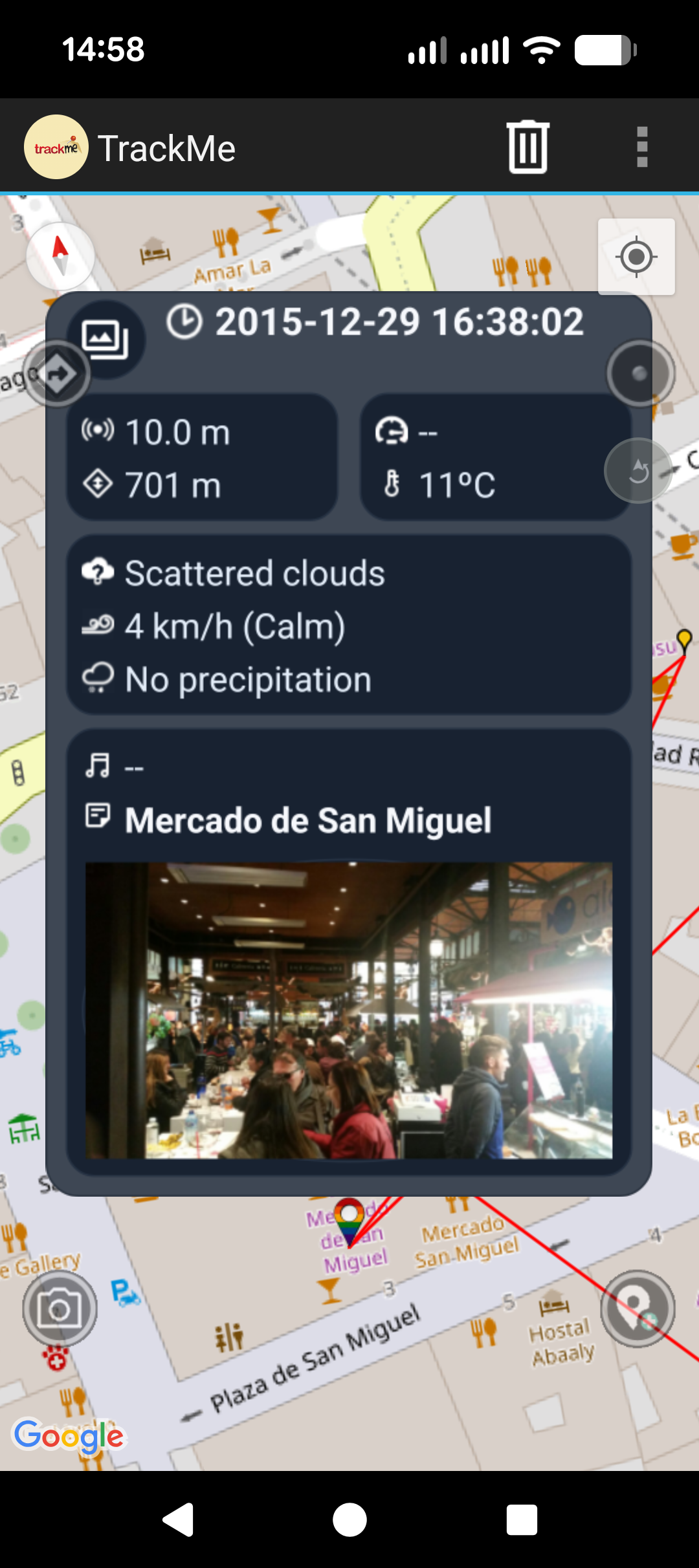
- Add markers to routes
- Save standalone points of interest
- Attach comments to saved positions
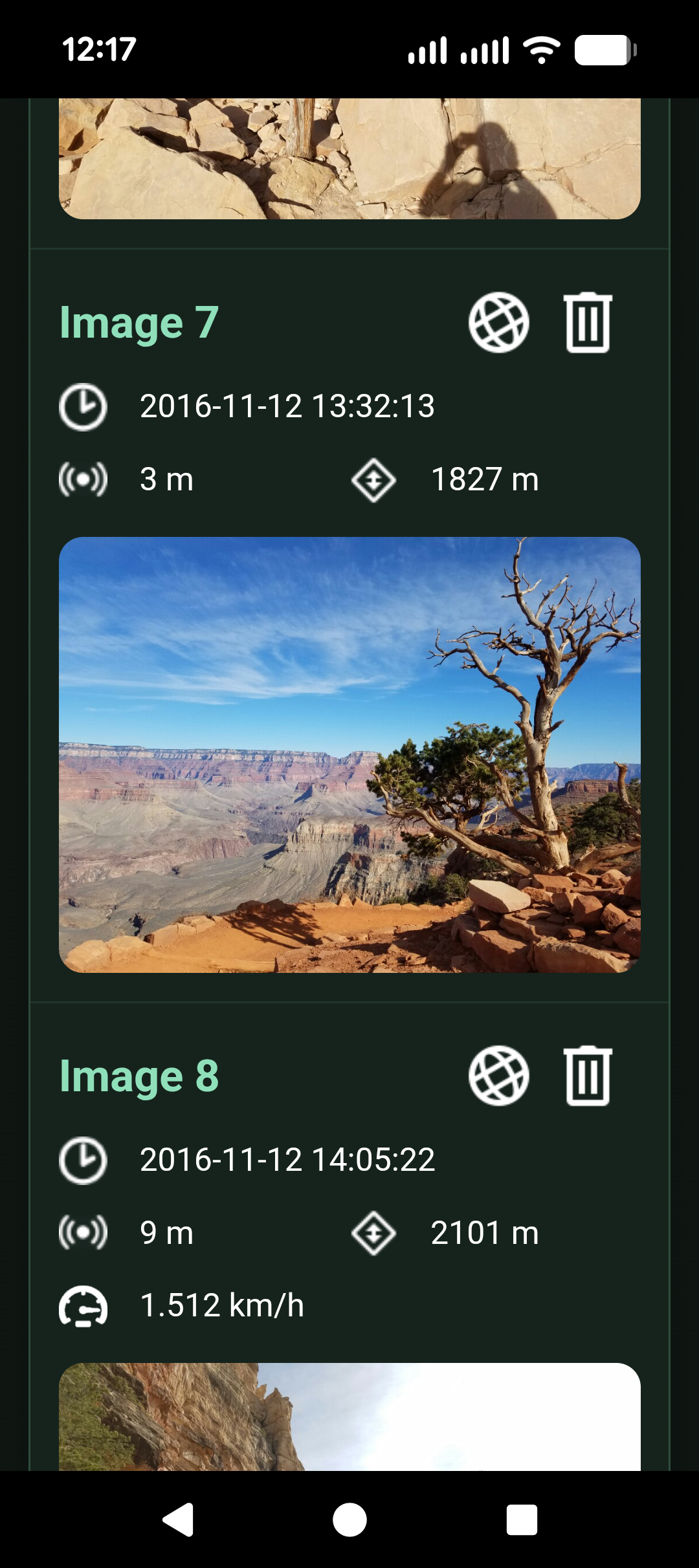
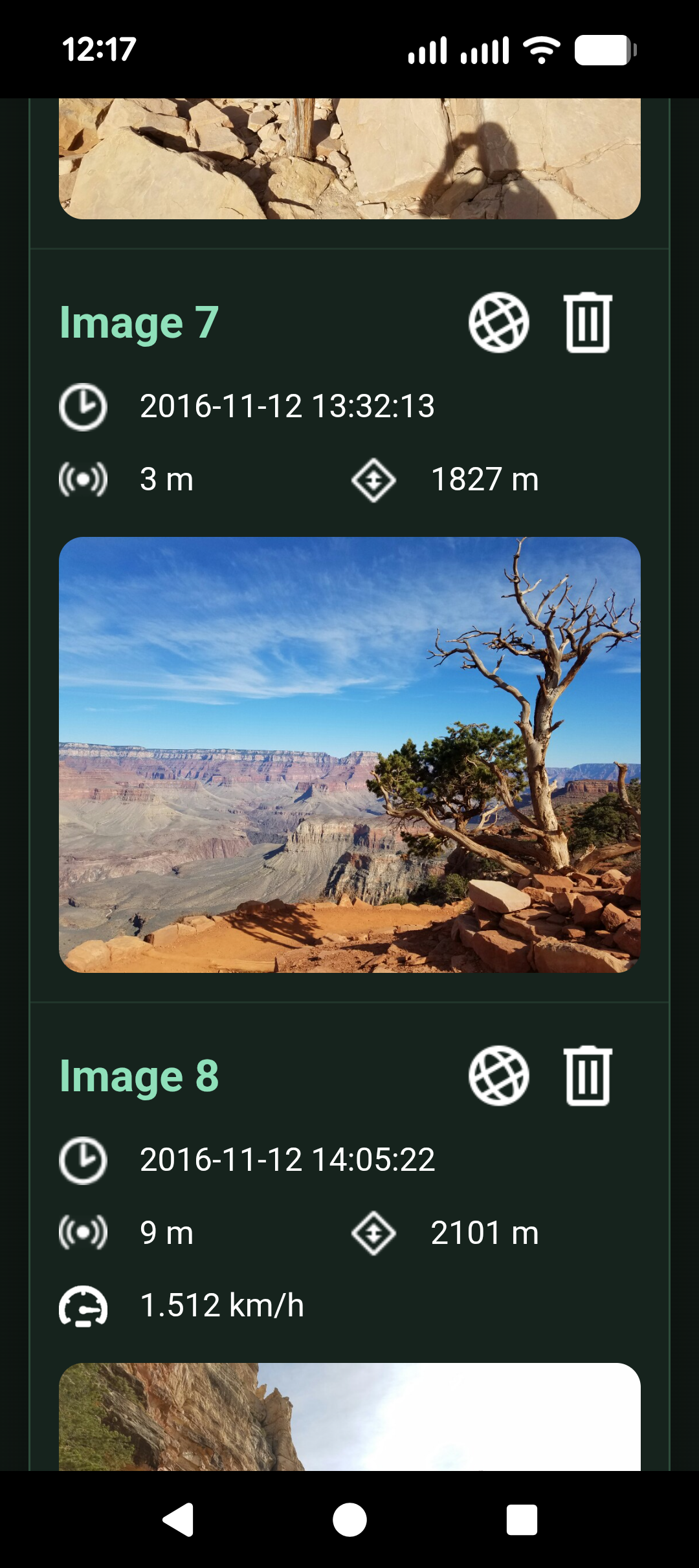
- Attach photos, imported images, voice notes, and files
- Automatic photo matching using image location and time data
- View nearby markers from older trips
- Search markers across routes
- Filter markers by route, comments, and media
Import, export, and sharing
- Import routes from GPX and KML files
- Export routes to GPX and KML
- Load GPX overlays on the map
- Share your current position through Android share targets such as messaging, email, and other apps
- Optional reverse geocoding when sharing
- Optional shortened share links
- Publish live position updates to a TrackMe server
- View synced or shared data from a web browser
- Use the public TrackMe server or your own server
Extra features
- Weather snapshots with markers
- Astronomy information
- Calories estimation based on your profile and route activity
- Route activity types
- Database backup and restore
- Settings backup and restore
- Debug logging and diagnostics
Privacy
Your routes, markers, and media stay on your device unless you choose to share, export, or sync them to a TrackMe server. Many core features work offline, while online features such as map downloads, weather, reverse geocoding, and server sync require an internet connection.
Map support
TrackMe currently includes support for 17 map providers and map types, including Google map styles, OpenStreetMap, OpenTopoMap, ESRI maps, hiking and cycling overlays, transport maps, and more.
TrackMe 7.0.0 Update
Full interface revamp for the TrackMe app and web viewer
New Weather Radar
New Ghost Replay
New recording recap
New astronomical information
New sunset notifications
Live Map can now move in the direction of travel
Improved calorie calculation
Profile now uses all fields
Import and export improvements
Faster route export to server
Timezone fixes
Updated to Android 37
Google Maps updated to 20.0.0
Read More