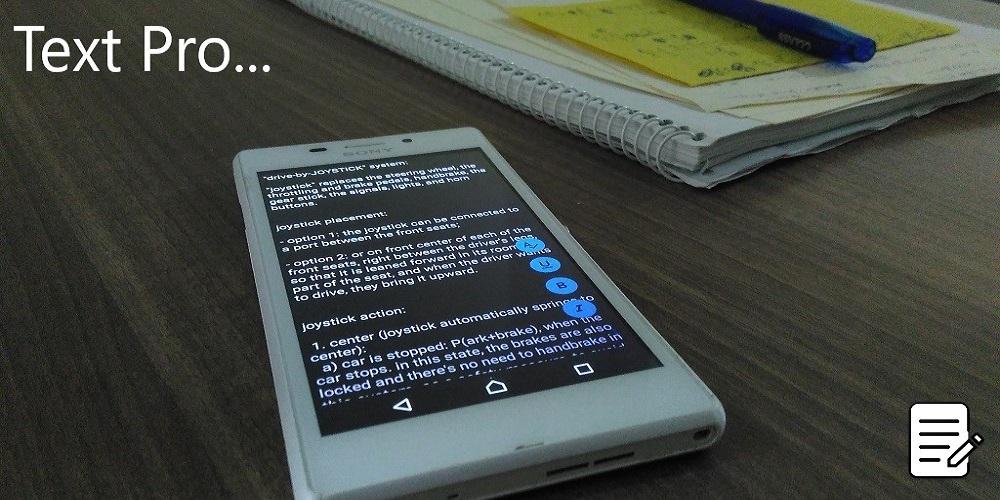
TEXT Pro (Package Name: sift.text) is developed by SIFT and the latest version of TEXT Pro - Text Editor 2022 0.21 was updated on September 19, 2021. TEXT Pro - Text Editor 2022 is in the category of Productivity. You can check all apps from the developer of TEXT Pro - Text Editor 2022. Currently this app is for free. This app can be downloaded on Android 5.0+ on APKFab or Google Play. All APK/XAPK files on APKFab.com are original and 100% safe with fast download.
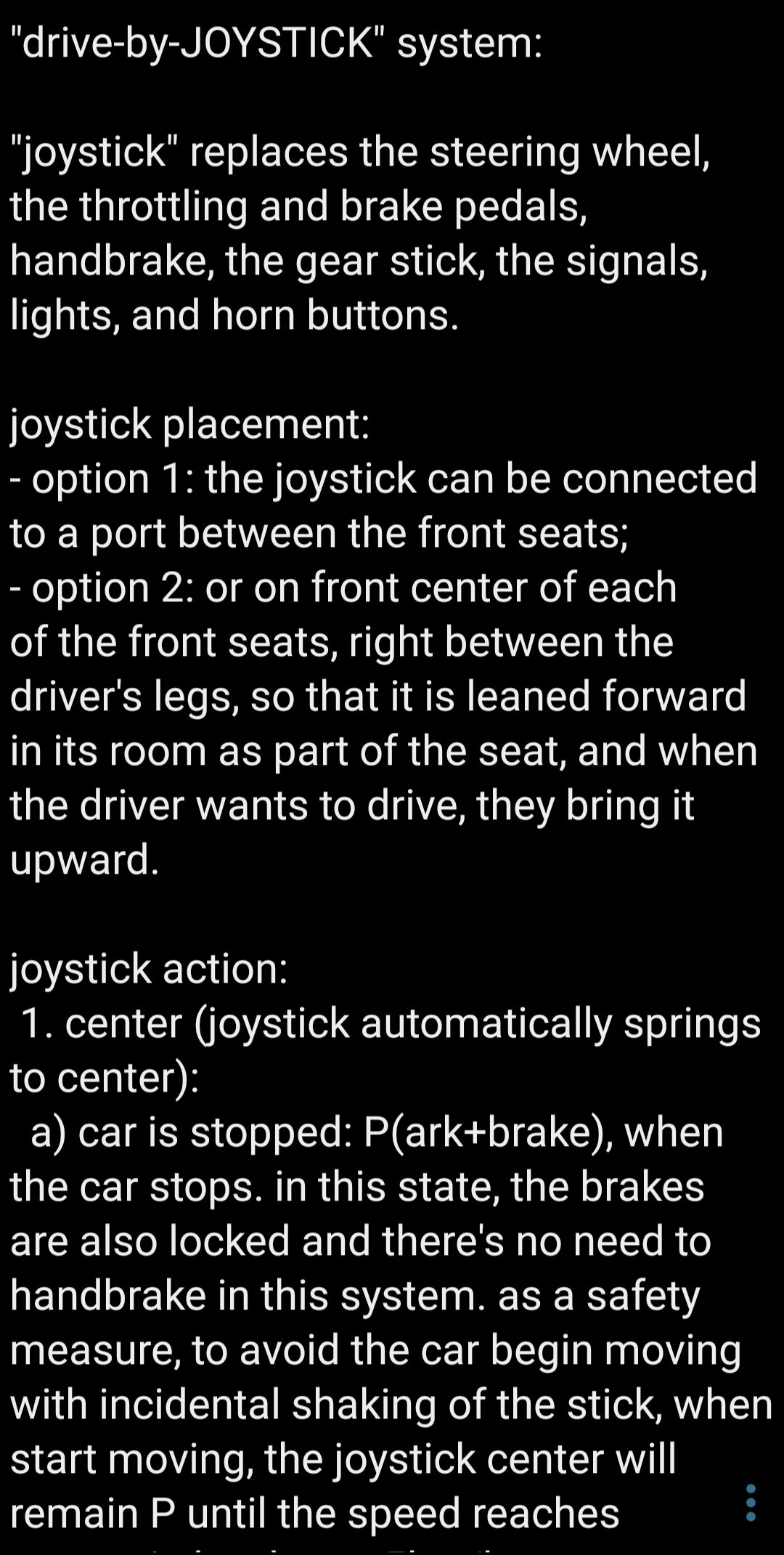
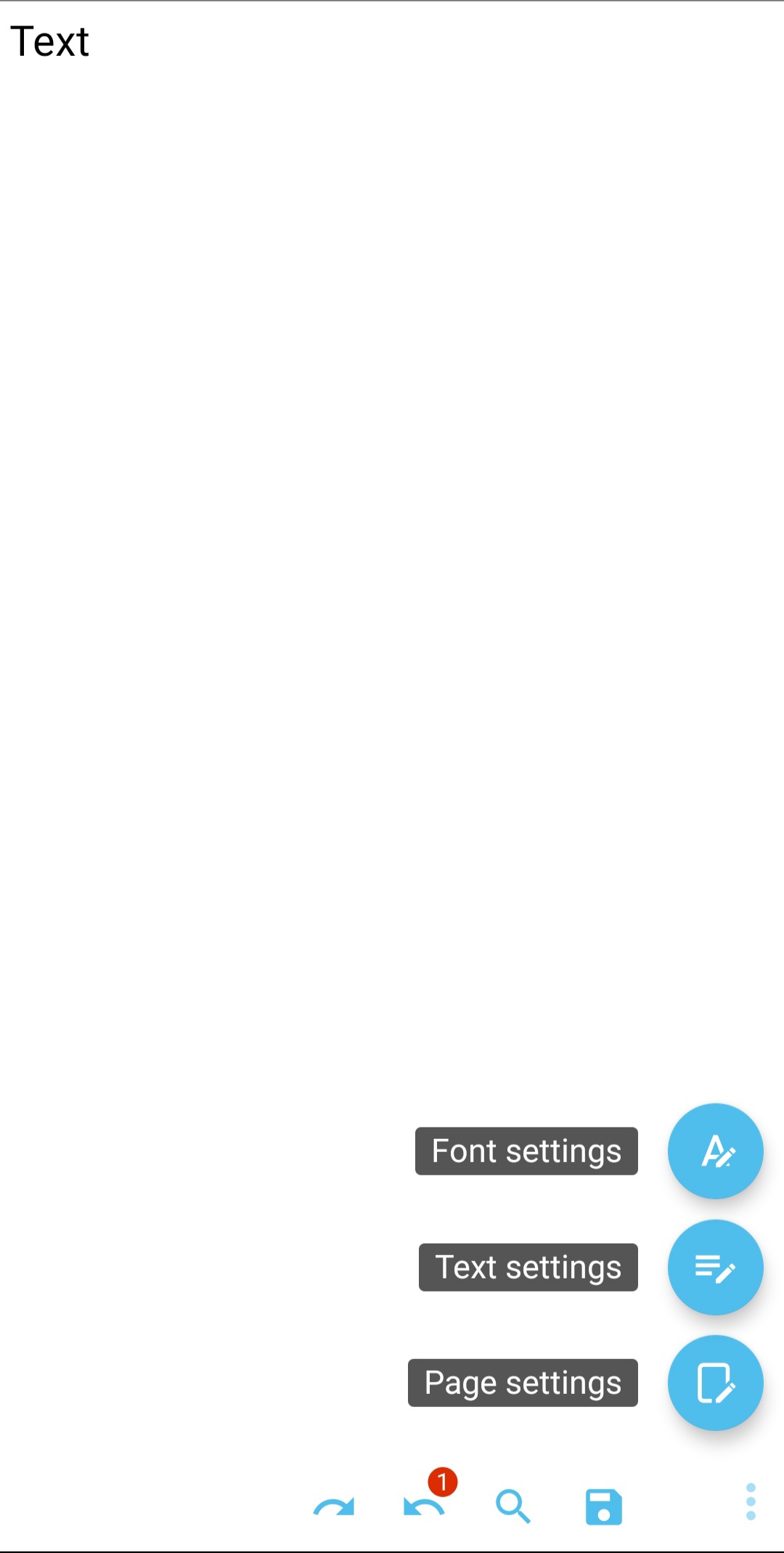
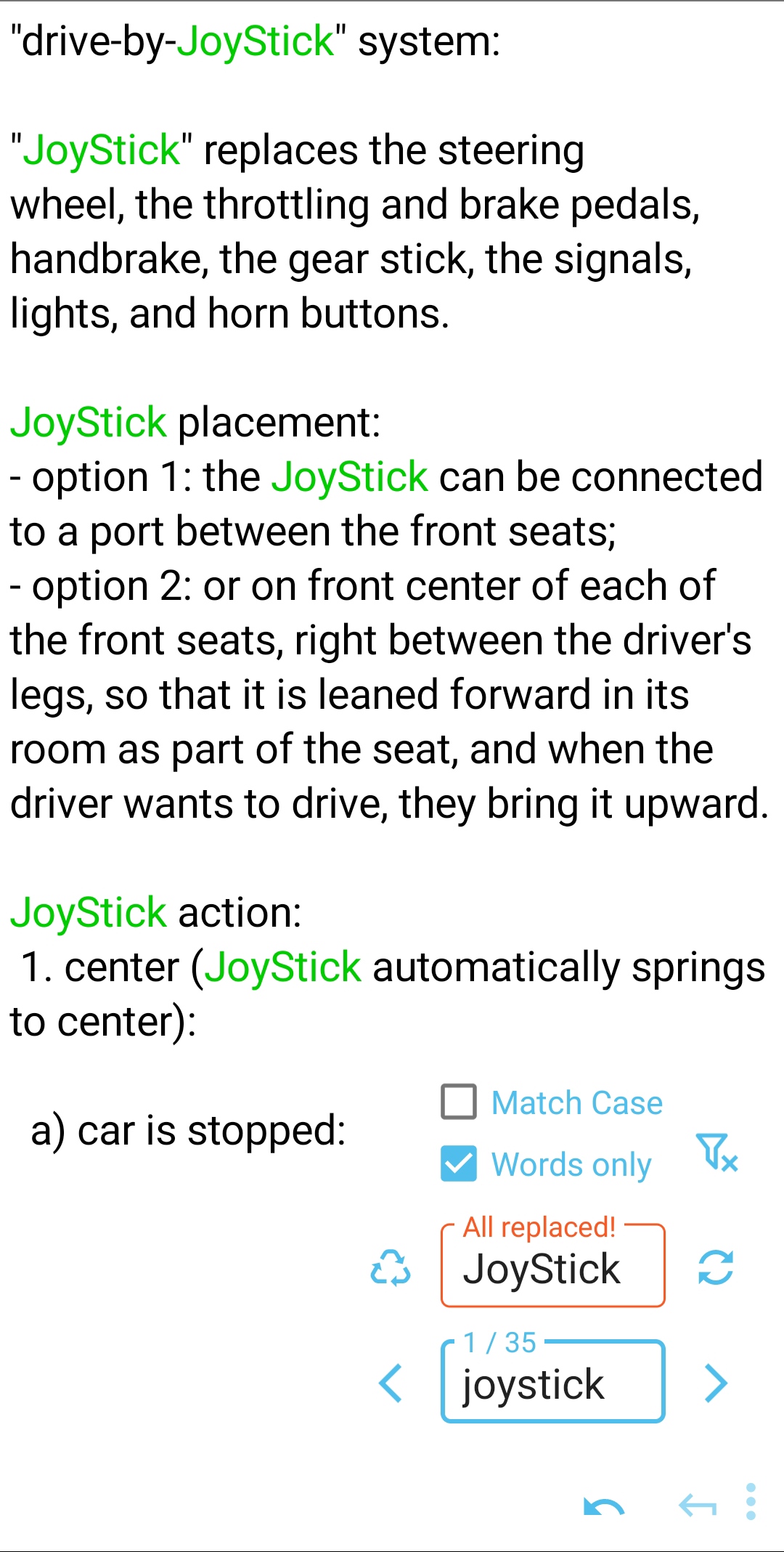
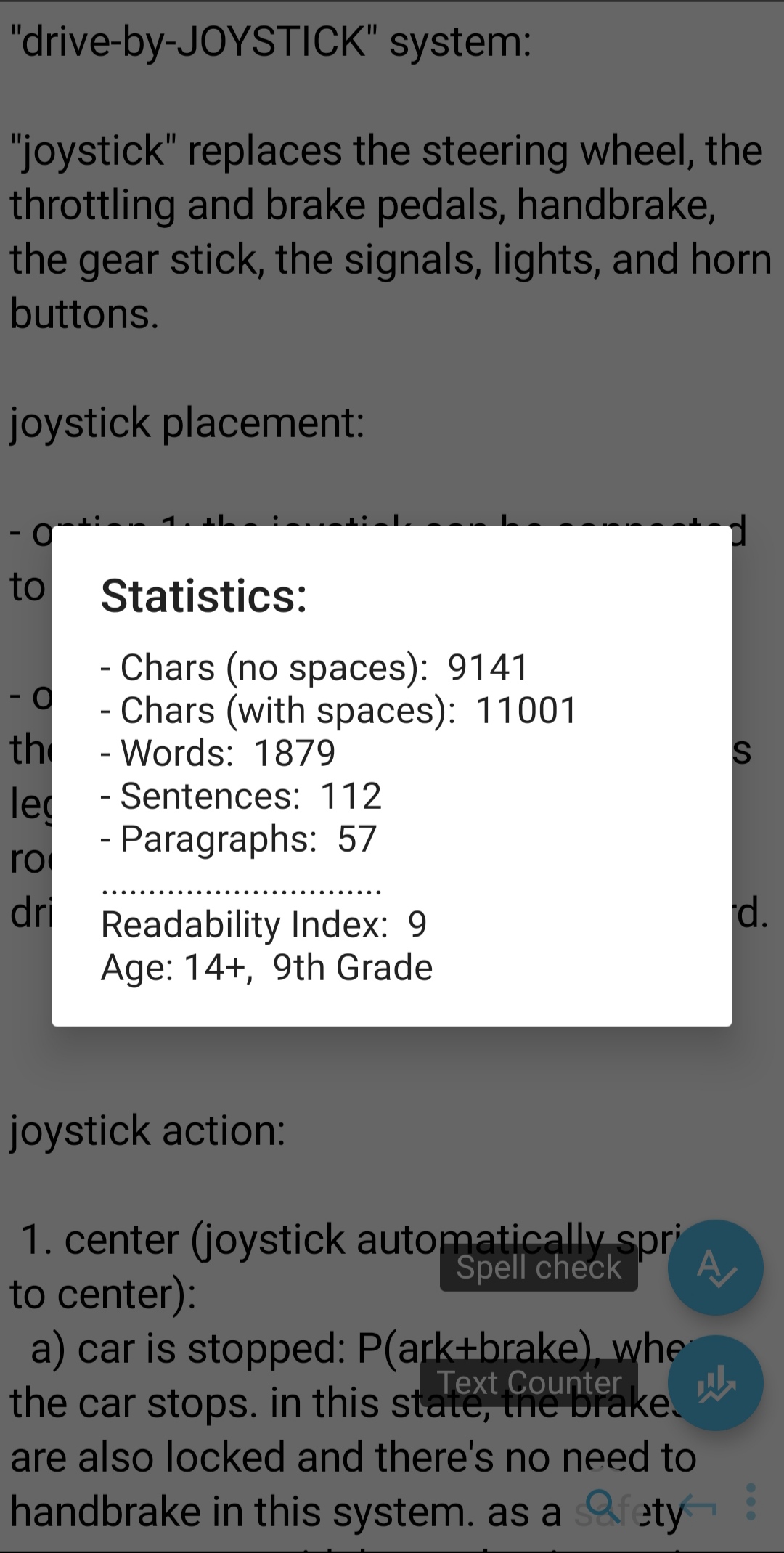
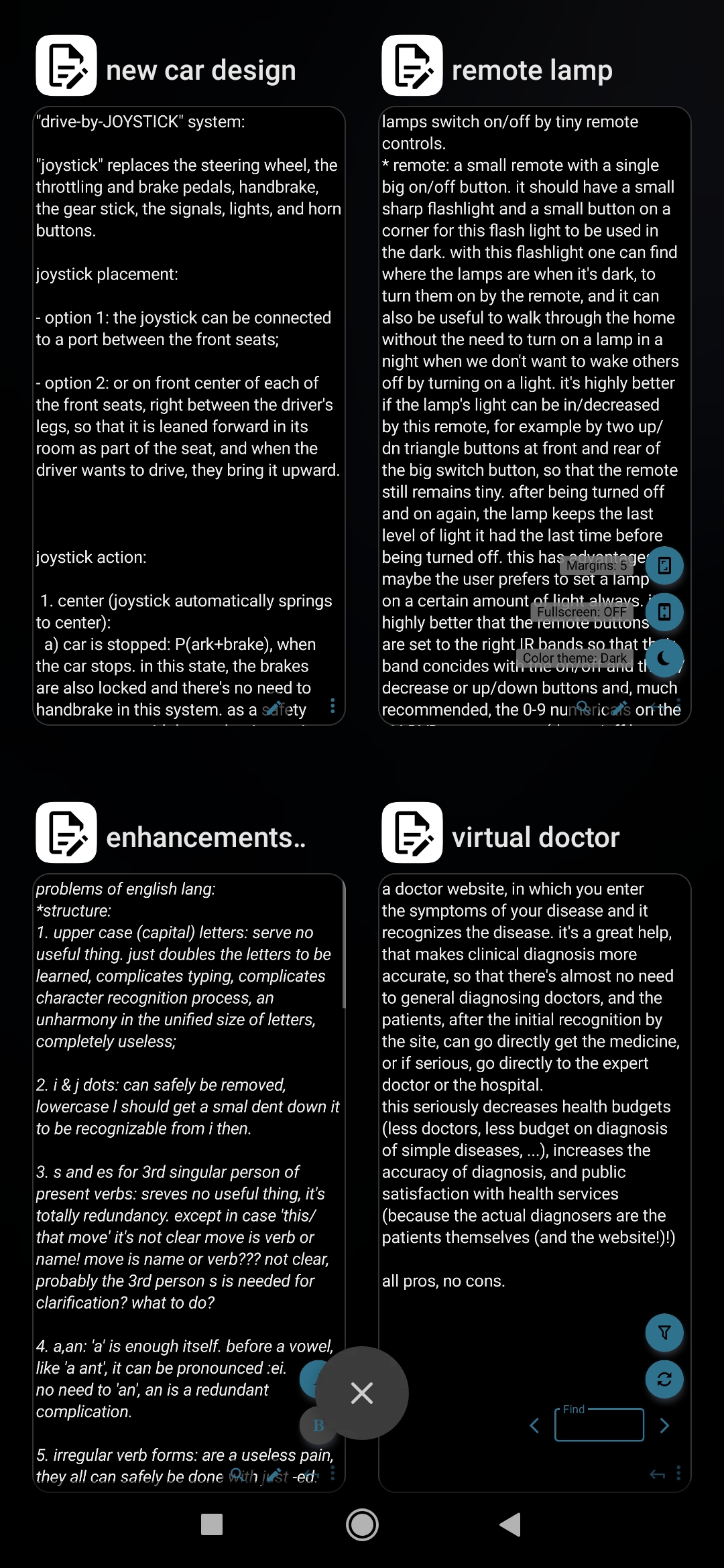
Text Pro features: + Performance: ✓ Smallest: 700kB of size, the smallest text editor app in Play store. ✓ Lightest: Lowest CPU & RAM usage among the known text editors. ✓ Fastest: 2+ times faster than most known text editors, opens and acts in a blink! ✓ Largest: With more than 80 buttons with different actions, TEXT Pro offers the largest collection of Text tools. ✓ Smart: Algorithms automate default actions with AI. + Files: ✓ Create, Open, Edit plain text files ✓ Offline & Cloud storage support ✓ Read-Only Mode ✓ Manual Save As & Auto-Save ✓ Cache Manager + Window: ✓ Multi-window (in Android Recents menu) ✓ Full-Screen ✓ Light / Dark & Custom colors with advanced HSL/RGB/HEX color palettes + Quick Actions: ✓ Auto-Hiding Quick-Action buttons (Open, Edit, Save As, Find, Undo&Redo) ✓ smart Undo&Redo with counter ✓ Find & Replace with counters + Menu: ✓ Advanced Menu with Material Design, ergonomic, minimalistic non-obtrusive floating buttons ✓ Page, Text, Font categorization of settings + Text settings: ✓ Auto/manual Text Alignment ✓ Auto/manual Wrap/Unwrap text ✓ Line spacing ✓ Char/Word/Line counter & Readability Index ✓ Spell checker ✓ Advanced 'Text-to-Speech' Player with different languages and voices + Font settings: ✓ Font face: Bold/Italic ✓ Font size, color, and shadow ✓ Supports text Encodings !Known issues: - Currently it's optimized for smaller files, it's slow for MB+ files. - Horizontal scrollbar goes down with contents. - Window blinks when switching themes. - Text reader doesn't bring words before the window completely into view. We will address these, and will be grateful to you to report your problems with it. ___________________ Features to come in next versions: + Font: - Text font - Auto-encoding + Text: Character-level: - Capitalization - Insert symbols & special chars (+date/time) Paragraph-level: - Line numbers - Numbering and bulletting - Sorting items (Alphanumeric, etc.) Text selection: - Multiple tap to selection character/word/sentence/paragraph - Smooth round-cornered selection highlight - Material UX context menu with Artificial Intelligence (AI) Review: - Syntax Highlighting - Dual pane (translate pad) - Compare files + Quick Actions menu: - Advanced find (search in selection, etc.) - Expandable quick menu - Add to quick menu - Frequently-used actions + Menu: - Scrollable menus - Left-hand menu option - Draggable menu & buttons - Floating toolbars + Window: - Tabs - Fast-scrollbar - Background graphic/image + Files: - File properties (name, location, size, creation & modification dates, language, etc.) - History & preview pane + UI (User Interface): - Message dashboard - Undo pane (track changes) - Customizable unit of length (pt, mm, cm, inch, percent, etc.) - Enhancing app graphics (colors, icons, animations). + Your feature requests & Many More! ___________________ Yours sincerely, Simple Ideas for Today (SIFT).
TEXT Pro 0.21 Update
Text Pro 0.21 brings to you: ✓ Page Color & Font Color: - HSL / RGB Color palettes & smart HEX color code input - Graphical Sliders & Number inputs to set color - Alpha (opacity) to set transparent colors. ✓ Text Shadow: - 3-Slider & Number input tool to set shadow direction, distance, and blur ✓ Minor improvements.
Text Pro 0.21 brings to you: ✓ Page Color & Font Color: - HSL / RGB Color palettes & smart HEX color code input - Graphical Sliders & Number inputs to set color - Alpha (opacity) to set transparent colors. ✓ Text Shadow: - 3-Slider & Number input tool to set shadow direction, distance, and blur ✓ Minor improvements.
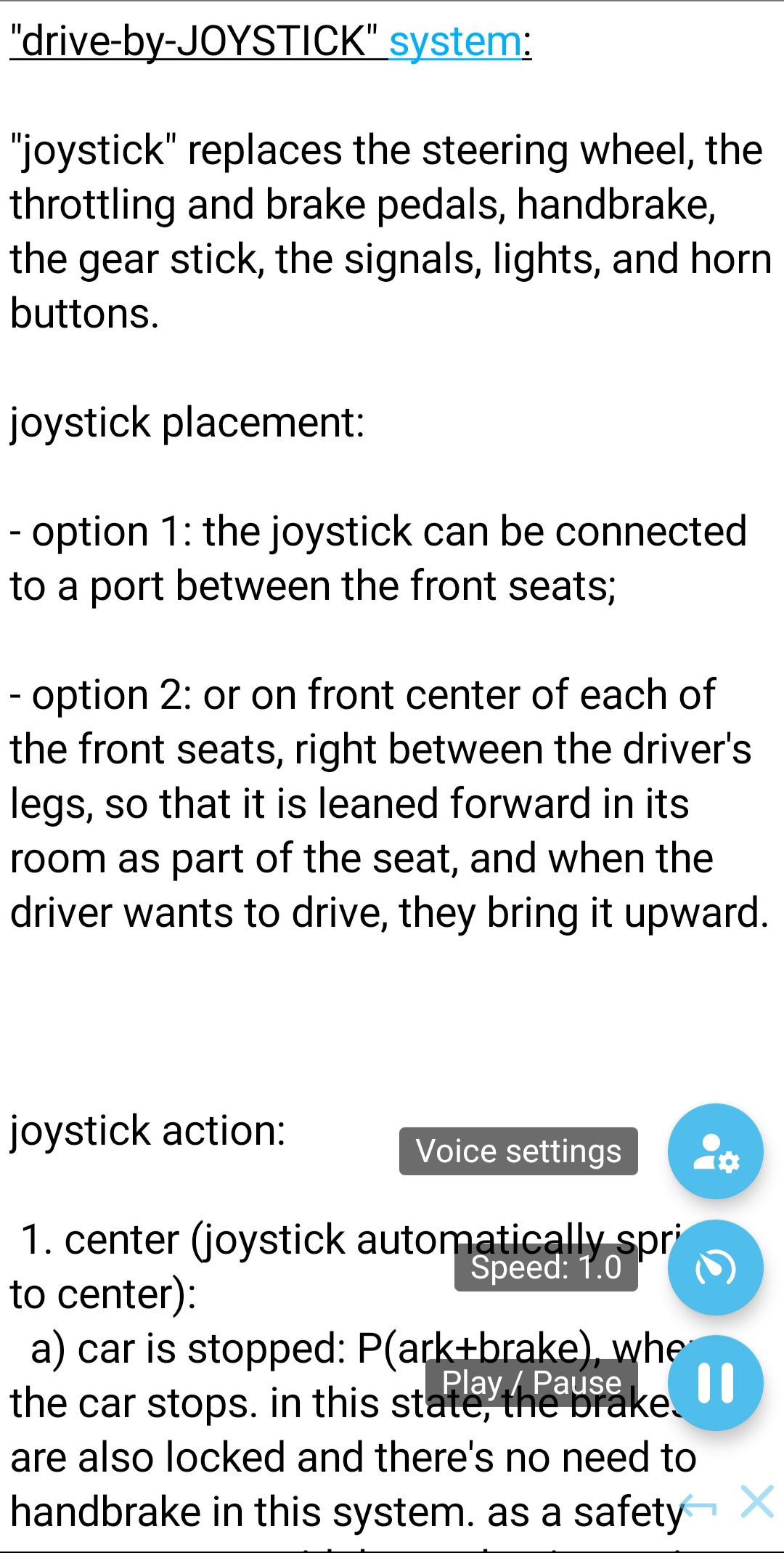
TEXT Pro 0.2 introduces an exciting new feature: "Text-to-Speech" Player: 'MENU: Text settings > Reader': ✓ Reads selected or whole text, ✓ Underlines sentence and Marks spoken word, ✓ Play / Pause, ✓ Adjustable reading speed, ✓ Reader's native language selection, ✓ Voice selection (Male & Female, Offline & Online), ✓ Adjustable voice pitch. It helps you read/proofread your texts with more accuracy and ease. We hope you enjoy it! Cheers!
TEXT Pro 0.19 brings to you: ✓ New icon ✓ Async Read & Save ✓ Async Undo ✓ Undo counter badge ✓ Auto Encoding checkup ✓ - /+ buttons for the Sliders of Font size, Line spacing, and Page margins ✓ Minor improvements.
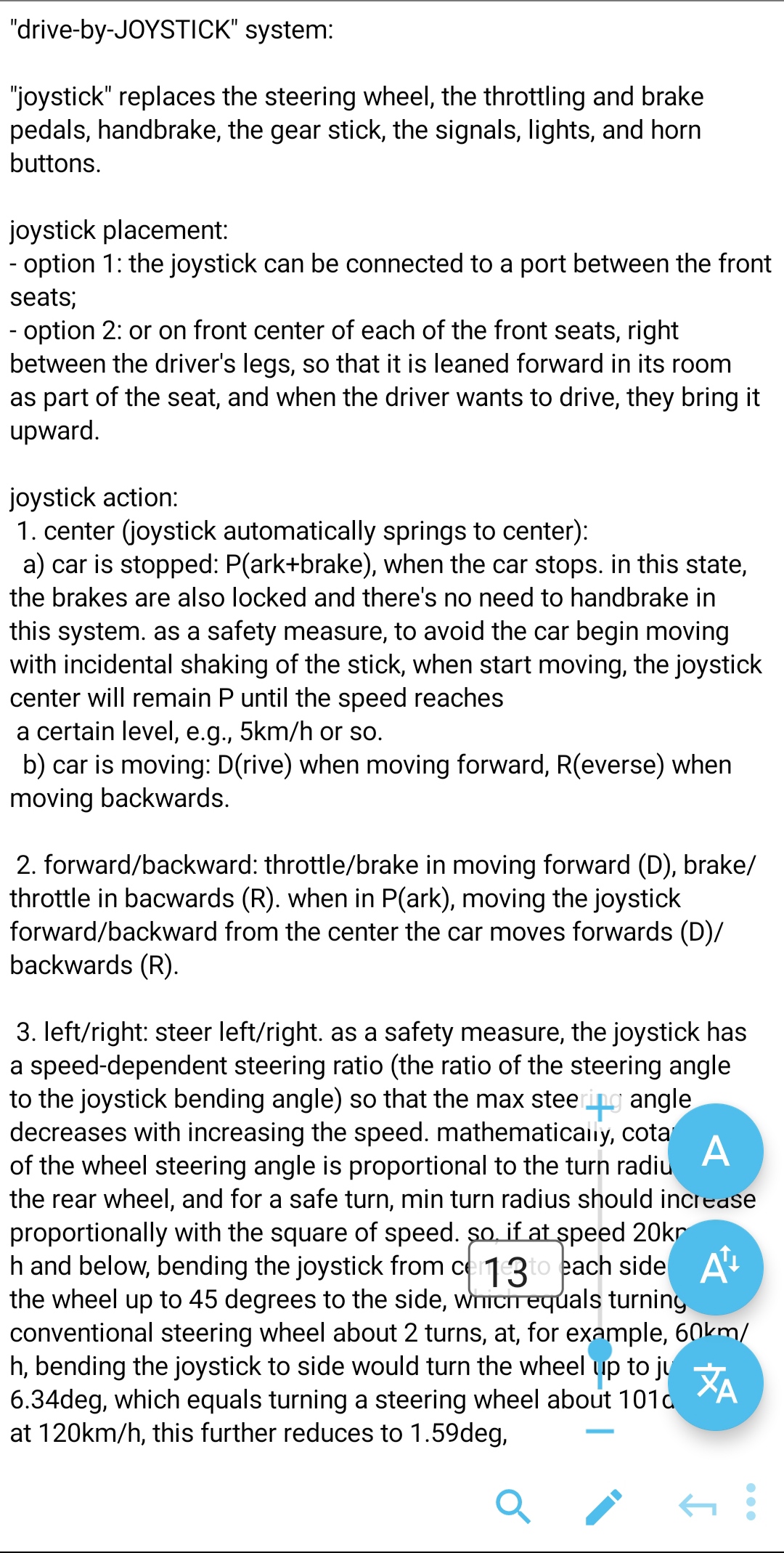
Text Pro 0.18 brings to you: ✓ Font Menu > "Font Size": - Graphical Slider & number input to set text font size ✓ Text Menu > Paragraphs > "Line Spacing": - Slider & Number input to set line spacing ✓ Page Menu > "Page Margin": - Slider & Number input to set page margins ✓ Find > Replace > "Replace All": - Replace All is now instant and much faster ✓ In version 0.185: Minor improvements.
APKFab.com and the download link of this app are 100% safe. All download links of apps listed on APKFab.com are from Google Play Store or submitted by users. For the app from Google Play Store, APKFab.com won't modify it in any way. For the app submitted by users, APKFab.com will verify its APK signature safety before release it on our website.