SureLock Kiosk Lockdown

8.3 151

v23.62015 by 42Gears Mobility Systems

SureLock Kiosk Lockdown APK download SureLock Kiosk Lockdown APK download

About SureLock

SureLock (Package Name: com.gears42.surelock) is developed by 42Gears Mobility Systems and the latest version of SureLock Kiosk Lockdown 23.62015 was updated on August 18, 2026. SureLock Kiosk Lockdown is in the category of Business. You can check all apps from the developer of SureLock Kiosk Lockdown and find 200 alternative apps to SureLock Kiosk Lockdown on Android. Currently this app is for free. This app can be downloaded on Android 5.0+ on APKFab or Google Play. All APK/XAPK files on APKFab.com are original and 100% safe with fast download.
Important:
Note:
1. For Business use only.
2. Free trial limitations: You can restrict users to single-app mode or 2 apps, and the default wallpaper and password cannot be changed.
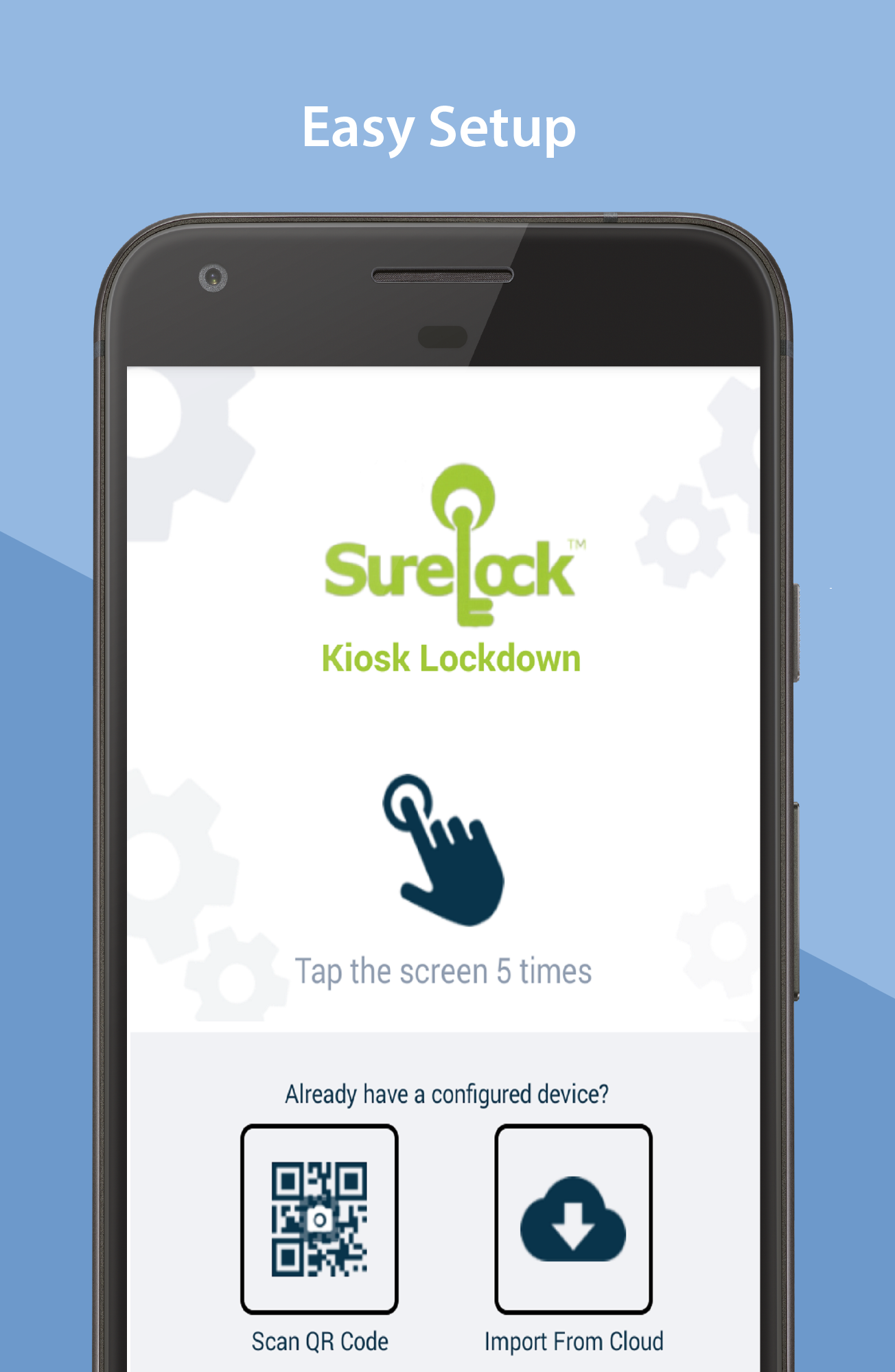
SureLock is the #1 kiosk lockdown tool for Android that transforms any Android tablet or smartphone into a dedicated Android kiosk. It replaces the default Home Screen or Launcher and restricts access to only admin-approved apps. SureLock has built-in device management capabilities.
Description:
Worried about the misuse of your company-owned Android devices? It has become common to use off-the-shelf mobile devices to run business apps or self-service kiosks. However, device misuse can impact user productivity and result in high maintenance costs and mobile data-usage bills.
Use SureLock to lock-down Android tablets and smartphones and convert them into dedicated Android kiosks, limiting access to just the apps and device features that admins approve. Social media apps, system settings, and other unapproved apps are entirely hidden from the user.
Remote Management:
SureLock includes integrated device management functionality with which you can remotely configure lockdown settings, view, push, pull and manage files, troubleshoot device issues using screen-sharing features and track devices in real-time on Google Maps.
Key Features:
Lock down devices into single-app or multi-app mode
Password protect apps
Auto-launch apps at startup
Control peripherals (Wi-Fi, Bluetooth, Camera, Screen Orientation, Airplane Mode, Audio, GPS)
Customize Home screen (Layout, App Labels, Wallpaper)
Remotely manage device and device files with SureMDM
Block user from altering system settings
Set the device to return to Home screen after a period of inactivity
Display widgets on the Home screen
Application shortcuts
Screen saver mode
Disable the status bar, notification panel, and power button
Delayed application launch
Driver Safety Mode: Disable touch screen and hardware keys if the driver goes above a speed threshold
Collect application usage data (launch time, duration of usage, etc.)
Power saving settings (brightness control based on charging status and user inactivity)
Easily integrates SureFox (Special lock-down browser to restrict browsing to only admin-approved websites)
Who uses SureLock
- Field force using Android tablets and smartphones
- Trucking companies (ELD Mandate), Electronic Logbook Application lockdown
- Libraries and schools
- Taxi Dispatch Systems
- Android kiosks at retail stores
- Inventory Control and Asset Tracking
- Passenger Infotainment at airports
- Restaurants for customer feedback and engagement
- Patient surveys at hospitals
- Electronic Proof of Delivery applications used by logistics companies
Licensing and Support:
SureLock In-App license purchase includes support and access to upgrades to the newest versions for 1 year from the date of purchase. After 1 year, you will have perpetual access to the version installed at that time. However, you will not have access to support, maintenance, or upgrades.
Important Links:
How to exit SureLock: https://bit.ly/3dg0ajK
Documentation: https://bit.ly/32dfhnw
Email: [email protected]
Note :
1. The user must grant multiple special permissions. During setup, permission usage and consent will be displayed.
2. SureLock uses the Device Administrator permission. It also uses Accessibility services to control the device remotely. This allows admins to securely connect to your device and remotely troubleshoot any issues you may be experiencing.
3. VPN service is needed to enforce the blocking of WiFi and Mobile Data for a specific application as defined by the enterprise IT administrator.

SureLock 23.62015 Update

Improvements
Read More
SureLock Features
Related Videos
Previous Versions More
SureLock Kiosk Lockdown
SureLock Kiosk Lockdown 23.62015 APK
September 2, 2026 59.49 MB

Requires Android: Android 5.0+

Architecture: arm64-v8a, armeabi-v7a, x86, x86_64

Screen DPI: nodpi

SHA1: 410648ee9c6d20f0cc2c077d10d6b4292e081a4c

Size: 59.49 MB

What's New:

Improvements
SureLock Kiosk Lockdown
SureLock Kiosk Lockdown 23.62012 APK
August 19, 2026 59.48 MB

Requires Android: Android 5.0+

Architecture: arm64-v8a, armeabi-v7a, x86, x86_64

Screen DPI: nodpi

SHA1: ae813bfe495e135cd4e540c52b5c36e6afa287a5

Size: 59.48 MB

What's New:

Improvements
SureLock Kiosk Lockdown
SureLock Kiosk Lockdown 23.62003 APK
August 13, 2026 59.46 MB

Requires Android: Android 5.0+

Architecture: arm64-v8a, armeabi-v7a, x86, x86_64

Screen DPI: nodpi

SHA1: c9e11f251eca9b32c9ddf5dd45d78be4cbc6ed8a

Size: 59.46 MB

What's New:

1. Added alerts for unauthorised JavaScript execution during Post-login and Logout actions.
2. Introduced a progress screen for G-Suite authentication in Shared Device
3. General stability and performance improvements.
Mode.
SureLock Kiosk Lockdown
SureLock Kiosk Lockdown 23.61010 APK
August 4, 2026 59.35 MB

Requires Android: Android 5.0+

Architecture: arm64-v8a, armeabi-v7a, x86, x86_64

Screen DPI: nodpi

SHA1: deb3c2acd5691c5662d7a3e8726bf3a3f15ff72b

Size: 59.35 MB

What's New:

Improvements
More Information

Package Name:

com.gears42.surelock

Update Date:

Latest Version:

23.62015

Need Update:

Submit latest version

Available on:

Google Play

Requirements:

Android 5.0+