Sticky Notes & Reminders (Package Name: com.midi.stickynoteswidget) is developed by Loose Pen and the latest version of Sticky Notes Widget 1.3.3 was updated on May 13, 2026. Sticky Notes Widget is in the category of Productivity. You can check all apps from the developer of Sticky Notes Widget. Currently this app is for free. This app can be downloaded on Android 6.0+ on APKFab or Google Play. All APK/XAPK files on APKFab.com are original and 100% safe with fast download.
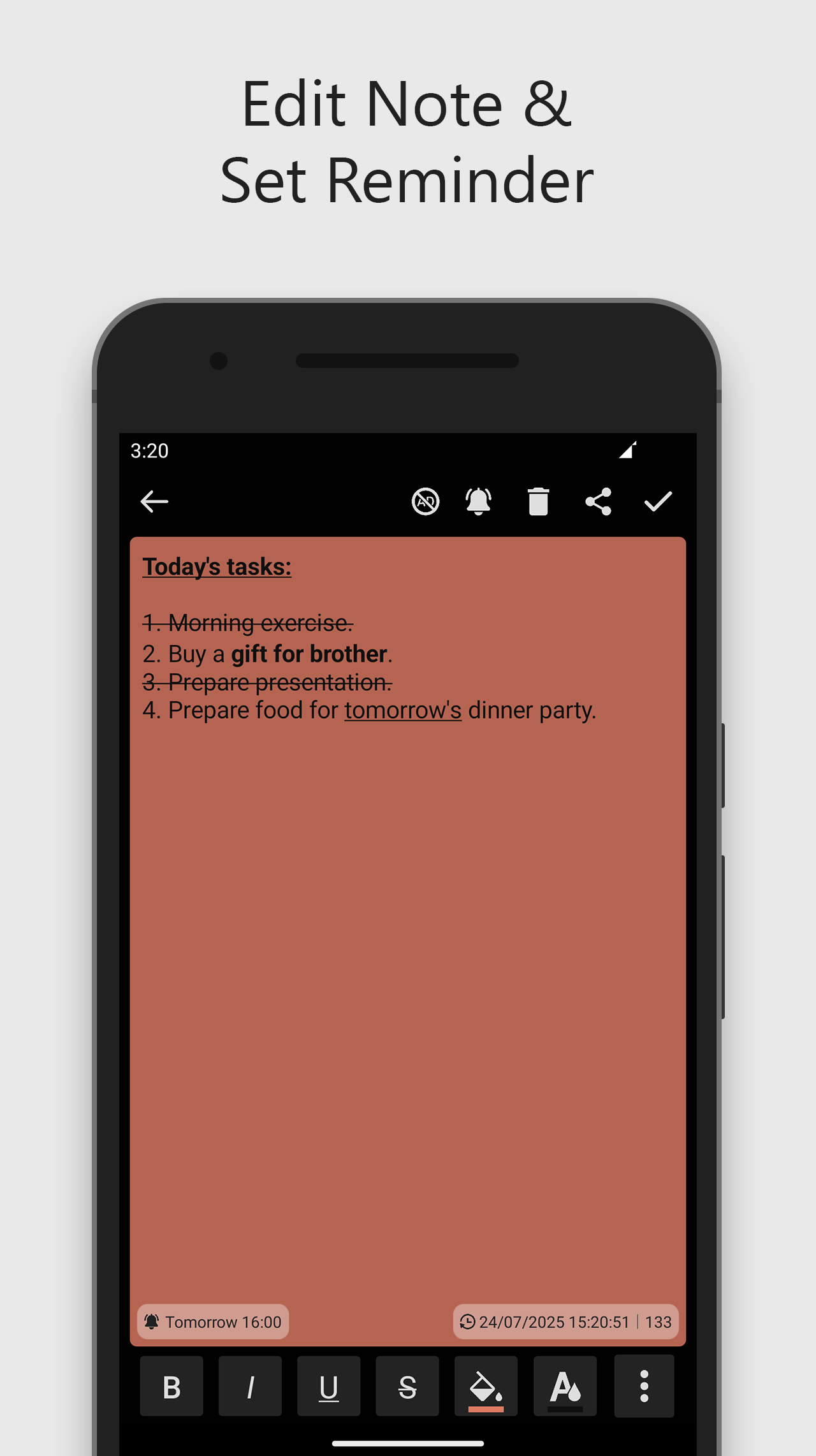
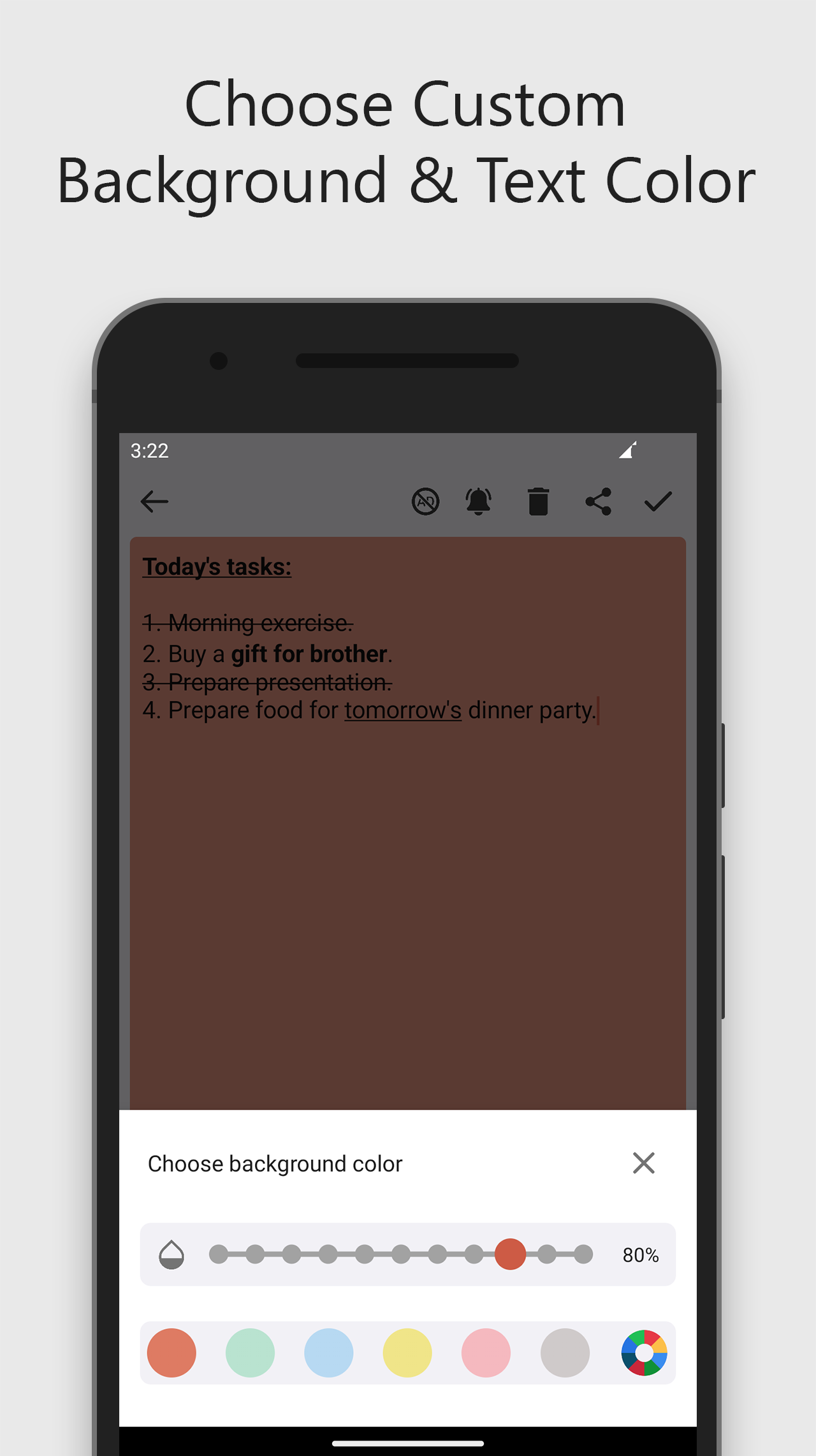
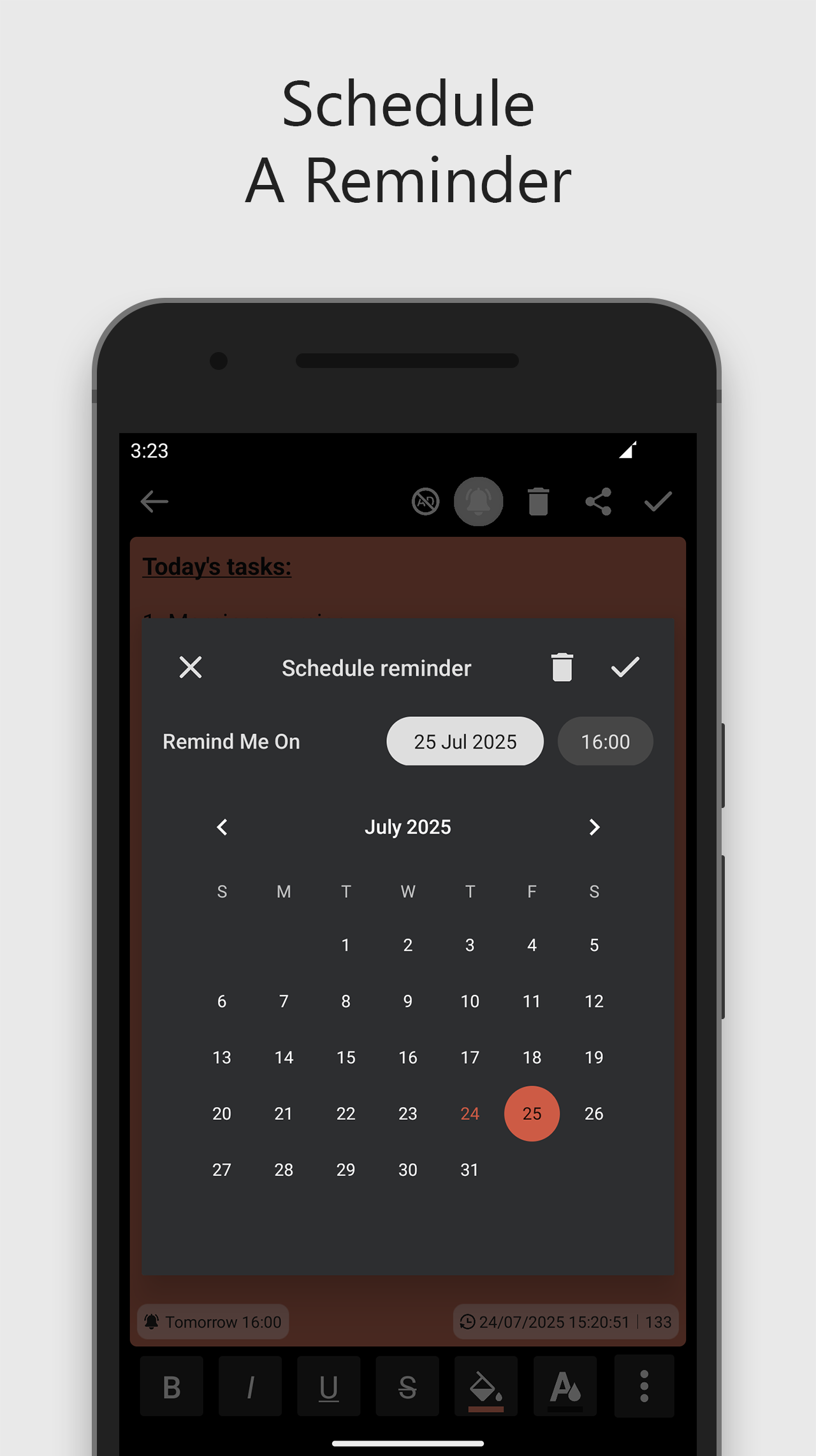
Sticky Notes & Reminders is a fast, lightweight, and beautifully simple note-taking app designed for home screen widgets. Whether you're jotting down a quick idea, making a shopping list, or setting a daily reminder, Sticky Notes makes it easy to capture and keep your thoughts right where you need them — on your home screen. No clutter. No distractions. Just your notes, your way. Key Features: • Add notes without needing to place a widget on the home screen. • Resize, move, and customize widgets effortlessly. • Personalize note backgrounds with colors and transparency. • Customize text color, size, alignment (gravity), and rotation to your preference. • Format selected text as Bold, Italic, Underline, or Strikethrough — not just the entire note. • Quickly search through your saved notes with the new search feature. • Notes save automatically — no need to hit save. • Set reminders for your notes and never miss a task. • Lightweight and fast — designed for smooth, minimalistic note-taking. How to Add the Sticky Notes Widget: 1. Long-press on an empty area of your Home screen. 2. Tap on Widgets. 3. Locate Sticky Notes & Reminders. 4. Tap and hold the widget, then drag it to your desired position. 5. Release to place it. Tip: Some apps offer widgets directly — long-press the app icon and tap Widgets if available. How to Resize the Widget: 1. Long-press the Sticky Notes & Reminders widget on your Home screen. 2. Lift your finger to reveal the resize handles (dots around the widget). 3. Drag the dots to adjust the widget size. 4. Tap outside the widget to finish resizing. Permissions Required: • Notifications: To schedule and display reminders. • Internet: Required for displaying ads. • Alarm & Notification permissions: Used for setting reminders and showing notifications. Icon Attribution Icons used in this app are created by the following authors from Flaticon: Pixel perfect, Tempo_doloe, Ilham Fitrotul Hayat, Bharat Icons, Arkinasi, Google, Vectors Tank, Dixit Lakhani_02, Muhammad Ali, icon wind, egorpolyakov, Freepik, Icon Desai, Hilmy Abiyyu A. Icons sourced from: www.flaticon.com
Sticky Notes & Reminders 1.3.3 Update
- You can now apply Bold, Italic, Underline, and Strikethrough to selected text, not just the entire note. - A new Strikethrough option has been added for text formatting. - You can set reminders for your notes to stay on track. - Notes can now be added without the need for the widget. - A search feature has been introduced to easily find your notes. - Design improvements and fixed some bugs for a smoother experience.
APKFab.com and the download link of this app are 100% safe. All download links of apps listed on APKFab.com are from Google Play Store or submitted by users. For the app from Google Play Store, APKFab.com won't modify it in any way. For the app submitted by users, APKFab.com will verify its APK signature safety before release it on our website.