SoundBy - YouTube Audio
8.9 3
v1.3.1-562 by bnnJack Studio
8.9 3
v1.3.1-562 by bnnJack Studio

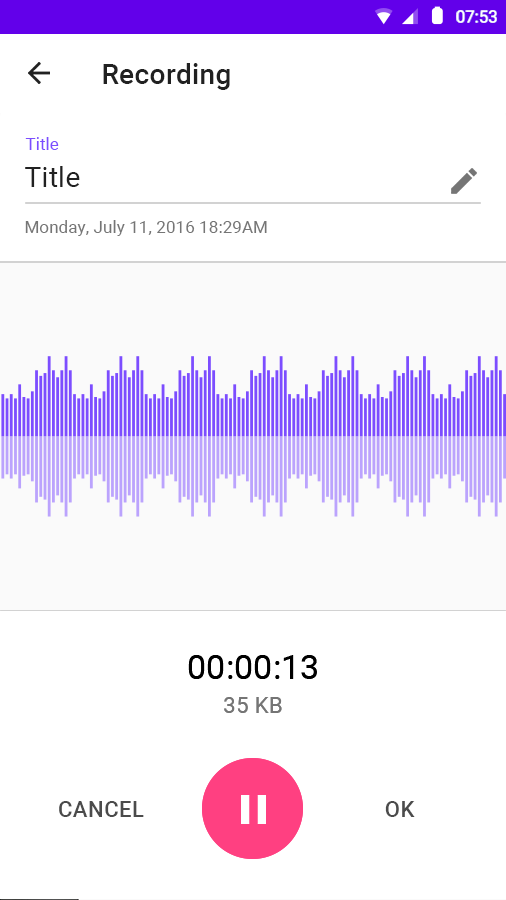
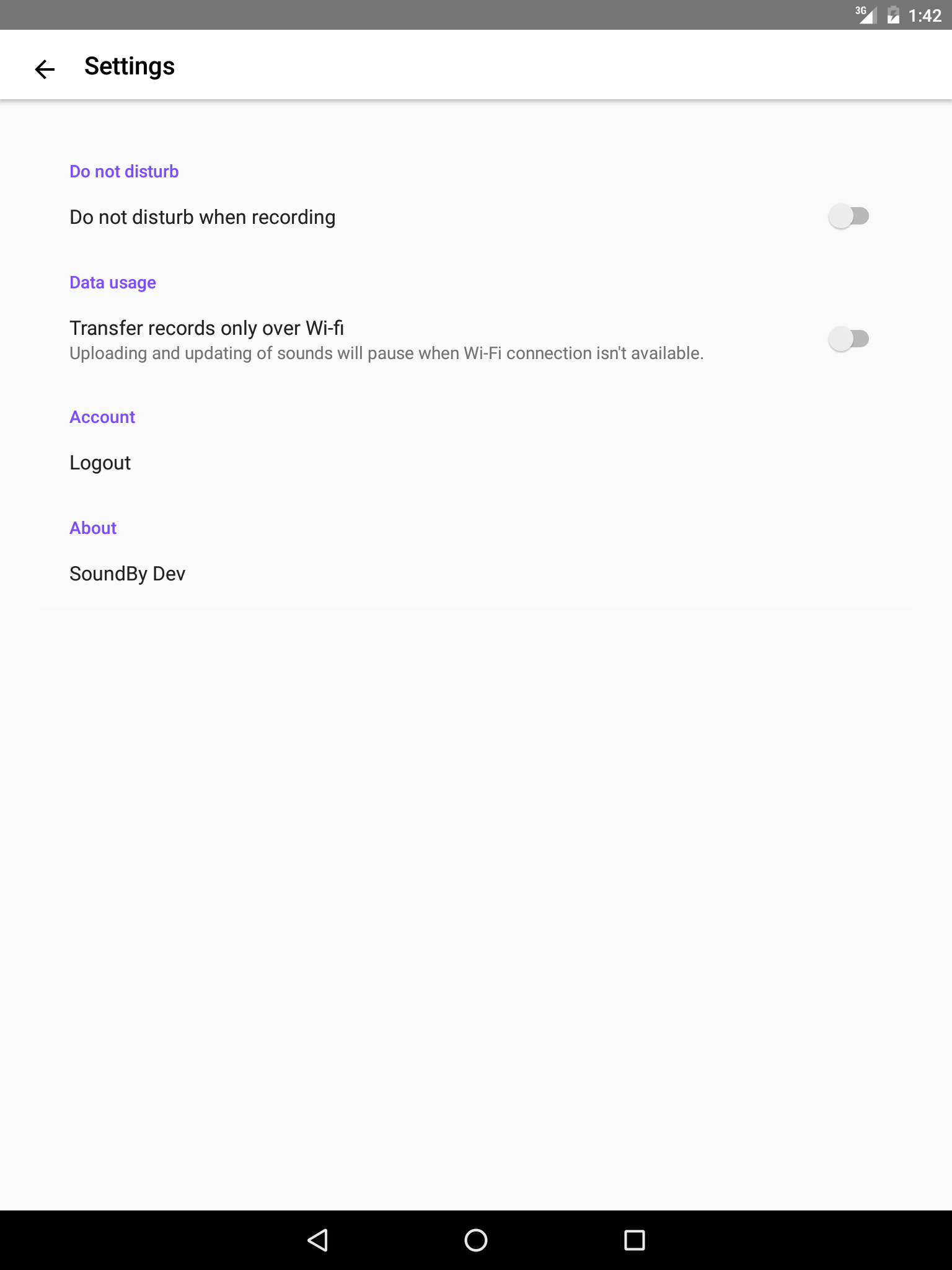
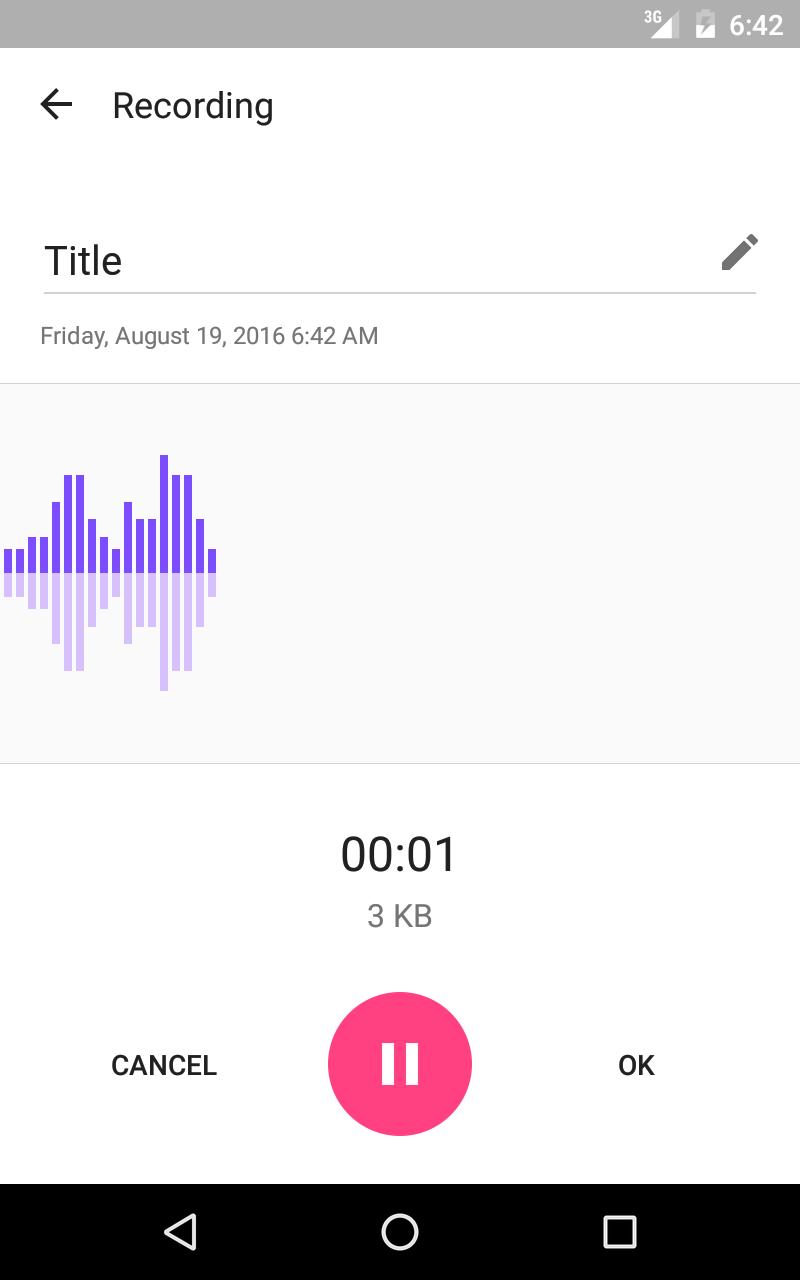
Extract audio from your video file
1. Install SoundBy app.
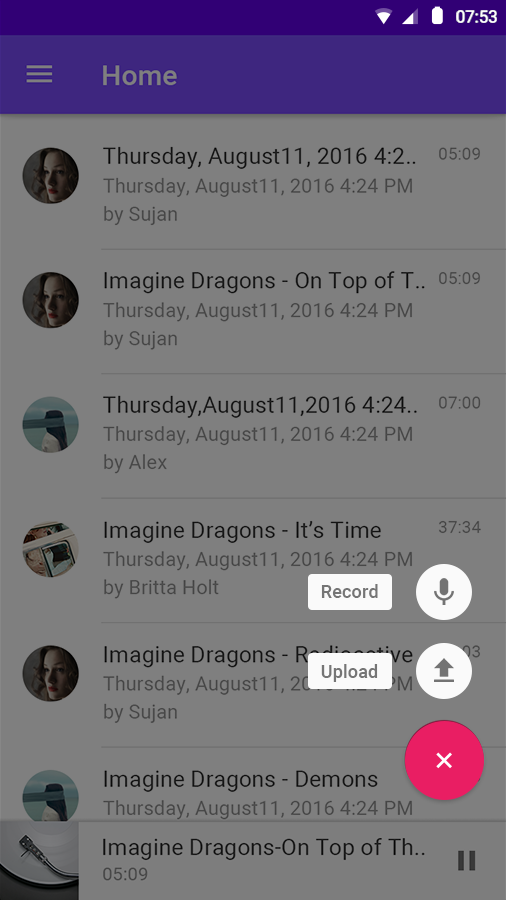
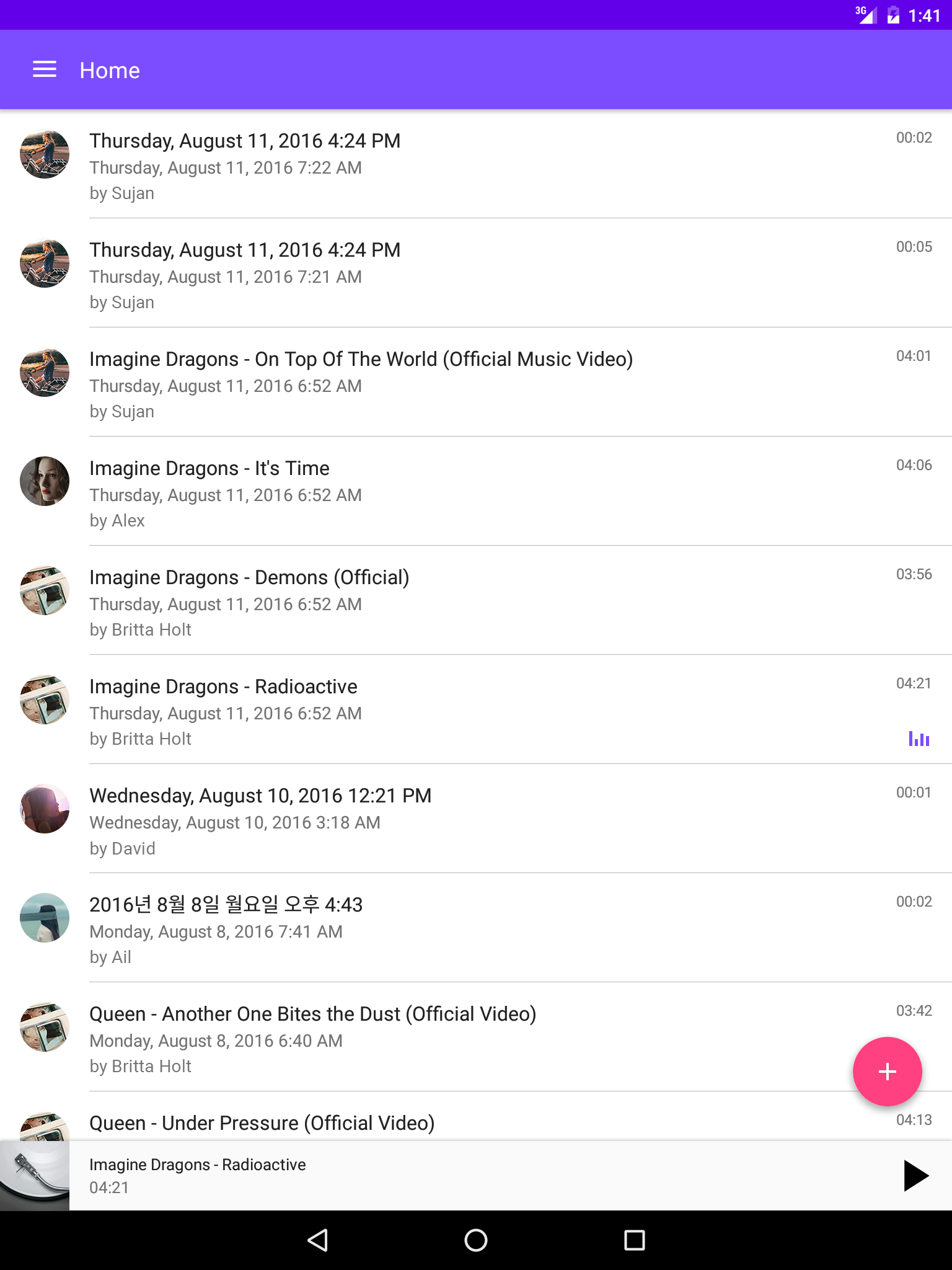
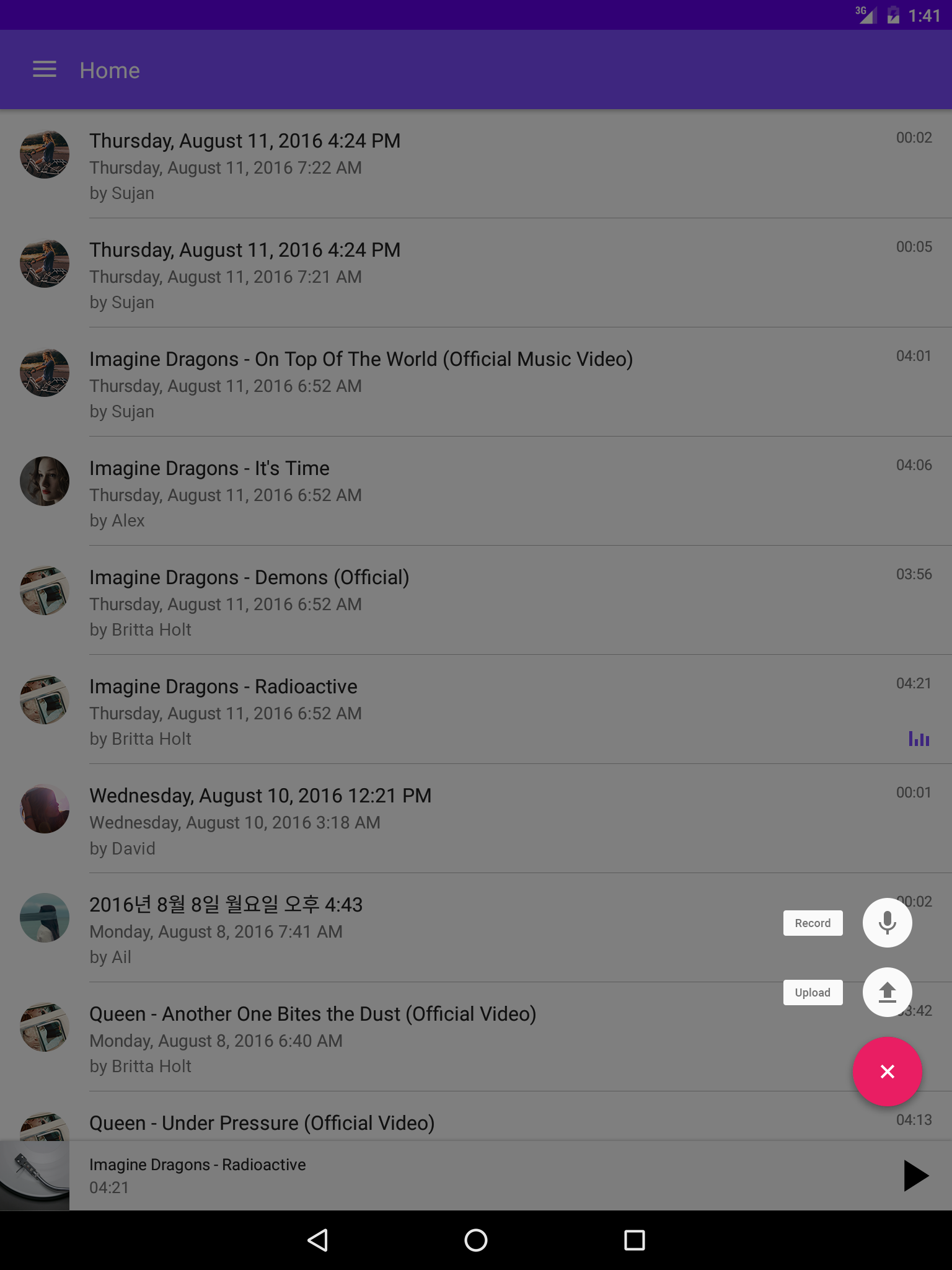
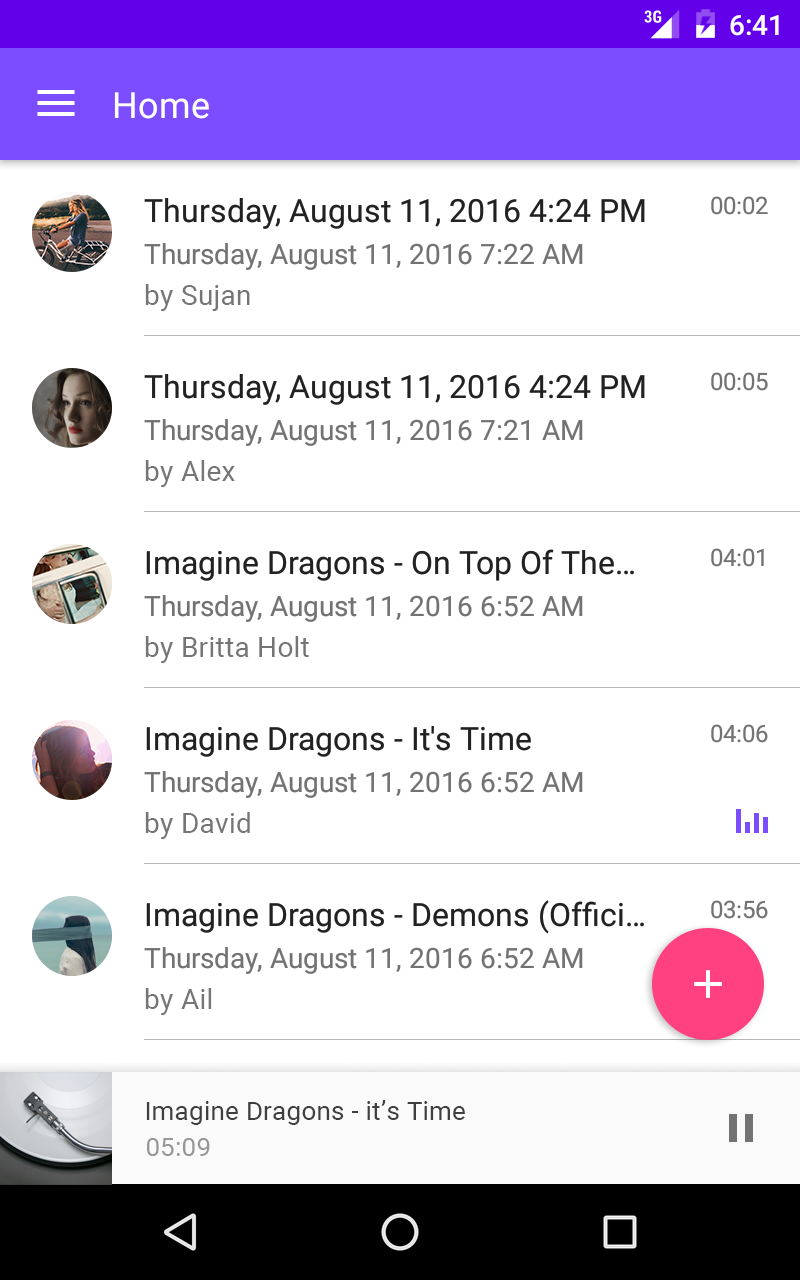
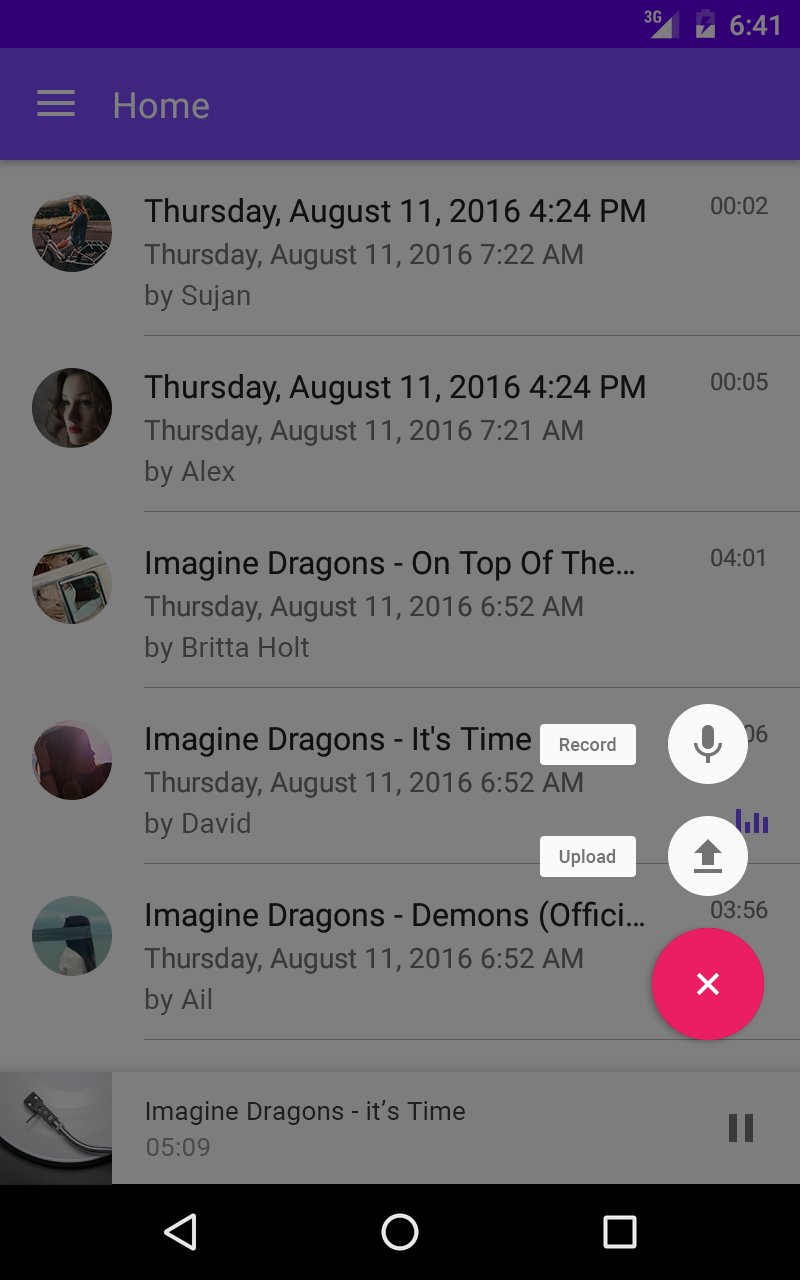
2. Click '+' button on the lower right corner of the screen.
3. Click 'Upload' button and Choose your video file in the internal storage or SD card.
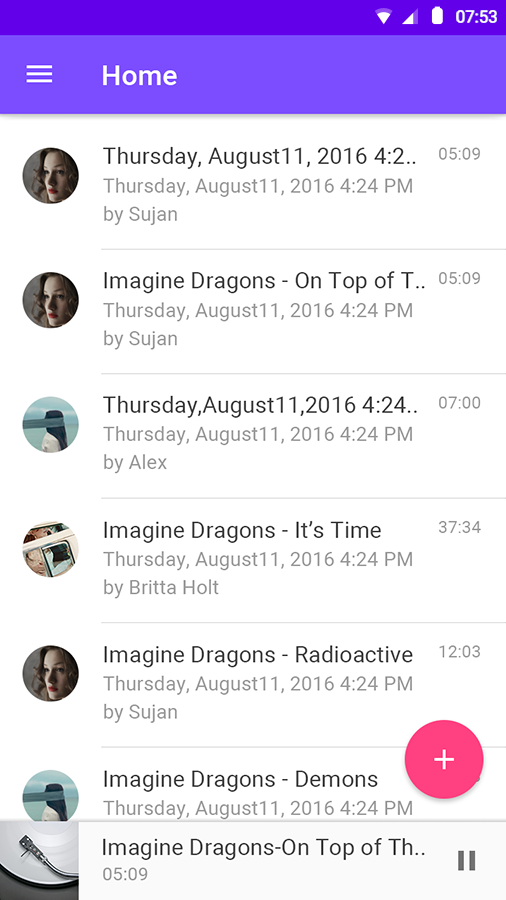
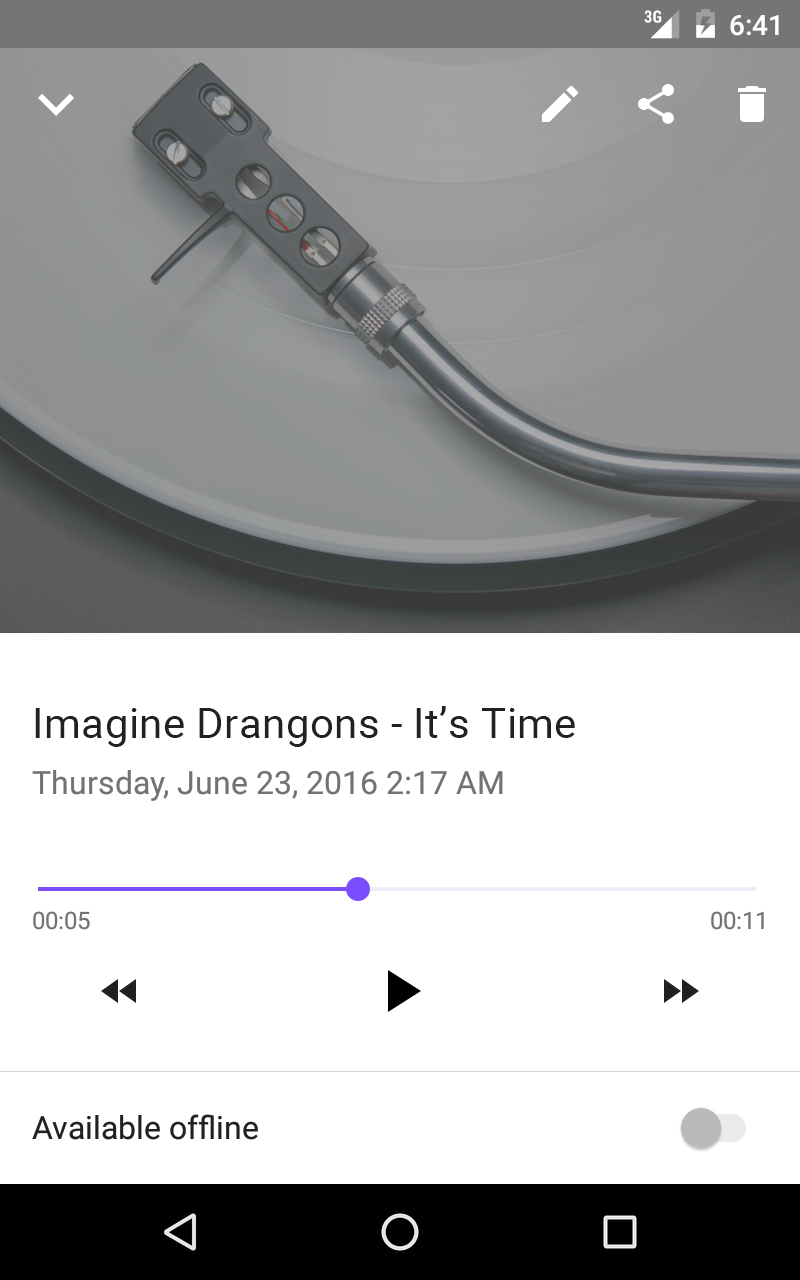
4. Done. You can see the new audio file in the list.
Extract audio from online video like You.Tube
1. Install SoundBy app.
2. Run You.Tube app and choose any contents you want to listen.
3. Press 'Share' button and choose 'SoundBy' among the sharing apps.
4. Done. You can see the new audio file in SoundBy app.
If you see You.Tube video in mobile web, not in app, you can do it just by copying the URL of the video and opening SoundBy app.
PLEASE NOTE: You can’t use this app with breaking other service’s terms of use, YouTube for example.
Requires Android: Android 4.4+
Architecture: arm64-v8a, armeabi, armeabi-v7a, mips, x86, x86_64
Screen DPI: 120-640dpi
SHA1: 09592d09dfcd08191b81f2fd4d3a63a4b1c25b8f
Size: 21.69 MB
What's New:
Requires Android: Android 4.4+
Architecture: arm64-v8a, armeabi, armeabi-v7a, mips, x86, x86_64
Screen DPI: 120-640dpi
SHA1: a89e1c034e7e28e47b0c7a10e267b86a59bb5faf
Size: 21.69 MB
What's New:
Requires Android: Android 5.0+
Architecture: arm64-v8a, armeabi, armeabi-v7a, mips, x86, x86_64
Screen DPI: 120-640dpi
SHA1: e8e7cde783da1cc0a9a7246fc25d57f991d93ea5
Size: 17.86 MB
What's New:
Package Name:
Category:
Update Date:
2016-09-09
Latest Version:
1.3.1-562
Need Update:
Requirements:
Android 4.4+
Report: