SmartClick (Package Name: gm.smartclick.android) is developed by GES Group Ltd and the latest version of SmartClick - Auto Clicker 1.5.28 was updated on May 3, 2020. SmartClick - Auto Clicker is in the category of Tools with the feature Entertainment. You can check all apps from the developer of SmartClick - Auto Clicker and find 27 alternative apps to SmartClick - Auto Clicker on Android. Currently this app is for free. This app can be downloaded on Android 7.0+ on APKFab or Google Play. All APK/XAPK files on APKFab.com are original and 100% safe with fast download.
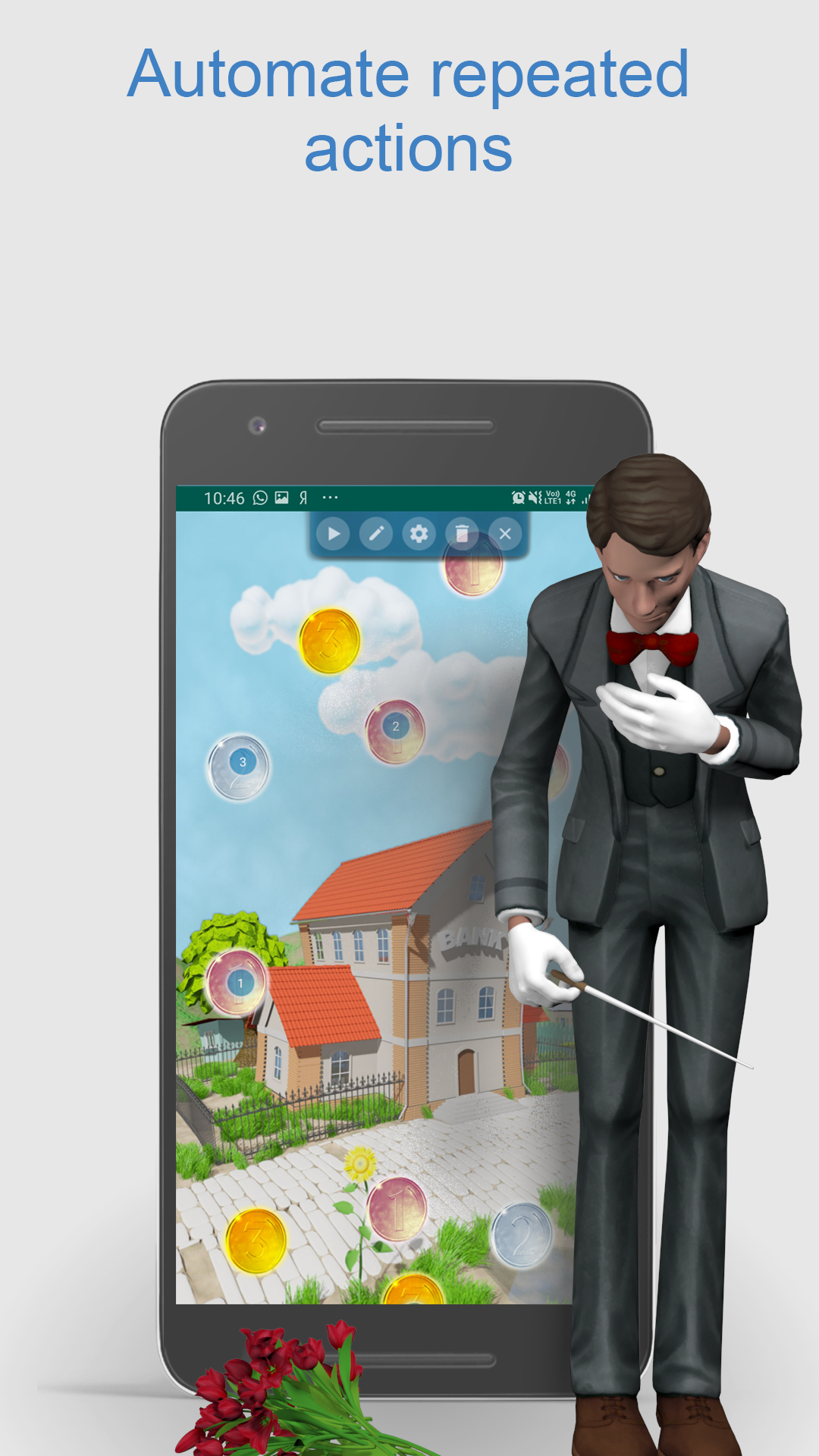
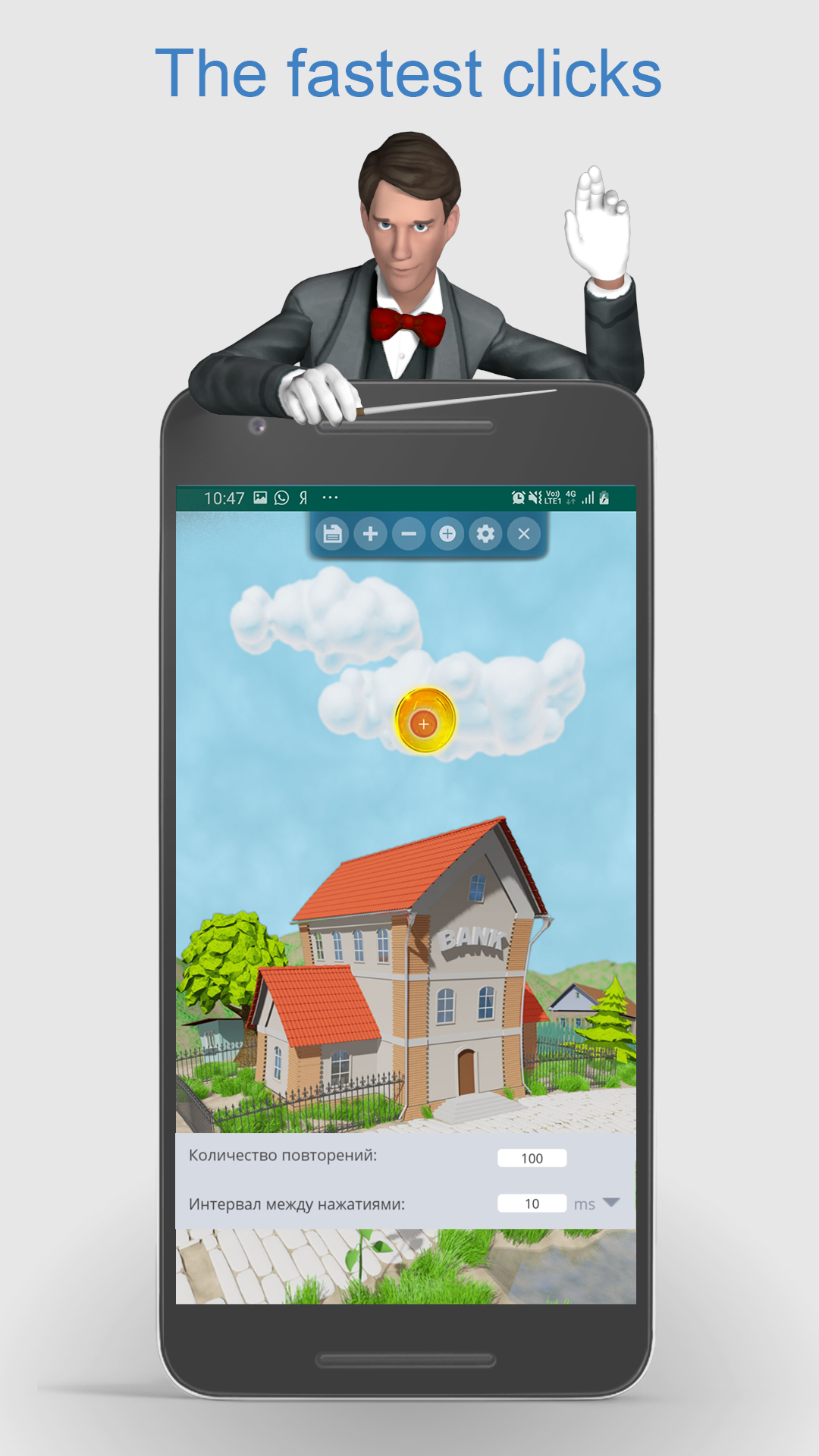
Auto clicker SmartClick will be your best assistant in games and applications (ROOT are not required), SmartClick will help to save your time. Auto clicker SmartClick will get rid of routine operations.
Main functions:
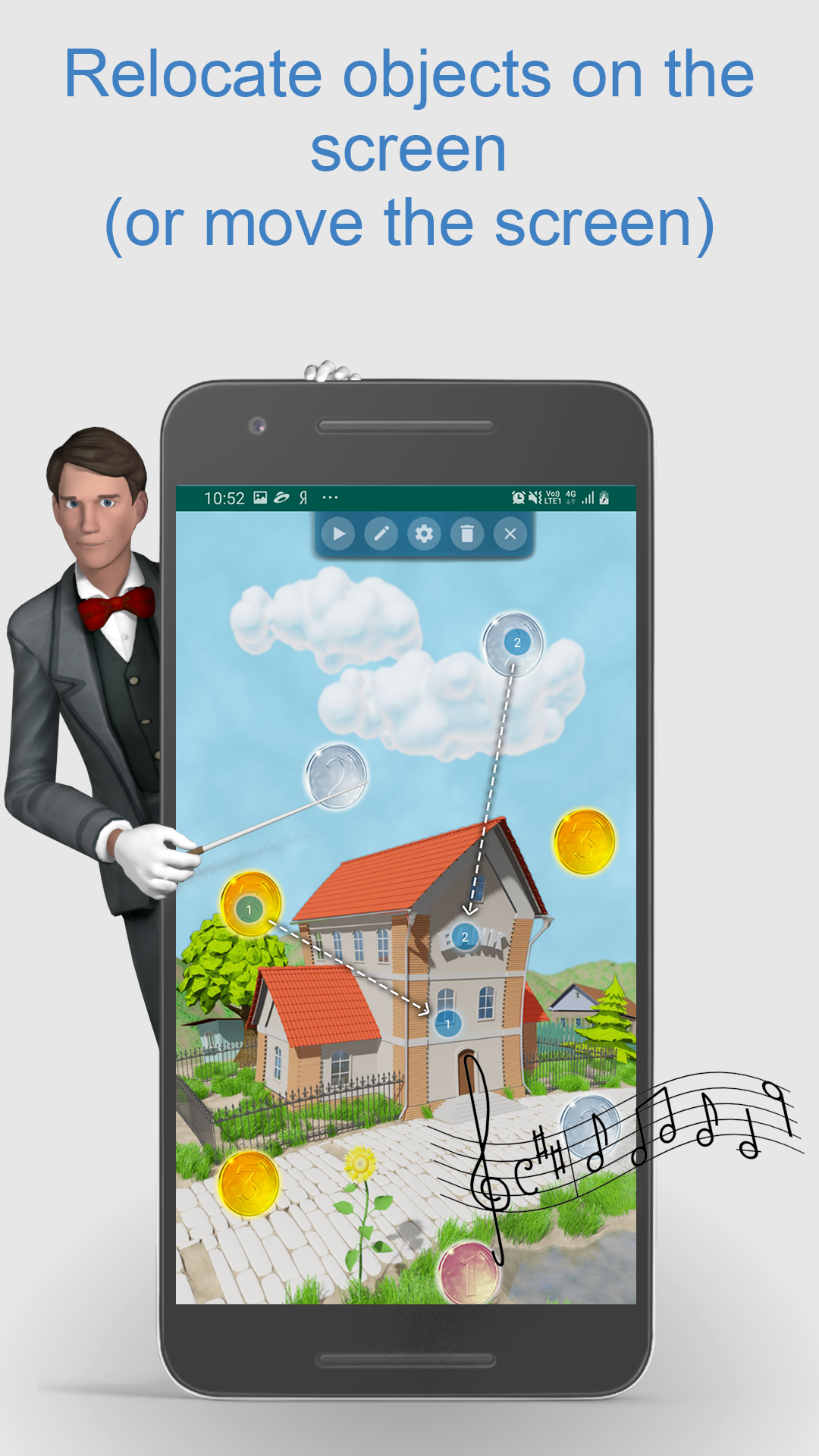
- autoclicker allows you to customize the clicks and relocations of objects and the screen in games and applications;
- autoclicker records the user’s clicks in the strategy for a quick call in the future;
- flexible autoclicker settings help you to program complex sequences of operations;
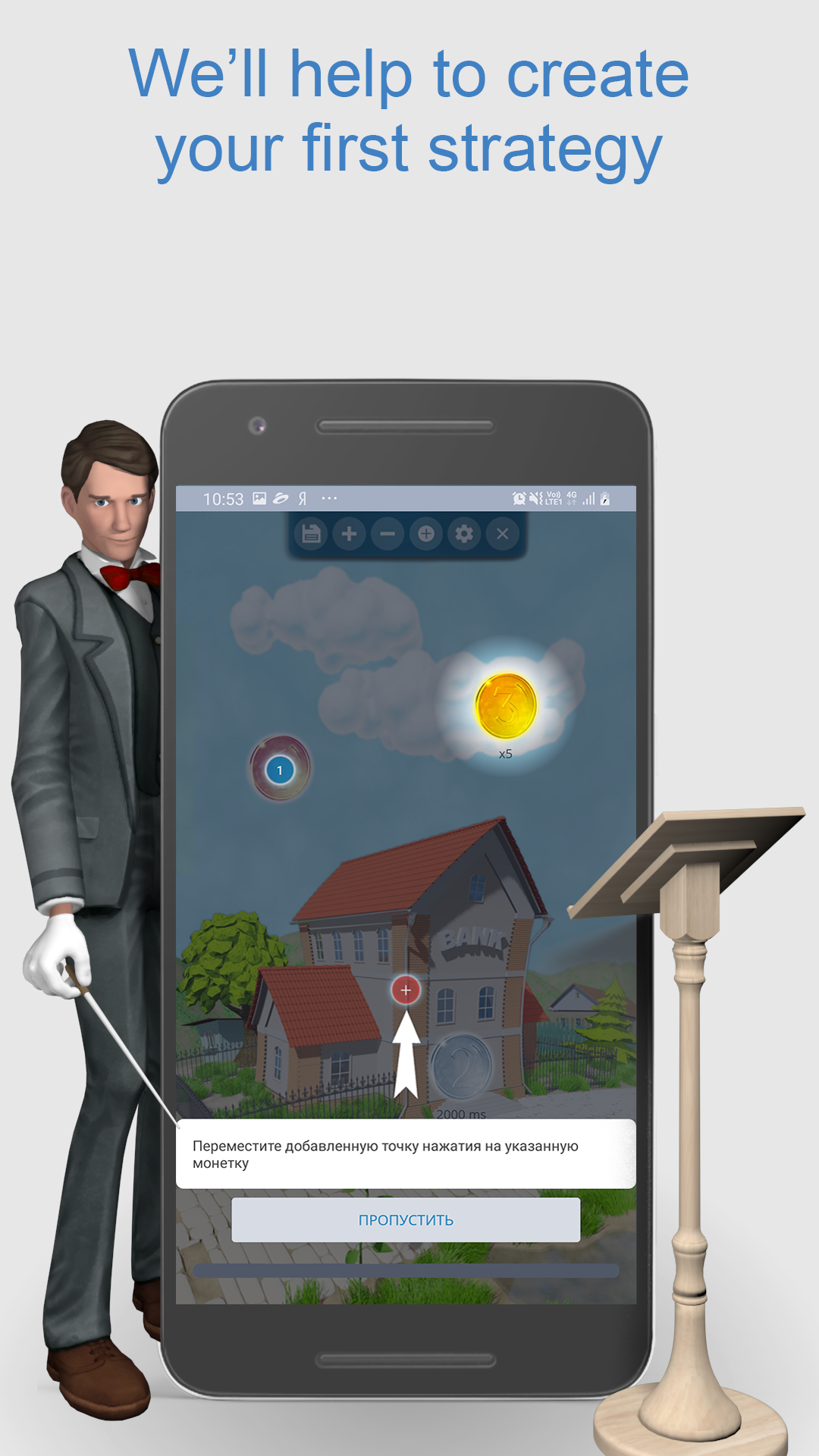
- online training helps users to get acquainted with the basic features of auto clicker SmartClick.
In addition, a very detailed assistant is built into the auto clicker SmartClick. You can also see examples of use on Youtube (https://www.youtube.com/channel/UCoQpWxhcx-nZSLIfikkNdiA)
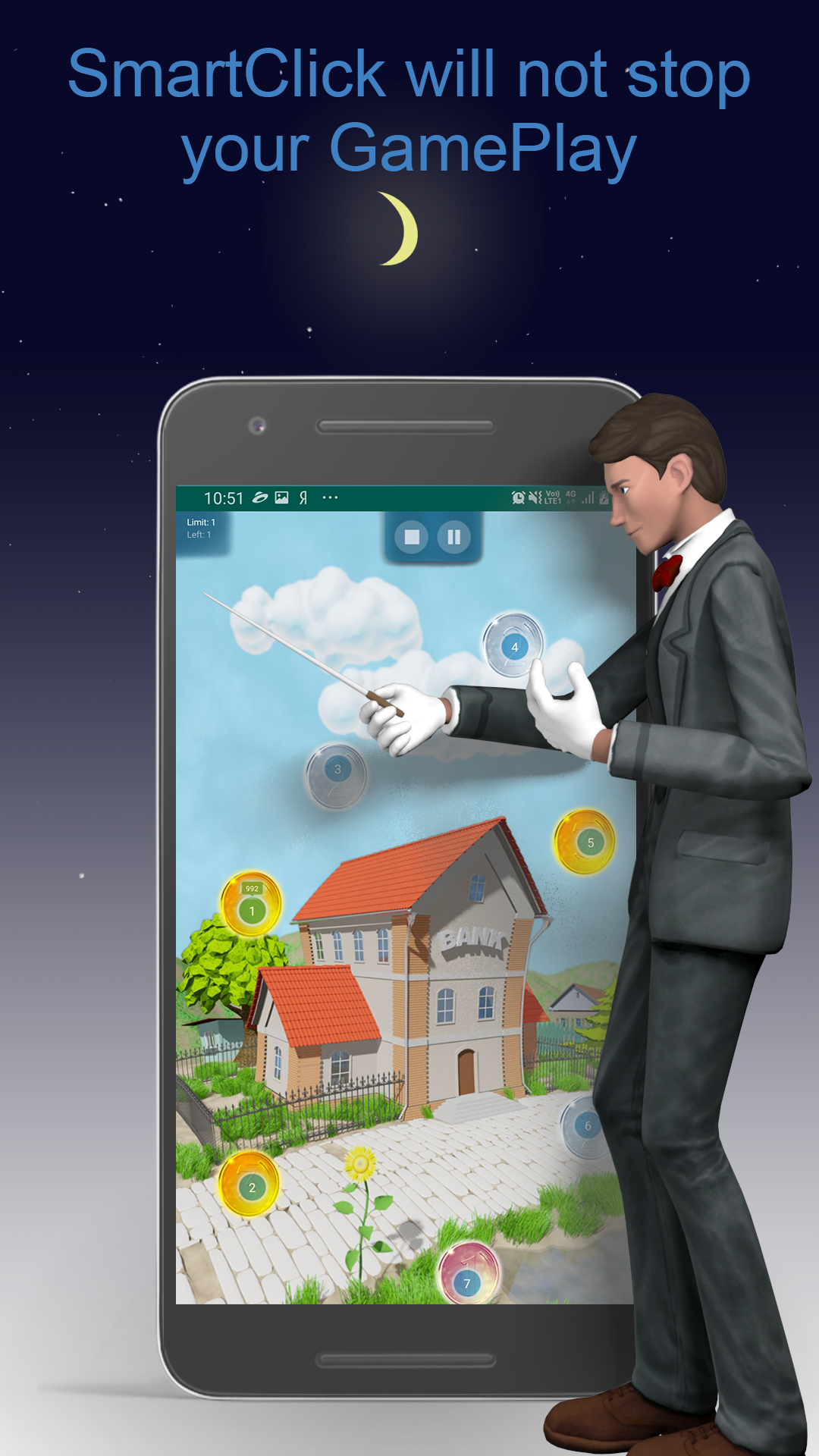
The auto clicker SmartClick has a built-in function of anti-lock screen, autoclicker will pause automatically if you get a call on your phone or a call on some messengers.
You can use autoclicker in the following cases:
• Quick click on buttons or objects
• Long-lasting repeated clicking on buttons
• Long-lasting and multiple object relocation
• You can set clicks and relocations with the exact timing
• Delayed start of clicks (for example, if you want to perform a sequence of actions at night or when you do not have access to a mobile device).
The auto clicker SmartClick is also used when you need to set the algorithms of waiting for some button/object will be available and then click on it.
Send your questions and suggestions to our e-mail
[email protected].