Smart Keyboard Pro (Package Name: net.cdeguet.smartkeyboardpro) is developed by Dexilog and the latest version of Smart Keyboard Pro was updated on January 25, 2026. Smart Keyboard Pro is in the category of Personalization with the feature Tools. You can check all apps from the developer of Smart Keyboard Pro and find 200 alternative apps to Smart Keyboard Pro on Android. The current price of this app is $3.49. This app can be downloaded on APKFab or Google Play. All APK/XAPK files on APKFab.com are original and 100% safe with fast download.
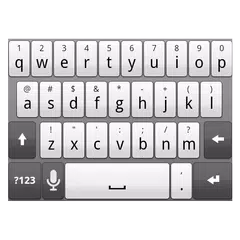
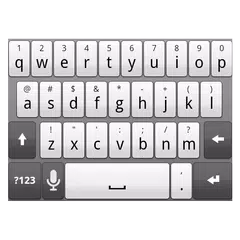
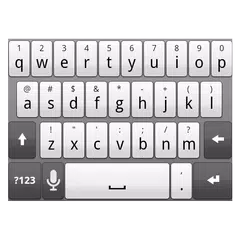
Smart Keyboard Pro is back in 2026! 🎉 A powerful keyboard with advanced personalization, T9 input, built-in multilingual dictionaries, Auto-Text shortcuts, and 100% offline privacy. ✅ Advanced customization Personalize everything: themes, colors, key size, vibration, sounds, layout, long-press duration, gestures, arrow keys, emojis, and more. ✅ T9 & Compact mode Classic T9 keypad for one-hand typing and fast predictive input. Perfect for users who prefer a simpler, more efficient layout. ✅ Built-in multilingual dictionaries No more external downloads. Smart Keyboard Pro includes high-quality dictionaries for multiple languages ✅ 100% offline & privacy-first Your typing stays on your device. The keyboard never collects data, never sends anything to the cloud, and doesn’t track you. Completely private by design. ✅ Lightweight & fast Optimized for speed with minimal battery and memory usage. No bloat, no lag, works great even on older devices. ✅ Custom Auto-Text shortcuts Create your own text expansions to type long phrases instantly — perfect for email templates, addresses, signatures, or repetitive messages. ✅ Themes & skins Choose from built-in skins or create your own look with customizable colors, gradients, backgrounds, and layout styles. ✅ Hardware keyboard support Brings auto-correction and layout translation to your hardware keyboard 💡A few hints: - Long press "123" key to enter keyboard settings - Long press "enter" key to display smileys (you can customize them in the settings) - Long press a word in the suggestion bar to add it to the user dictionary To subscribe to beta versions, visit https://goo.gl/lq4n2r
APKFab.com and the download link of this app are 100% safe. All download links of apps listed on APKFab.com are from Google Play Store or submitted by users. For the app from Google Play Store, APKFab.com won't modify it in any way. For the app submitted by users, APKFab.com will verify its APK signature safety before release it on our website.