Smart Alarm Free (Package Name: jp.tanyu.SmartAlarmFree) is developed by SmartSense Inc. and the latest version of Smart Alarm - Alarm Clock 3.1.3 was updated on October 17, 2026. Smart Alarm - Alarm Clock is in the category of Lifestyle. You can check all apps from the developer of Smart Alarm - Alarm Clock and find 131 alternative apps to Smart Alarm - Alarm Clock on Android. Currently this app is for free. This app can be downloaded on Android 10.0+ on APKFab or Google Play. All APK/XAPK files on APKFab.com are original and 100% safe with fast download.
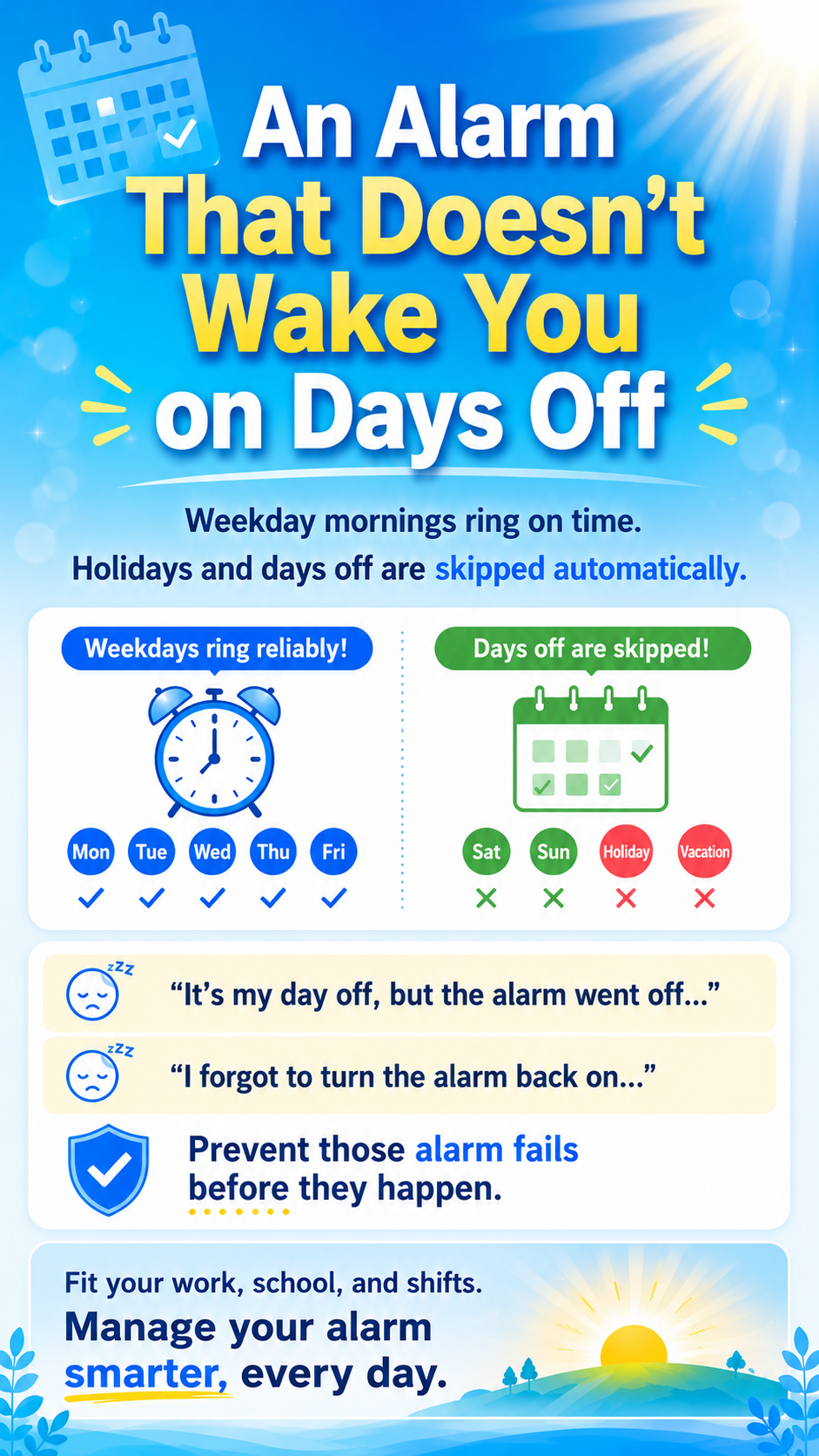
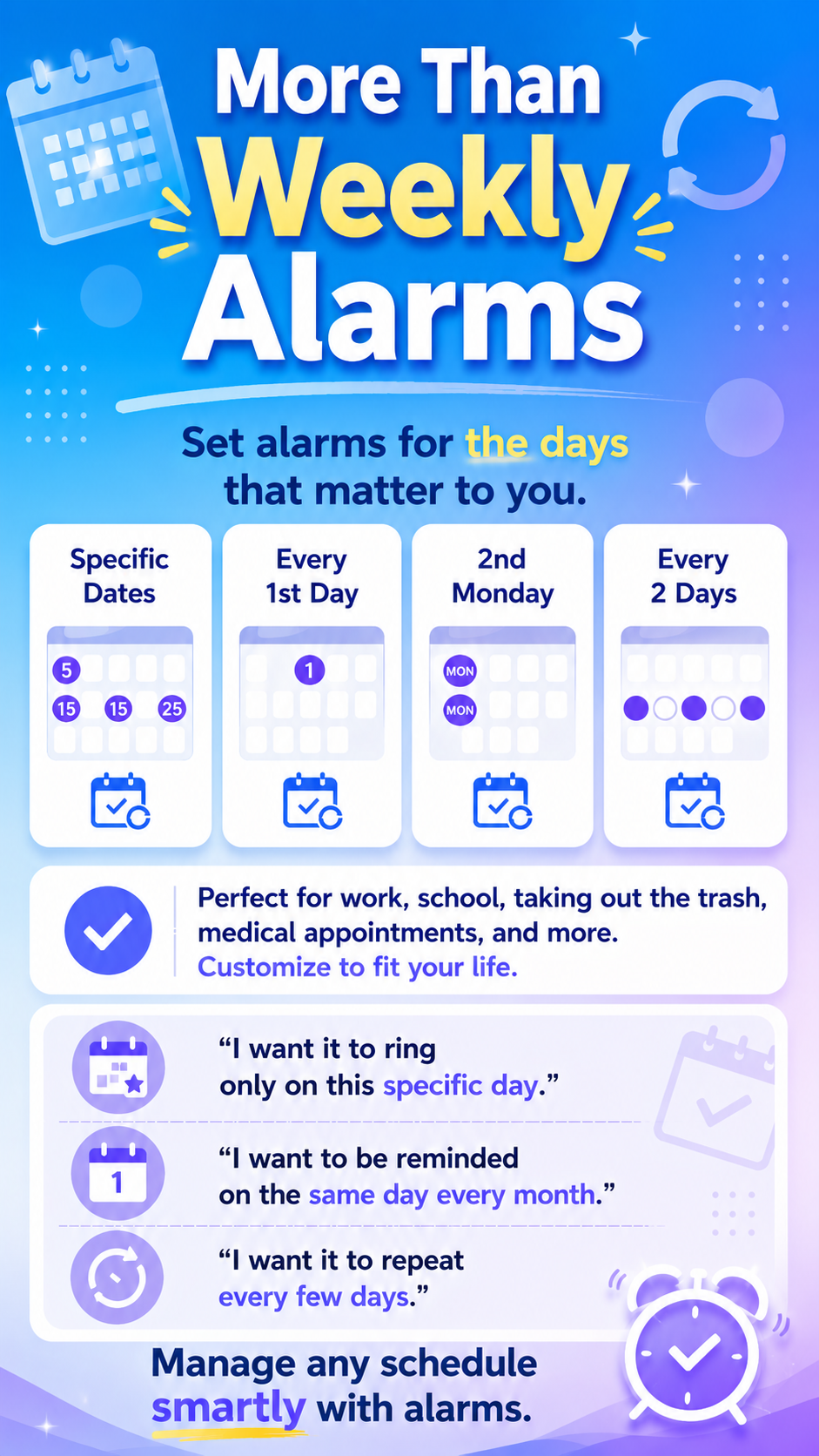
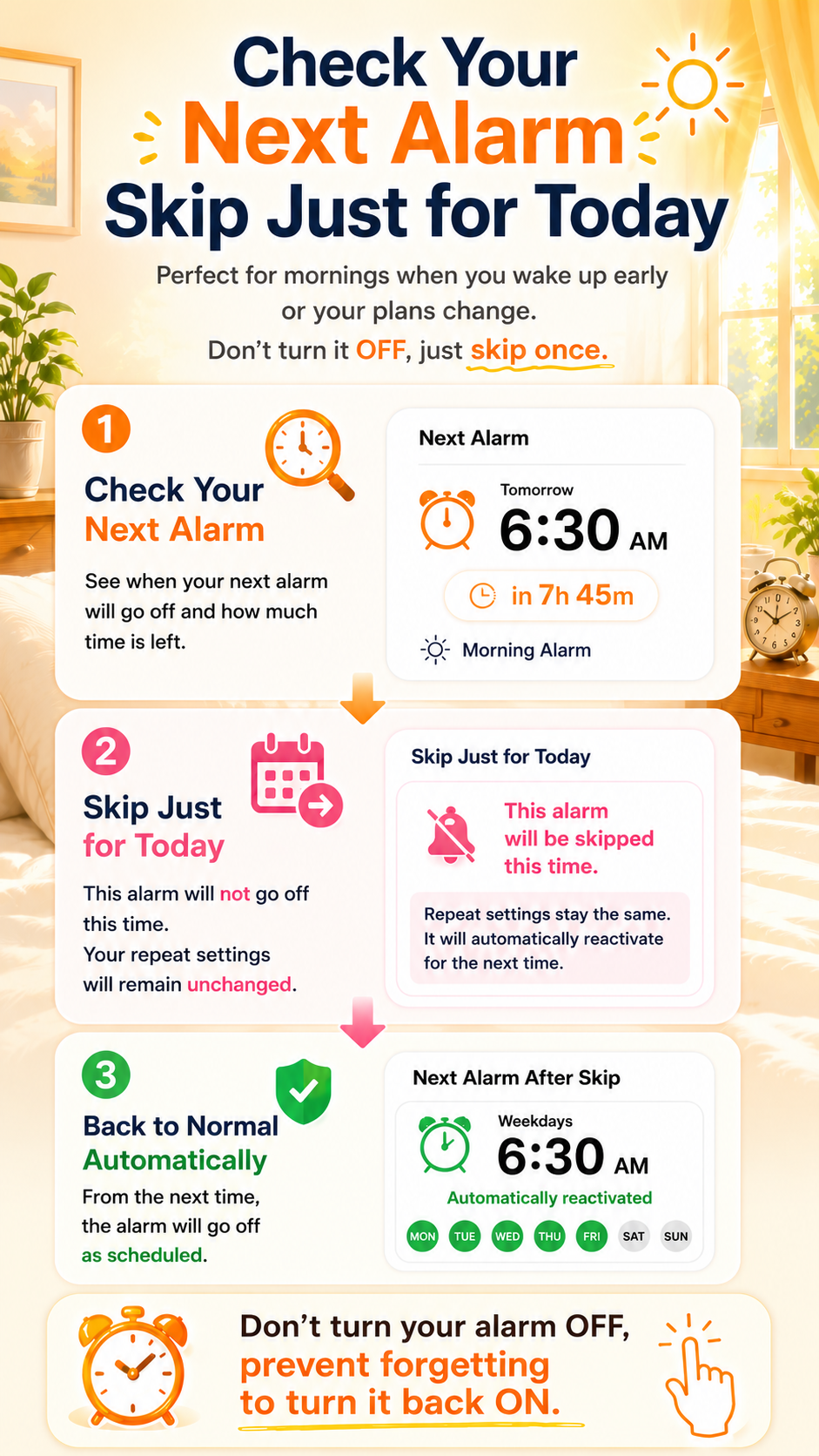
Smart Alarm is a highly customizable alarm clock designed for real-life schedules. Skip alarms on U.S. federal holidays, create flexible repeat schedules, wake up to your favorite music, and make alarms harder to dismiss with number entry or math problems. Whether you need a simple daily alarm or detailed scheduling for work, school, holidays, or changing routines, Smart Alarm gives you the flexibility to set alarms the way you want. 【Other Features】 ■ Supports U.S. federal holidays. Repeating alarms can skip selected holidays, and the holiday list can be customized. ■ Use your favorite music files as alarm sounds. ■ Choose from three vibration levels and gradually increasing alarm volume. ■ Adjust the size of the Stop and Snooze buttons to help prevent accidental taps. ■ Require number entry or a math problem to stop the alarm, making it harder to dismiss while half asleep. ■ Customize the volume buttons and Back button for stop, snooze, or volume control. ■ Choose whether alarm sounds and vibration work in silent or vibrate mode. ■ Choose whether alarm sounds play through the device speaker when earphones are connected. ■ Lock the alarm On/Off switch to prevent accidental changes. ■ Turn off all alarms at once when you do not want any alarms to sound. ■ Set alarms for specific dates, from days to months in advance. ■ Flexible repeat options include specific days of the month, specific weekdays of the month, every few days, and custom patterns. ■ Tap “Next” to check the next alarm date and time, remaining time, sound, volume, and vibration settings. ■ Skip only the next occurrence of a repeating alarm without disabling it. ■ Use the snooze function to sound the alarm again after a specified interval. ■ Quick Timer lets you choose from 21 preset durations and register up to three custom durations. ■ Use your device wallpaper as the app background with transparency settings. 【Free Version Limitations】 ○ Ads are displayed. ○ Up to 30 alarms can be registered. 【Important Notes】 ● Alarms will not work if the device is powered off at the scheduled time. ● Battery-saving features and task-killer apps may prevent alarms from working. Exclude Smart Alarm from battery optimization and task-killing, and avoid force-closing the app, as this may cancel scheduled alarms. ● If a music file used as an alarm sound is deleted or moved, the device's default ringtone will be used instead. ※ We recommend testing alarms with the Preview feature before relying on them. ※ If you experience a problem, please contact us via: “Settings” → “Other” → “Report a problem” 【About Permissions】 "FULL INTERNET ACCESS" / "VIEW NETWORK CONNECTIONS" → Used to display and deliver ads. "PREVENT DEVICE FROM SLEEPING" → Keeps the device awake while an alarm is ringing. "CONTROL VIBRATION" → Used for alarm vibration. "RUN AT STARTUP" → Used to reschedule alarms after device startup. "MODIFY OR DELETE THE CONTENTS OF USB STORAGE / SD CARD" → Used to back up and restore alarm settings. "MUSIC AND AUDIO" → Used to select music files as alarm sounds. "NOTIFICATIONS" → Used for alarm, snooze, and other important notifications. "ALARMS AND REMINDERS" → Used to start alarms accurately at the specified time. "DISPLAY OVER OTHER APPS" → Used to display the alarm screen over the lock screen and other apps. "FULL-SCREEN NOTIFICATIONS" → Used to display the alarm screen in full screen. "DO NOT DISTURB ACCESS" → Used to play alarms according to app settings while Do Not Disturb or silent mode is enabled.
Smart Alarm Free 3.1.3 Update
V3.1.3 (2026/10/16) - Added text size adjustment and custom text colors to Appearance settings - Extended holiday and specified-day registration to two years from the current date - Improved the remaining-time display and text fitting in next-alarm widgets - Added sorting by folder name or full path to Choose from folder in alarm sound settings
V3.1.3 (2026/10/16) - Added text size adjustment and custom text colors to Appearance settings - Extended holiday and specified-day registration to two years from the current date - Improved the remaining-time display and text fitting in next-alarm widgets - Added sorting by folder name or full path to Choose from folder in alarm sound settings
V3.1.3 (2026/10/16) - Added text size adjustment and custom text colors to Appearance settings - Extended holiday and specified-day registration to two years from the current date - Improved the remaining-time display and text fitting in next-alarm widgets - Added sorting by folder name or full path to Choose from folder in alarm sound settings
V3.1.2 (2026/09/30) - Fixed a widget display issue when using certain launcher apps V3.1.1 (2026/9/28) - Save alarm settings as templates and apply them to other alarms or quick timers. - Search and sort songs when choosing music for an alarm sound - View up to 30 alarm and timer activation records in total. - Shift multiple alarm times forward or backward by a chosen number of hours and minutes. - Improved alarm name and remaining-time display in widgets of different sizes
V3.1.2 (2026/09/30) - Fixed a widget display issue when using certain launcher apps V3.1.1 (2026/9/28) - Save alarm settings as templates and apply them to other alarms or quick timers. - Search and sort songs when choosing music for an alarm sound - View up to 30 alarm and timer activation records in total. - Shift multiple alarm times forward or backward by a chosen number of hours and minutes. - Improved alarm name and remaining-time display in widgets of different sizes
V3.1.0 (2026/9/17) - Redesigned the music selection screen with song preview playback and album lists within artist pages - Added in-app playlist creation and editing, including adding and removing songs - Added weekday exclusions for saved-date, every-N-days, monthly date, and pattern repeats - Added holiday selection and import from device calendars, with periodic update reminders, for regions other than Japan, the United States, and South Korea
V3.1.0 (2026/9/17) - Redesigned the music selection screen with song preview playback and album lists within artist pages - Added in-app playlist creation and editing, including adding and removing songs - Added weekday exclusions for saved-date, every-N-days, monthly date, and pattern repeats - Added holiday selection and import from device calendars, with periodic update reminders, for regions other than Japan, the United States, and South Korea
V3.0.0 (2026/9/2) - Added an option to display Quick Timer countdowns full screen - Redesigned Appearance settings and added support for photo backgrounds - Added dark and light dialog themes - Added seven selectable app icons for the Home screen - Redesigned widget display settings - Added a snooze countdown with ±1-minute and ±5-minute adjustments - Added up to three shortcuts at the top of the alarm list screen
APKFab.com and the download link of this app are 100% safe. All download links of apps listed on APKFab.com are from Google Play Store or submitted by users. For the app from Google Play Store, APKFab.com won't modify it in any way. For the app submitted by users, APKFab.com will verify its APK signature safety before release it on our website.