LockNote: Secure Private Notes

8.9 57

v3.3.2 by mikdroid

LockNote: Secure Private Notes XAPK download LockNote: Secure Private Notes XAPK download

About LockNote

LockNote (Package Name: it.mm.android.securememo) is developed by mikdroid and the latest version of LockNote: Secure Private Notes 3.3.2 was updated on August 16, 2026. LockNote: Secure Private Notes is in the category of Productivity. You can check all apps from the developer of LockNote: Secure Private Notes and find 190 alternative apps to LockNote: Secure Private Notes on Android. Currently this app is for free. This app can be downloaded on Android 6.0+ on APKFab or Google Play. All APK/XAPK files on APKFab.com are original and 100% safe with fast download.
LockNote (formerly Secure Memo) is your private, offline notepad designed to keep your sensitive thoughts, passwords, and personal data completely safe.
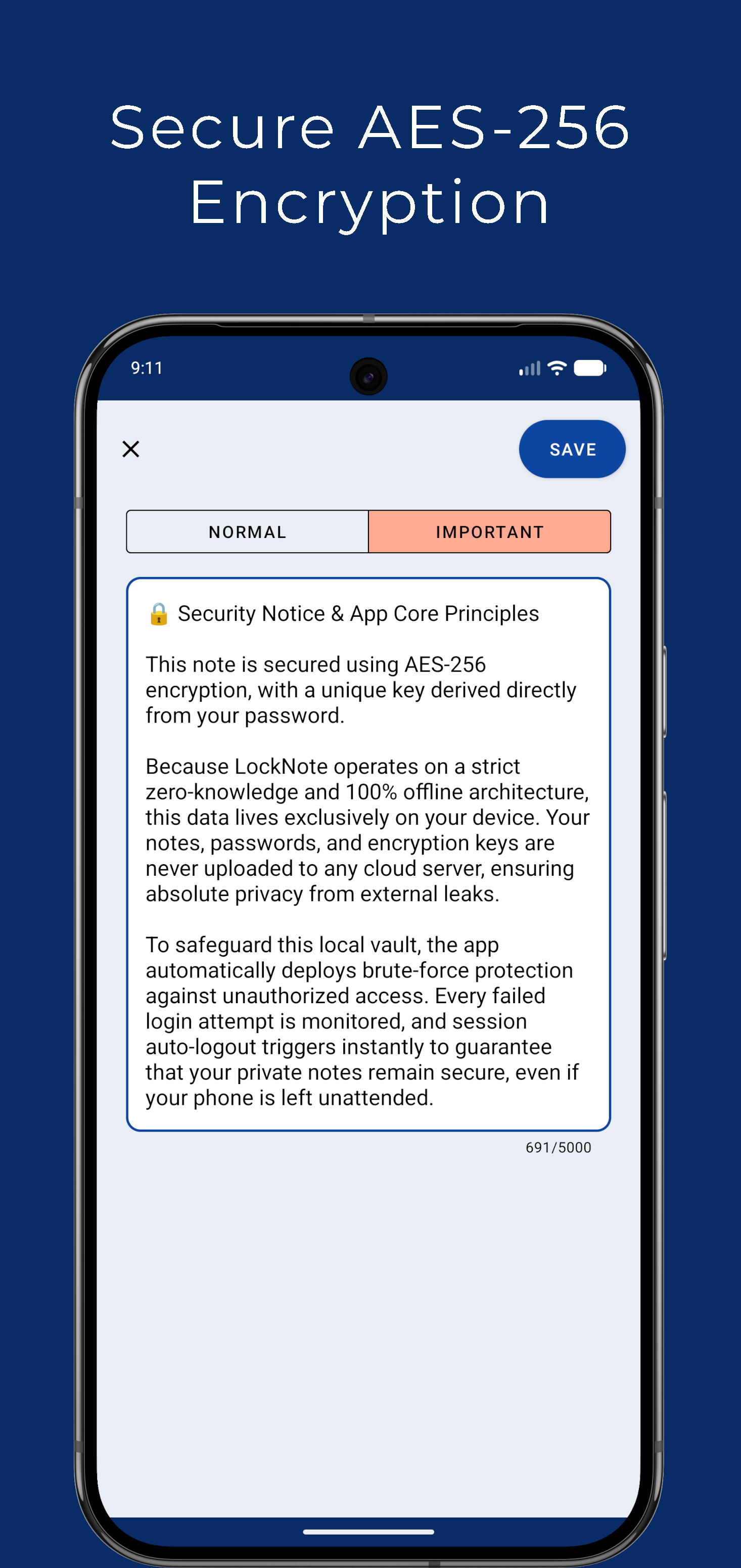
Protected by industry-standard AES encryption, your secret notes and ideas never leave your phone. LockNote gives you 100% digital privacy—no cloud tracking, no external servers, and zero data collection. Only you hold the key to unlock your personal diary and encrypted vault.
🔒 TOTAL PRIVACY & ADVANCED SECURITY
100% Offline & Private: Your data stays exclusively on your device. No external servers, no cloud breaches, no tracking, and zero data collection.
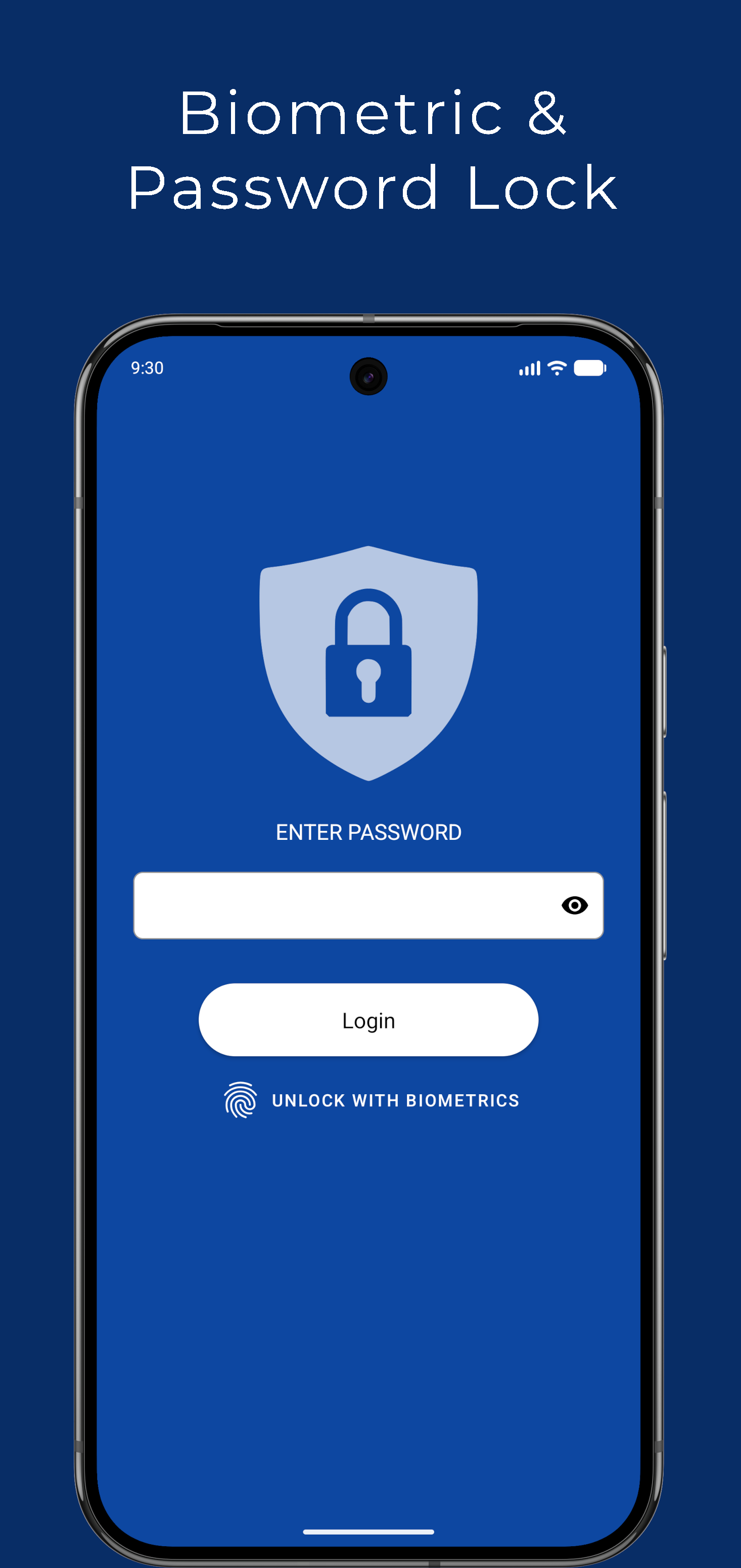
Biometric & Password Lock: Access your secret notes instantly using your fingerprint, face recognition, or a master PIN / password.
Anti-Peeping Protection: Automatically prevents screenshots, screen recordings, and obscures note previews in the Android "Recent Apps" screen to stop shoulder-surfing.
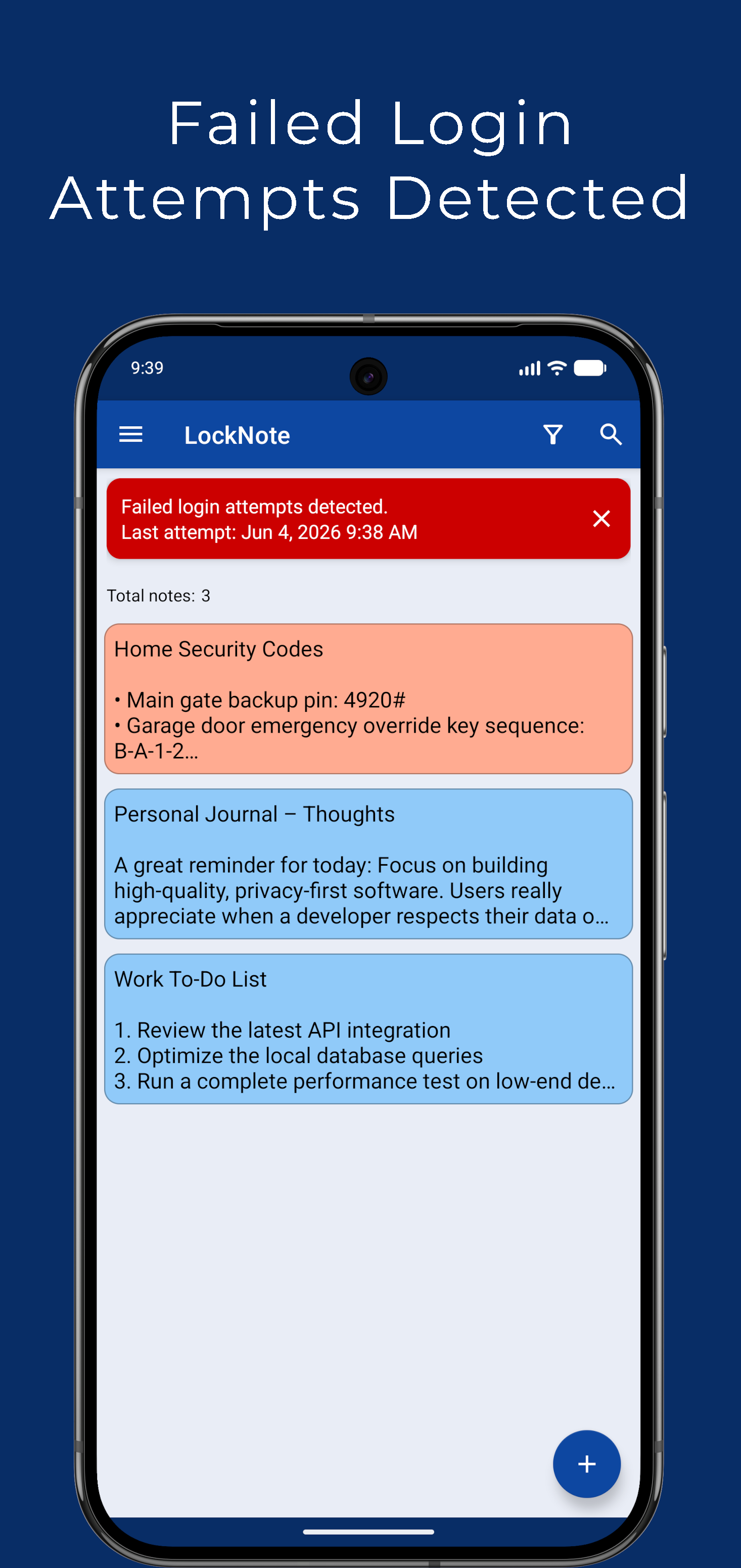
Intrusion Alerts & Brute-Force Protection: Detects unauthorized login attempts, displays detailed intrusion alerts with timestamps, and locks the app automatically after failed password attempts.
Smart Session Timeout: Automatically logs out and locks the app after a customizable period of inactivity, keeping your data secure even if your phone is left unlocked.
🎨 FLEXIBLE NOTE ORGANIZATION & CUSTOM LAYOUTS
Drag & Drop Reordering: Easily reorder and organize your notes in any position simply by pressing and dragging the dedicated note handle.
List & Grid Views: Switch seamlessly between a single-column list view and a modern two-column grid layout to suit your visual style.
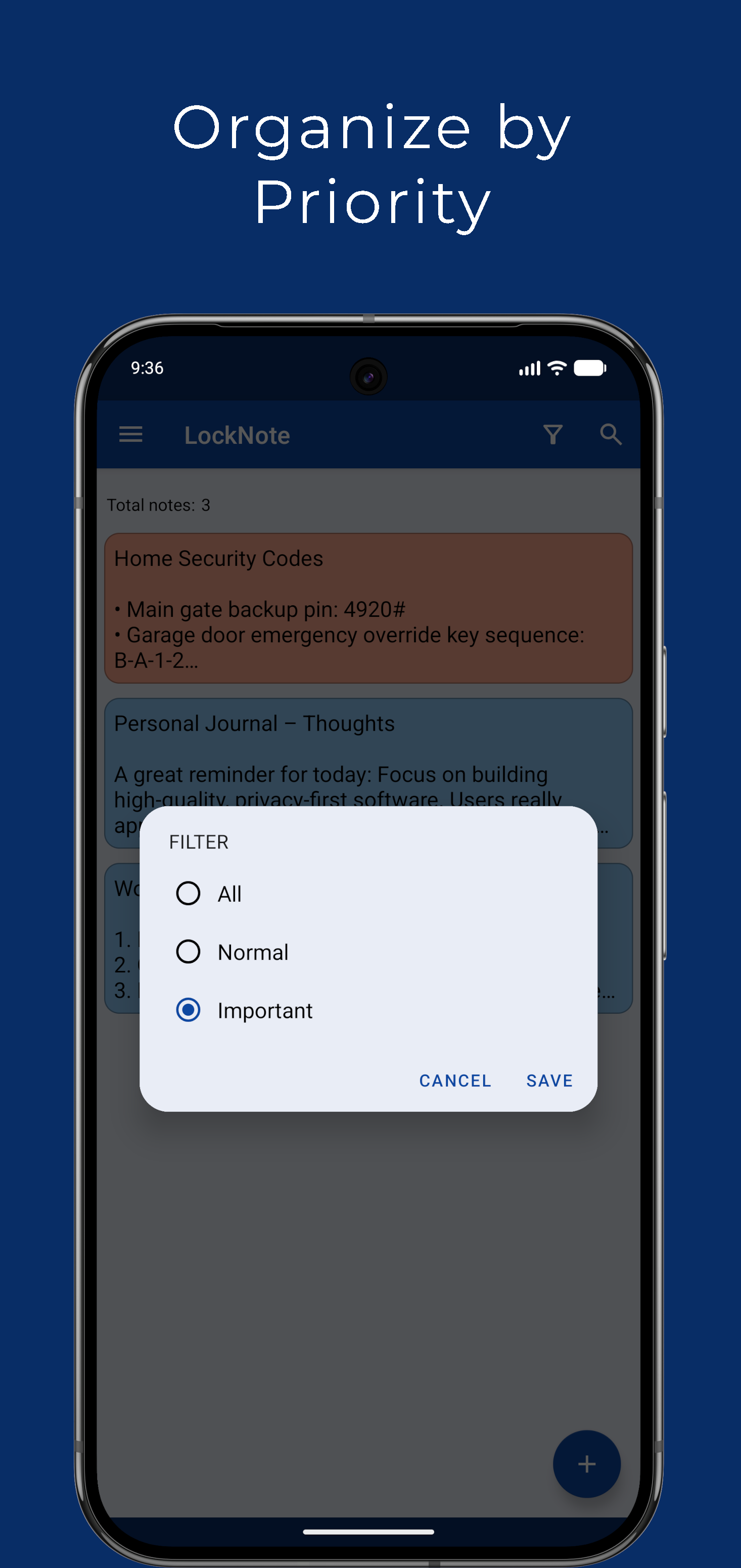
Color-Coded Priorities: Categorize your notes by marking them as "Normal" or "Important", each with distinct, fully customizable color highlights.
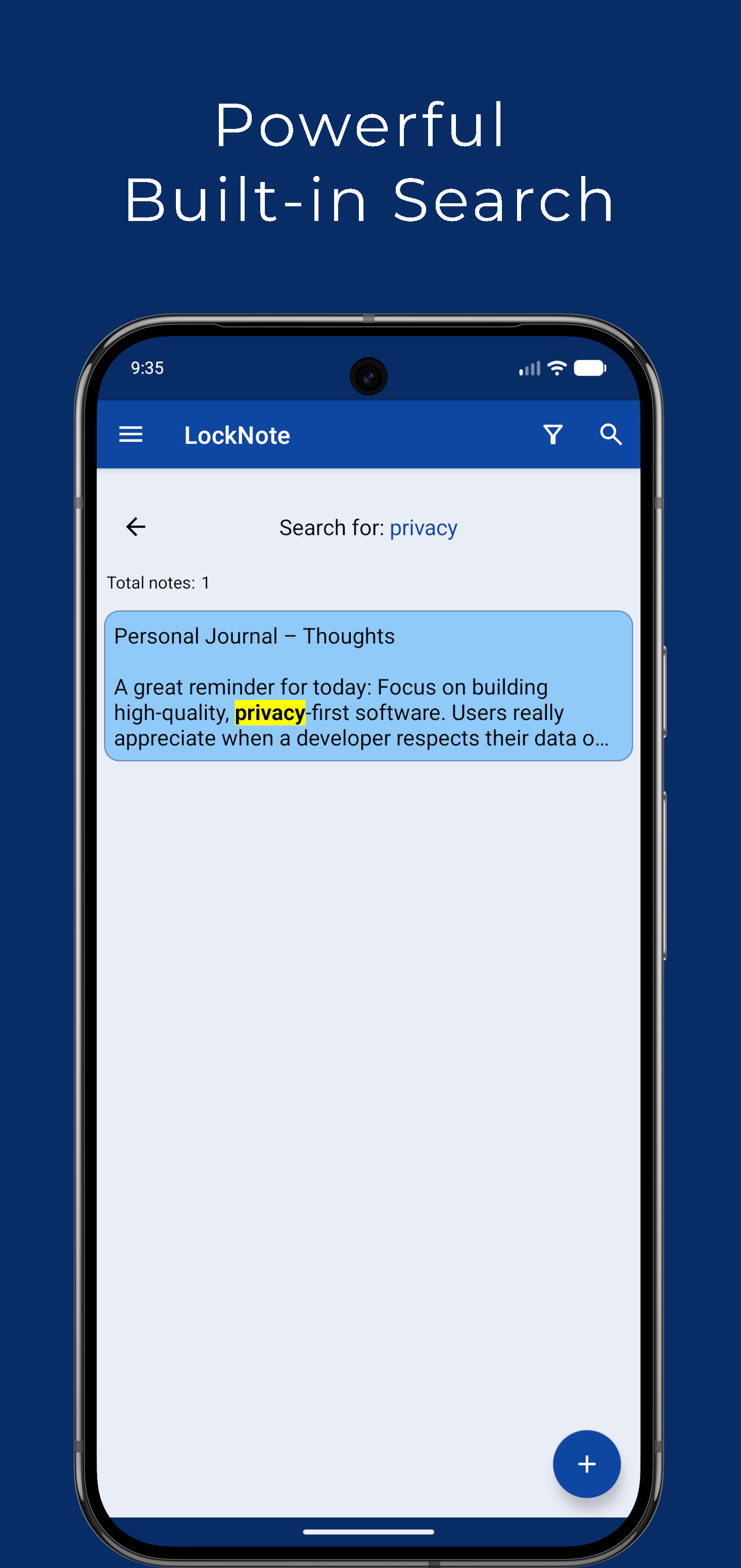
Instant Search & Smart Filters: Find any note in seconds. Our powerful search engine scans your notes and highlights matching keywords instantly, while smart filters let you view only important or normal notes.
⚙️ HIGHLY CUSTOMIZABLE USER EXPERIENCE
Text & Display Tuning: Customize the text font size and choose exact note preview line limits in the list view for maximum readability.
Custom Color Themes: Personalize the exact colors for your normal and important note priority badges.
Customizable Auto-Logout: Set your preferred inactivity session timer according to your personal workflow and security needs.
💾 ENCRYPTED BACKUP & EASY RECOVERY
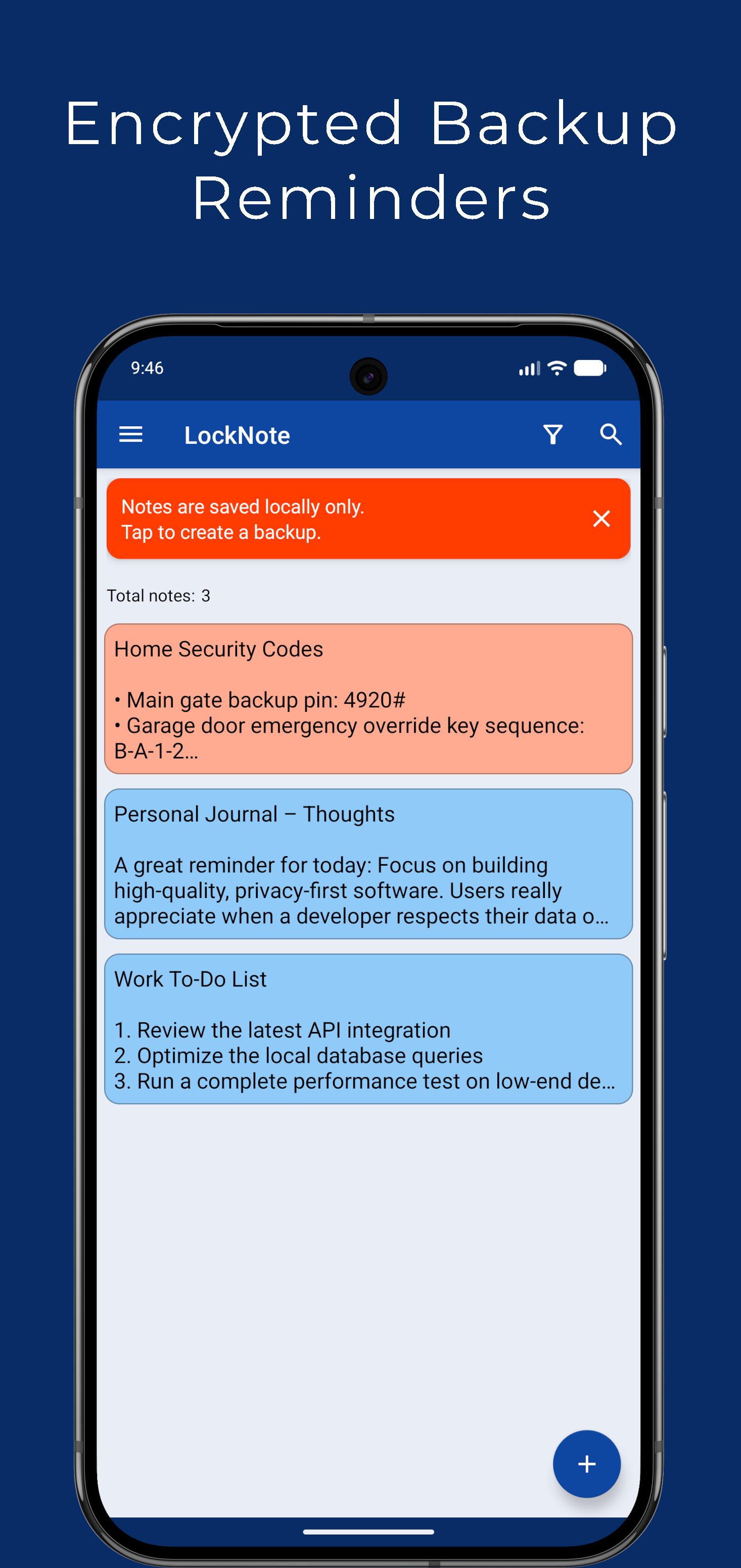
Encrypted Backup Export: Generate a highly secure, password-protected backup file of your encrypted notes. Save your backup file safely to your PC or personal cloud storage (Google Drive, OneDrive, Dropbox).
Seamless Data Transfer: Safely restore your encrypted notes when switching to a new phone or device without losing any data.
💡 WHAT YOU CAN STORE IN LOCKNOTE:
Private Journal & Daily Diary: Write down personal thoughts, ideas, and memories with complete peace of mind.
Password & Account Keeper: Safely store login credentials, PINs, Wi-Fi keys, and confidential accounts offline.
Financial & Secret Notes: Keep credit card details, bank info, tax notes, and private documents secure.
Work & Study Ideas: Draft confidential projects, business plans, and sensitive meeting notes.
Take back full control of your digital privacy. Download LockNote today for a fast, customizable, and 100% secure offline notepad experience!

LockNote 3.3.2 Update

- Reduced banner size for a better user experience in the free version.
- Bug fixes for improved stability.
Read More
LockNote Features
Previous Versions More
LockNote: Secure Private Notes
LockNote: Secure Private Notes 3.3.2 XAPK APKs
August 16, 2026 16.47 MB

Requires Android: Android 6.0+

Architecture: armeabi-v7a

Screen DPI: 160-640dpi

SHA1: 8d25138fd65af95f84b78b5d3ba1e8014045561d

Size: 16.47 MB

What's New:

- Reduced banner size for a better user experience in the free version.
- Bug fixes for improved stability.
LockNote: Secure Private Notes
LockNote: Secure Private Notes 3.2.0 XAPK APKs
June 27, 2026 15.59 MB
Variant
Arch
Version
DPI
arm64-v8a
Android 6.0+
160-640dpi
arm64-v8a
Android 6.0+
160-640dpi
LockNote: Secure Private Notes
LockNote: Secure Private Notes 3.1.2 XAPK APKs
June 14, 2026 12.14 MB
Variant
Arch
Version
DPI
arm64-v8a
Android 6.0+
160-640dpi
arm64-v8a
Android 6.0+
160-640dpi
LockNote: Secure Private Notes
LockNote: Secure Private Notes 2.3.0 APK
April 19, 2020 2.25 MB

Requires Android: Android 4.1+

Screen DPI: 120-640dpi

SHA1: 88166cb413413b905986aa92f864ea0616887243

Size: 2.25 MB

What's New:

Increased maximum number of free memos
More Information

Package Name:

it.mm.android.securememo

Update Date:

Latest Version:

3.3.2

Need Update:

Submit latest version

Available on:

Google Play

Requirements:

Android 6.0+