Scalator Launcher (Package Name: dev.nairnei.scalator) is developed by Nairnei.dev and the latest version of Scalator: Minimal Launcher 3.3.0 was updated on June 24, 2026. Scalator: Minimal Launcher is in the category of Personalization. You can check all apps from the developer of Scalator: Minimal Launcher and find 86 alternative apps to Scalator: Minimal Launcher on Android. Currently this app is for free. This app can be downloaded on Android 8.1+ on APKFab or Google Play. All APK/XAPK files on APKFab.com are original and 100% safe with fast download.
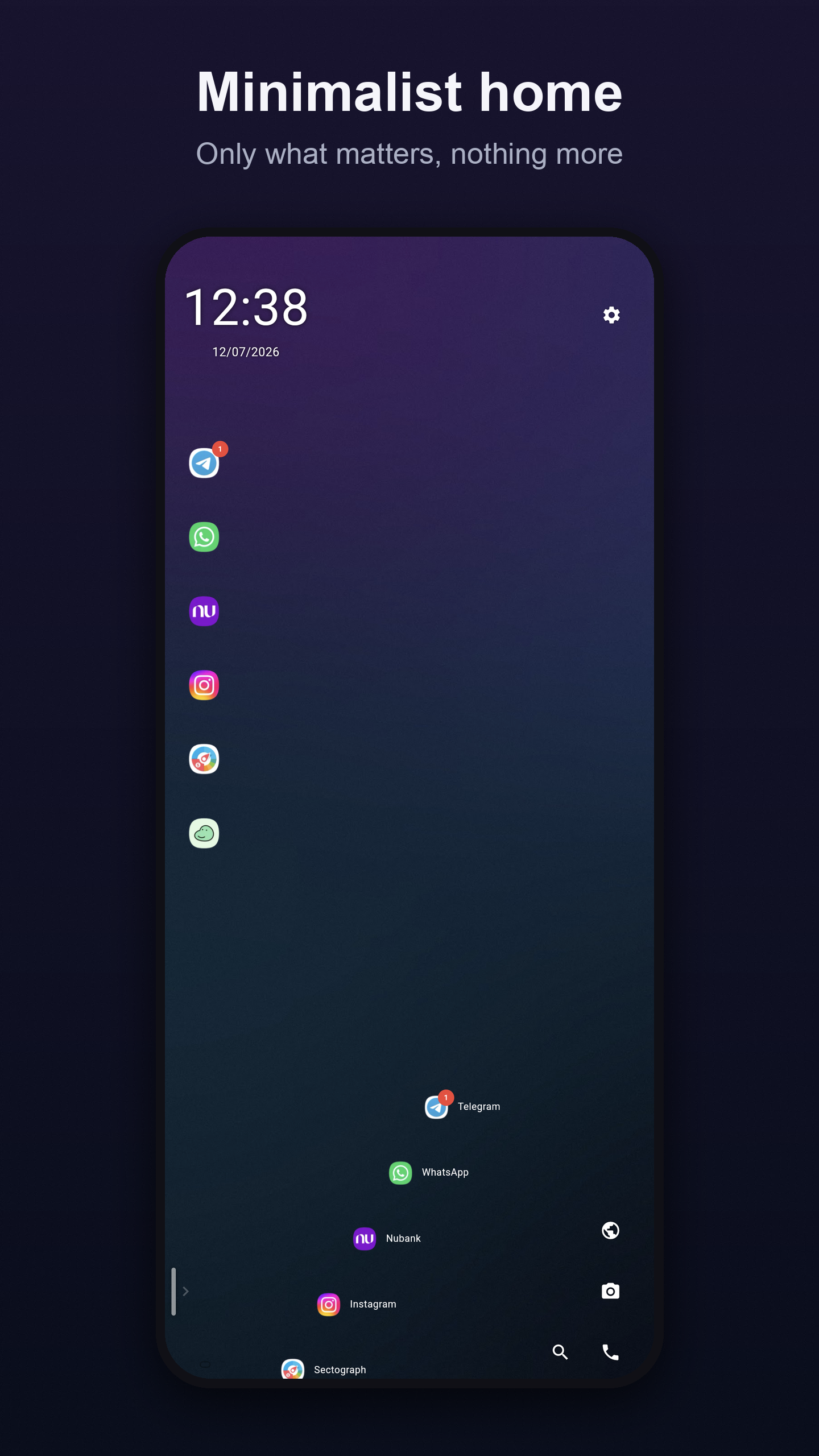
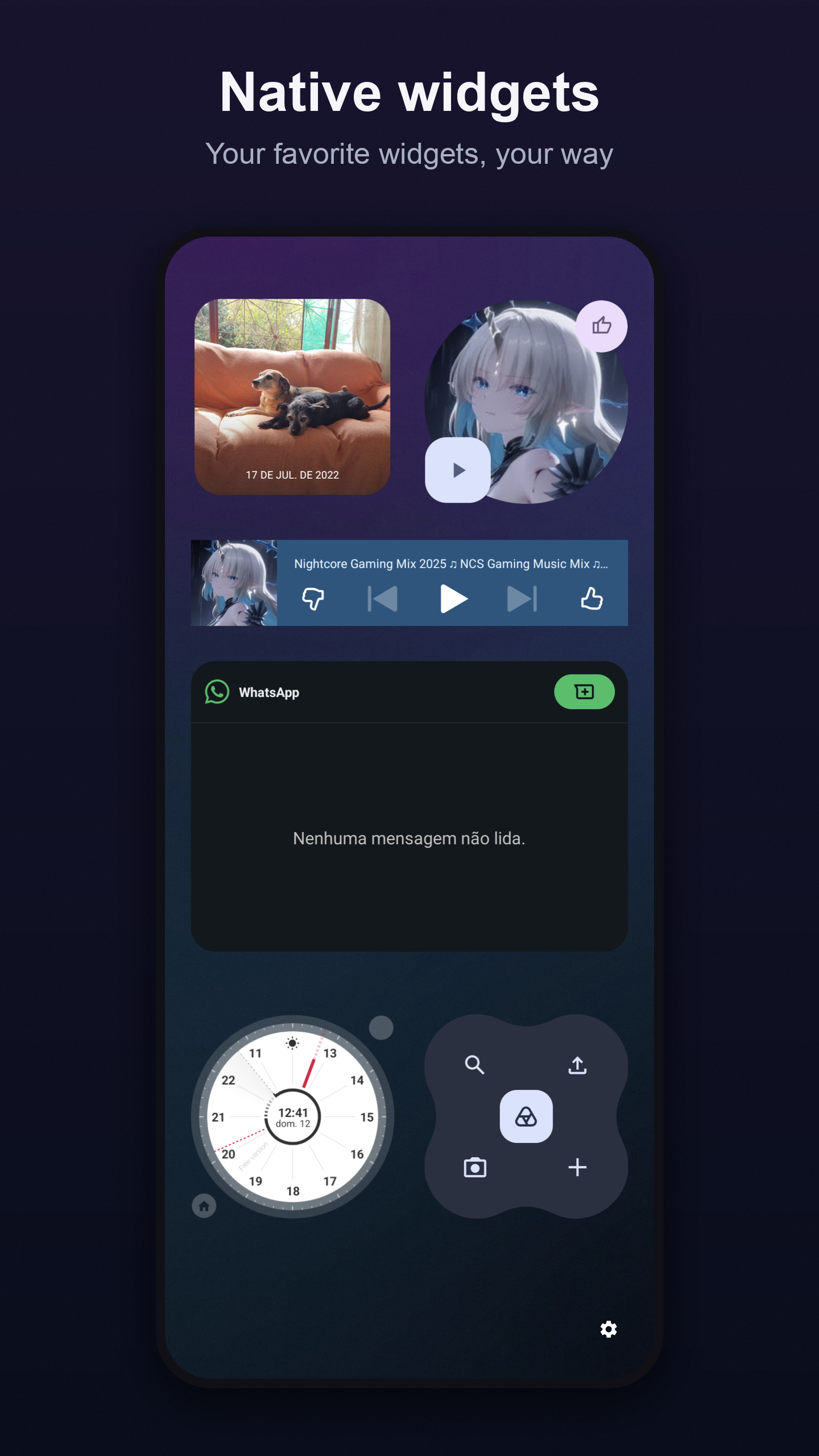
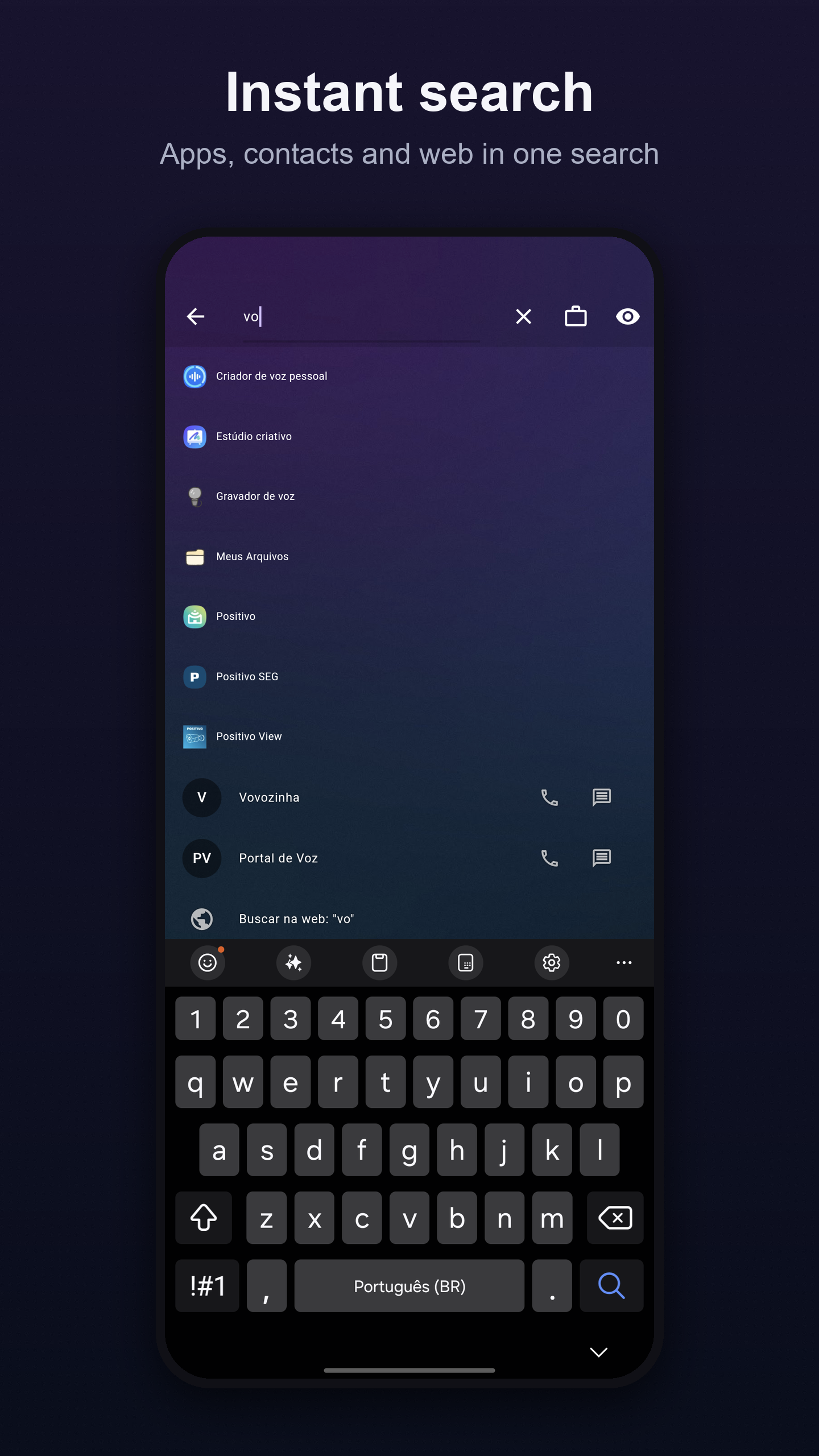
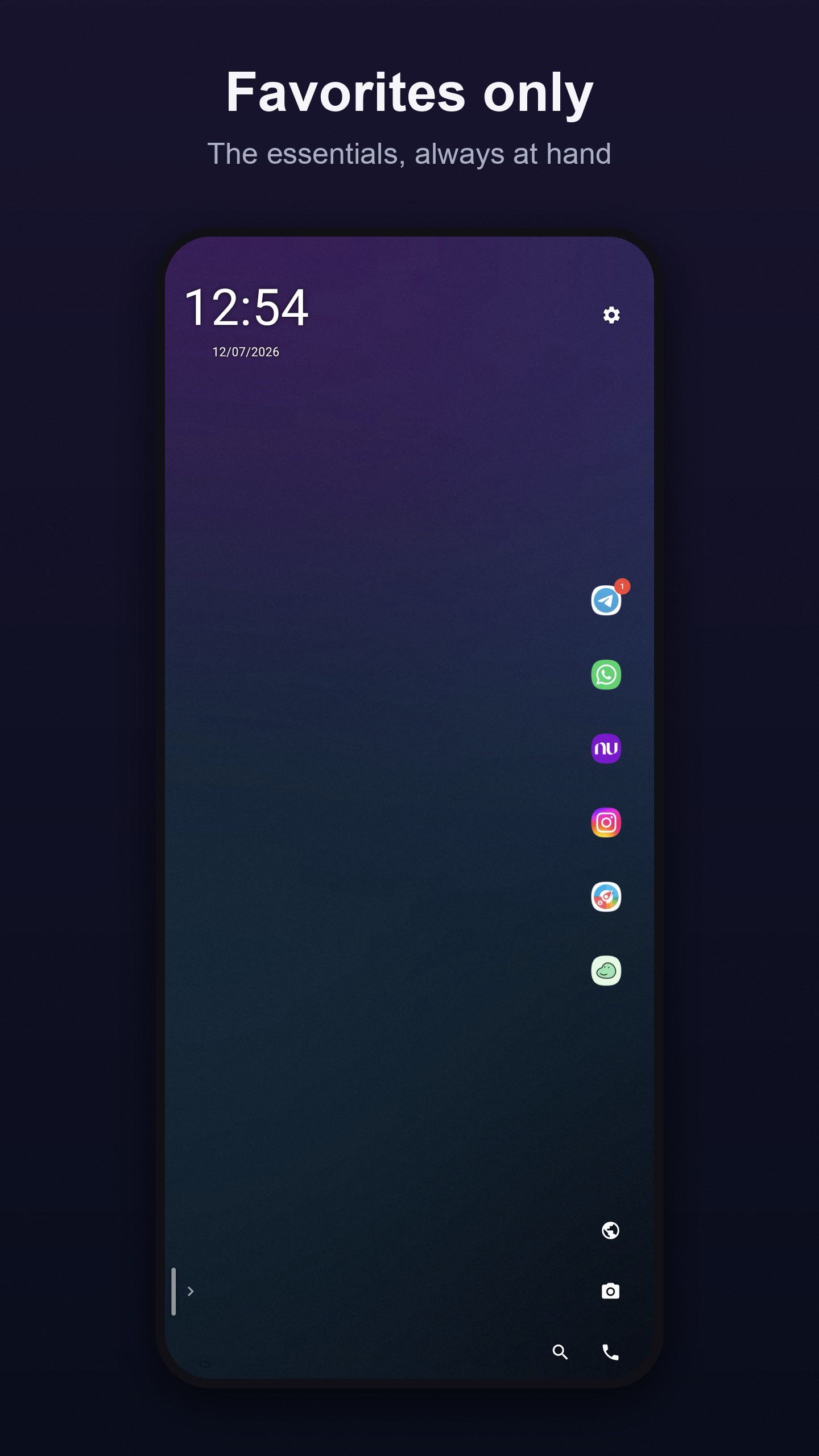
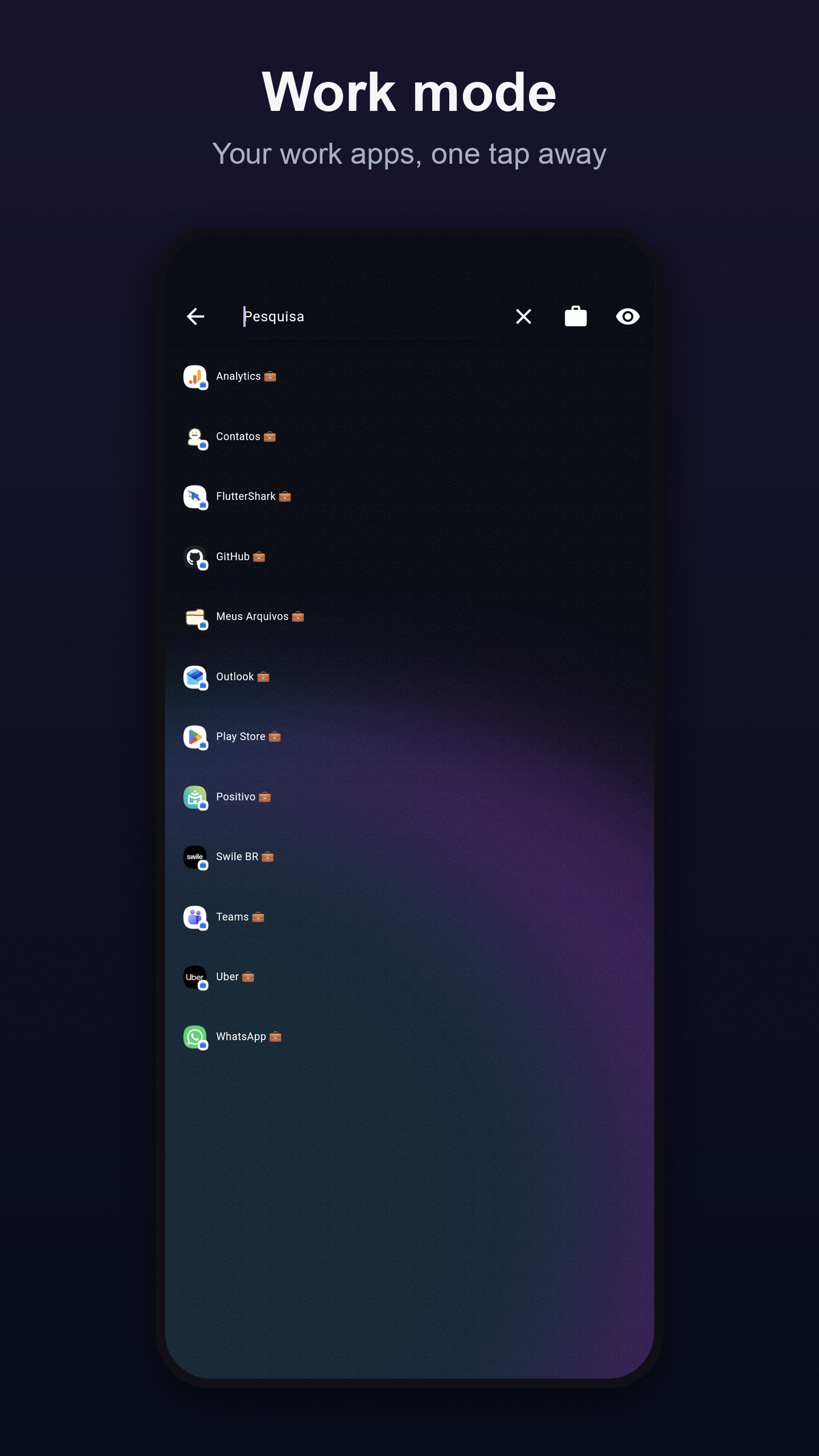
Customize your home screen. Minimal launcher with weather and calendar. Scalator is the Android launcher that puts you in control — no clutter, no distractions. Your apps in alphabetical order, accessible with one finger. Open, hide, or uninstall any app in seconds with a single gesture. A home screen that breathes - Clean alphabetical list, no cluttered icon grids - Favorites with instant access and drag-to-reorder - Hide apps without uninstalling - Notification badge counter on every app - Instant search with accent support Deep customization - 5 customizable colors: tiles, text, borders, icons and shadows - 1000+ Google Fonts for app labels and the clock - Real-time font size and spacing sliders - Wallpapers from 18 categories applied directly Sky Colors Your screen changes with the sun and moon. Scalator reads the time and lunar phase to shift the backdrop colors throughout the day — sunrise, noon, dusk, night. Every moment, a different atmosphere. Widgets that inform - Weather with temperature, humidity, UV index, wind and hourly forecast - Moon phase and sky quality for stargazing - Google Calendar synced Simple. Fast. Yours. Available in Português, English, Français, Türkçe and हिन्दी.
Scalator Launcher 3.3.0 Update
• New color picker with palette and hex input • Sky Colors: backdrop shifts with the sun and moon • Redesigned settings with real-time slider values • New swipeable onboarding • Impeller enabled — smoother animations • Adaptive shadow on clock and dock icons • Option to delete account directly in the app • App now appears in the app drawer
Enhancements: - Improved user experience. - Adjusted touch area and added options for home screen items. - Organized favorite apps in search. - Enhanced layout responsiveness. Bug Fixes: - Corrected recognition and removal of installed and store-removed apps.
APKFab.com and the download link of this app are 100% safe. All download links of apps listed on APKFab.com are from Google Play Store or submitted by users. For the app from Google Play Store, APKFab.com won't modify it in any way. For the app submitted by users, APKFab.com will verify its APK signature safety before release it on our website.