Widget App Folder
7.0 14
v1.0 по zzugliRyu
7.0 14
v1.0 по zzugliRyu

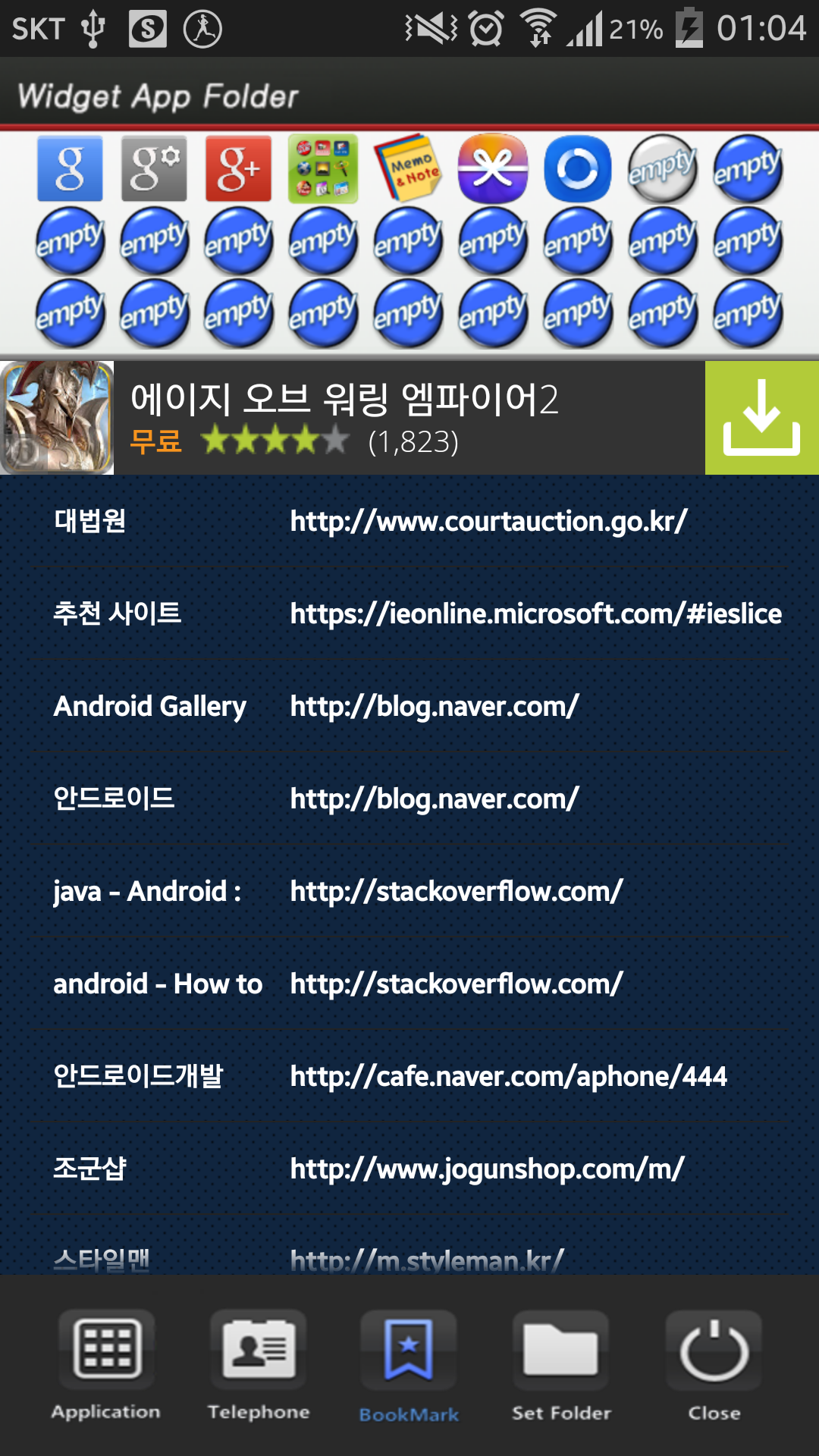
**[Color Folder Widget Instruction]**
1. Press the main screen during about 2 seconds.
2. Select widget menu and then select Widget App Folders app.
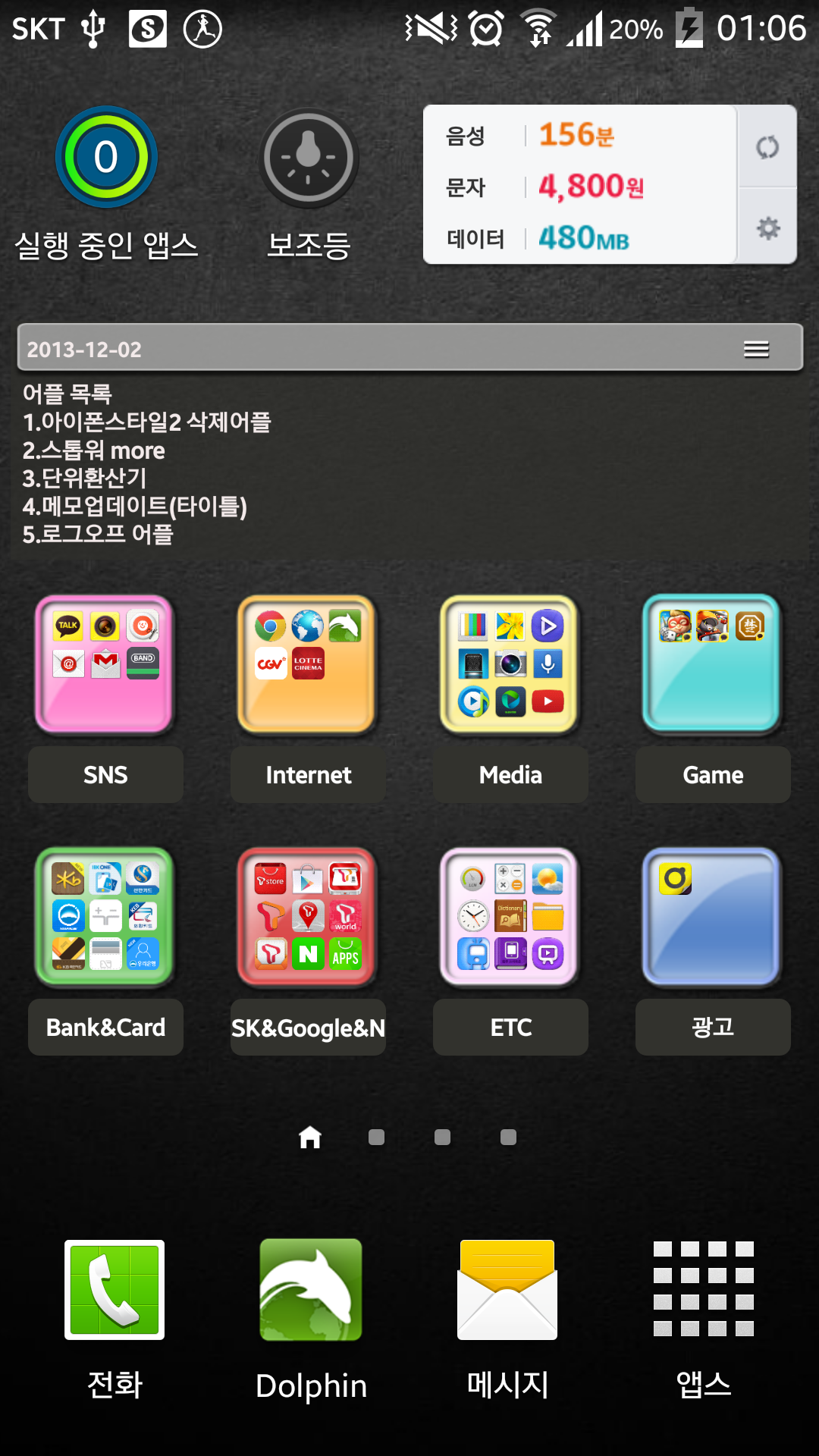
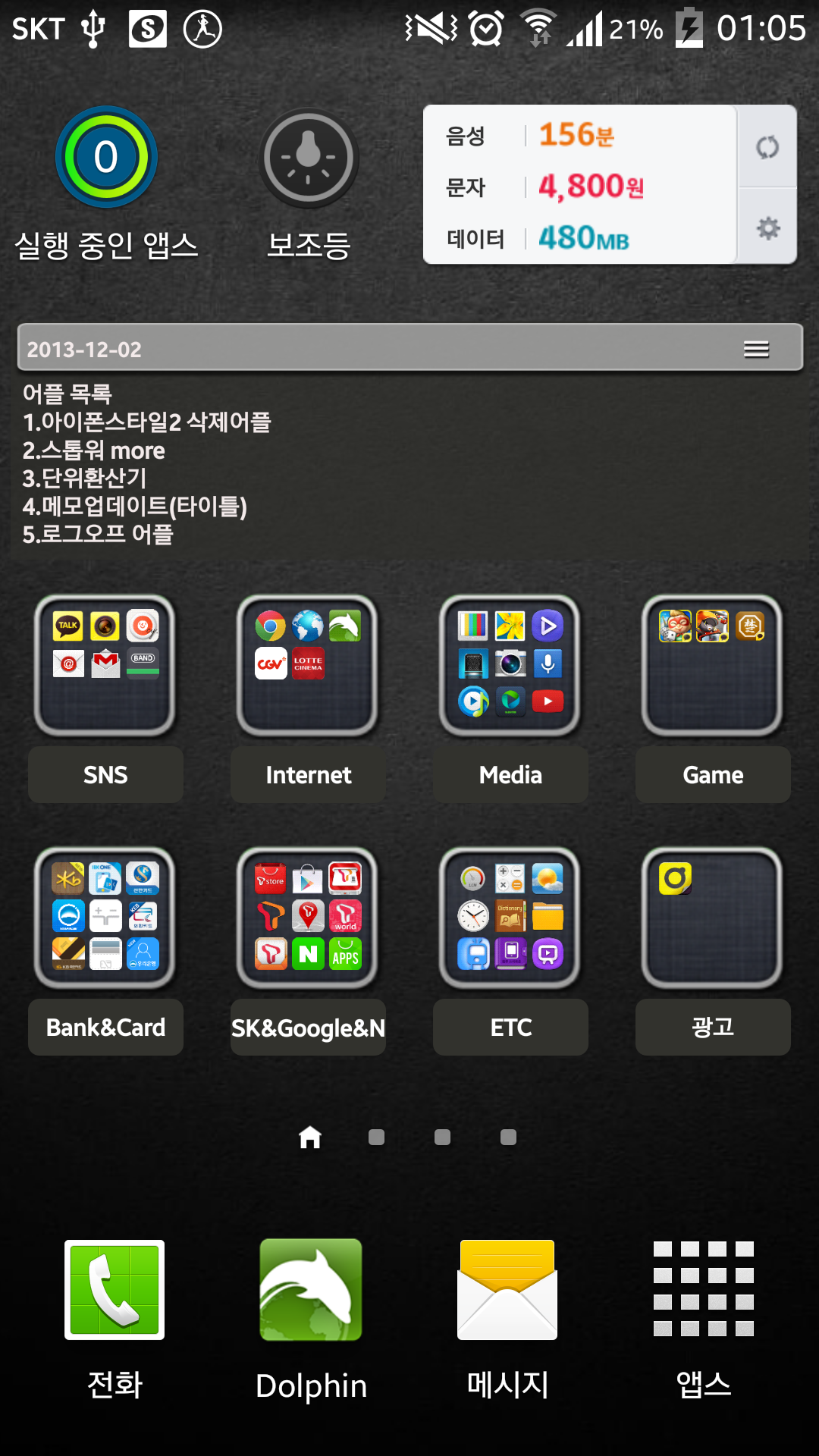
3. The widget folder is created on the screen.
**[Put the Apps. into the Folder]**
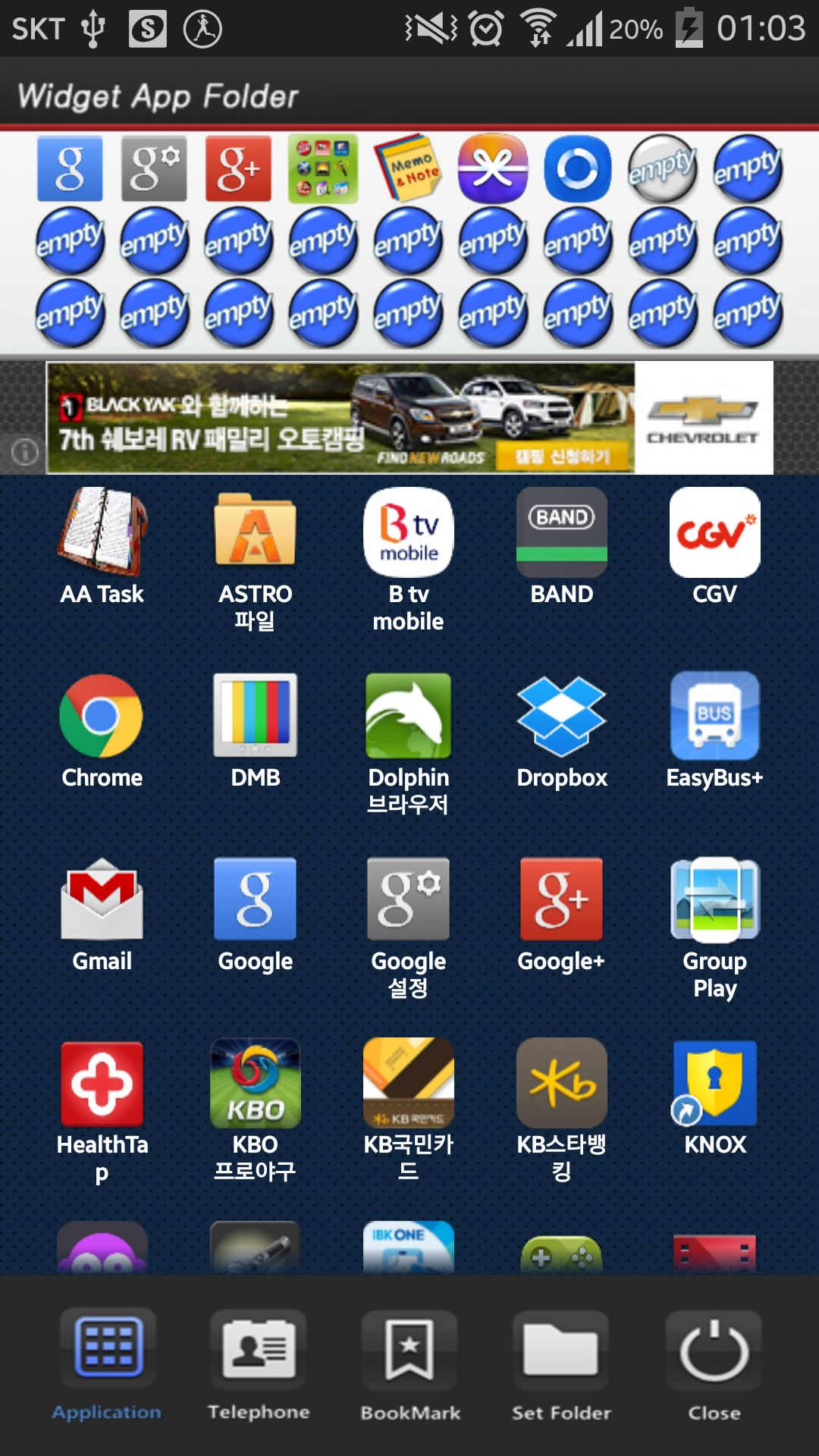
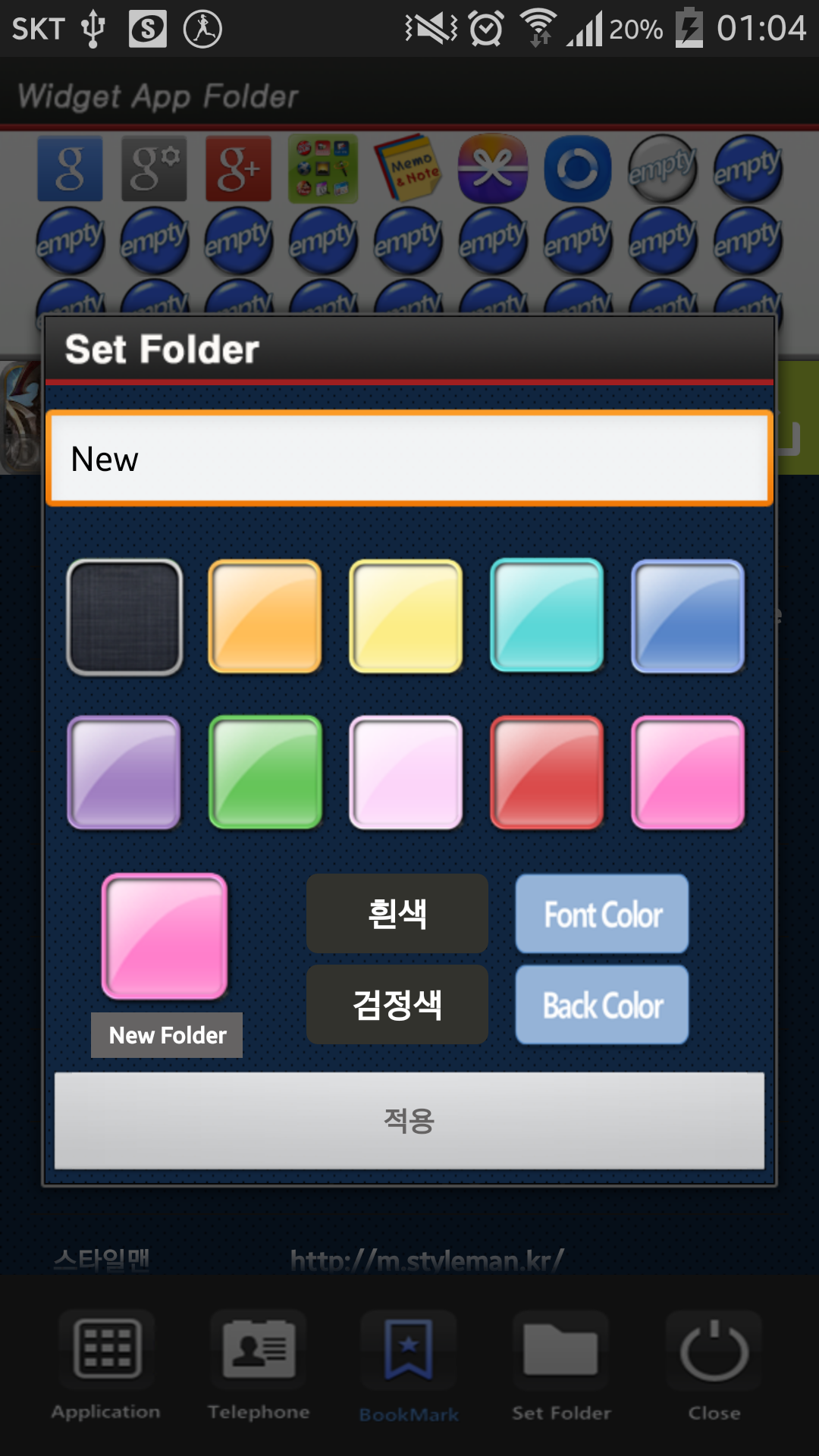
1. Select the widget folder and click the set symbol at the right upper part.
2. Select the Apps. what you want to put. Then you can check the select apps. at the upper part.
3. To cancel a selection, click the selected apps. at the upper part.
4. Click the backspace button and OK popup to finish.
Requires Android: Android 2.3.2+
Screen DPI: 160-480dpi
SHA1: 00e3f584a5a22ff24622e3db885a59730b27029e
Size: 1.93 MB
Имя пакета:
Категория:
Дата обновления:
2014-09-21
Последняя Версия:
1.0
Требуется обновление:
Требования:
Android 2.3.2+
Пожаловаться:

Телефон Google
Надежное приложение для звонков с АОН, защитой от спама и другими функциями
8.8 3M+

Clean Master - Антивирус & Очистка кэша и мусора
Оптимизация производительности с антивирусом, чище и экономии заряда батареи
9.4 3M+

Сервисы Google Play
Сервисы Google Play: обновления, безопасность, новые функции для ваших любимых приложений!
8.7 3M+

Попробуйте режим ИИ – наш самый мощный поиск с искусственным интеллектом.
8.0 2M+

Security Master - Antivirus, VPN, AppLock, Booster
Антивирус с блокировкой приложений и бесплатным VPN(ВПН) ускоряет телефон
9.3 1M+

Gboard – Google Клавиатура
Ваше слово — ваше волшебство: Gboard — скорость, универсальность и Google интеллект в одном касании!
9.0 1M+


