Widget App Folder
7.0 14
v1.0 por zzugliRyu
7.0 14
v1.0 por zzugliRyu

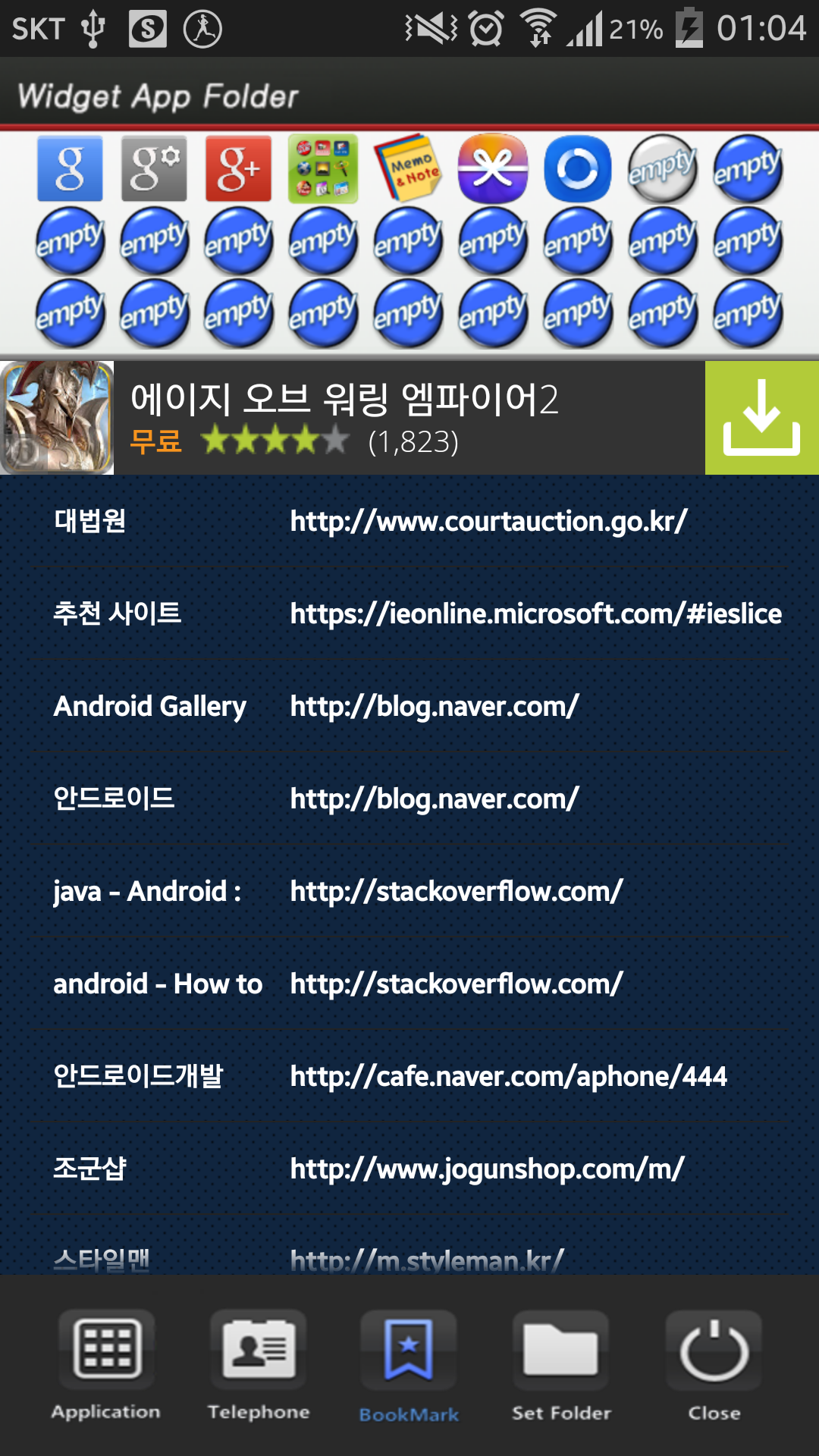
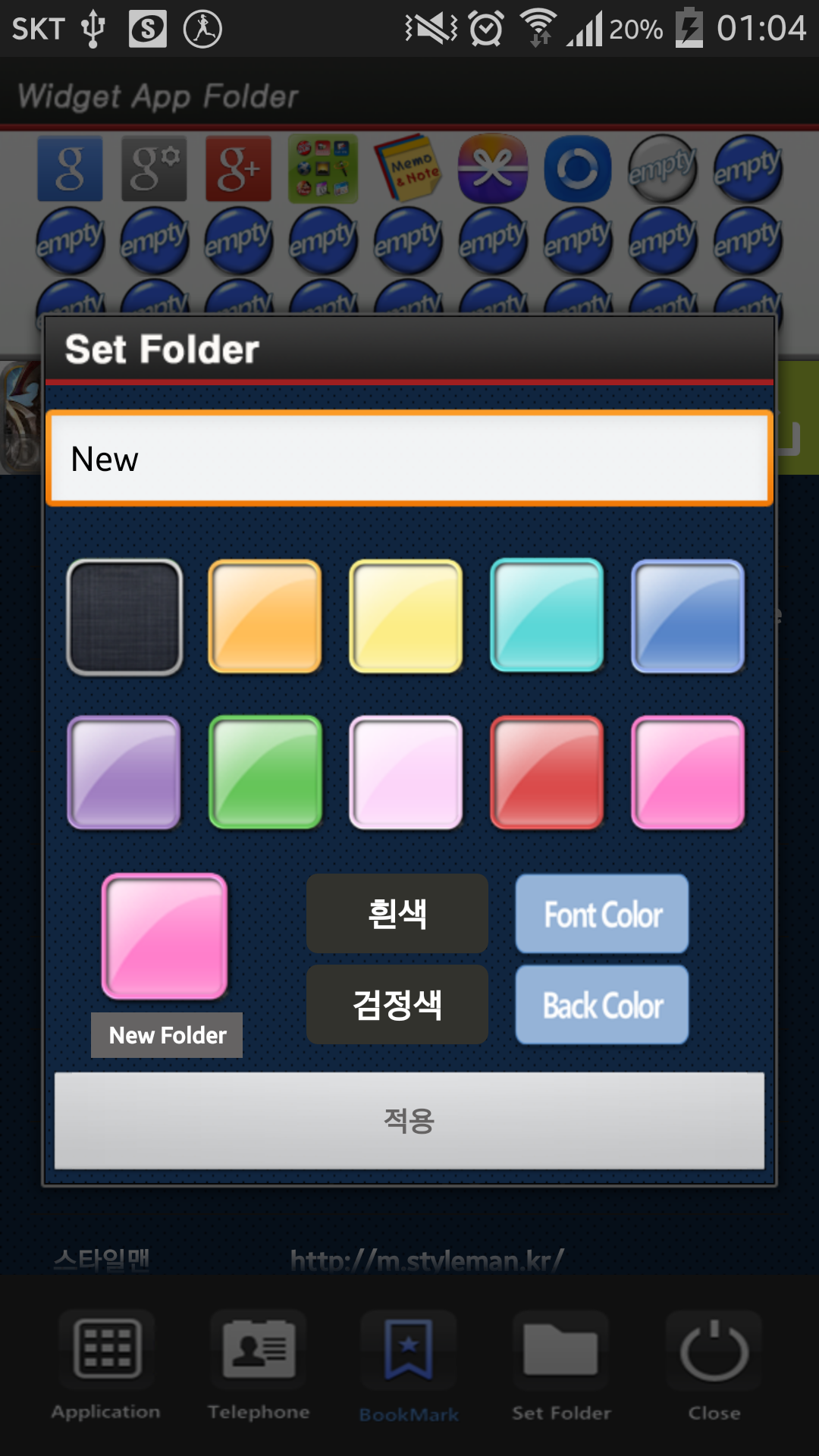
**[Color Folder Widget Instruction]**
1. Press the main screen during about 2 seconds.
2. Select widget menu and then select Widget App Folders app.
3. The widget folder is created on the screen.
**[Put the Apps. into the Folder]**
1. Select the widget folder and click the set symbol at the right upper part.
2. Select the Apps. what you want to put. Then you can check the select apps. at the upper part.
3. To cancel a selection, click the selected apps. at the upper part.
4. Click the backspace button and OK popup to finish.
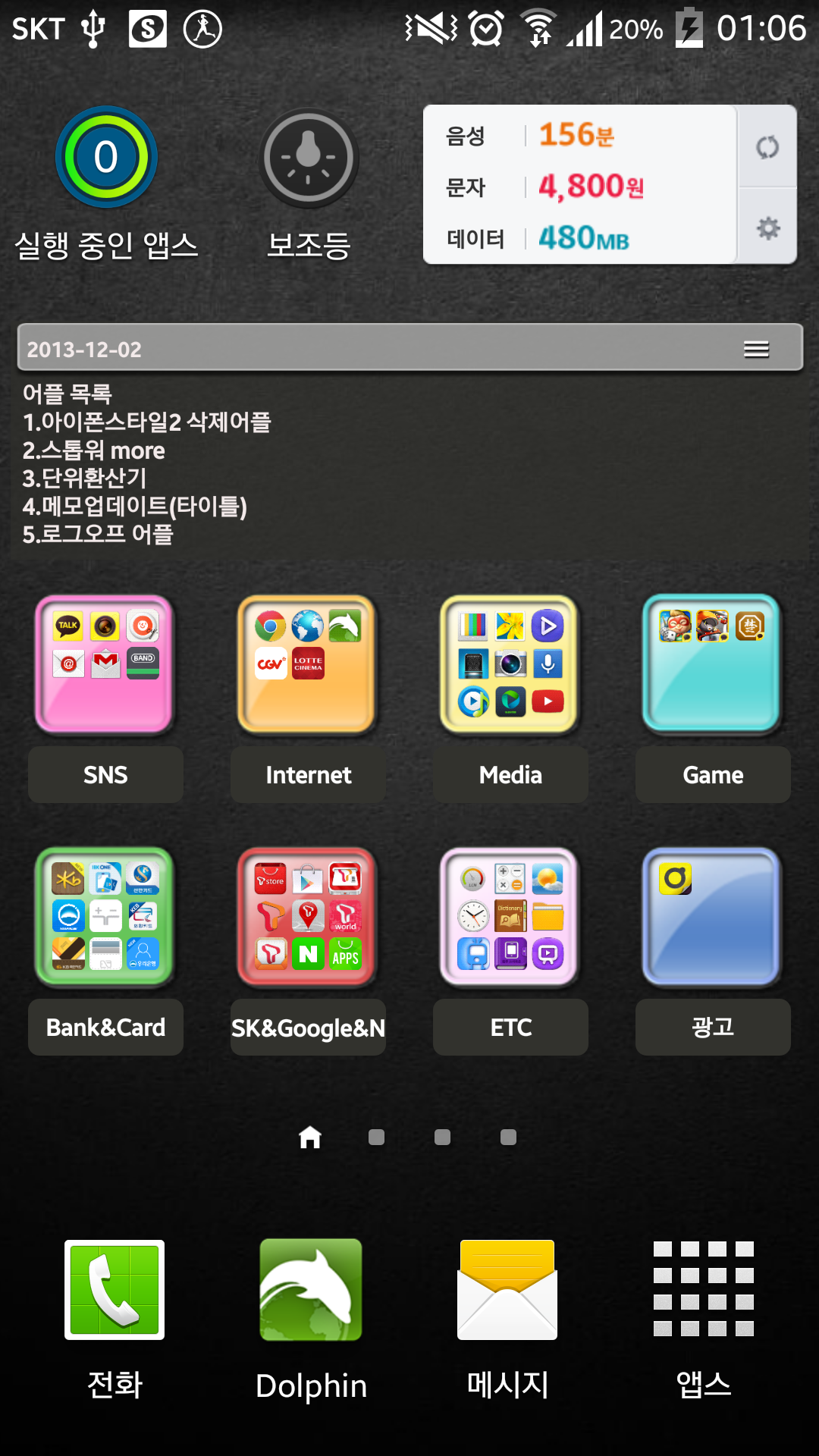
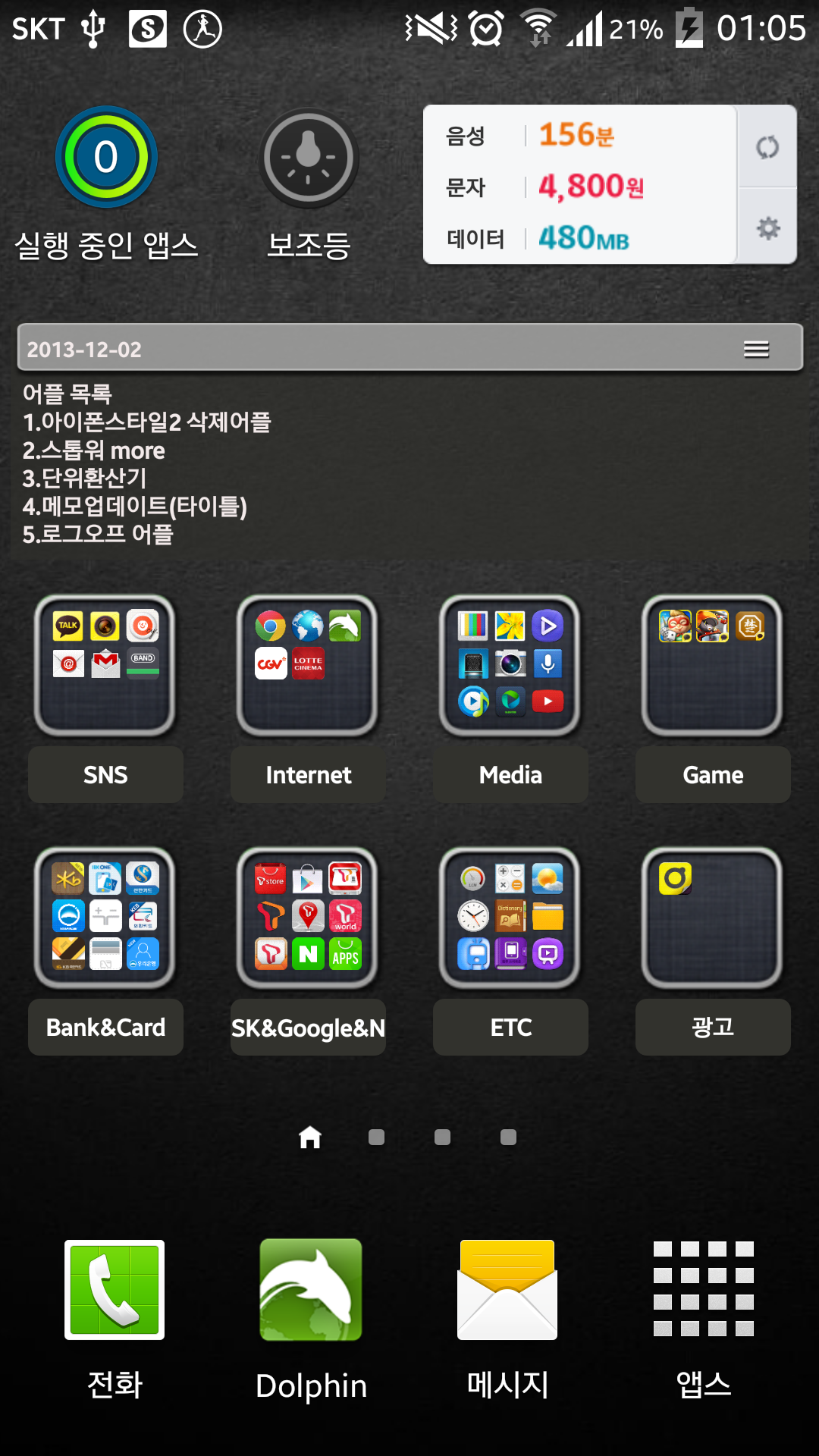
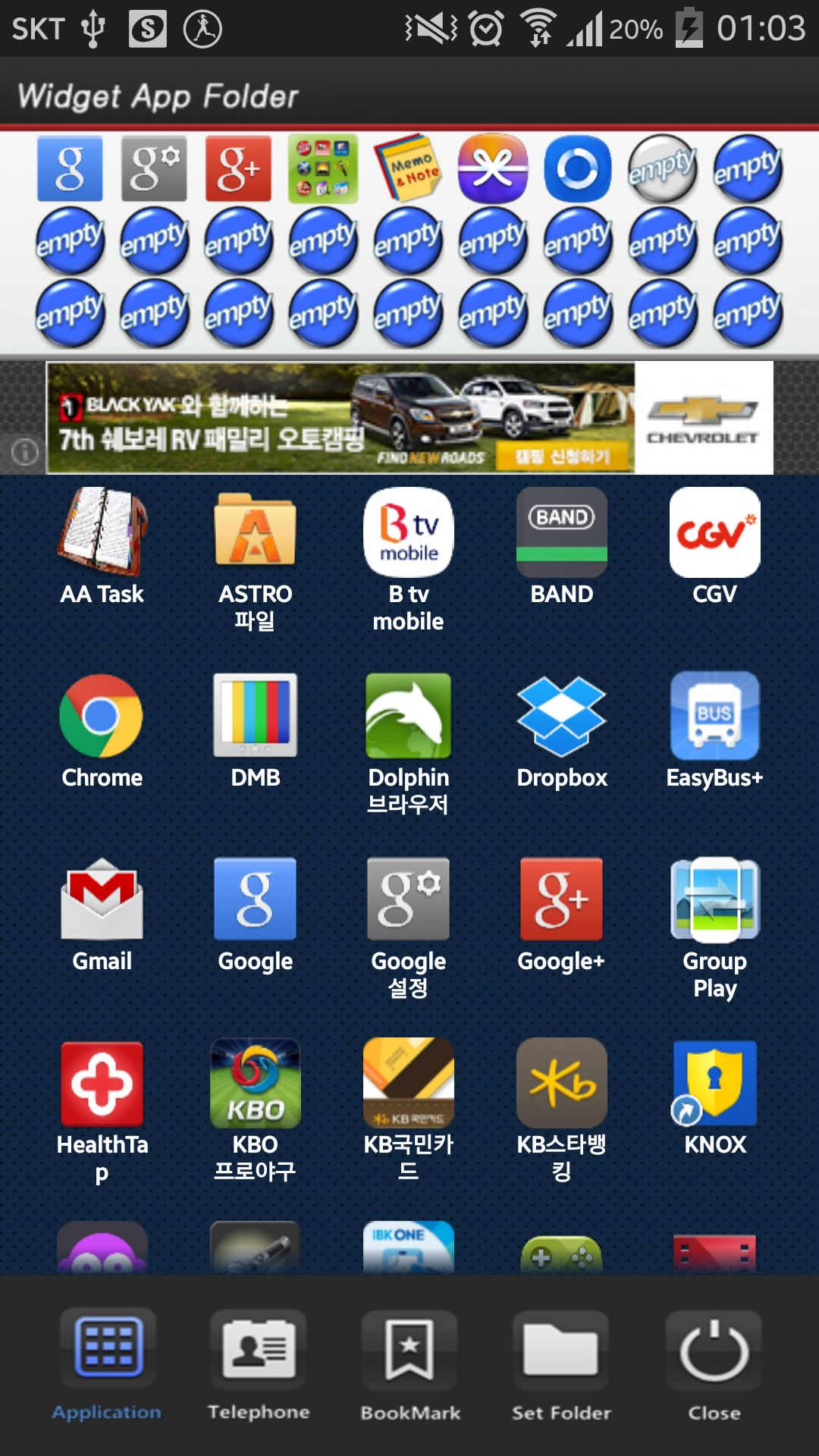
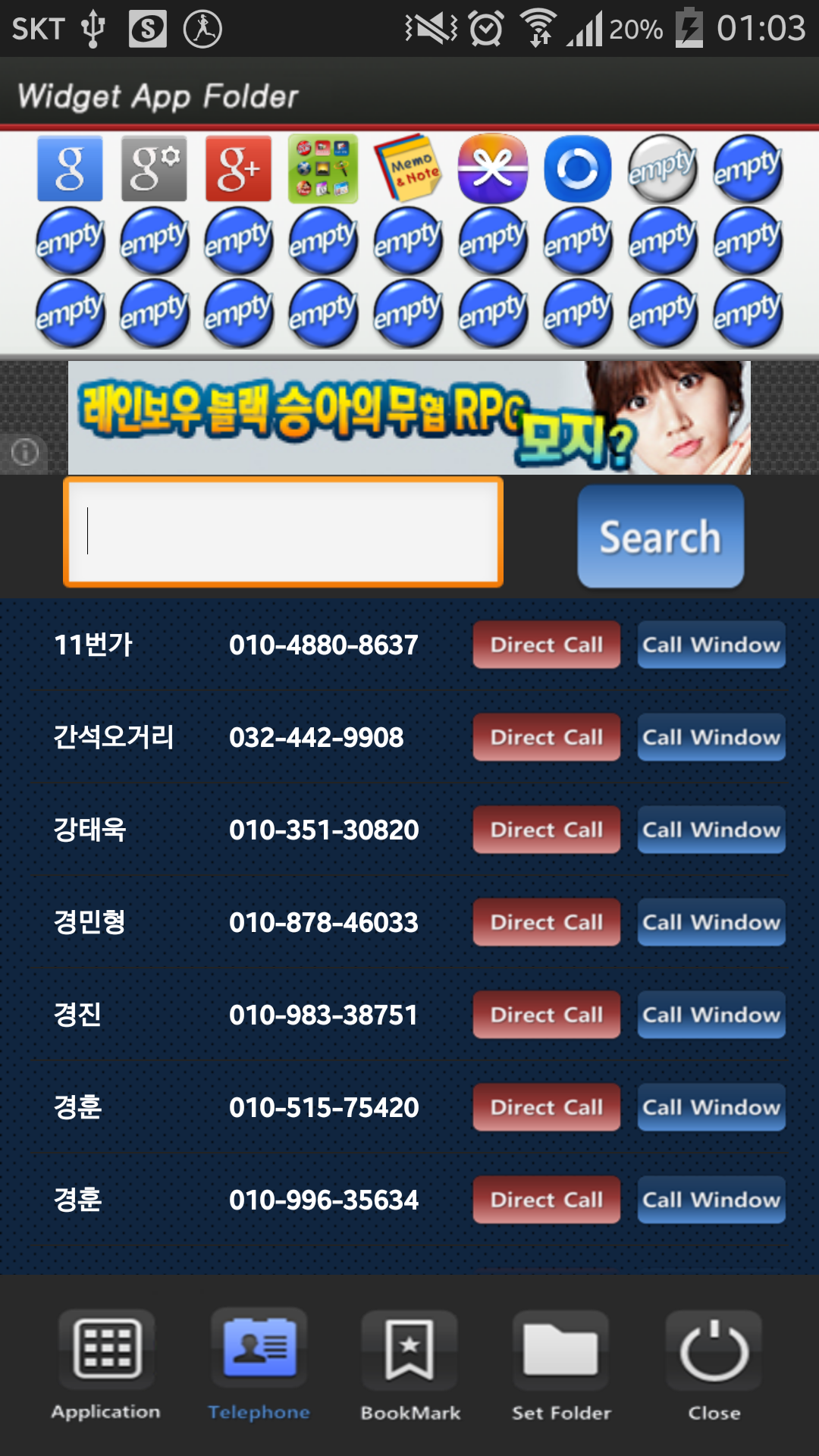
Requires Android: Android 2.3.2+
Screen DPI: 160-480dpi
SHA1: 00e3f584a5a22ff24622e3db885a59730b27029e
Size: 1.93 MB
Nome do Pacote:
Categoria:
Data de Atualização:
2014-09-21
Última Versão:
1.0
Solicite Atualização:
Requisitos:
Android 2.3.2+
Denunciar:

Telefone do Google
Ligações confiáveis com proteção contra spam, identificador de chamadas e outros
8.8 3M+

Clean Master - Antivírus e Limpeza de Celular
Mantenha seu telefone limpo e seguro com antívirus e limpador de memória e cache
9.4 3M+

Google Play Services
Tenha acesso a uma variedade de recursos e serviços que melhoram o desempenho e a funcionalidade de seus aplicativos.
8.7 3M+

Google App é um portal pessoal para acesso a informações e serviços oferecidos pelo Google de maneira simples e rápida.
8.0 2M+

Security Master - Antivírus, VPN, AppLock, Booster
Mais potente app antivírus e de segurança com AppLock, otimizador e VPN
9.3 1M+

Gboard, o Teclado do Google
Gboard é um teclado virtual popular usado pelos usuários de todo o mundo, desenvolvido pelo Google para dispositivos móveis.
9.0 1M+


