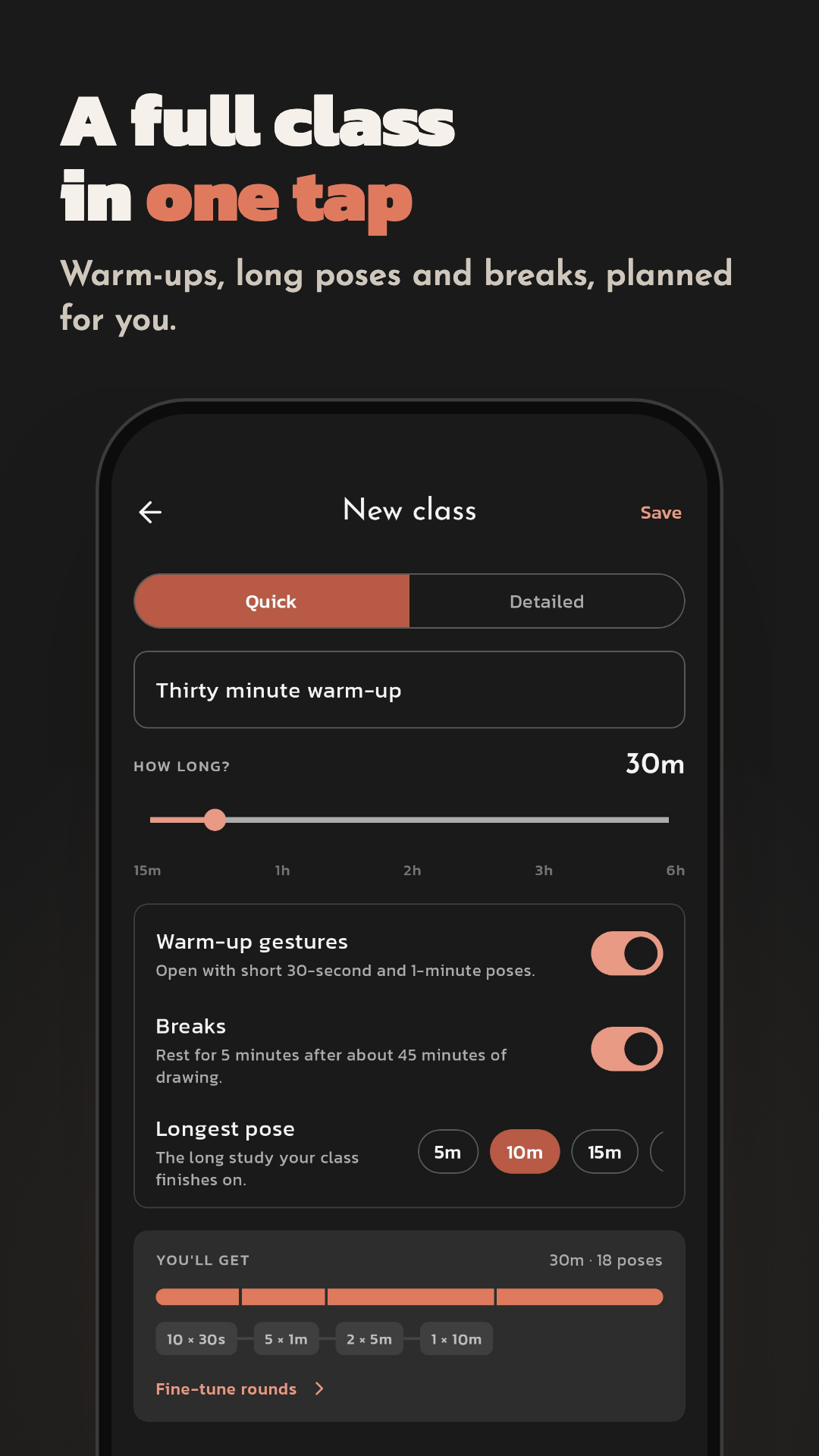
Draw Gestures is a pose reference and timer app for gesture drawing and figure drawing practice. Pick a pose, set a drawing timer, and quick sketch just like a real life drawing class. Whether you are a beginner learning figure drawing or a pro warming up before a studio session, Draw Gestures gives you the structured quick sketch and croquis practice that animators, illustrators and concept artists use every day. How it works 1. Choose your pose reference - figure drawing poses, animals, faces, hands, or your own photos 2. Set your timer - 30 seconds to 10 minutes per pose 3. Draw and improve - track your gesture drawing progress over time Daily drawing practice of 15 minutes builds confidence, speed and flow. Included for everyone - Timed gesture drawing sessions with a built-in sketch timer - Built-in pose reference library, plus your own photos and device folders - Draw straight onto the reference image, with tracing mode included - A real sketch canvas with brushes, layers, eraser and undo - Grid overlay for proportions and line of action - Streaks, practice heatmap and full session history - Daily practice reminders to build a drawing habit - Sessions run up to 30 minutes with up to 20 reference images Pro features - Unlimited reference images and practice libraries - Unlimited session length - Cloud reference libraries from Pinterest, Google Drive and Dropbox - Classroom mode to simulate art school life drawing sessions - Quantity mode and custom intervals - Relaxed mode to practice with no timer pressure - Side-by-side and floating reference layouts - Left-hand mode - Shuffle your pose reference order - Export without a watermark - Import your own paper textures Built for artists who practice - Art students studying anatomy drawing and figure drawing - Illustrators and concept artists warming up with quick sketch drills - Animators practicing gesture, movement and action poses - Character designers studying art poses and silhouettes - Anyone doing daily croquis or 30-second gesture drills Practice on your phone, tablet, desktop or the web at drawgestures.com - one Pro subscription unlocks every device you sign in on. Your pose reference, your pace, your practice. drawgestures.com
Обновление Gesture Drawing Practice 9.0.1
What's New: - Fixed: a Lasso selection can be moved, scaled and rotated again - A new drawing engine, with brush packs and brush import (.dgbrush, .dgpack) - Fewer repeats: sessions start with the images you've drawn least - Lasso tool: select, move and transform part of your drawing - Change a session's length, pose count, class or layout while it runs - Layer menu: lock, clear and merge down layers - Delete single sketches, 15-second poses, and erase with your finger
What's New: - A new drawing engine, with brush packs and brush import (.dgbrush, .dgpack) - Fewer repeats: sessions start with the images you've drawn least - Lasso tool: select, move and transform part of your drawing - Change a session's length, pose count, class or layout while it runs - Layer menu: lock, clear and merge down layers - Delete single sketches, and practice with 15-second poses - Erase with your finger, and a redesigned Settings
What's New: - Fixed the app freezing while the drawing canvas resizes - Fixed a freeze when finishing a practice session - Bug fixes and stability improvements
- Start no longer reopens the session you just finished - The Background row in Layers now matches the paper on your canvas - Bug fixes and stability improvements
APKFab.com и ссылка для скачивания этого приложения на 100% безопасны. Все ссылки для загрузки приложений, перечисленных на APKFab.com, получены из Google Play Store или предоставлены пользователями. Для приложения из Google Play Store APKFab.com не будет вносить в него никаких изменений. Для приложения, предоставленного пользователями, APKFab.com проверит безопасность его подписи APK перед его выпуском на нашем сайте.