ReShoot 360 (Package Name: com.loicmartin.reshoot360) is developed by Loic Martin and the latest version of ReShoot 360 - Video and Photo 1.17.0 was updated on March 25, 2026. ReShoot 360 - Video and Photo is in the category of Photography. You can check all apps from the developer of ReShoot 360 - Video and Photo and find 199 alternative apps to ReShoot 360 - Video and Photo on Android. Currently this app is for free. This app can be downloaded on Android 9.0+ on APKFab or Google Play. All APK/XAPK files on APKFab.com are original and 100% safe with fast download.
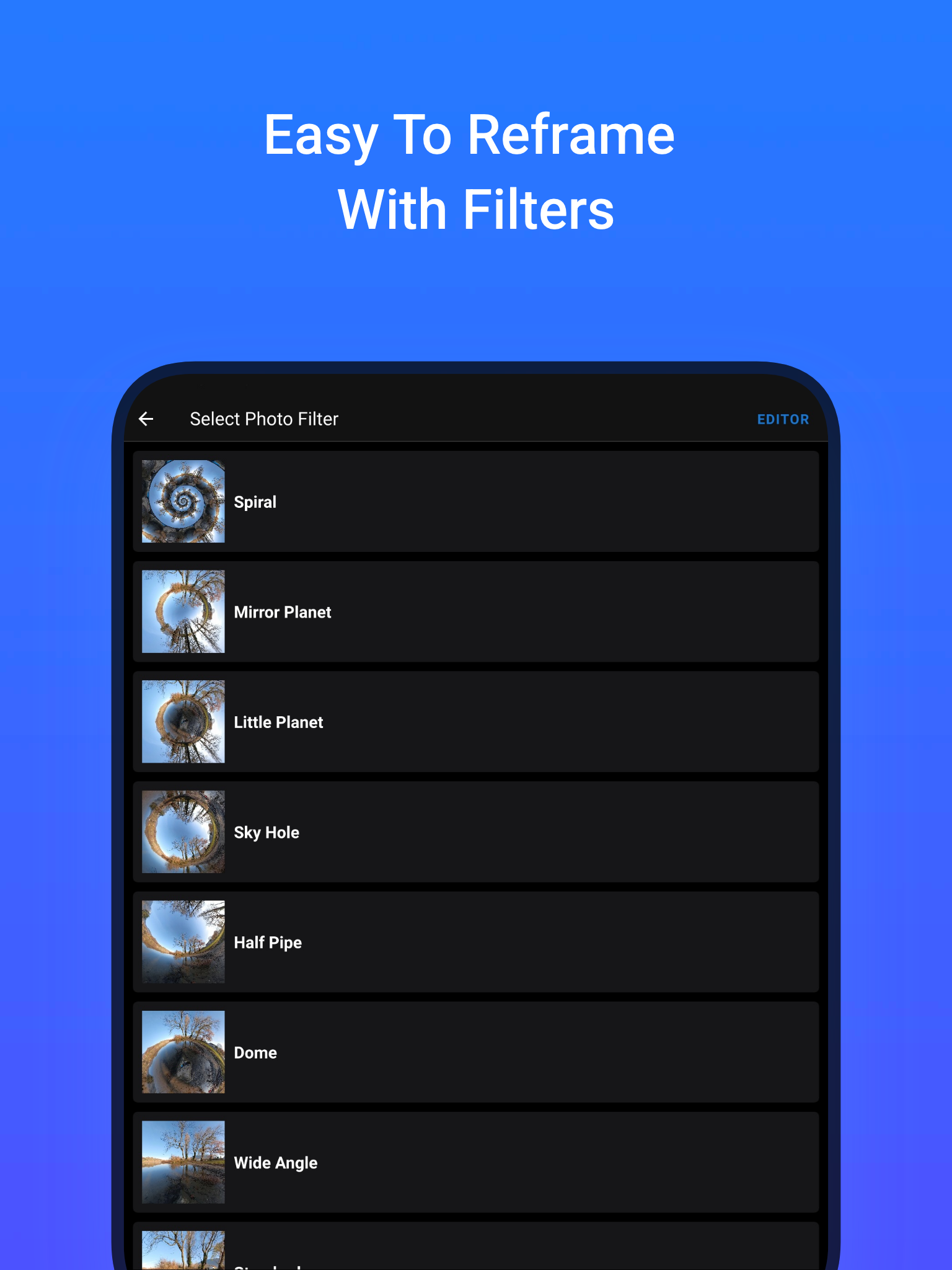
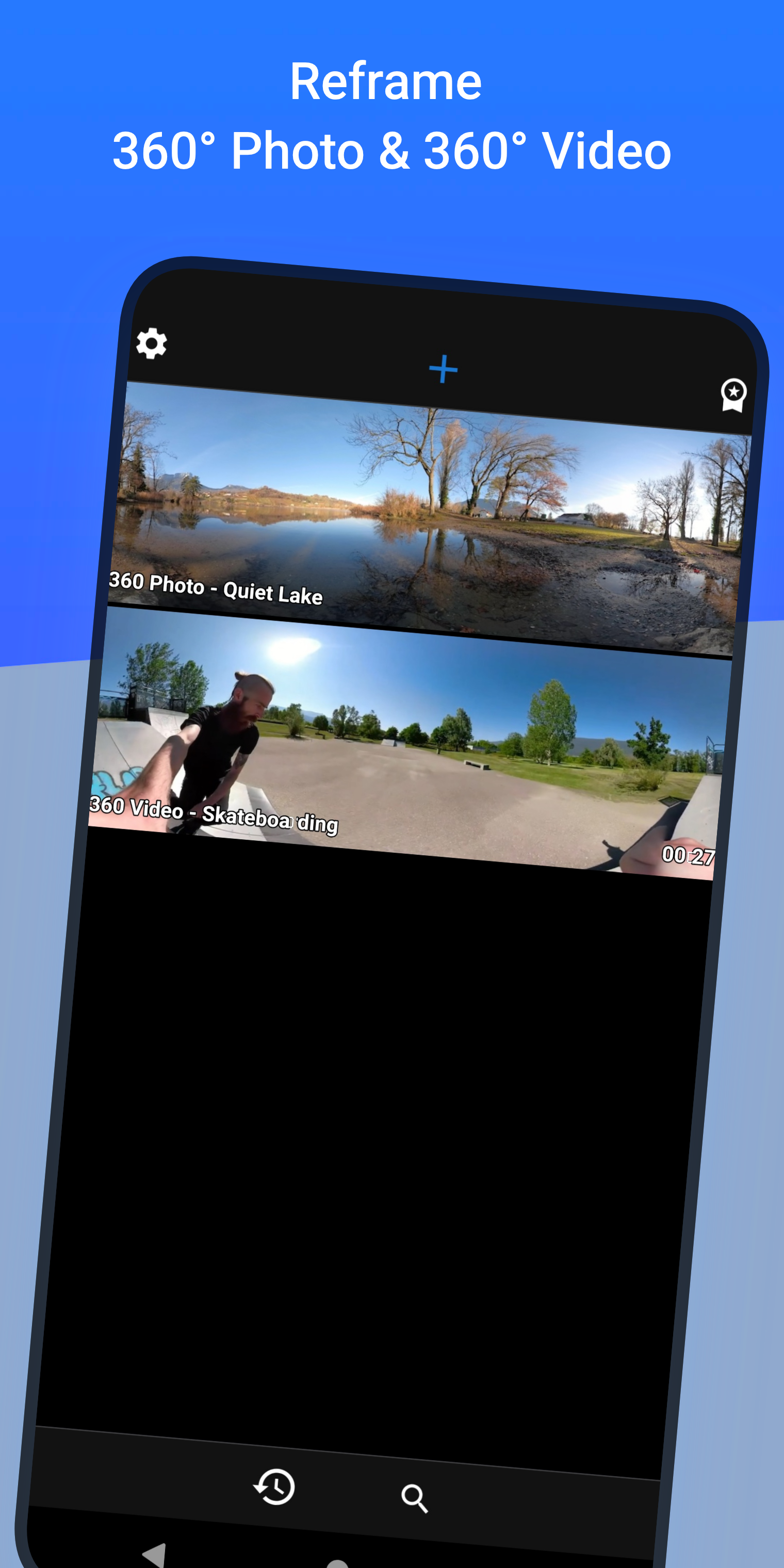
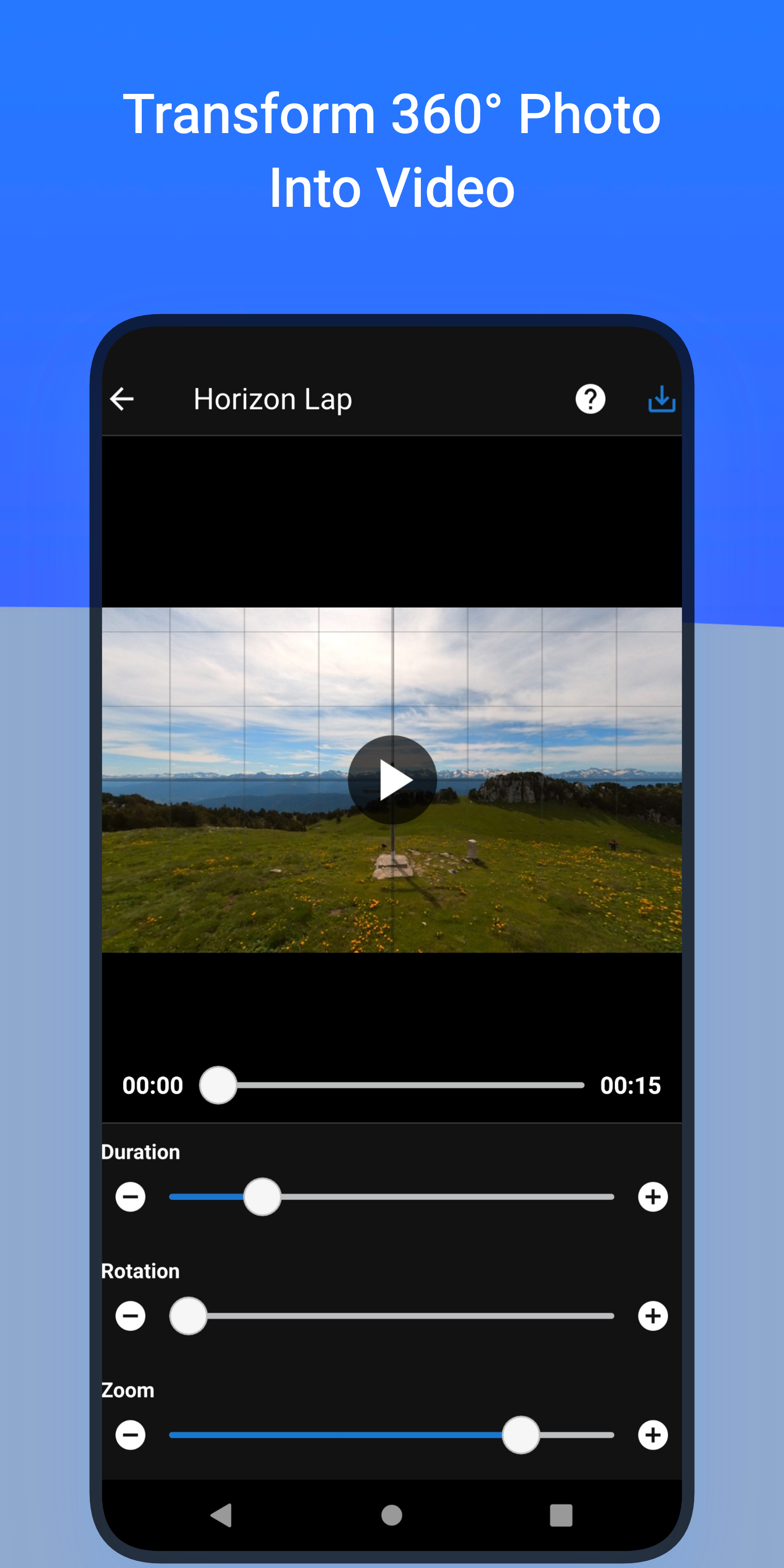
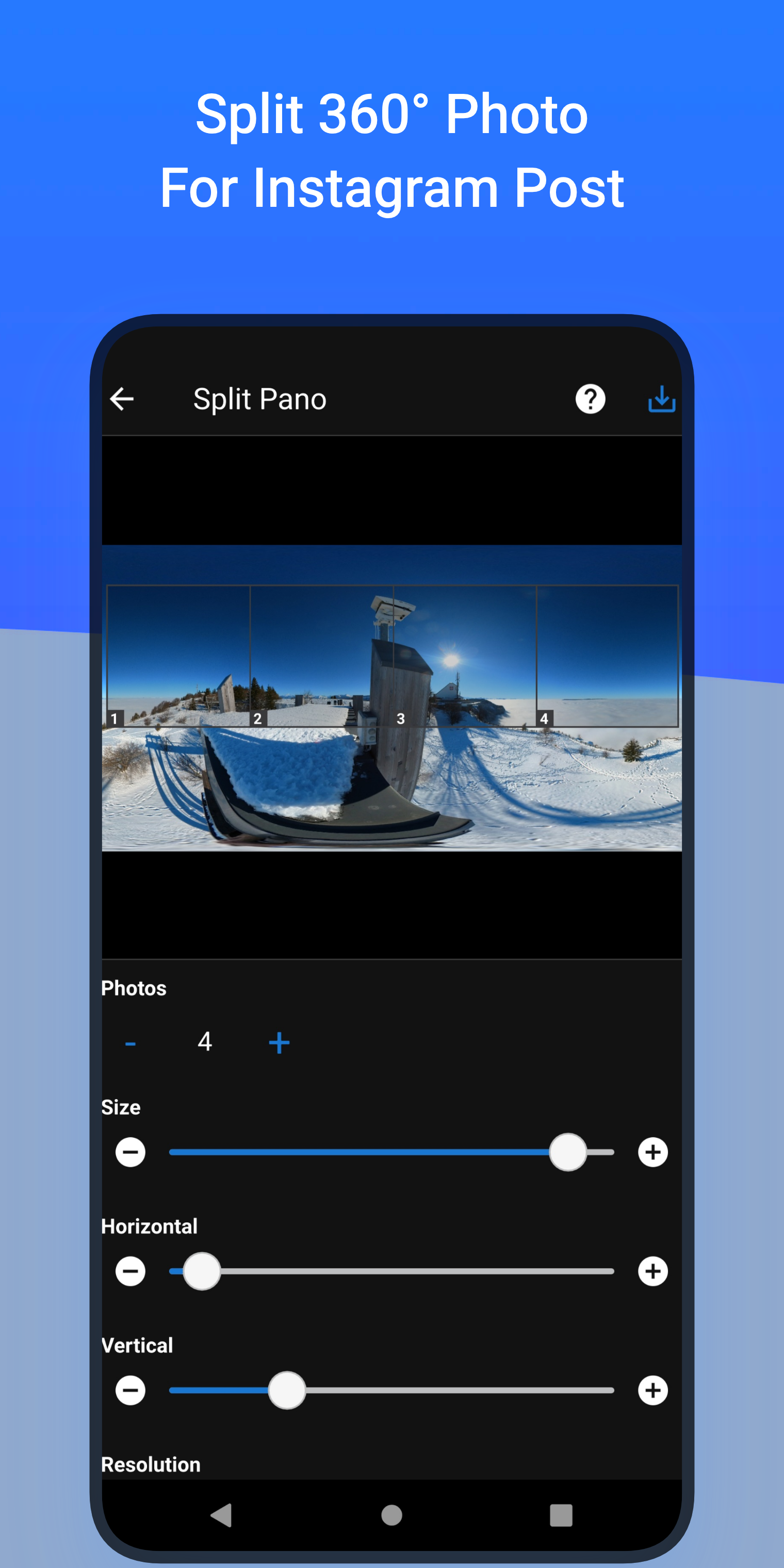
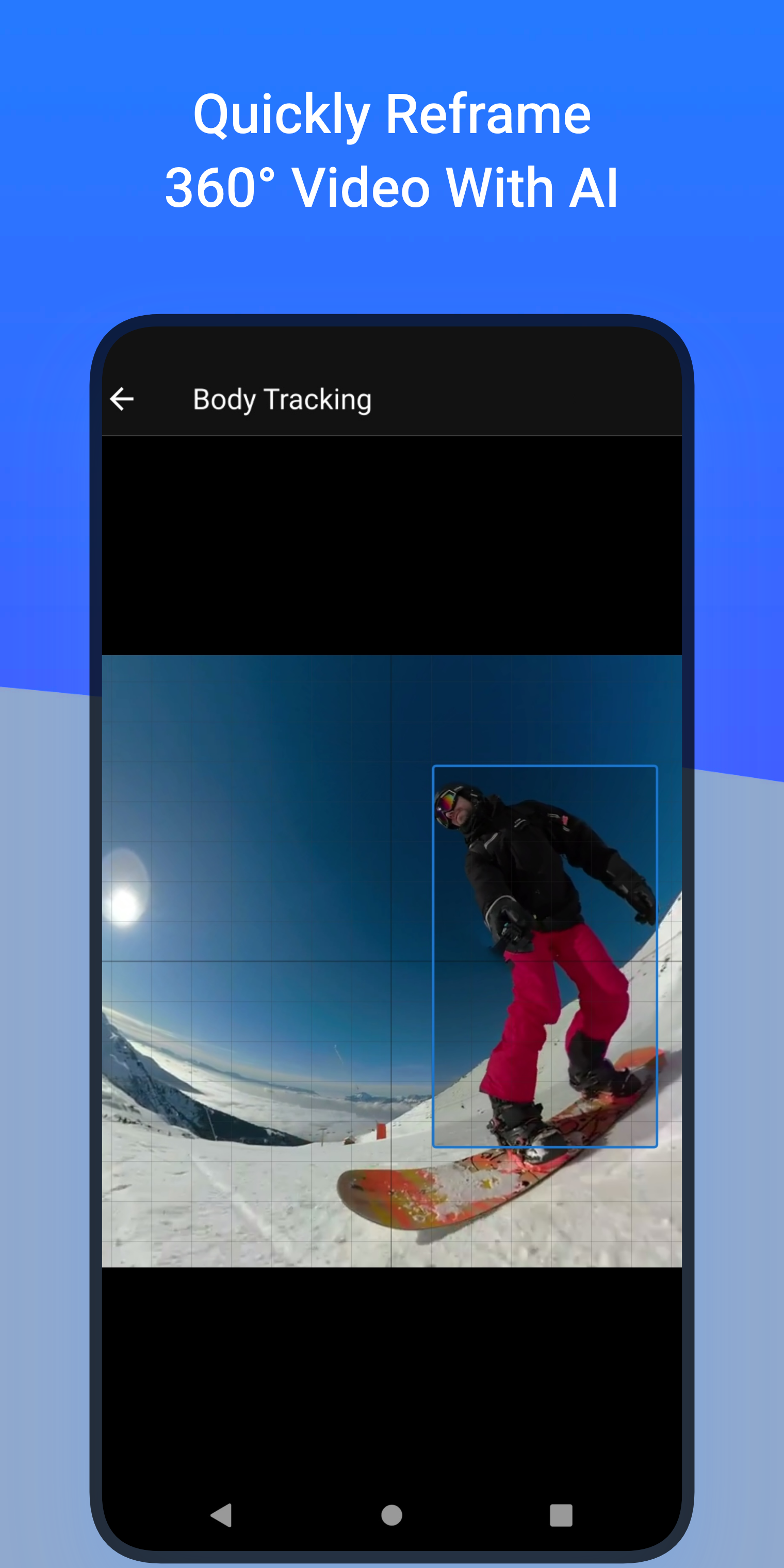
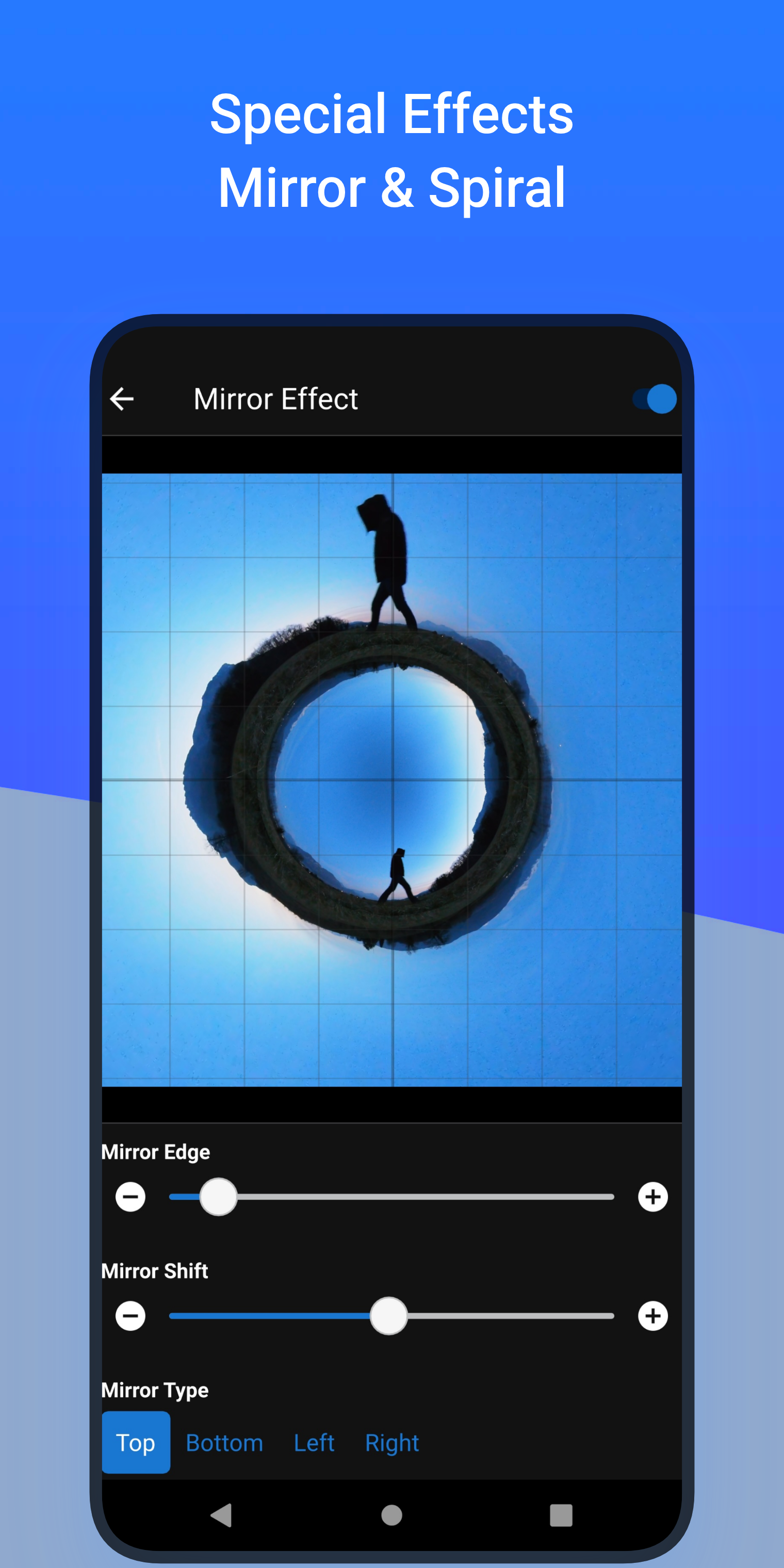
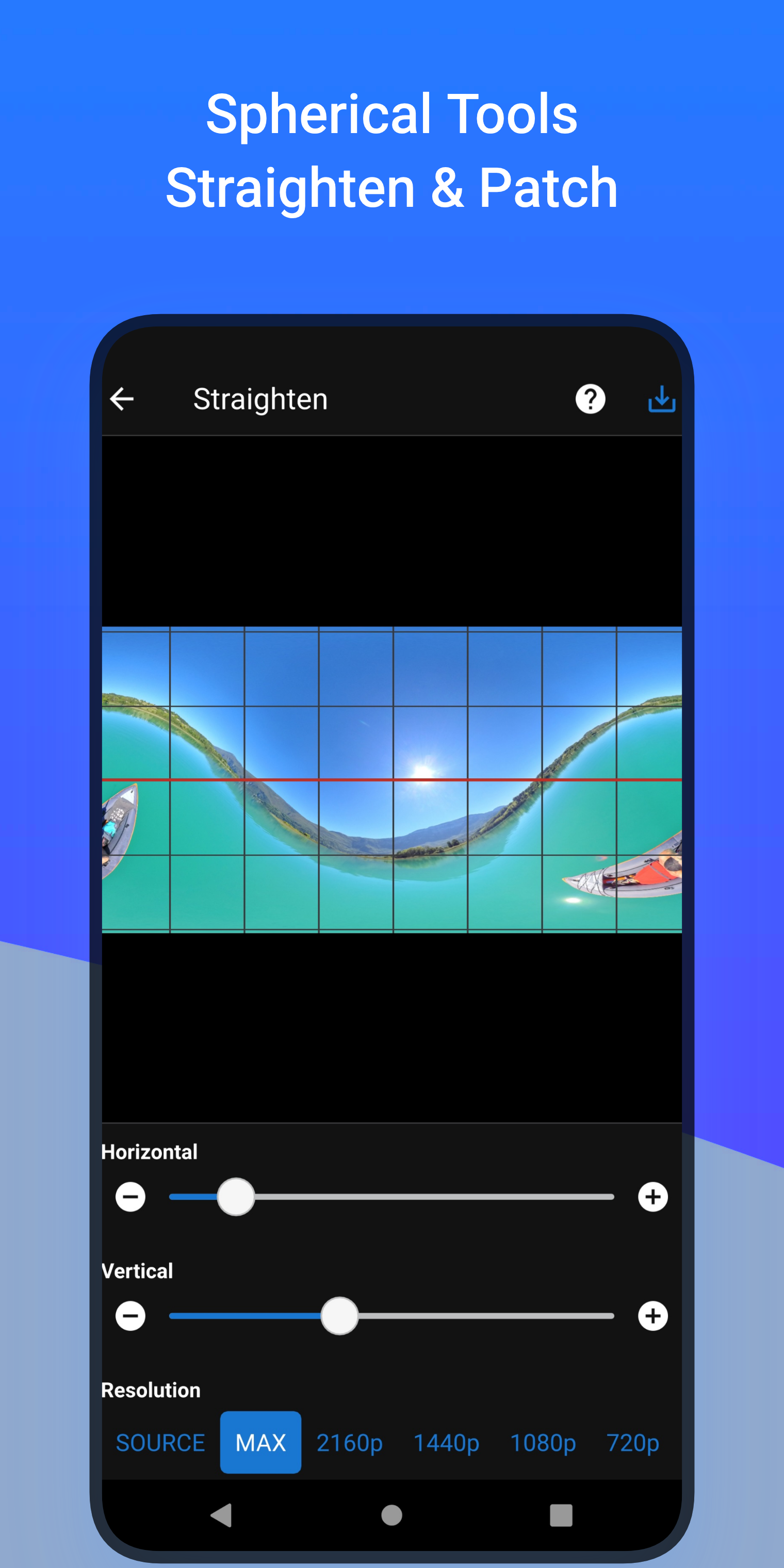
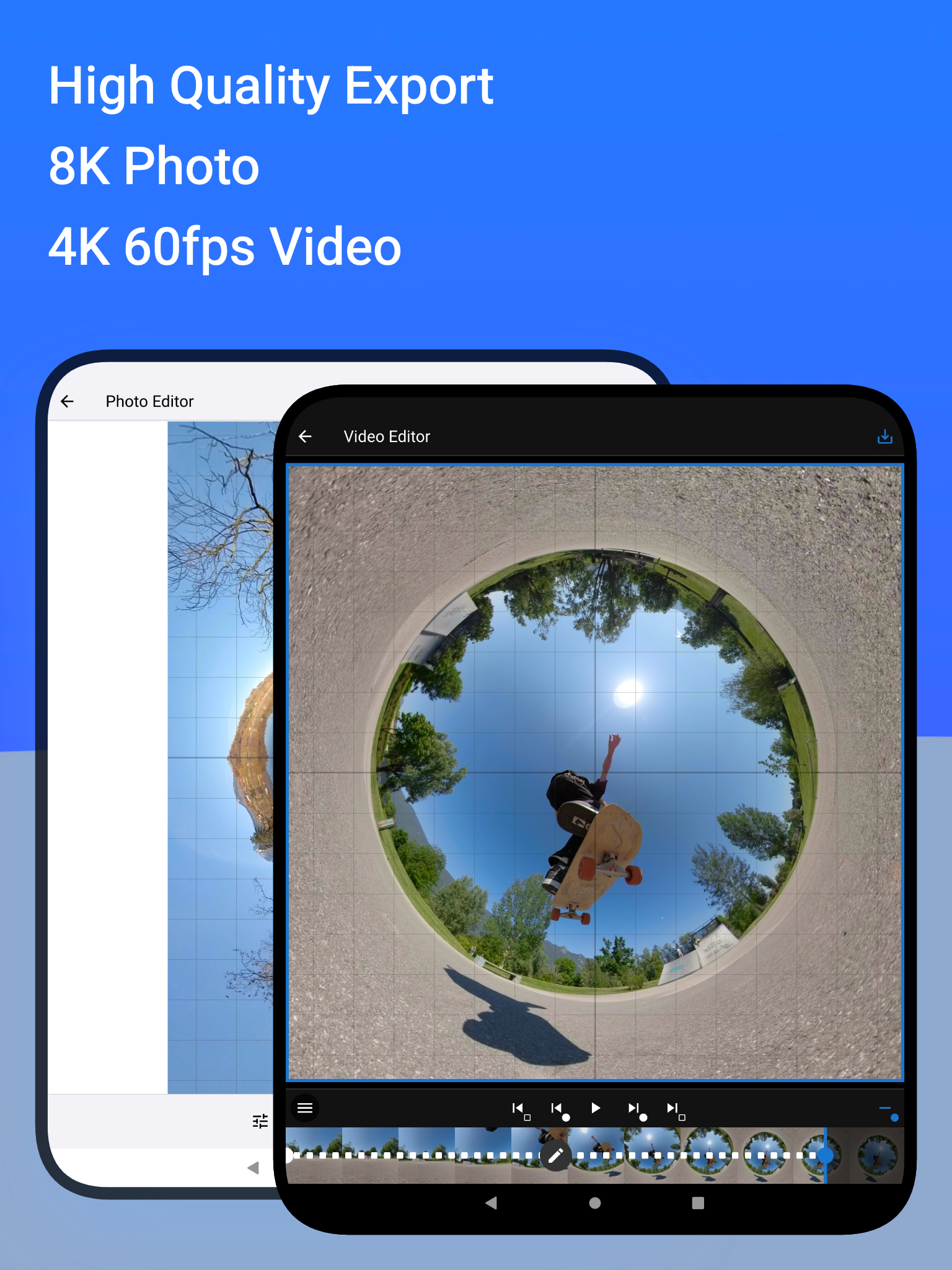
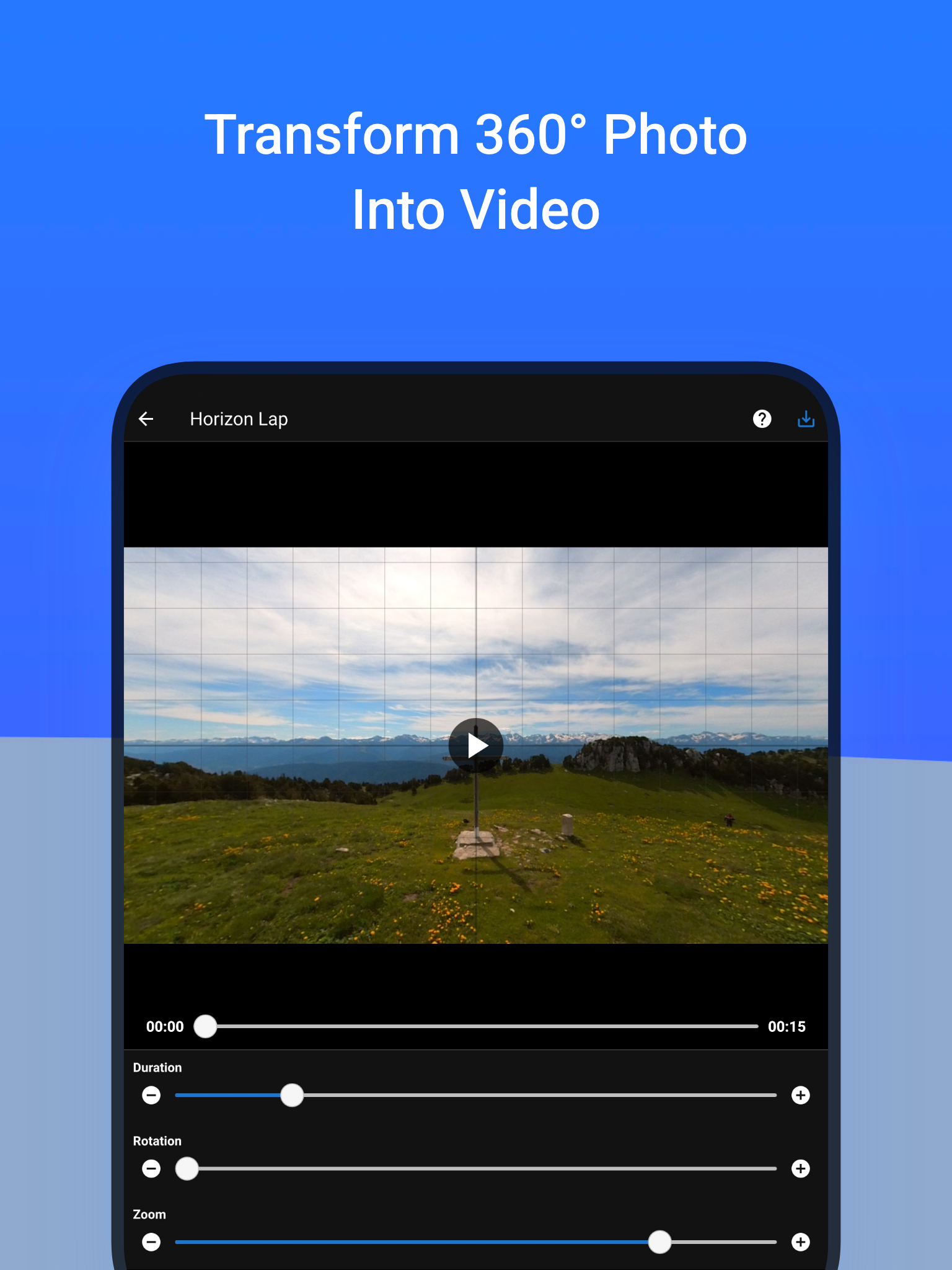
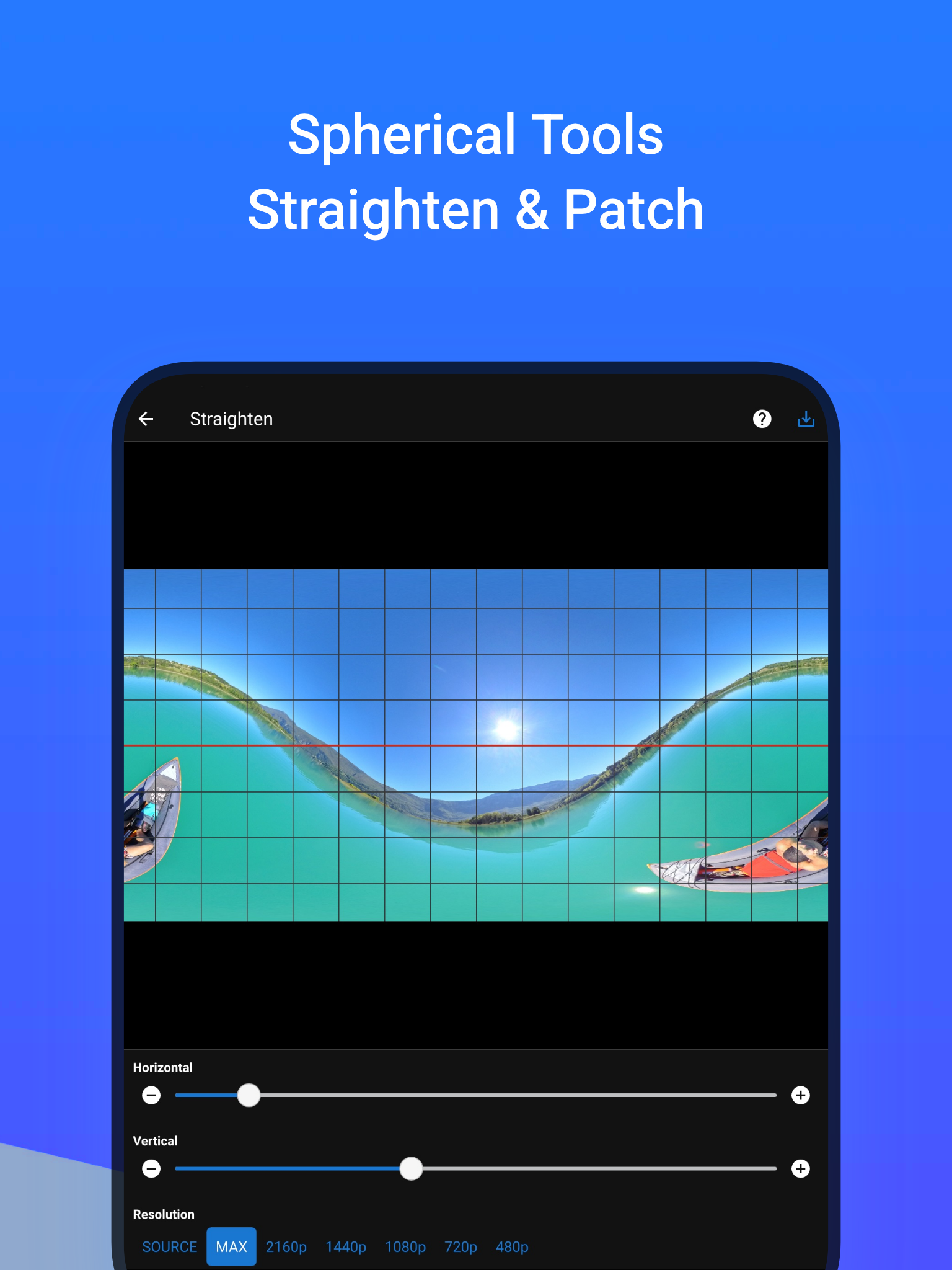
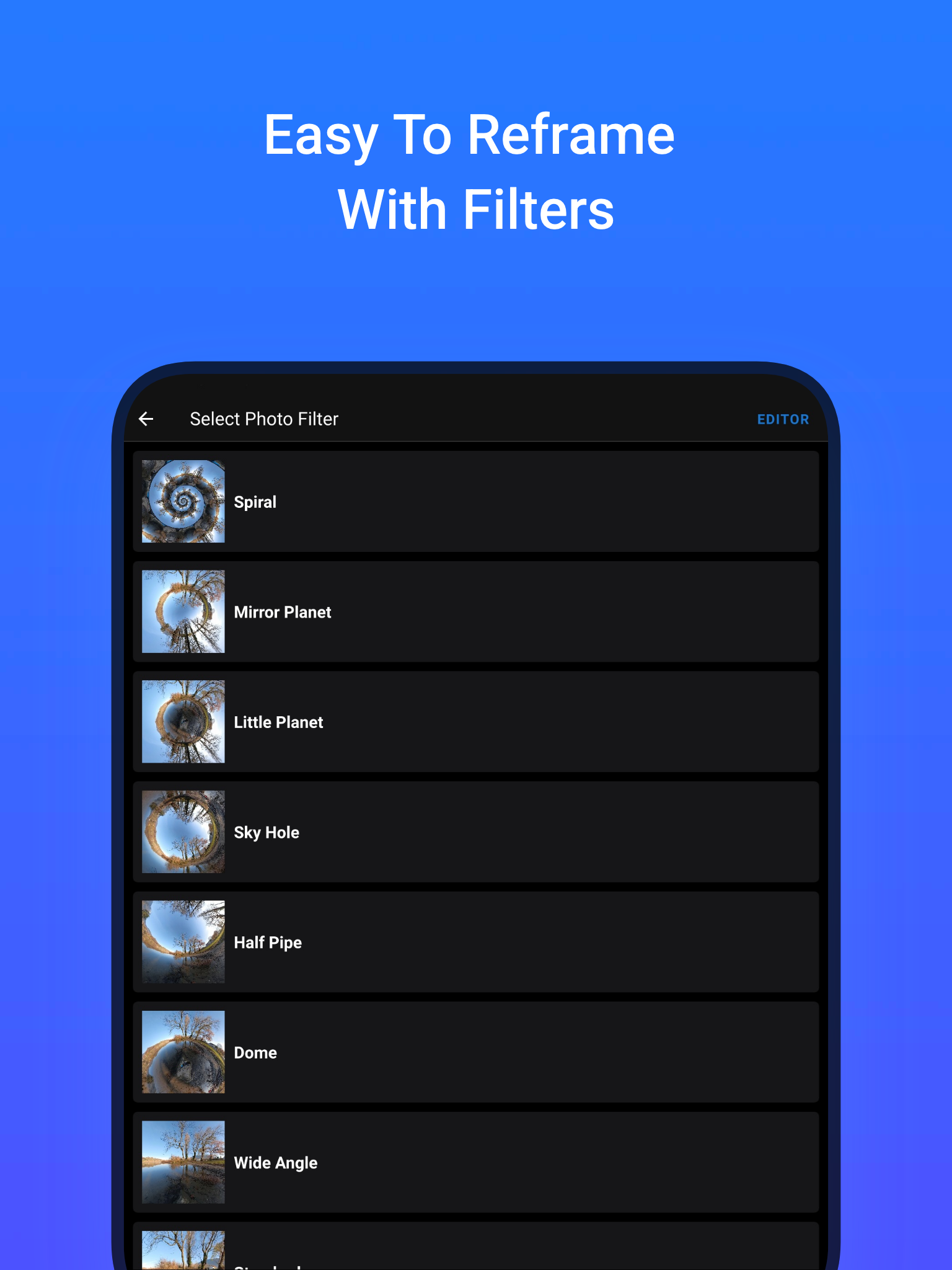
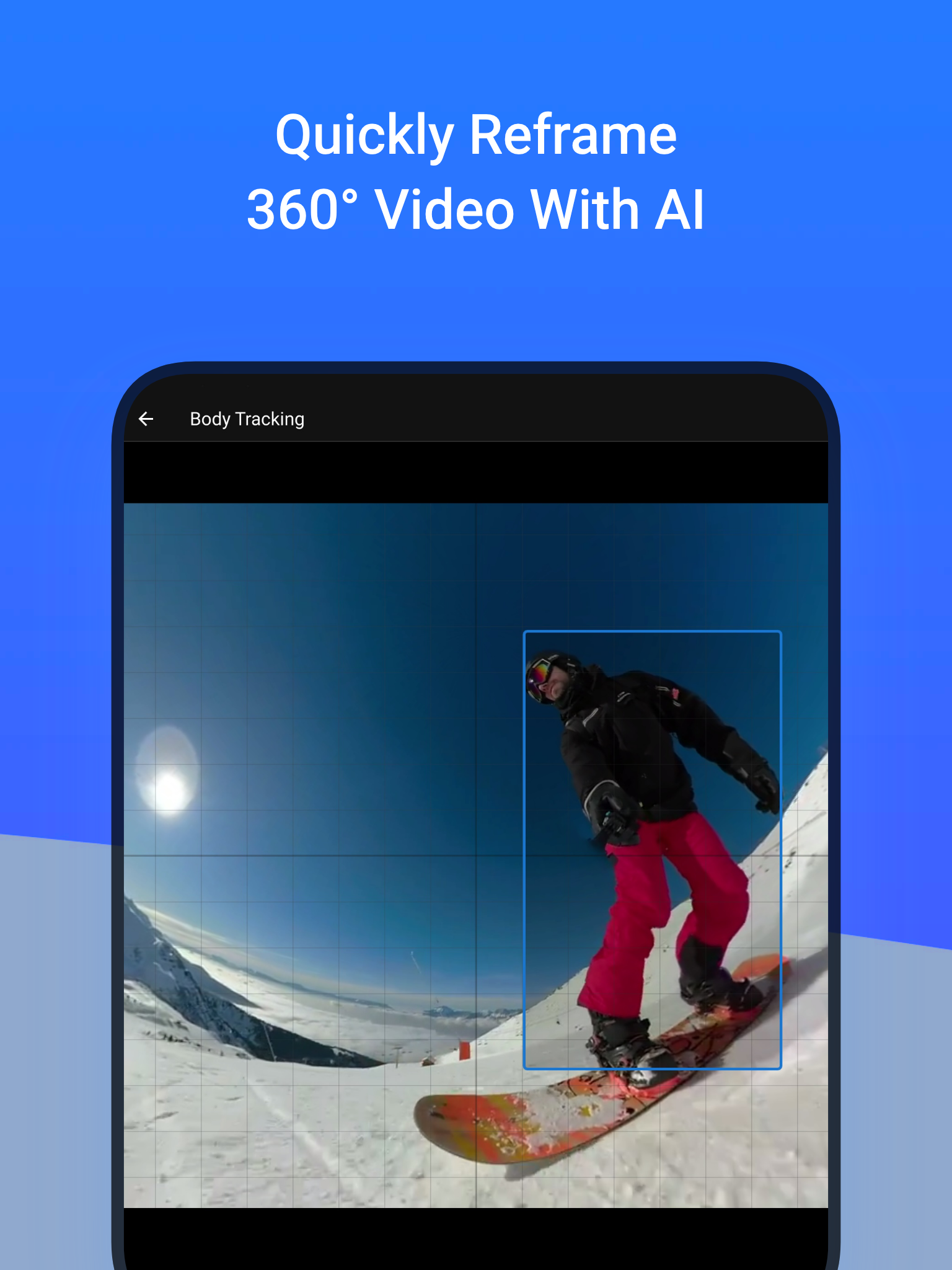
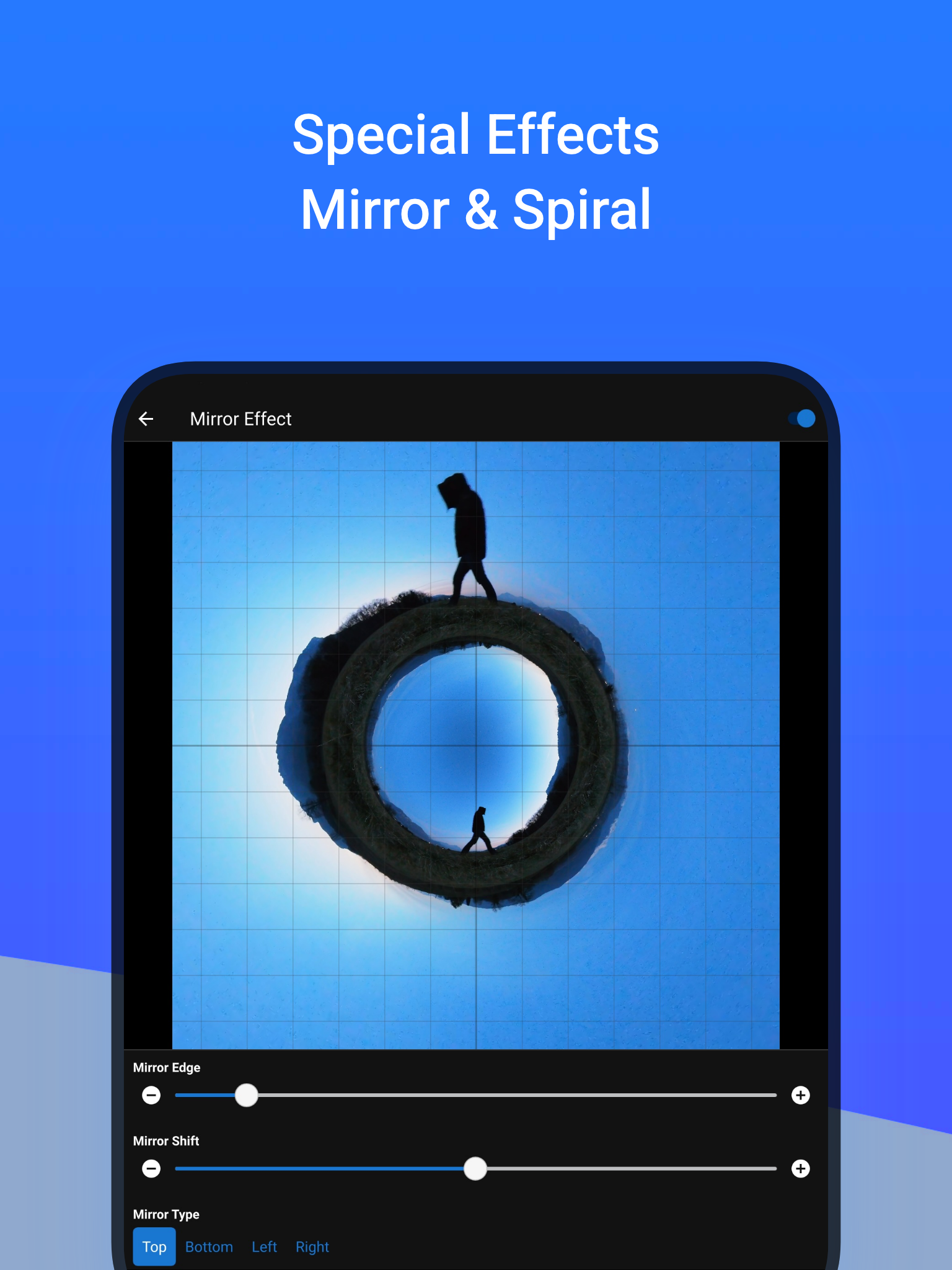
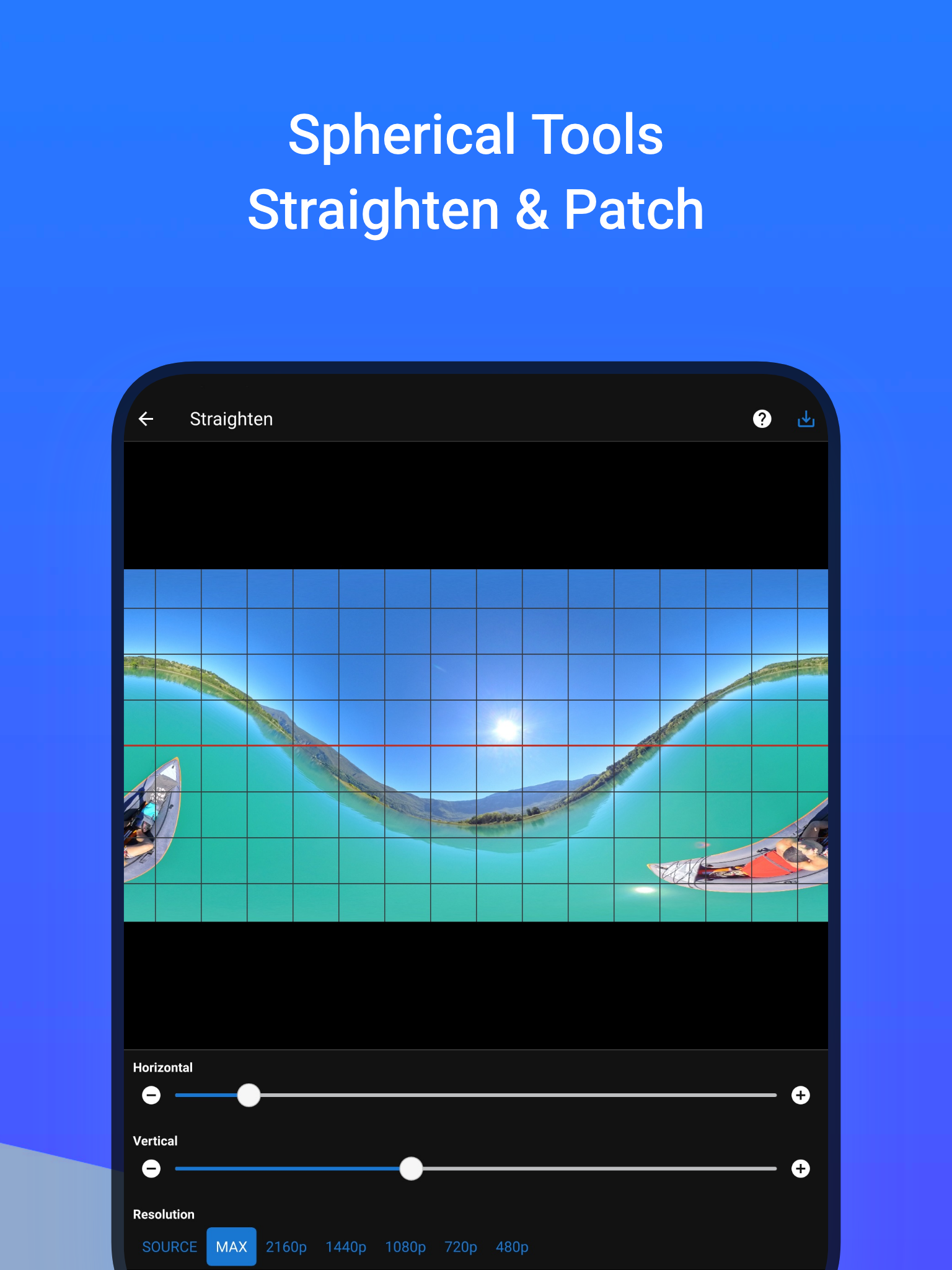
🚀 Reframe your 360° photos & videos Transform your 360° spherical content into stunning creations and grow your audience on social media! ⚠️ This app does not capture 360° photos or videos. It is designed to edit existing 360° content. 📷 Works with all 360° cameras and any equirectangular file ✅ Insta360 X ✅ GoPro Max ✅ DJI Osmo 360 ✅ Ricoh Theta 👉 use your 360 camera app to export your 360° file and then open it in ReShoot 360 🎁 Free Version ▪ Filters – Instantly reframe your 360° photos & 360° videos ▪ Editor – Add keyframes, transitions & control camera movements ▪ AI Tracking – Automatically follow faces, bodies, animals & more ▪ Photo → Video – Animate your 360° photos with smooth camera moves ▪ Social Media Presets – Export optimized for TikTok, Instagram, YouTube, X, Facebook 💎 PRO Version (subscription) Unlock the full potential with PRO features: ▪ High Quality – Export up to 8K photos & 4K/60fps videos ▪ Spherical Tools – Hide tripod & straighten horizon ▪ Creative Effects – Add Mirror & Spiral ▪ Split Pano – Turn your 360° photo into swipeable Instagram posts ✨ Whether you’re a creator, influencer, or just experimenting, this app makes 360° editing easy, fun, and powerful. 🎥 Plenty of video tutorials are available on the ReShoot 360 YouTube channel.
ReShoot 360 1.17.0 Update
Simplify your workflow when working with 360 Photo Tools "Straighten" and "Patch": with the new feature Batch Processing you can apply the same exporting parameters to multiple 360 photos in the same batch. Crash related to Android permissions has been fixed.
The spherical tool "Patch" is extended to allow inserting an image not only at nadir or zenith but anywhere you want in your 360 photo/video GPS metadata is now exported by default, you can turn off this feature in app settings. App crash related to Android accessibility feature has been fixed.
This update introduces a new preset optimized for TikTok social network, export easily your photos and videos without any configuration. This update also fixes many issues with Android 15 and Android 16.
APKFab.com and the download link of this app are 100% safe. All download links of apps listed on APKFab.com are from Google Play Store or submitted by users. For the app from Google Play Store, APKFab.com won't modify it in any way. For the app submitted by users, APKFab.com will verify its APK signature safety before release it on our website.