Remote for SoundBridge (Package Name: de.kompf.android.rokucontrol) is developed by Martin Kompf and the latest version of Remote for SoundBridge 4.10 was updated on April 30, 2016. Remote for SoundBridge is in the category of Music & Audio. You can check all apps from the developer of Remote for SoundBridge and find 119 alternative apps to Remote for SoundBridge on Android. Currently this app is for free. This app can be downloaded on Android 2.3.2+ on APKFab or Google Play. All APK/XAPK files on APKFab.com are original and 100% safe with fast download.
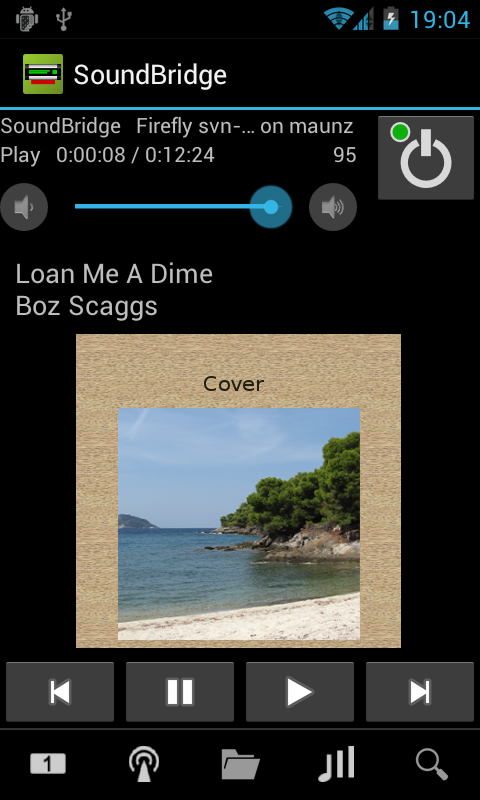
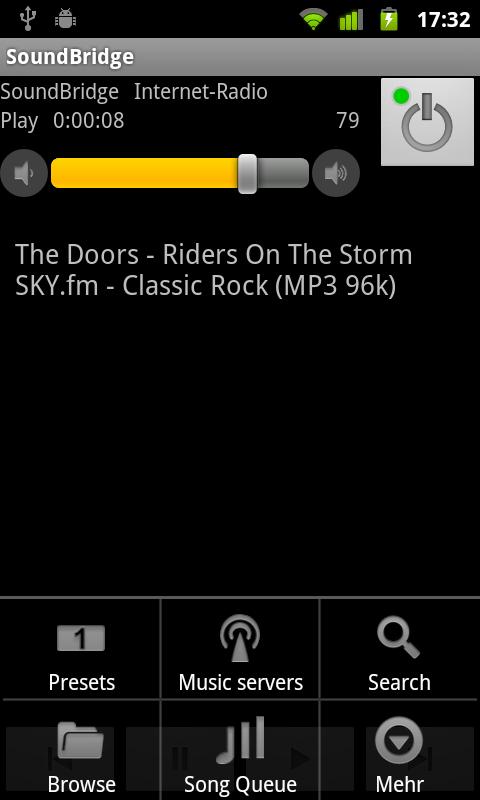
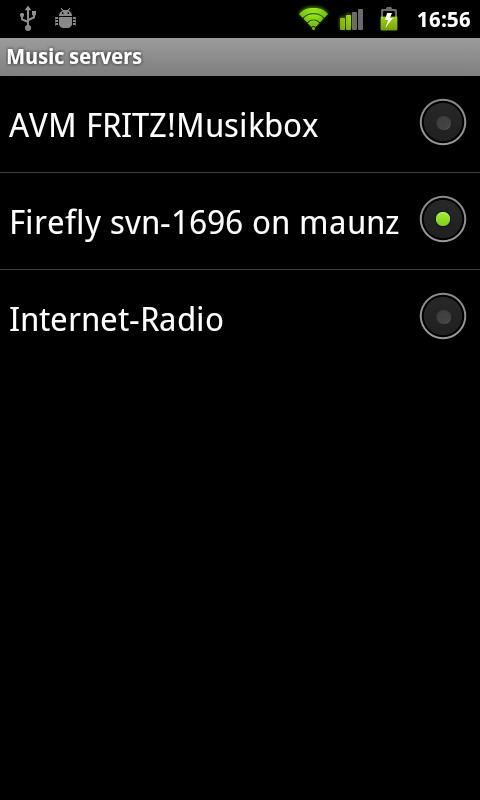
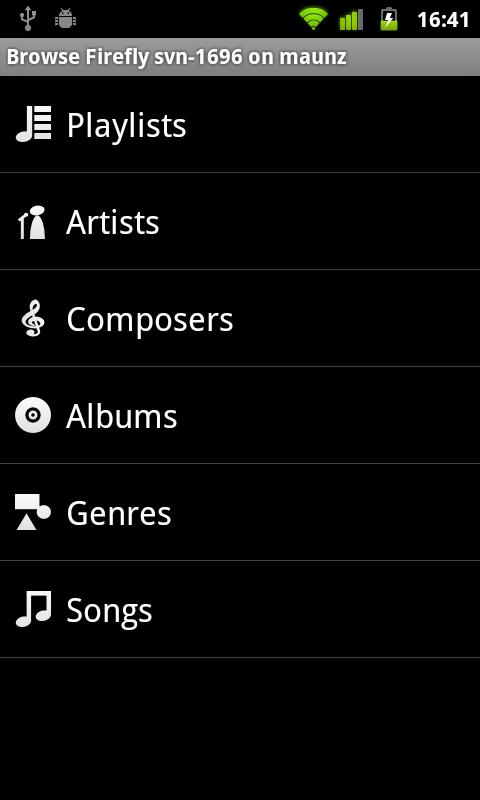
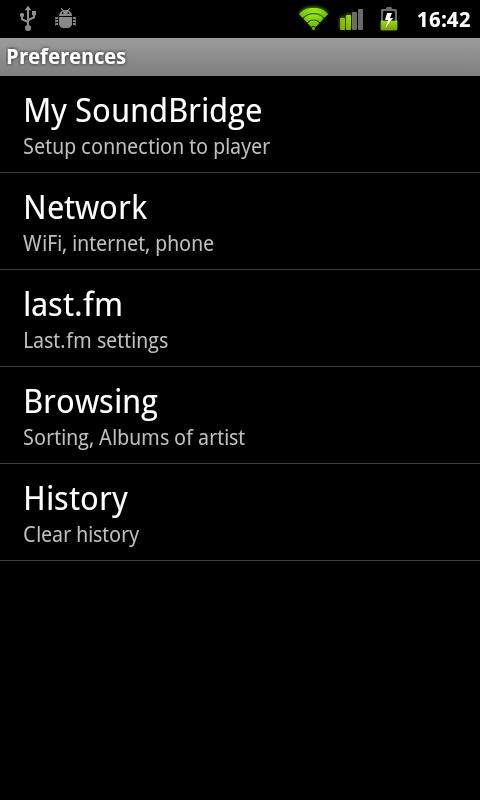
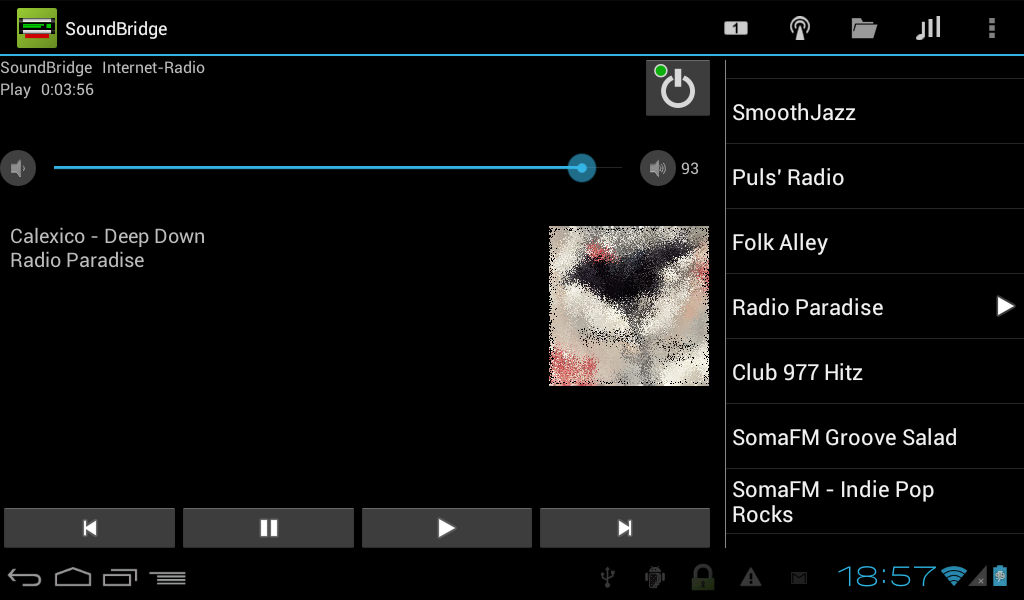
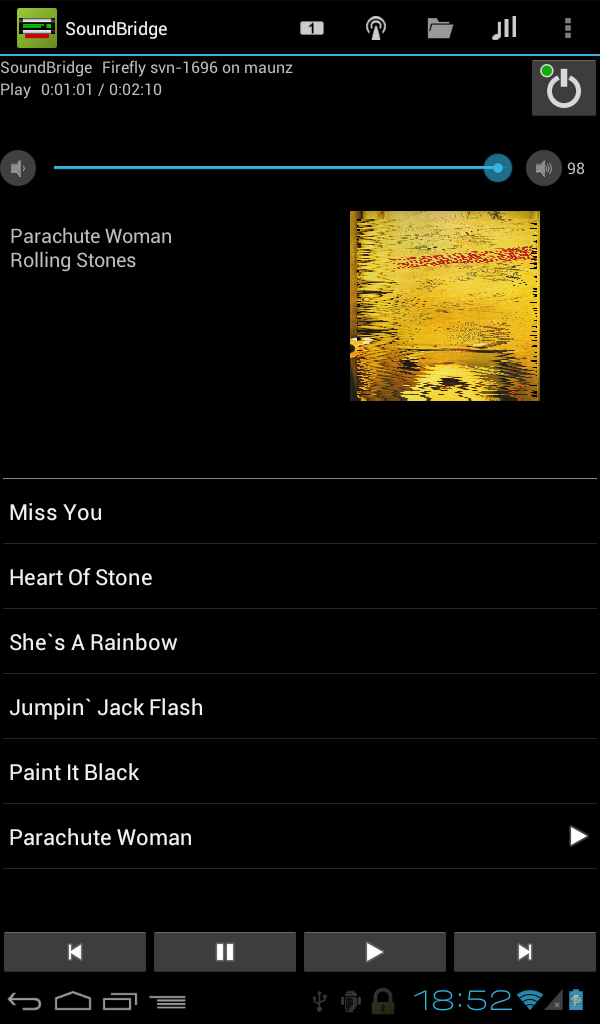
Remote for SoundBridge extends your Android smartphone to remote control the Roku SoundBridge and Pinnacle SoundBridge HomeMusic. It works even with basic SoundBridge players without graphical display. Instead of imitating the original infrared remote control the app has a more sophisticated approach: It utilizes the whole screen and the keyboard of the phone to let the user easily browse and search his music collection and the Radio Roku internet radio directory. Features: * Scan network for SoundBridge devices. * Connect to different music servers including UPnP, DAAP, and Internet radio. * Browse playlists, artists, composers, albums, songs, genres, and folders at music server. * Browse favorites, genres, locations, and top stations from Radio Roku. * Edit favorites from Radio Roku. * Play and edit stations of your presets list. * Save and restore presets. * Search music server for title, artist, or album. * Display status and current song info. * Show cover art (Depends on music server, radio station and song info). * Copy current song title and URL to clipboard. * Control power, play, pause, next, previous and volume buttons. * Manage the song queue: Display, set, insert, append and remove songs. Set Repeat and Shuffle mode. * Sleep timer. * Scrobble with last.fm (Works with UPnP and DAAP servers but not with Internet radio. Requires a last.fm account). * Search the Web for the now playing song (long press on song info!). * Easy switching between multiple players. * Pause during phone calls. Explanation of permissions: * Network communication: The app uses the network to communicate with the SoundBridge. If you enable to display cover art or scrobble with last.fm then the app may contact various internet sites. * System Tools - prevent phone from sleeping: If you enable the settings Keep Wi-Fi on or Scrobble then this permission is required to prevent the phone from shutting down Wi-Fi during sleep. * Phone calls - read phone state and identity: If you enable the setting Pause during phone call then the app needs this permission to listen for changes in the phone state, like incoming calls or off-hook. The app never uses the identity of the caller, but there is no separate permission in the Android system to distinguish between phone state and caller identity.
APKFab.com and the download link of this app are 100% safe. All download links of apps listed on APKFab.com are from Google Play Store or submitted by users. For the app from Google Play Store, APKFab.com won't modify it in any way. For the app submitted by users, APKFab.com will verify its APK signature safety before release it on our website.